Sfondi Aesthetic con Margherite


43 sfondi HD & 4K
Margherite bianche su giallo, 720x1280 Full HD Verticale, iPhone

720×1280HD Scarica
Margherita bianca in bottiglia, 744x1392 Verticale, OnePlus
744×1392HD Scarica
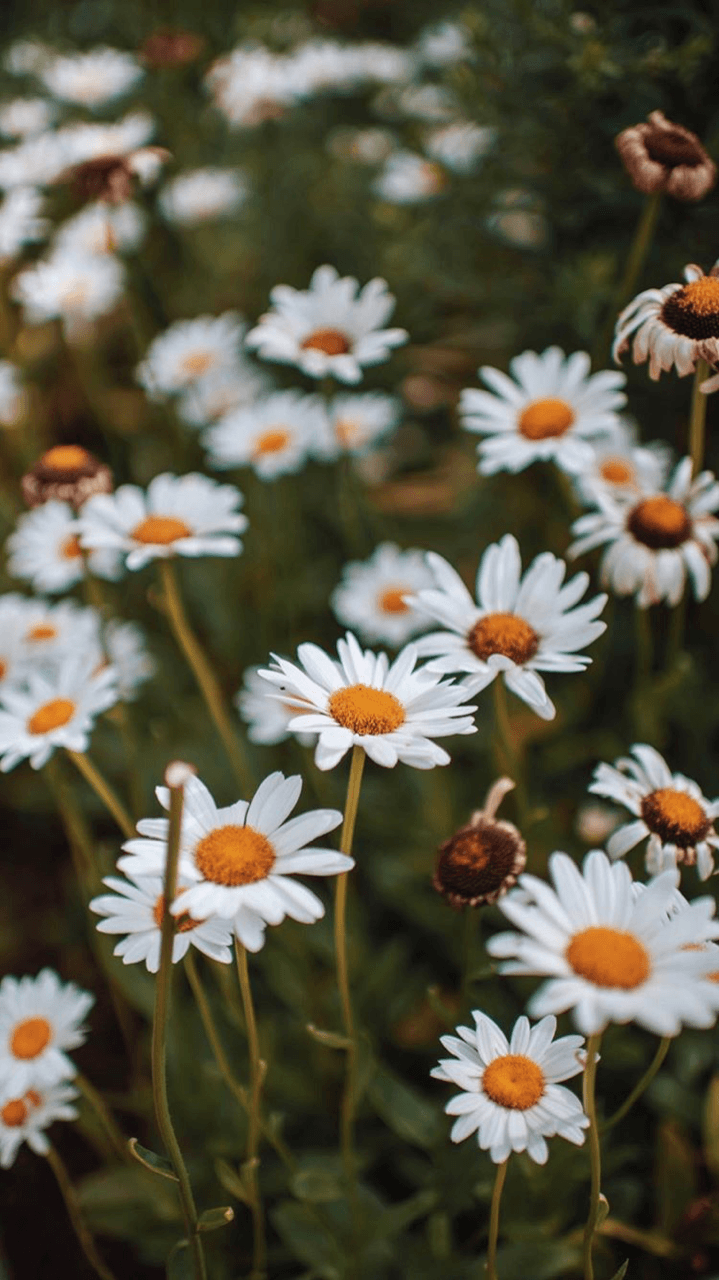
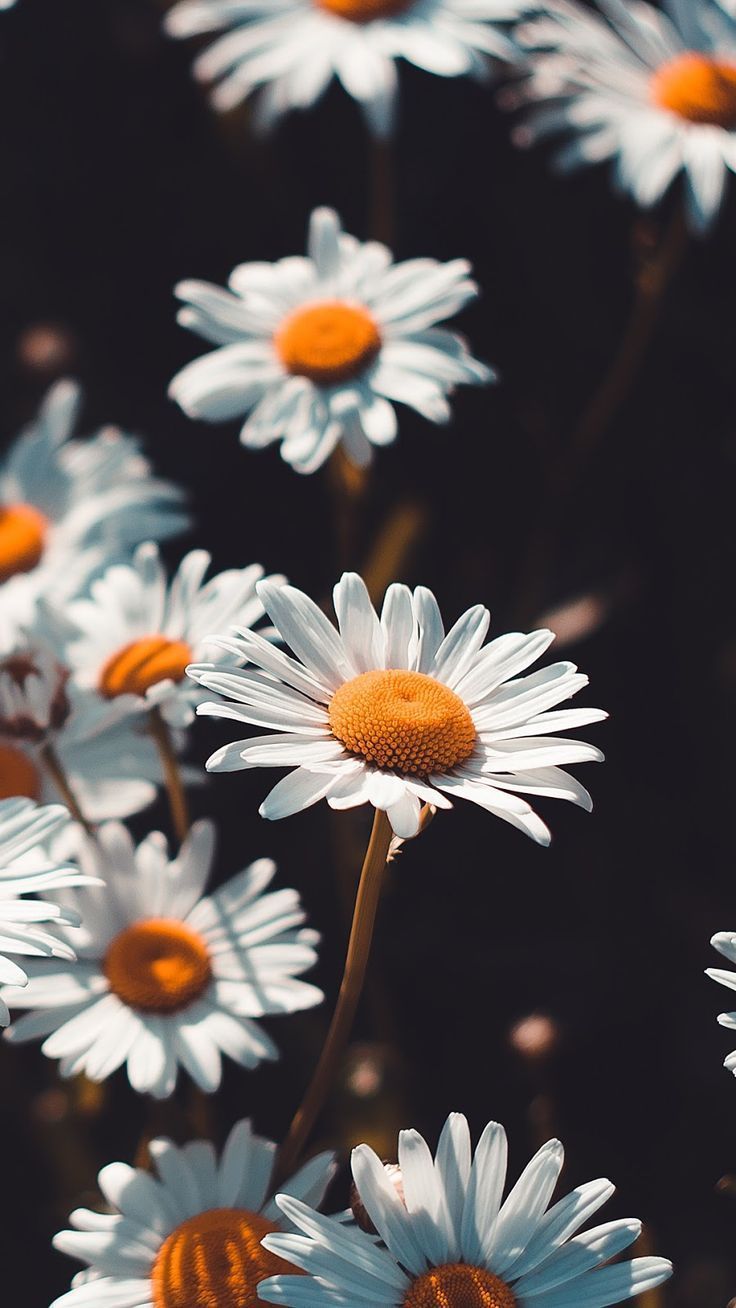
Margherite e foglie secche, 1000x800 HD, Laptop
1000×800HD Scarica
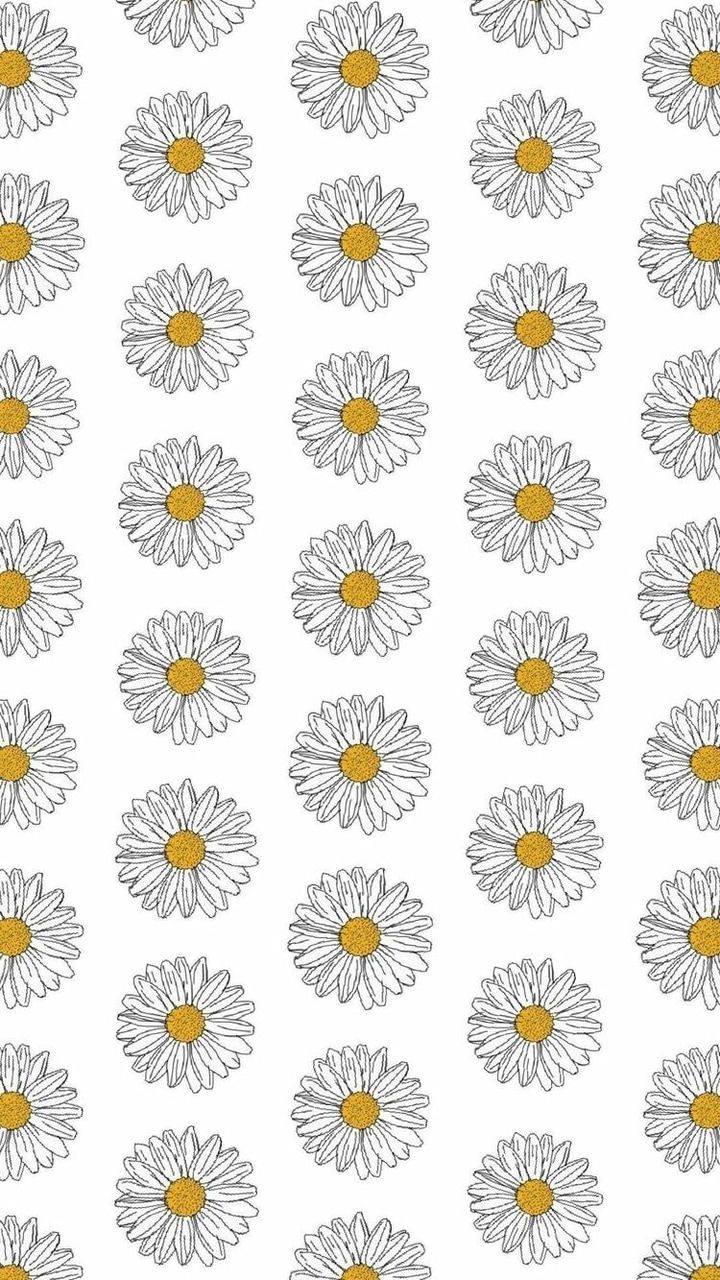
Margherite bianche pattern ripetuto, 720x1280 Verticale, Telefono

720×1280HD Scarica
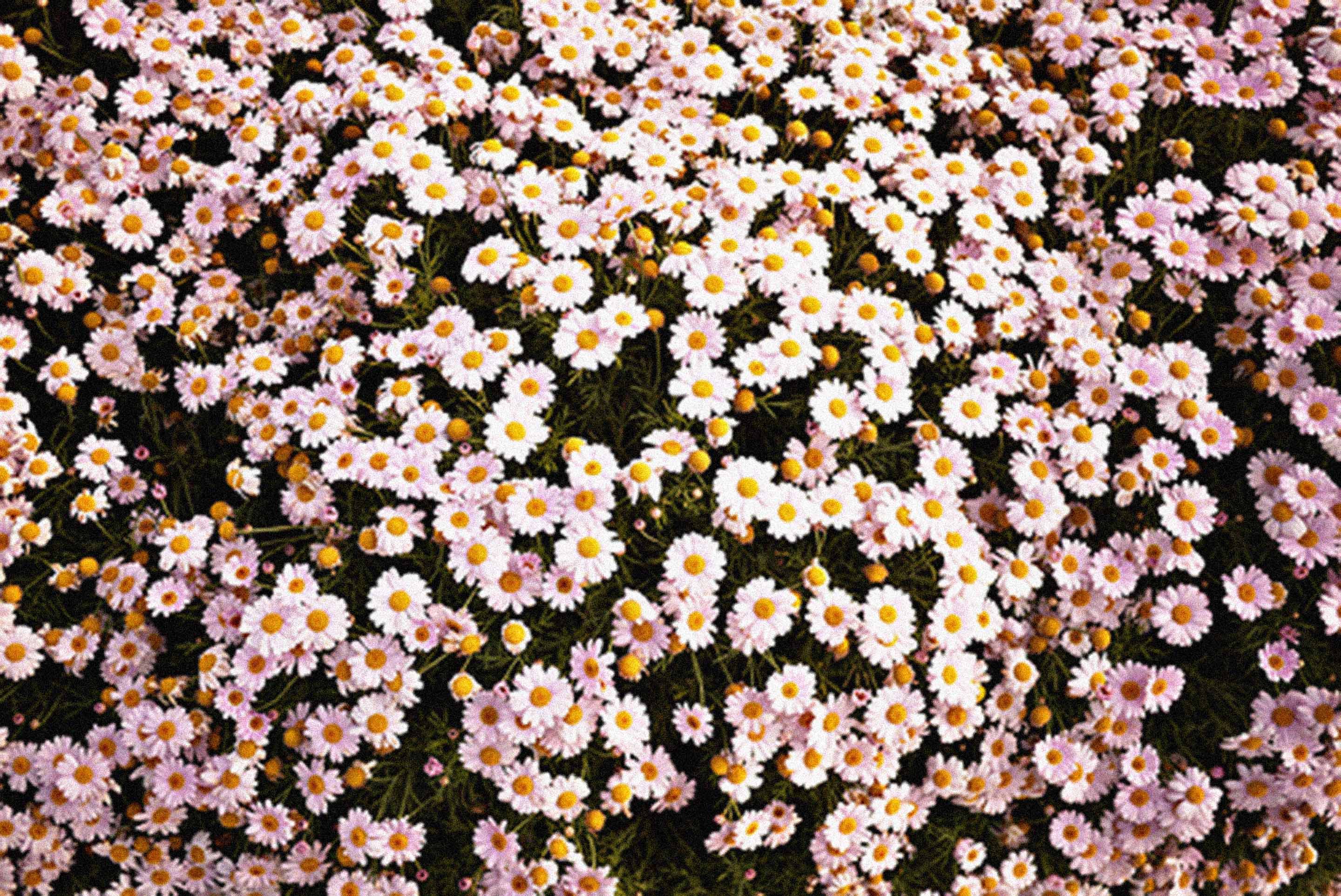
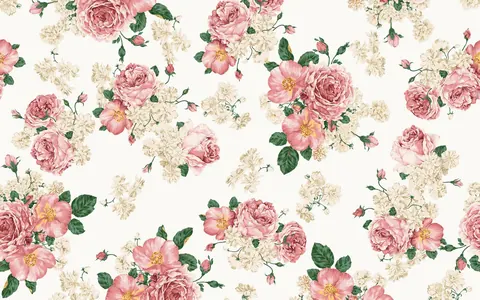
Margherite piccole rosa pastello, 1000x1000 HD, PC
1000×1000HD Scarica
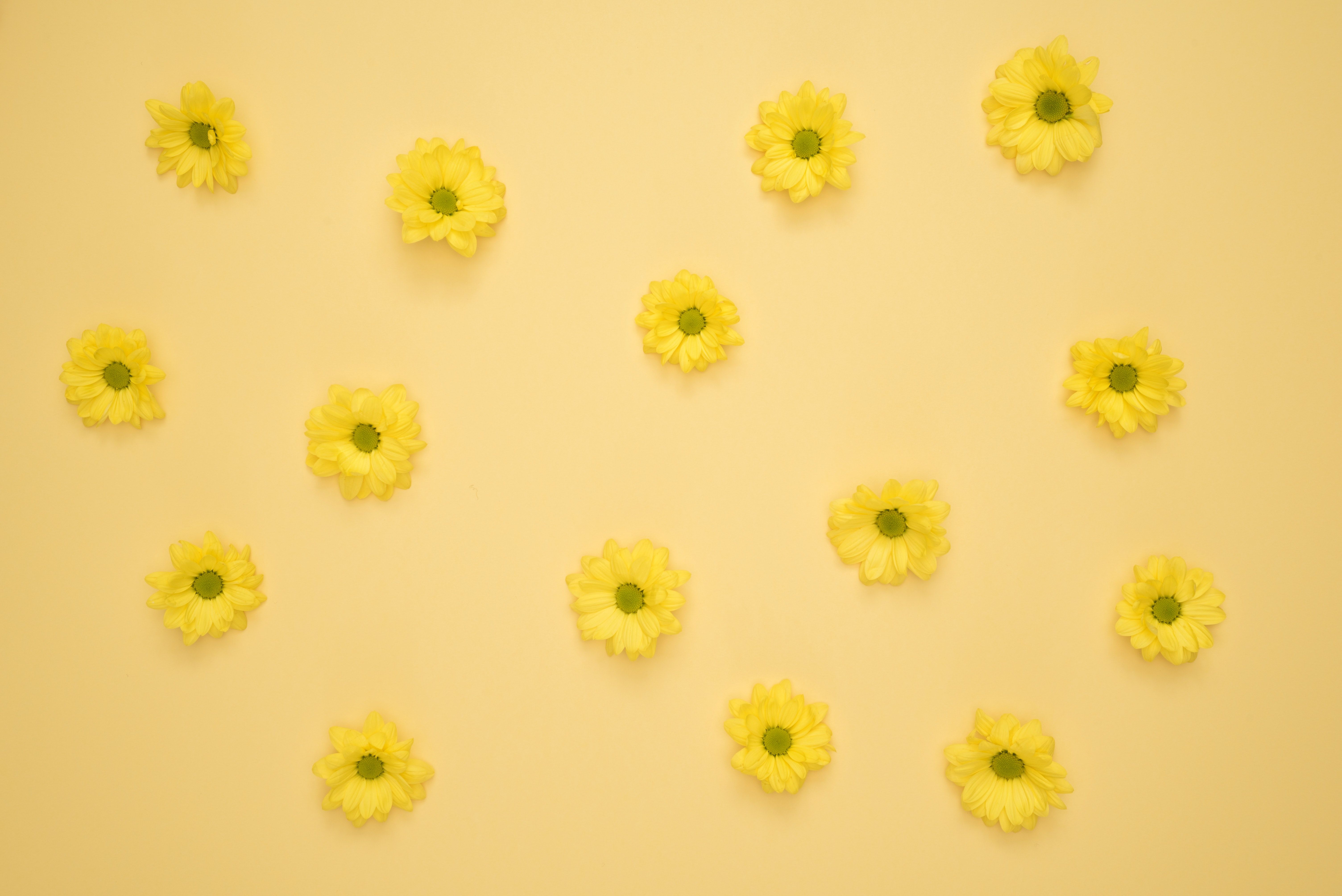
Margherite gialle su sfondo giallo, 6016x4016 4K, Desktop 4K
6016×40165K Scarica
Margherite rosa pastello, 1242x2208 Full HD Verticale, iPhone
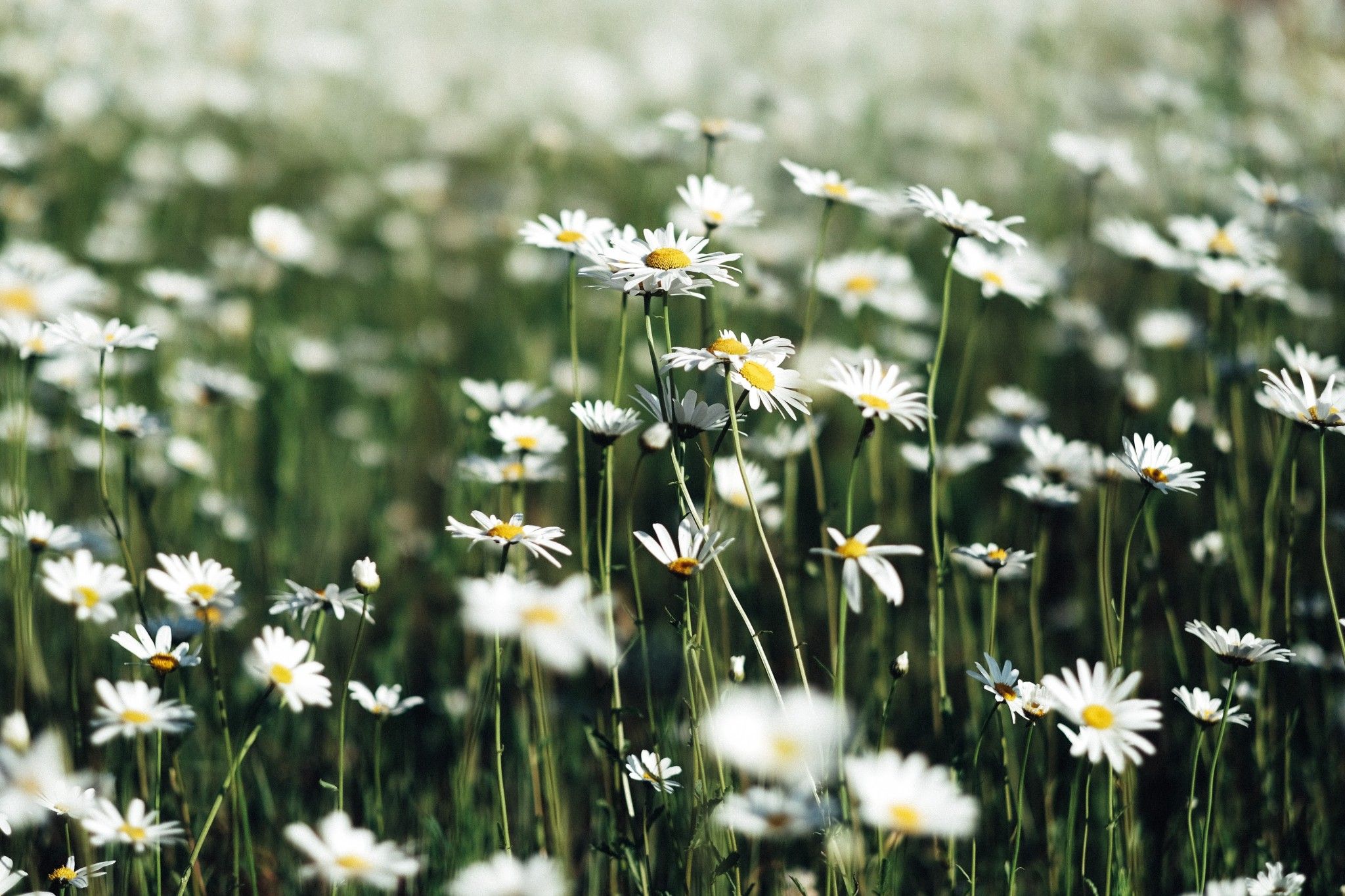
1242×2208HD Scarica
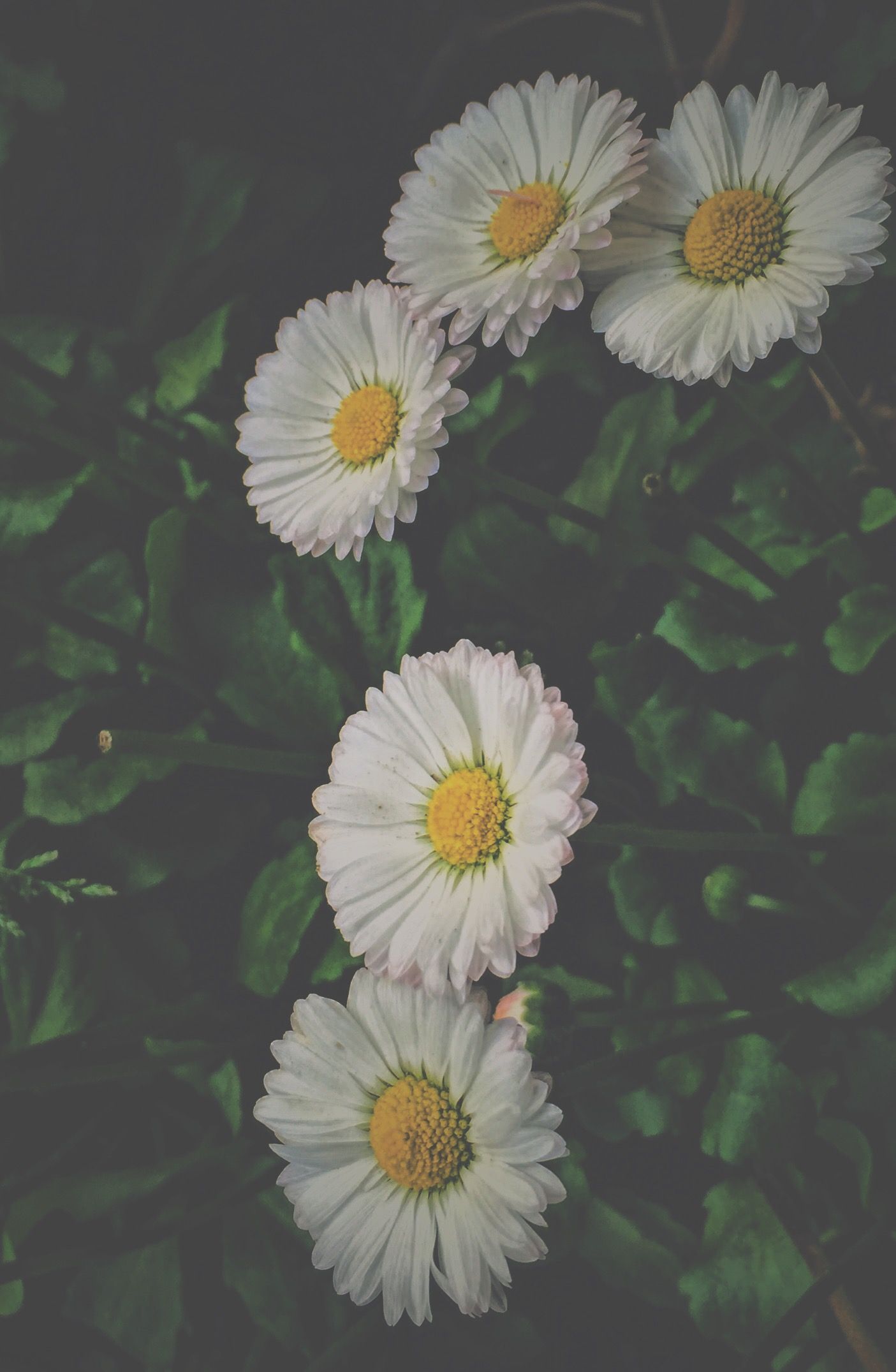
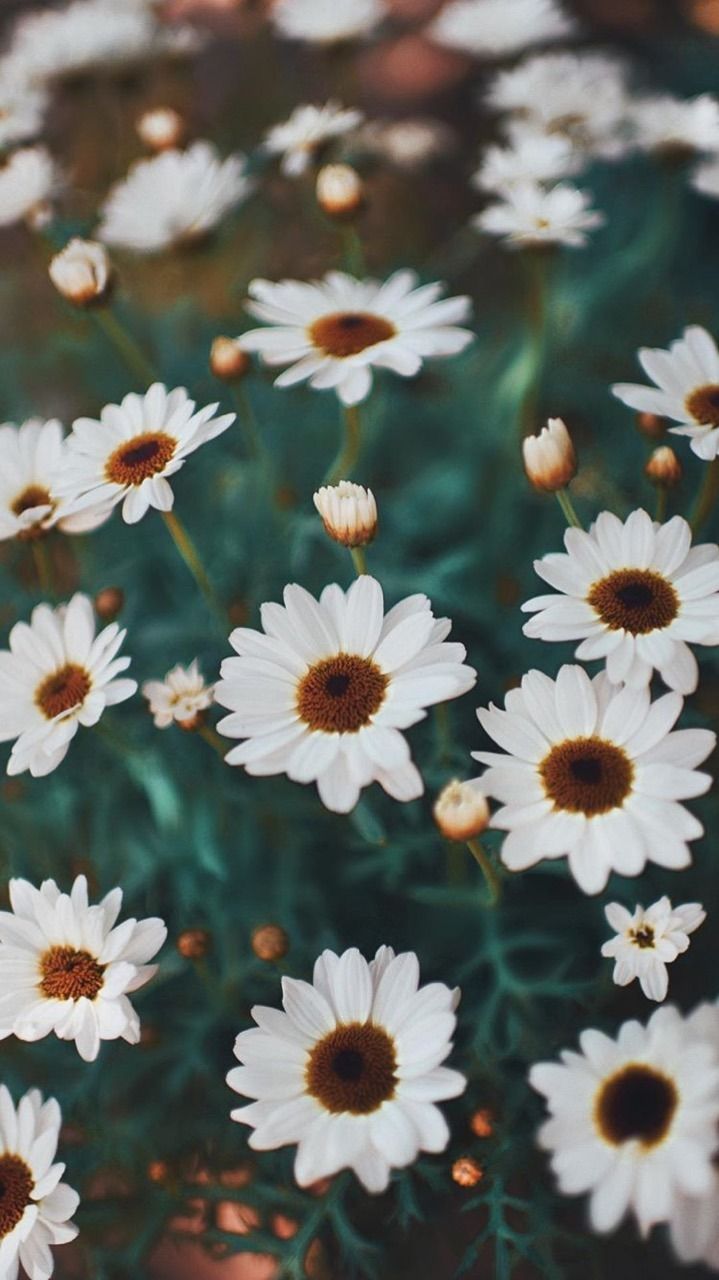
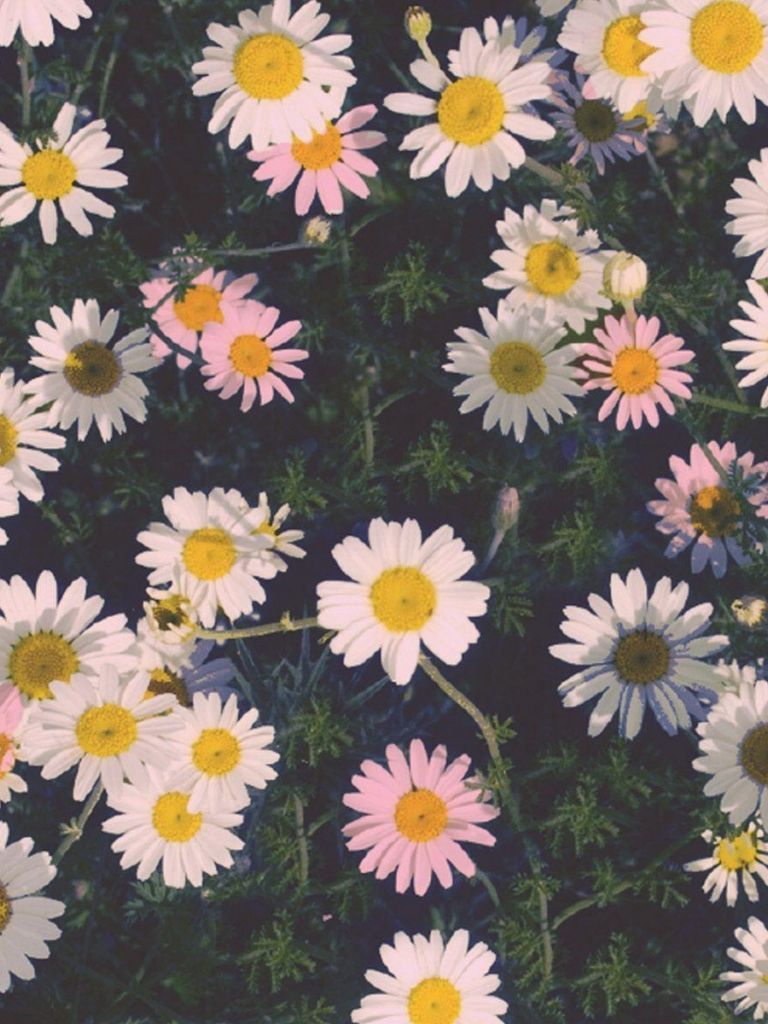
Margherite bianche su sfondo scuro, 1405x2151 Verticale, Telefono
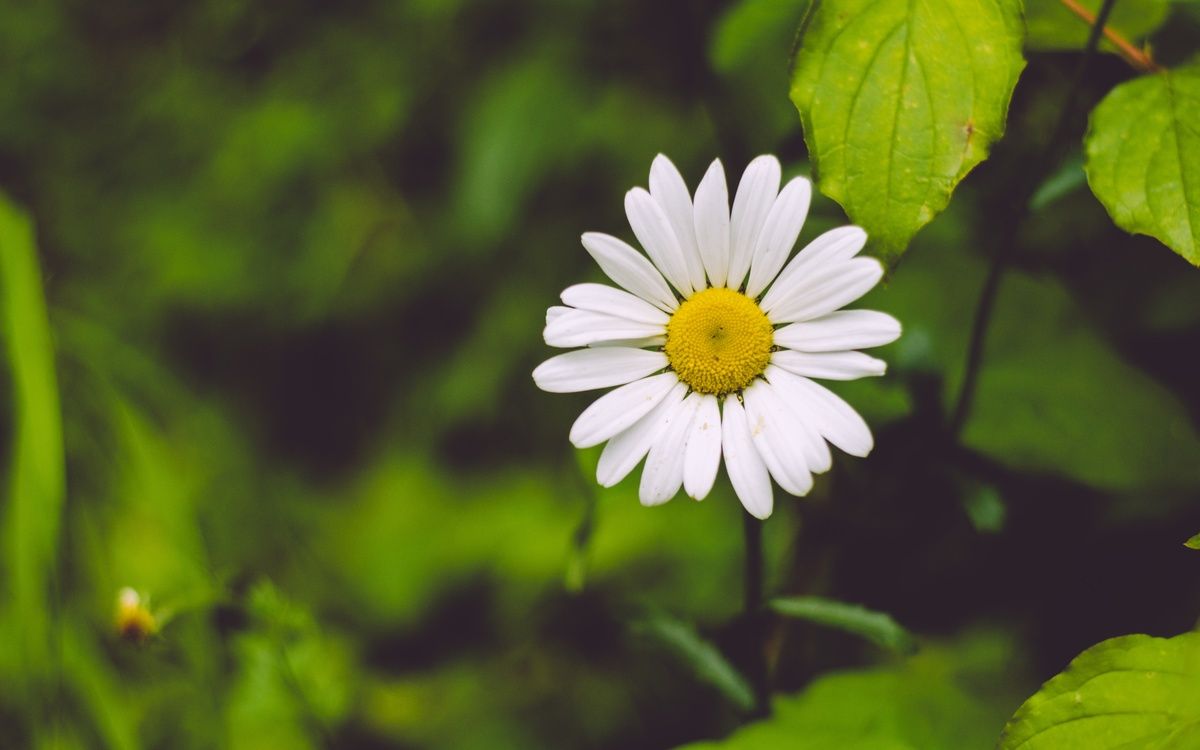
1405×2151HD Scarica
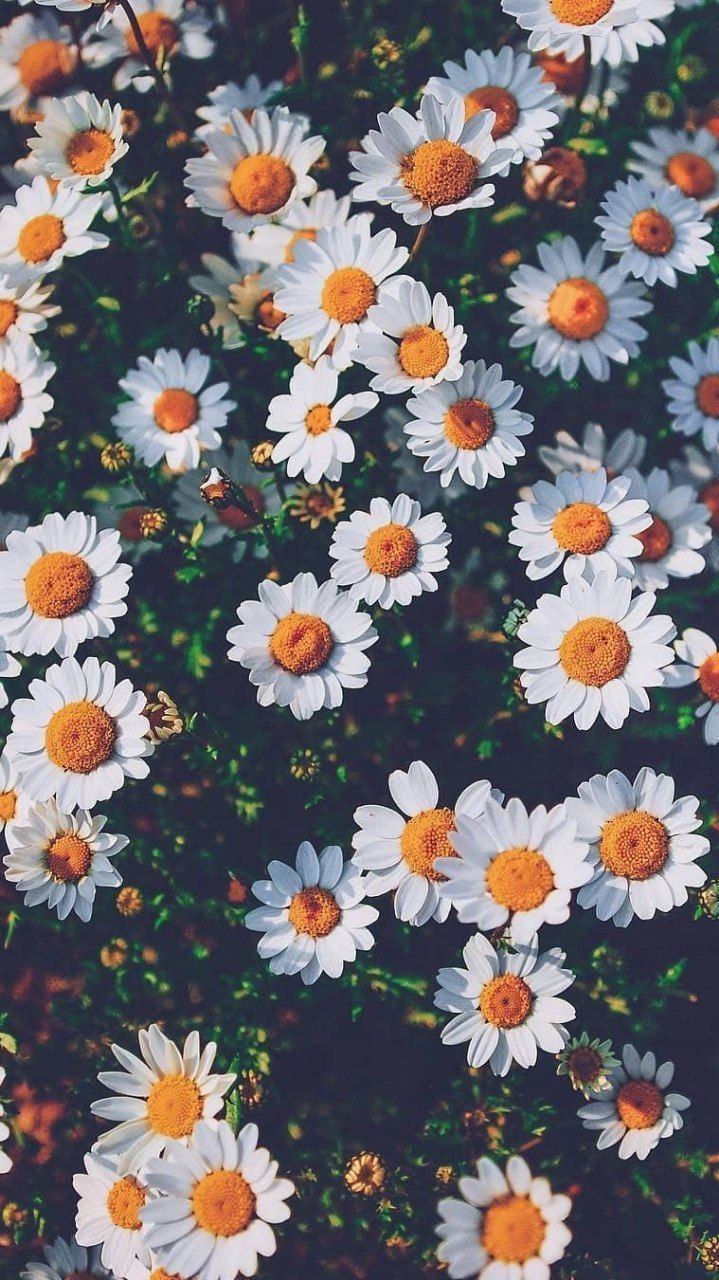
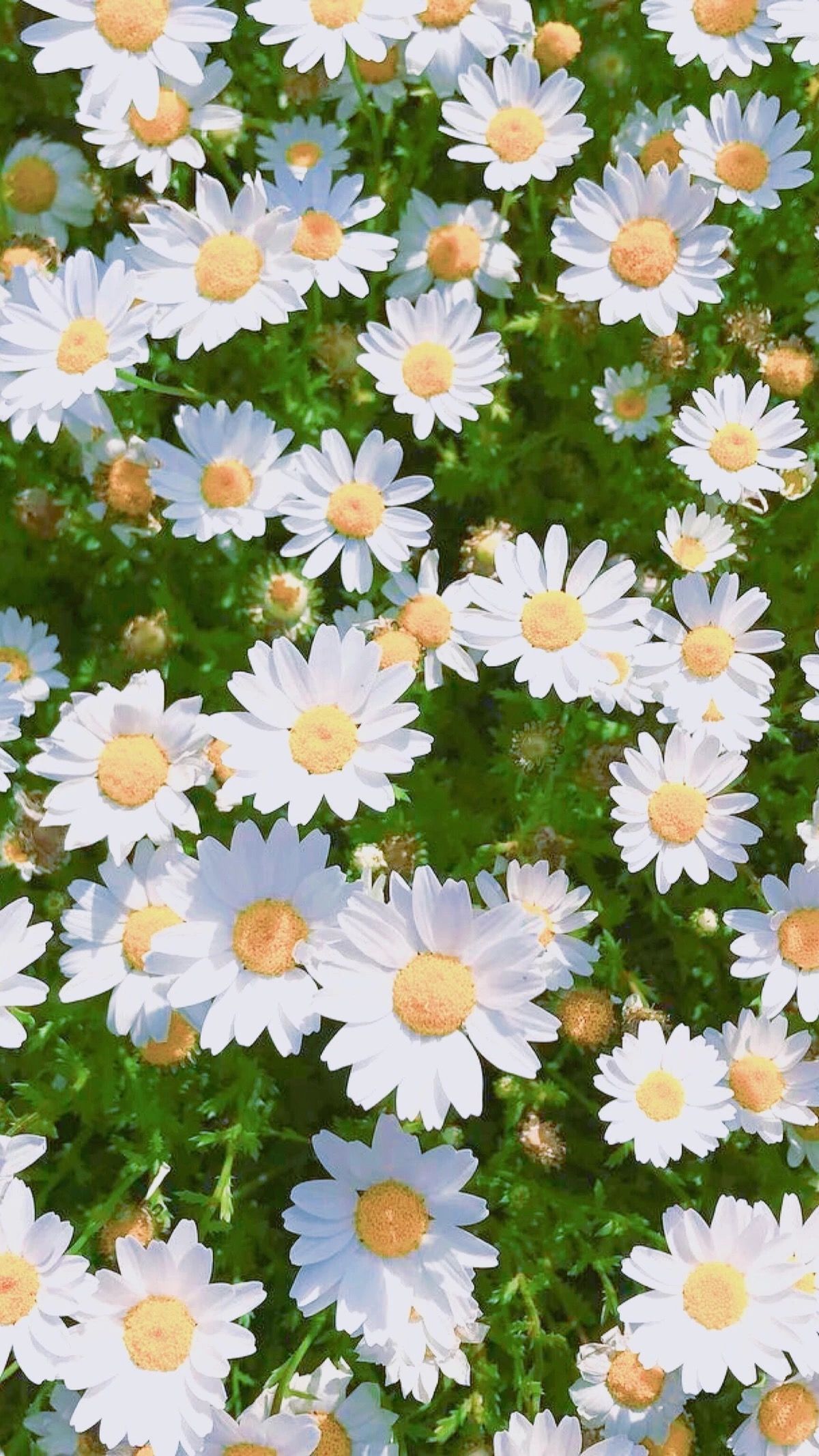
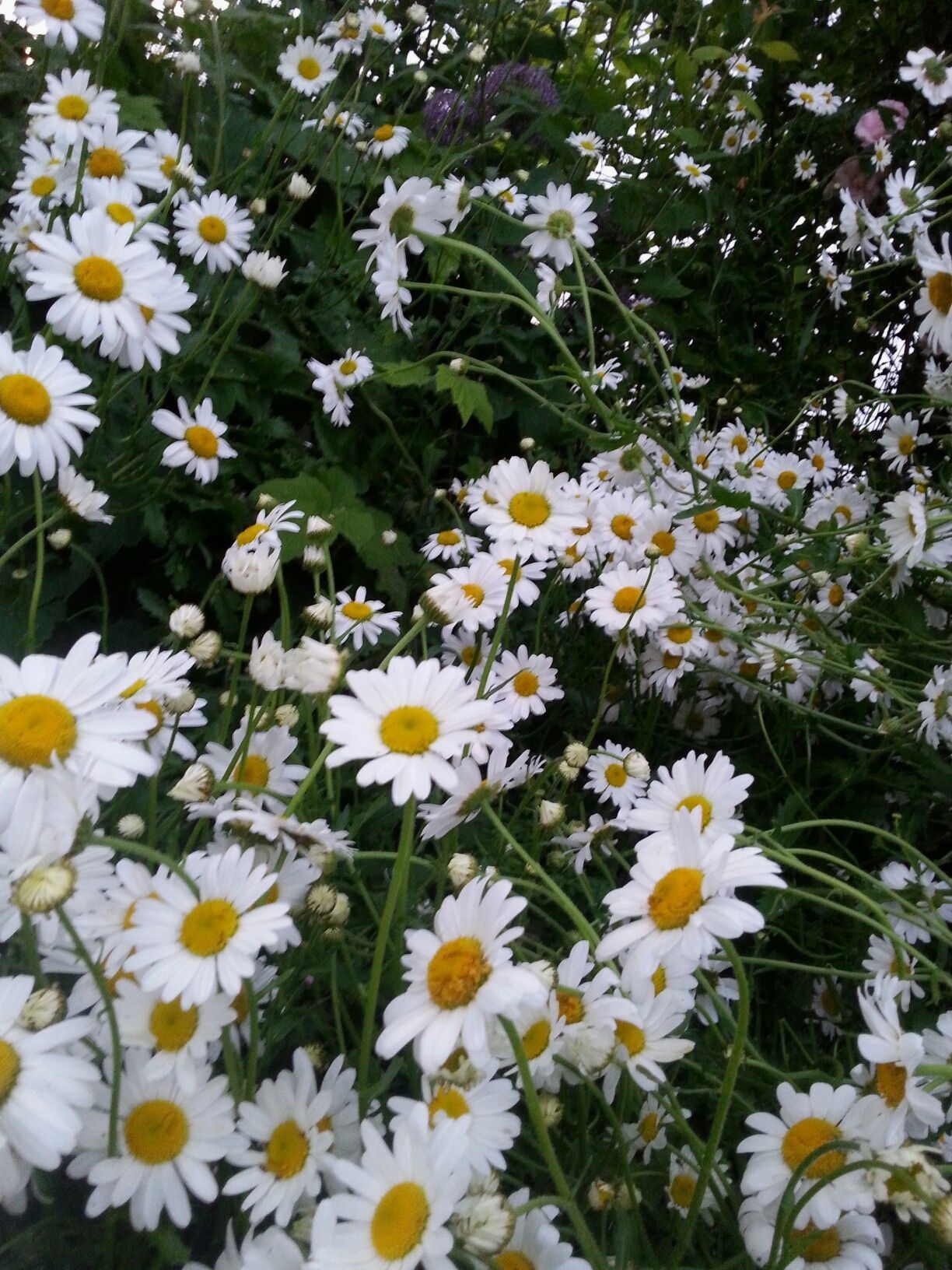
Margherite bianche campo verde, 719x1280 Full HD Verticale, iPhone

719×1280HD Scarica
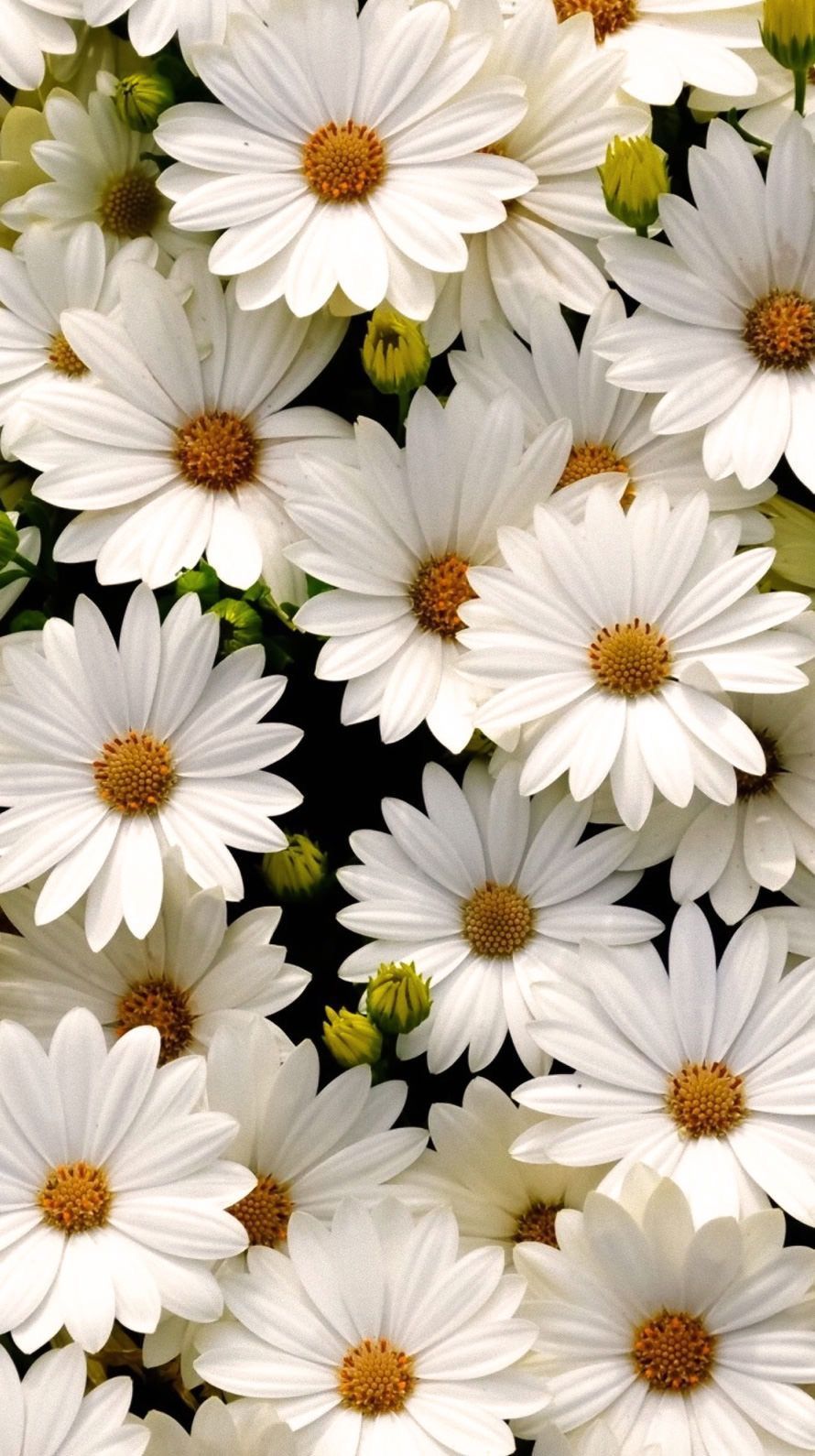
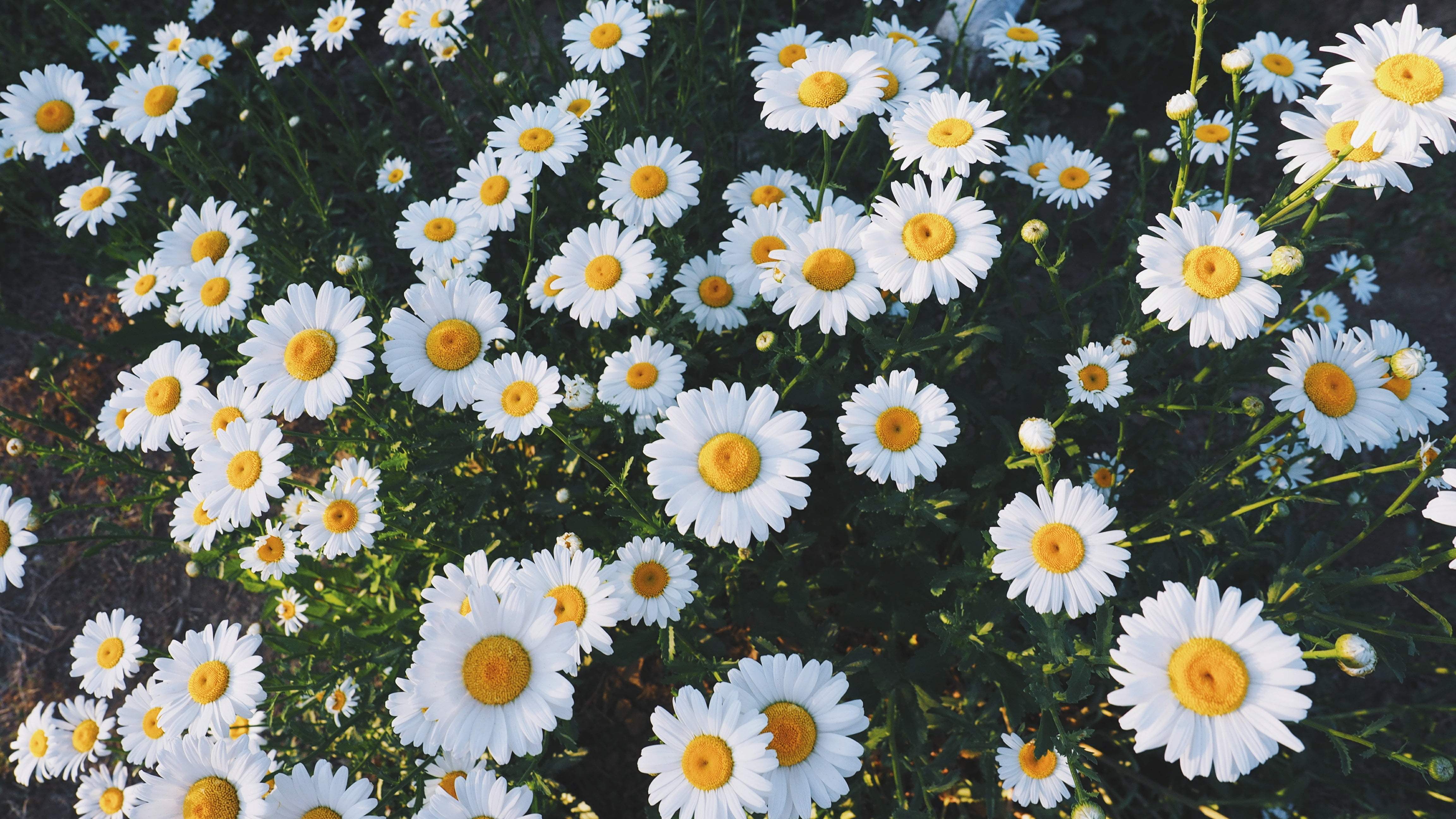
Margherite bianche fitte, 890x1590 Verticale, Mobile
890×1590HD Scarica
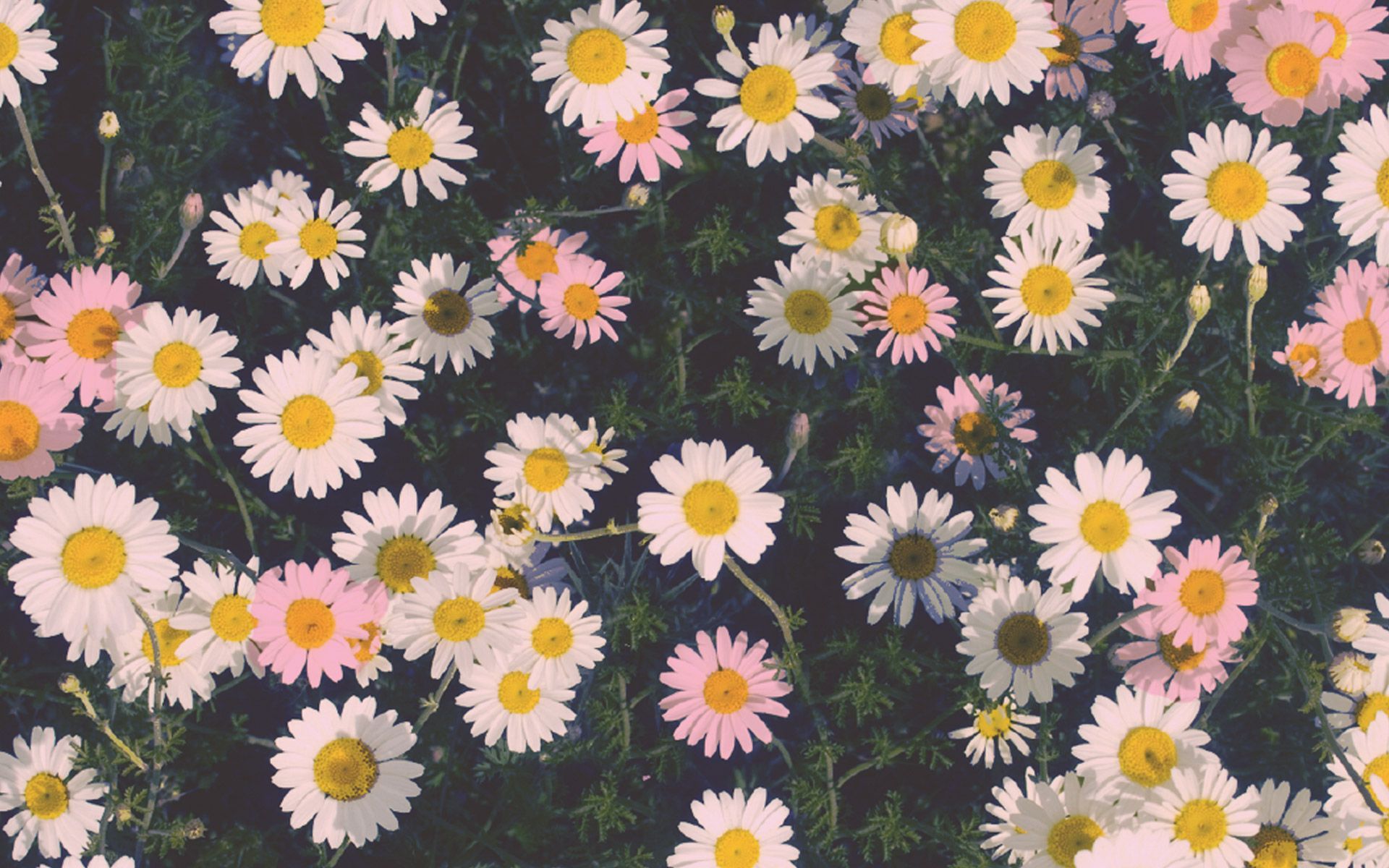
Margherite rosa e bianche, 1920x1200 Full HD+, Laptop

1920×1200HD Scarica
Campo di margherite bianche, 1200x2133 Verticale, POCO
1200×2133HD Scarica
Margherite bianche in giardino, 720x1280 Full HD Verticale, iPhone
720×1280HD Scarica
Margherite bianche in campo, 719x1280 Verticale, Mobile
719×1280HD Scarica
Campo di margherite bianche rosa, 2880x1924 2K+, Laptop
2880×19242K Scarica
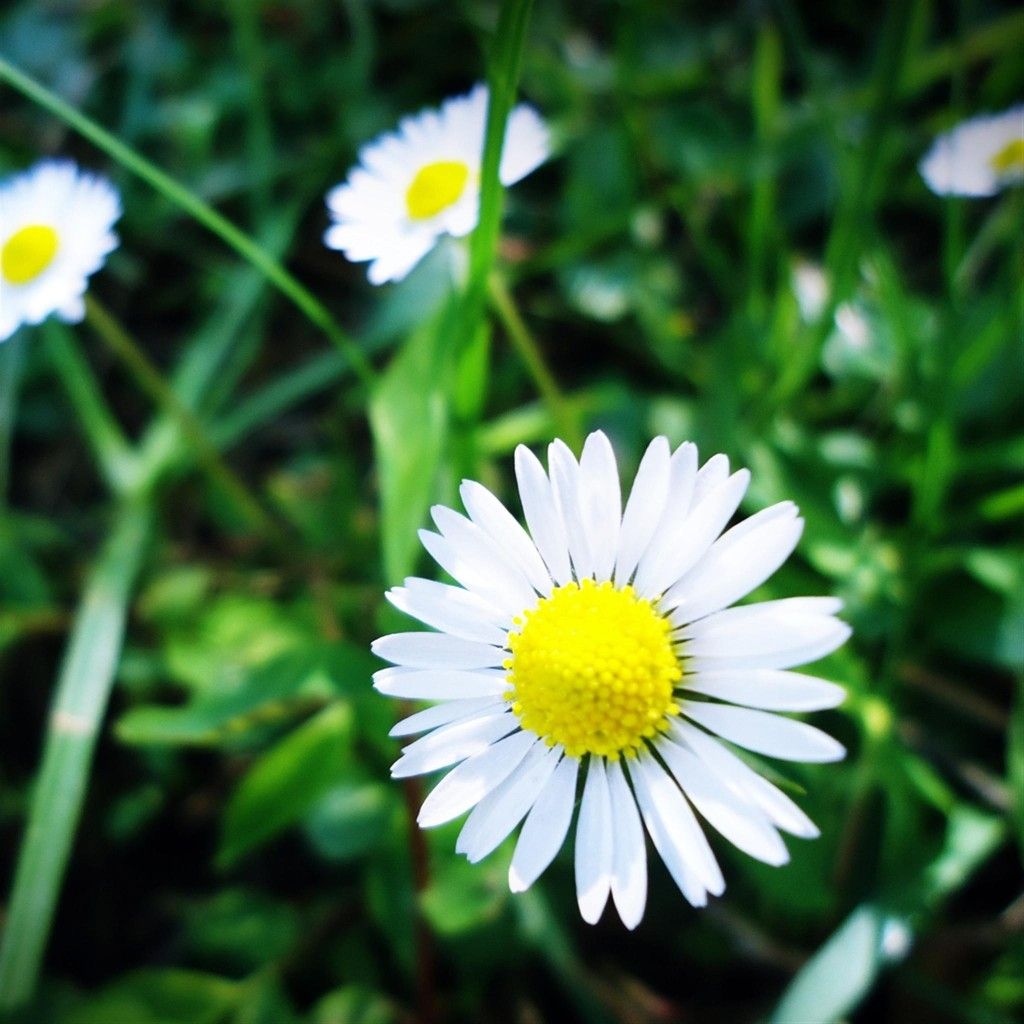
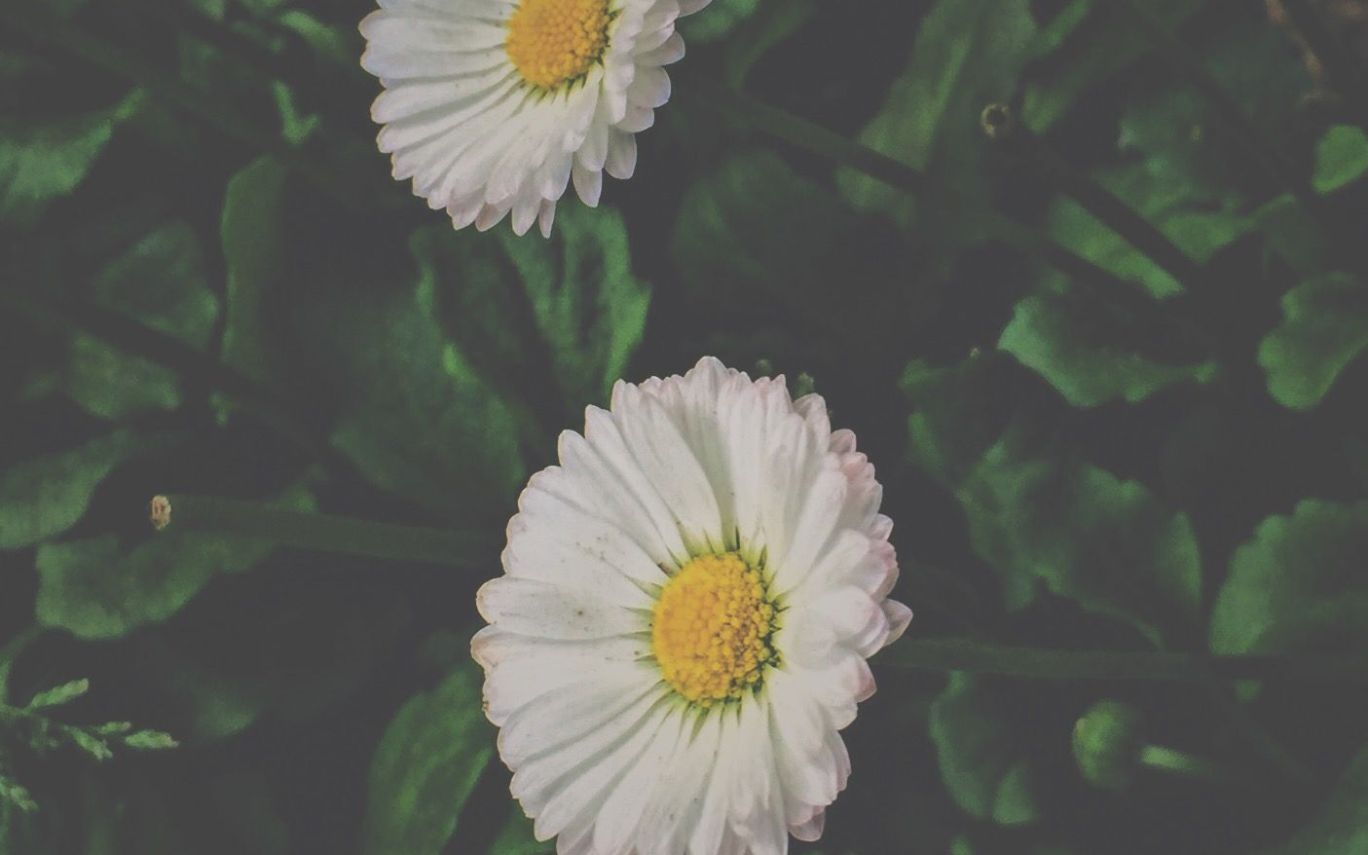
Margherita bianca su prato verde, 1024x1024 HD, Desktop
1024×1024HD Scarica
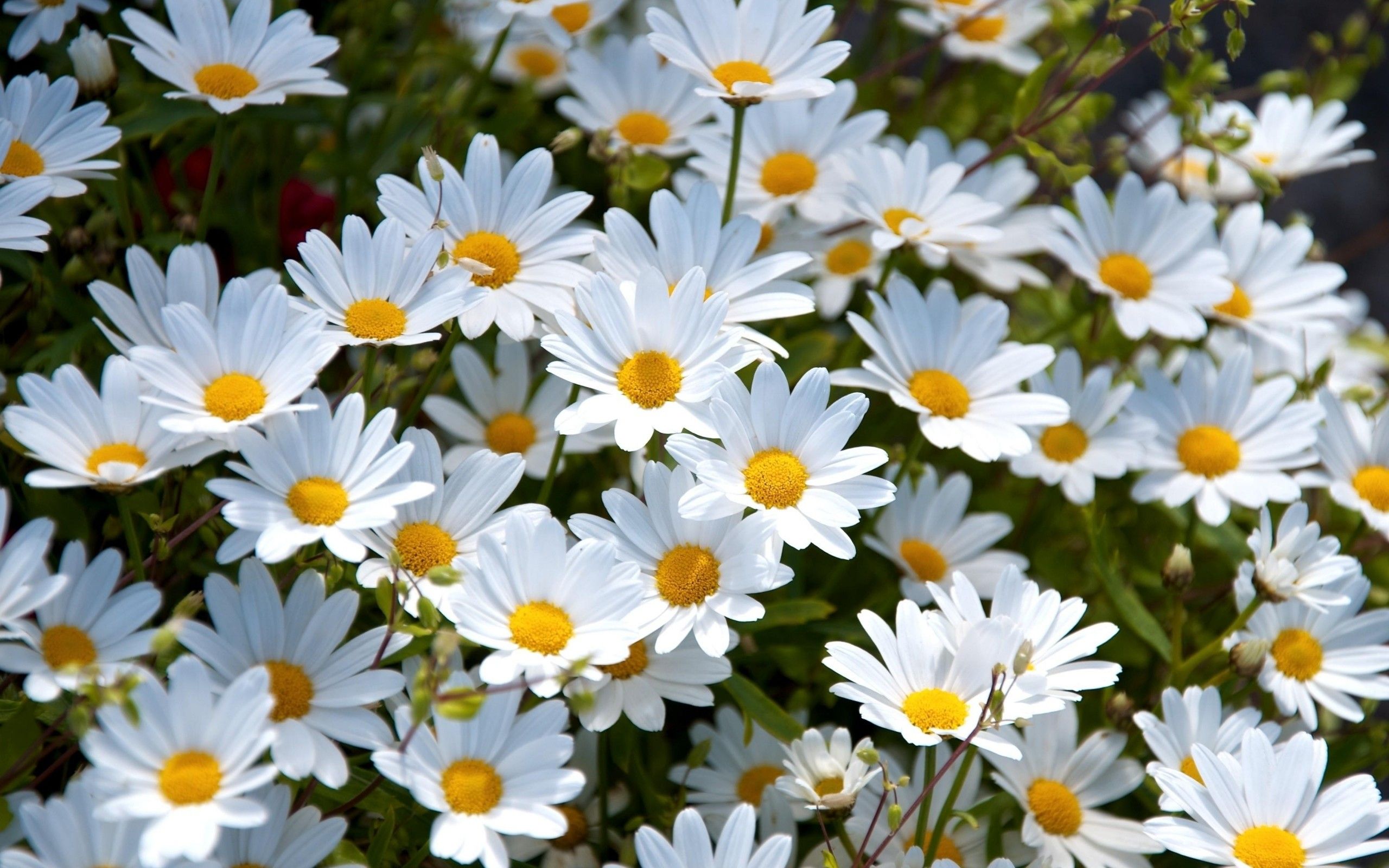
Margherite bianche in campo, 2560x1600 WQXGA, MacBook Pro
2560×16002K Scarica
Margherite bianche campo estetico, 700x1244 Verticale, Mobile
700×1244HD Scarica
Margherite bianche vintage prato, 2560x1600 2K, Laptop
2560×16002K Scarica
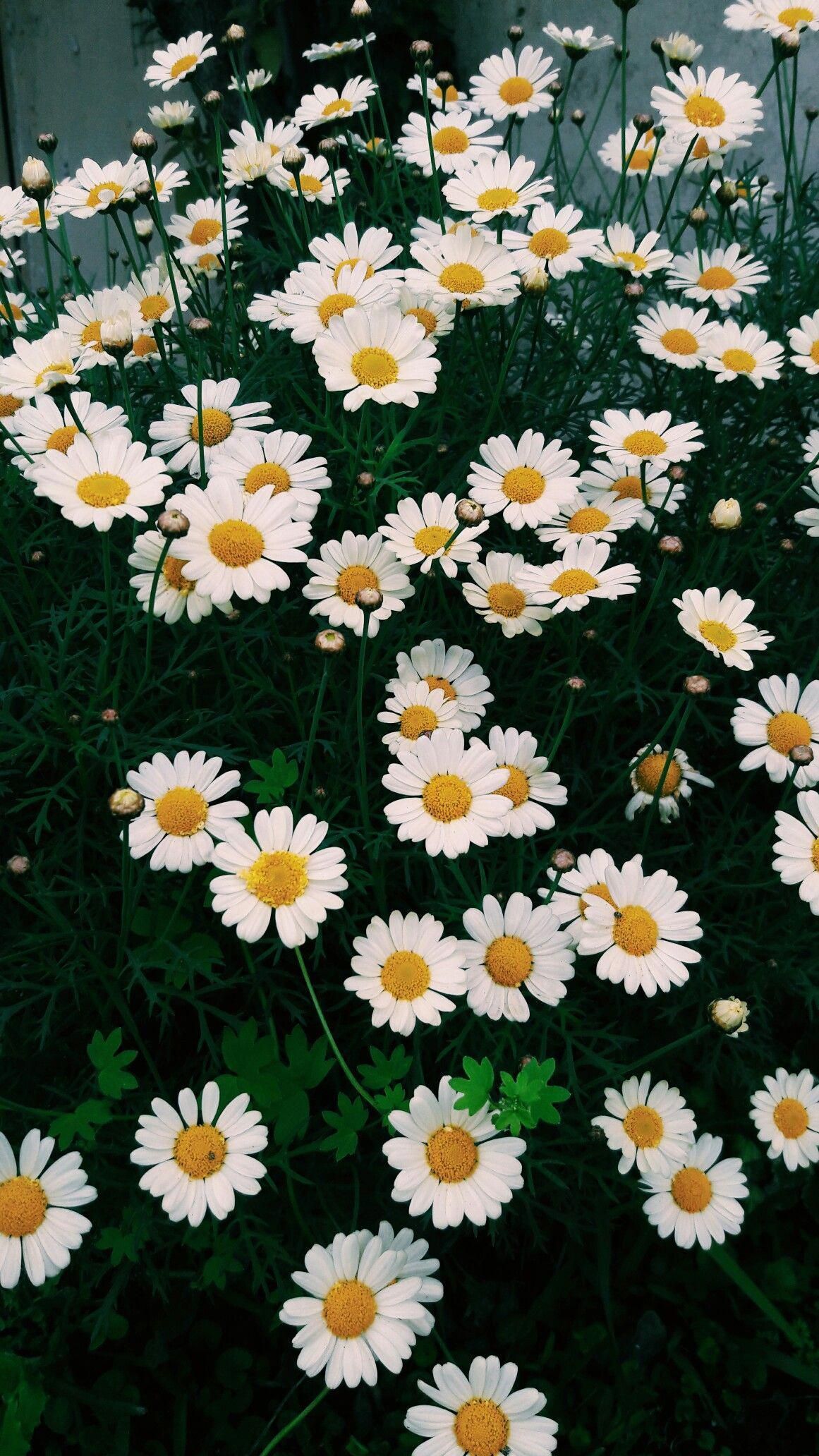
Margherite bianche in giardino, 1161x2064 Verticale, Telefono
1161×2064HD Scarica
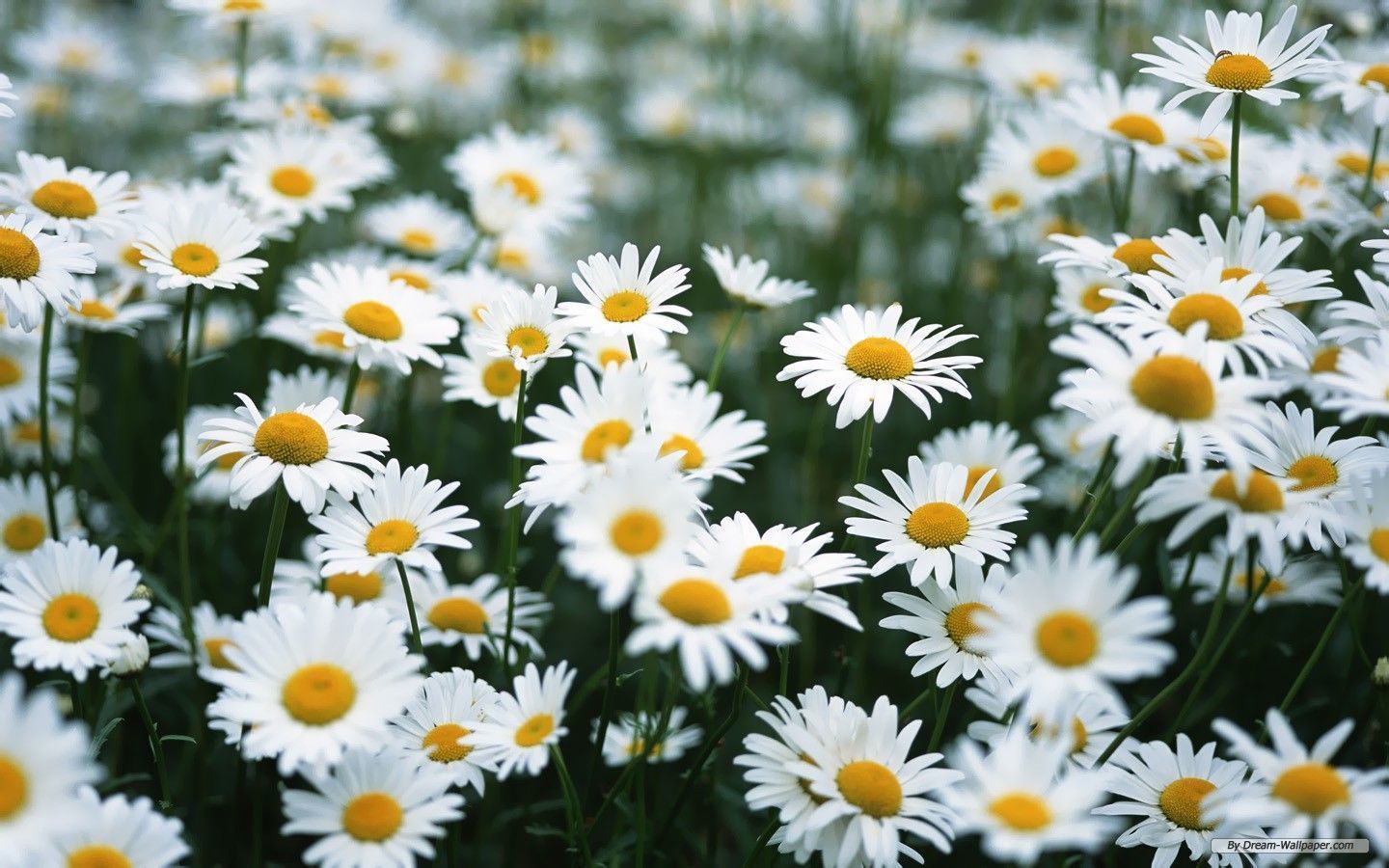
Campo di margherite bianche, 1440x900 720p, PC
1440×900HD Scarica
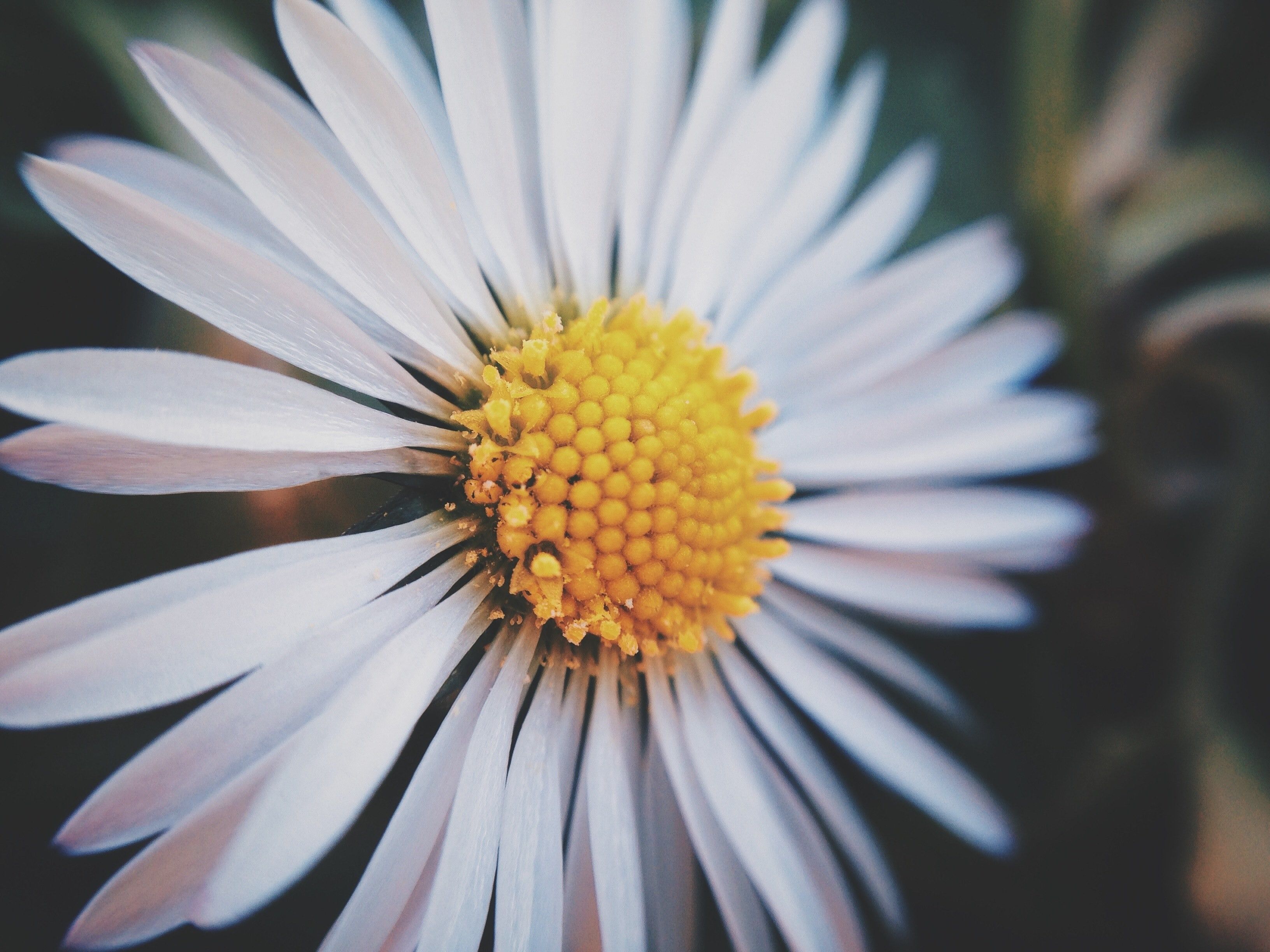
Margherita bianca macro, 744x1392 Verticale, Android
744×1392HD Scarica
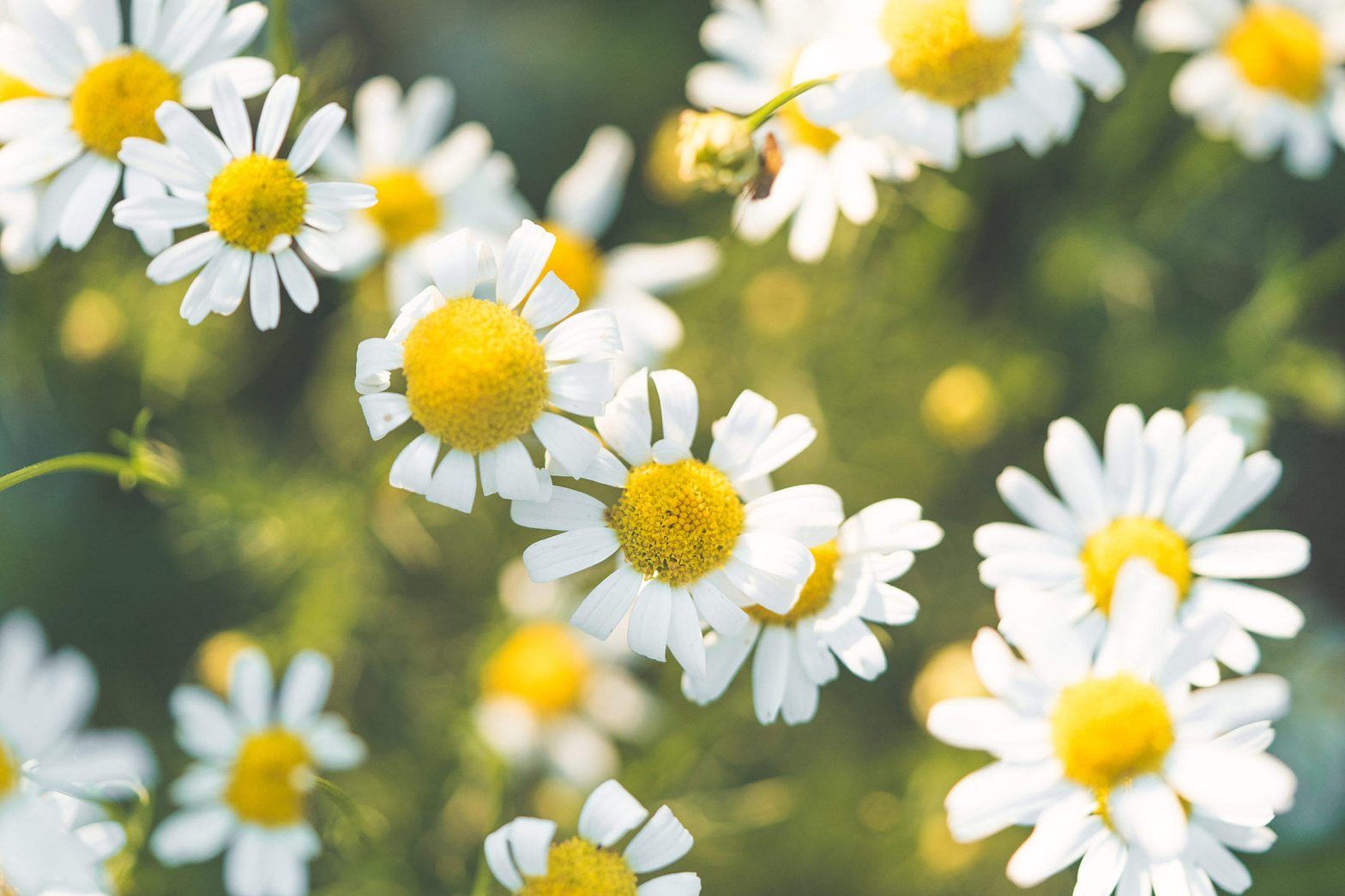
Margherite bianche in campo, 1568x1045 720p, Laptop
1568×1045HD Scarica
Margherite bianche su sfondo verde, 719x1280 Verticale, Telefono
719×1280HD Scarica
Fiore di ibisco rosa ramo, 1000x1500 Full HD Verticale, iPhone
1368×855HD Scarica
Margherite bianche su verde scuro, 1368x855 HD, Desktop
5120×32005K Scarica
Margherite bianche cielo blu, 5120x3200 Ultra HD, Monitor 4K
2560×16002K Scarica
Margherite bianche su verde, 2560x1600 2K, Desktop
750×1334HD Scarica
Margherite bianche estetiche vintage, 750x1334 Full HD Verticale, iPhone
2560×16002K Scarica
Margherite gerbera colorate, 2560x1600 2K+, Desktop
736×1308HD Scarica
Margherite bianche sfondo scuro, 736x1308 Full HD Verticale, Smartphone
1680×1050HD Scarica
Margherite bianche cielo azzurro, 1680x1050 HD, ROG Asus Laptop
3264×24482K Scarica
Margherita bianca macro, 3264x2448 2K+, PC
2248×2248HD Scarica
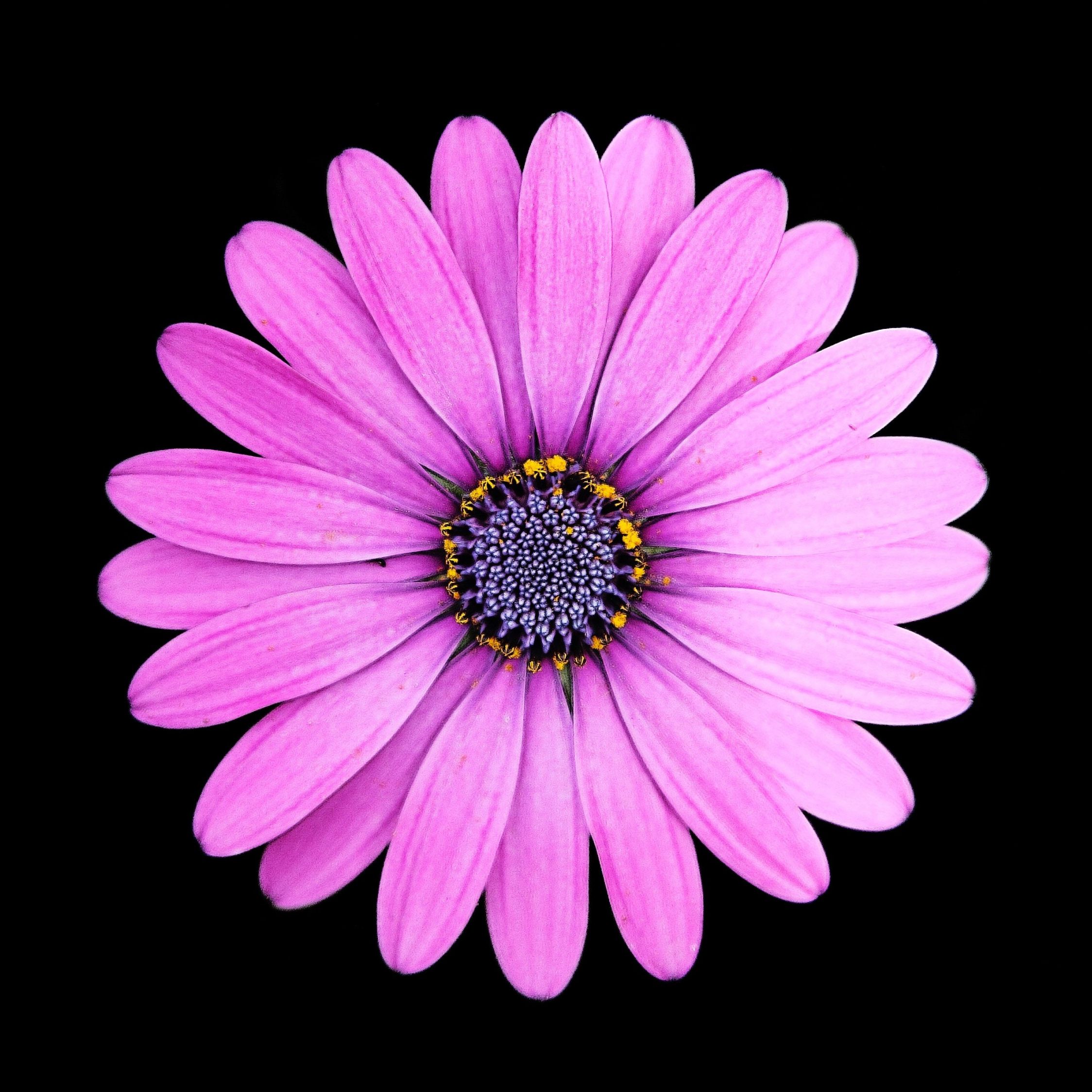
Margherita viola su nero, 2248x2248 alta risoluzione, Desktop
2048×1365HD Scarica
Campo di margherite bianche, 2048x1365 2K, Laptop
1200×750HD Scarica
Margherita bianca su sfondo verde, 1200x750 HD, Desktop
1024×768HD Scarica
Margherita rosa dipinta, 1024x768 HD, iMac
1440×25602K Scarica
Rose arancioni su muro bianco, 1080x1349 Verticale, Mobile
4608×25924K Scarica
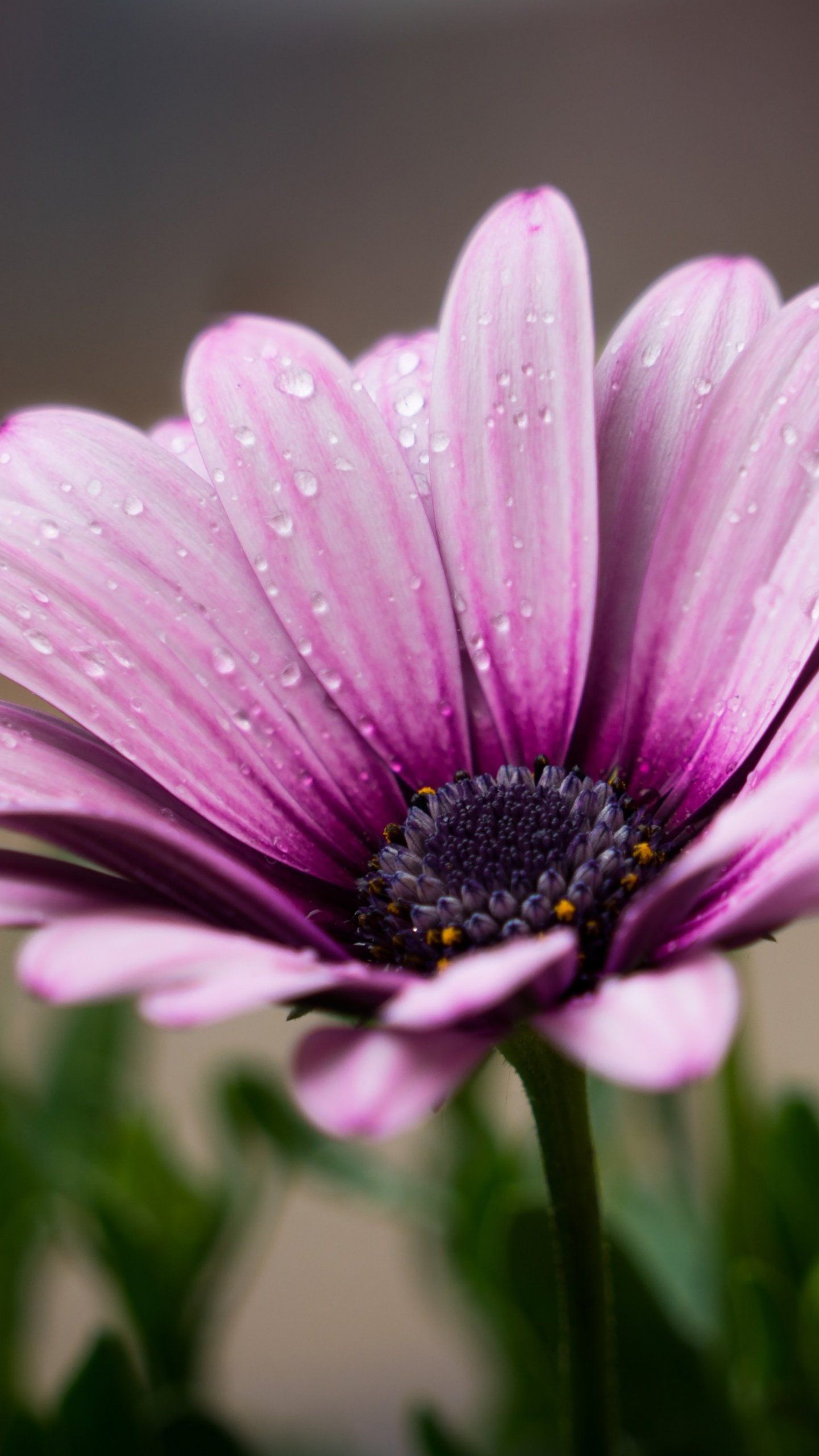
Margherita viola con rugiada, 1440x2560 Full HD Verticale, Smartphone
1024×1734HD Scarica
Margherite bianche in giardino, 4608x2592 4K Ultra HD, Monitor 4K
900×900HD Scarica
Chanyeol EXO margherite estetiche, 1024x1734 Full HD Verticale, iPhone
1224×1632HD Scarica
Margherite disegnate contorno nero, 900x900 HD, PC Desktop
768×1024HD Scarica
Margherite bianche in giardino, 1224x1632 Full HD Verticale, Smartphone
1368×855HD Scarica

Potrebbe piacerti

Come impostare lo sfondo sul tuo dispositivo

Hai trovato l’immagine giusta? Scaricala con il pulsante Scarica e segui i passaggi qui sotto: bastano pochi secondi, dal computer come dal telefono.

Windows
  1. Clicca su Scarica: l’immagine finisce nella cartella Download
  2. Fai clic destro sul file scaricato e scegli «Imposta come sfondo del desktop»
  3. Hai più monitor? Vai su Impostazioni → Personalizzazione → Sfondo e scegli dove applicarla
macOS
  1. Clicca su Scarica per salvare l’immagine sul Mac
  2. Apri Impostazioni di Sistema → Sfondo
  3. Clicca su «Aggiungi foto», seleziona l’immagine e scegli «Riempi schermo»
iPhone / iPad
  1. Tocca Scarica e poi «Salva in Foto»
  2. Apri l’app Foto e scegli l’immagine appena salvata
  3. Tocca Condividi → «Usa come sfondo», sistema l’inquadratura e conferma con Imposta
Android
  1. Tocca Scarica: l’immagine si salva nella Galleria
  2. Apri Galleria (o Google Foto) e seleziona l’immagine
  3. Dal menu scegli «Imposta come sfondo» e decidi se usarla per la schermata Home, il blocco schermo o entrambe