Sfondi Batman Arkham Asylum
64 sfondi HD & 4K
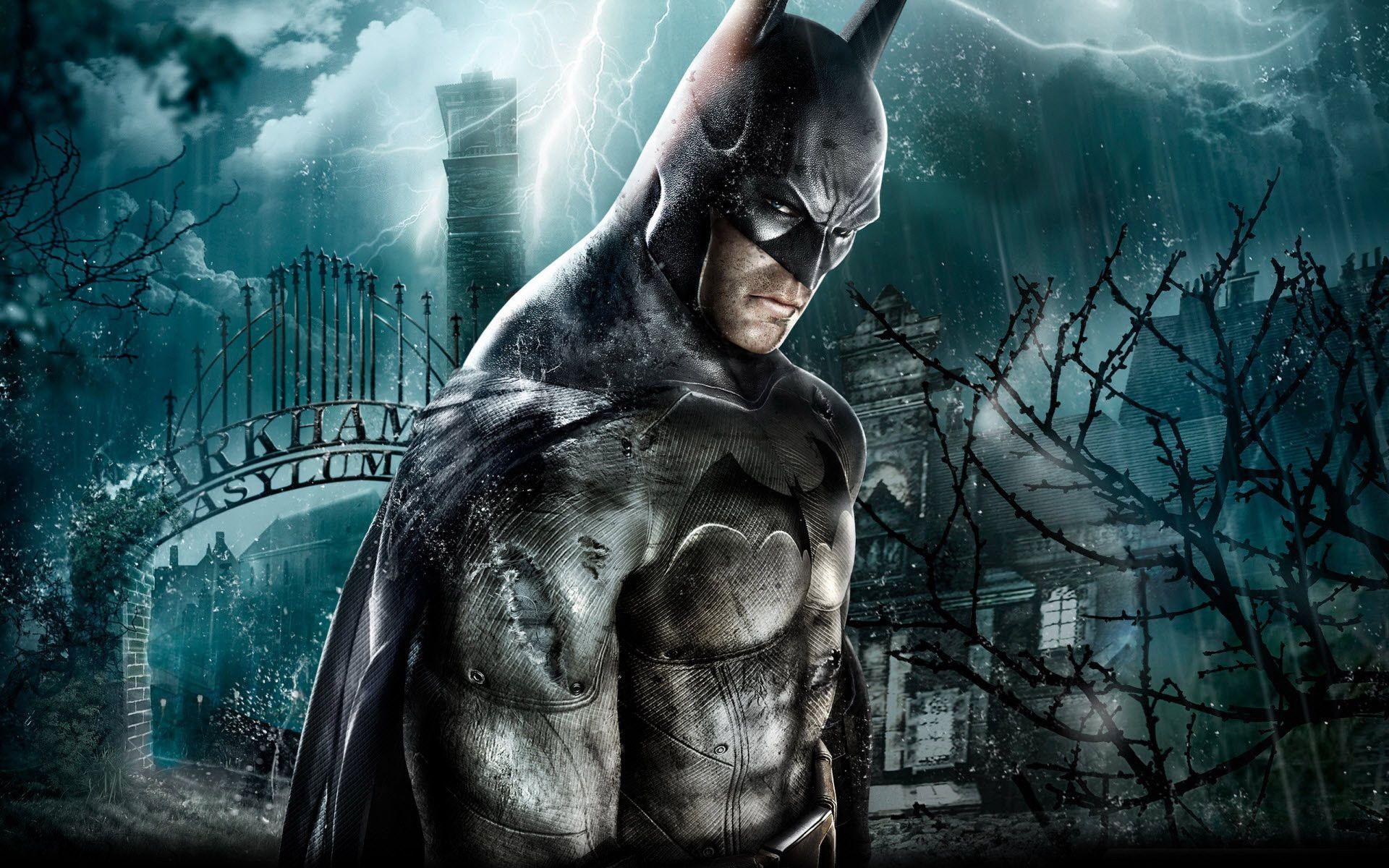
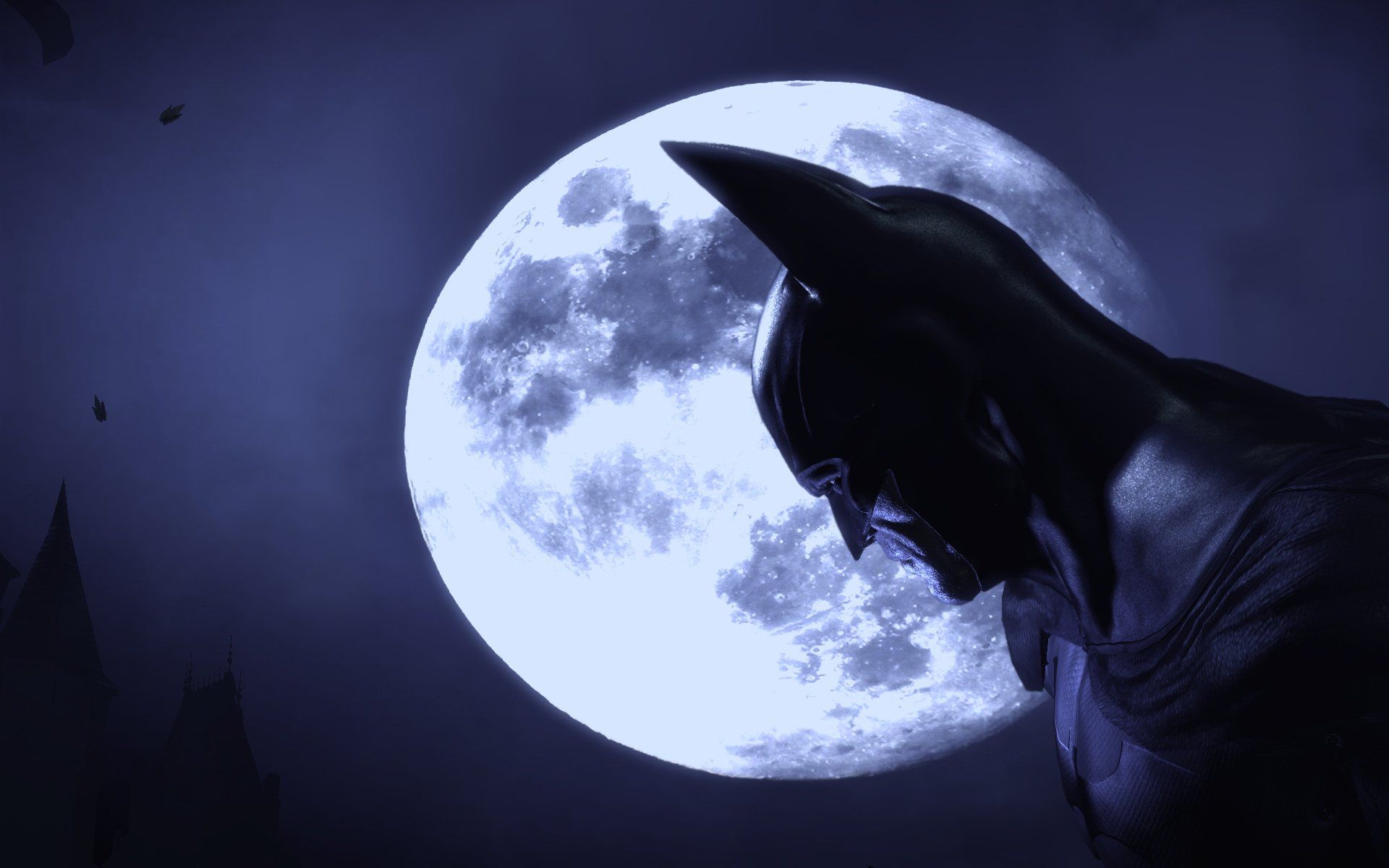
Batman Arkham Asylum luna piena, Gotham, 1920x1200 WUXGA, PC
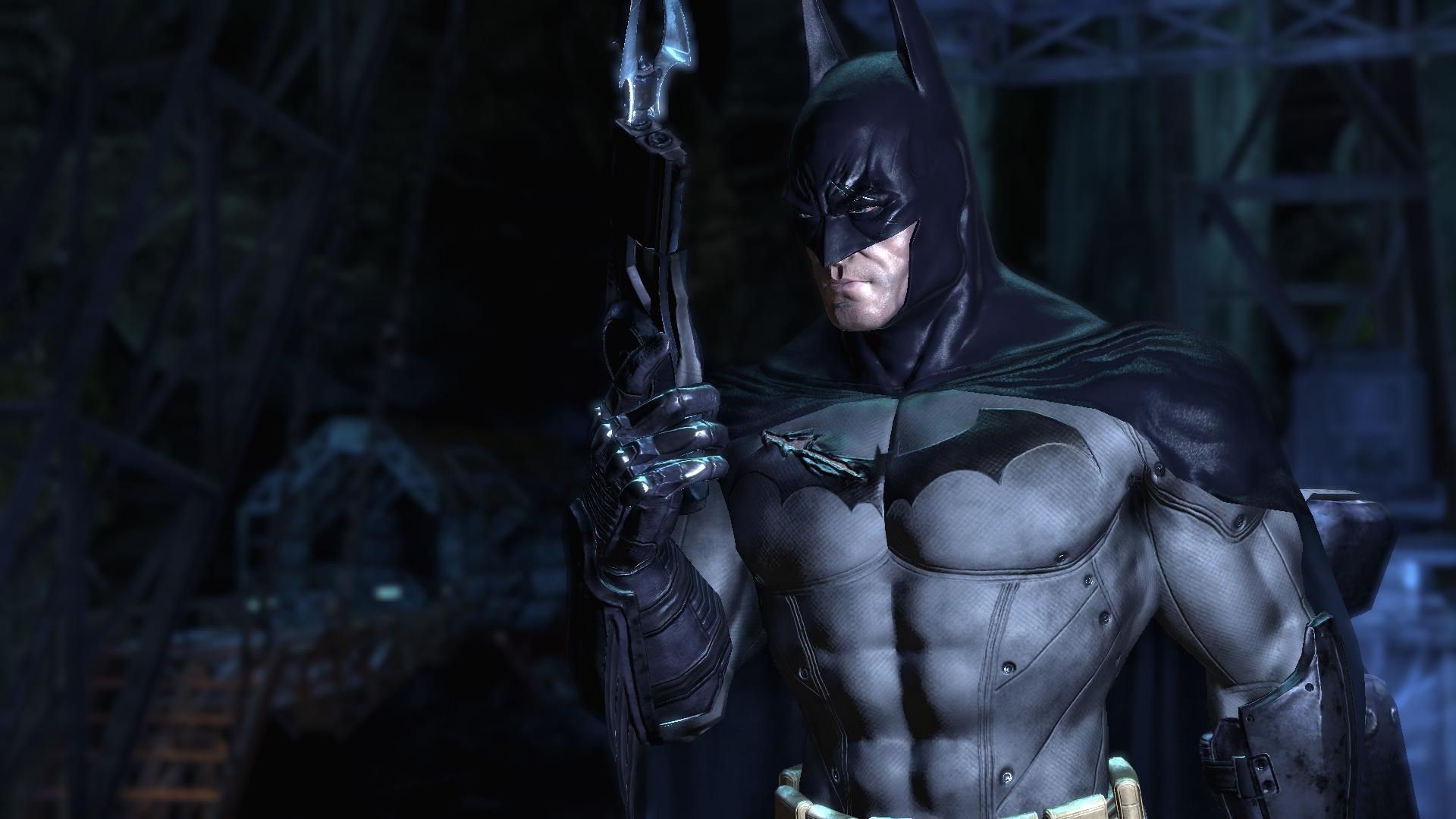
1920×1200HD Scarica
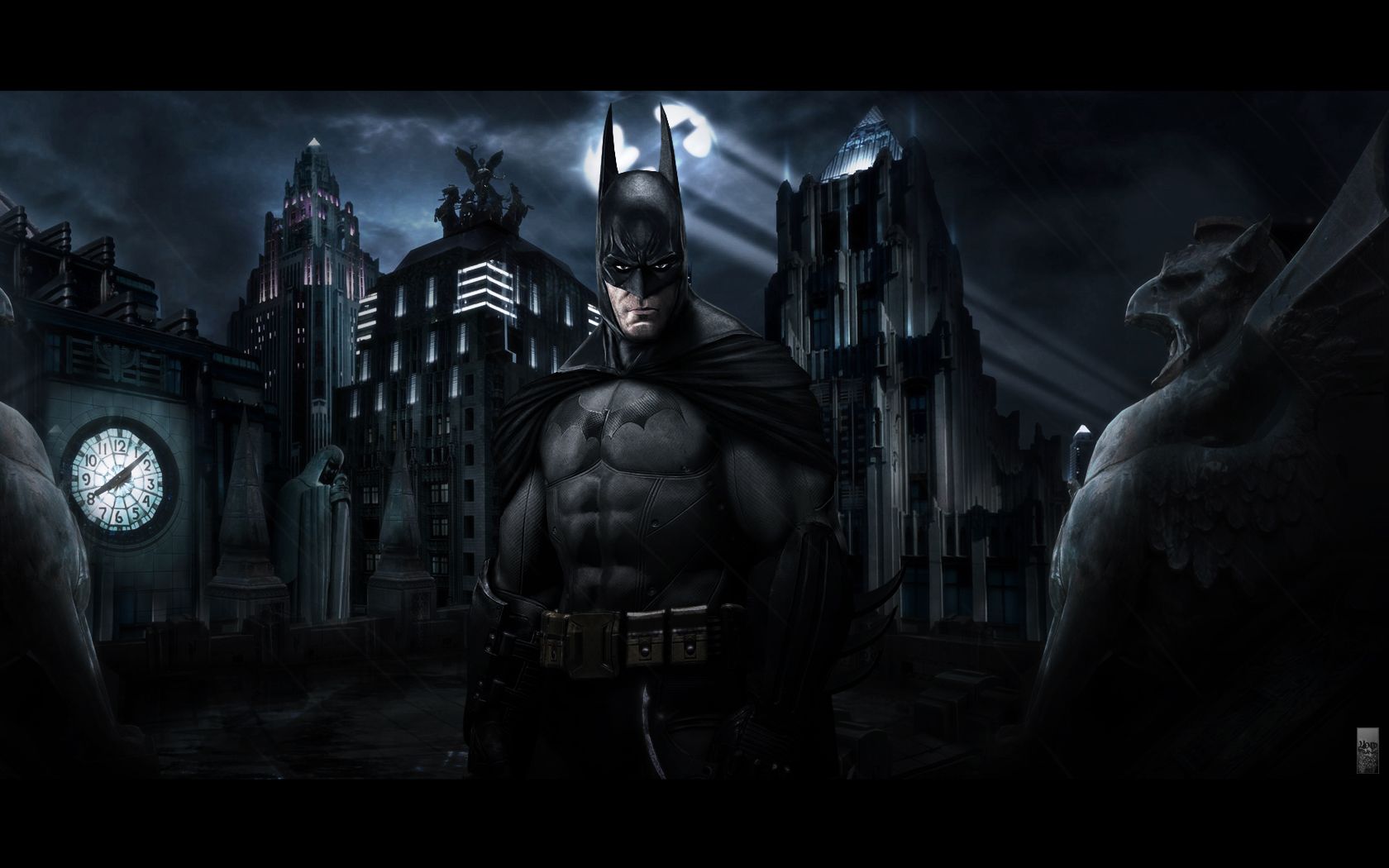
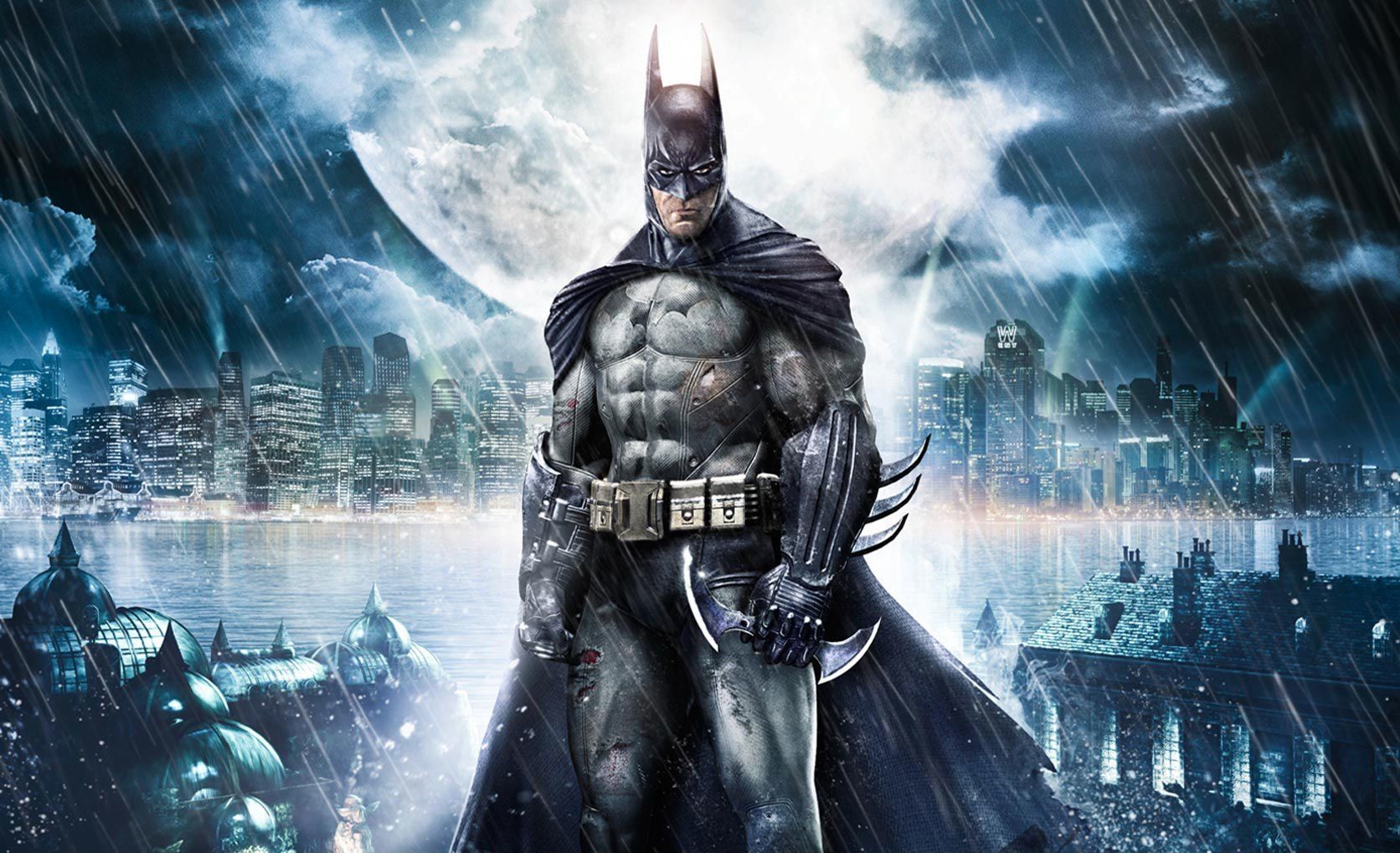
Batman Arkham Asylum notturno, Rocksteady, 1672x1019 HD Ready, Desktop
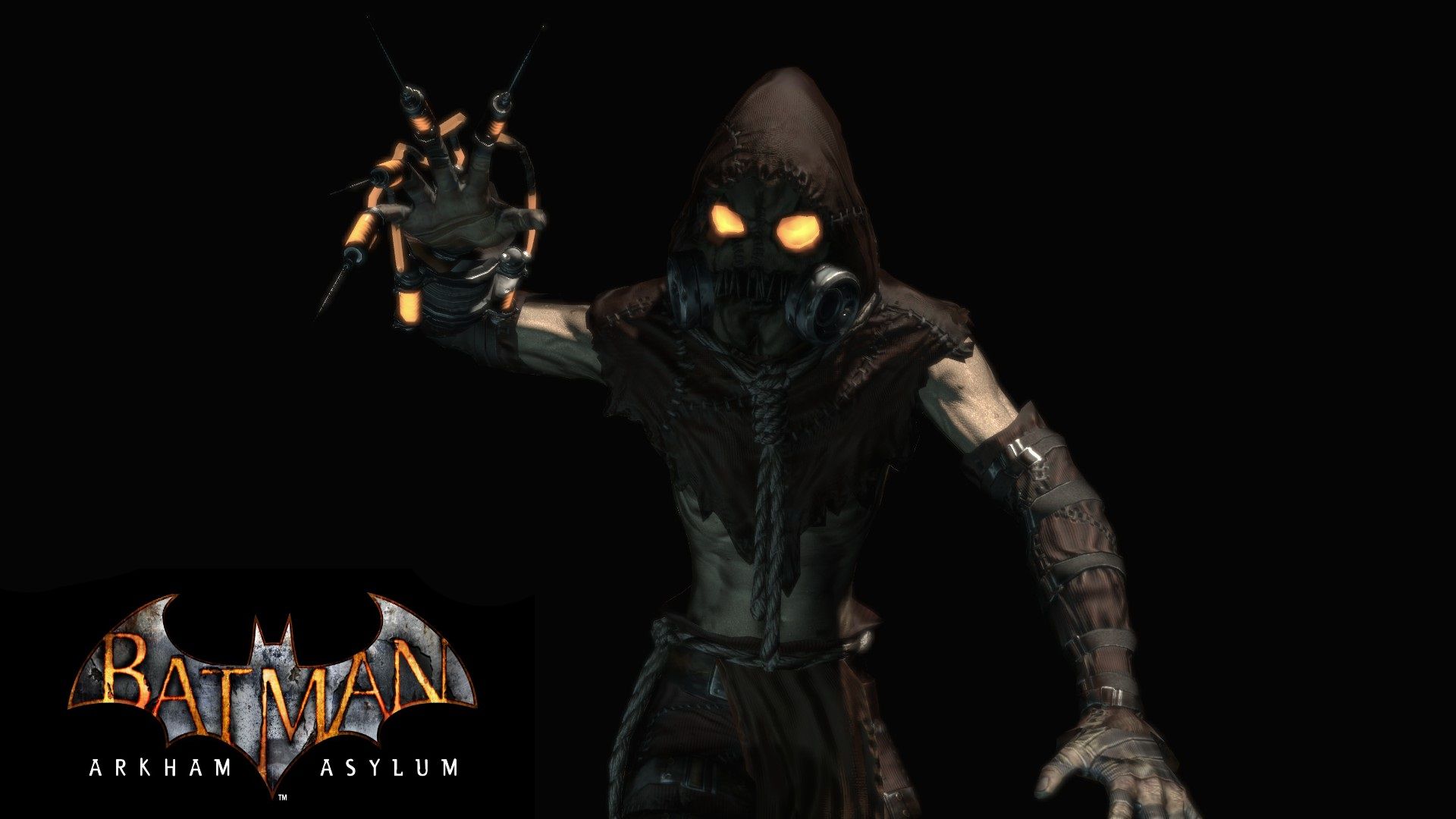
1672×1019HD Scarica
Batman Arkham Asylum, 1920x1200 Full HD+, iMac
1920×1200HD Scarica
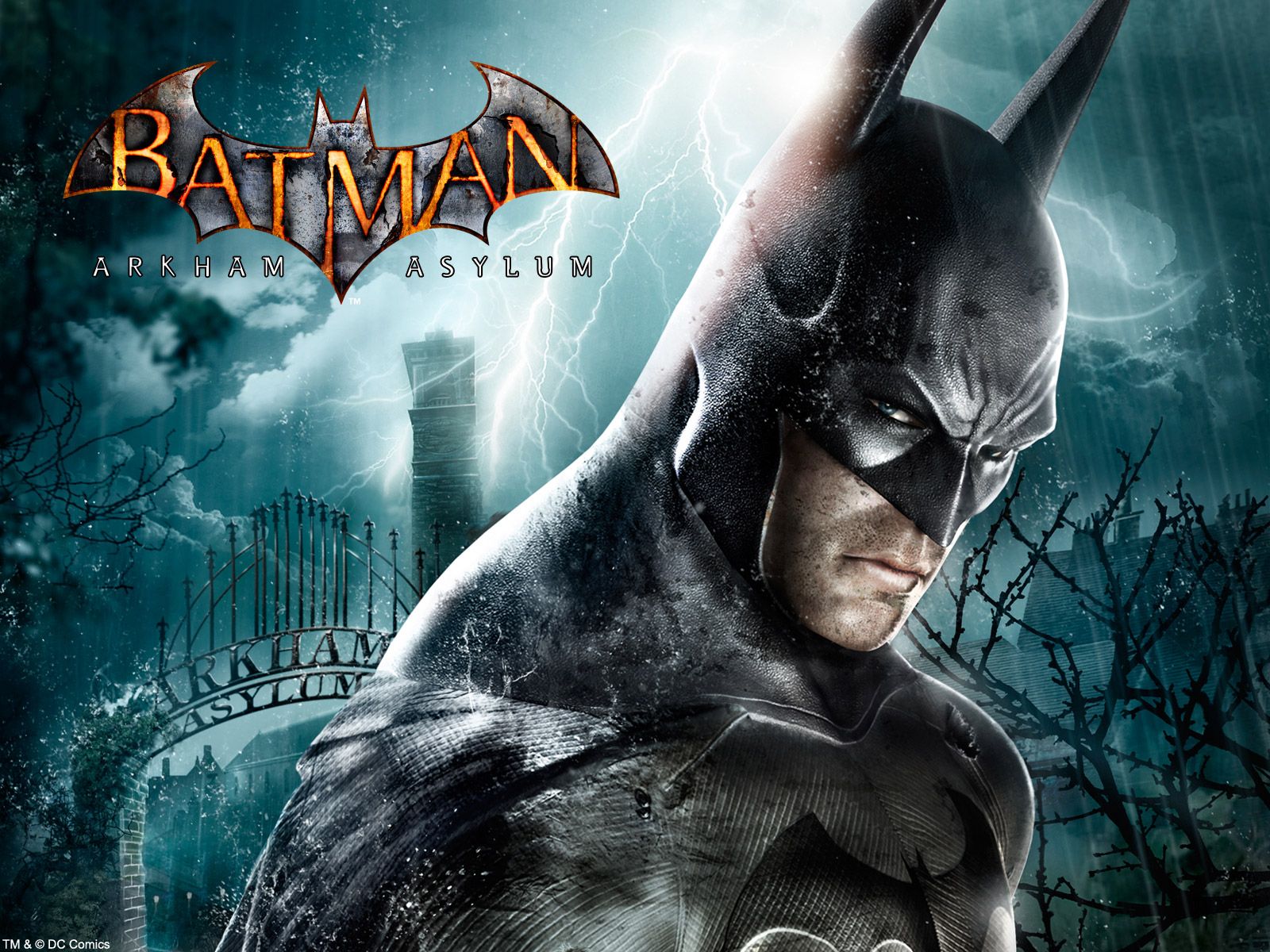
Batman Arkham Asylum, DC Comics, 1920x1080 1080p, Desktop
1920×1080HD Scarica
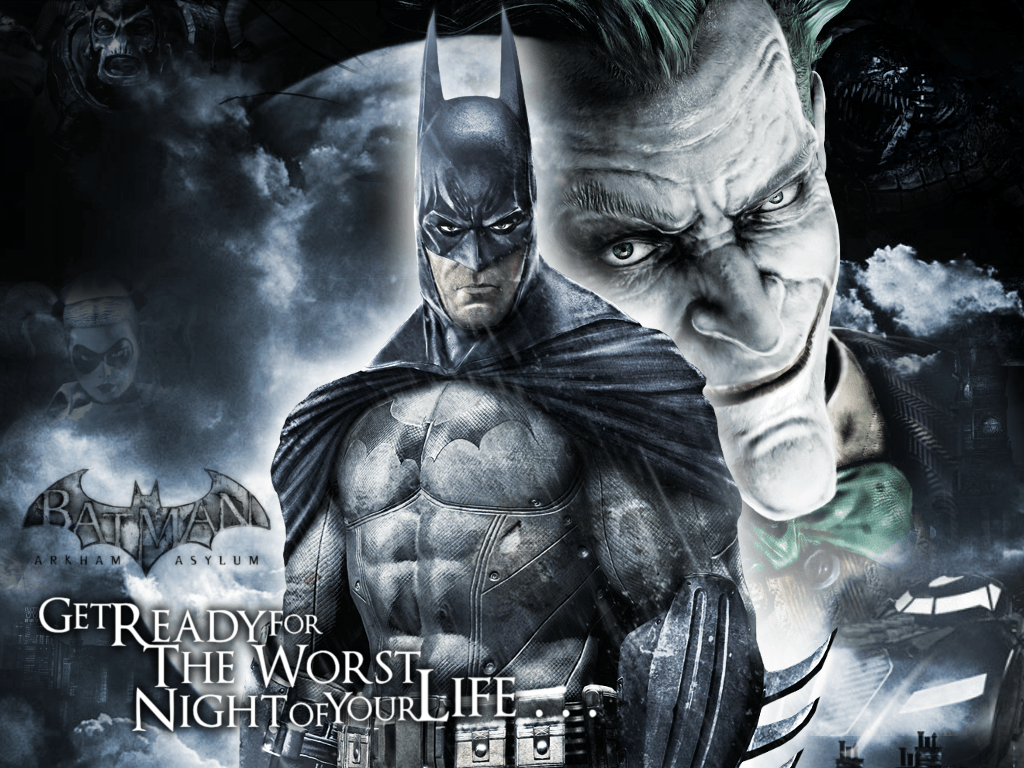
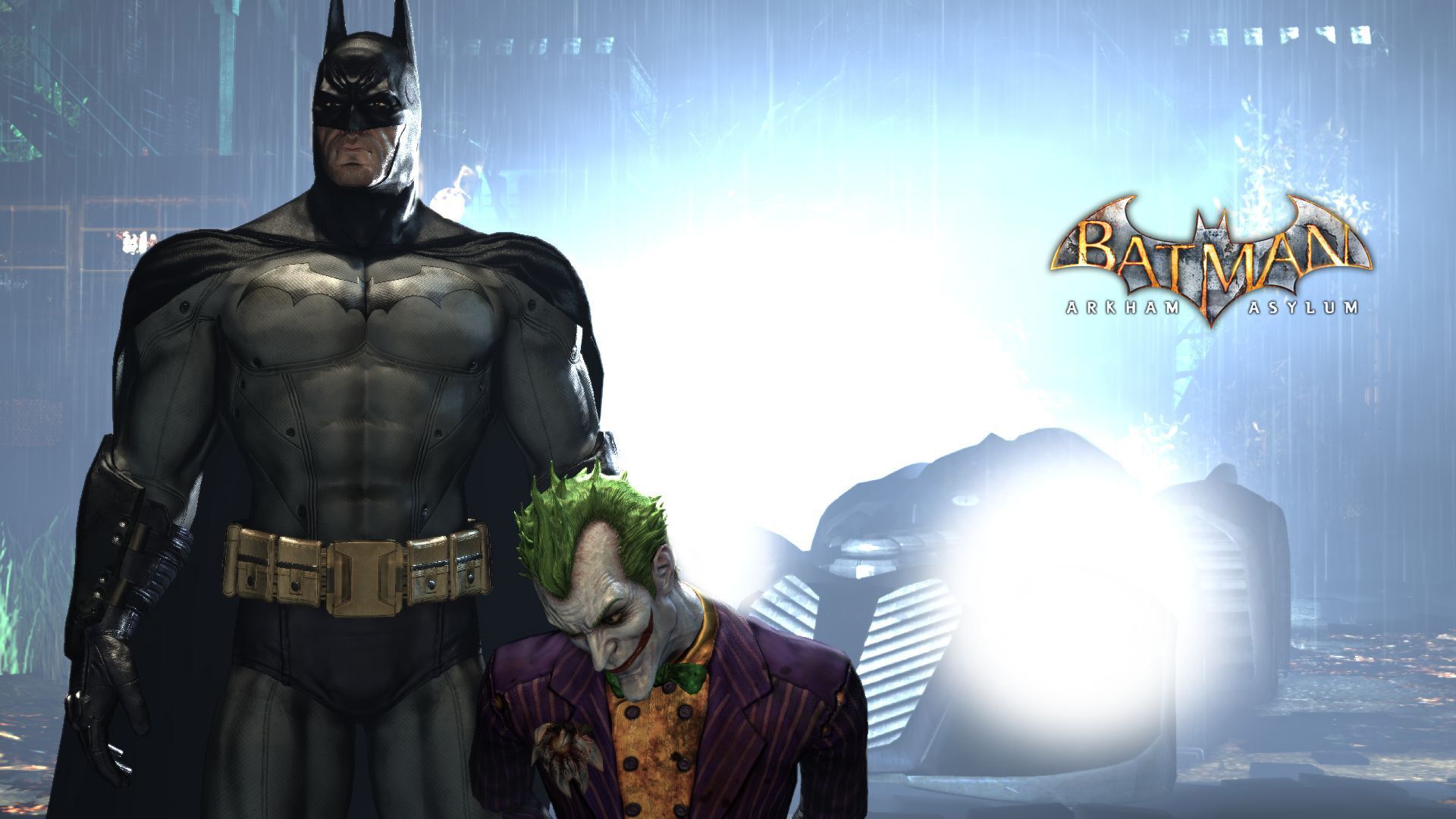
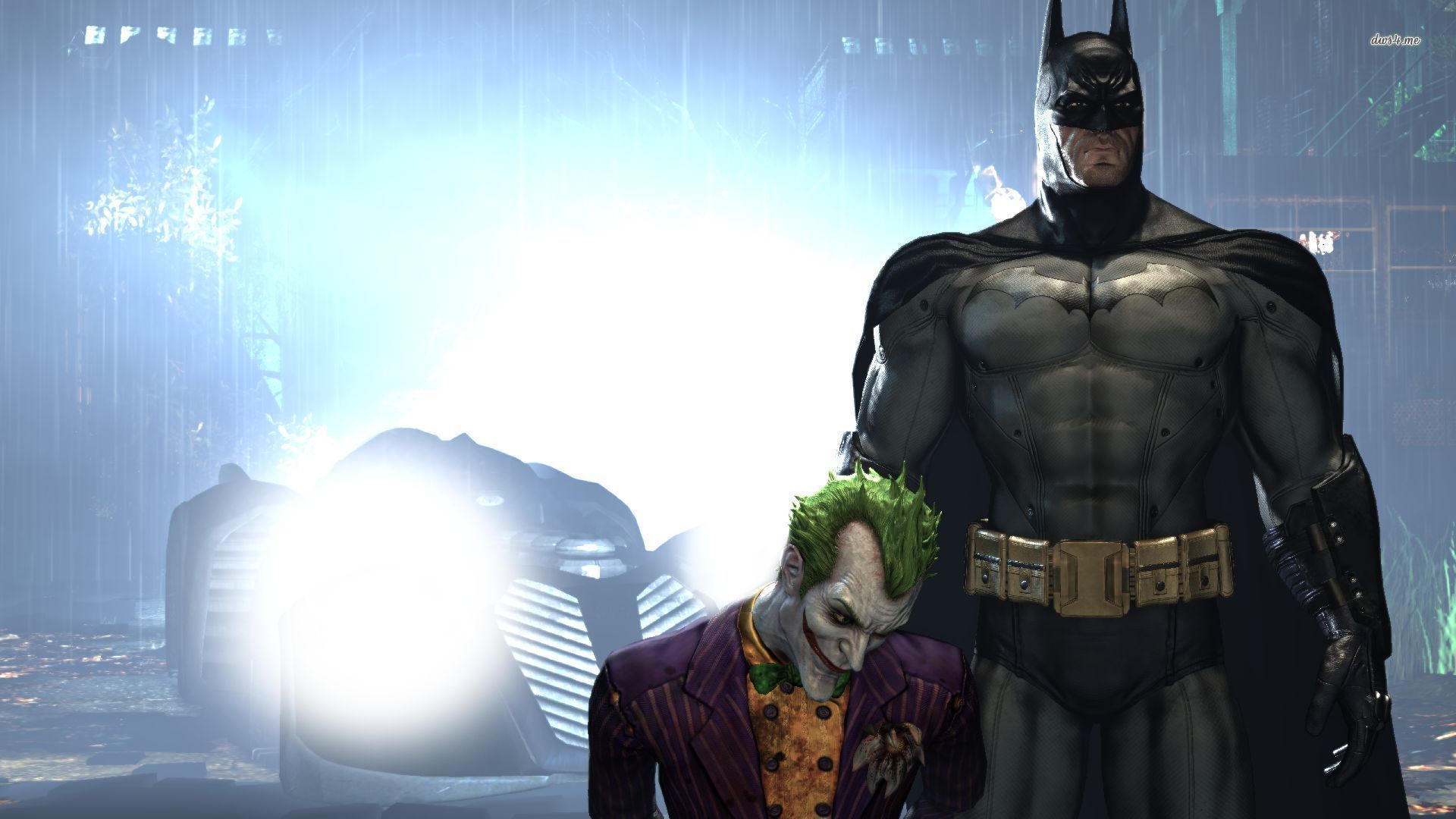
Batman e Joker Arkham Asylum, nemesi di Batman, 1918x1053 HD Ready, PC
1918×1053HD Scarica
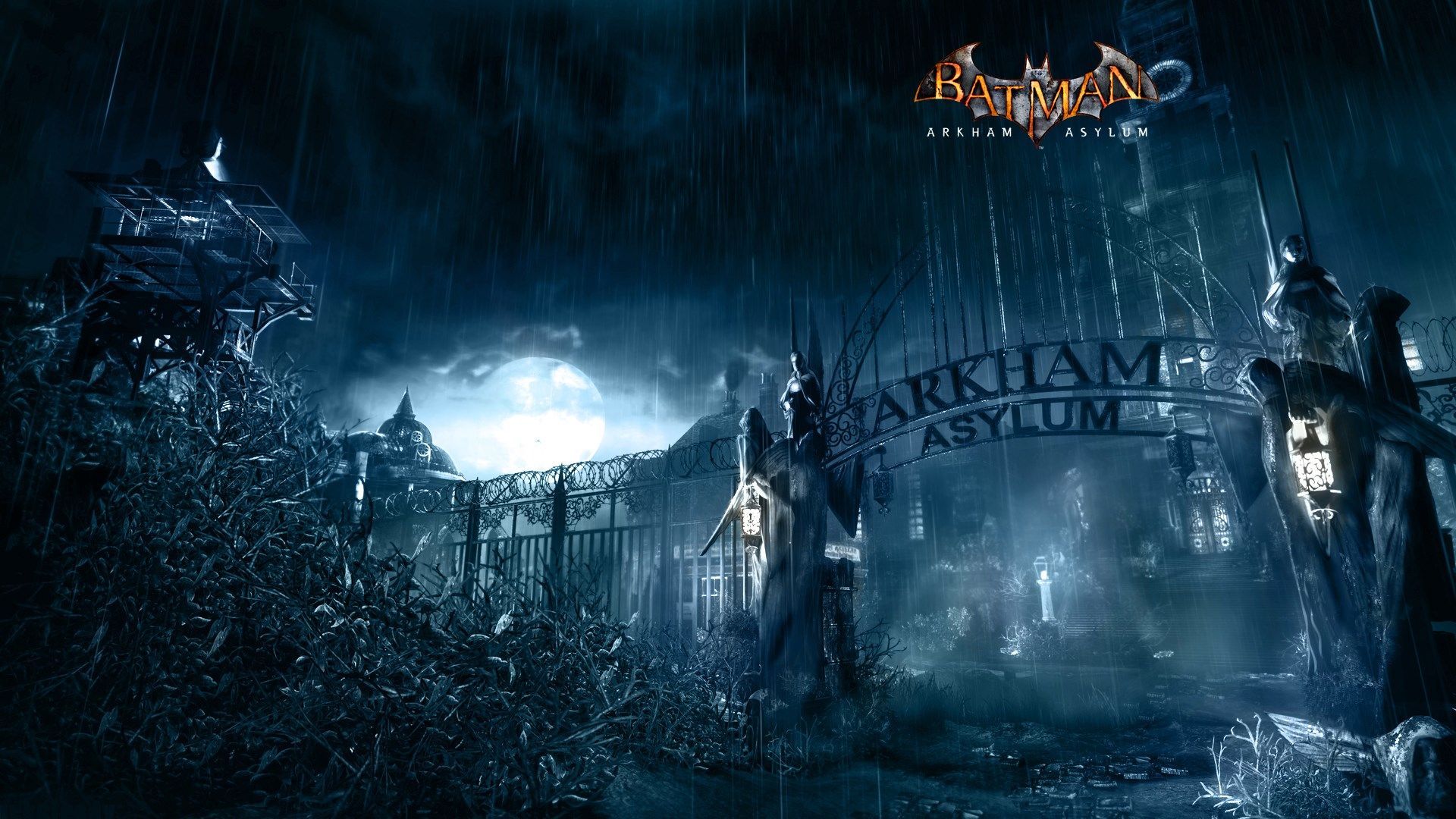
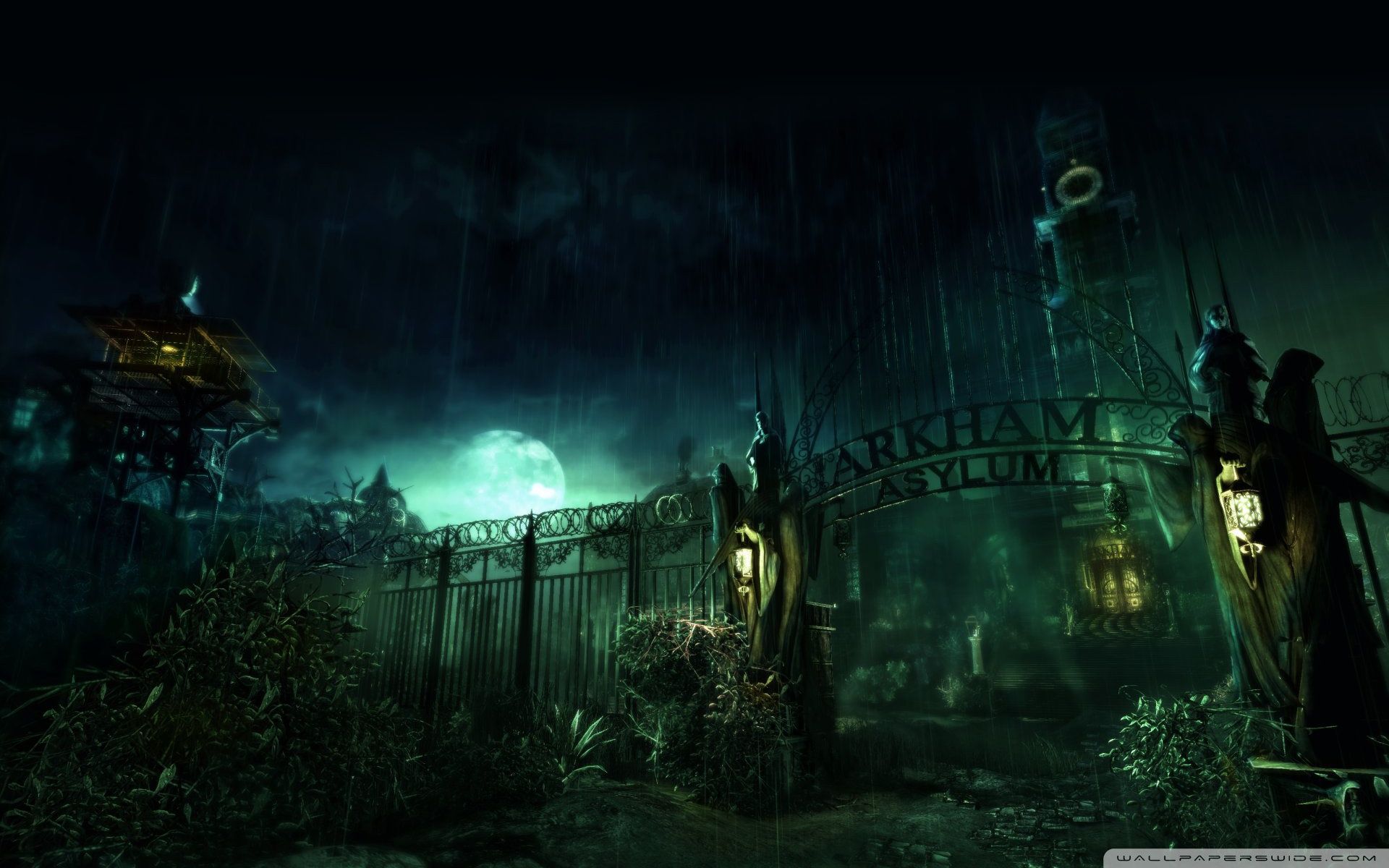
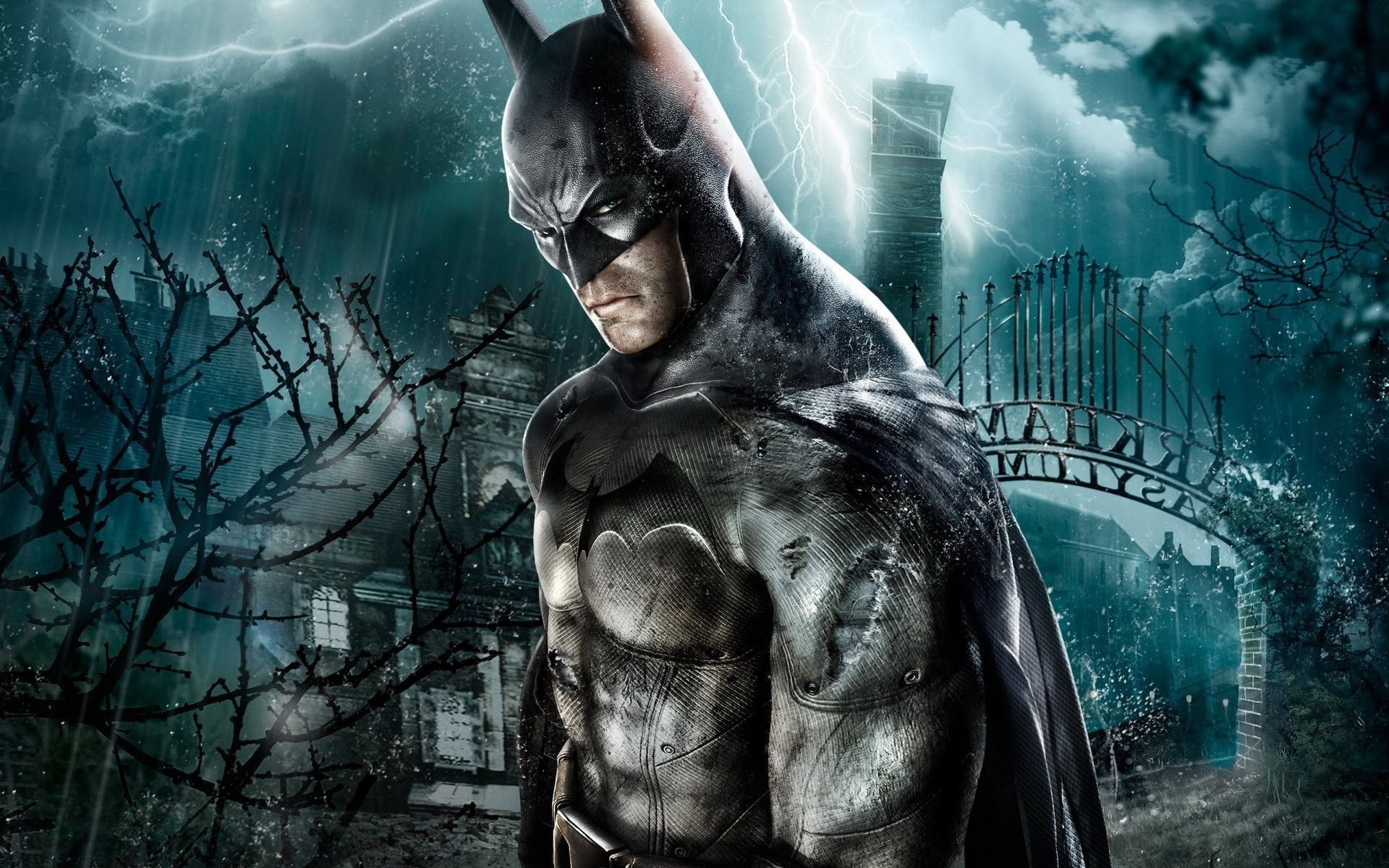
Cancello Arkham Asylum notturno, Batman Arkham Asylum, 1920x1080 Full HD, Desktop
1920×1080HD Scarica
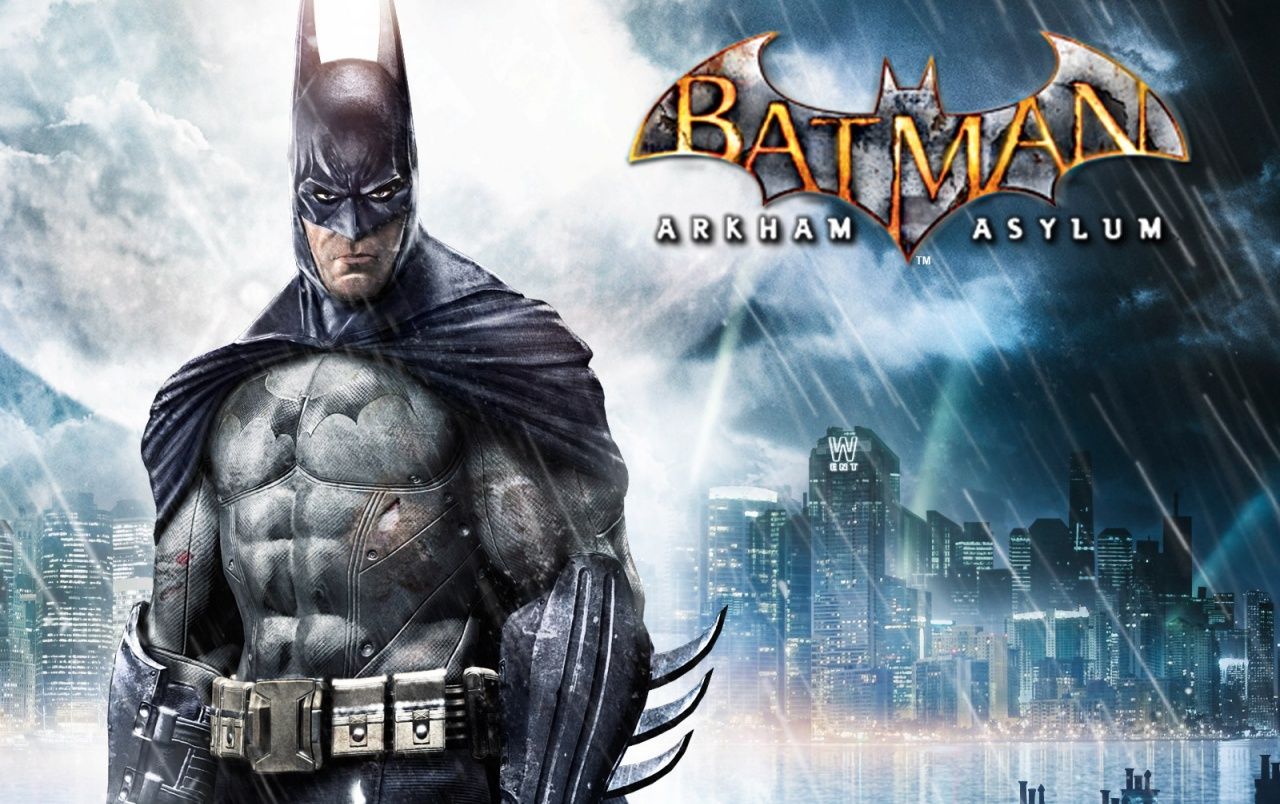
Batman Arkham Asylum videogioco, Rocksteady, 1280x804 720p, Laptop
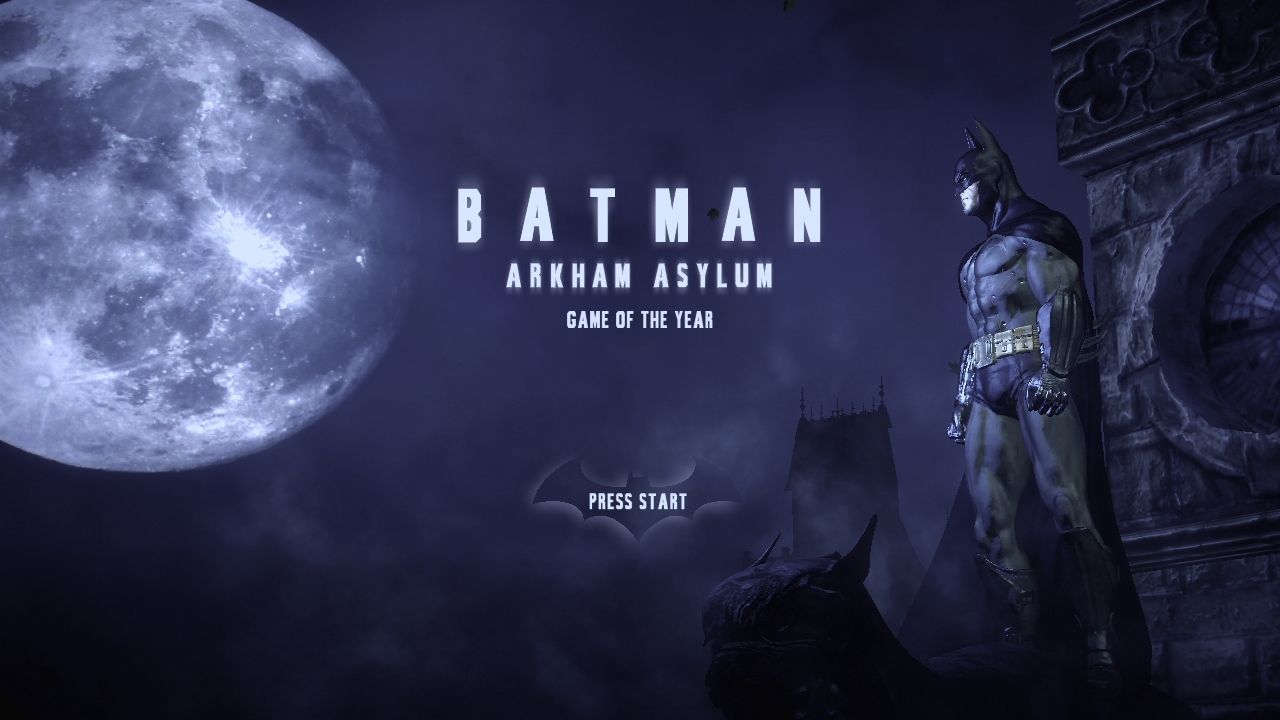
1280×804HD Scarica
Batman Arkham Asylum videogioco, 1600x1200 HD Ready, Notebook Gaming
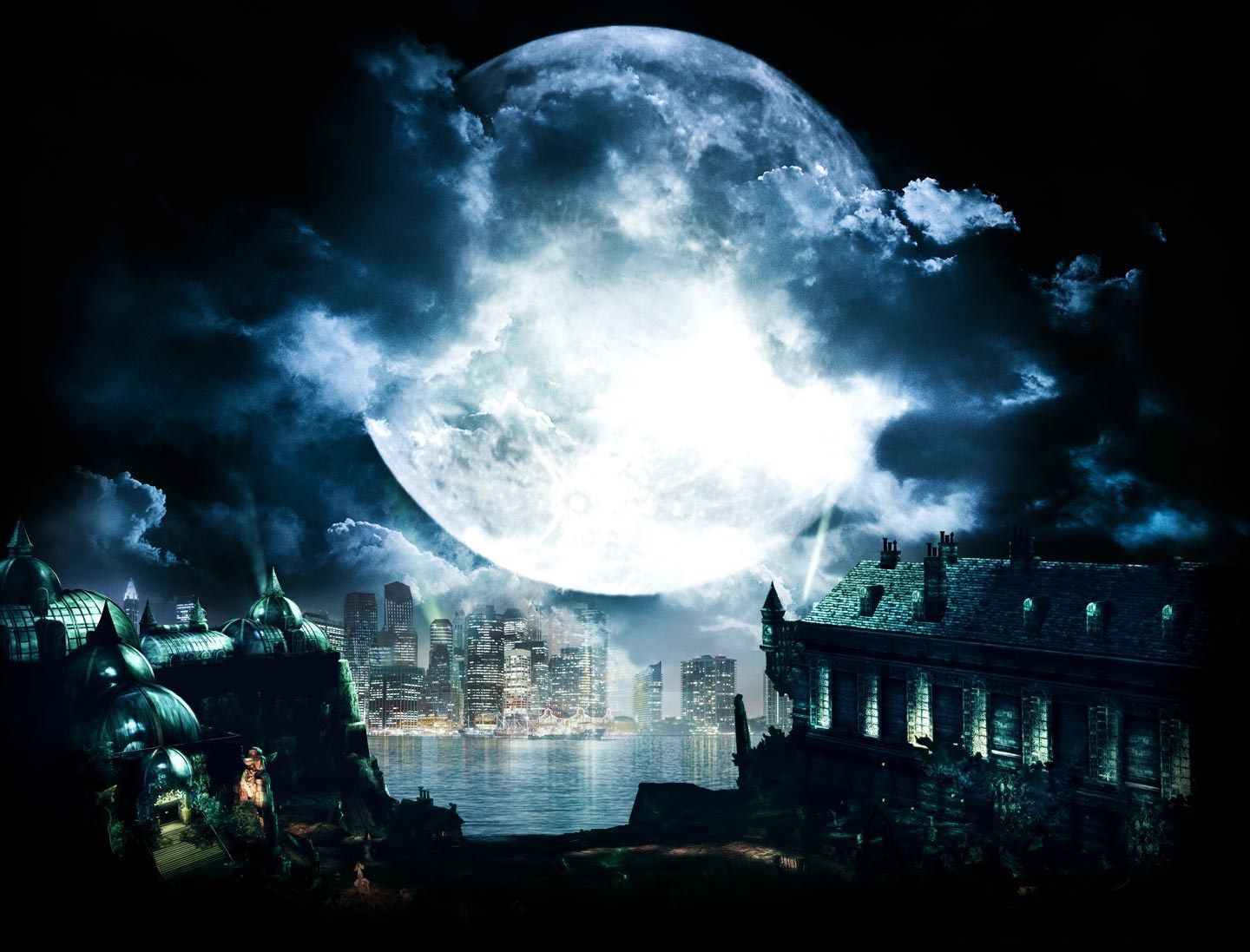
1600×1200HD Scarica
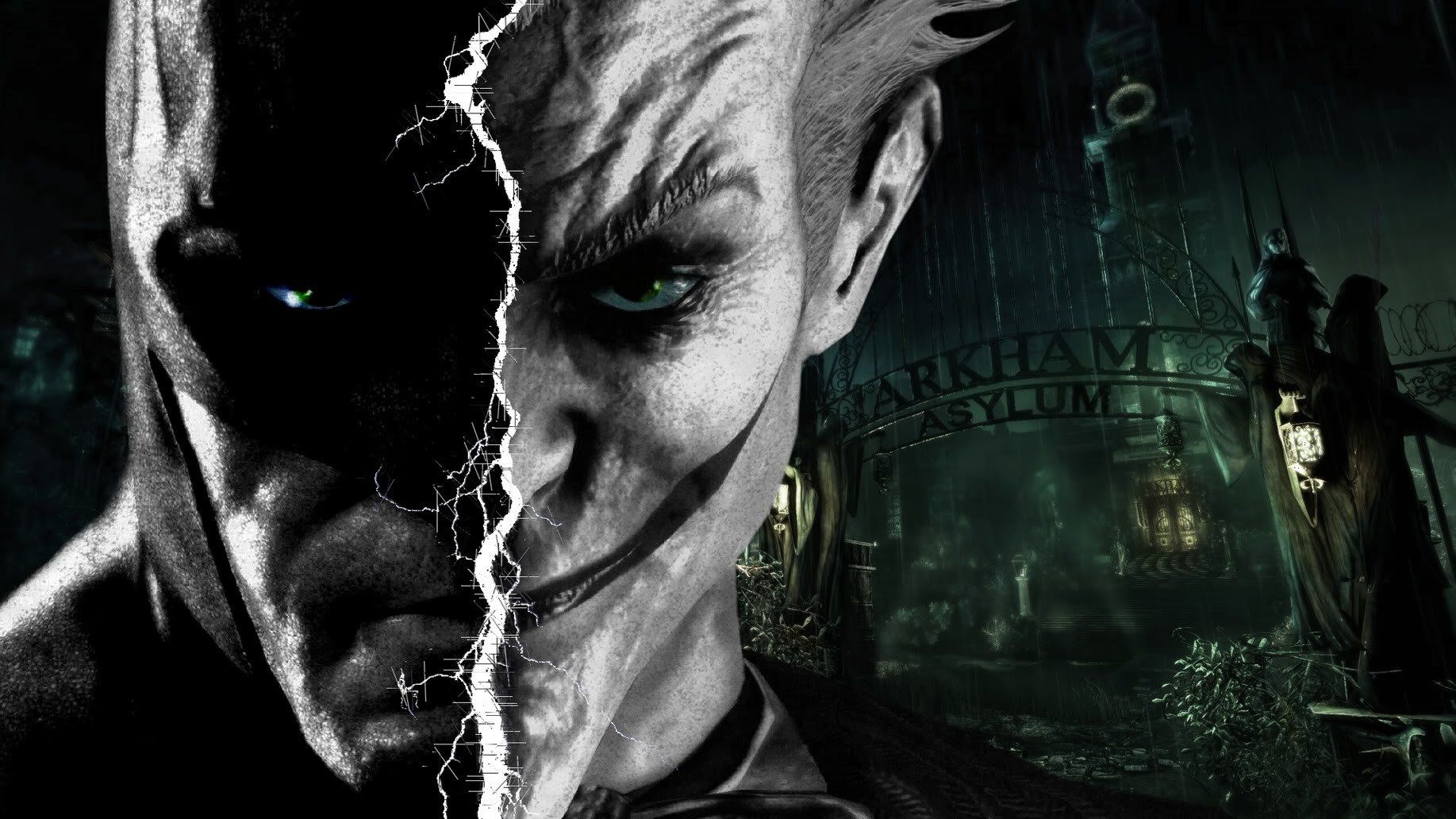
Batman e Joker volto diviso, nemesi di Batman, 1835x1032 HD, PC
1835×1032HD Scarica
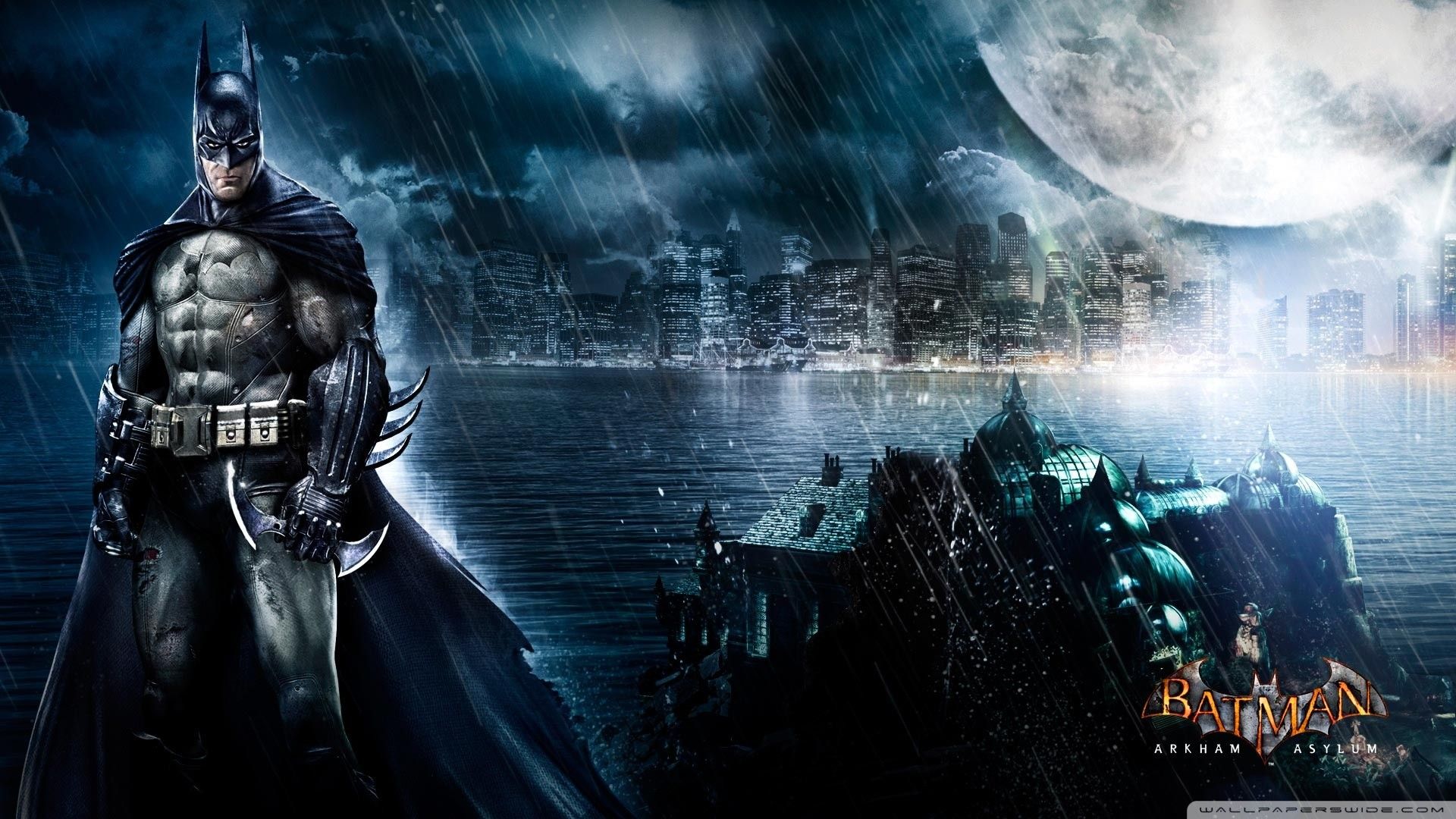
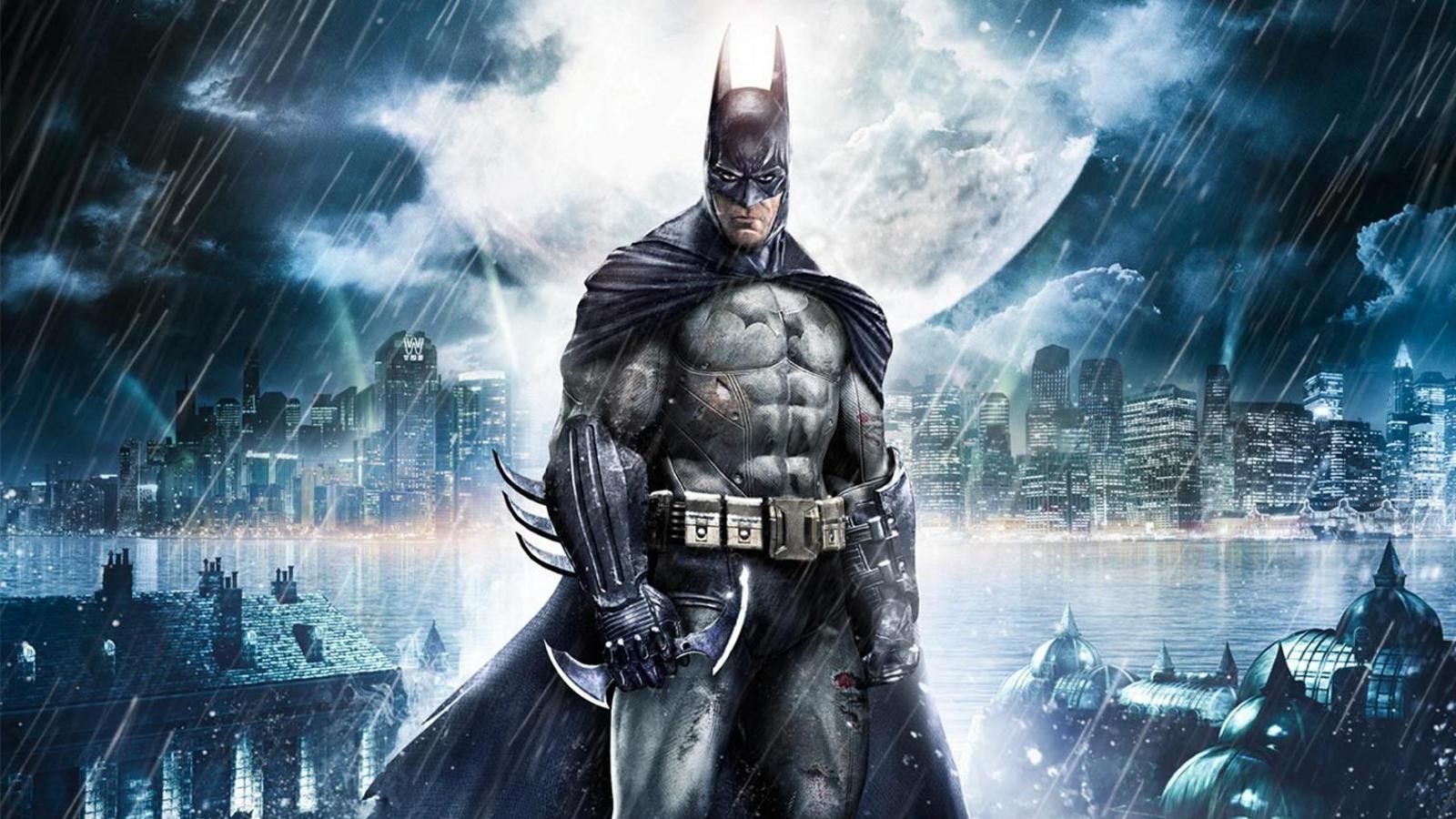
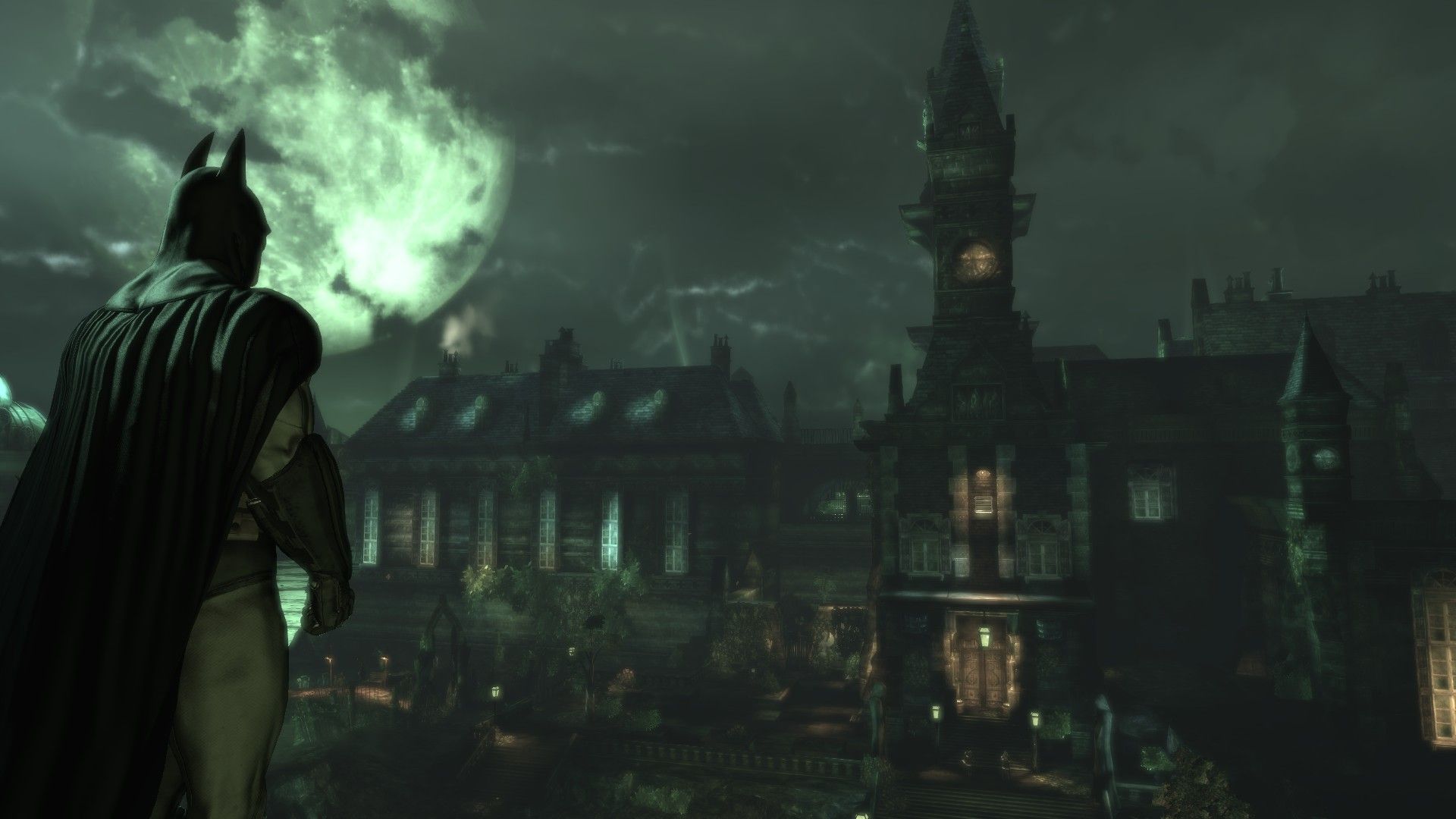
Batman Arkham Asylum città notturna, Rocksteady, 1600x900 900p, Desktop
1600×900HD Scarica
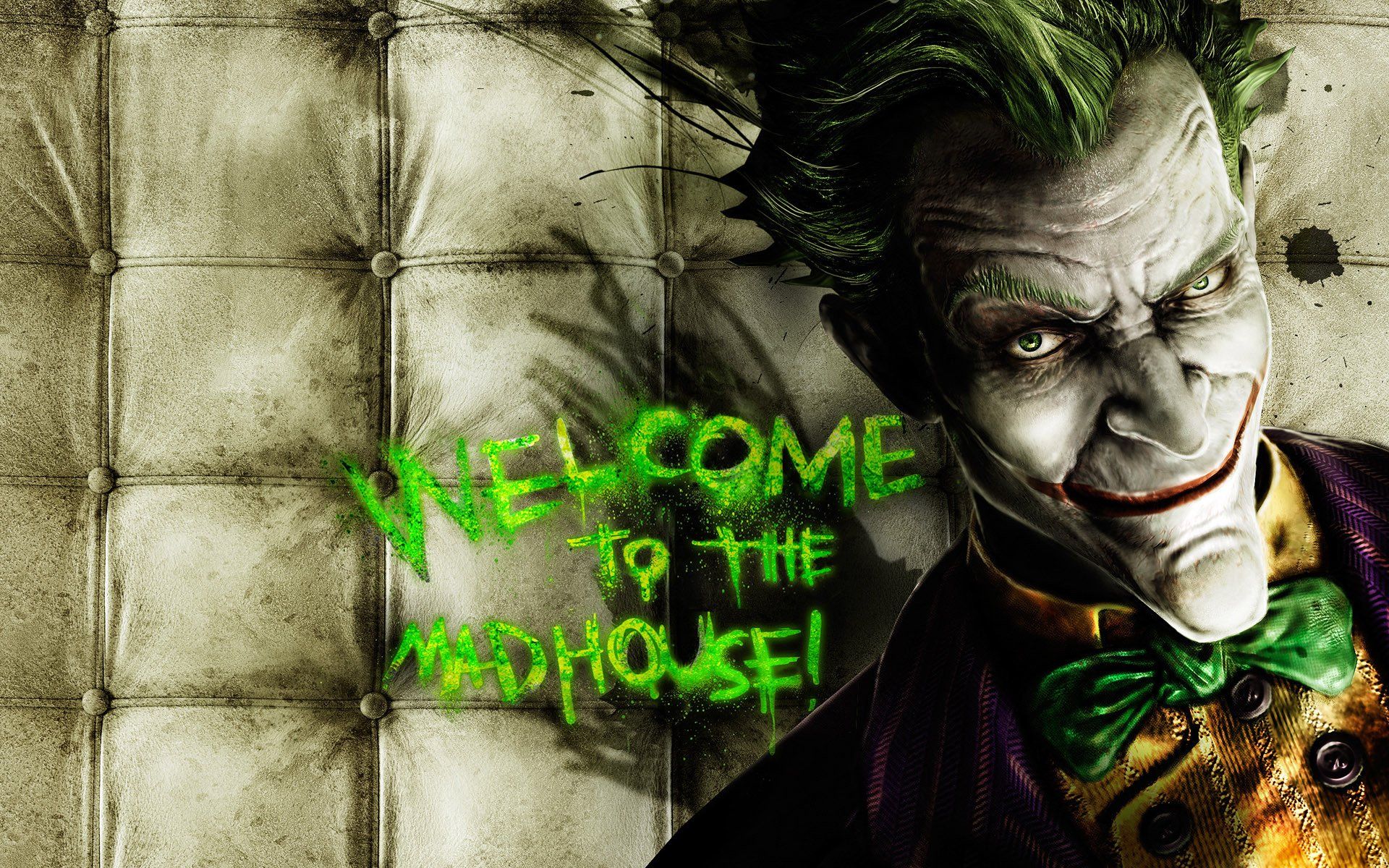
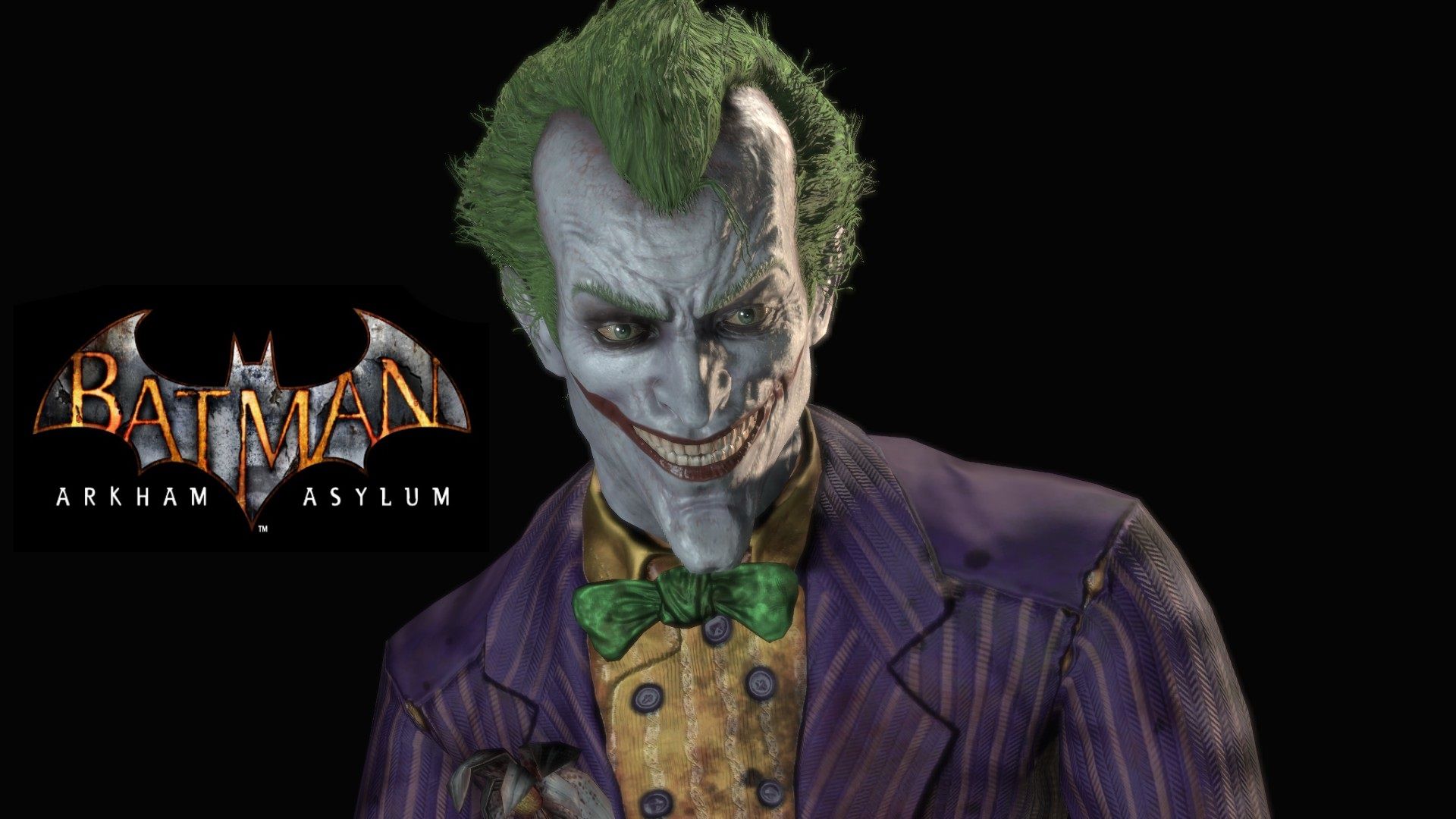
Joker Arkham Asylum verde, DC Comics, 1920x1200 Full HD+ WUXGA, Laptop
1920×1200HD Scarica
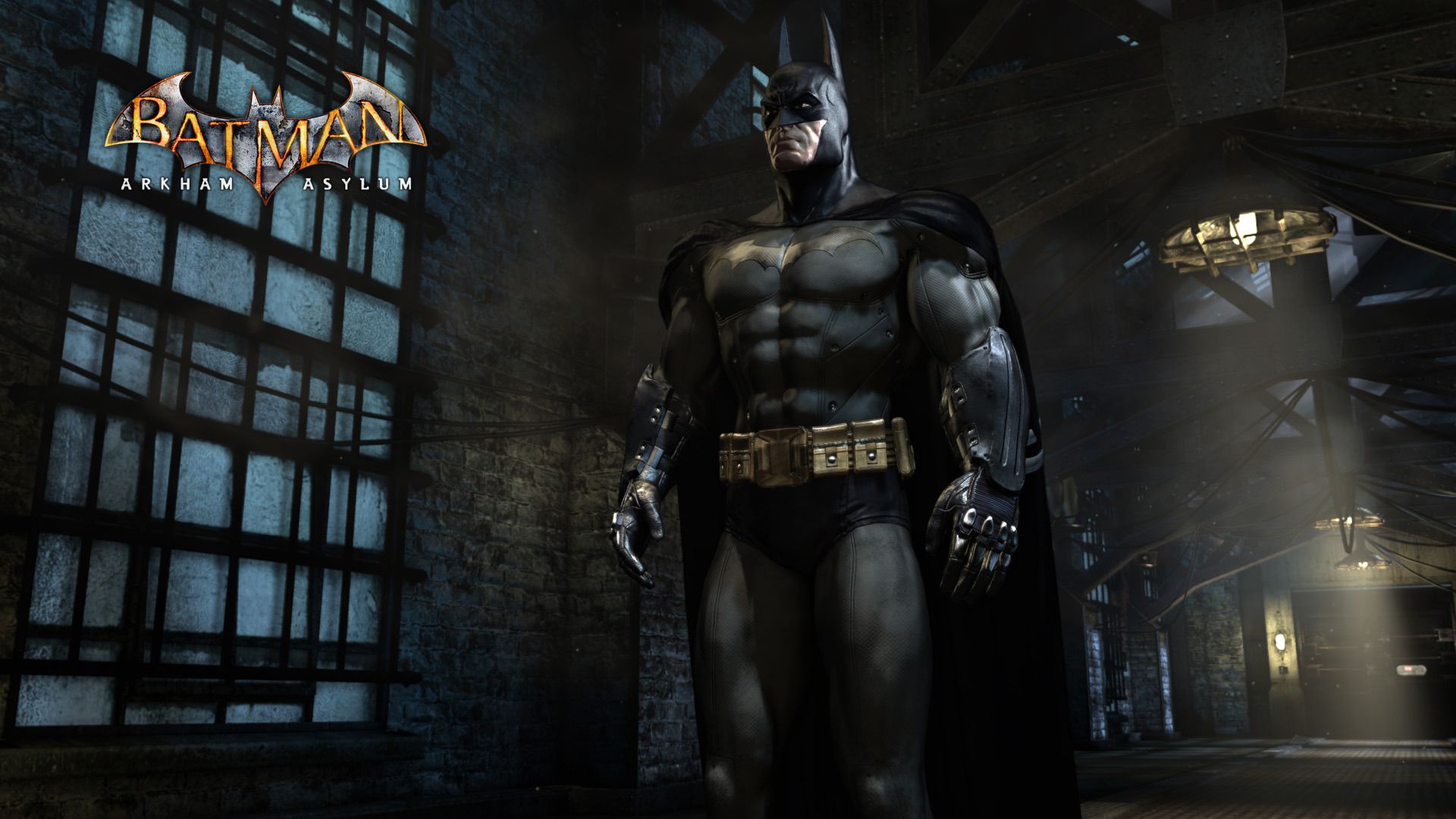
Batman Arkham Asylum, DC Comics, 1920x1080 Full HD, Desktop
1920×1080HD Scarica
Cancello Arkham Asylum notturno, 1920x1200 WUXGA, iMac
1920×1200HD Scarica
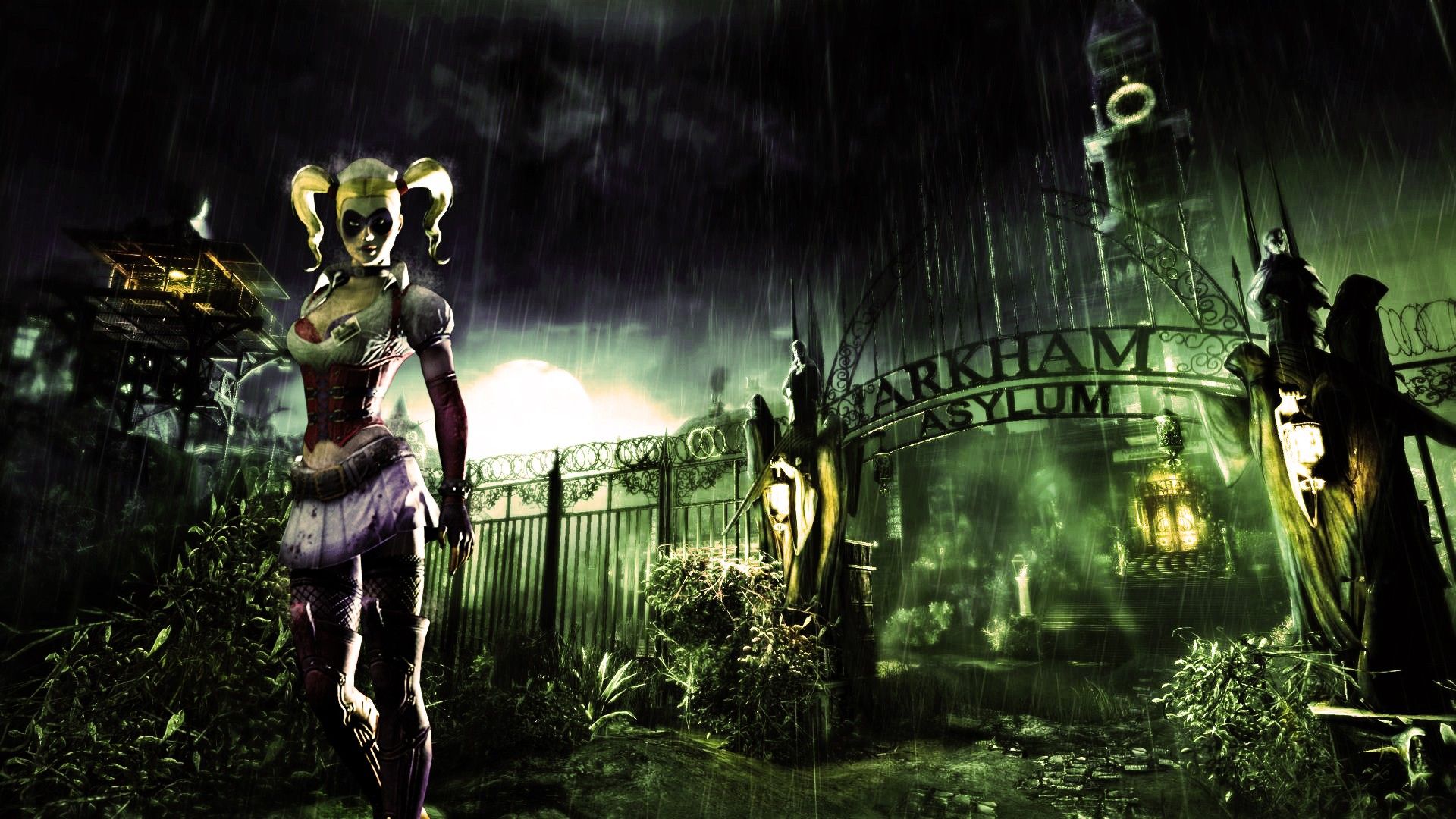
Harley Quinn cancello Arkham Asylum, Batman Arkham Asylum, 1920x1080 Full HD 1080p, Desktop
1920×1080HD Scarica
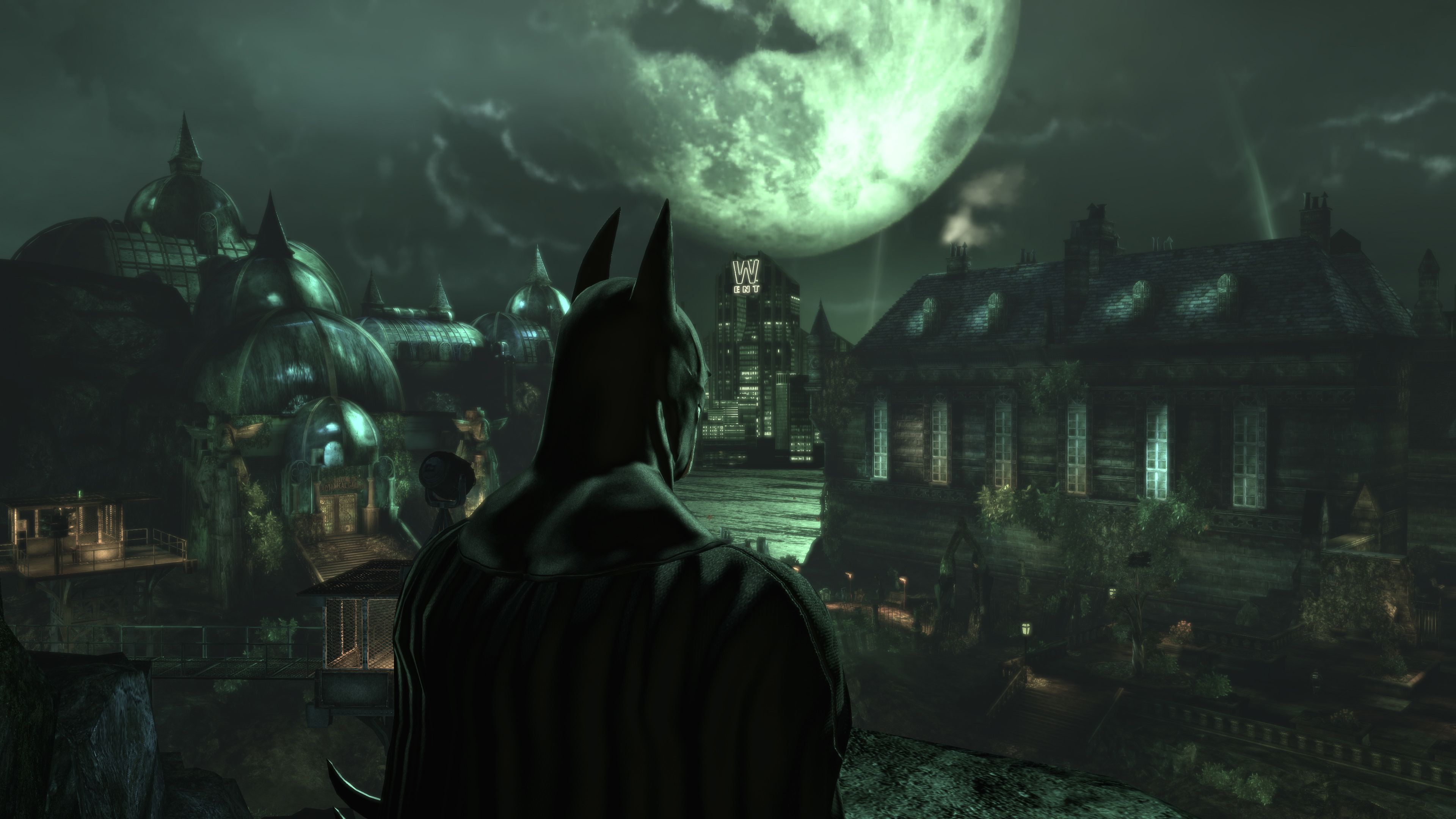
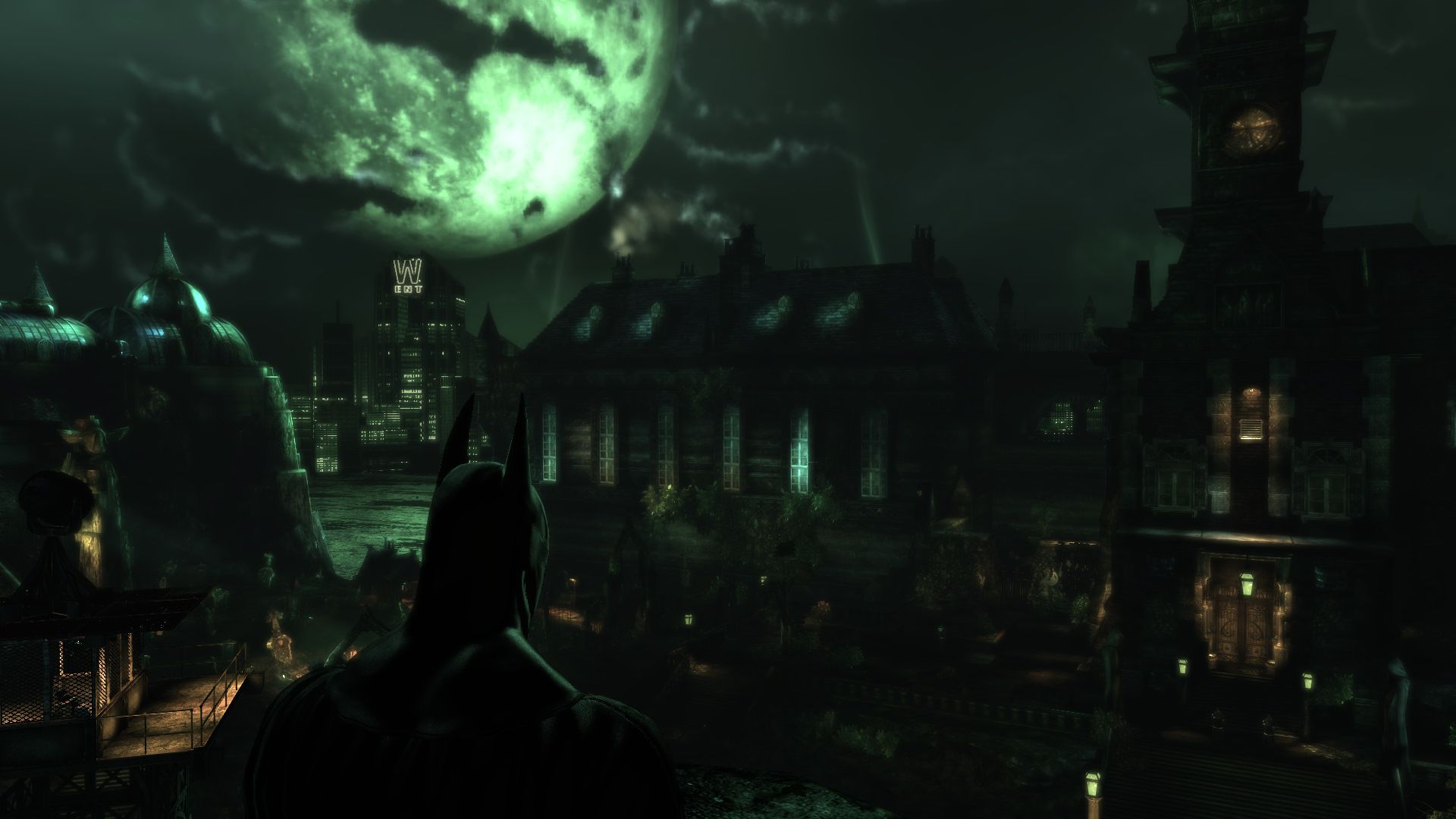
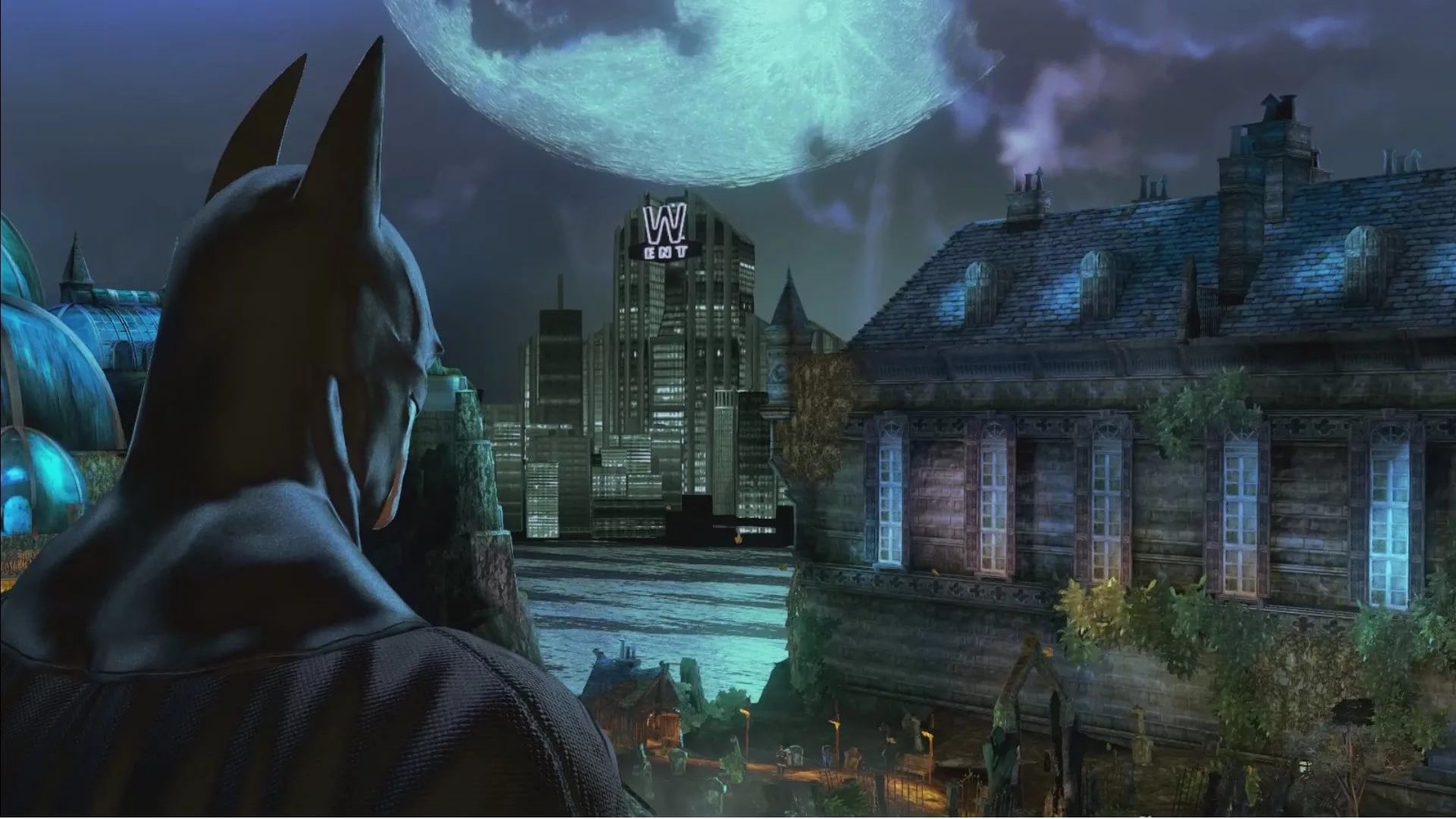
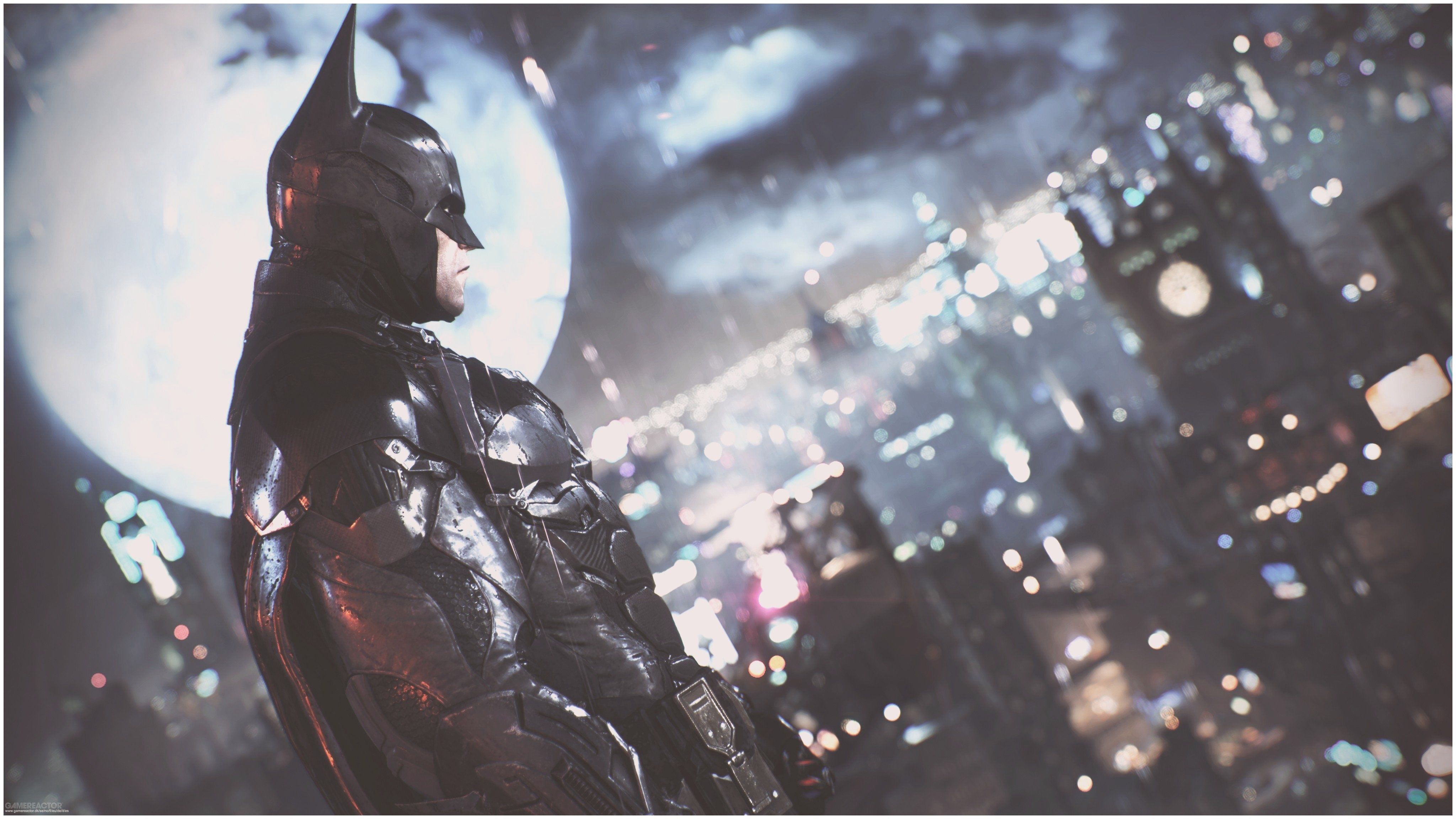
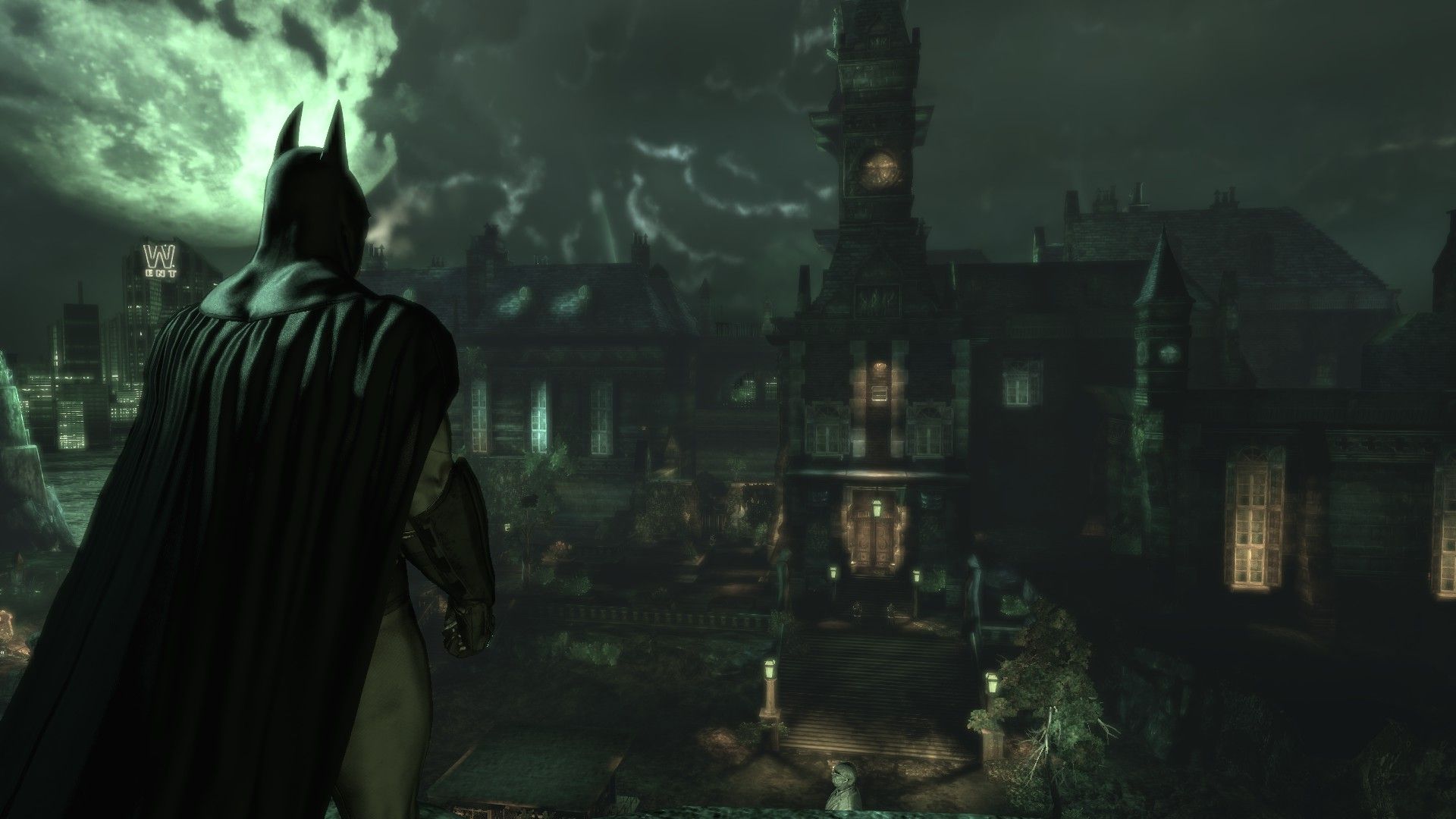
Batman guarda Arkham Asylum, Gotham, 3840x2160 Ultra HD, 4K TV
3840×21604K Scarica
Batman Arkham Asylum, Gotham, 1920x1200 WUXGA, Desktop
1920×1200HD Scarica
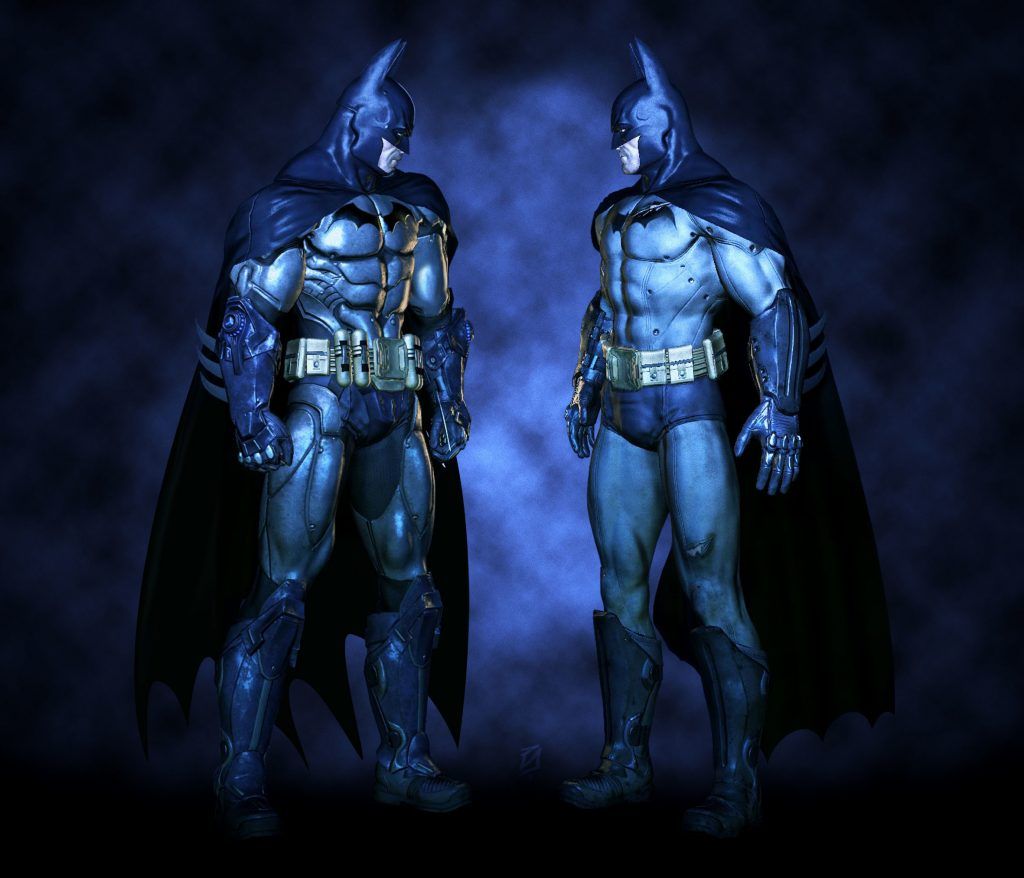
Batman Arkham Asylum città notturna, 1920x1200 Full HD+ WUXGA, PC
1920×1200HD Scarica
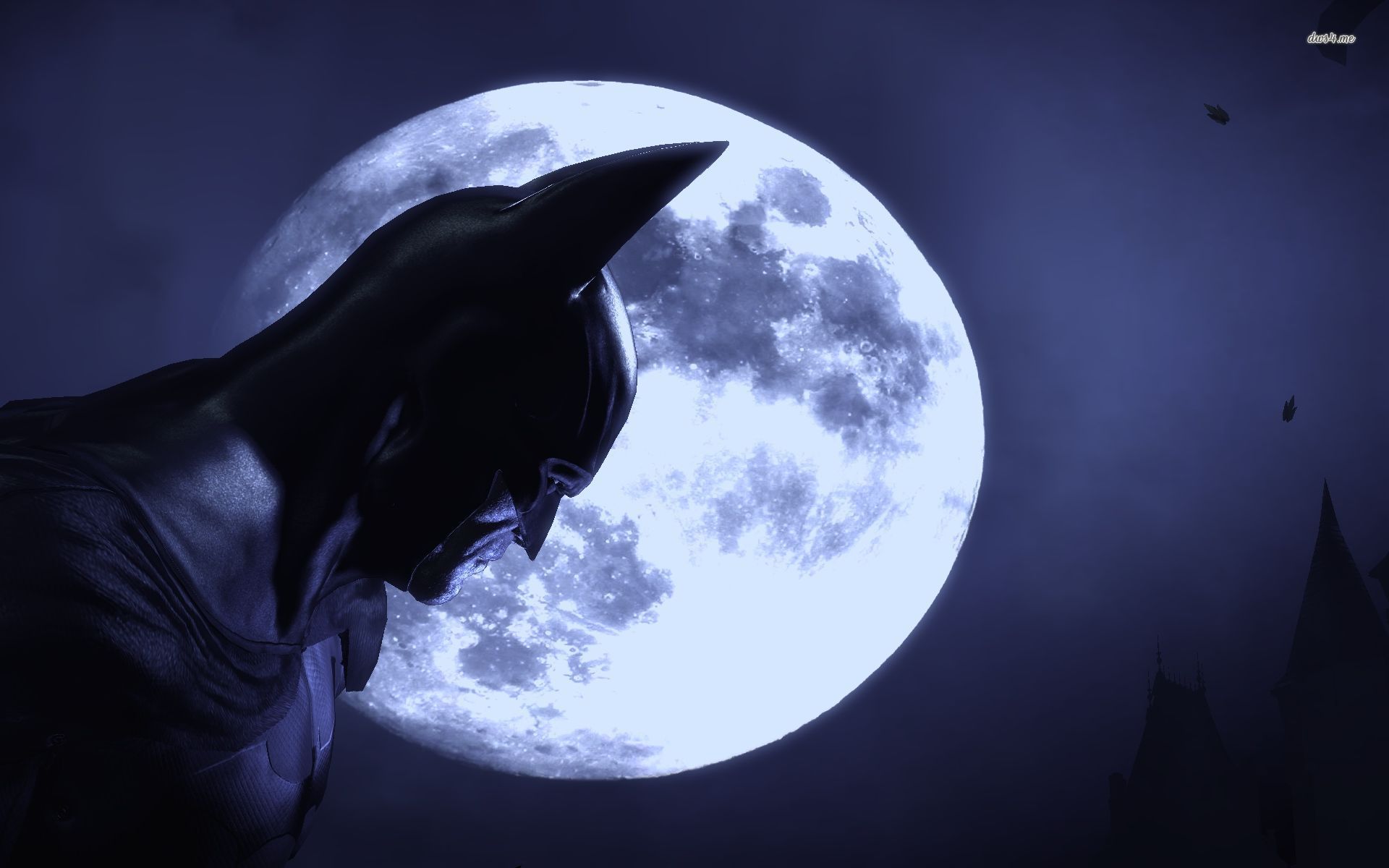
Batman silhouette luna piena, 1920x1200 Full HD+, PC Desktop
1920×1200HD Scarica
Batman Arkham Asylum, 1920x1080 1080p, Laptop
1920×1080HD Scarica
Scarecrow, Batman Arkham Asylum, 1920x1080 Full HD 1080p, Desktop
1920×1080HD Scarica
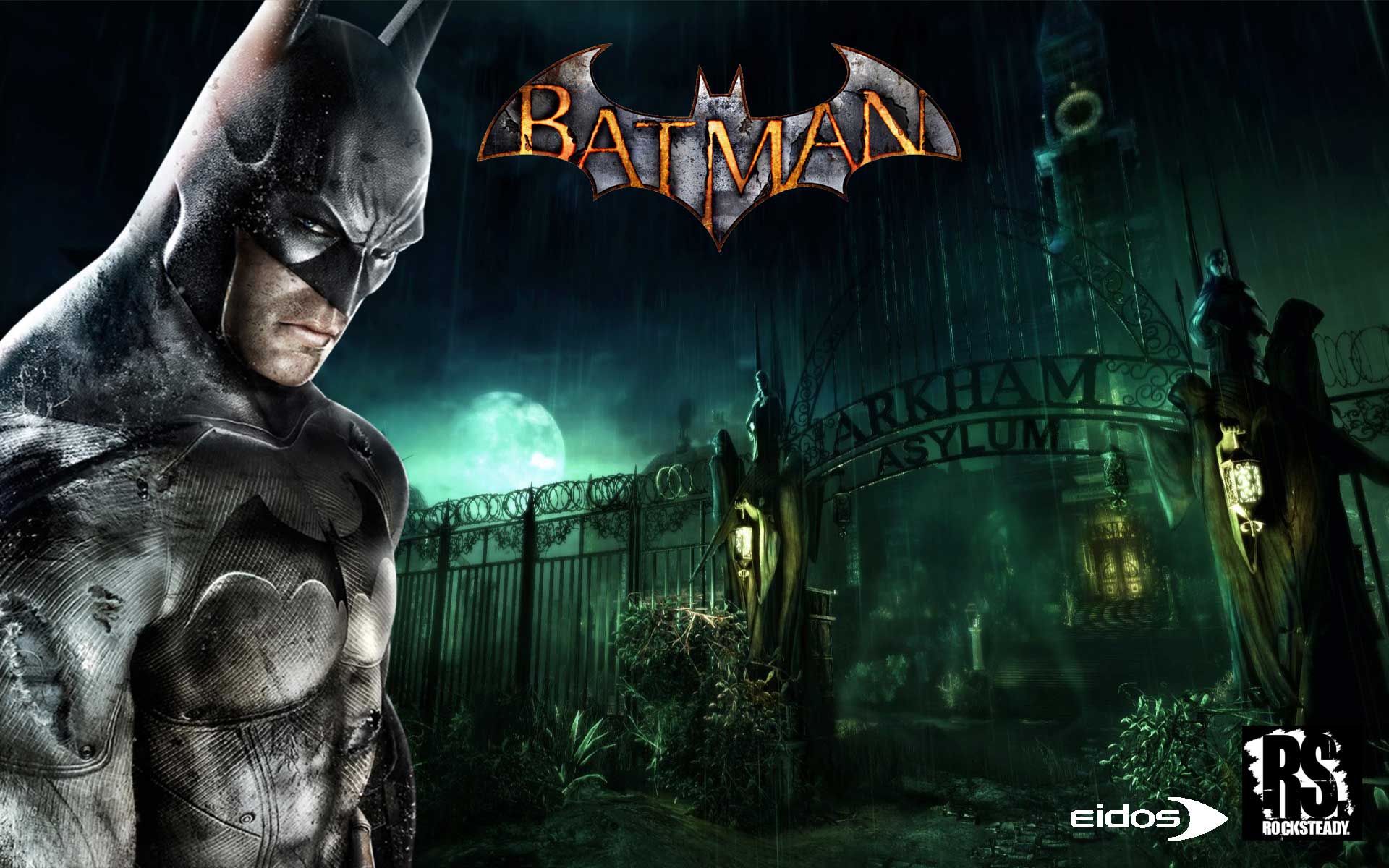
Batman Arkham Asylum schermata titolo, 1280x720 720p, PC
1280×720HD Scarica
Gotham City luna piena notte, 1440x1097 HD, Desktop
1440×1097HD Scarica
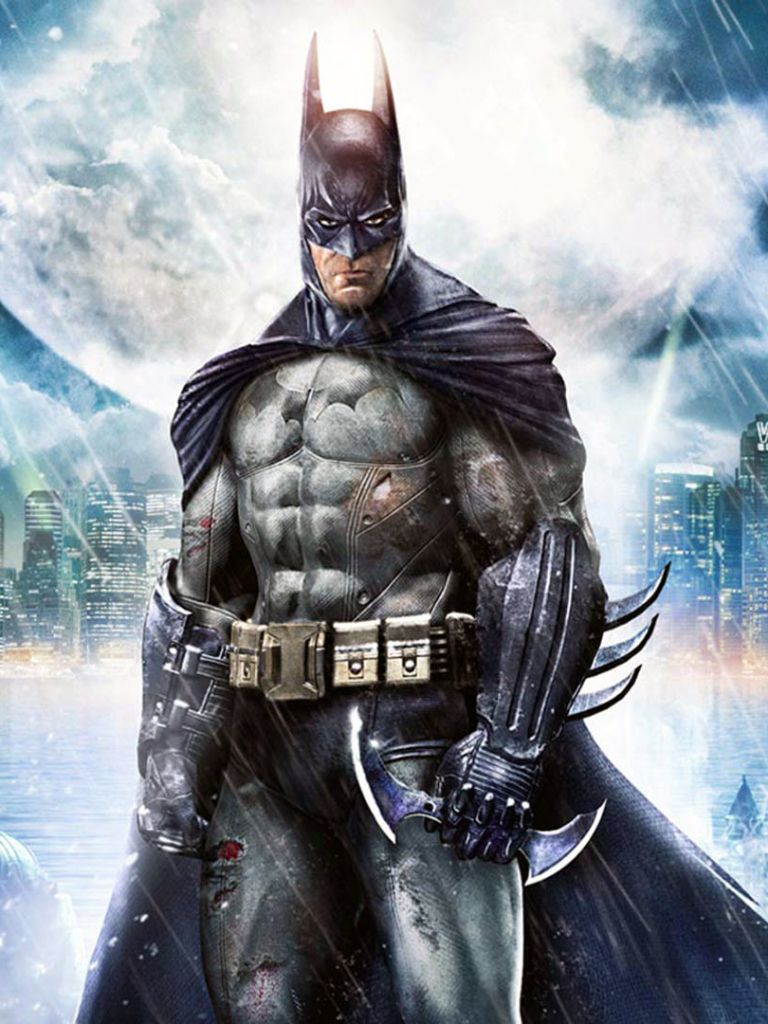
Batman Arkham Asylum edificio notturno, 1920x1080 Full HD 1080p, PC Desktop
1920×1080HD Scarica
Batman Arkham Asylum, due figure, 1024x878 HD, Desktop
1024×878HD Scarica
Batman Arkham Asylum logo, 1600x1200 900p, PC
1600×1200HD Scarica
Batman Arkham Asylum videogioco, 768x1024 Verticale, Mobile
768×1024HD Scarica
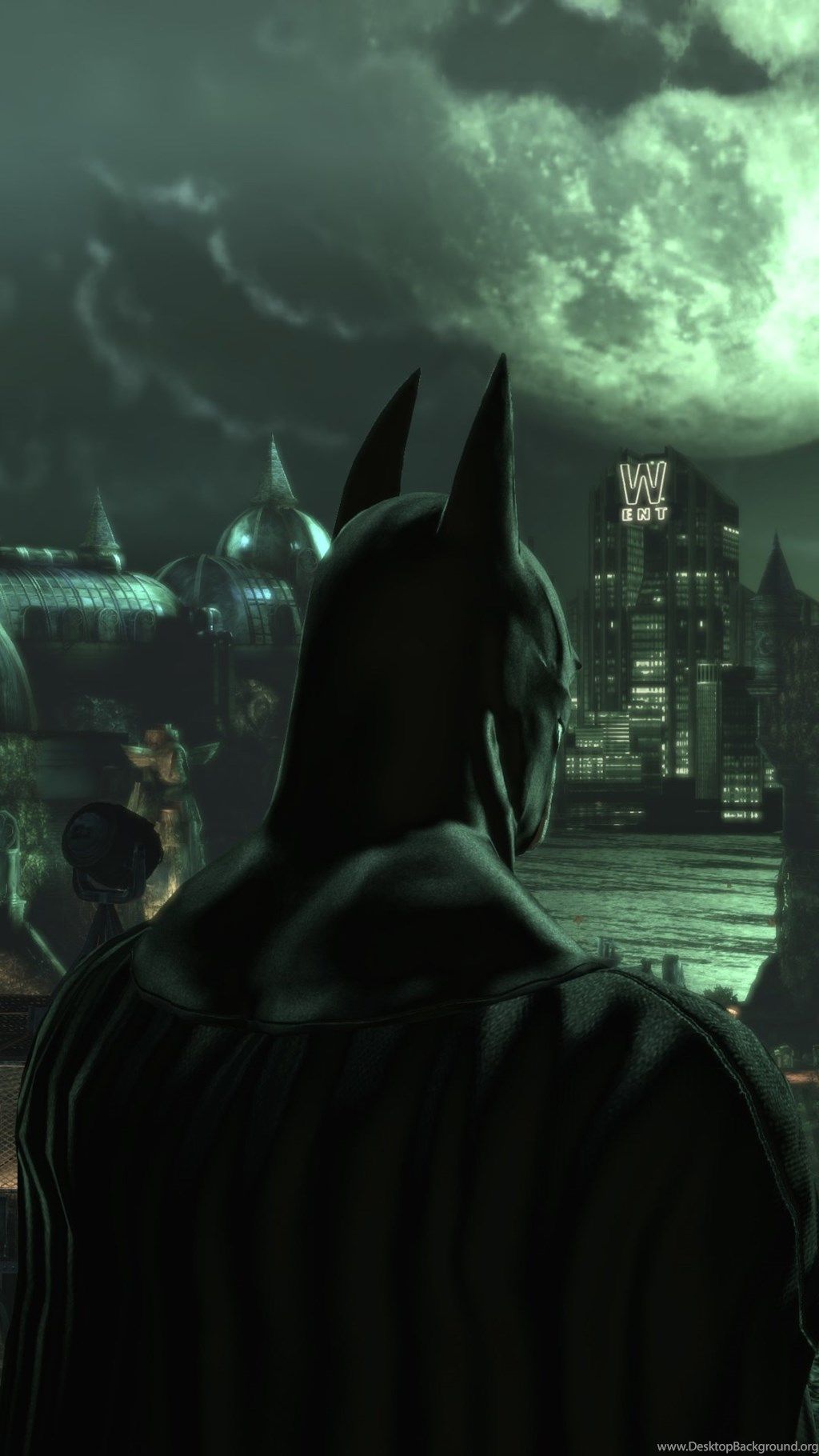
Batman Arkham Asylum città notte, 1024x1820 Full HD Verticale, Smartphone
1024×1820HD Scarica
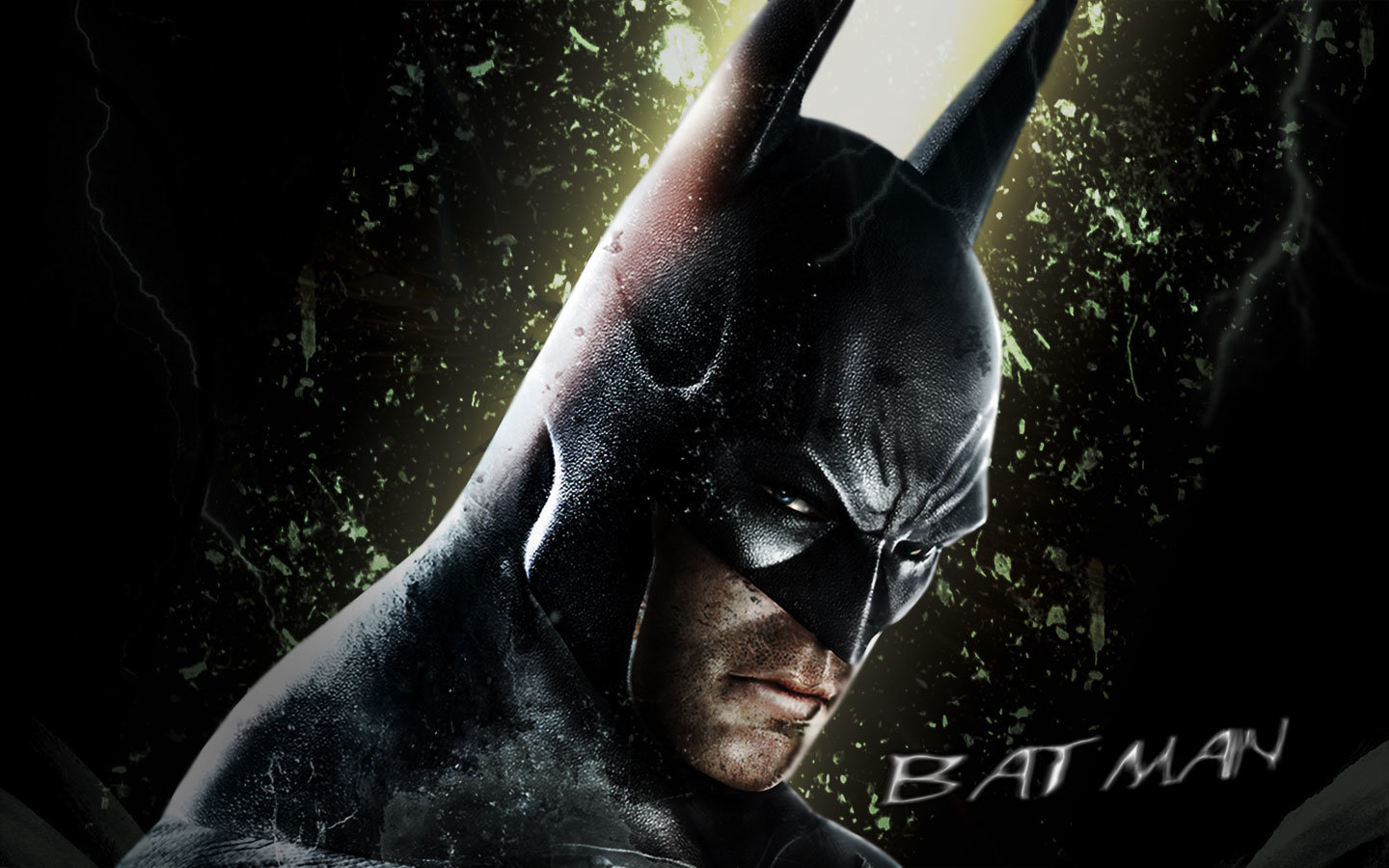
Batman Arkham Asylum volto, 1440x900 HD, MacBook Air
1440×900HD Scarica
Batman Arkham Asylum, 1920x1080 Full HD 1080p, PC
1920×1080HD Scarica
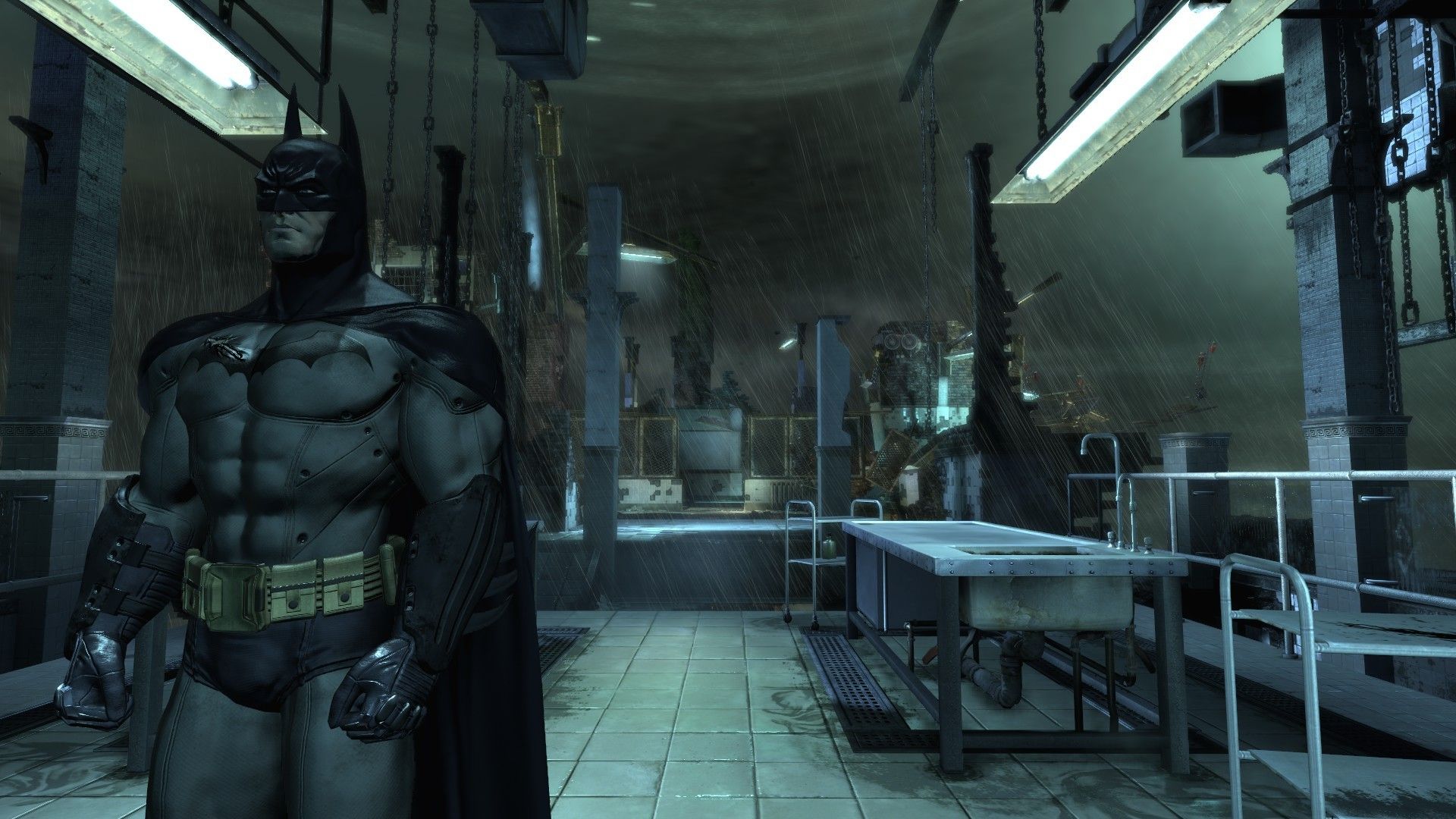
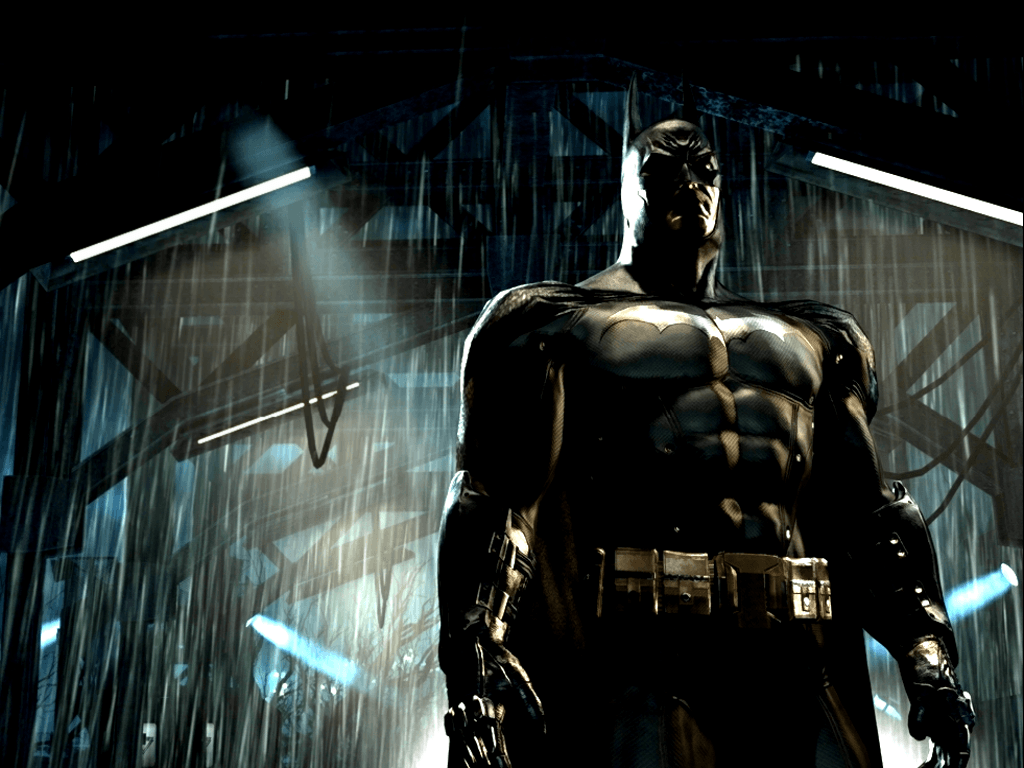
Batman sotto la pioggia, 1024x768 HD, Desktop
1024×768HD Scarica
Spaventapasseri Batman Arkham Asylum, 1920x1200 WUXGA, Laptop
1920×1200HD Scarica
Batman Arkham Asylum edificio notturno, 1600x900 HD Ready, Desktop
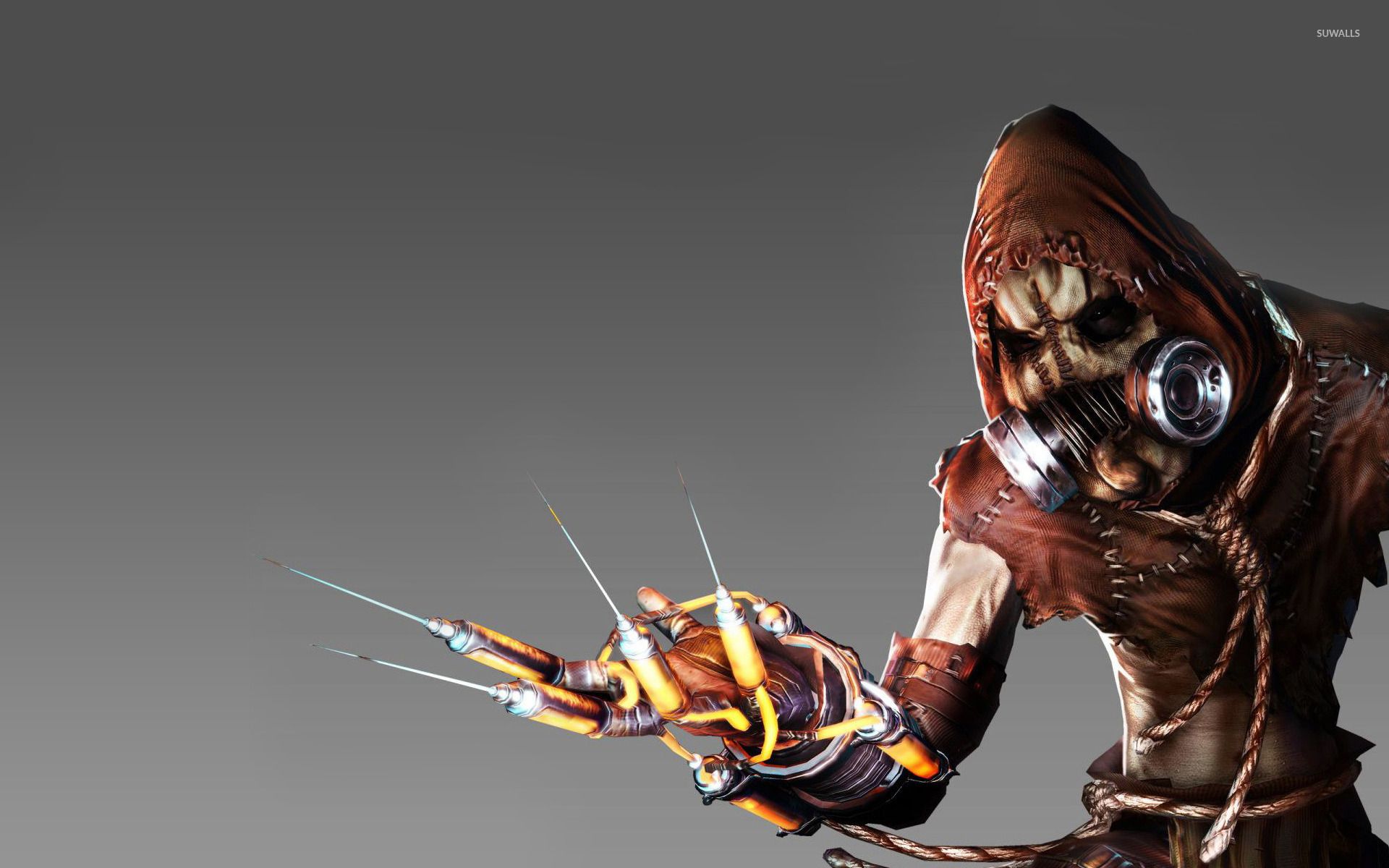
1600×900HD Scarica
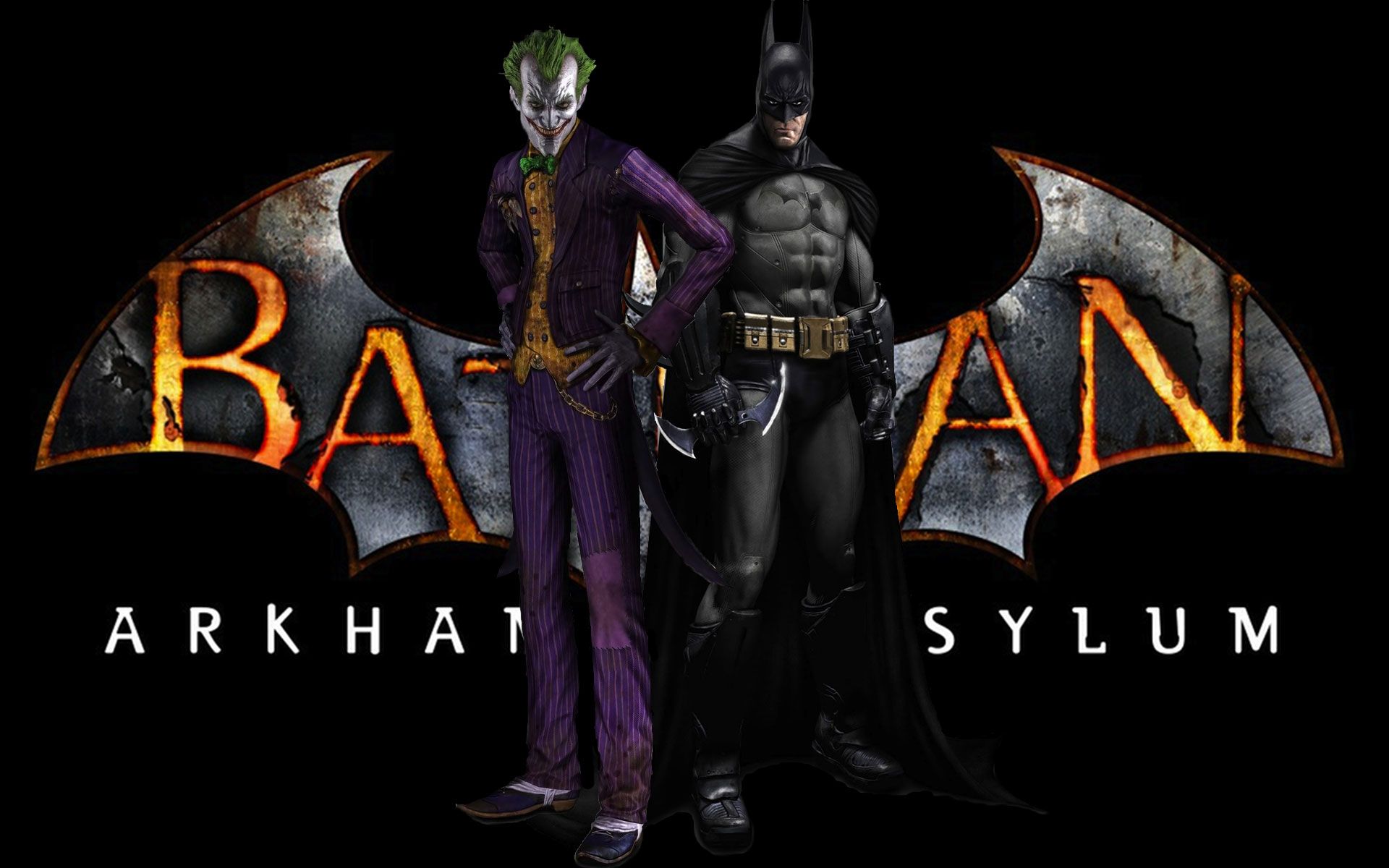
Batman e Joker Arkham Asylum, 1280x1024 720p, Lenovo Legion
1280×1024HD Scarica
Batman Arkham Asylum copertina, 959x960 Verticale, Mobile
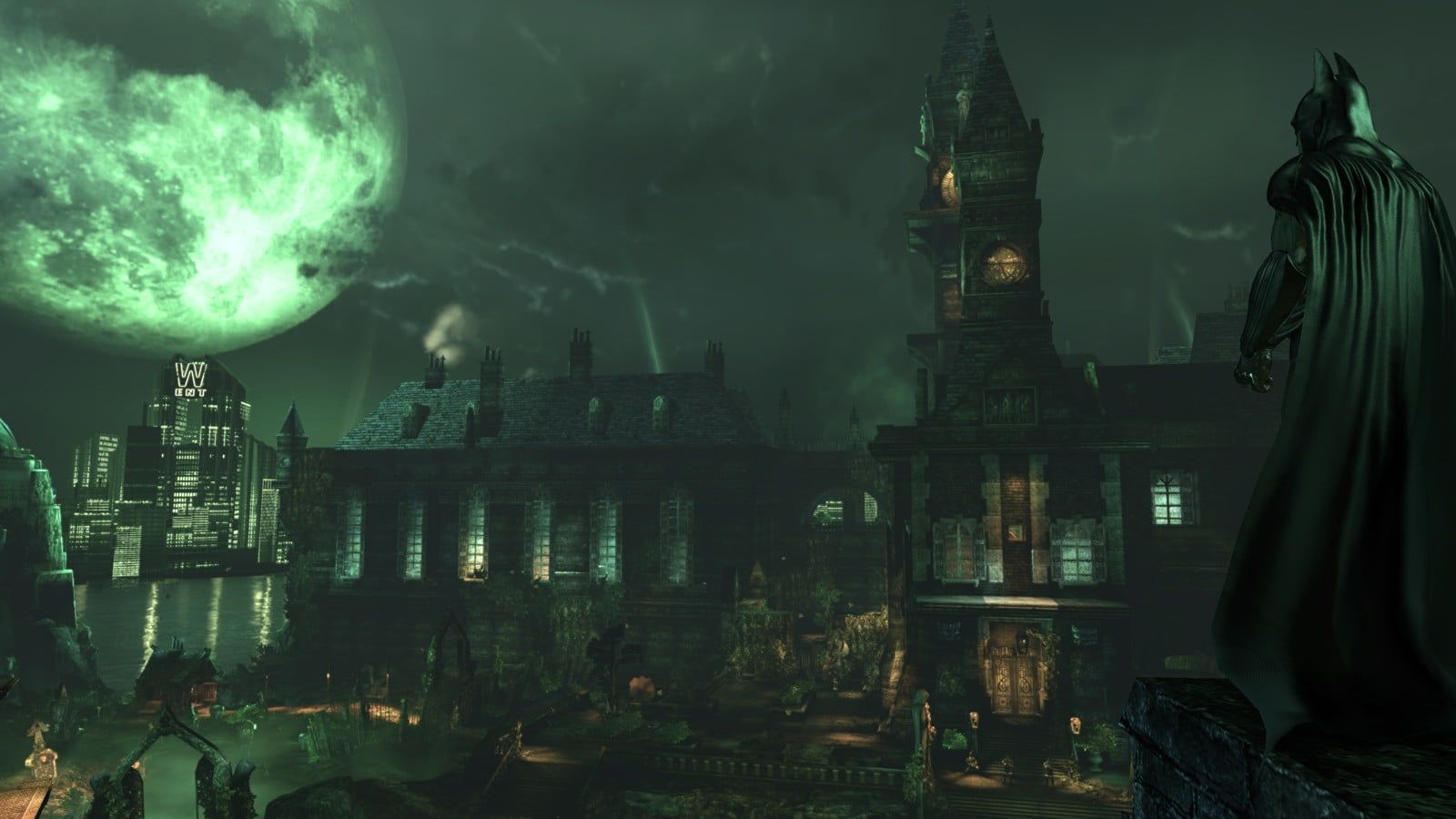
959×960HD Scarica
Batman Arkham Asylum videogioco, 1920x1080 Full HD 1080p, Laptop
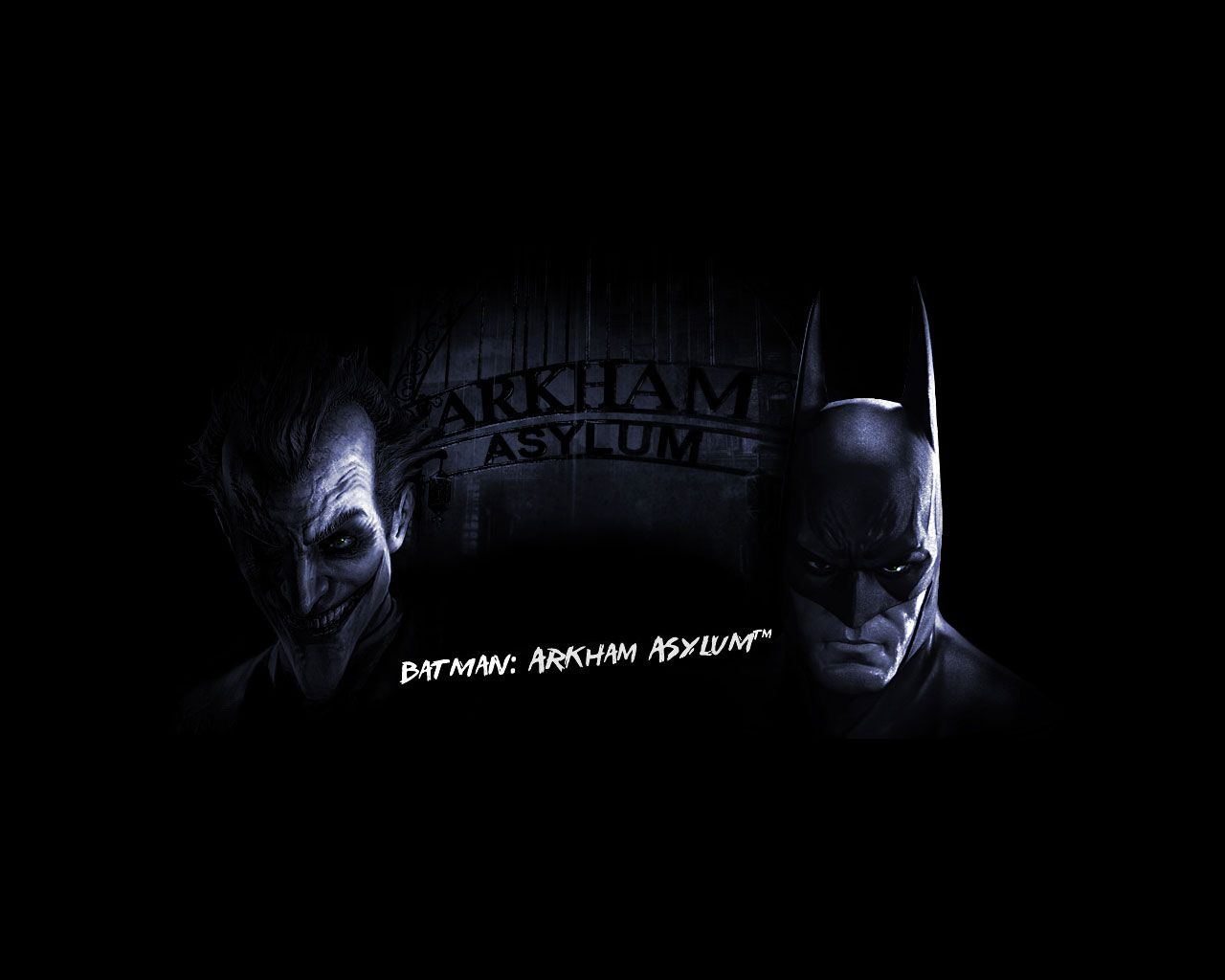
1920×1080HD Scarica
Batman Arkham Asylum Joker, nemesi di Batman, 1209x793 HD, Desktop
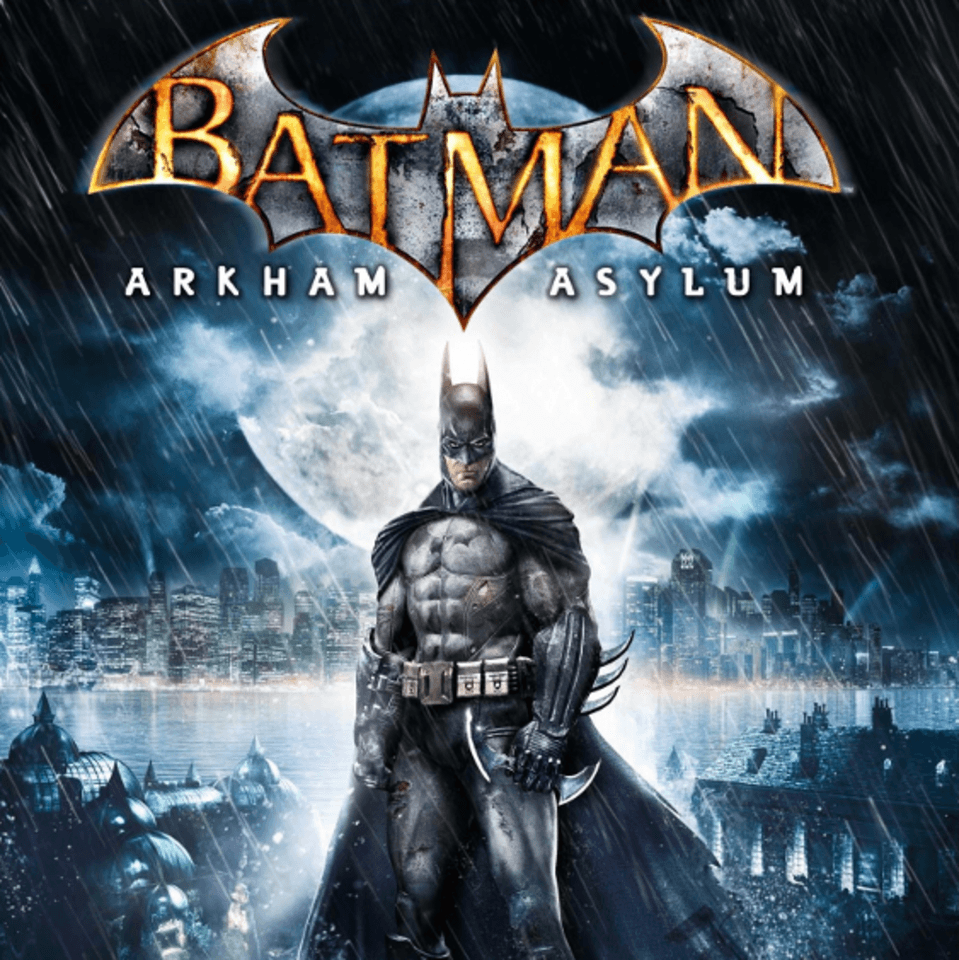
1209×793HD Scarica
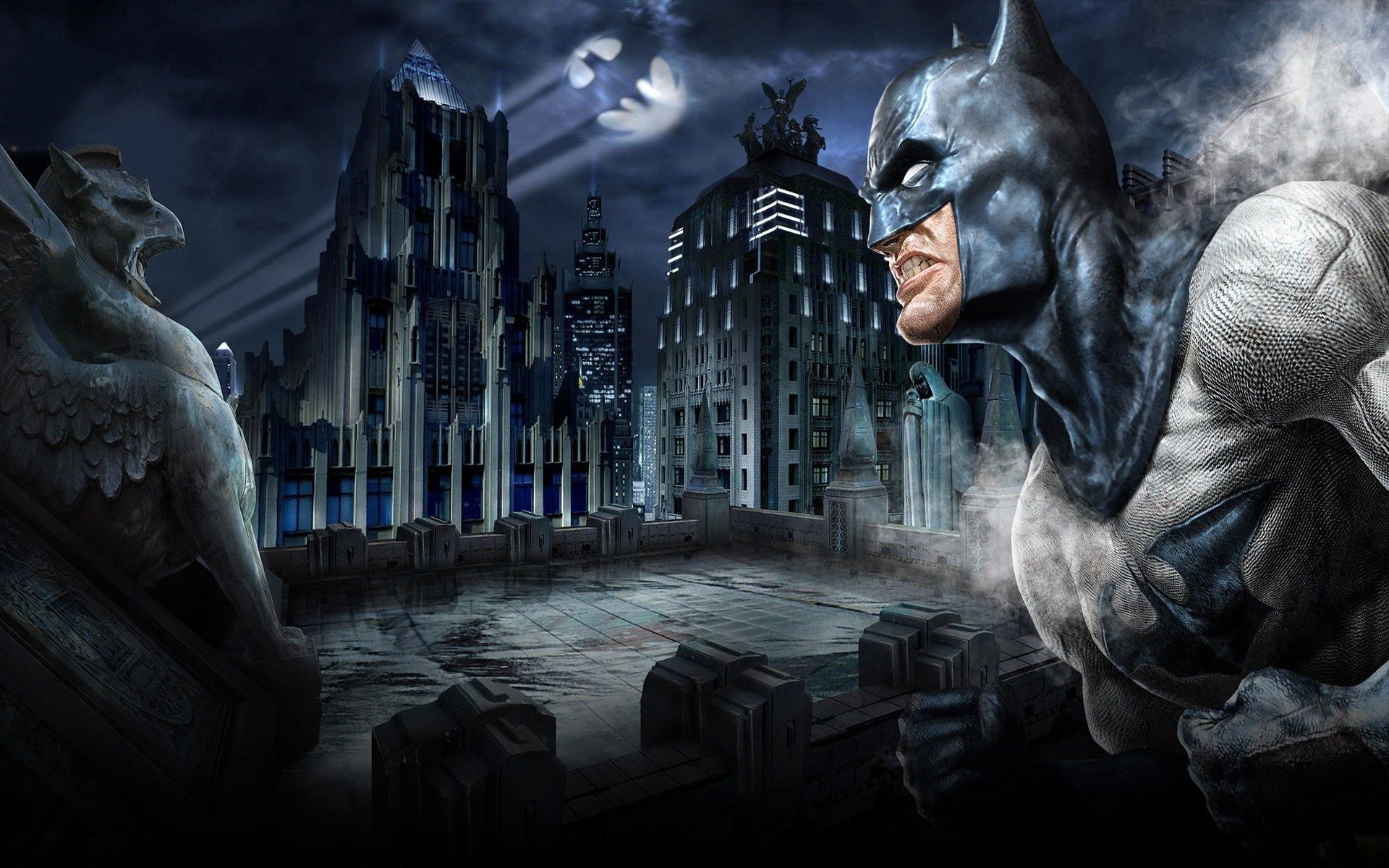
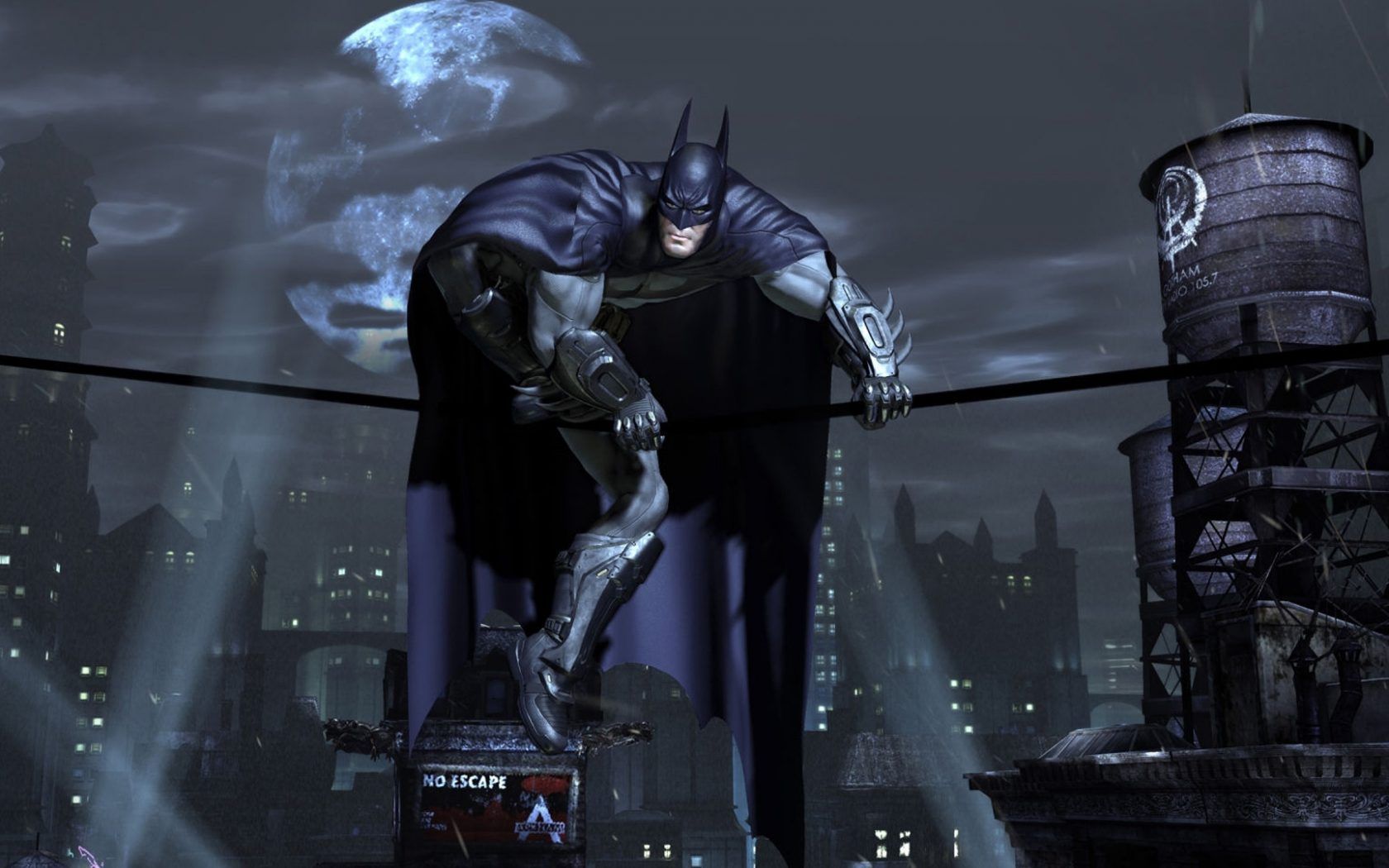
Batman Arkham Asylum tetto notte, 1680x1050 900p, PC
1680×1050HD Scarica
Batman Arkham Asylum, 3840x2160 4K, Monitor 4K
3840×21604K Scarica
Batman Arkham Asylum videogioco, 1920x1080 Full HD, Laptop
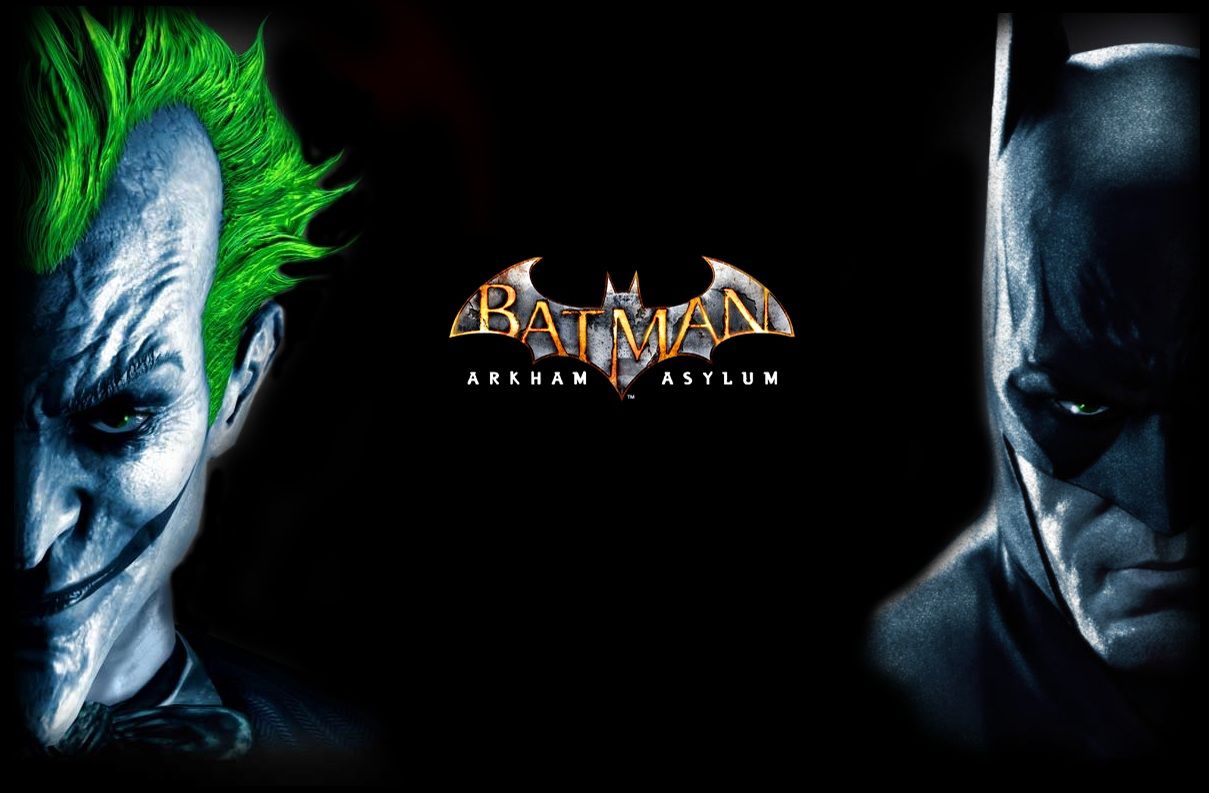
1920×1080HD Scarica
Batman Arkham Asylum notturno, 1920x1080 1080p, Desktop
1920×1080HD Scarica
Batman Arkham Asylum Joker, 1024x768 HD, PC
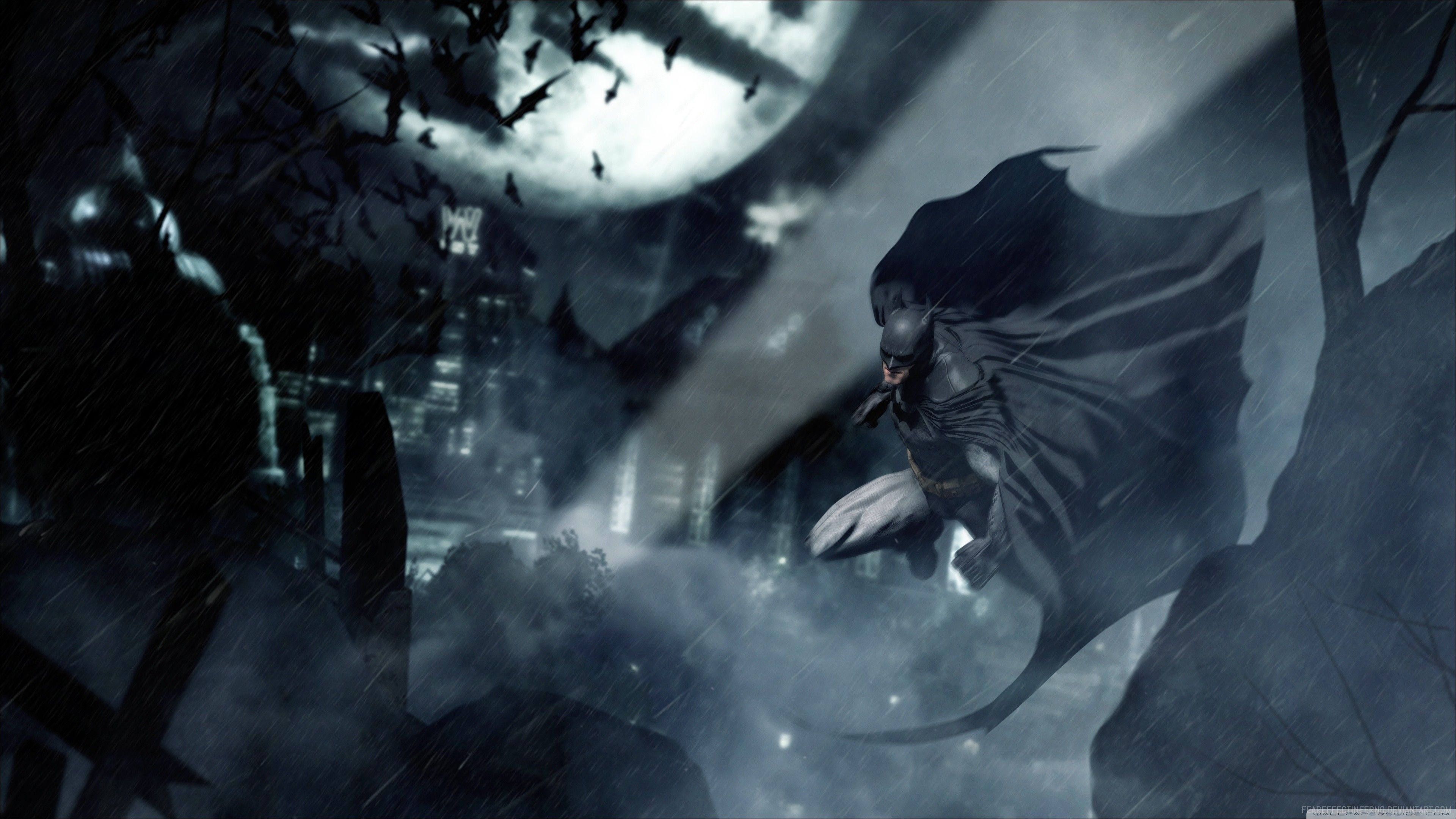
1024×768HD Scarica
Batman Arkham Asylum vicolo, 1980x1114 Full HD, Desktop
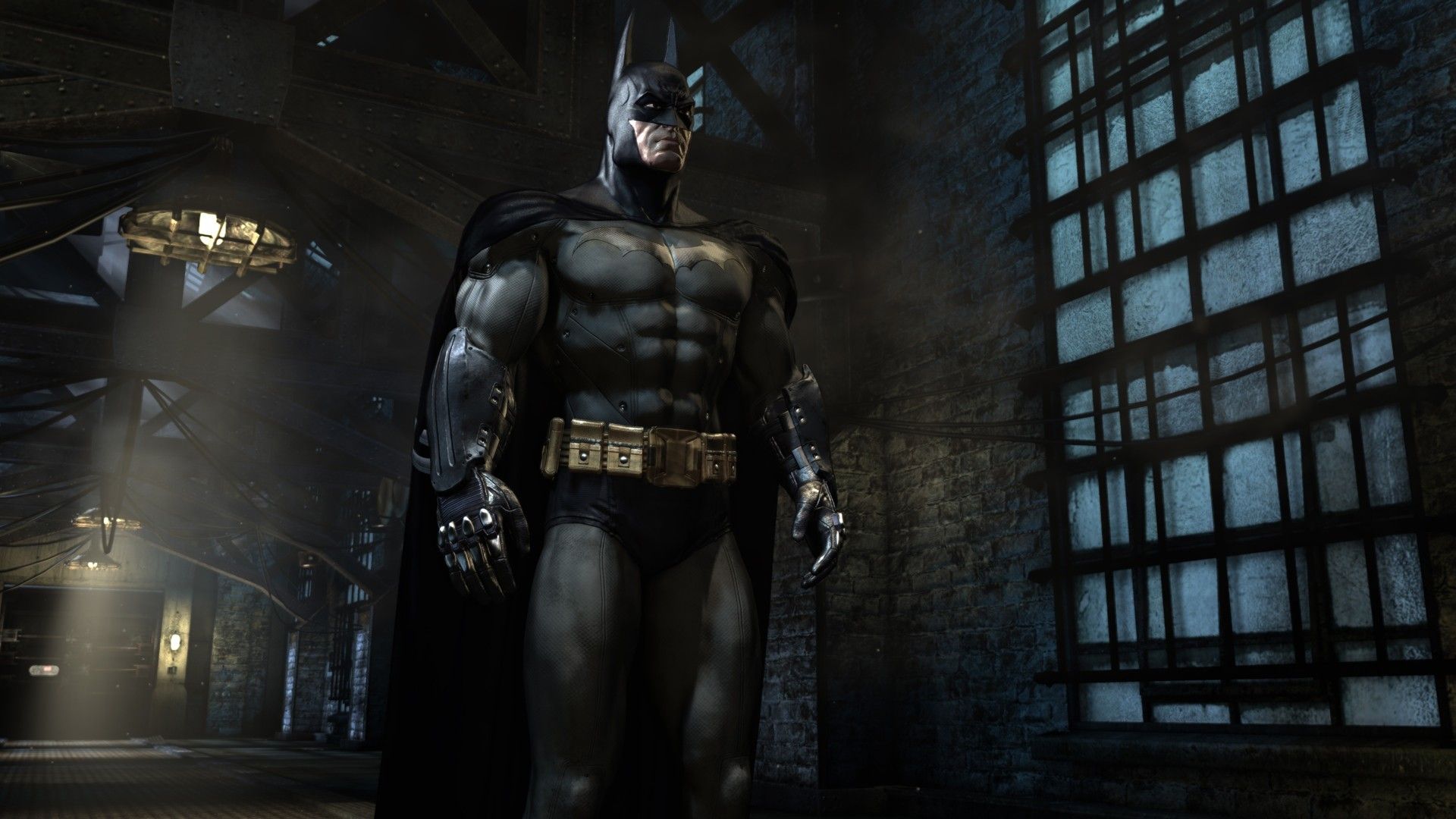
1980×1114HD Scarica
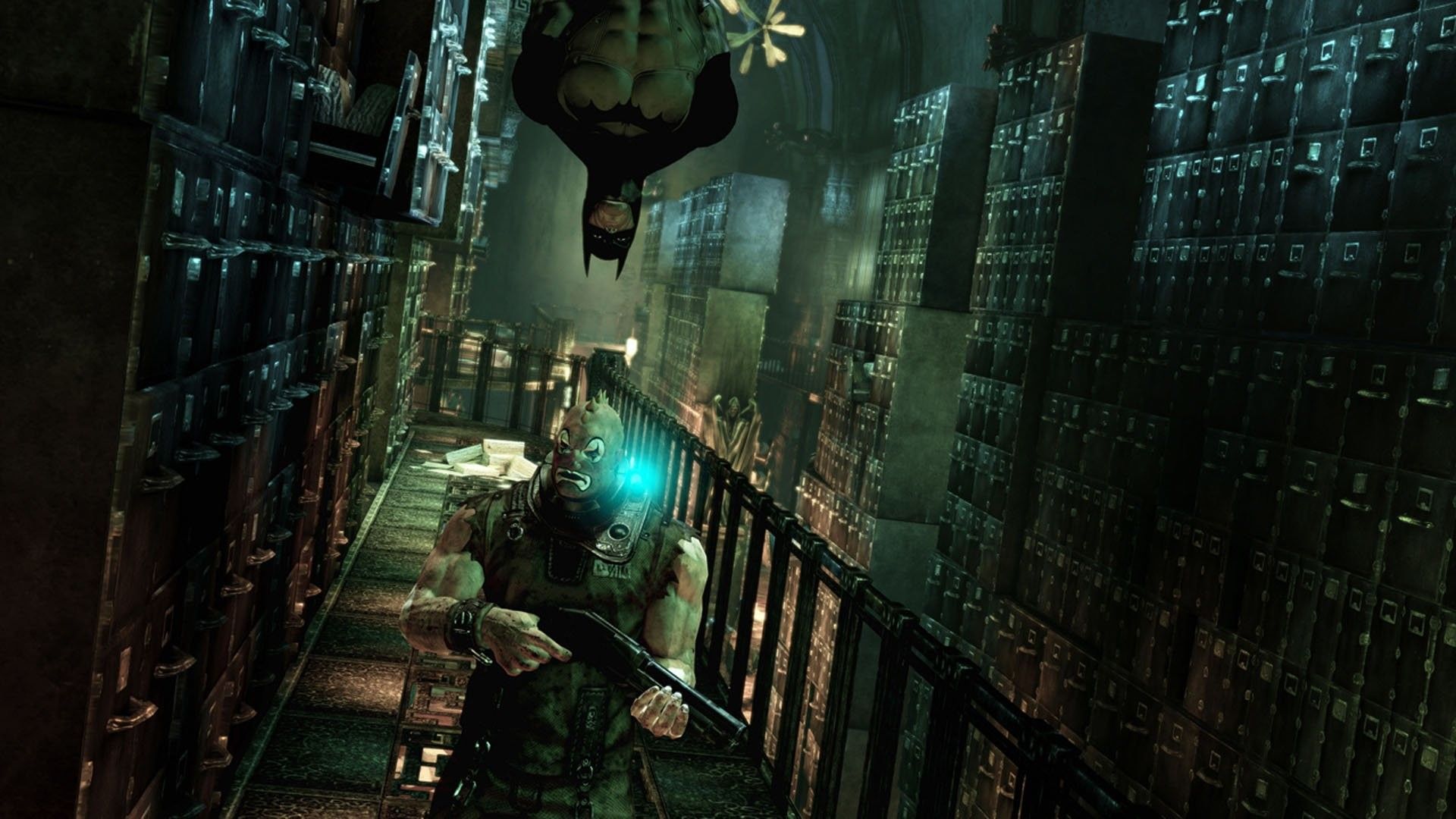
Batman Arkham Asylum biblioteca, 1920x1080 1080p, PC Desktop
1920×1080HD Scarica
Batman Arkham Asylum videogioco, 1920x1080 Full HD 1080p, Desktop
1920×1080HD Scarica
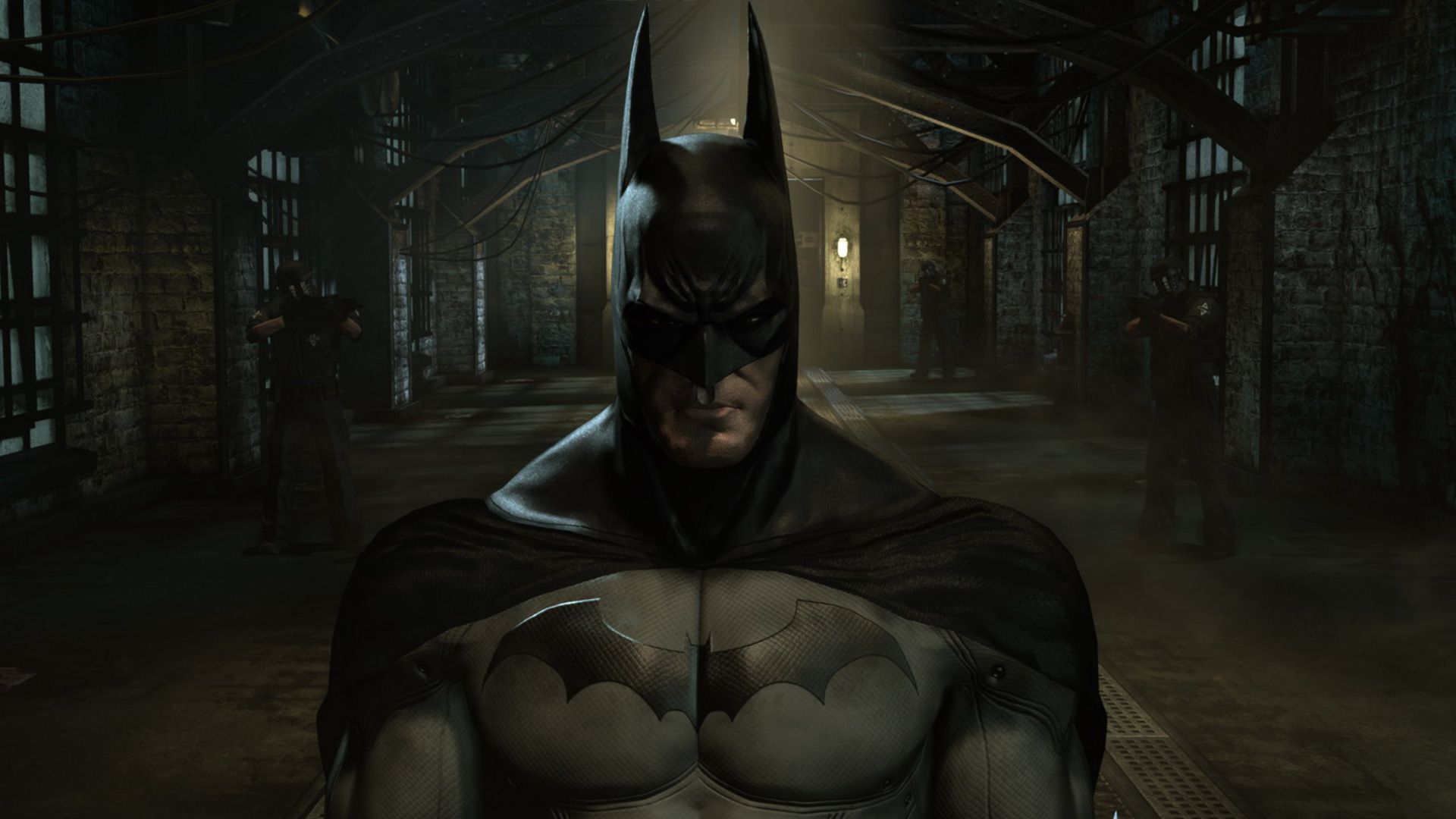
Batman Arkham Asylum corridoio celle, 1920x1080 Full HD, PC
1920×1080HD Scarica
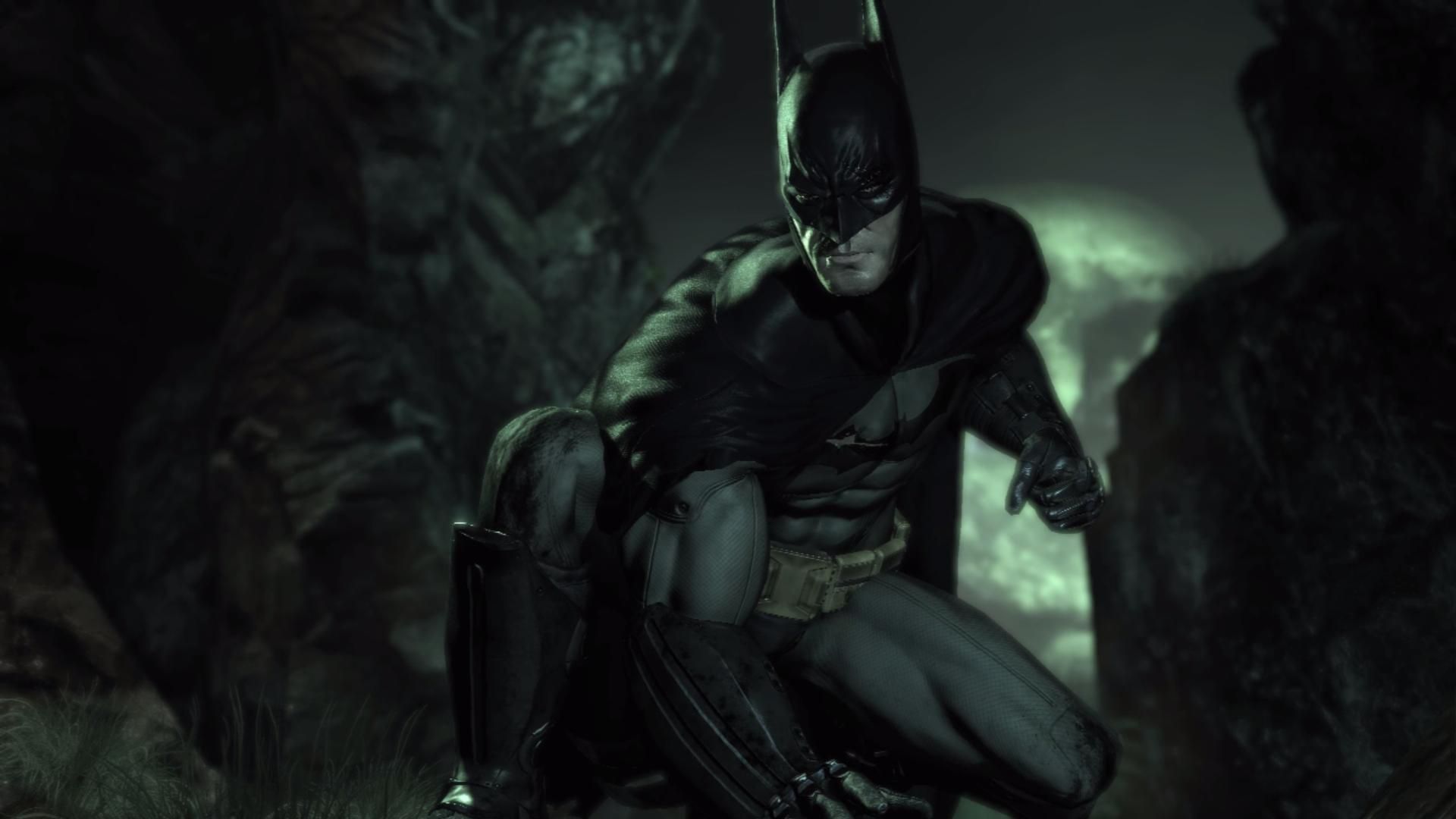
Batman accovacciato oscurità, 1920x1080 1080p, Desktop
1920×1080HD Scarica
Batman Arkham Asylum notturno, 1920x1080 Full HD 1080p, Laptop
1920×1080HD Scarica
Batman Arkham Asylum notturno, 1680x1050 HD, ROG Asus Laptop
1680×1050HD Scarica
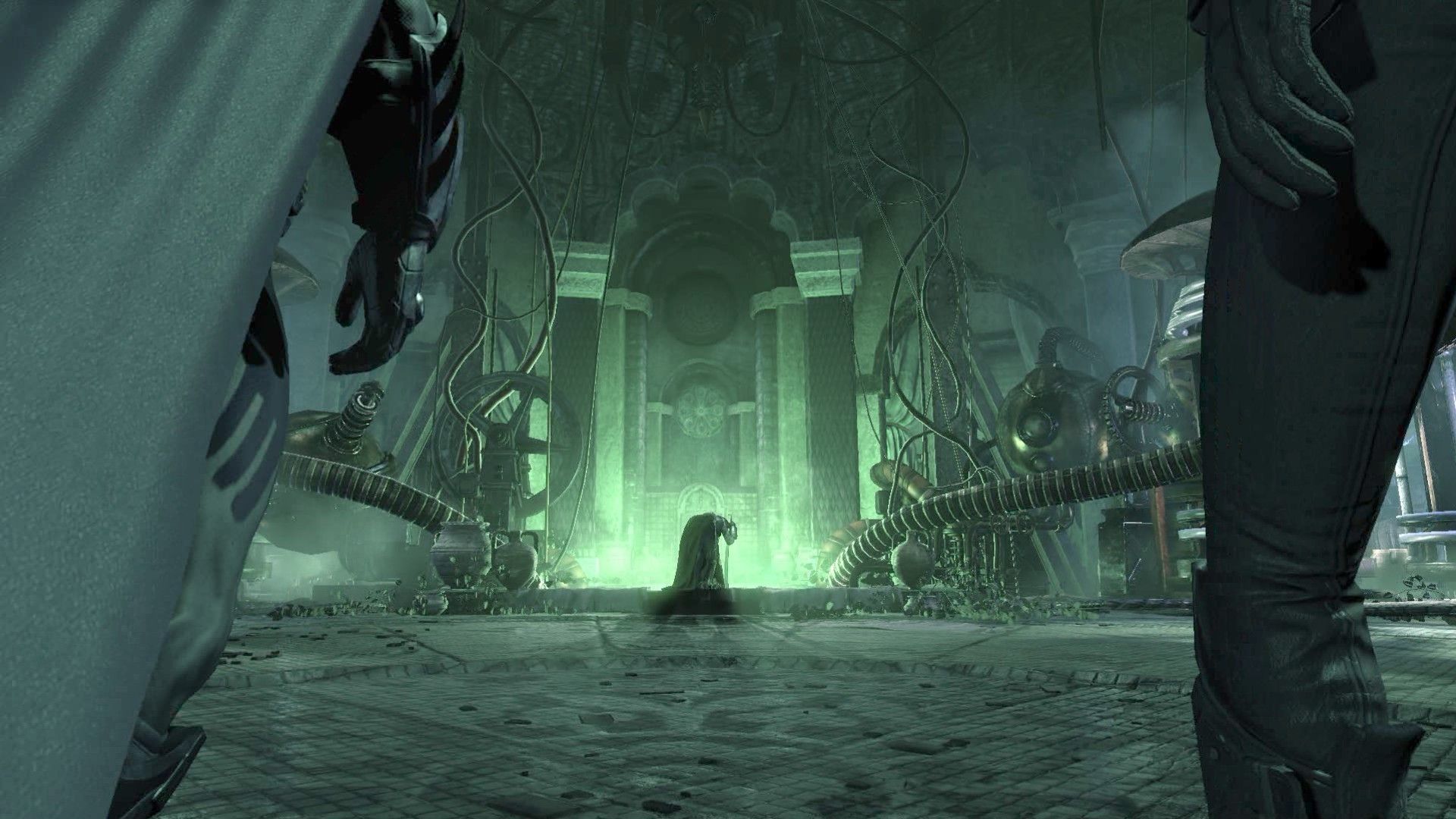
Batman Arkham Asylum scena verde, 1920x1080 1080p, PC
1920×1080HD Scarica
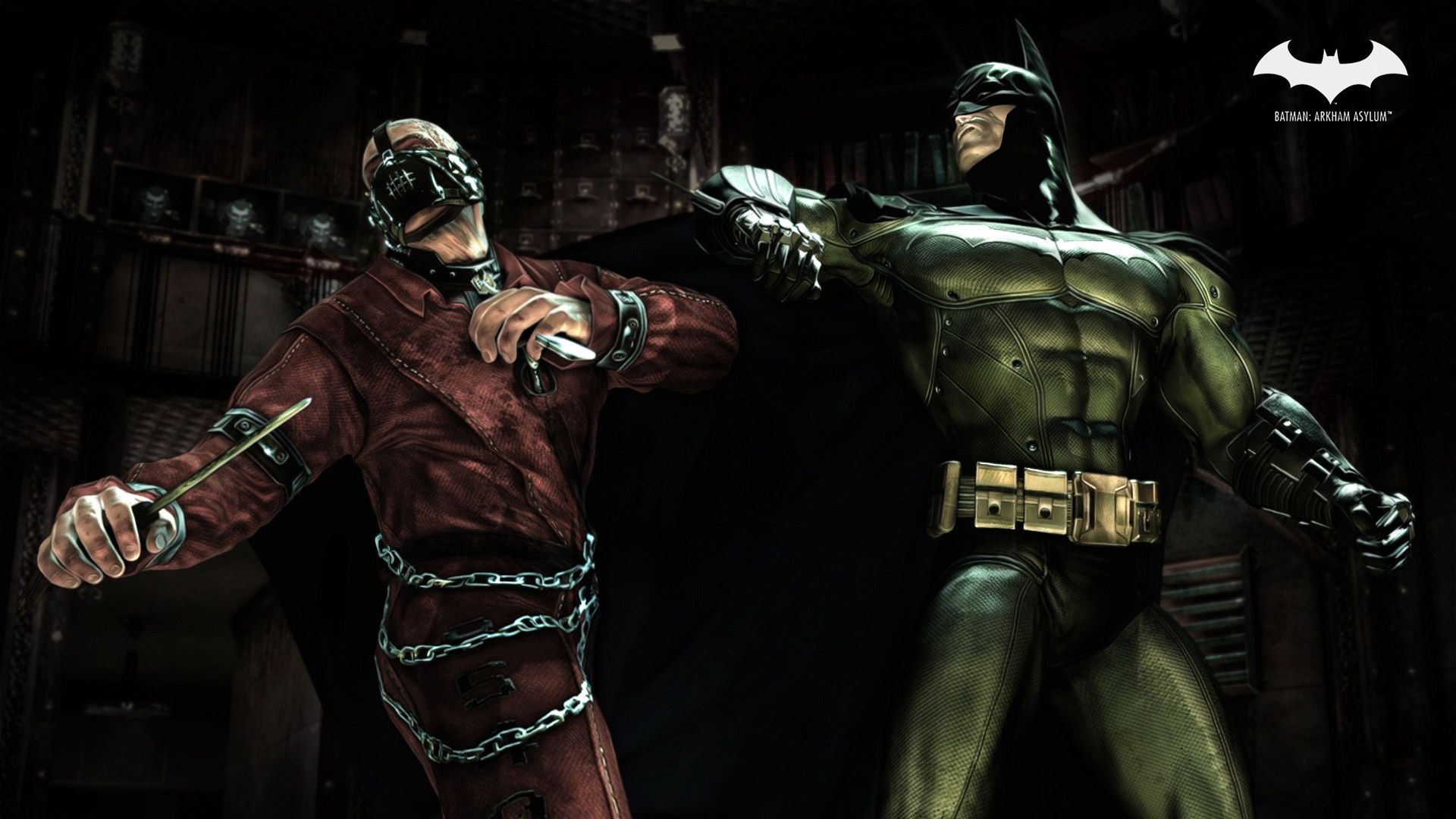
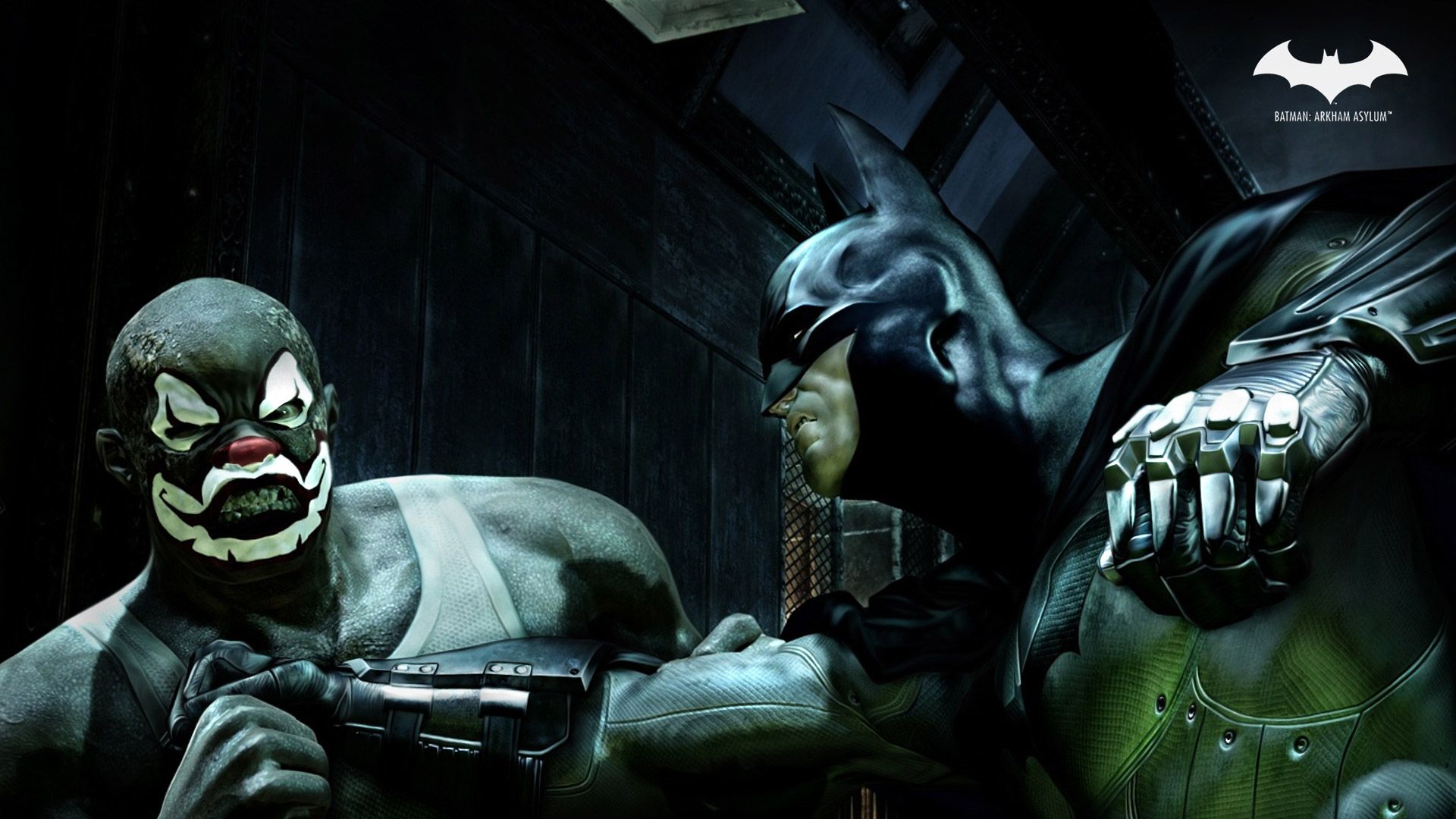
Batman vs Scarecrow Arkham Asylum, 1920x1080 Full HD 1080p, Desktop
1920×1080HD Scarica
Joker e Batman Arkham Asylum, 1920x1080 Full HD, Laptop
1920×1080HD Scarica
Batman Arkham Asylum videogioco, 1920x1200 WUXGA, Desktop
1920×1200HD Scarica
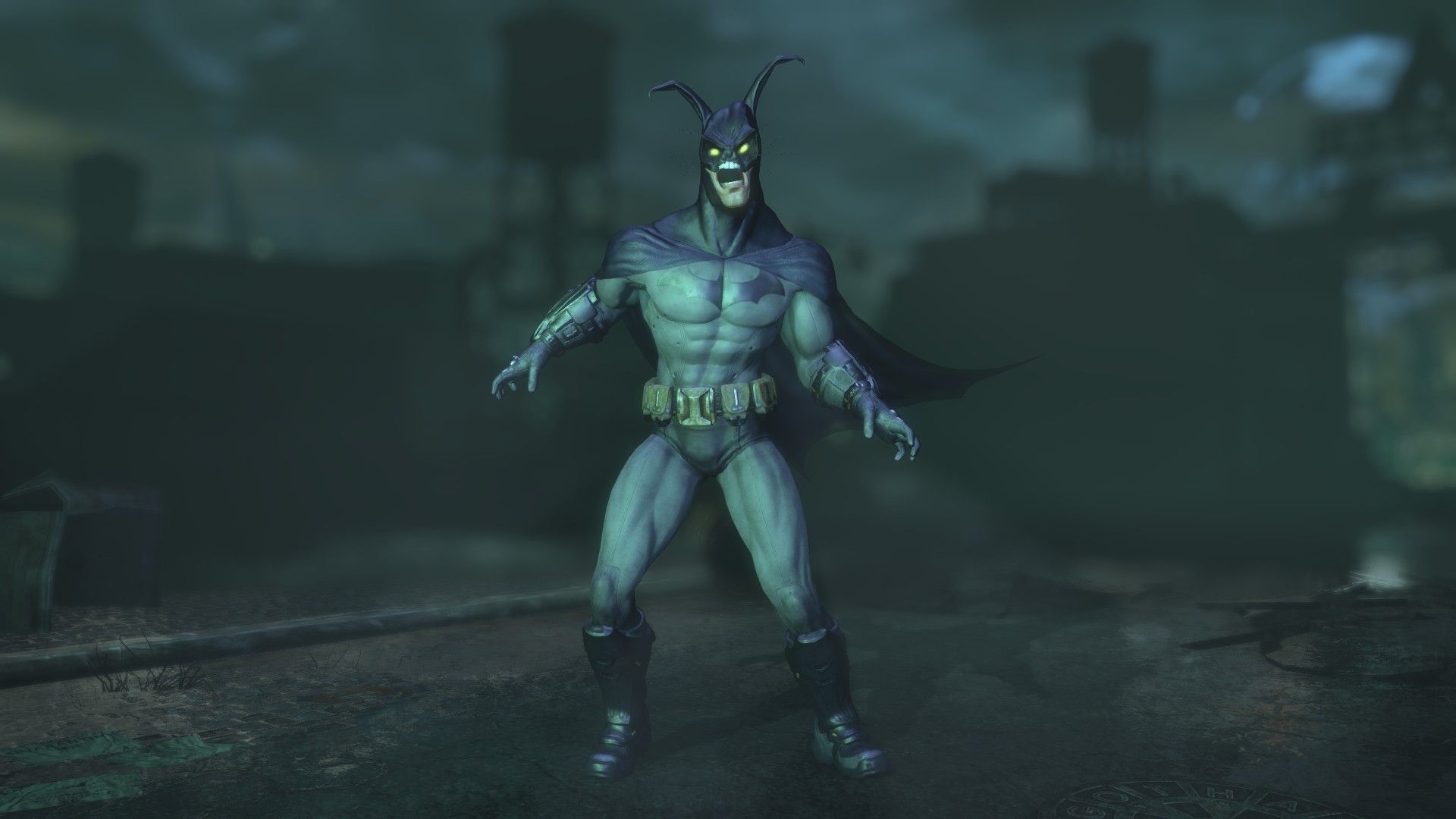
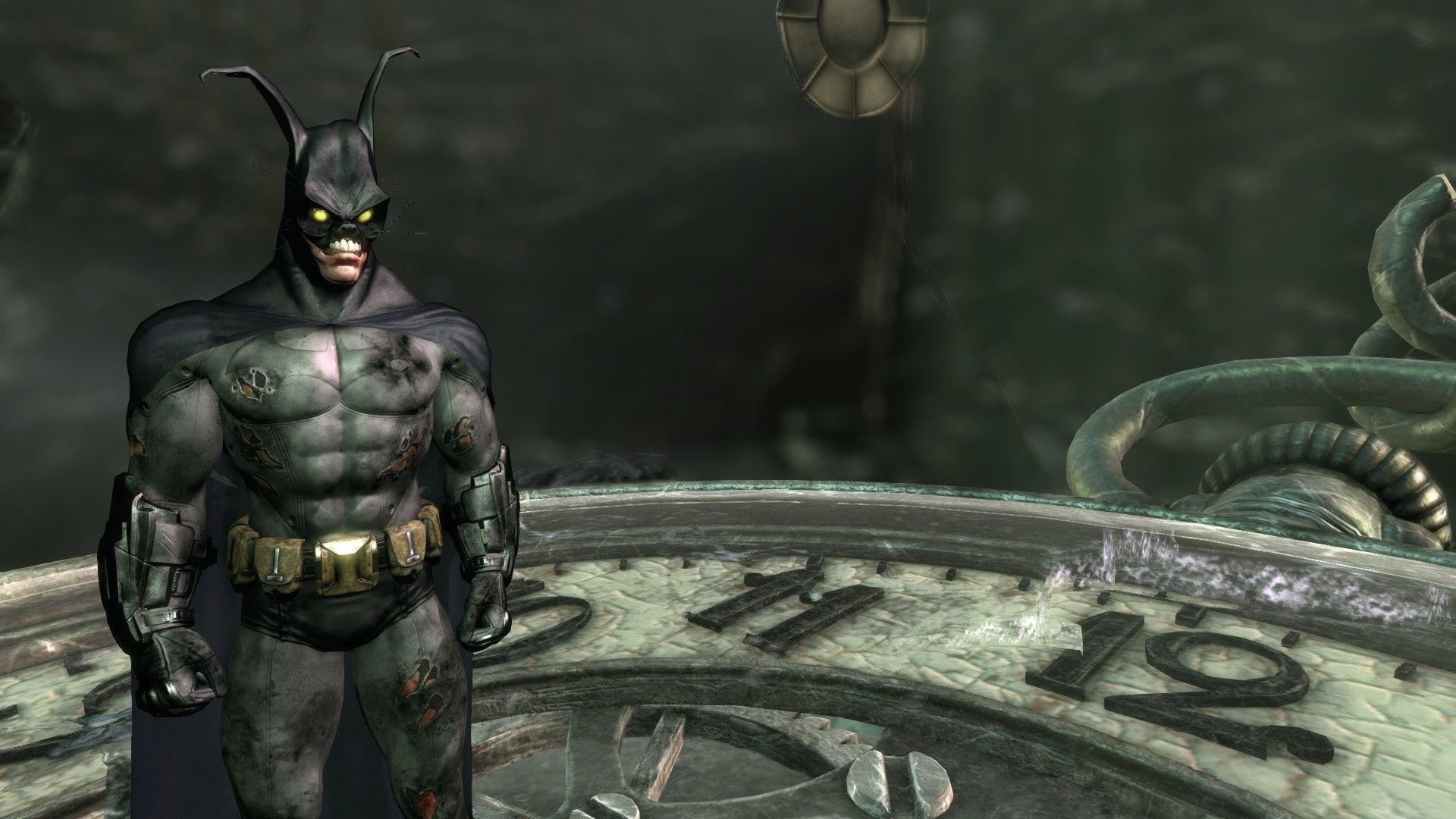
Batman Arkham Asylum, personaggio mutato, 1920x1080 Full HD 1080p, PC Desktop
1920×1080HD Scarica
Batman e Joker Arkham Asylum, 1920x1080 Full HD, Desktop
1920×1080HD Scarica
Batman Arkham Asylum scena, 1920x1080 1080p, Laptop
1920×1080HD Scarica
Batman e Joker Arkham Asylum, 1920x1200 Full HD+ WUXGA, Desktop
1920×1200HD Scarica
Batman Mad Hatter Arkham Asylum, 1920x1080 Full HD, PC
1920×1080HD Scarica
Joker con burattino Batman, 1920x1080 1080p, PC Desktop
1920×1080HD Scarica
Joker Batman Arkham Asylum, 1920x1080 Full HD 1080p, Laptop
1920×1080HD Scarica
Batman e Joker Arkham Asylum, 1920x1080 Full HD, Desktop
1920×1080HD Scarica
Batman in laboratorio Arkham Asylum, 1920x1080 1080p, PC
1920×1080HD Scarica
Batman su tetto città notte, 4096x2304 4K, Desktop 4K
4096×23044K Scarica
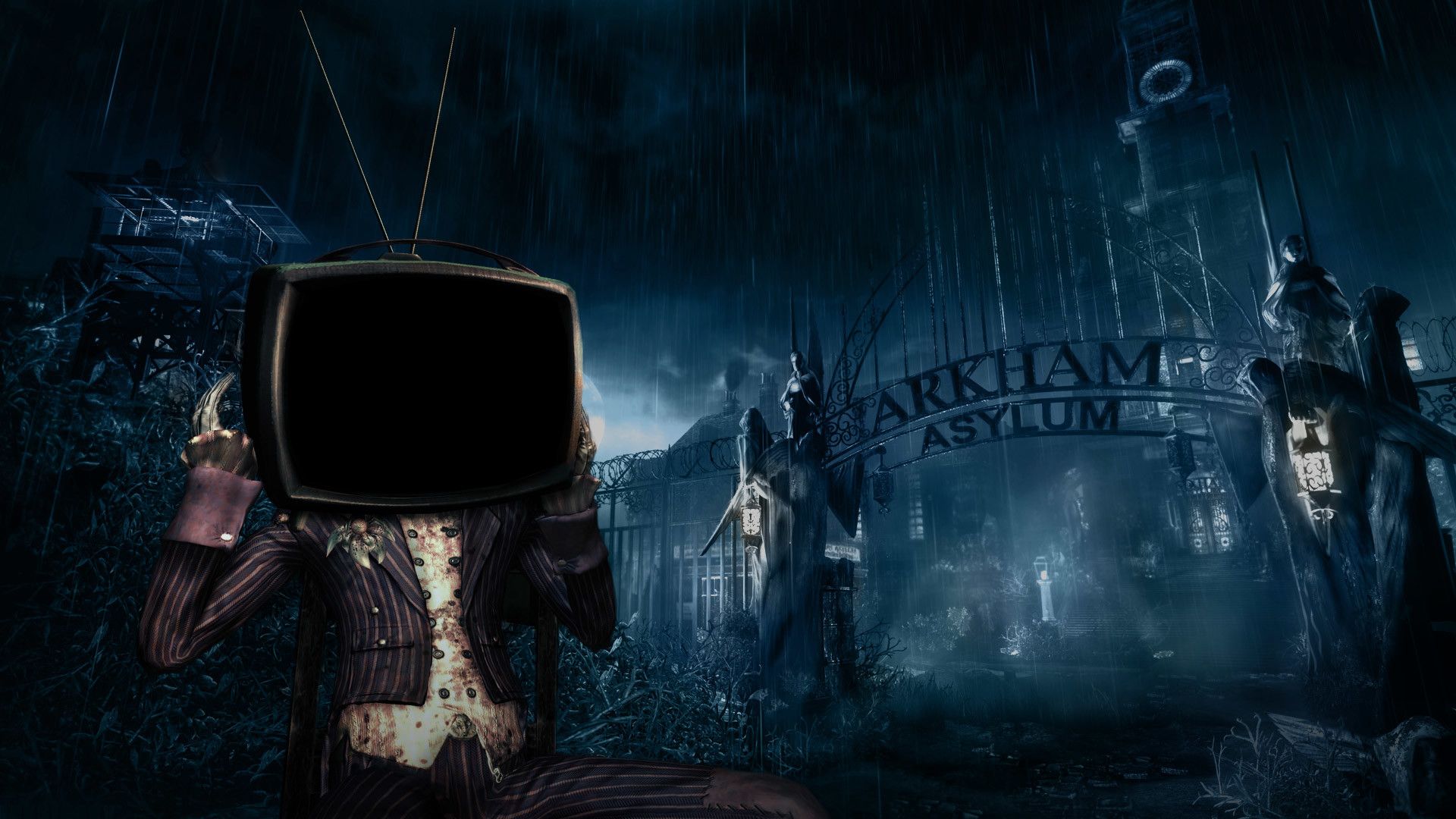
Personaggio testa TV Arkham Asylum, 1920x1080 Full HD, PC Desktop
1920×1080HD Scarica
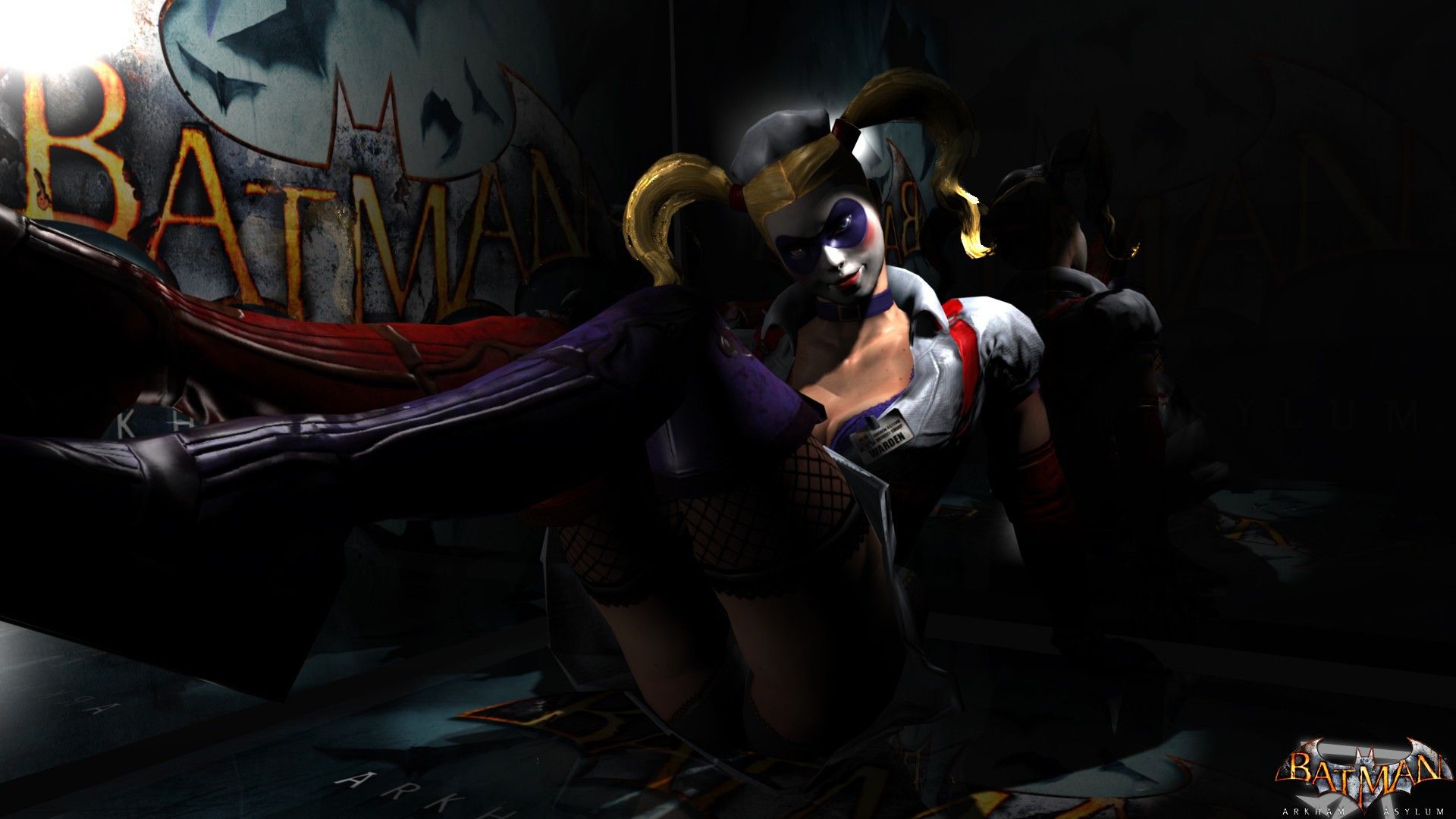
Batman e Harley Quinn Arkham, 1920x1080 1080p, Desktop
1920×1080HD Scarica

Potrebbe piacerti
Come impostare lo sfondo sul tuo dispositivo

Hai trovato l’immagine giusta? Scaricala con il pulsante Scarica e segui i passaggi qui sotto: bastano pochi secondi, dal computer come dal telefono.

Windows
  1. Clicca su Scarica: l’immagine finisce nella cartella Download
  2. Fai clic destro sul file scaricato e scegli «Imposta come sfondo del desktop»
  3. Hai più monitor? Vai su Impostazioni → Personalizzazione → Sfondo e scegli dove applicarla
macOS
  1. Clicca su Scarica per salvare l’immagine sul Mac
  2. Apri Impostazioni di Sistema → Sfondo
  3. Clicca su «Aggiungi foto», seleziona l’immagine e scegli «Riempi schermo»
iPhone / iPad
  1. Tocca Scarica e poi «Salva in Foto»
  2. Apri l’app Foto e scegli l’immagine appena salvata
  3. Tocca Condividi → «Usa come sfondo», sistema l’inquadratura e conferma con Imposta
Android
  1. Tocca Scarica: l’immagine si salva nella Galleria
  2. Apri Galleria (o Google Foto) e seleziona l’immagine
  3. Dal menu scegli «Imposta come sfondo» e decidi se usarla per la schermata Home, il blocco schermo o entrambe