Sfondi con gli Stemmi delle Case di Harry Potter
66 sfondi HD & 4K
Stemma Serpeverde Harry Potter, J.K. Rowling, 1600x1089 900p, Laptop
1600×1089HD Scarica
Stemma Corvonero Harry Potter, Hogwarts, 1920x1080 Full HD 1080p, Desktop
1920×1080HD Scarica
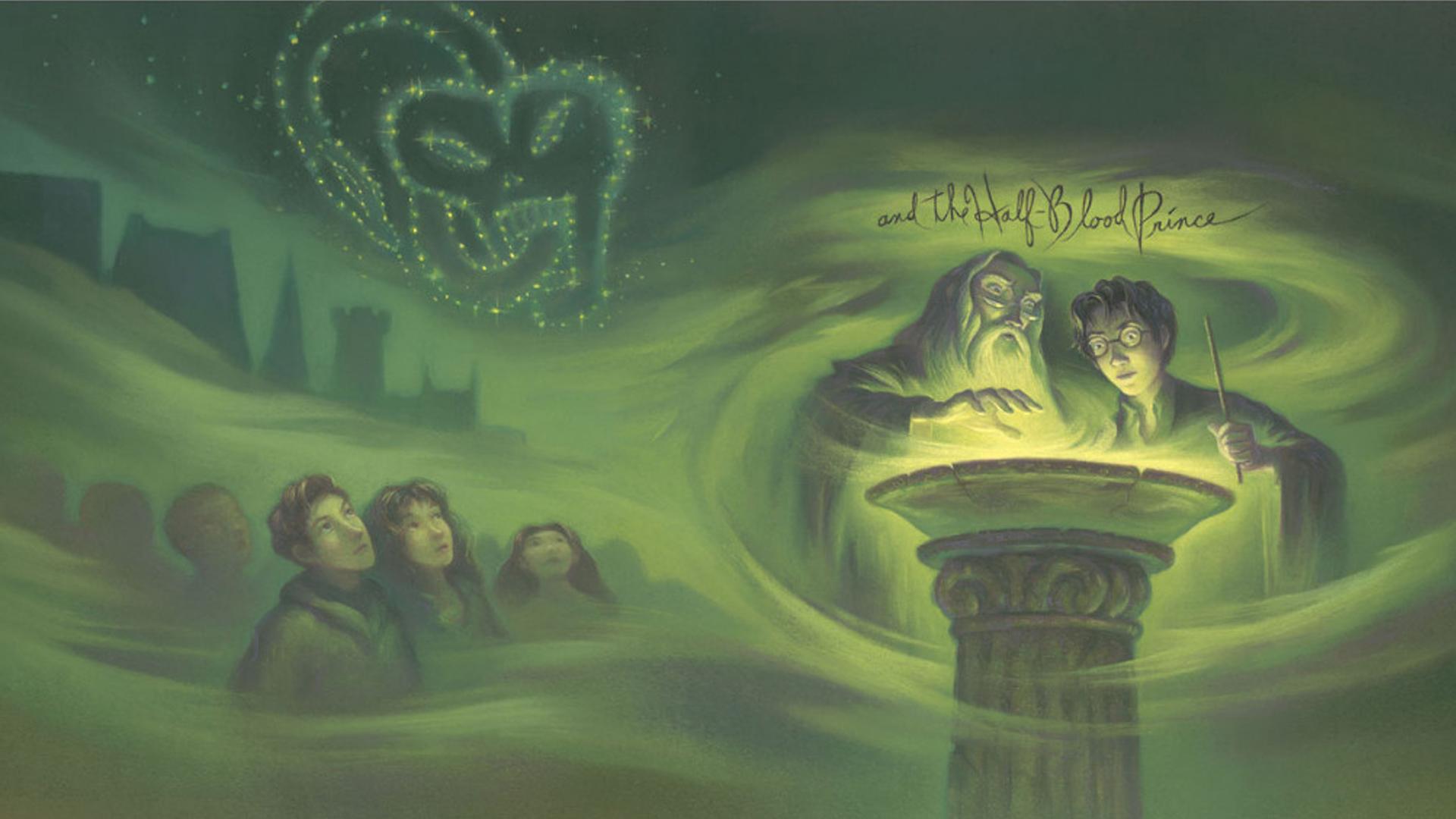
Scena Harry Potter Pensatoio verde, J.K. Rowling, 1920x1080 Full HD, PC
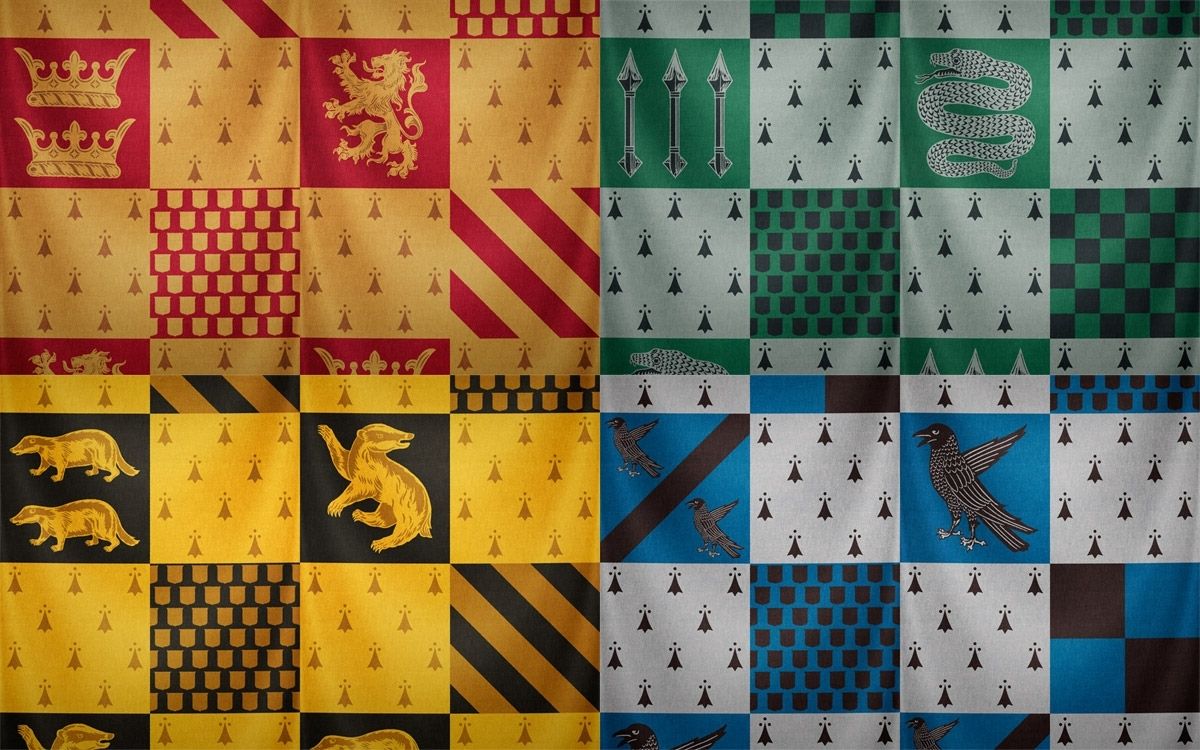
1920×1080HD Scarica
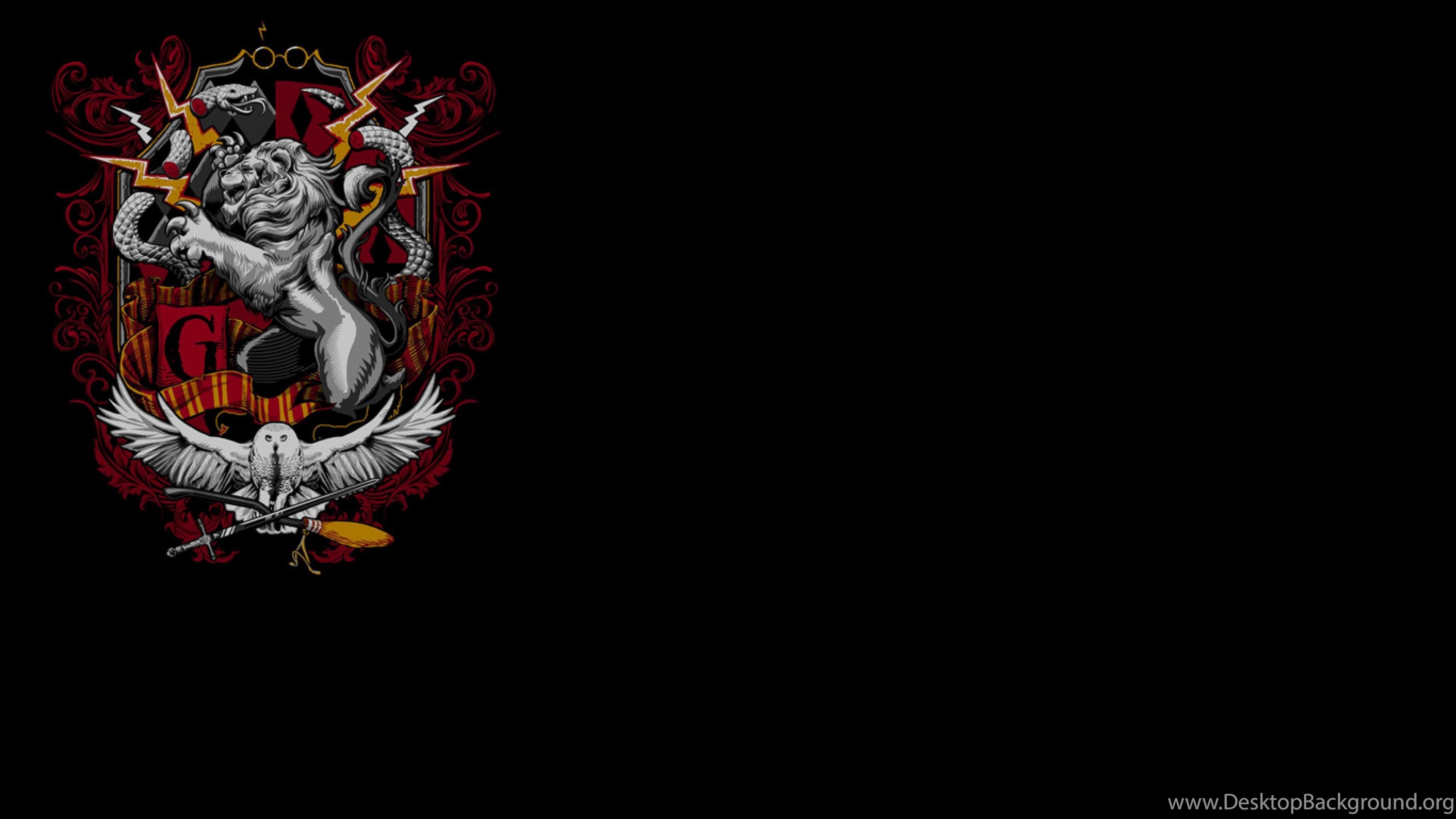
Stemma Grifondoro leone Harry Potter, 1200x1200 HD, HP Laptop
1200×1200HD Scarica
Stemma Hogwarts su legno, scuola di magia, 2099x1312 alta risoluzione, Laptop
2099×1312HD Scarica
Stemma Hogwarts su sfondo diviso, scuola di magia, 1920x1080 Full HD, Desktop
1920×1080HD Scarica
Stemma Hogwarts case Harry Potter, J.K. Rowling, 1024x791 HD, PC
1024×791HD Scarica
Stemma Hogwarts su pergamena, scuola di magia, 1221x1997 Verticale, Mobile
1221×1997HD Scarica
Stemma Hogwarts Harry Potter, 2039x2039 2K, iMac
2039×2039HD Scarica
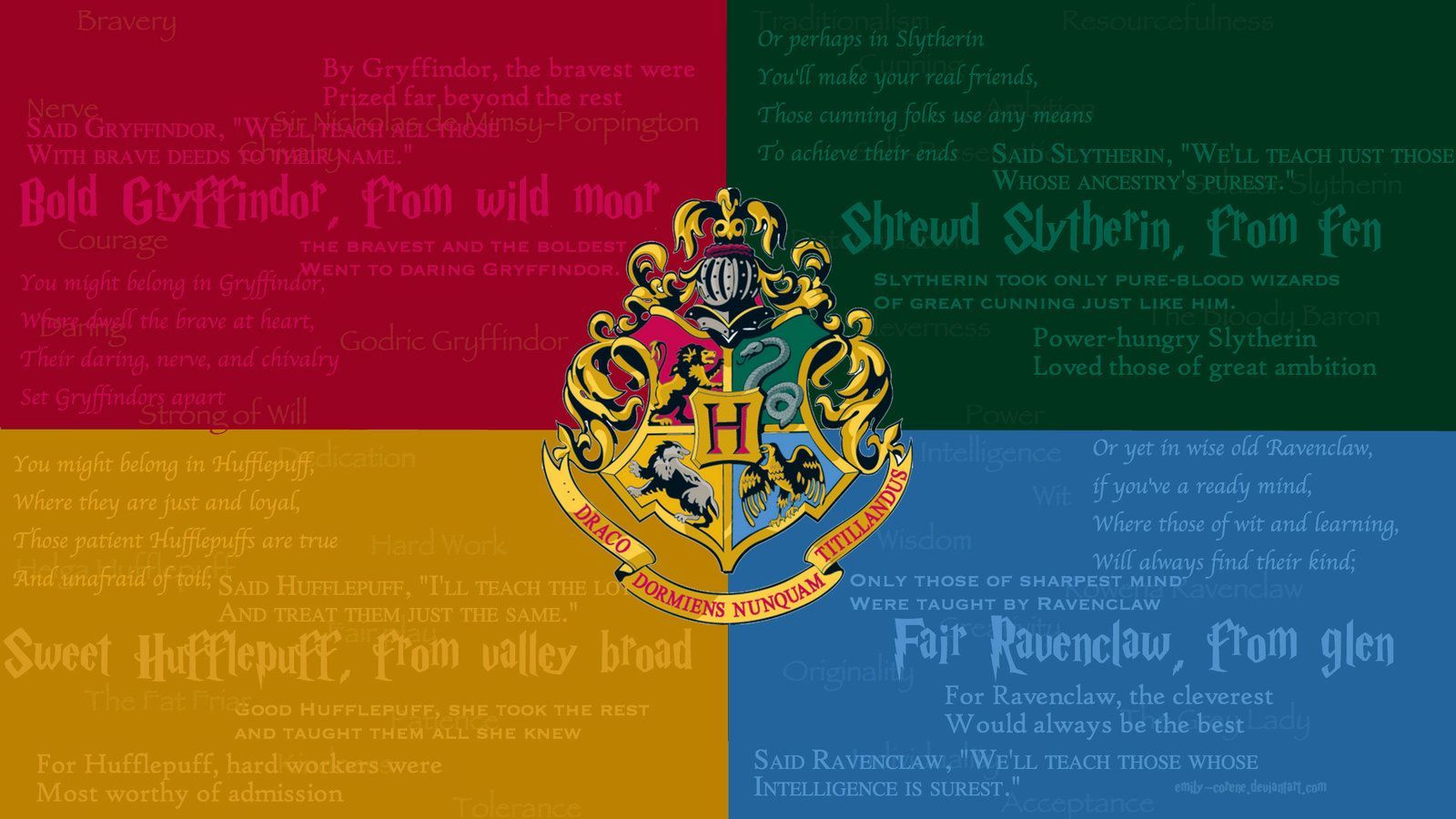
Stemmi delle Case Hogwarts, 1600x900 900p, Desktop
1600×900HD Scarica
Stemmi case Hogwarts Harry Potter, mondo magico, 1440x900 720p, PC
1440×900HD Scarica
Stemma Hogwarts Harry Potter, mondo magico, 2000x1818 2K, Desktop
2000×1818HD Scarica
Stemmi Case Hogwarts Harry Potter, mondo magico, 1366x768 720p, Laptop
1366×768HD Scarica
Stemma Grifondoro Harry Potter, 2560x1440 1440p, Monitor Gaming
2560×14402K Scarica
Stemma Hufflepuff Harry Potter, 1440x1280 720p, PC
1440×1280HD Scarica
Stemma Hogwarts Harry Potter, 960x1280 Verticale, Mobile
960×1280HD Scarica
Stemma Hogwarts su legno, 720x1280 Full HD Verticale, Smartphone
720×1280HD Scarica
Stemma Hogwarts Harry Potter, 1080x1920 Verticale, Telefono
1080×1920HD Scarica
Stemma Grifondoro Harry Potter, 1211x1500 Full HD Verticale, Google Pixel
1211×1500HD Scarica
Stemma Hogwarts argento sfondo nero, 1920x1080 Full HD 1080p, Desktop
1920×1080HD Scarica
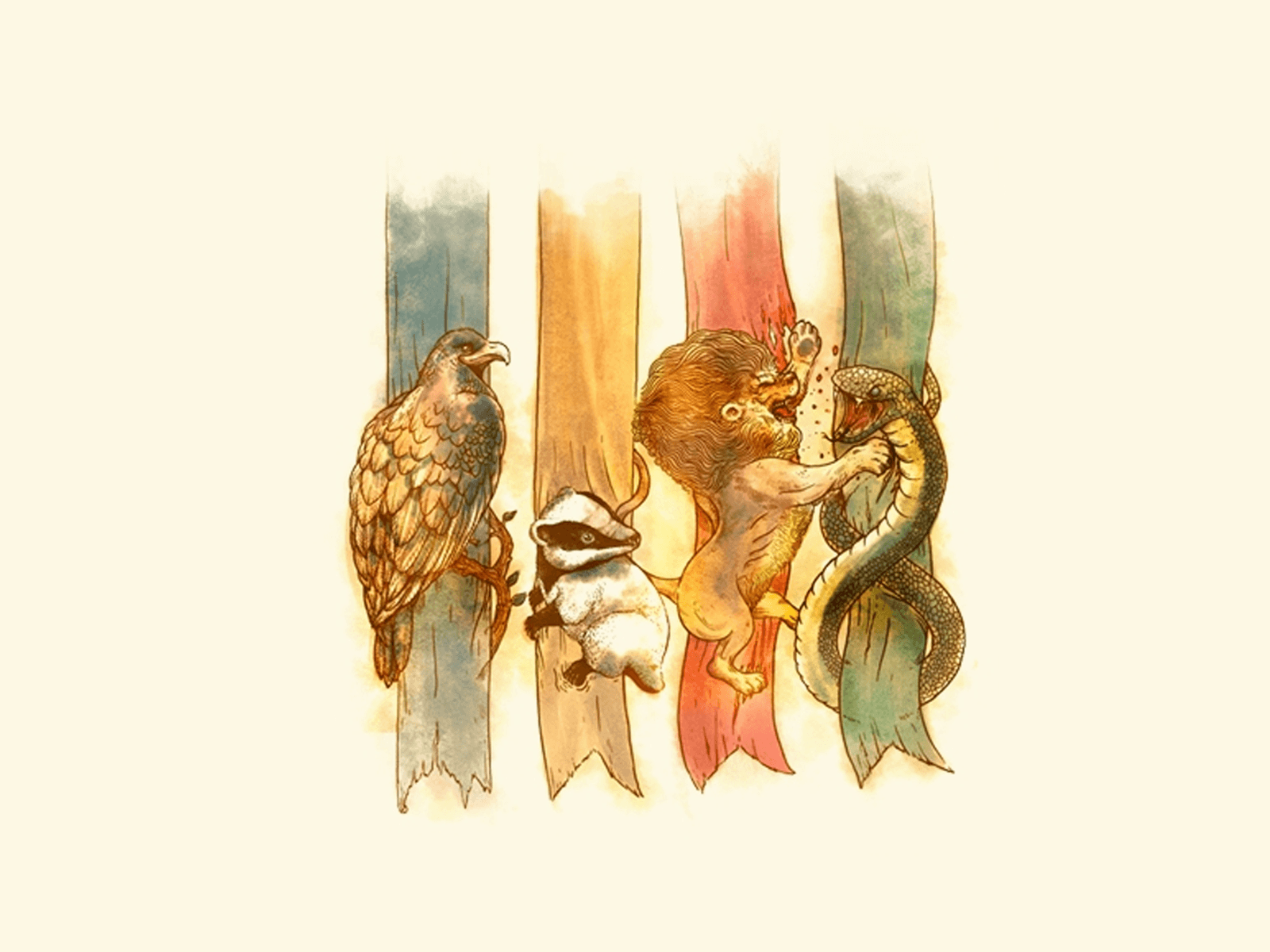
Stemmi animali Case Harry Potter, 1600x1200 HD, Laptop
1600×1200HD Scarica
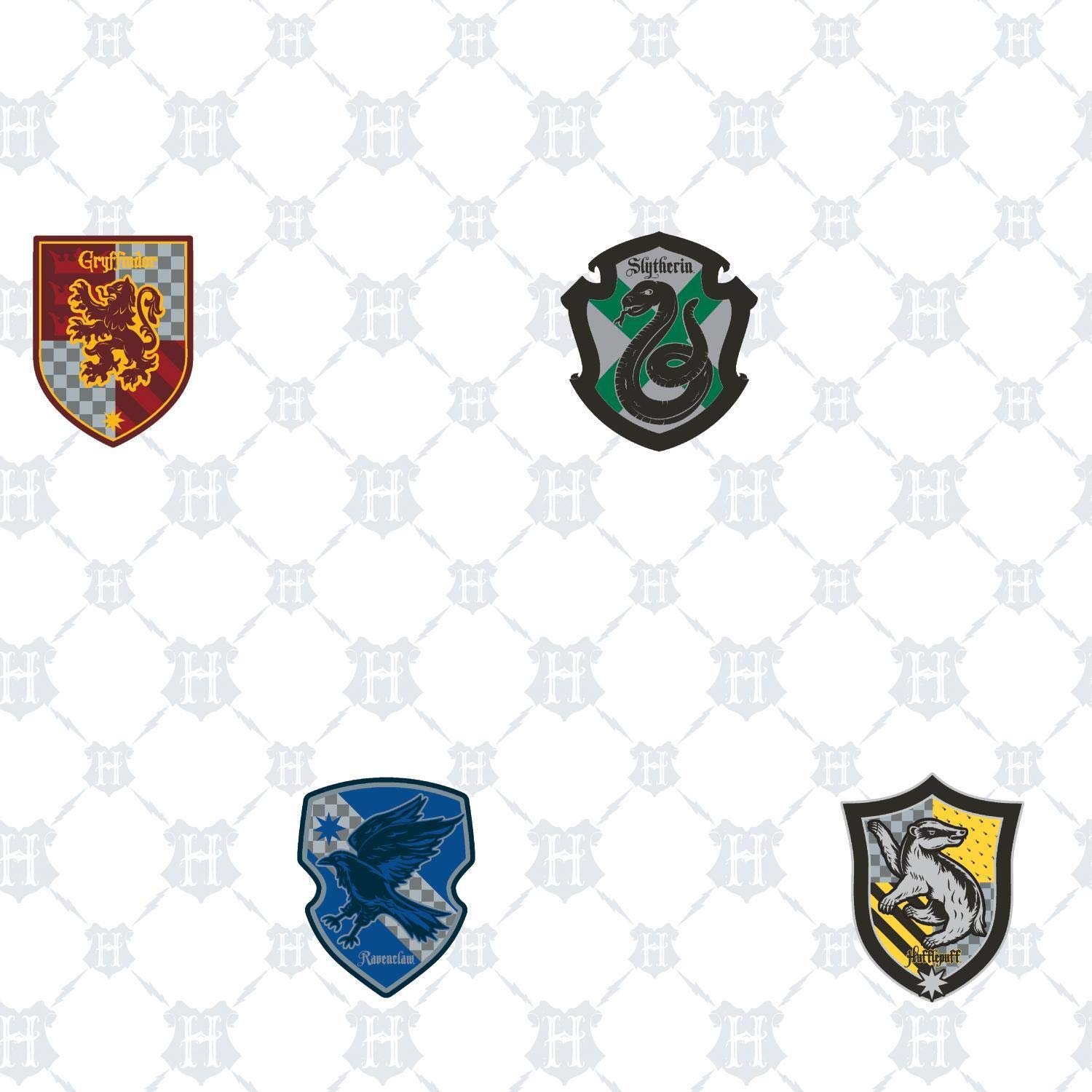
Stemmi case Harry Potter, 1500x1500 HD, Desktop
1500×1500HD Scarica
Stemma Serpeverde Harry Potter, 1920x2773 Full HD Verticale, iPhone
1920×27732K Scarica
Stemma Tassorosso Harry Potter, 840x980 Verticale, OnePlus
840×980HD Scarica
Stemma Corvonero motivo damascato, Hogwarts, 1920x1080 1080p, Laptop
1920×1080HD Scarica
Stemma Grifondoro leone Harry Potter, Hogwarts, 1920x2773 Verticale, Telefono
1920×27732K Scarica
Stemmi case Harry Potter, 1200x750 HD, PC
1200×750HD Scarica
Stemmi case Hogwarts Harry Potter, 1920x1080 1080p, Desktop
1920×1080HD Scarica
Stemma Grifondoro Harry Potter, 1280x871 720p, Acer Nitro
1280×871HD Scarica
Stemma Grifondoro calendario ottobre, Harry Potter, 1026x1920 Verticale, Telefono
1026×1920HD Scarica
Rose dorate Hufflepuff Harry Potter, 1280x720 720p, PC
1280×720HD Scarica
Stemma Grifondoro Harry Potter, 2560x1440 2K, Desktop
2560×14402K Scarica
Stemma Grifondoro Harry Potter, 1440x1280 720p, Laptop
1440×1280HD Scarica
Stemma Hogwarts sfondo nero, 2560x1440 1440p, Monitor Gaming
2560×14402K Scarica
Stemmi case Hogwarts Harry Potter, 1920x1200 Full HD+ WUXGA, PC
1920×1200HD Scarica
Stemma Hogwarts Harry Potter, 1920x1080 Full HD, Desktop
1920×1080HD Scarica
Stemma Hogwarts Harry Potter, 1024x768 HD, Laptop
1024×768HD Scarica
Stemma Grifondoro Harry Potter, 2560x1600 2K, Desktop
2560×16002K Scarica
Stemma Hufflepuff Harry Potter, 1600x1089 HD, Lenovo Legion
1600×1089HD Scarica
Stemmi case Harry Potter Hogwarts, 1920x1080 1080p, Desktop

1920×1080HD Scarica
Stemma Grifondoro Quidditch marrone, Harry Potter, 1920x1200 Full HD+ WUXGA, Laptop
1920×1200HD Scarica
Stemma Hogwarts disegno schizzo, 1920x1080 Full HD, Desktop
1920×1080HD Scarica
Stemma Gryffindor Harry Potter, 2048x1280 Hi-Res, PC
2048×1280HD Scarica
Stemma Hogwarts su maglietta, 1001x1206 Verticale, Android
1001×1206HD Scarica
Cravatta gialla e nera Hufflepuff, 2560x1600 WQXGA, Laptop
2560×16002K Scarica
Stemma Serpeverde Harry Potter, 719x1280 Verticale, Telefono
719×1280HD Scarica
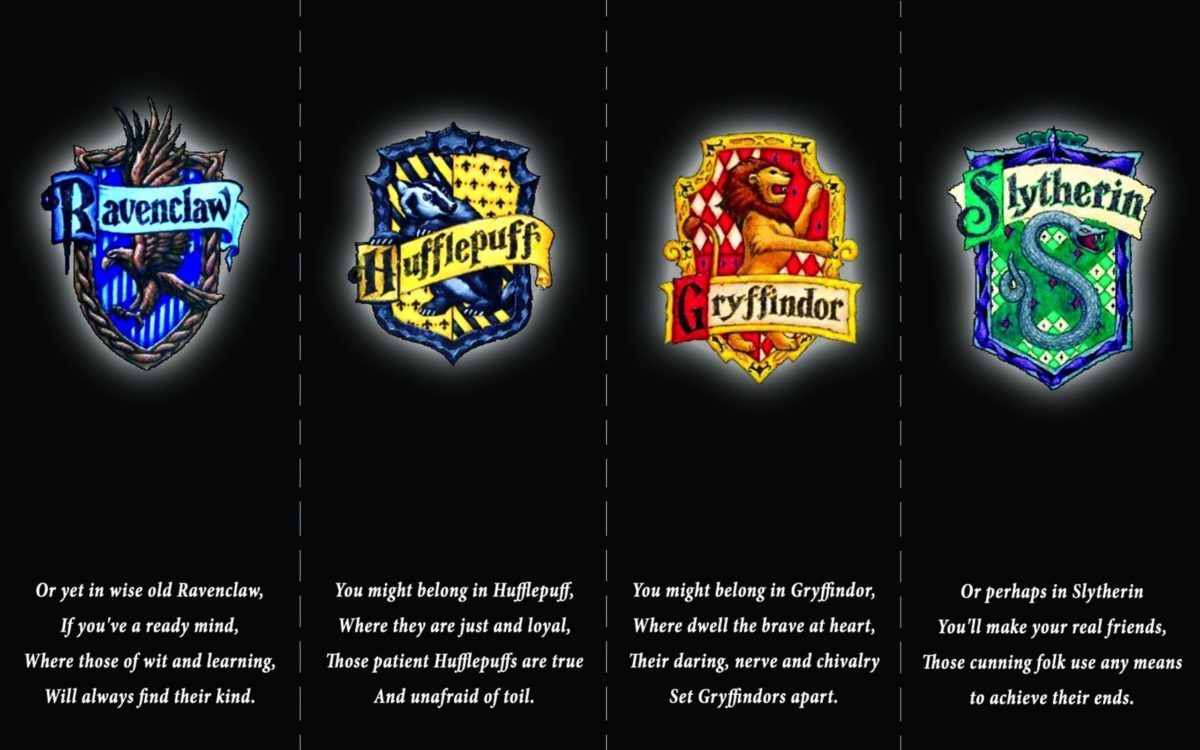
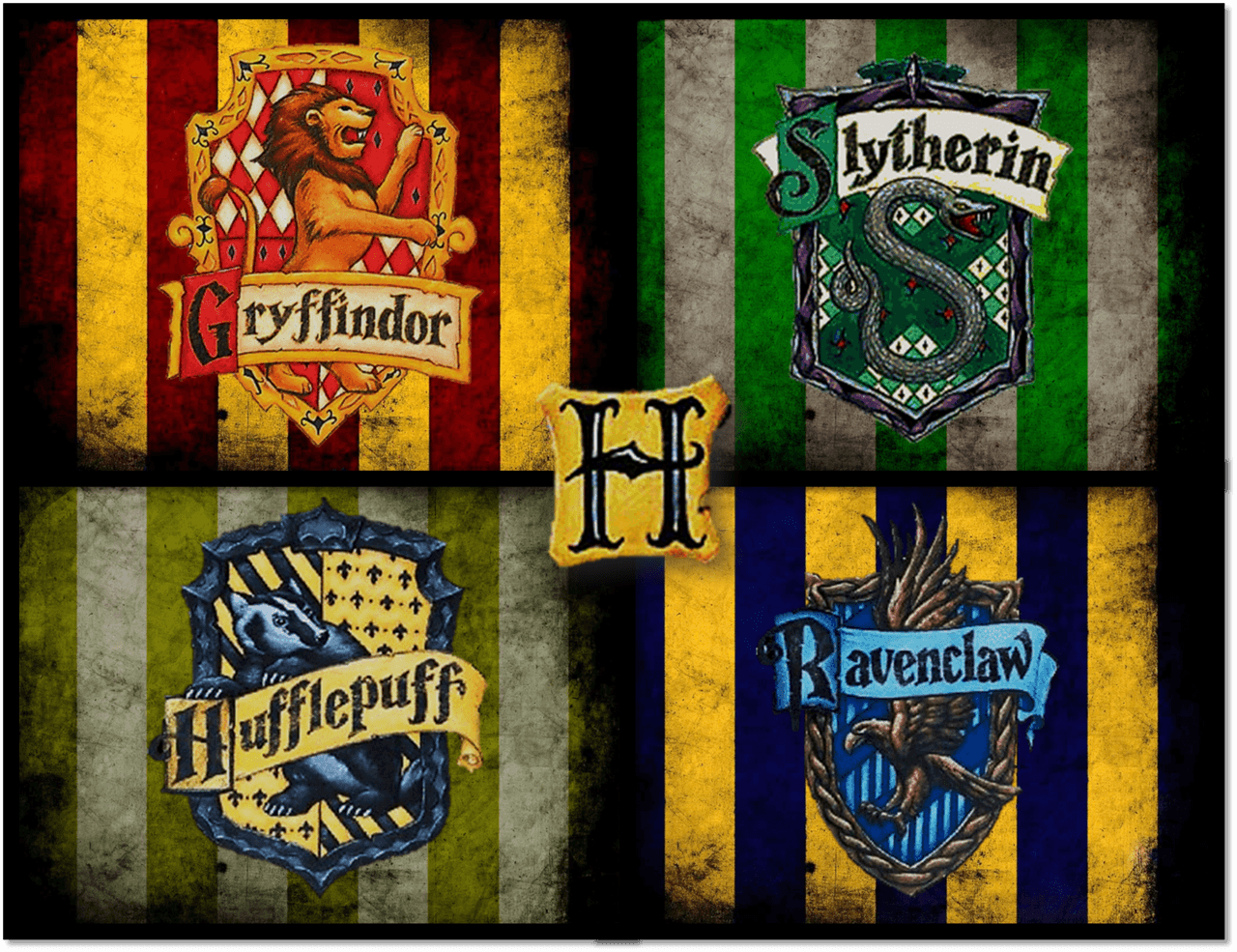
Stemmi quattro case Hogwarts, 3840x1080 21:9, Ultrawide
3840×10804K Scarica
Stemma Casa Serpeverde Harry Potter, 900x1167 Verticale, Mobile
900×1167HD Scarica
Stemma Serpeverde Harry Potter, 1280x960 720p, MacBook Air
1280×960HD Scarica
Stemma dorato Hogwarts pietra, 736x1308 Verticale, Telefono
736×1308HD Scarica
Stemma Serpeverde Harry Potter, 1571x872 720p, PC
1571×872HD Scarica
Stemma Hogwarts Harry Potter, 1280x800 HD, Desktop
1280×800HD Scarica
Stemmi delle case Hogwarts, 1200x750 HD, Laptop
1200×750HD Scarica
Stemma Ravenclaw Harry Potter, 1366x854 HD, ROG Asus Laptop
1366×854HD Scarica
Stemma Hufflepuff ricamo cerchio, 840x965 Full HD Verticale, iPhone
840×965HD Scarica
Stemma Serpeverde Harry Potter, 2160x1080 alta risoluzione, Desktop
2160×1080HD Scarica
Stemma Slytherin Quidditch Harry Potter, 1366x768 720p, Laptop
1366×768HD Scarica
Silhouette cartoon Harry Potter personaggi, 1920x1200 WUXGA, Desktop

1920×1200HD Scarica
Stemma Hogwarts Harry Potter, 1366x768 720p, iMac
1366×768HD Scarica
con gli Stemmi delle Case di Harry Potter, 1500x1000 HD, Desktop
1500×1000HD Scarica
Stemmi case Harry Potter, 963x1328 Full HD Verticale, Smartphone
963×1328HD Scarica
Stemma Hogwarts Harry Potter, 1024x768 HD, Desktop
1024×768HD Scarica
Stemmi case Harry Potter, 1280x985 720p, PC
1280×985HD Scarica
Stemma Hufflepuff Harry Potter, 1920x1080 1080p, PC Desktop
1680×1050HD Scarica
Personaggi in costume storico, stemmi araldici, 1680x1050 HD Ready, Laptop
3840×21604K Scarica
Stemma Grifondoro Harry Potter, 3840x2160 4K Ultra HD, Monitor 4K
1500×876HD Scarica

Potrebbe piacerti

Come impostare lo sfondo sul tuo dispositivo

Hai trovato l’immagine giusta? Scaricala con il pulsante Scarica e segui i passaggi qui sotto: bastano pochi secondi, dal computer come dal telefono.
Windows
  1. Clicca su Scarica: l’immagine finisce nella cartella Download
  2. Fai clic destro sul file scaricato e scegli «Imposta come sfondo del desktop»
  3. Hai più monitor? Vai su Impostazioni → Personalizzazione → Sfondo e scegli dove applicarla
macOS
  1. Clicca su Scarica per salvare l’immagine sul Mac
  2. Apri Impostazioni di Sistema → Sfondo
  3. Clicca su «Aggiungi foto», seleziona l’immagine e scegli «Riempi schermo»
iPhone / iPad
  1. Tocca Scarica e poi «Salva in Foto»
  2. Apri l’app Foto e scegli l’immagine appena salvata
  3. Tocca Condividi → «Usa come sfondo», sistema l’inquadratura e conferma con Imposta
Android
  1. Tocca Scarica: l’immagine si salva nella Galleria
  2. Apri Galleria (o Google Foto) e seleziona l’immagine
  3. Dal menu scegli «Imposta come sfondo» e decidi se usarla per la schermata Home, il blocco schermo o entrambe