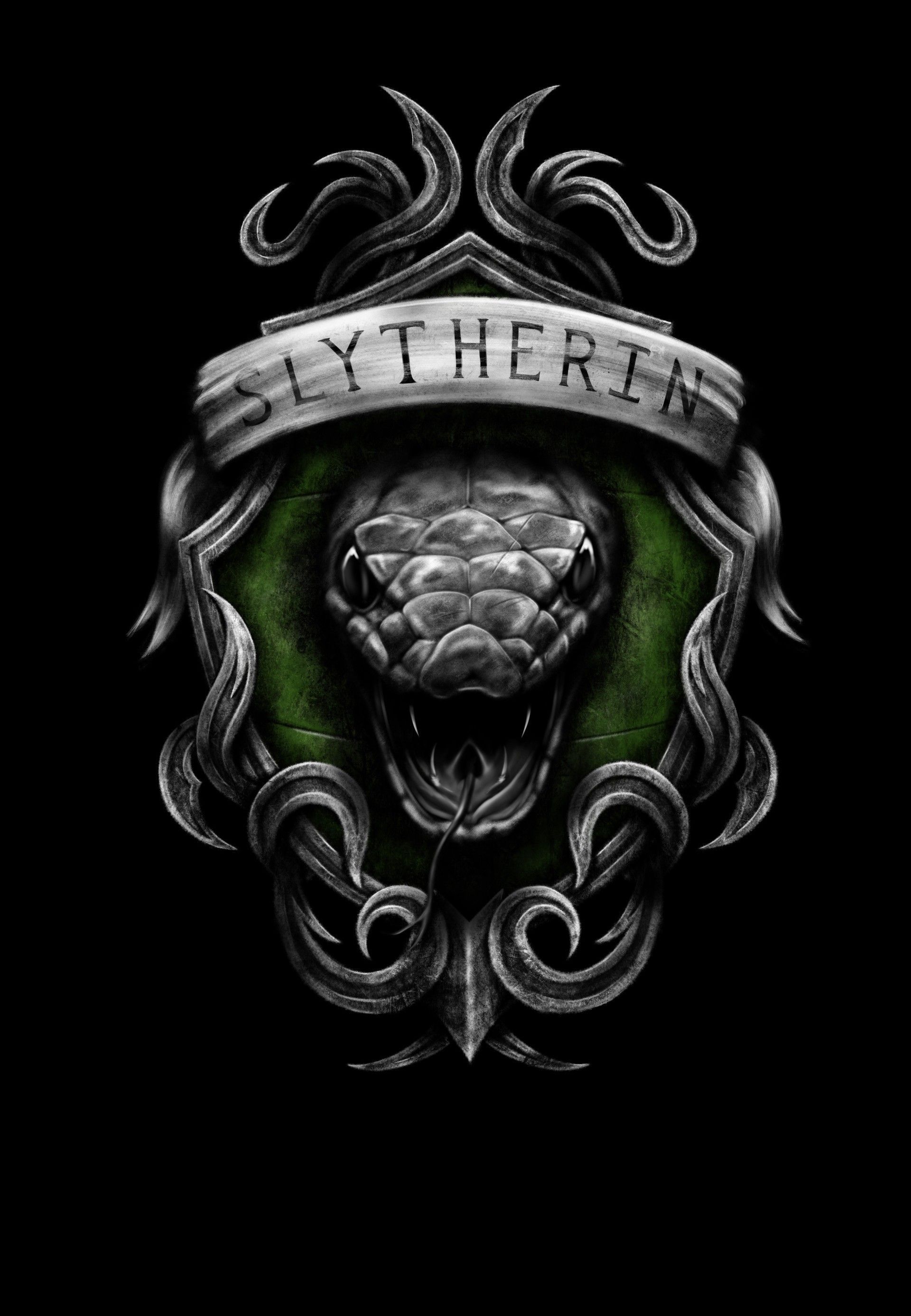
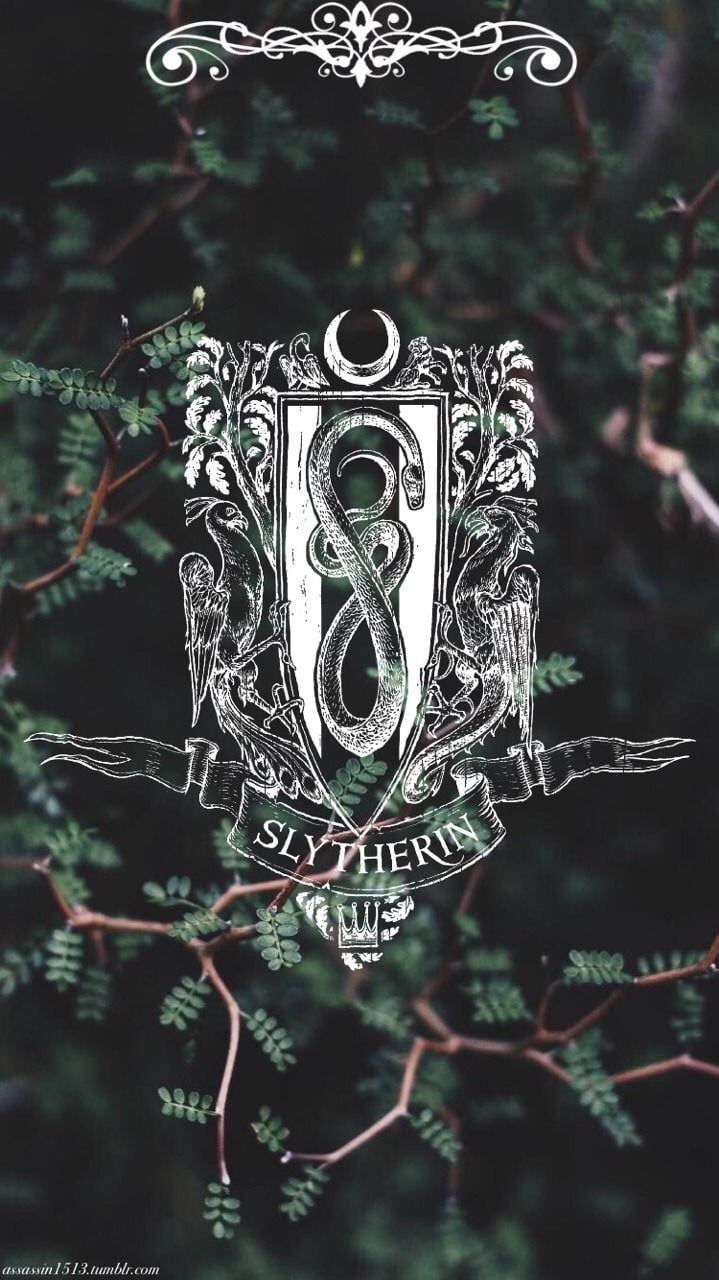
Sfondi con lo Stemma di Serpeverde
62 sfondi HD & 4K
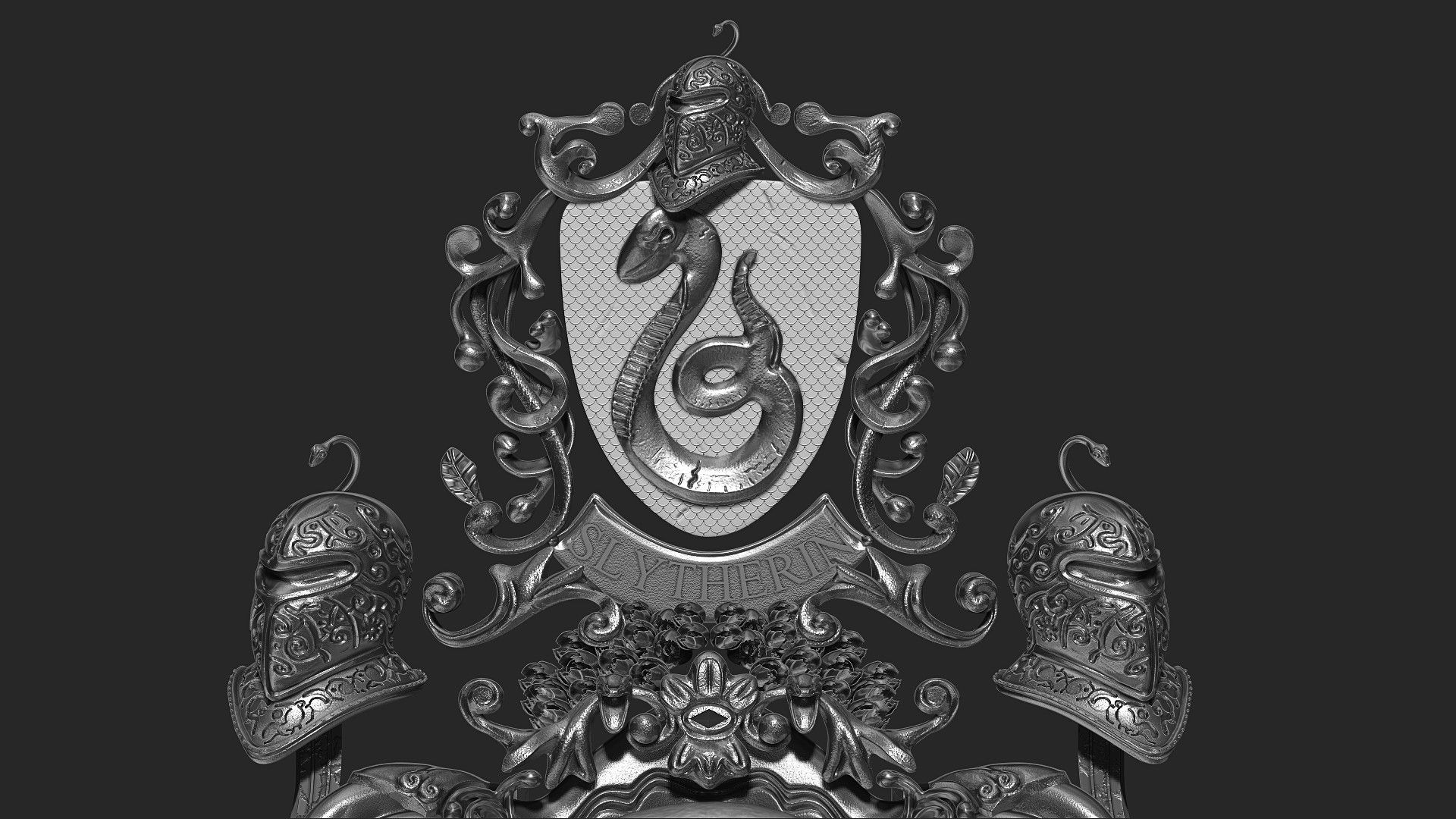
Stemma Serpeverde Harry Potter verde, J.K. Rowling, 1920x1080 Full HD, PC
1920×1080HD Scarica
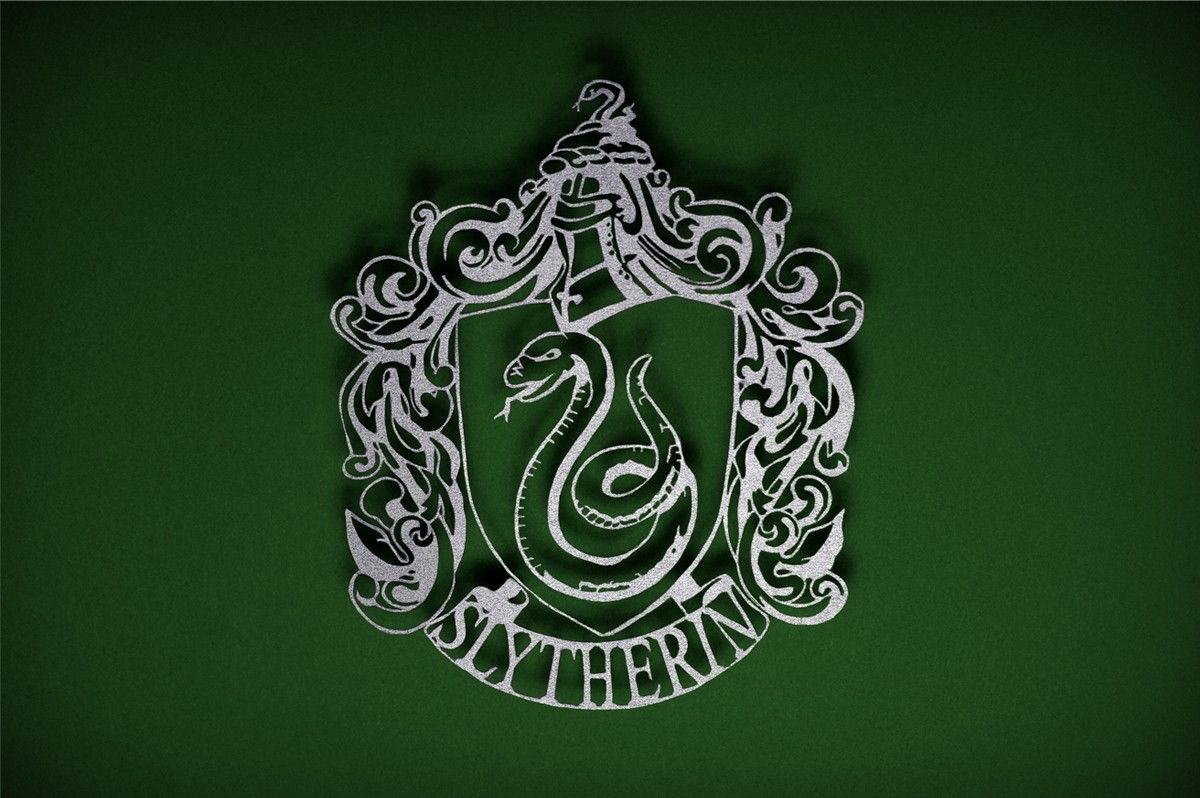
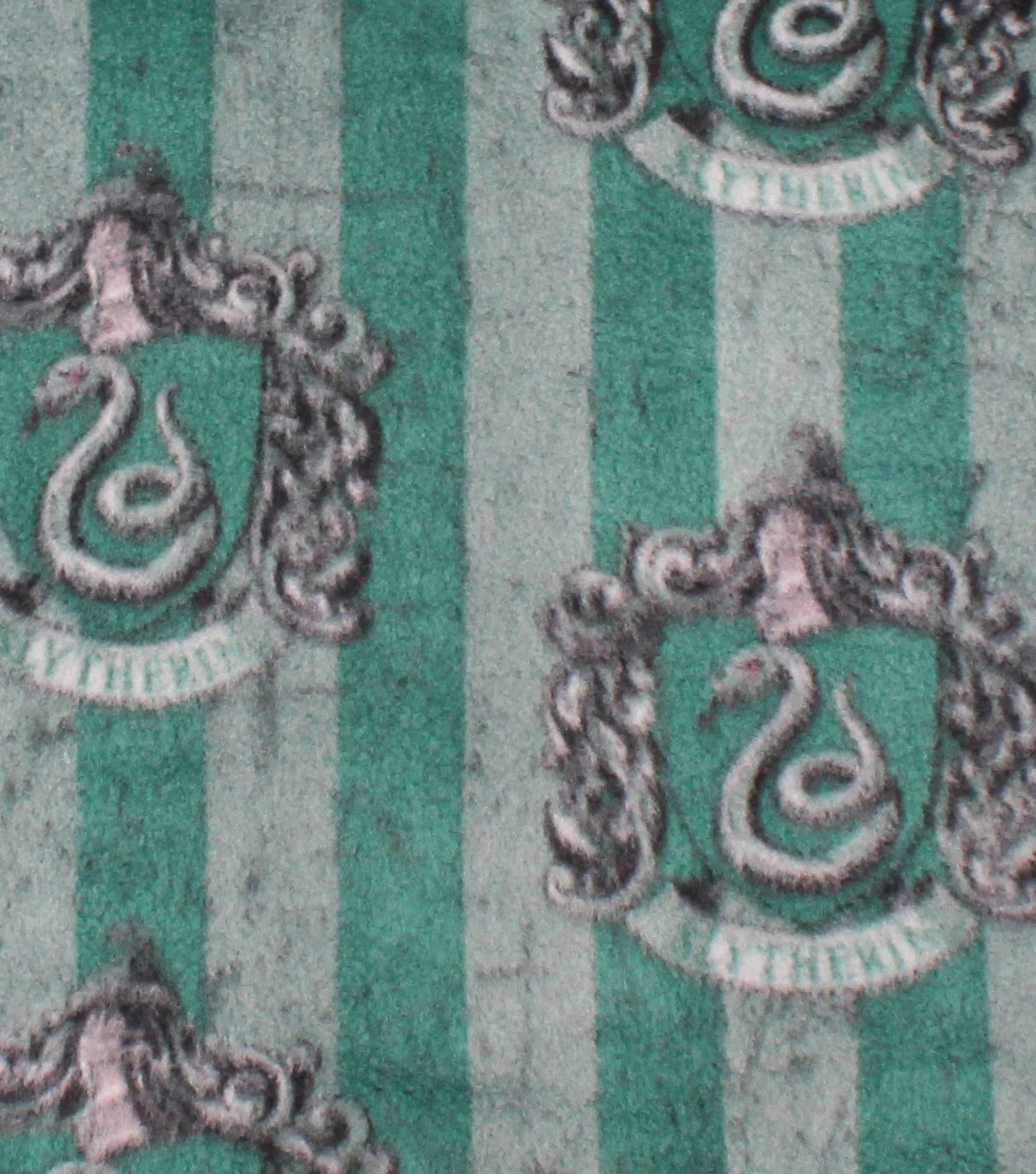
Stemma Serpeverde tessuto verde, 1600x1089 900p, HP Laptop
1600×1089HD Scarica
Stemma Serpeverde Harry Potter, J.K. Rowling, 1280x1024 720p, Laptop
1280×1024HD Scarica
Stemma Serpeverde Harry Potter, mondo magico, 1200x1200 HD, Desktop
1200×1200HD Scarica
Stemma Serpeverde con serpente, 1024x768 HD, PC
1024×768HD Scarica
Stemma Serpeverde verde argento, 1920x1080 Full HD 1080p, Desktop
1920×1080HD Scarica
Stemma Serpeverde Harry Potter, 1080x1920 Full HD Verticale, Samsung Galaxy
1080×1920HD Scarica
Stemma Serpeverde Harry Potter, mondo magico, 1571x872 HD, Desktop
1571×872HD Scarica
Stemma Serpeverde Harry Potter, J.K. Rowling, 2000x1250 alta risoluzione, PC

2000×1250HD Scarica
Stemma Serpeverde Harry Potter, mondo magico, 1280x720 HD, Desktop
1280×720HD Scarica
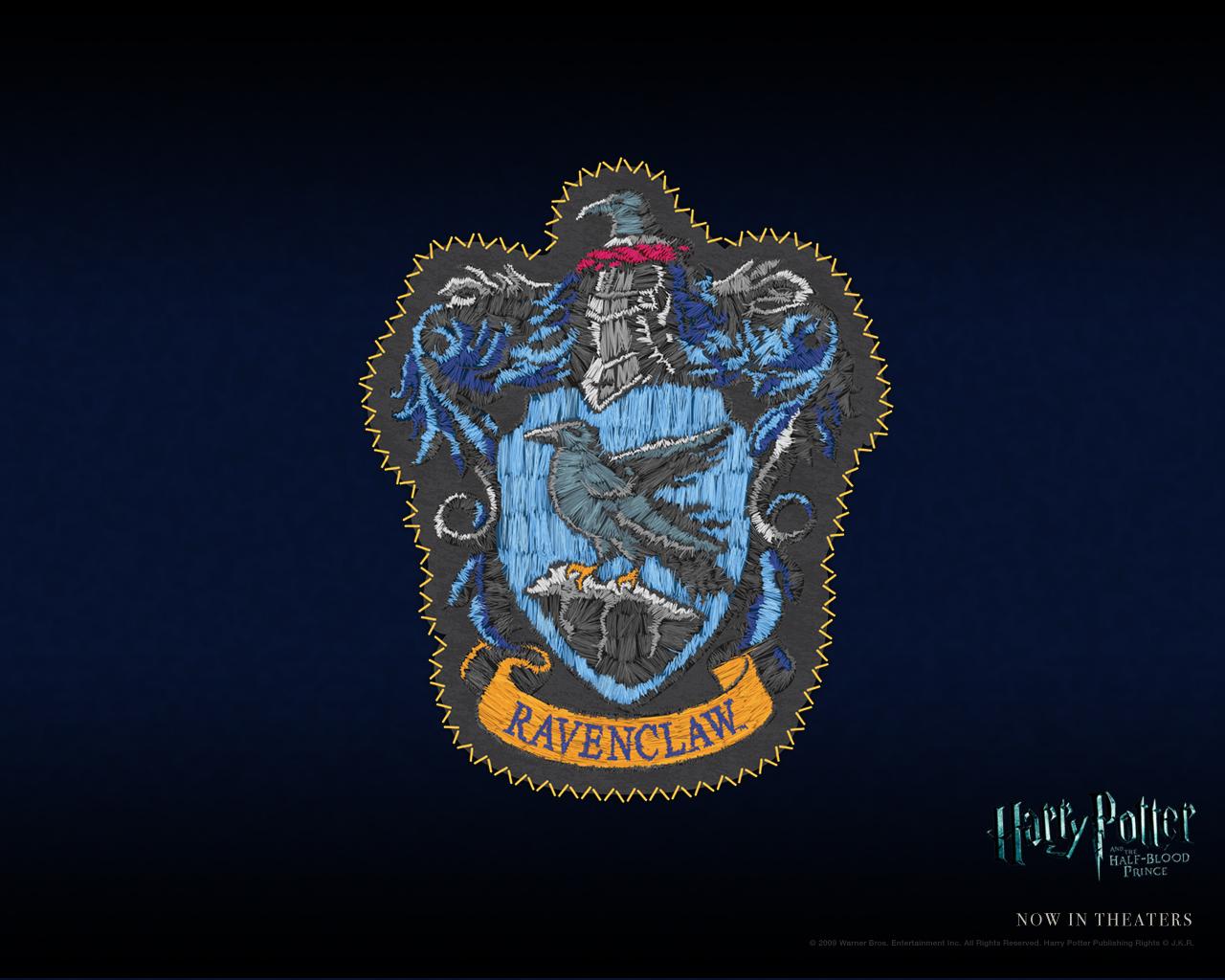
Stemma Corvonero, Harry Potter, Hogwarts, 1920x2773 Full HD Verticale, Smartphone
720×1280HD Scarica
Stemma Serpeverde verde oro, 720x1280 Verticale, Xiaomi
1000×1000HD Scarica
Stemma Serpeverde Harry Potter, 1000x1000 HD, PC
1080×1024HD Scarica
Stemma Serpeverde Harry Potter, 1080x1024 HD, Desktop
1280×1007HD Scarica
Stemma Serpeverde su onde, 1280x1007 720p, Laptop
1920×27732K Scarica
Stemma Serpeverde Harry Potter, 1920x2773 Verticale, Telefono
720×1280HD Scarica
Stemma Serpeverde con fiori, 720x1280 Full HD Verticale, Google Pixel
1500×1000HD Scarica
Stemma Serpeverde Harry Potter, 1500x1000 HD, Desktop
719×1280HD Scarica
Stemma Serpeverde Harry Potter, 719x1280 Full HD Verticale, Smartphone
1511×1473HD Scarica
Stemma Serpeverde Harry Potter, 1511x1473 HD, Desktop
1200×798HD Scarica
Stemma Serpeverde Harry Potter, 1200x798 HD, PC
1080×1920HD Scarica
Stemma Serpeverde con rose nere, 1080x1920 Verticale, Samsung Galaxy
831×960HD Scarica
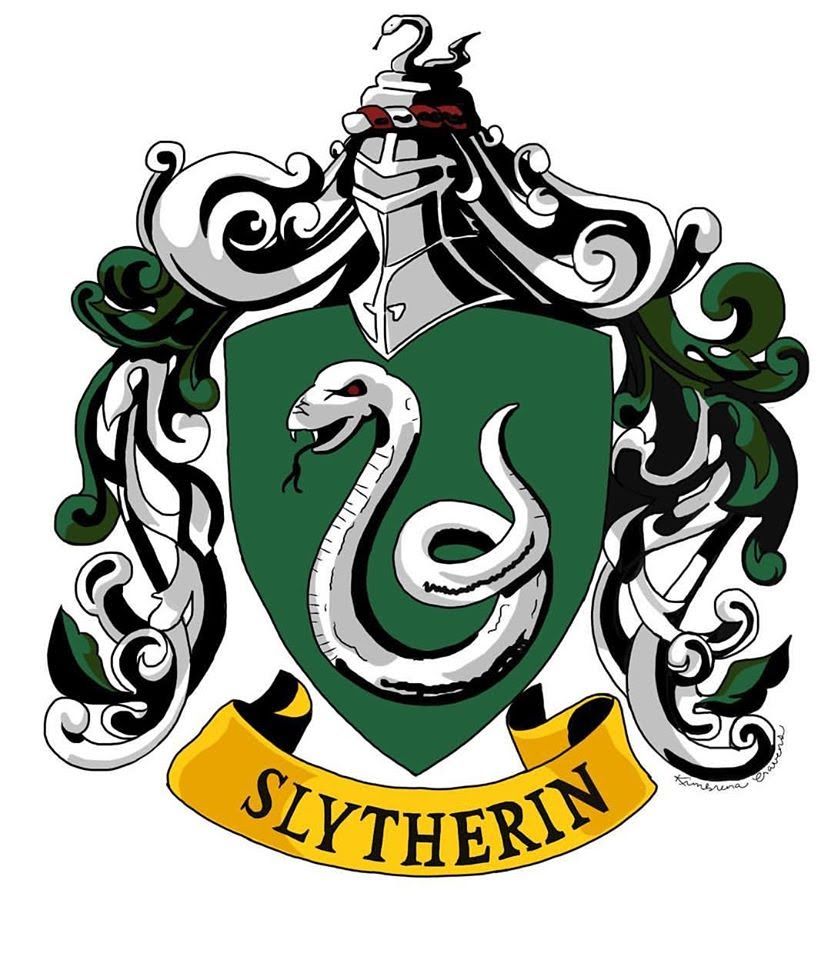
Stemma Serpeverde Harry Potter, 831x960 Full HD Verticale, Smartphone
1280×800HD Scarica
Stemma Serpeverde Harry Potter, 1280x800 HD, Desktop
1500×1762HD Scarica
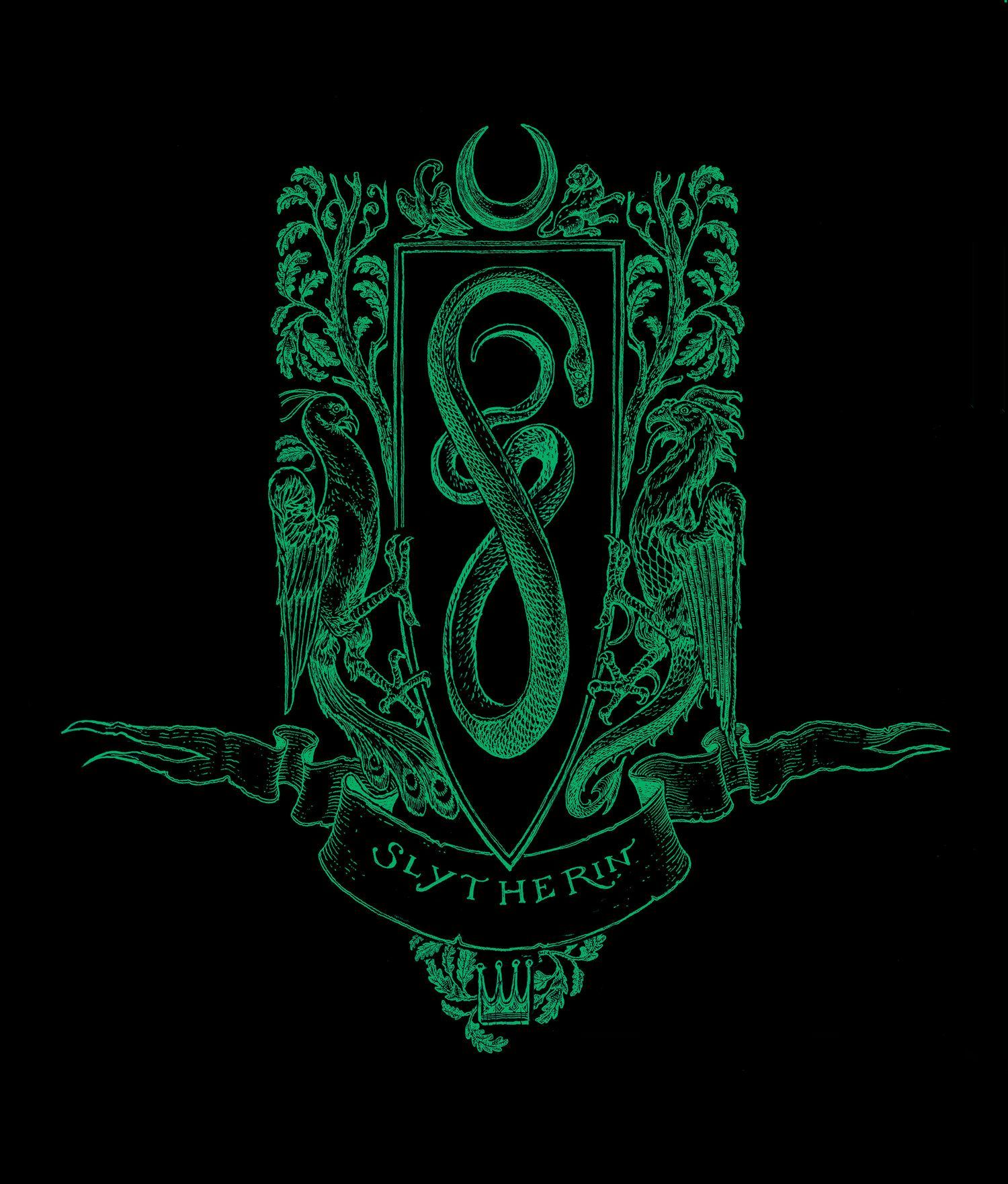
Stemma Serpeverde Harry Potter verde, 1500x1762 Full HD Verticale, iPhone
1024×768HD Scarica
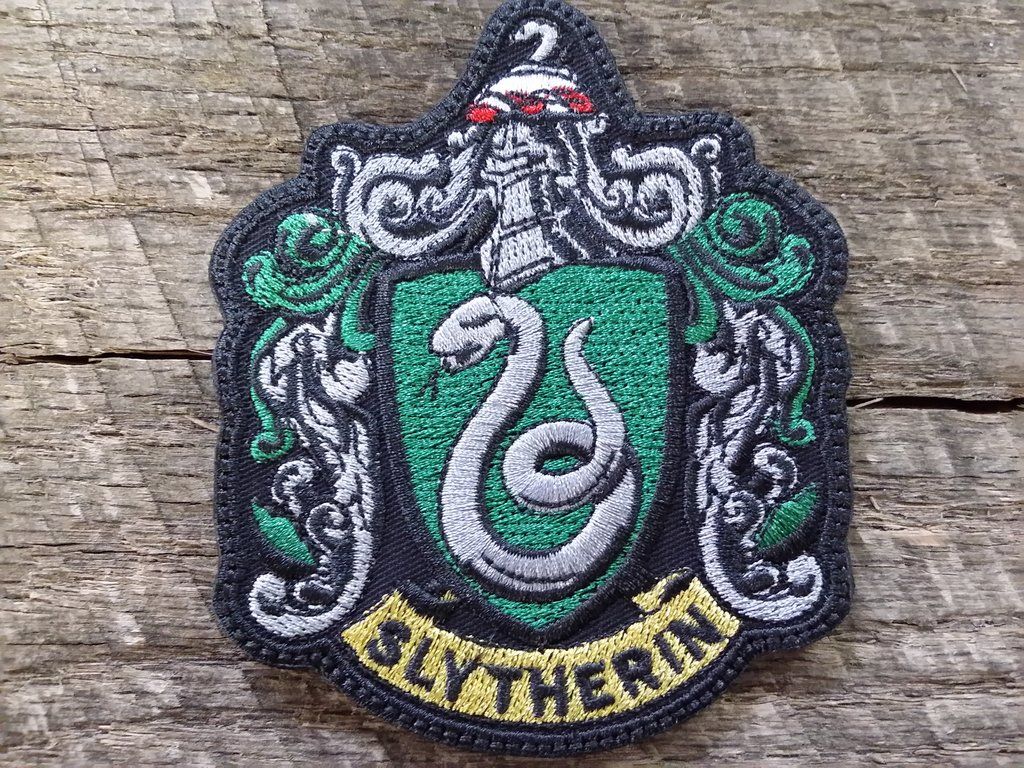
Toppa stemma Serpeverde Harry Potter, 1024x768 HD, Desktop
1920×1080HD Scarica
Stemma Serpeverde Harry Potter, 1920x1080 Full HD 1080p, PC Desktop
980×1518HD Scarica
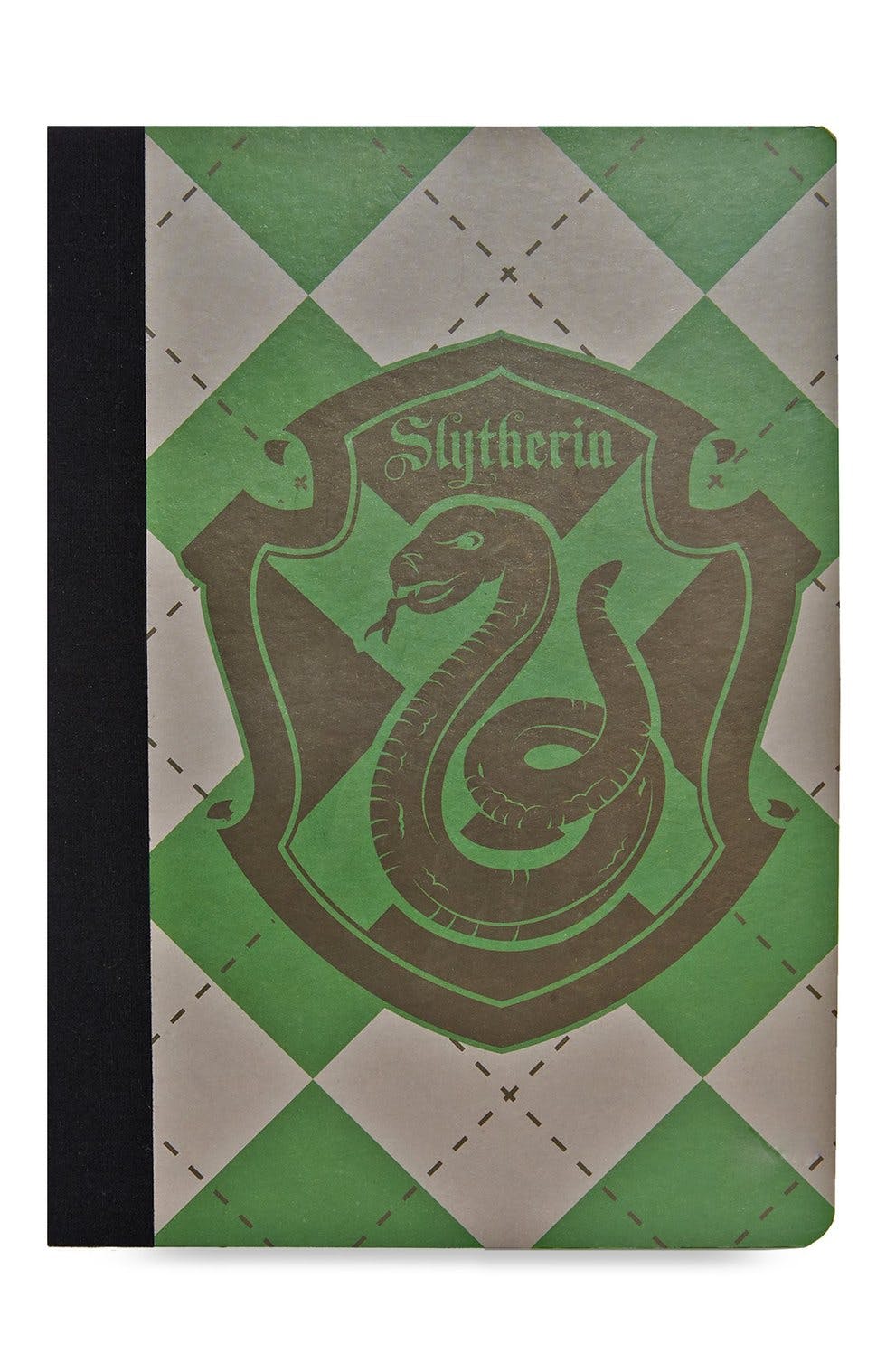
Quaderno stemma Serpeverde Harry Potter, 980x1518 Verticale, Telefono
2560×14402K Scarica
Stemma Serpeverde Harry Potter, 2560x1440 2K QHD, PC
1192×670HD Scarica
Stemma Serpeverde Harry Potter, 1192x670 HD, Desktop
2560×14402K Scarica
Stemma Serpeverde Harry Potter, 2560x1440 QHD, Laptop
1920×1080HD Scarica
Stemma Serpeverde Harry Potter, 1920x1080 1080p, PC Desktop
1032×774HD Scarica
Stemma Serpeverde Harry Potter, 1032x774 HD, PC
1024×768HD Scarica
Stemma Corvonero, Harry Potter, Hogwarts, 1920x1080 Full HD, Desktop
1024×768HD Scarica
Stemma Serpeverde Harry Potter, 1024x768 HD, Laptop
1920×1200HD Scarica
Stemma Serpeverde Harry Potter, 1024x768 HD, Desktop
1213×1697HD Scarica
Stemma Serpeverde Quidditch Team Captain, 1920x1200 Full HD+, iMac
1600×966HD Scarica
Stemma Serpeverde Harry Potter, 1213x1697 Verticale, Mobile
1280×800HD Scarica
Stemma Serpeverde Harry Potter parole, 1600x966 HD Ready, Laptop
822×972HD Scarica
Stemma Hogwarts giallo nero, scuola di magia, 1280x800 HD, Desktop
1024×768HD Scarica
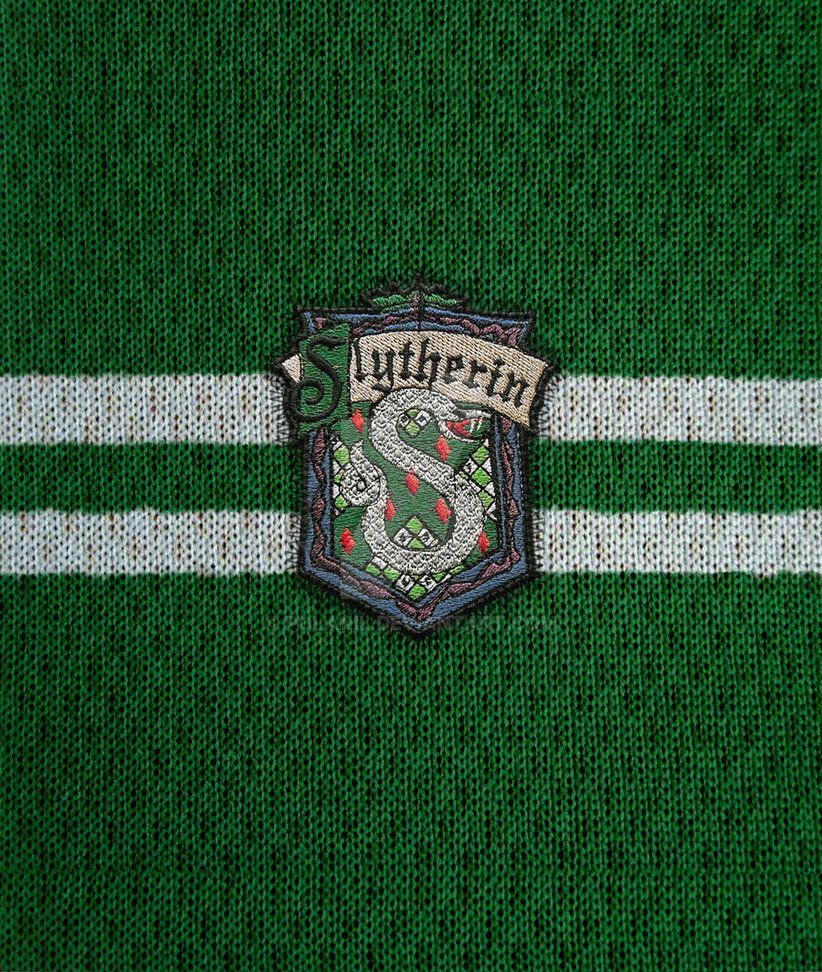
Stemma Serpeverde su maglia verde, 822x972 Full HD Verticale, iPhone
2560×16002K Scarica
Stemma serpente Serpeverde verde, 1024x768 HD, PC Desktop
720×1280HD Scarica
Stemma Hogwarts Serpeverde verde blu, scuola di magia, 2560x1600 WQXGA, Laptop
1080×1920HD Scarica
Stemma Serpeverde Harry Potter, 720x1280 Verticale, Telefono
1920×1080HD Scarica
Stemma serpente verde Serpeverde, 1080x1920 Full HD Verticale, iPhone
1024×768HD Scarica
Stemma Serpeverde Harry Potter, 1920x1080 Full HD, Desktop
1032×774HD Scarica
Stemma Serpeverde Harry Potter, 1024x768 HD, iMac
1024×768HD Scarica
Stemma Serpeverde Harry Potter, 1032x774 HD, Desktop
1920×1080HD Scarica
Stemma Serpeverde Harry Potter verde, 1024x768 HD, PC
900×1167HD Scarica
Stemma Hogwarts sfondo scuro, scuola di magia, 1920x1080 1080p, Desktop
2000×2000HD Scarica
Stemma casa Serpeverde, Harry Potter, 900x1167 Full HD Verticale, Smartphone
1920×1080HD Scarica
Portachiavi Stemma Serpeverde Harry Potter, 2000x2000 2K, PC Desktop
1024×768HD Scarica
Stemma Corvonero Harry Potter, Hogwarts, 2560x1440 2K QHD, PC
1600×1089HD Scarica
Stemma Serpeverde Harry Potter, 1920x1080 Full HD 1080p, Desktop
1788×2024HD Scarica
Stemma Serpeverde Harry Potter, 1024x768 HD, Laptop
1280×1024HD Scarica
Stemma Serpeverde su texture grigia, 1600x1089 900p, Desktop
1200×1360HD Scarica
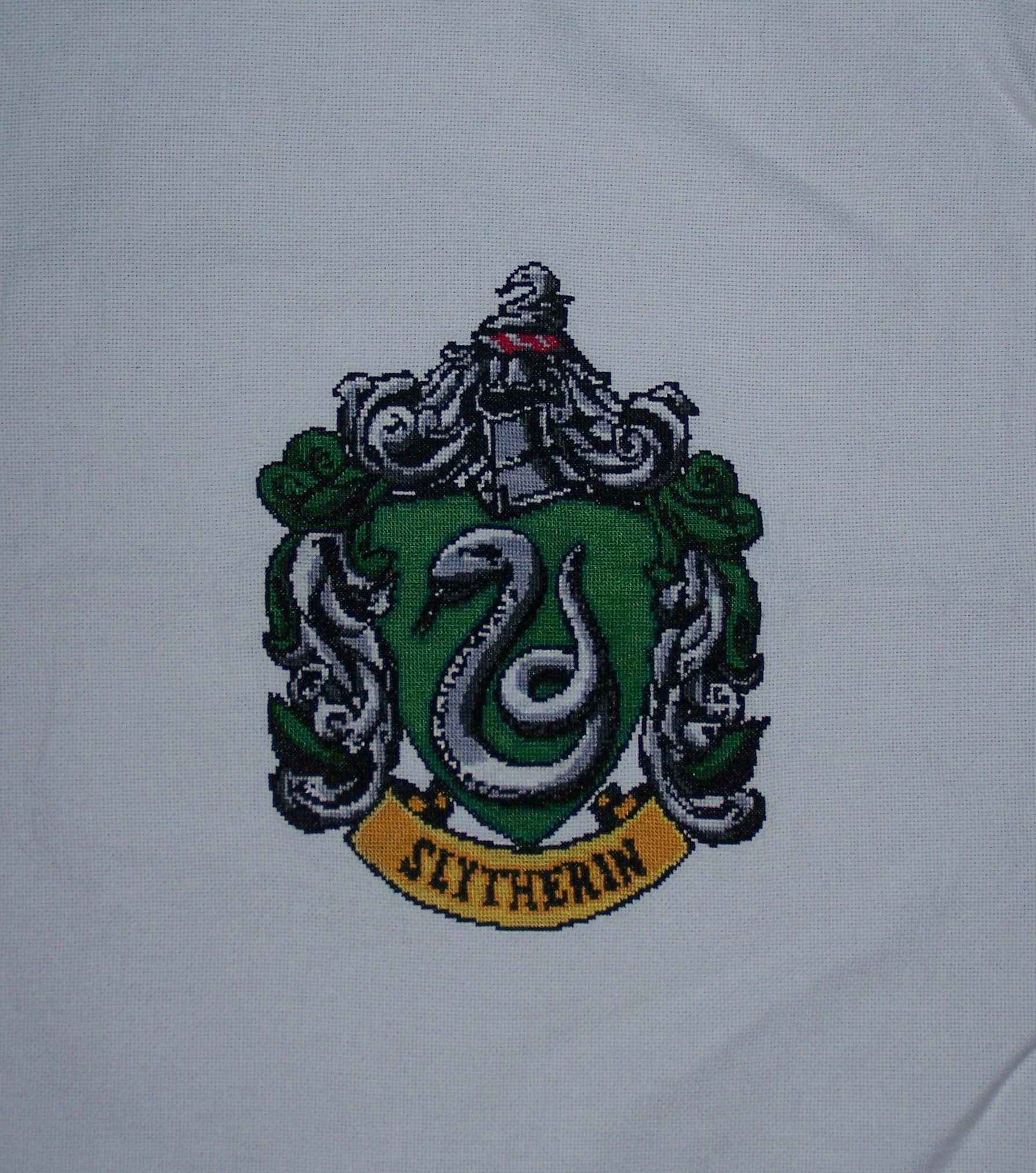
Stemma Serpeverde ricamato Harry Potter, 1788x2024 Full HD Verticale, Google Pixel
1920×1080HD Scarica
Stemma Corvonero Harry Potter, 1280x1024 HD, Desktop
750×1334HD Scarica
Stemma Serpeverde su righe verdi, 1200x1360 Full HD Verticale, Smartphone
1920×1200HD Scarica
Stemma Serpeverde righe verdi, 1920x1080 Full HD 1080p, Desktop
1920×1080HD Scarica
Stemma Hogwarts Harry Potter, 750x1334 Full HD Verticale, iPhone
1920×1200HD Scarica
Stemma Grifondoro Harry Potter, 1600x1089 900p, HP Laptop
2099×1312HD Scarica

Potrebbe piacerti
Come impostare lo sfondo sul tuo dispositivo

Hai trovato l’immagine giusta? Scaricala con il pulsante Scarica e segui i passaggi qui sotto: bastano pochi secondi, dal computer come dal telefono.

Windows
  1. Clicca su Scarica: l’immagine finisce nella cartella Download
  2. Fai clic destro sul file scaricato e scegli «Imposta come sfondo del desktop»
  3. Hai più monitor? Vai su Impostazioni → Personalizzazione → Sfondo e scegli dove applicarla
macOS
  1. Clicca su Scarica per salvare l’immagine sul Mac
  2. Apri Impostazioni di Sistema → Sfondo
  3. Clicca su «Aggiungi foto», seleziona l’immagine e scegli «Riempi schermo»
iPhone / iPad
  1. Tocca Scarica e poi «Salva in Foto»
  2. Apri l’app Foto e scegli l’immagine appena salvata
  3. Tocca Condividi → «Usa come sfondo», sistema l’inquadratura e conferma con Imposta
Android
  1. Tocca Scarica: l’immagine si salva nella Galleria
  2. Apri Galleria (o Google Foto) e seleziona l’immagine
  3. Dal menu scegli «Imposta come sfondo» e decidi se usarla per la schermata Home, il blocco schermo o entrambe