Sfondi Daniel Radcliffe in Harry Potter
67 sfondi HD & 4K
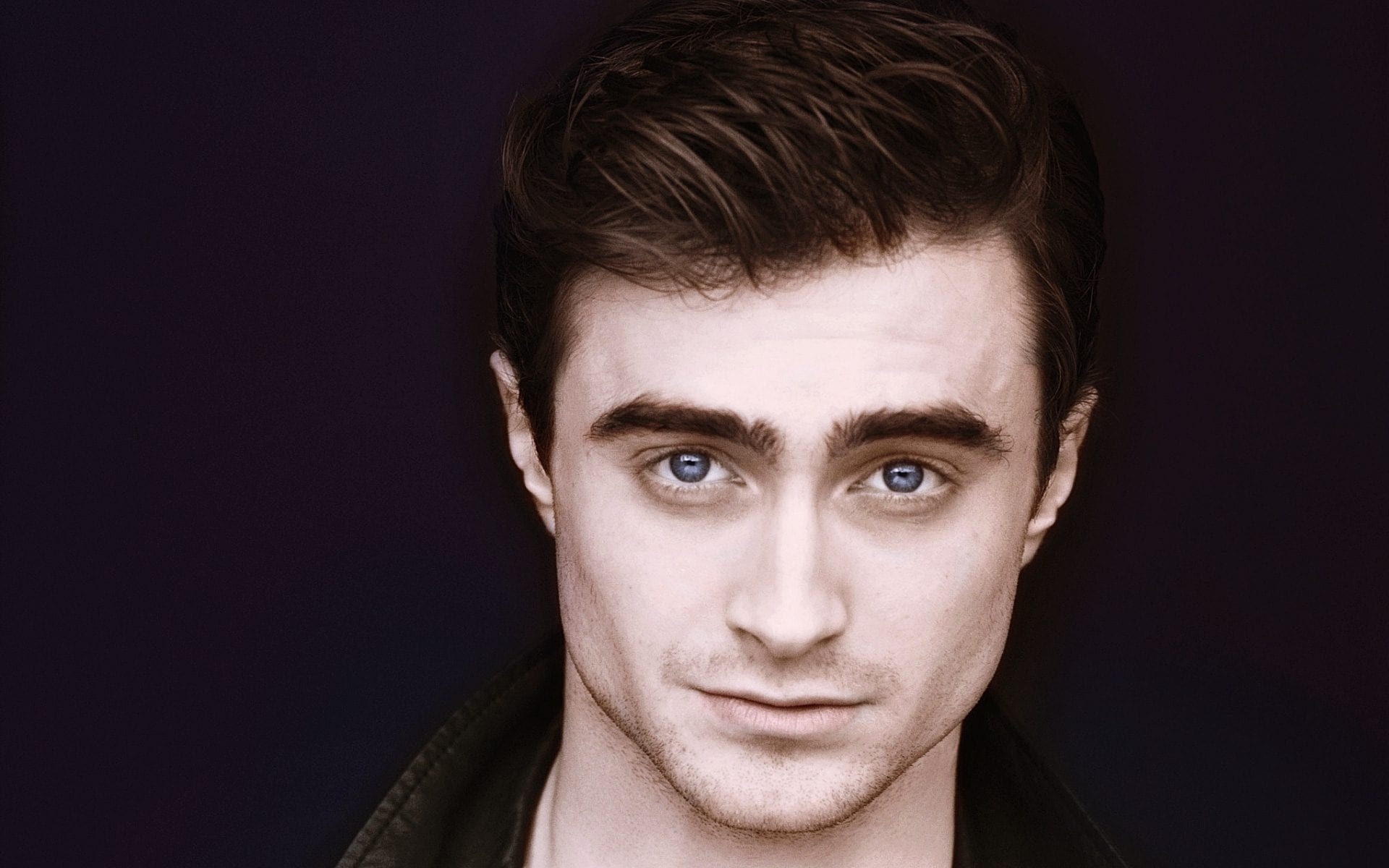
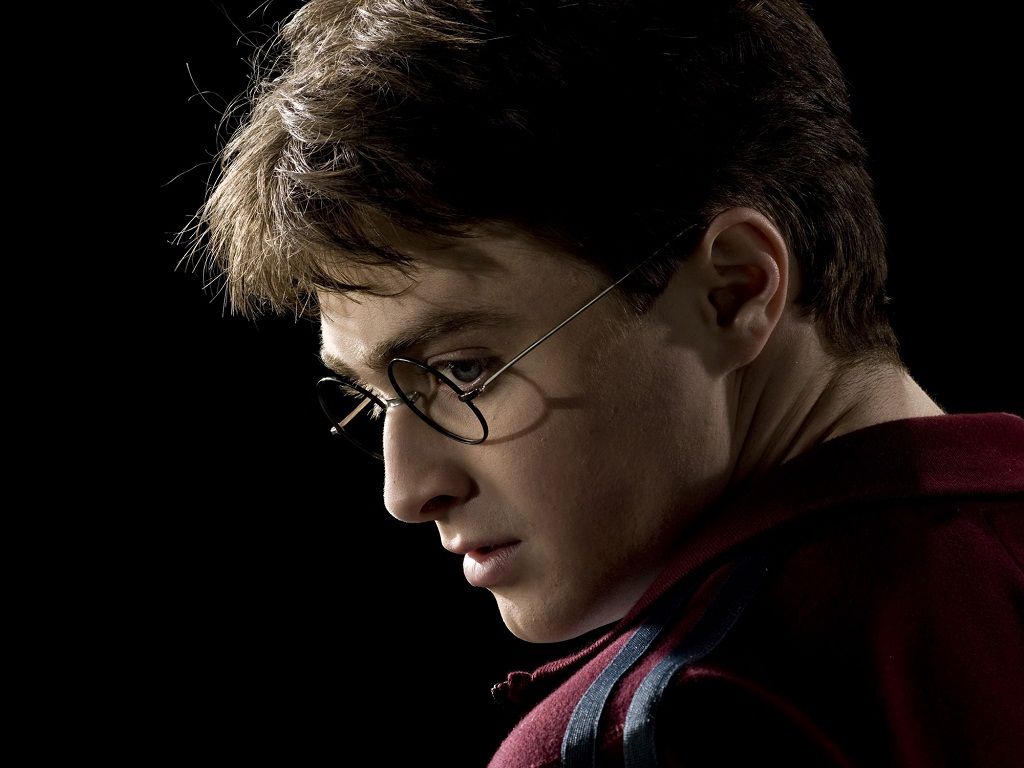
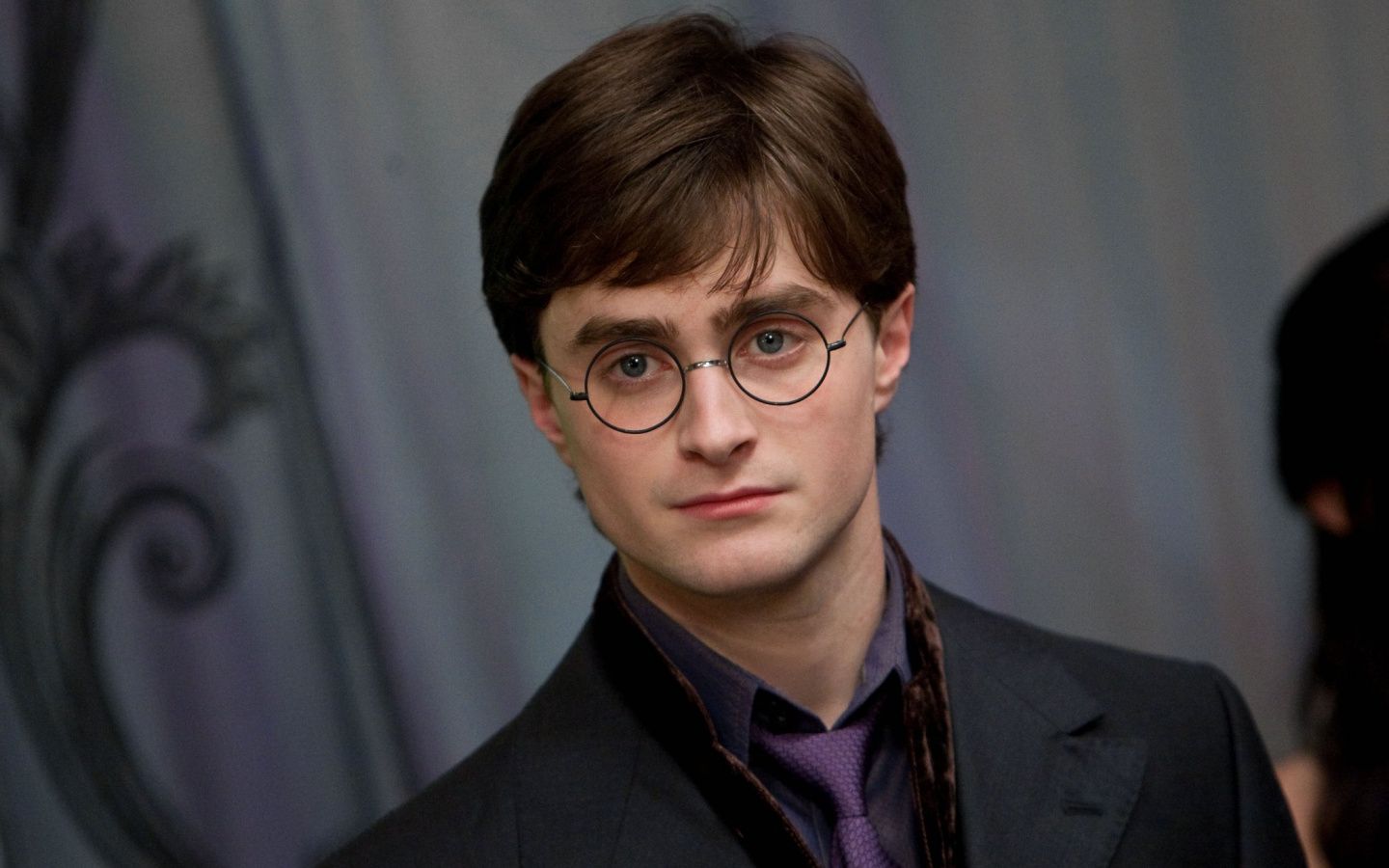
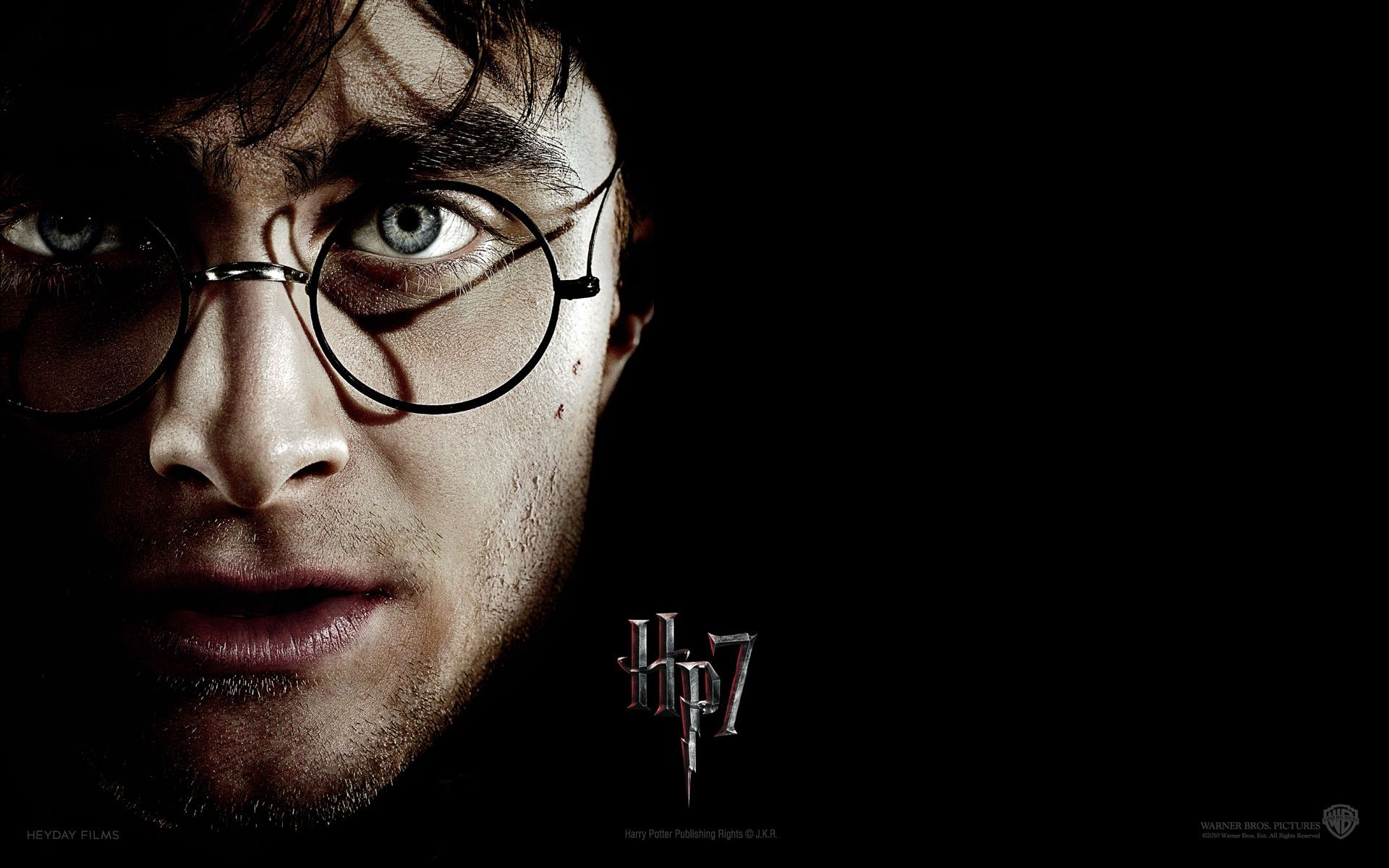
Harry Potter volto occhiali sfondo nero, 1920x1200 Full HD+ WUXGA, iMac
1920×1200HD Scarica
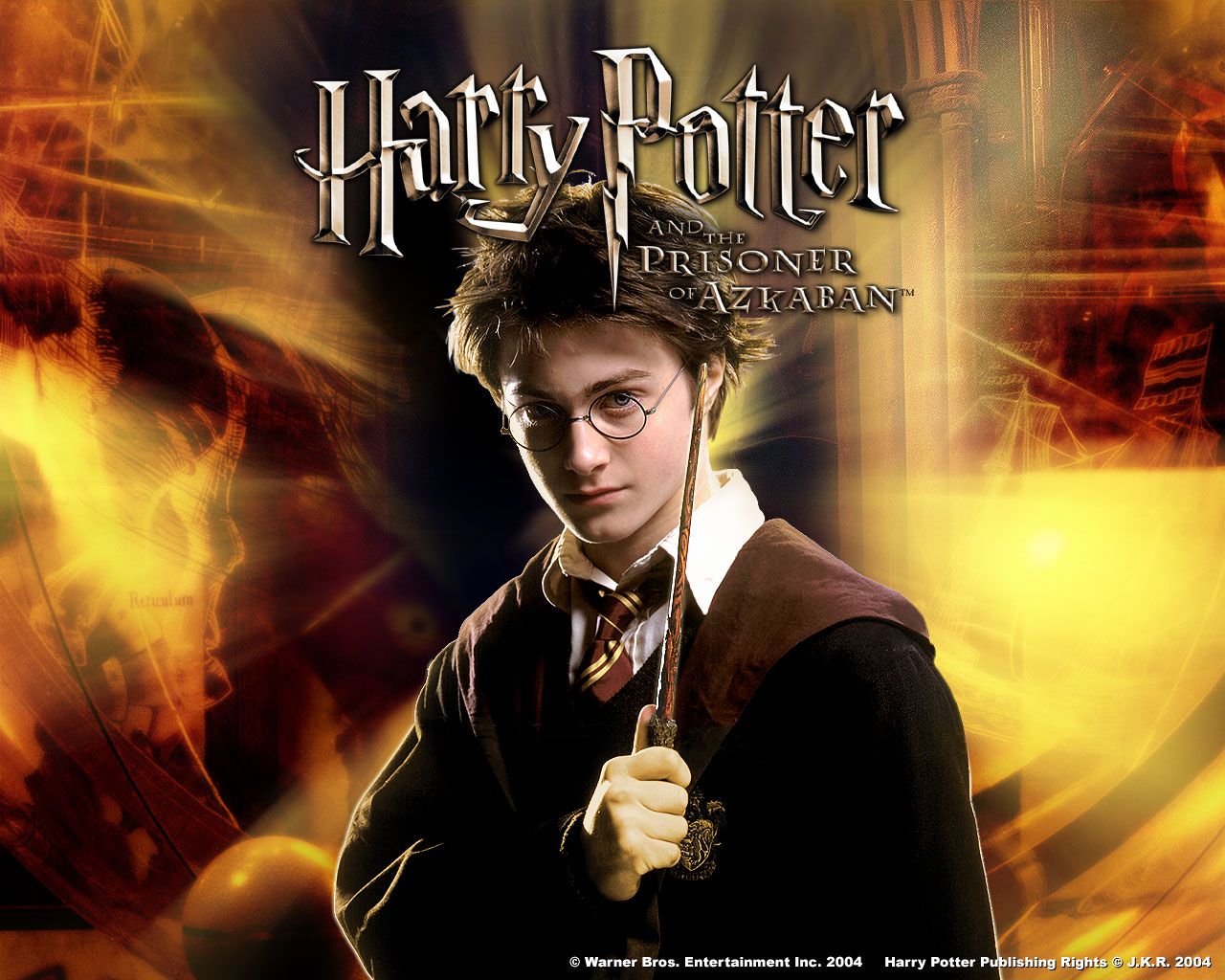
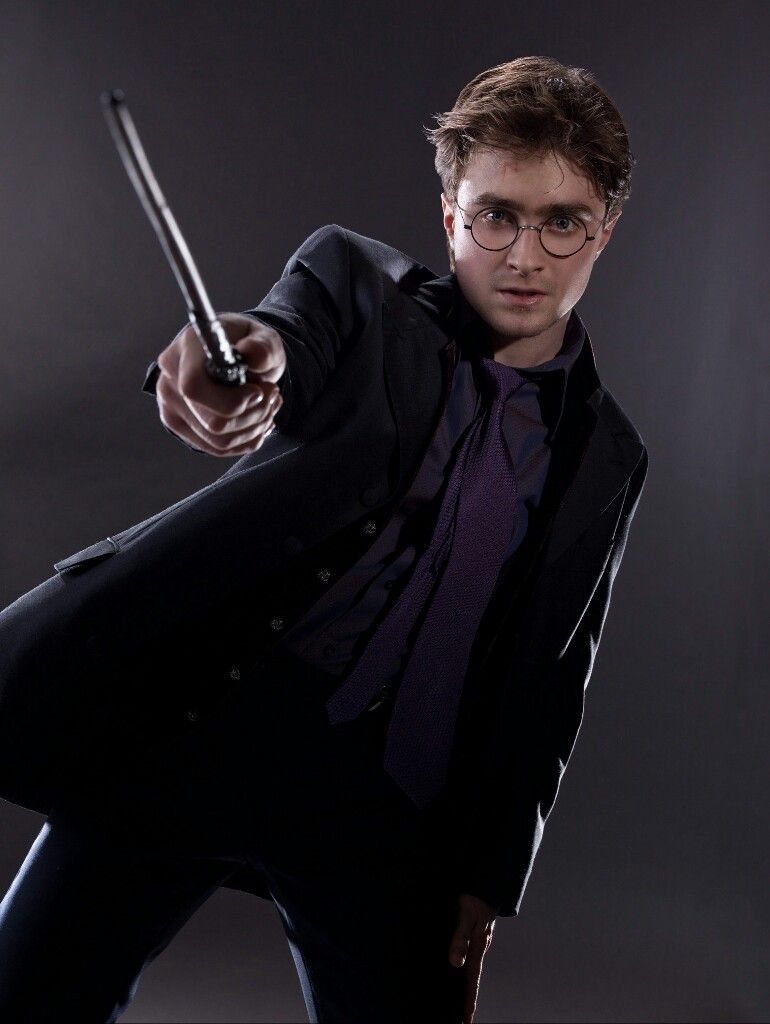
Harry Potter con bacchetta, mondo magico, 770x1024 Verticale, Mobile
770×1024HD Scarica
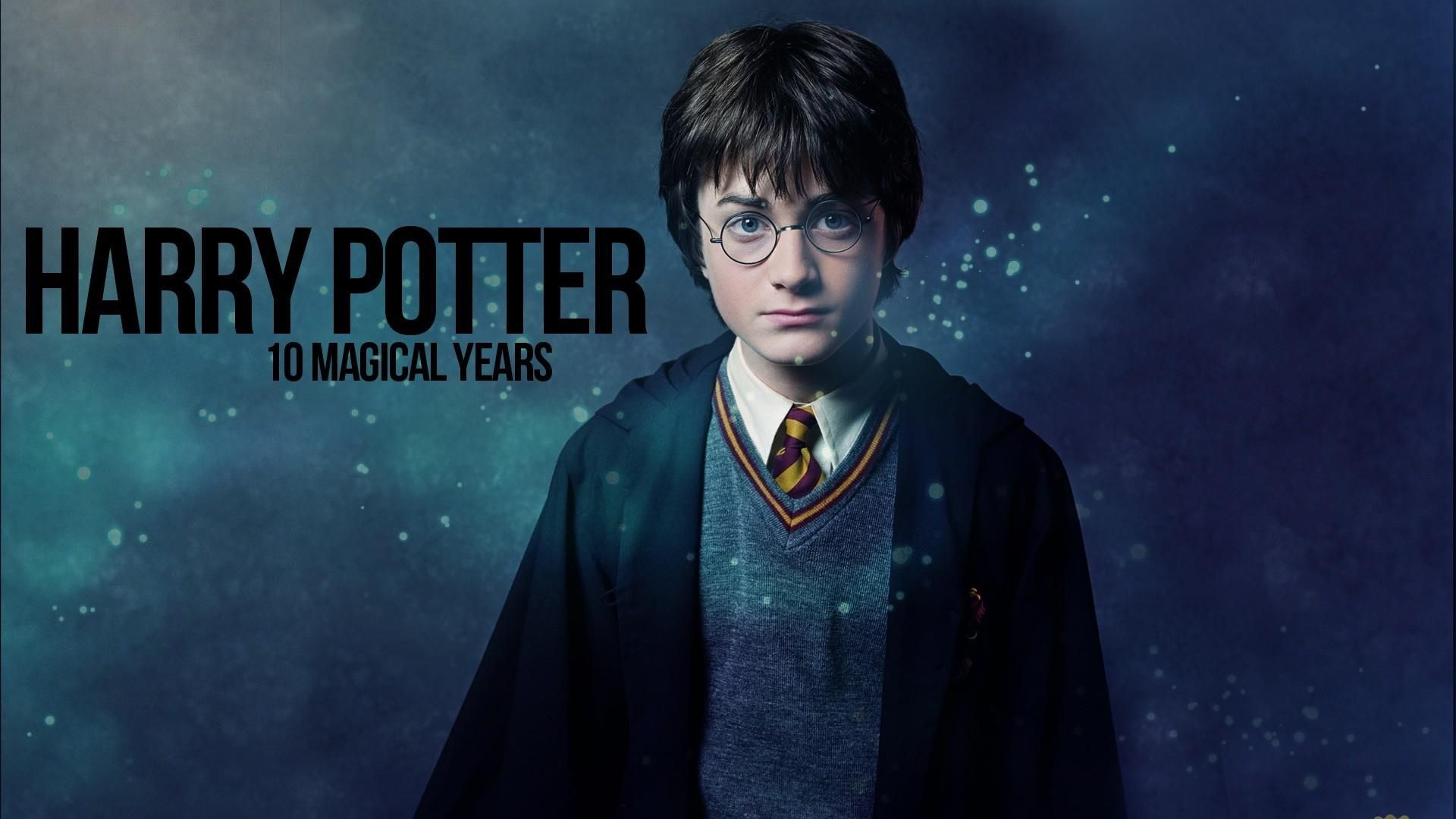
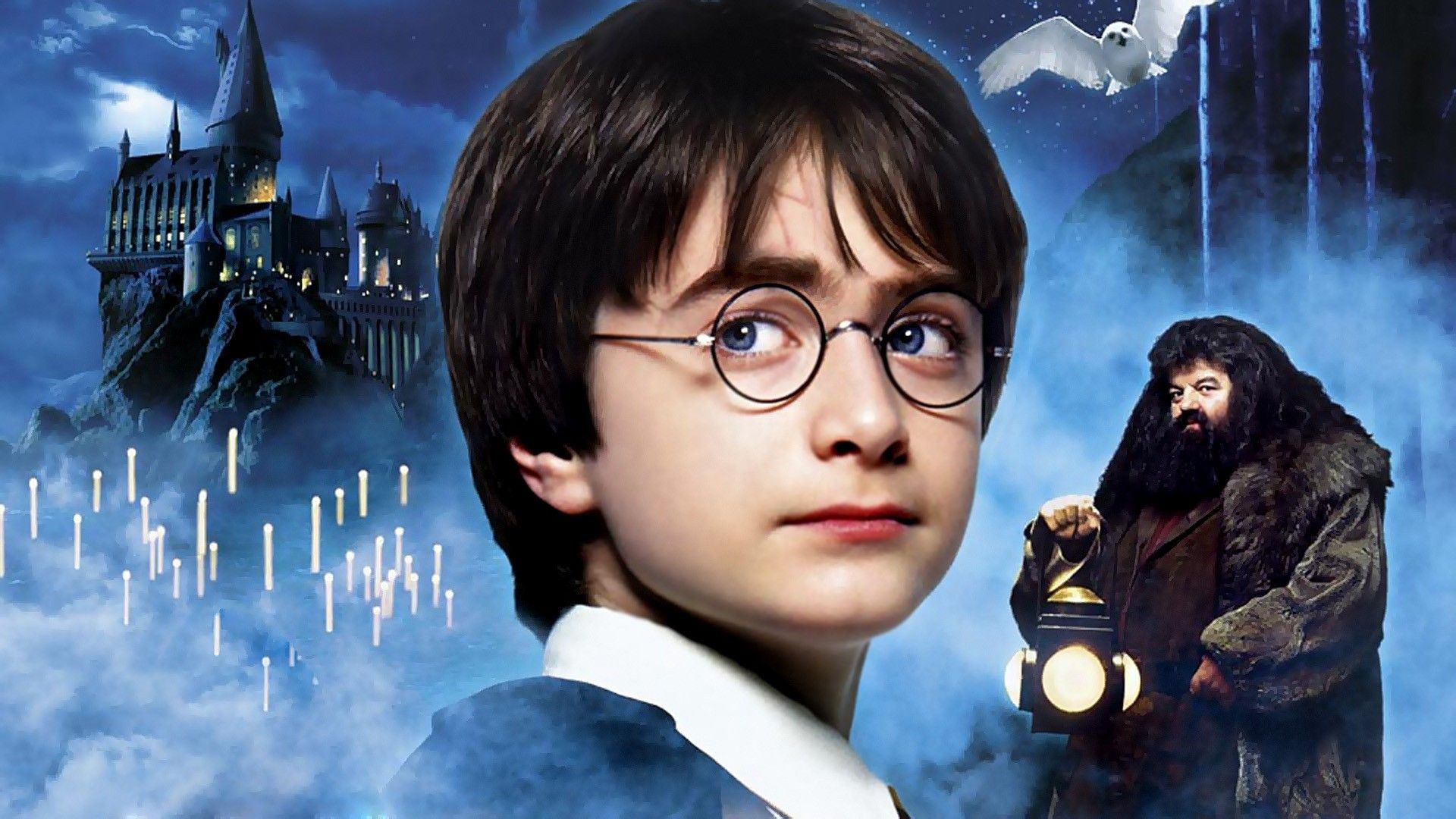
Harry Potter ritratto blu, J.K. Rowling, 1920x1080 1080p, Laptop
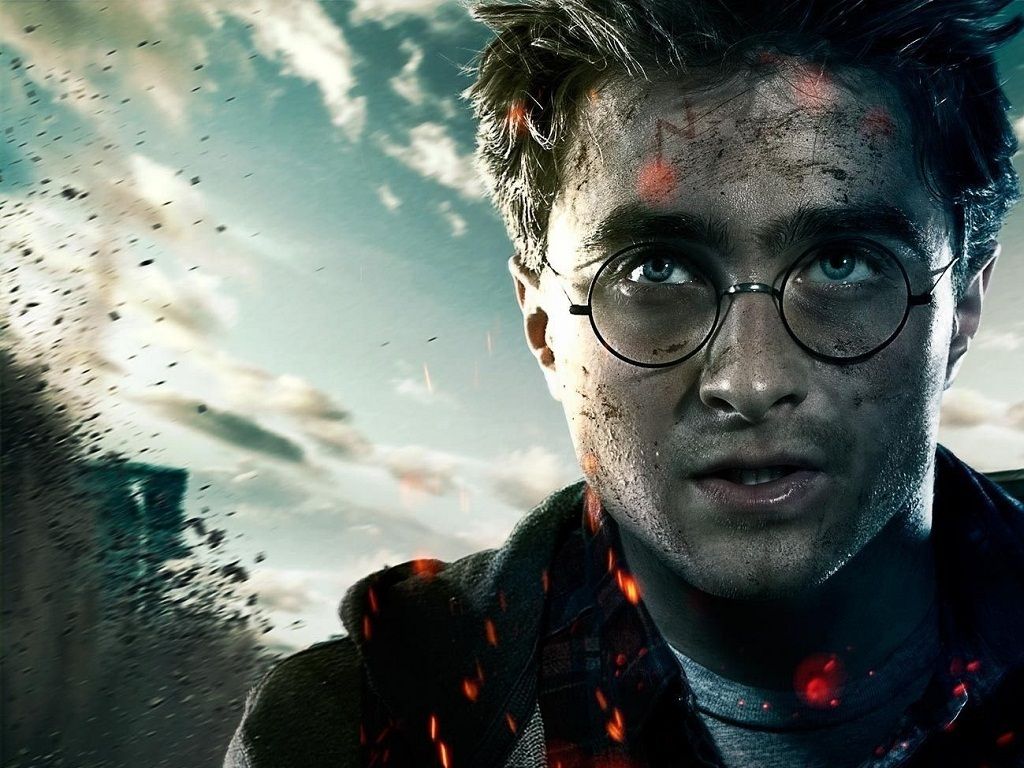
1920×1080HD Scarica
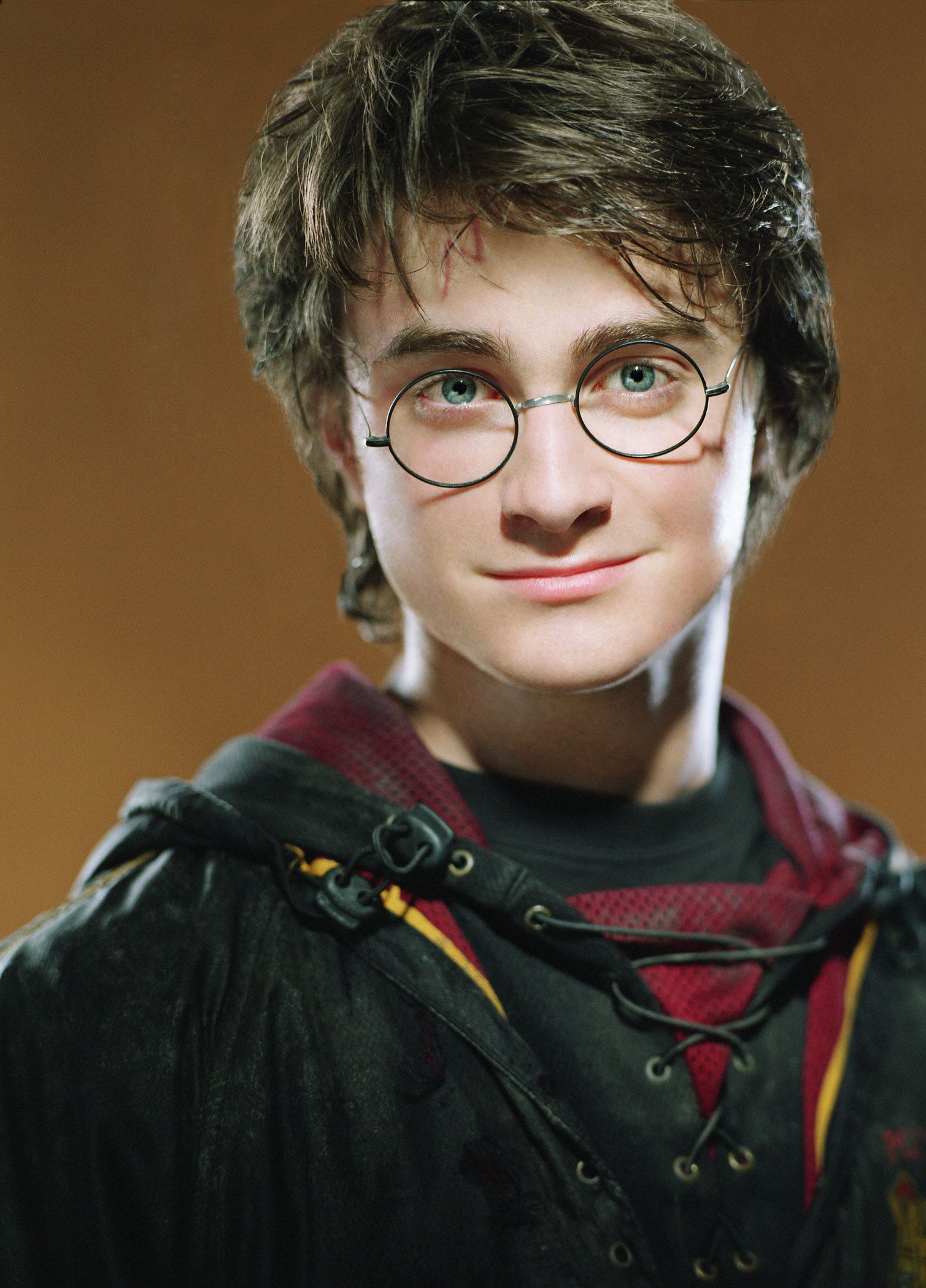
Harry Potter, Daniel Radcliffe ritratto, mondo magico, 1509x2100 Verticale, Telefono
1509×2100HD Scarica
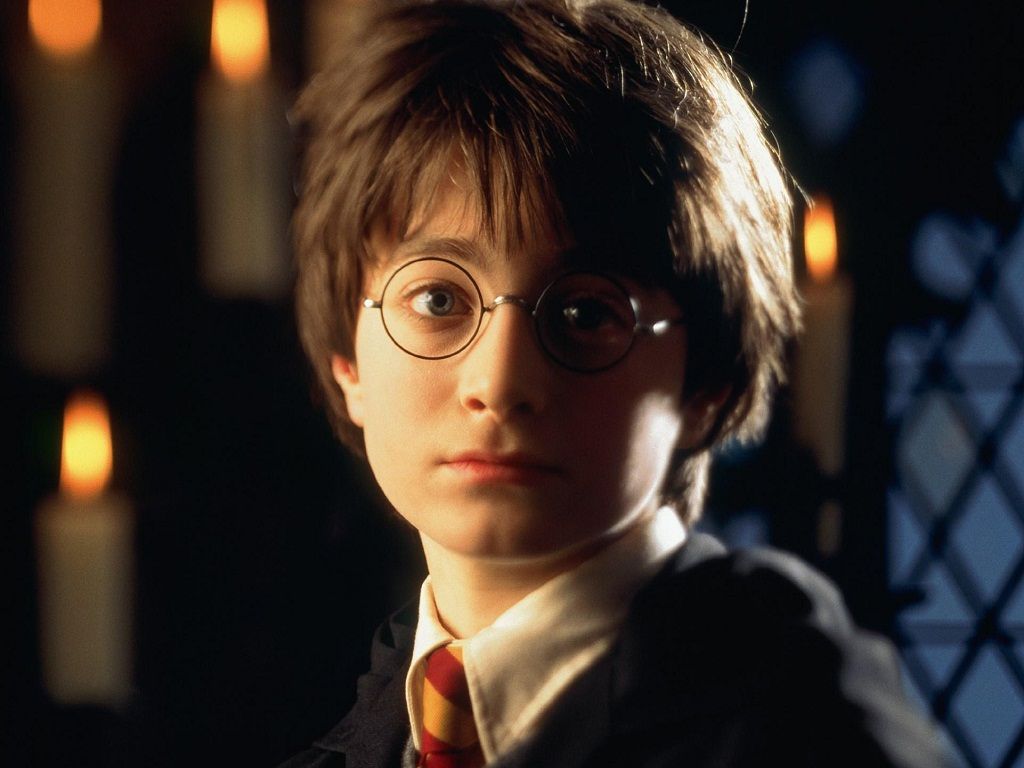
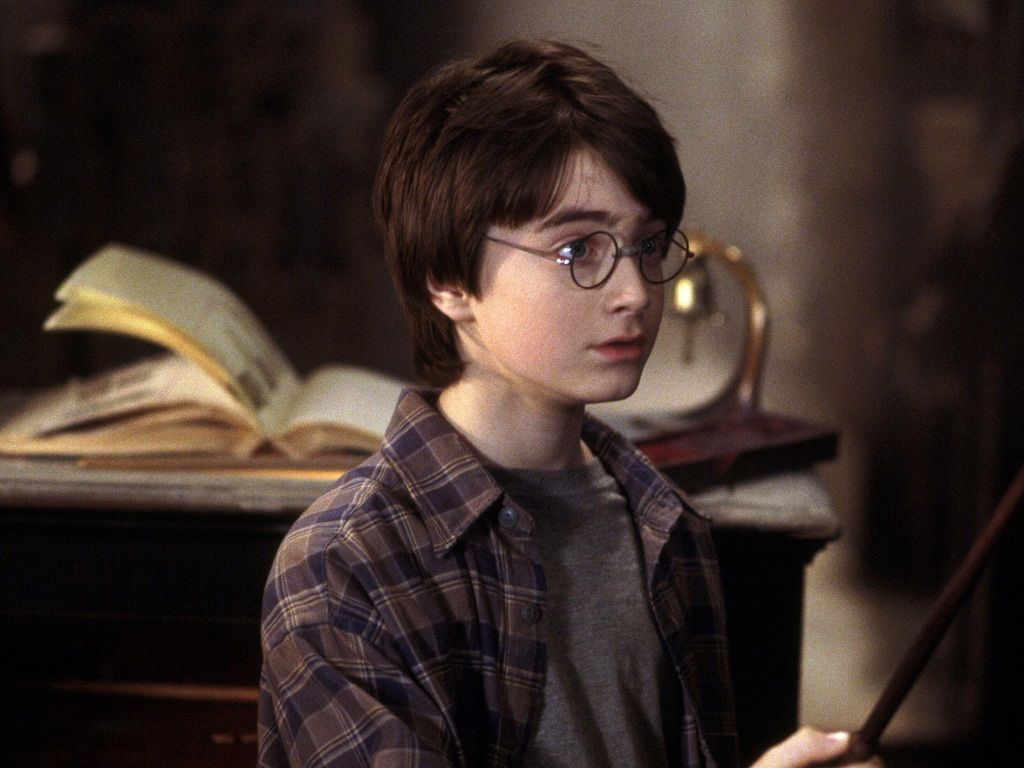
Harry Potter con occhiali candele, J.K. Rowling, 1024x768 HD, PC
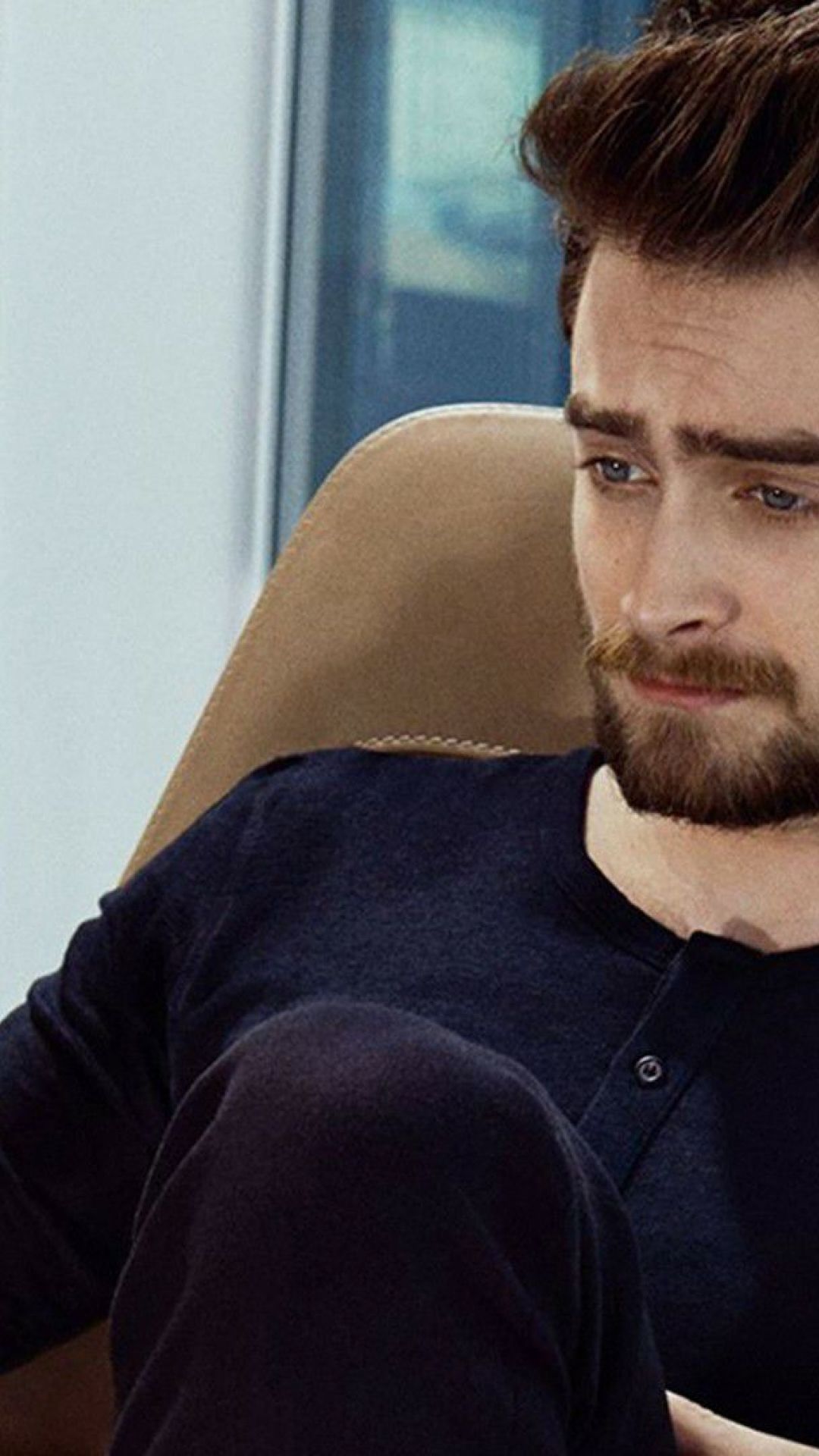
1024×768HD Scarica
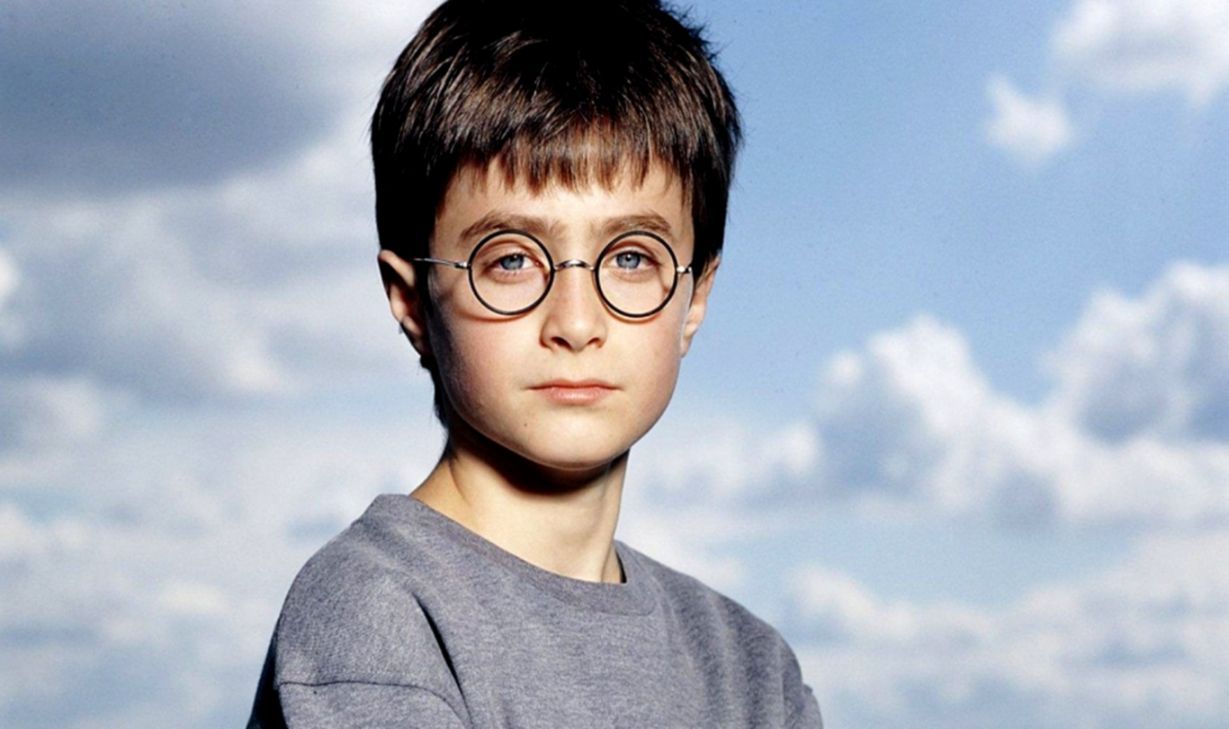
Harry Potter giovane cielo, 1229x729 HD, HP Laptop
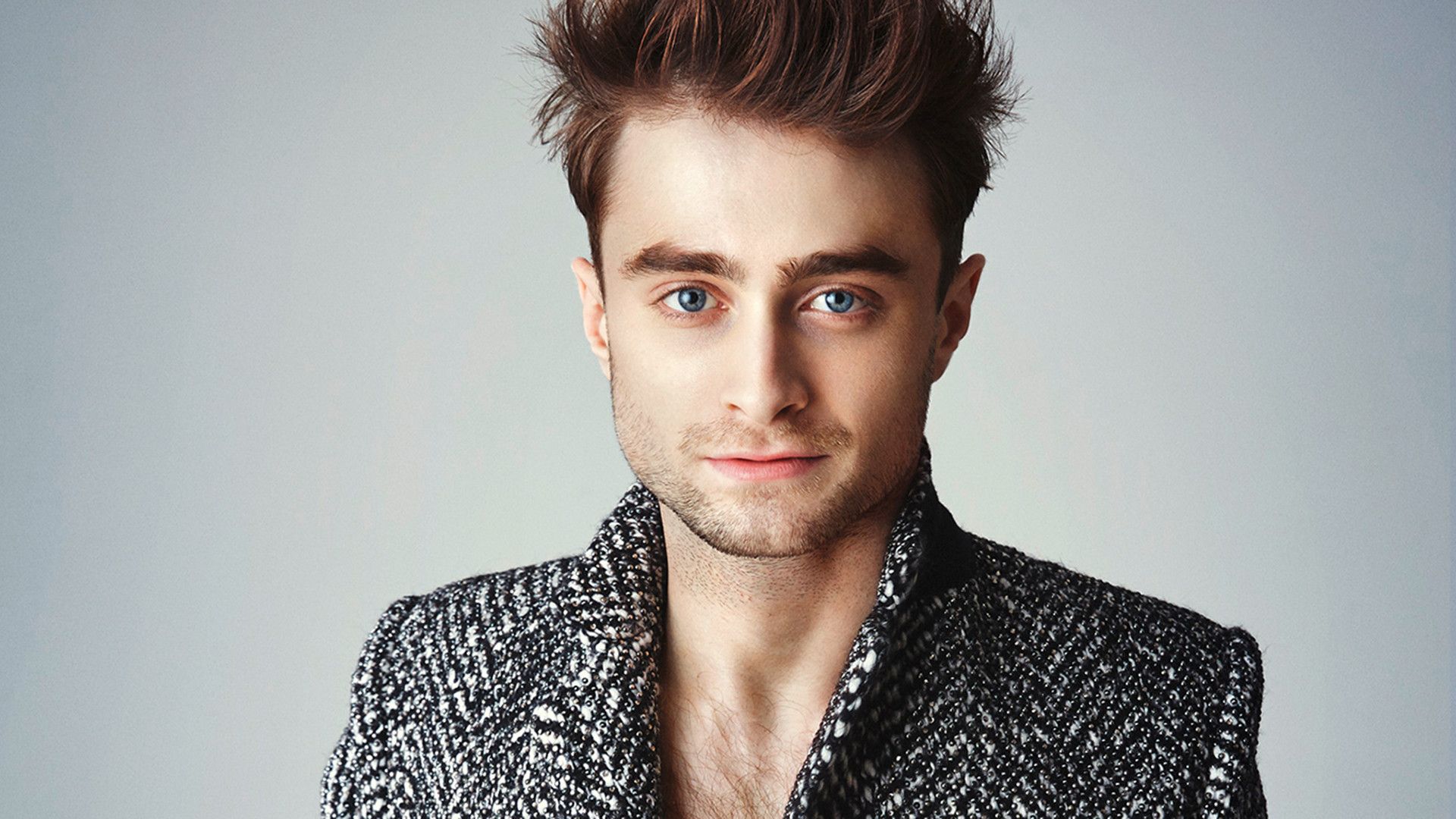
1229×729HD Scarica
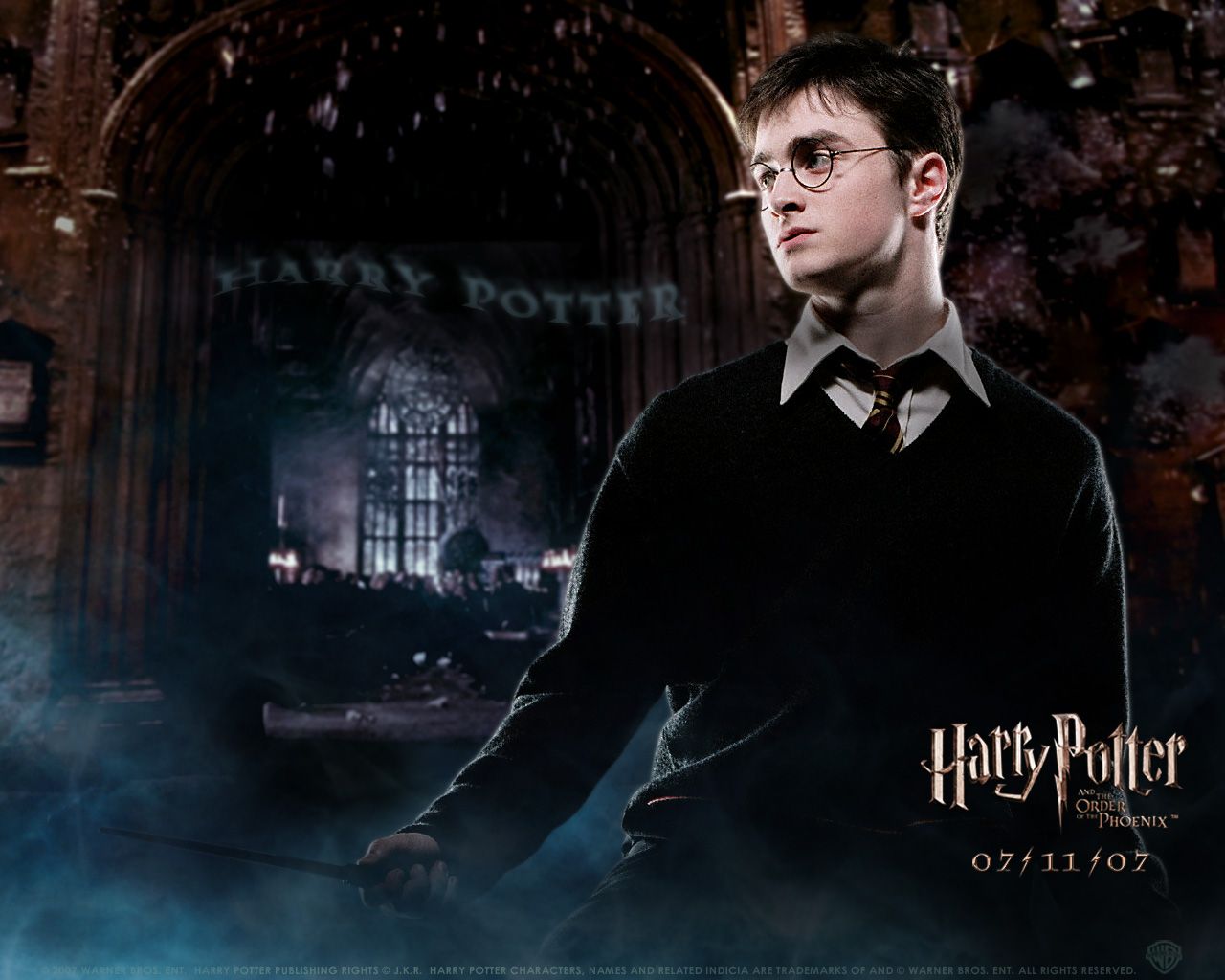
Harry Potter, castello notturno, J.K. Rowling, 1280x1024 720p, Laptop
1280×1024HD Scarica
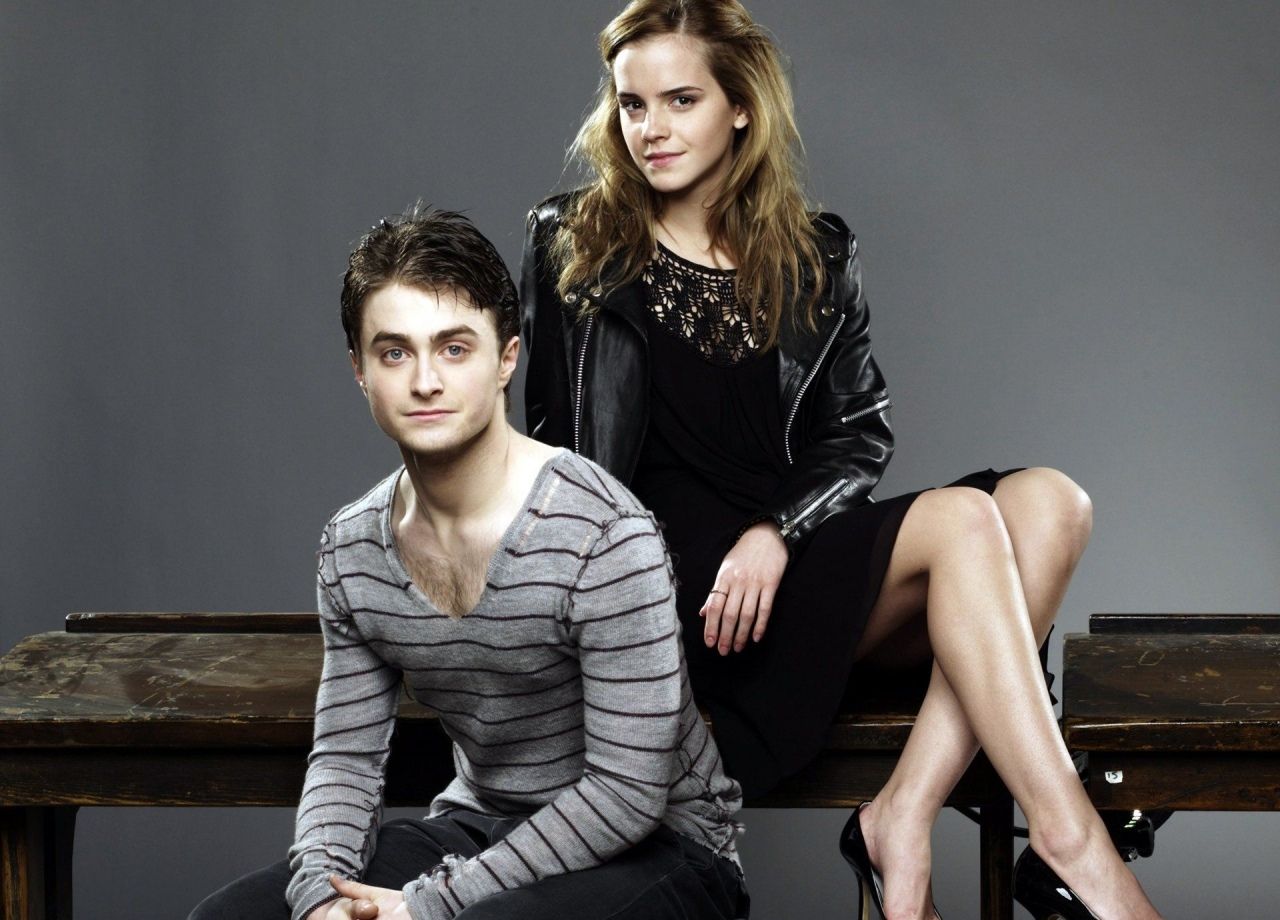
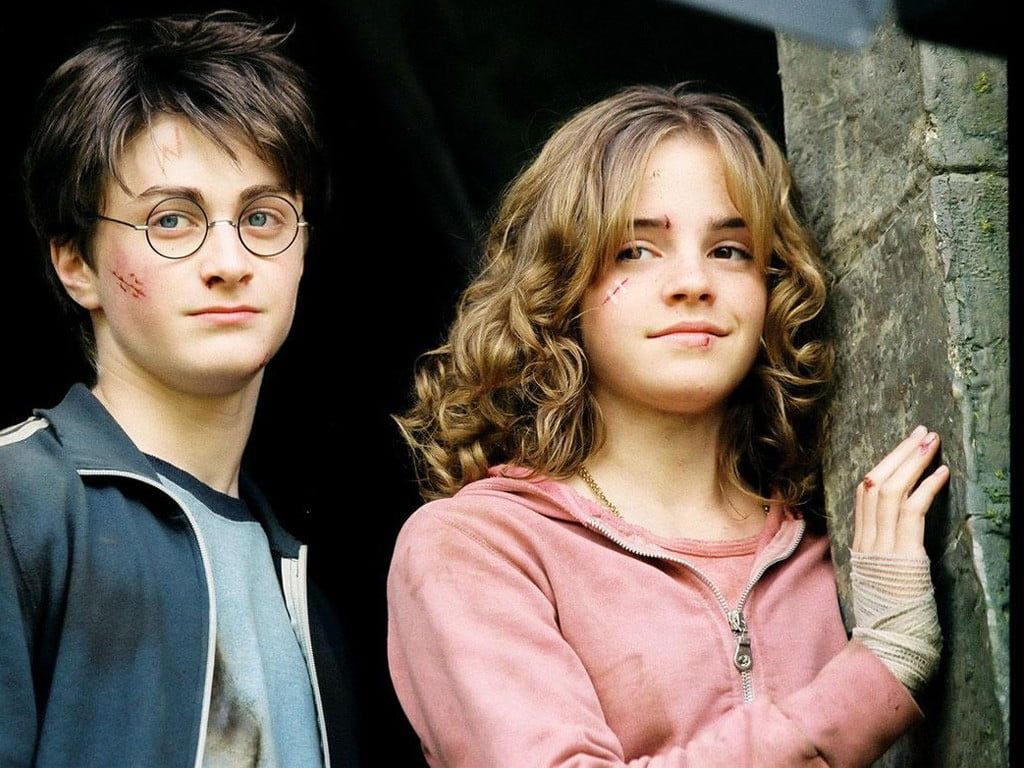
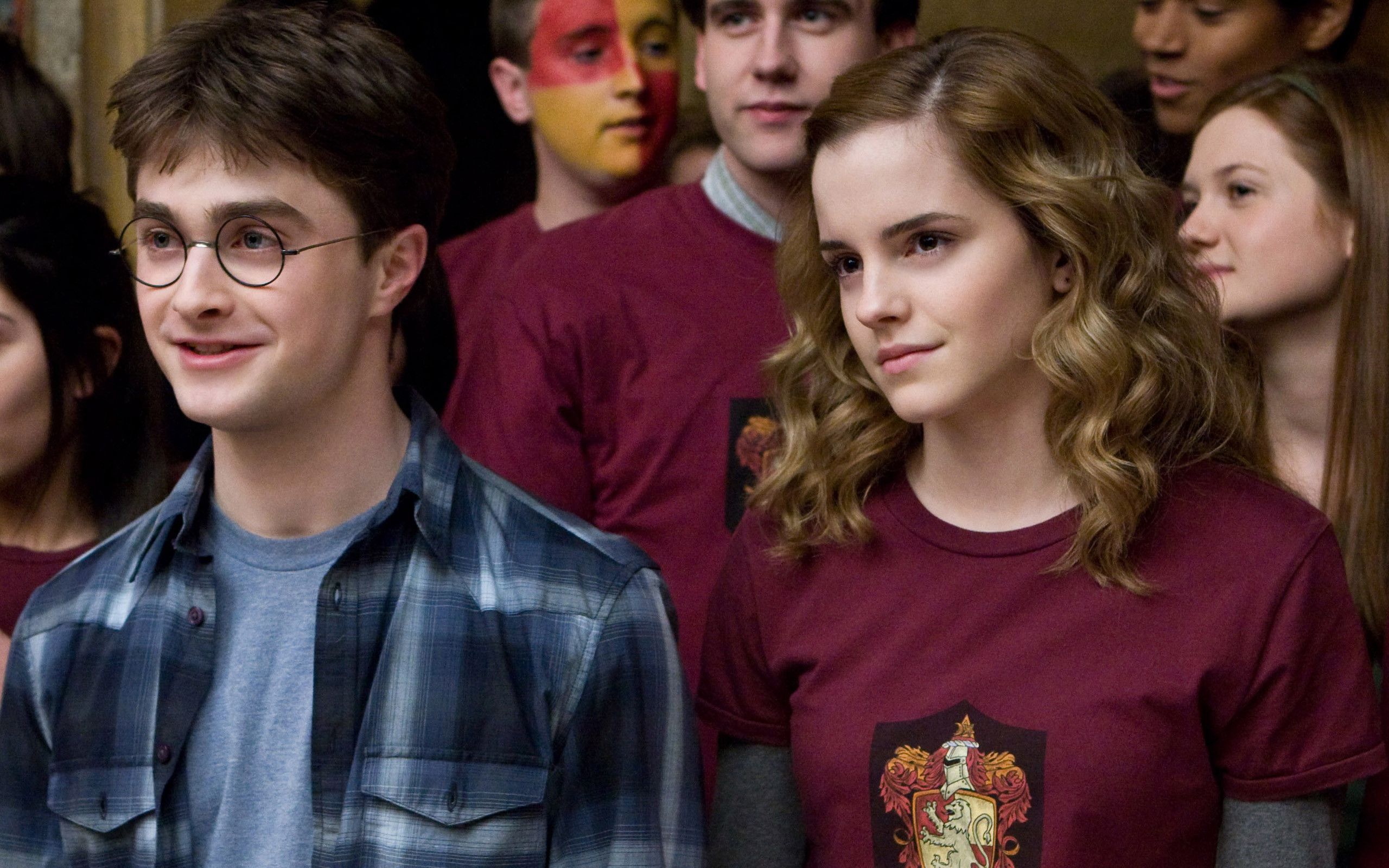
Daniel Radcliffe ed Emma Watson, 1280x920 HD, Desktop
1280×920HD Scarica
Harry Potter con bacchetta, mondo magico, 1242x2208 Full HD Verticale, iPhone
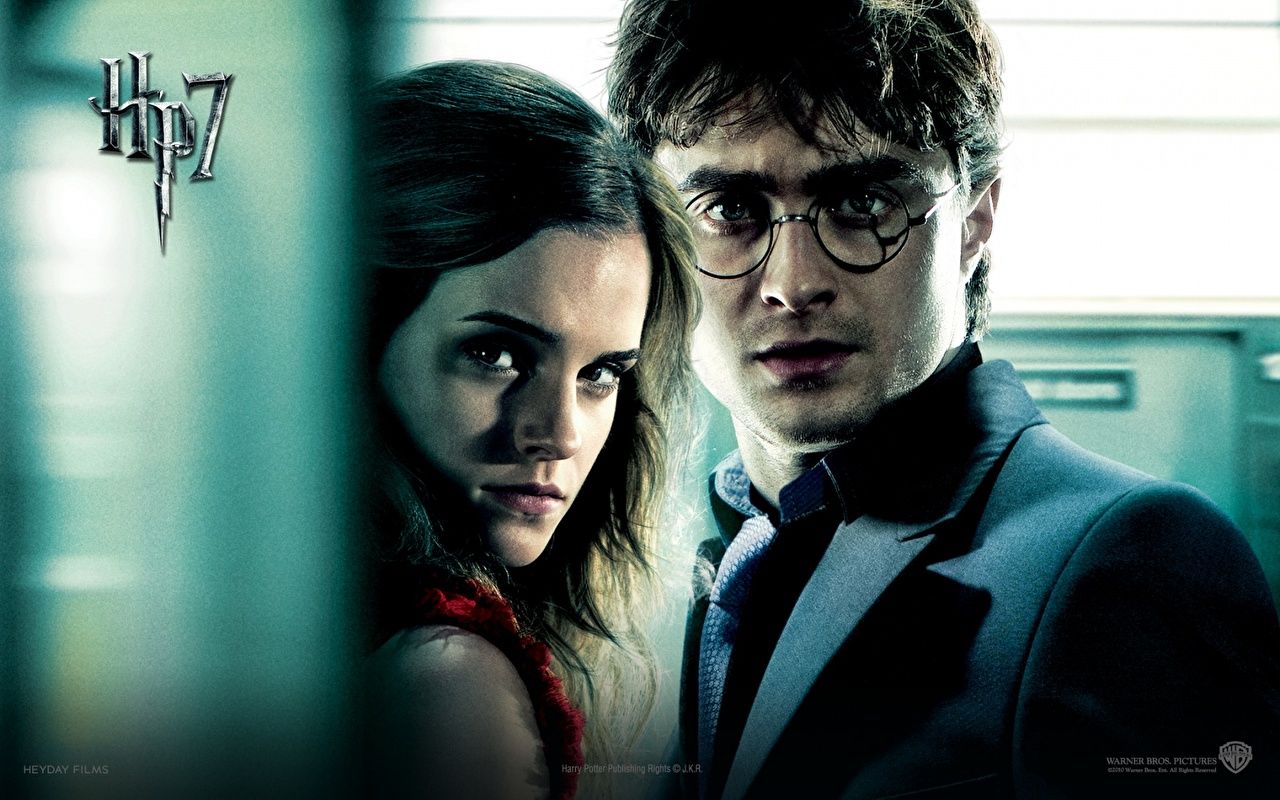
1242×2208HD Scarica
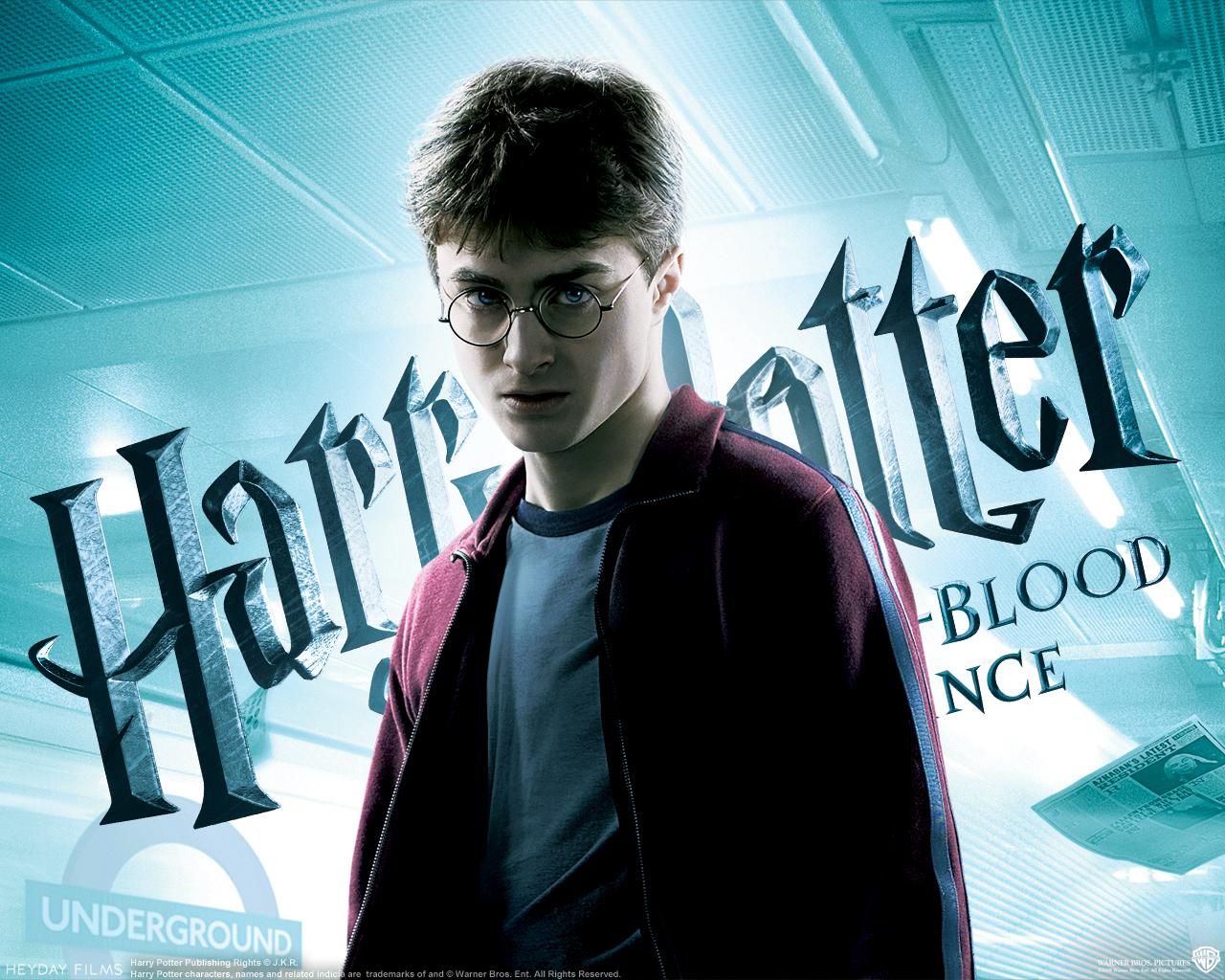
Harry Potter Half-Blood Prince poster, 1280x1024 HD, Desktop
1280×1024HD Scarica
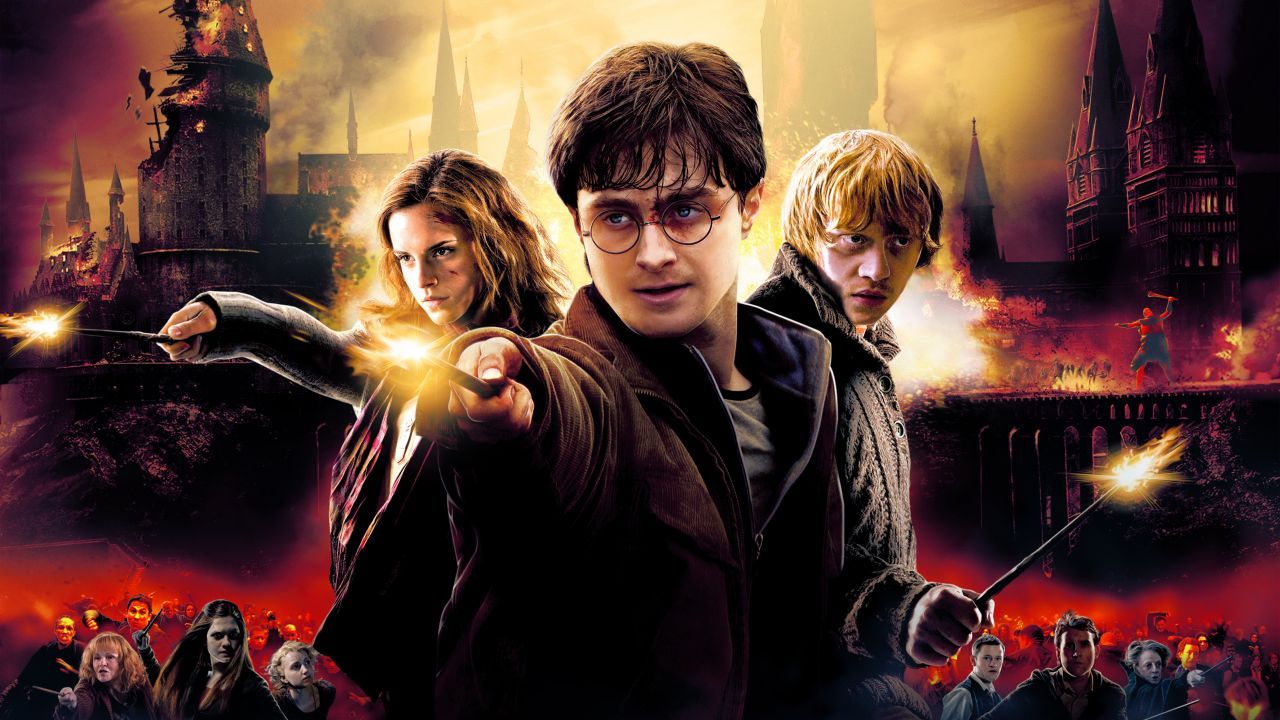
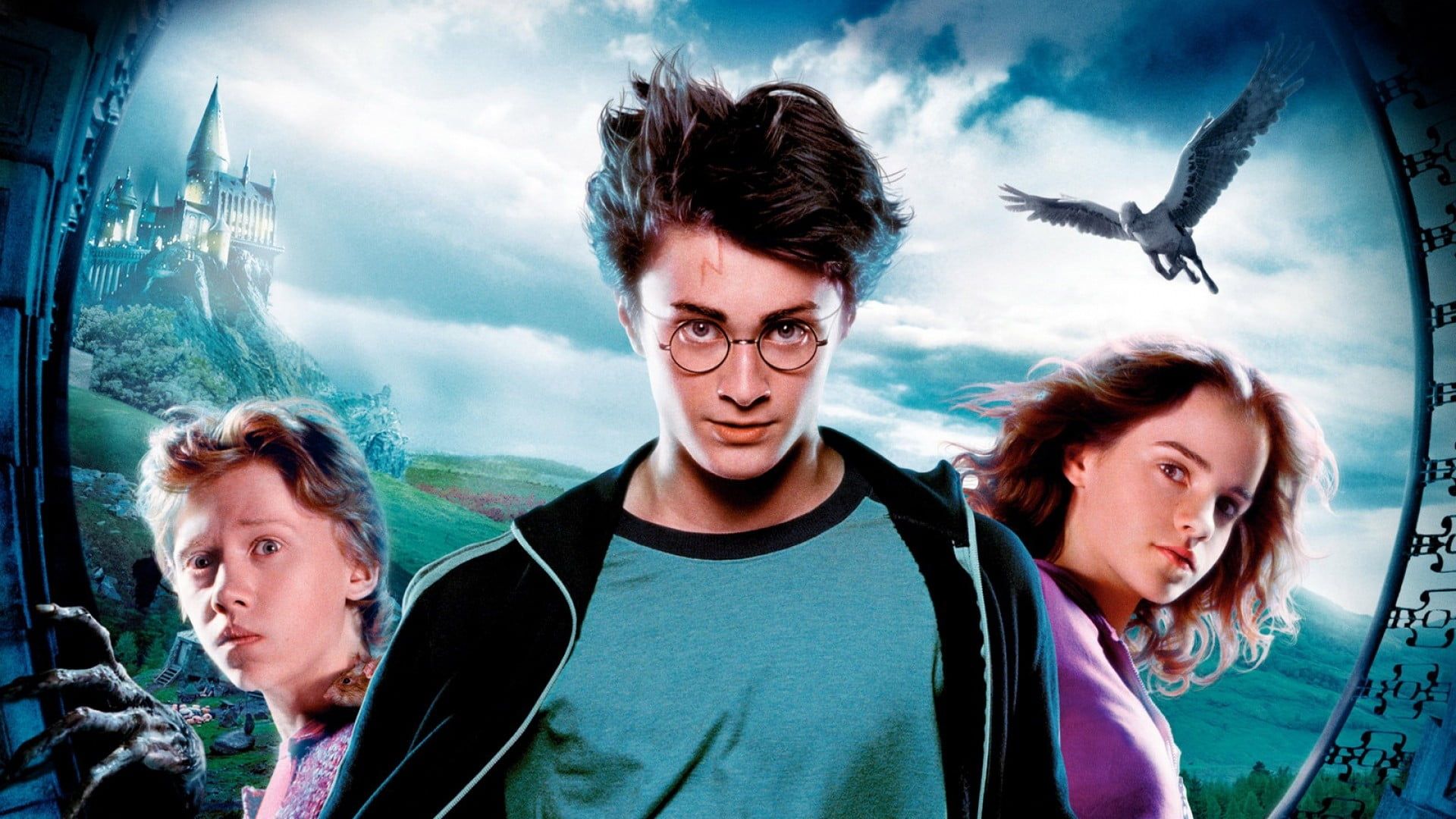
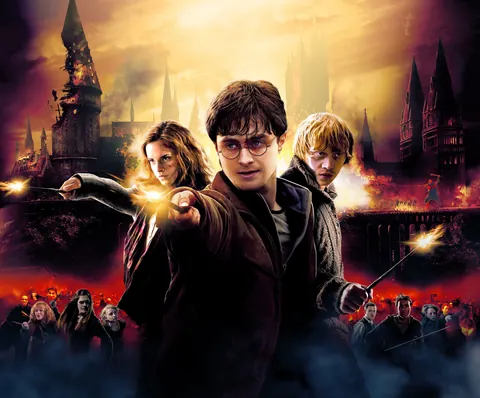
Harry Potter, Ron e Hermione, 1280x720 720p, iMac
1280×720HD Scarica
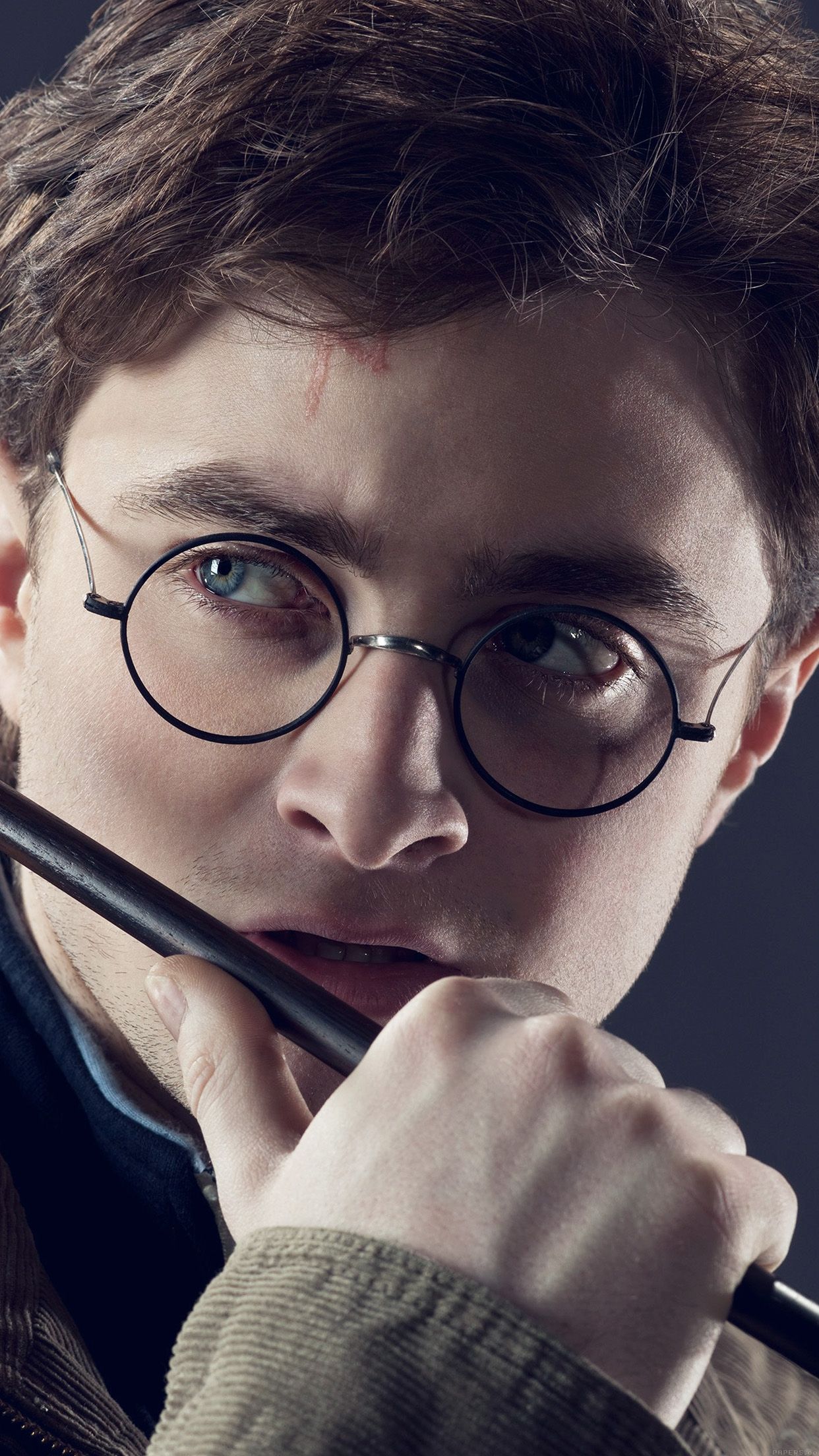
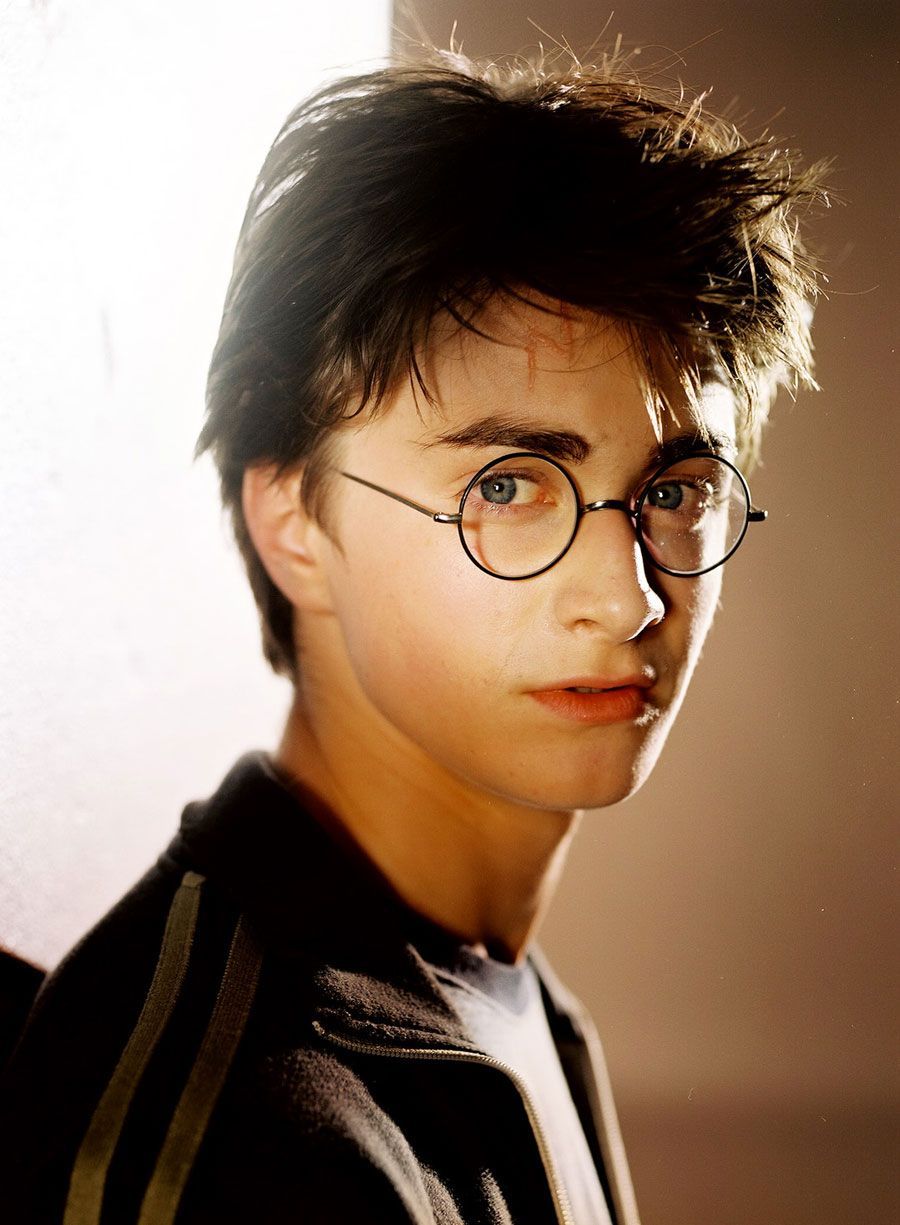
Harry Potter con occhiali tondi, 900x1225 Verticale, Telefono
900×1225HD Scarica
Daniel Radcliffe in Harry Potter, 1920x1080 Full HD 1080p, PC
1920×1080HD Scarica
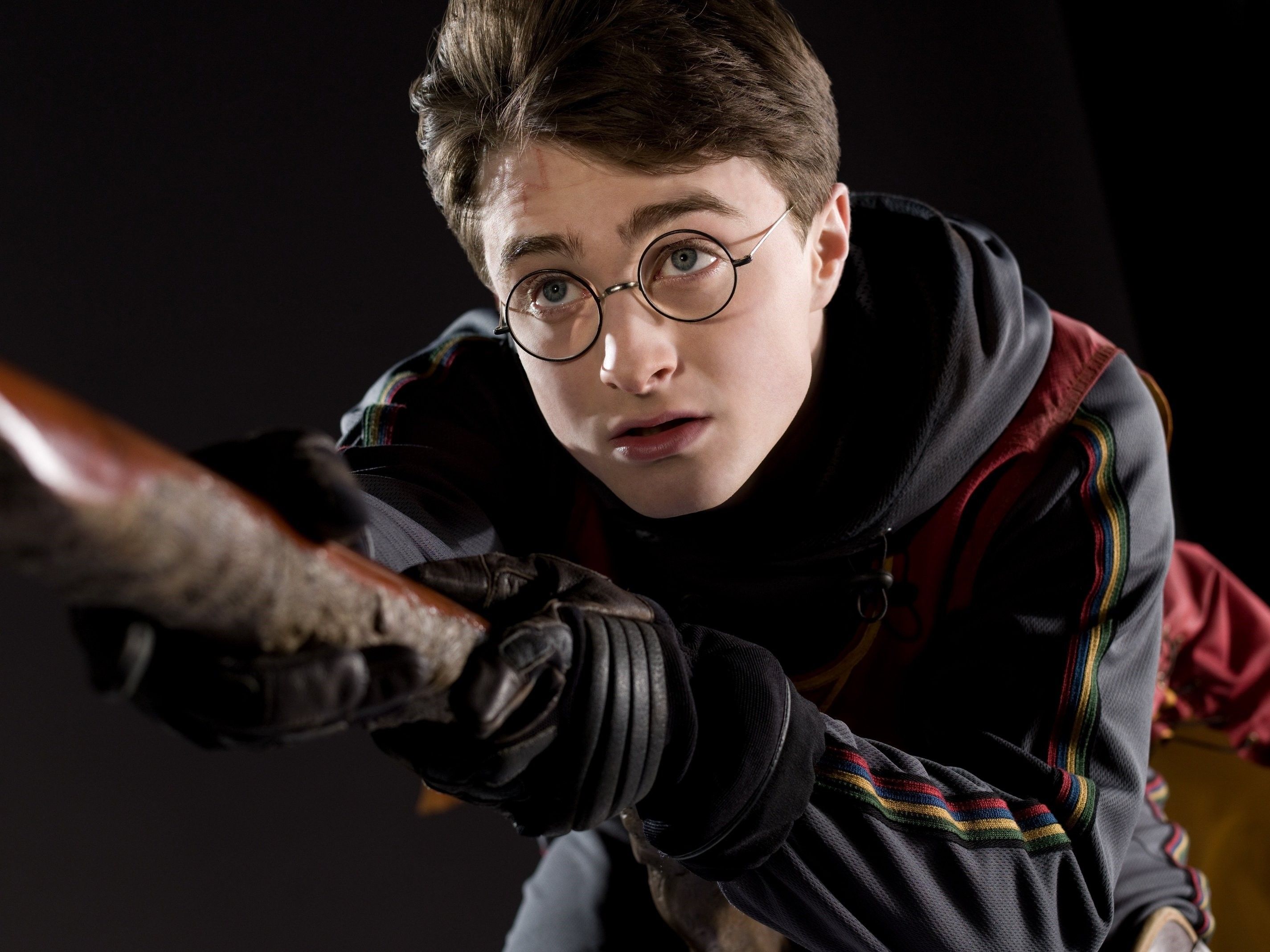
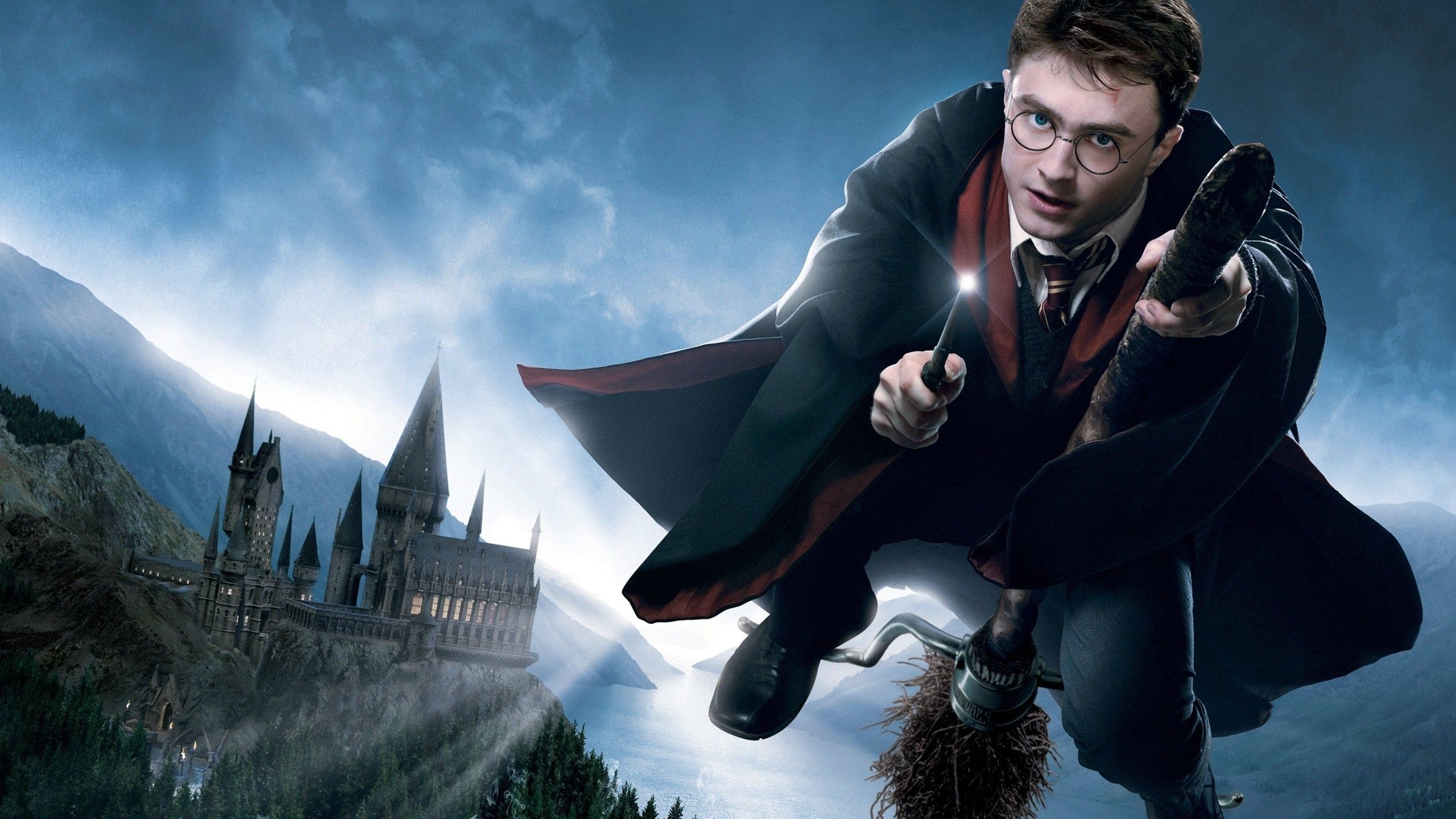
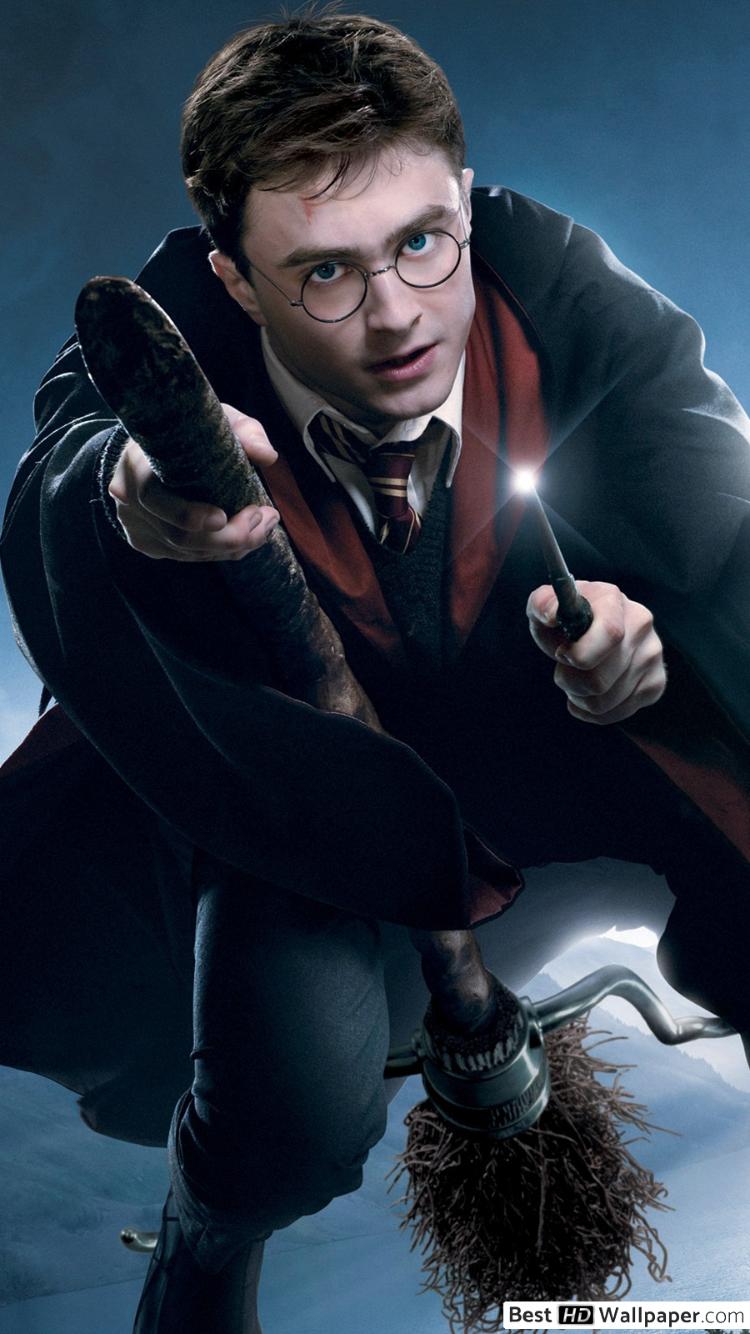
Harry Potter su scopa volante, 2850x2136 WQXGA, Desktop
2850×21362K Scarica
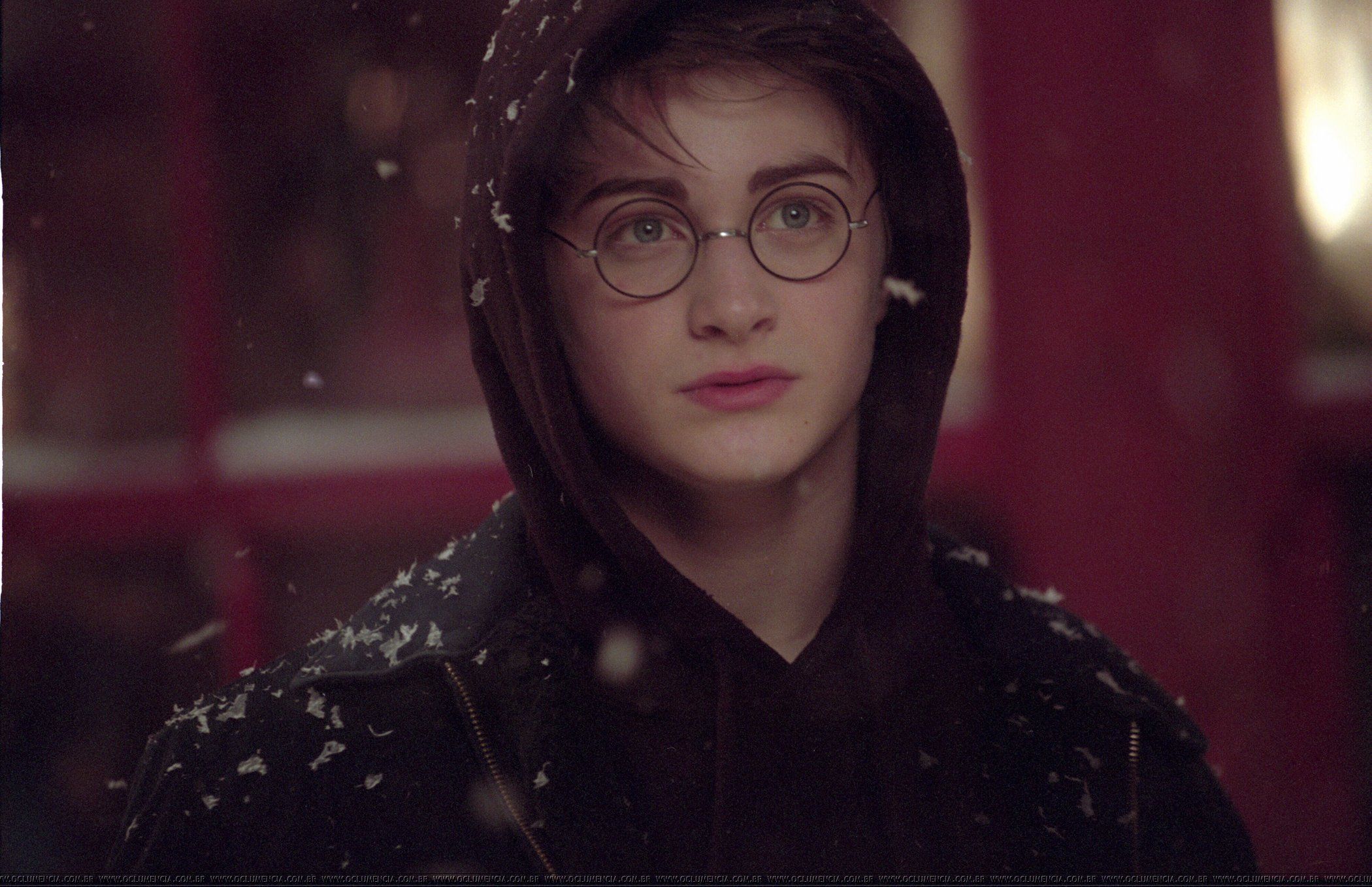
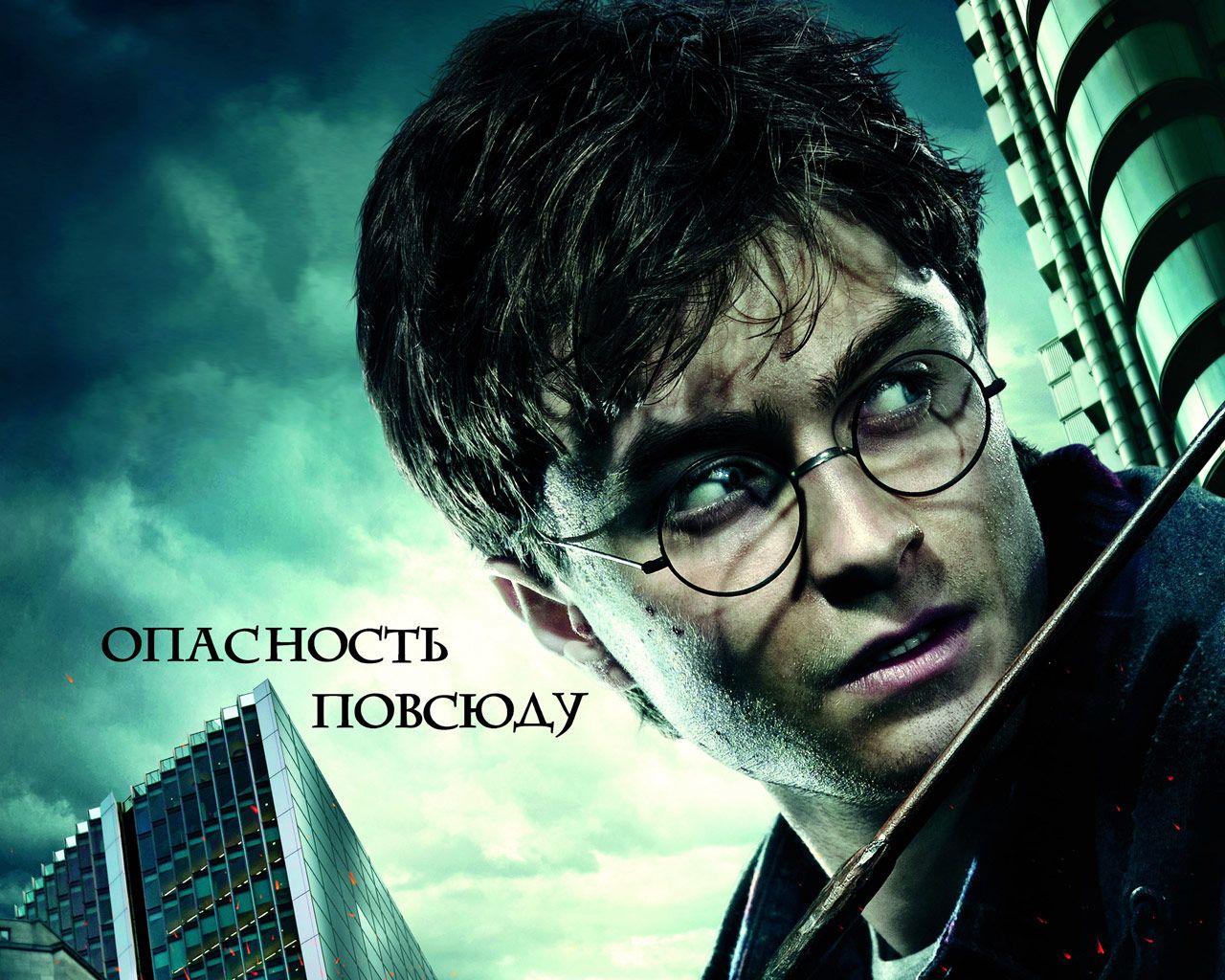
Harry Potter con cappuccio neve, 2100x1358 Hi-Res, Laptop
2100×1358HD Scarica
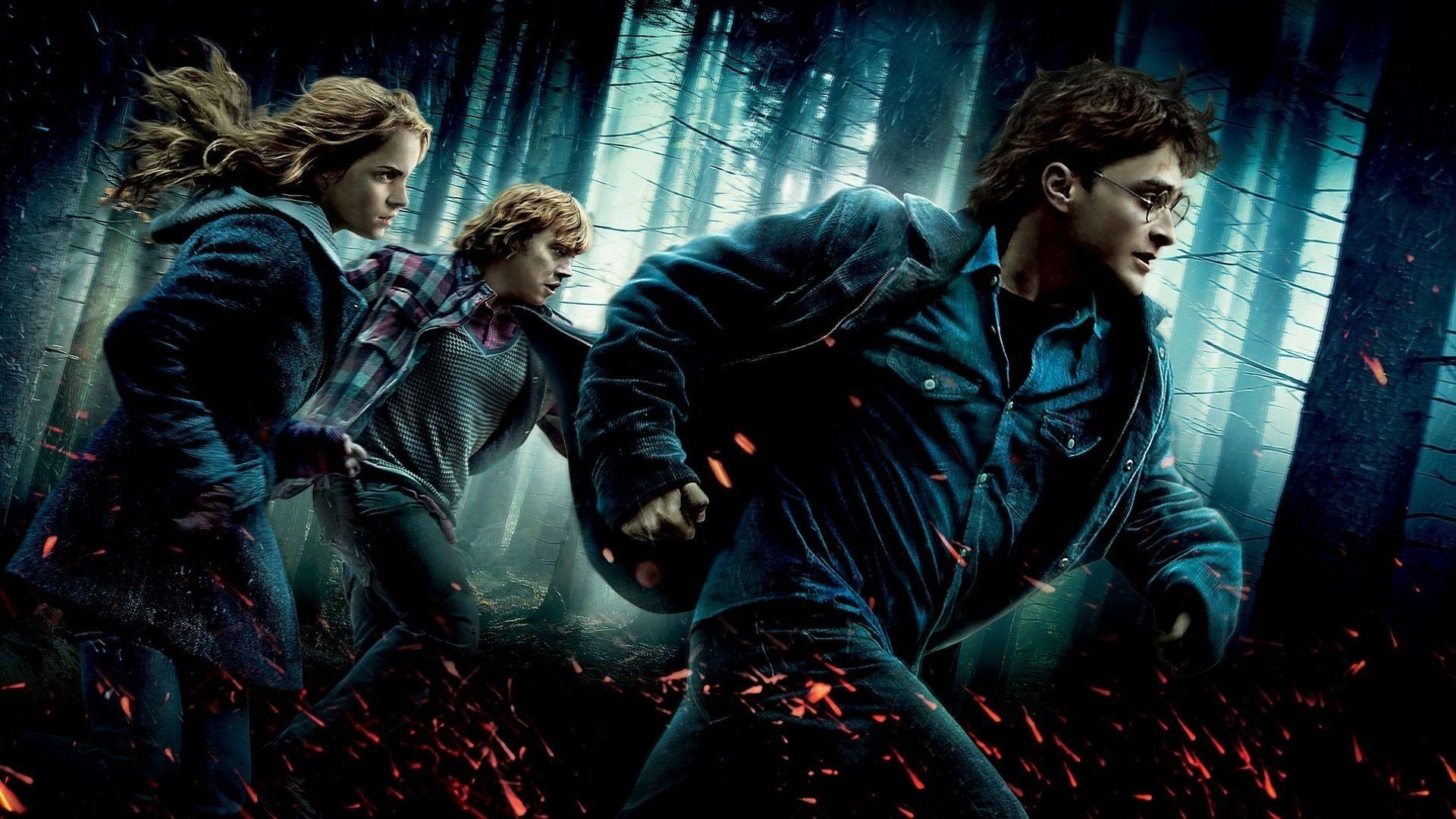
Harry Potter, Hermione e Ron nel bosco, 1920x1080 Full HD 1080p, PC Desktop
1920×1080HD Scarica
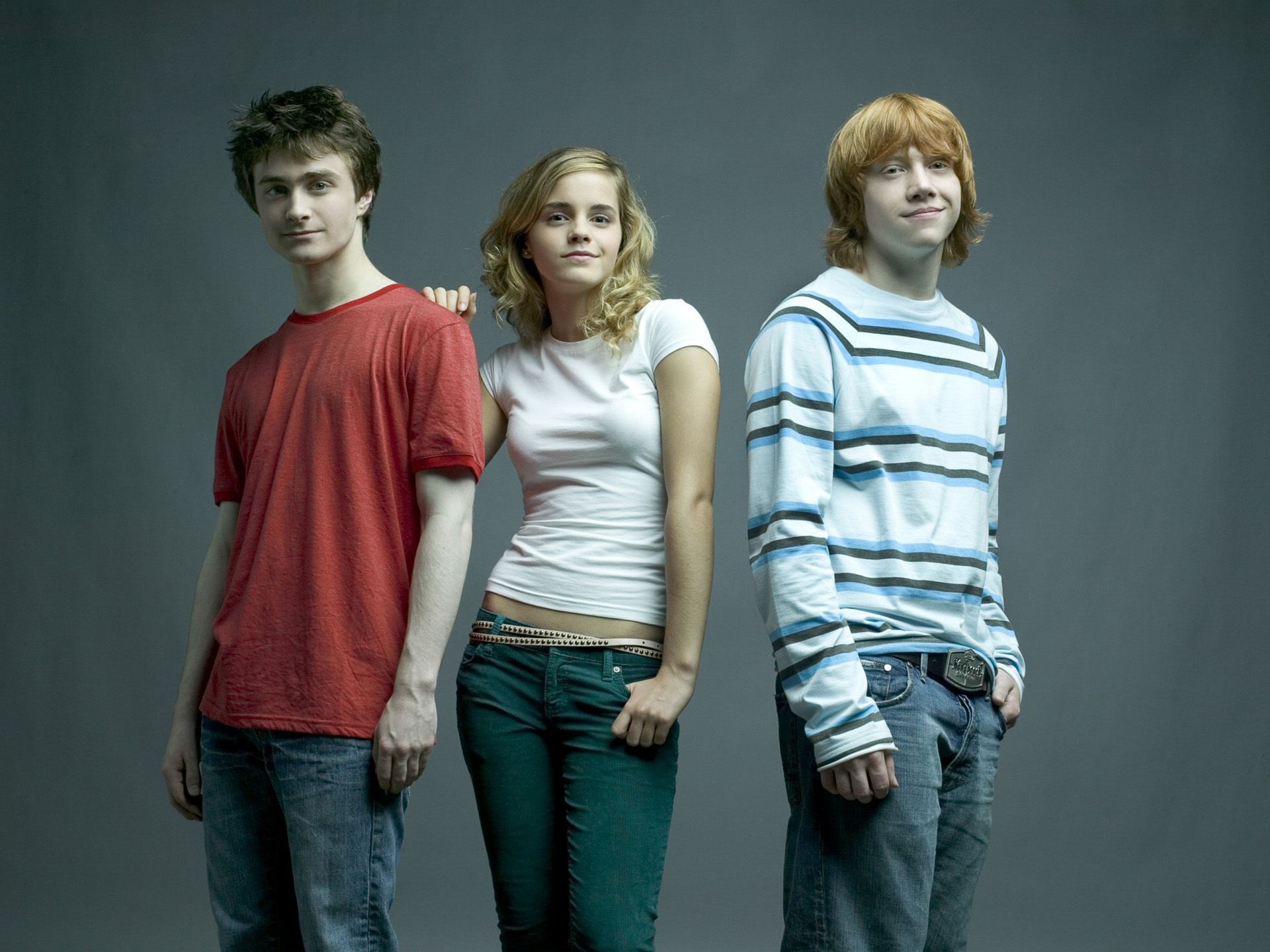
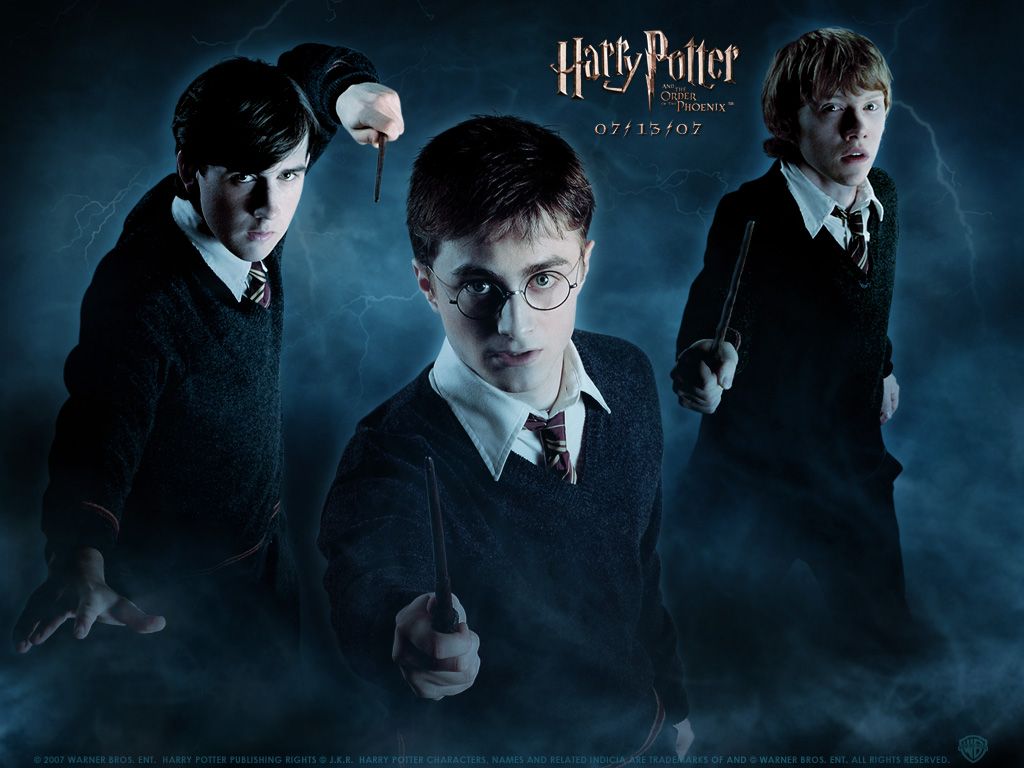
Cast Harry Potter foto studio, 1920x1440 Full HD+, PC

1920×1440HD Scarica
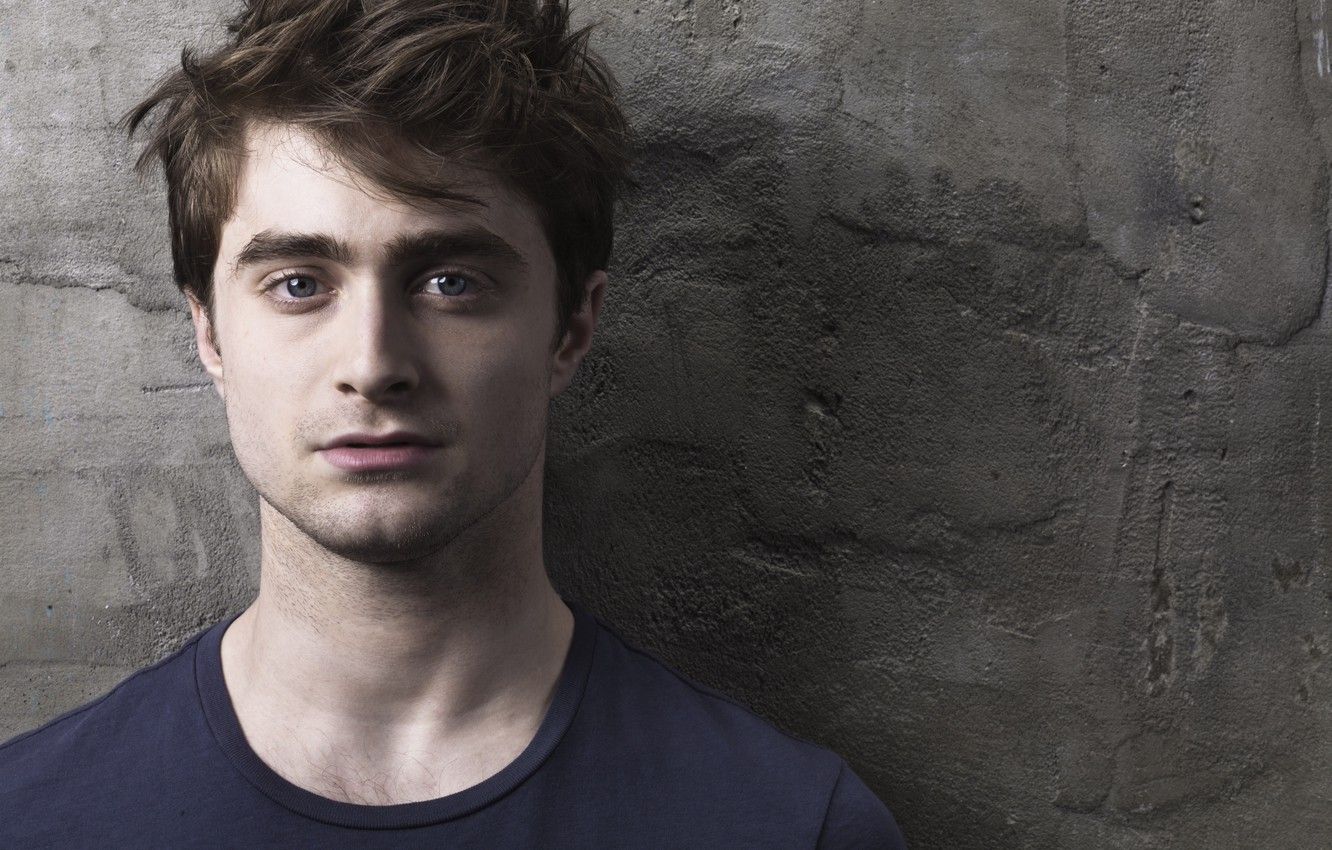
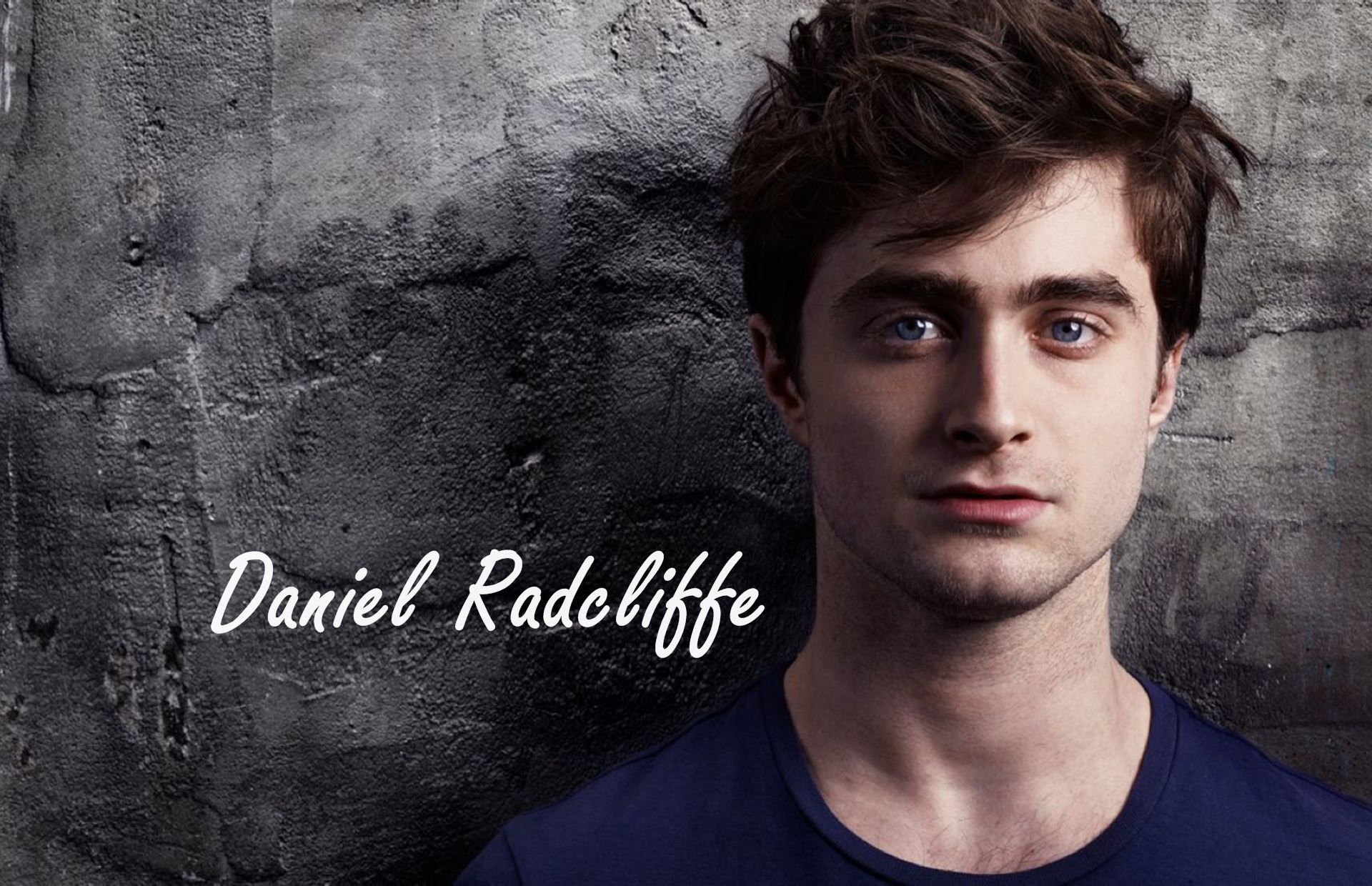
Daniel Radcliffe ritratto viso, 1332x850 HD, Desktop
1332×850HD Scarica
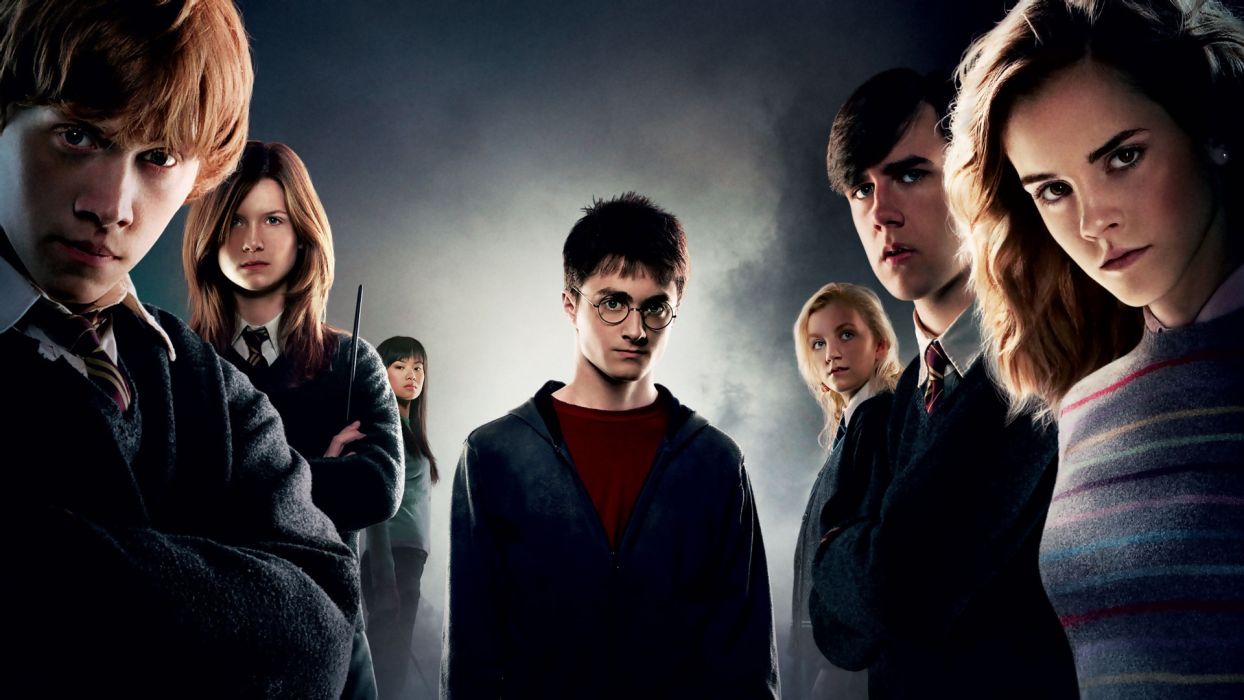
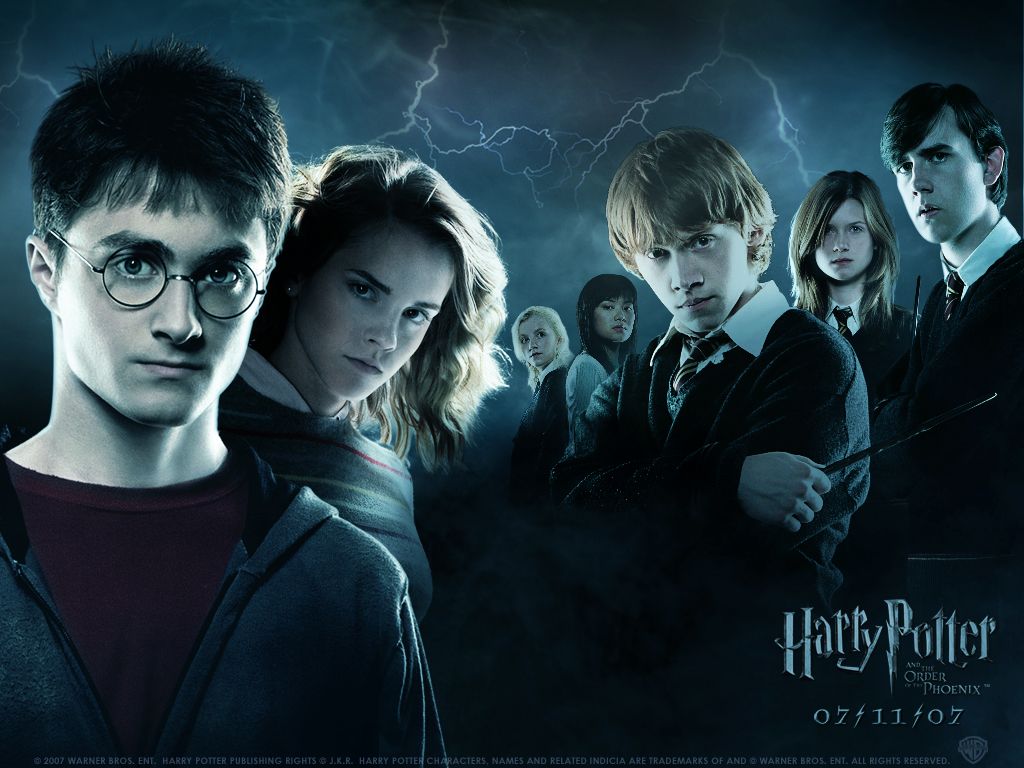
Harry Potter cast personaggi, 1244x700 HD, Laptop
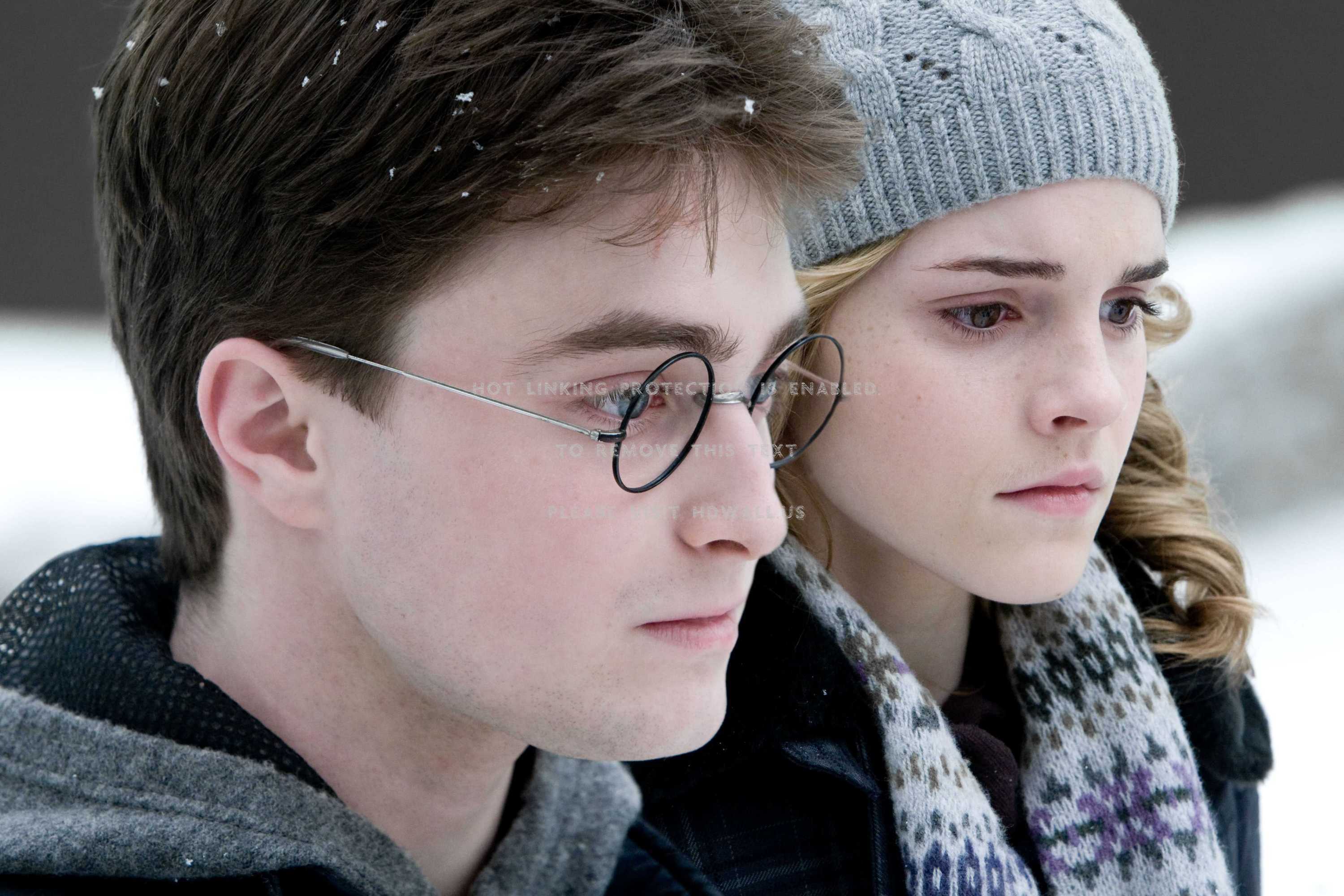
1244×700HD Scarica
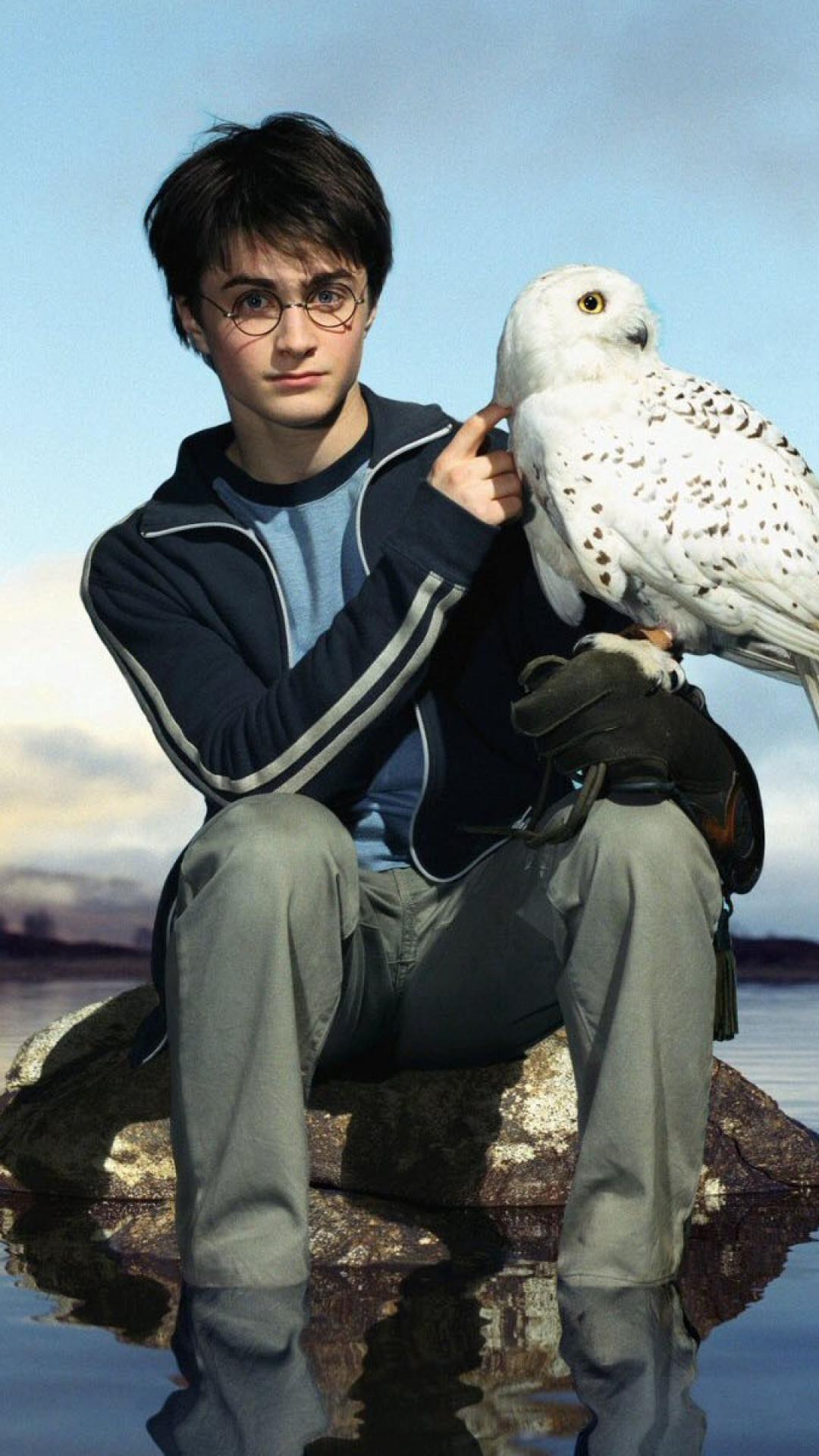
Harry Potter con gufo Edvige, 1080x1920 Verticale, Telefono
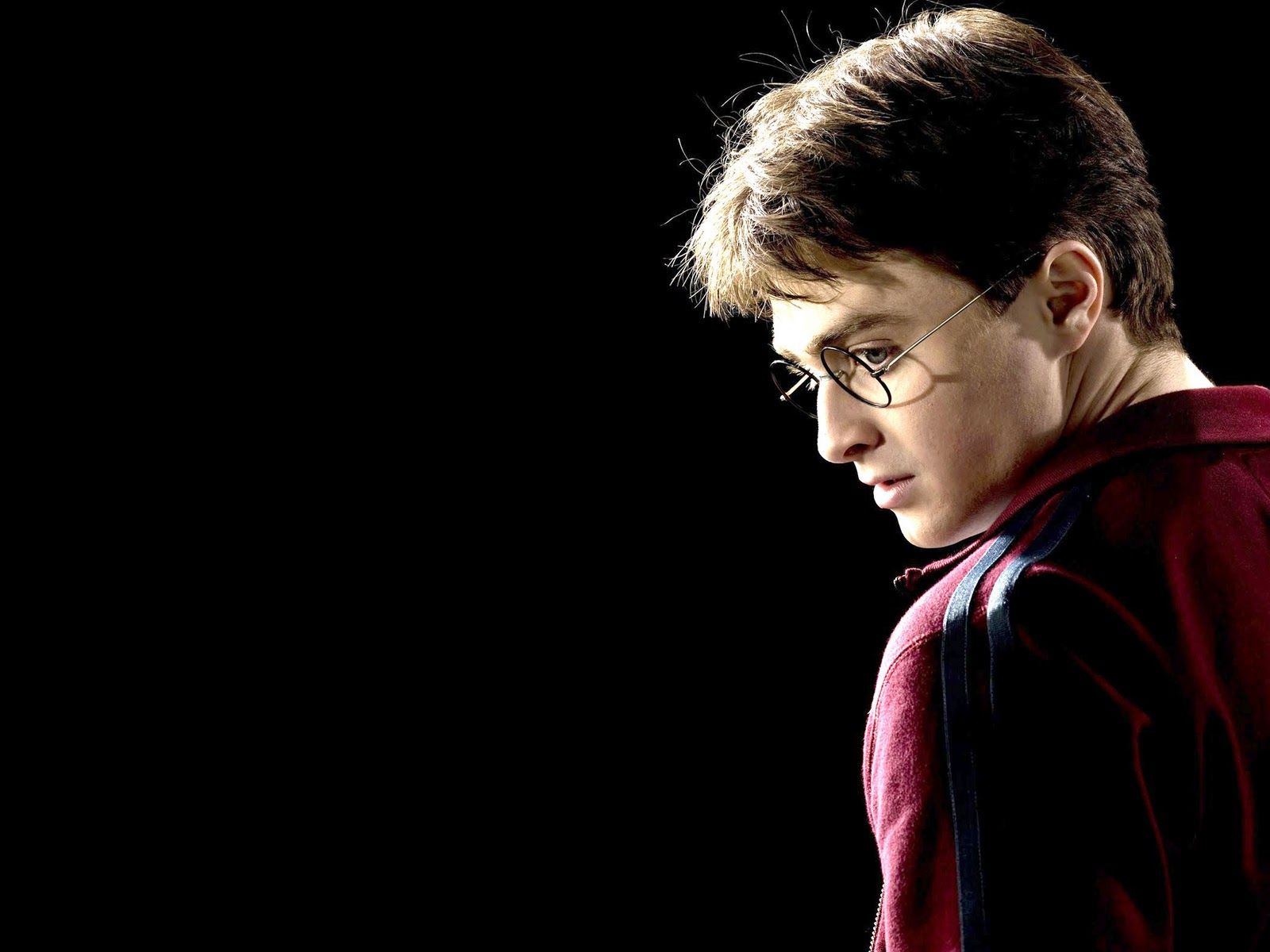
1080×1920HD Scarica
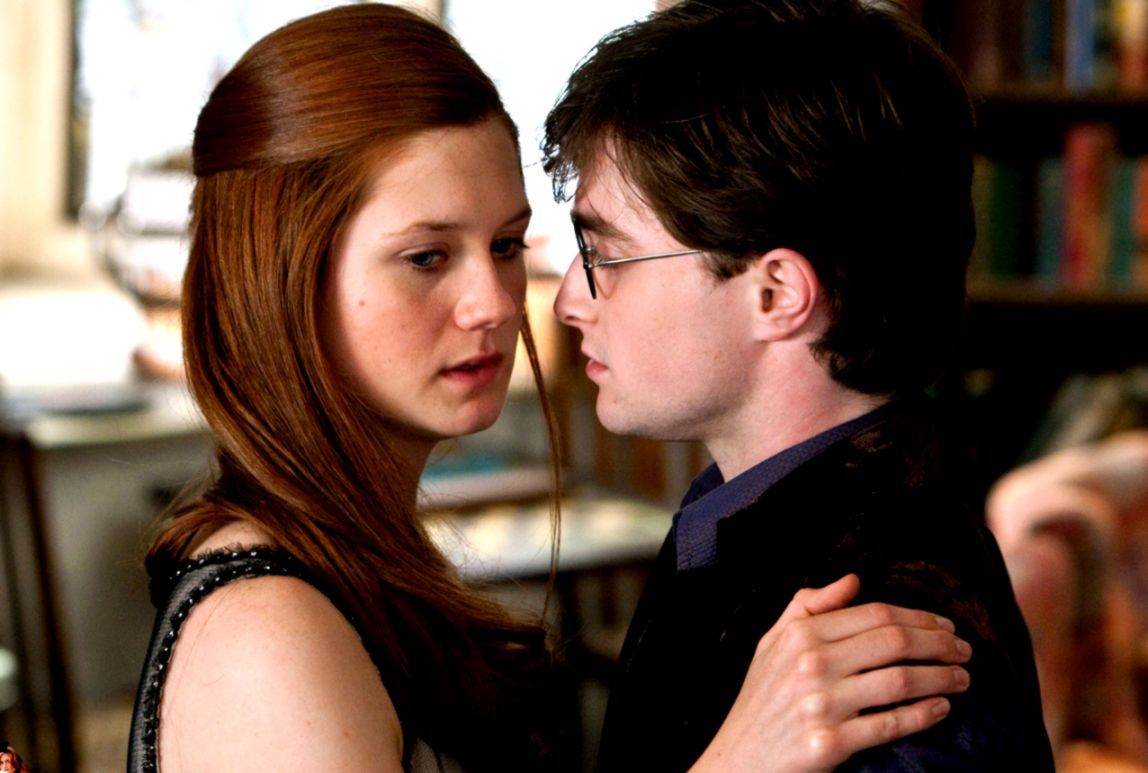
Harry Potter e Ginny Weasley, 1148x773 HD, iMac
1148×773HD Scarica
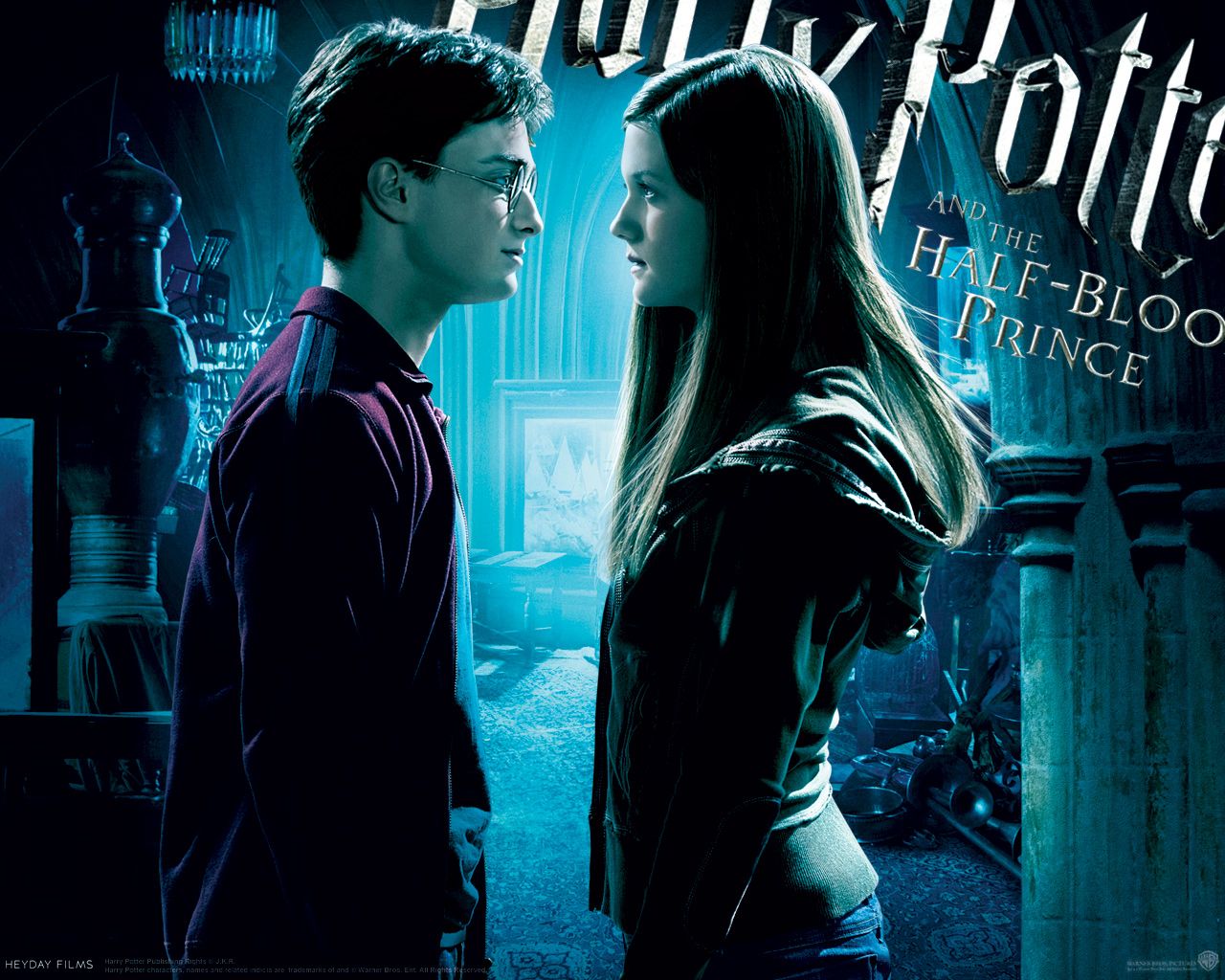
Harry Potter e Ginny Weasley, 1280x1024 HD, Desktop
1280×1024HD Scarica
Harry Potter e amici bacchette, 1024x768 HD, Laptop
1024×768HD Scarica
Daniel Radcliffe in Harry Potter, 2560x1440 1440p, Desktop
2560×14402K Scarica
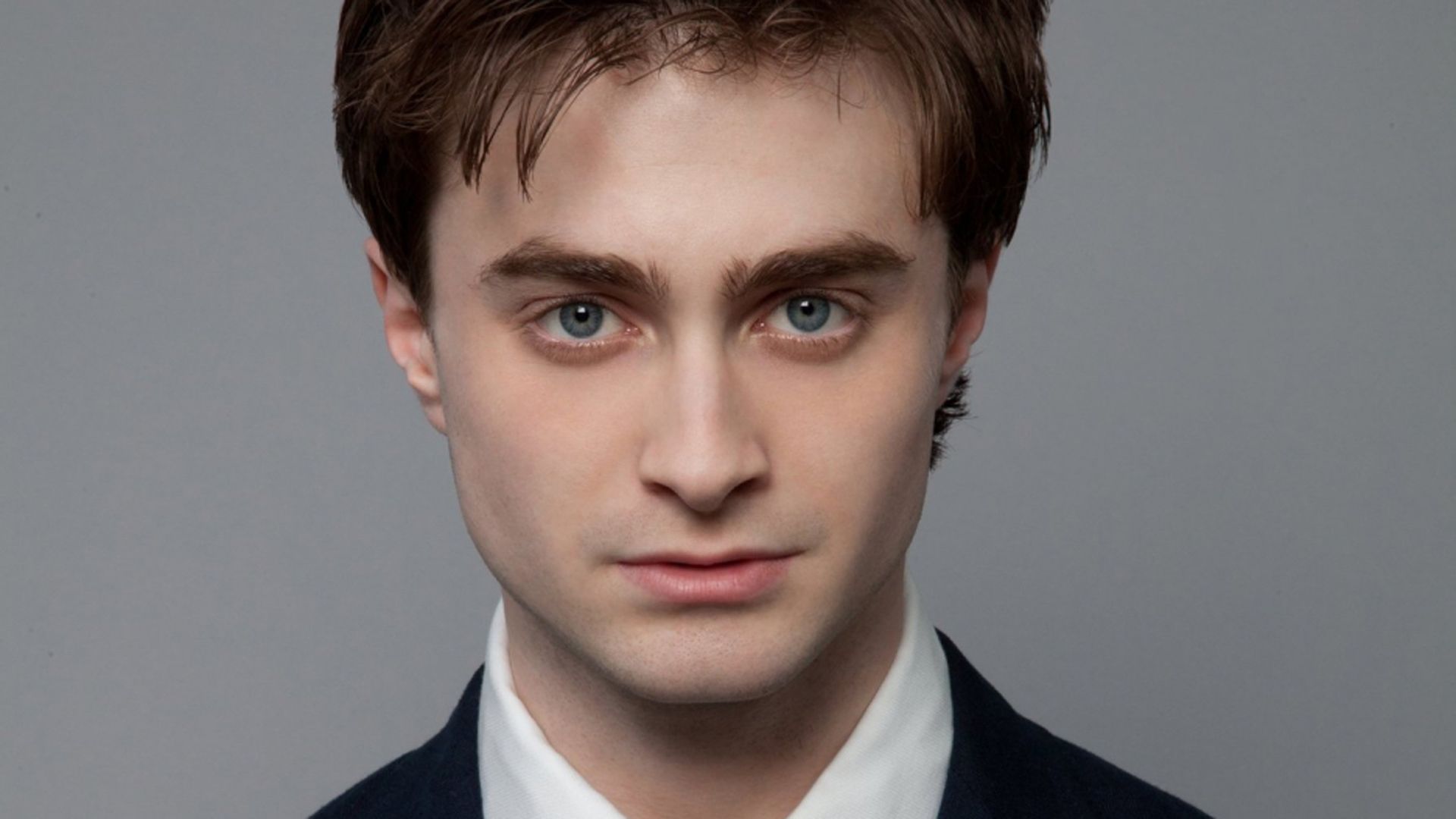
Daniel Radcliffe ritratto viso, 1920x1200 Full HD+ WUXGA, PC
1920×1200HD Scarica
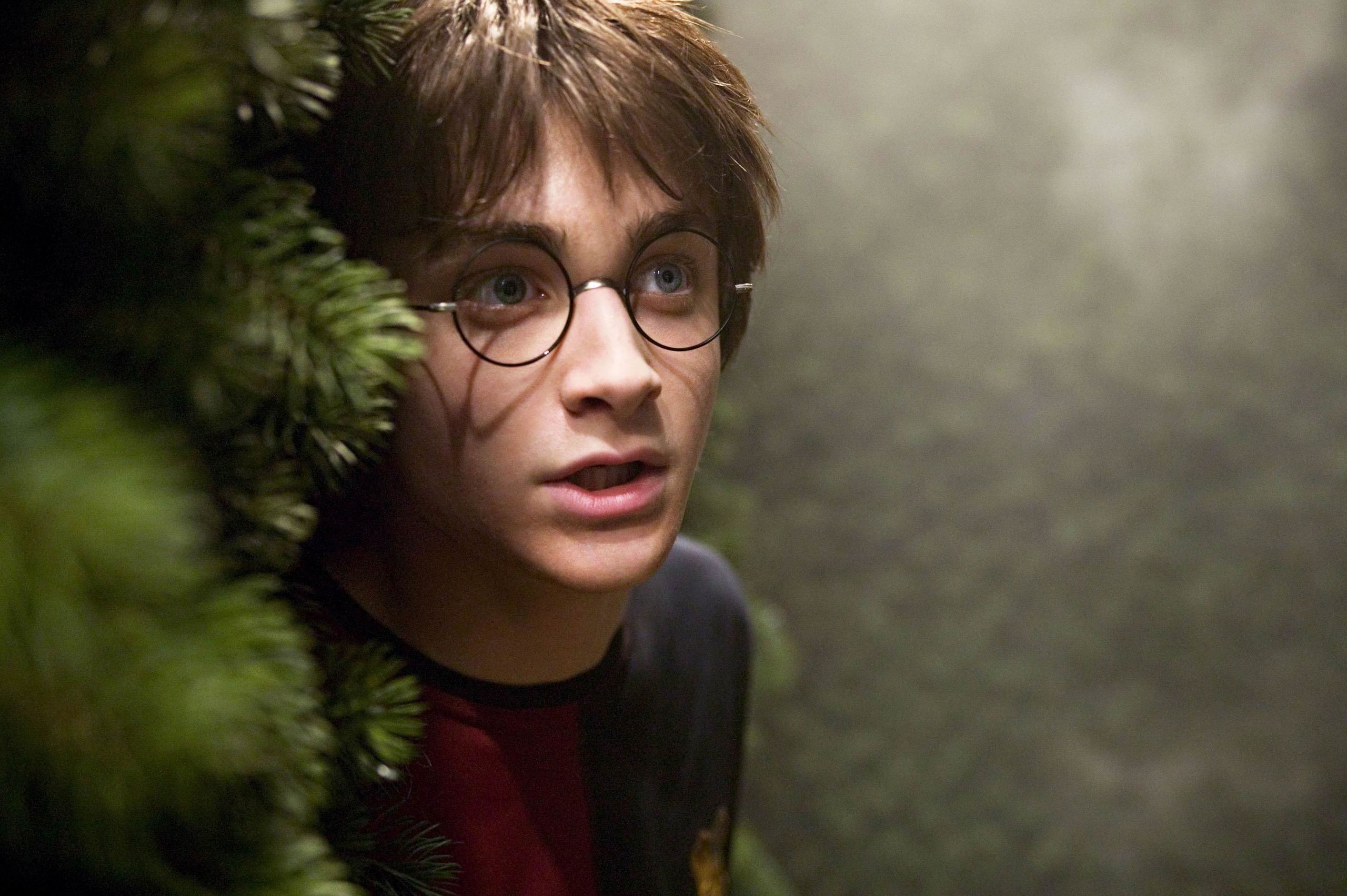
Harry Potter dietro cespuglio, 2560x1703 WQXGA, Monitor Gaming
2560×17032K Scarica
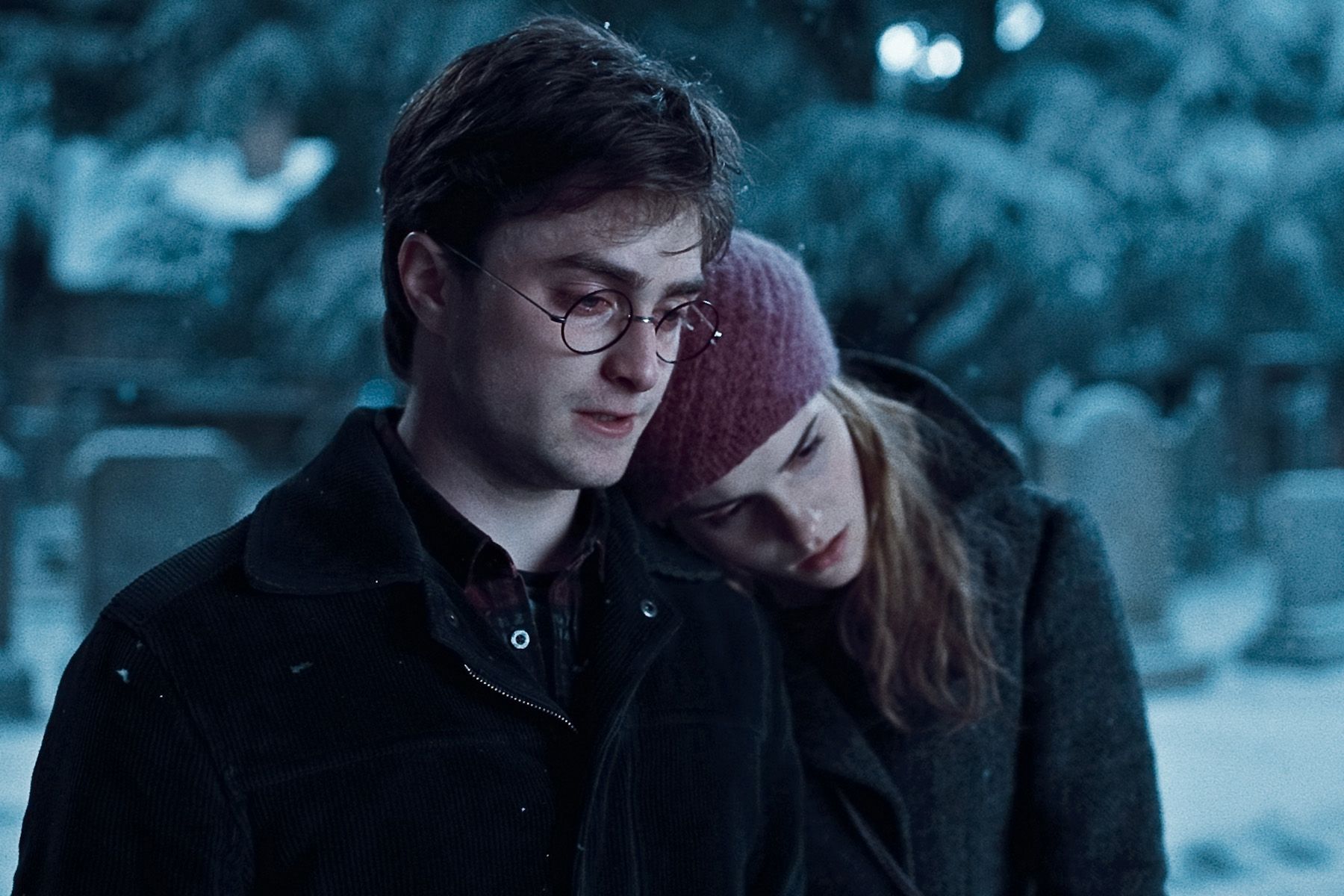
Harry e Hermione, scena invernale, 1800x1200 900p, Laptop
1800×1200HD Scarica
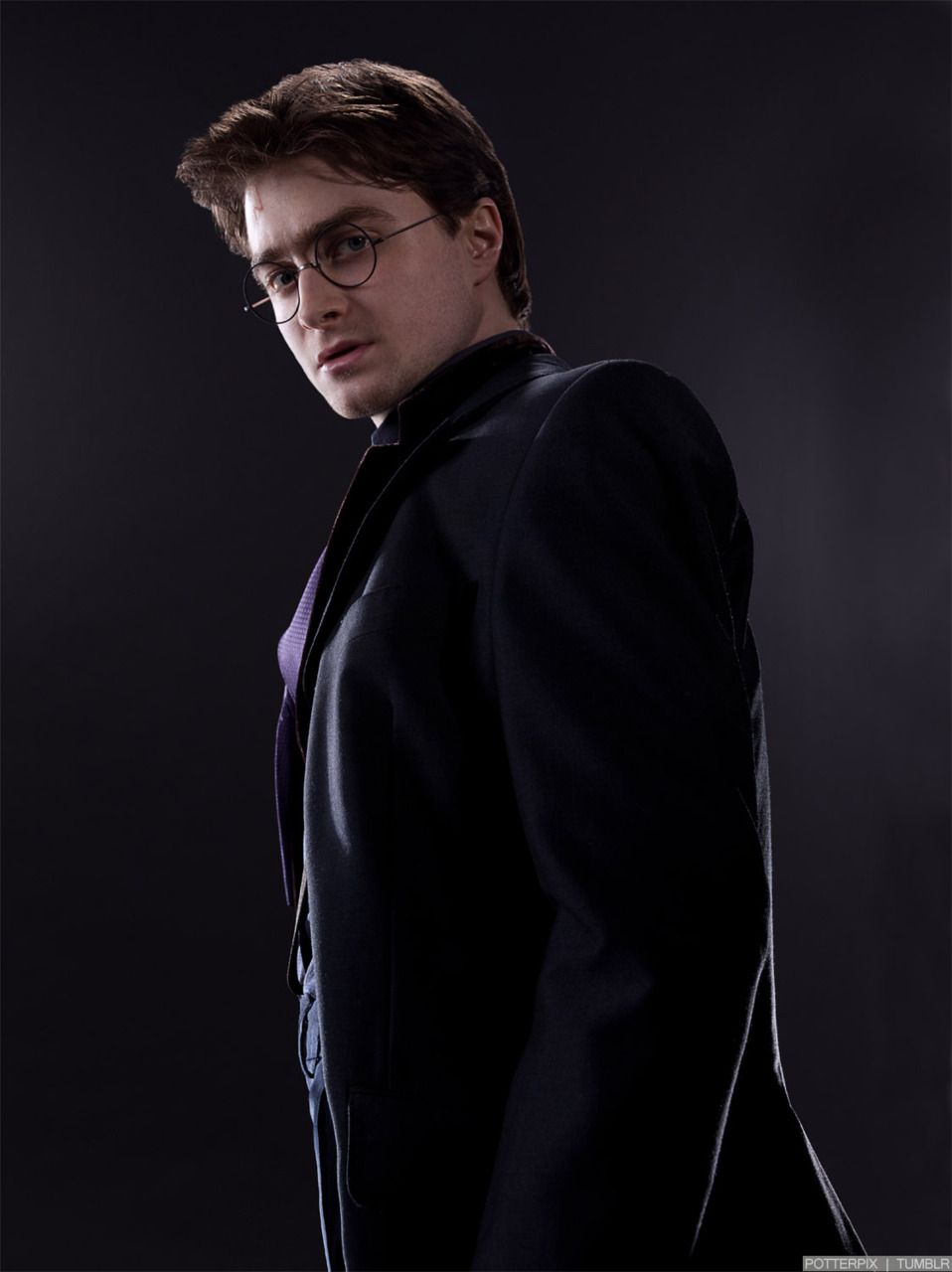
Harry Potter abito scuro, 958x1280 Verticale, Telefono
958×1280HD Scarica
Harry Potter viso primo piano, 1024x768 HD, PC
1024×768HD Scarica
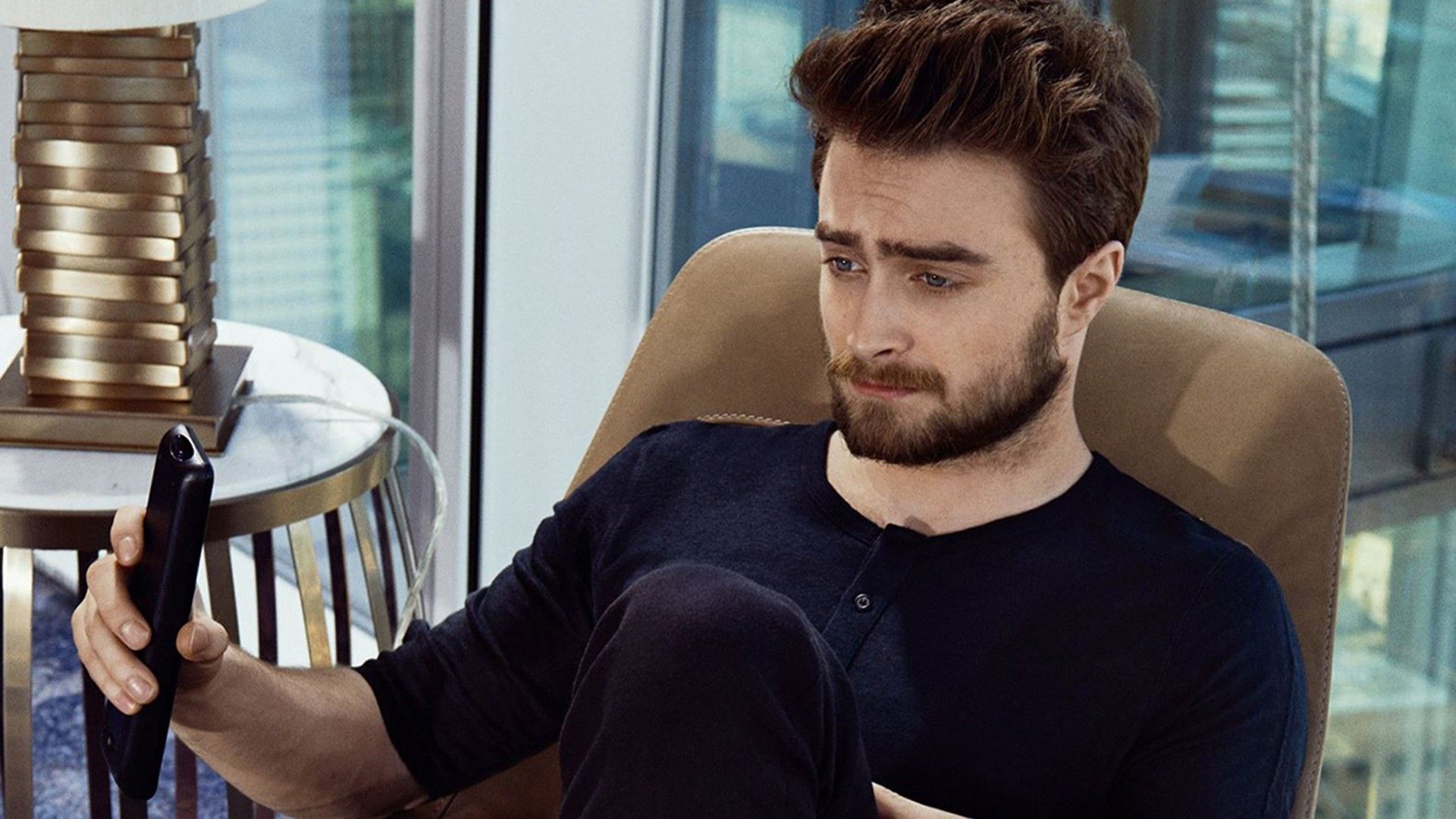
Daniel Radcliffe con barba seduto, 1080x1920 Verticale, Mobile
1080×1920HD Scarica
Daniel Radcliffe ritratto giacca grigia, 1920x1080 Full HD 1080p, PC Desktop
1920×1080HD Scarica
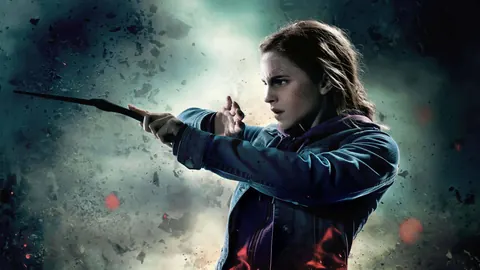
Harry Potter ed Hermione Granger, 1280x800 HD, Desktop
1280×800HD Scarica
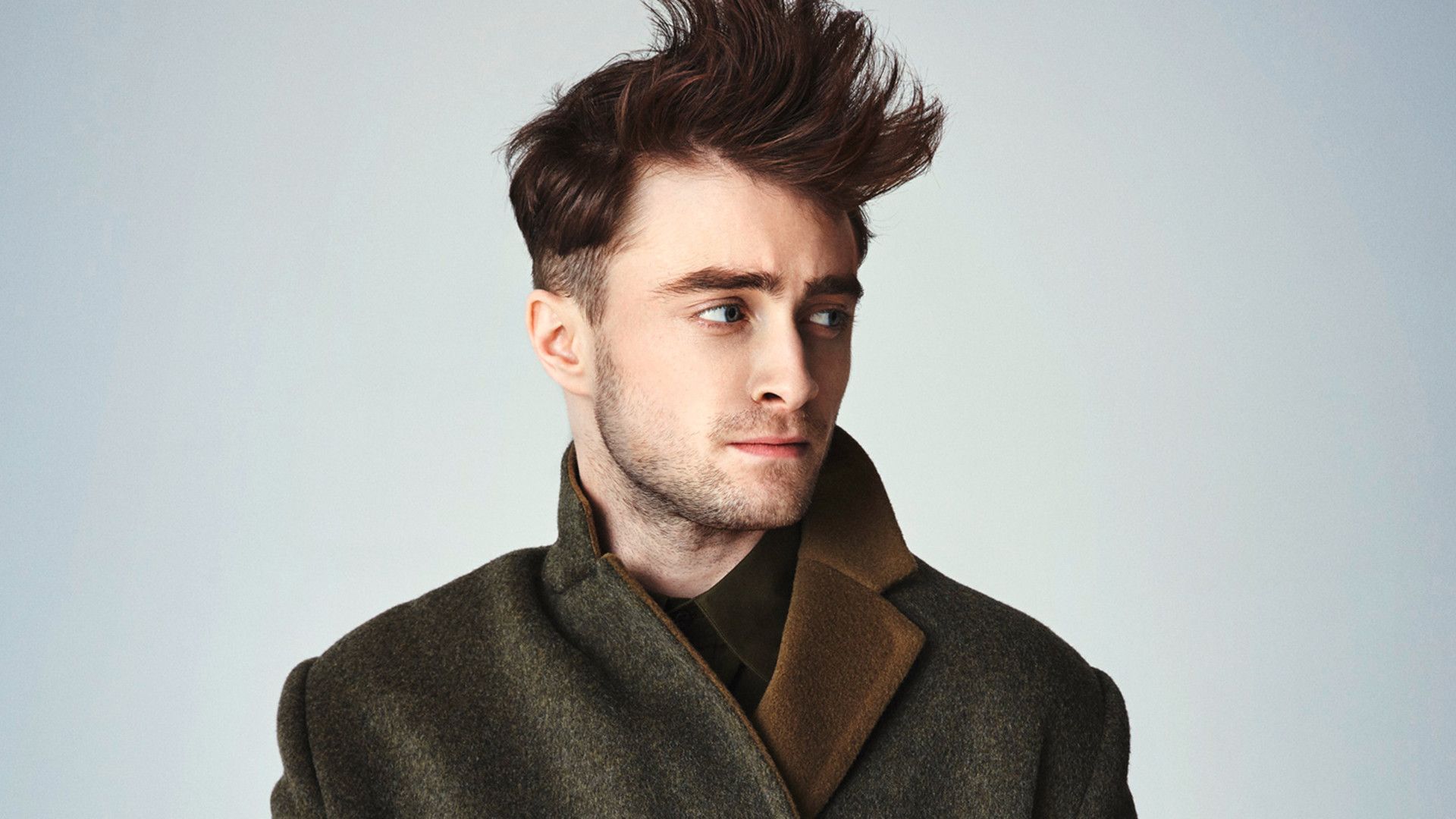
Daniel Radcliffe ritratto, cappotto verde, 1920x1080 1080p, PC
1920×1080HD Scarica
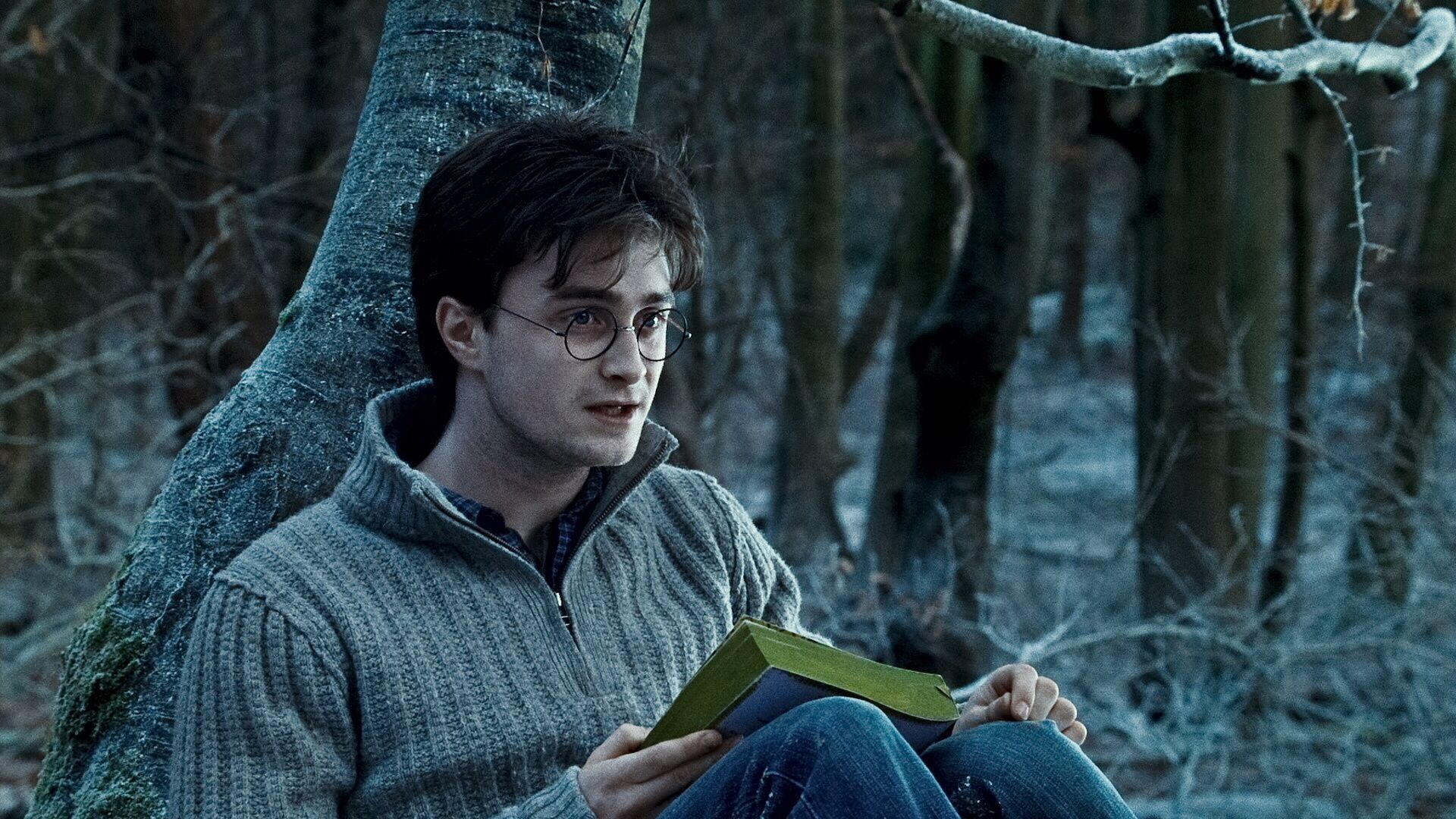
Harry Potter nel bosco, 1920x1080 Full HD 1080p, Desktop
1920×1080HD Scarica
Harry Potter su scopa magica, 750x1334 Full HD Verticale, Smartphone
750×1334HD Scarica
Harry Potter Doni della Morte, 1280x1024 HD, HP Laptop
1280×1024HD Scarica
Harry Potter con bacchetta, città, 1680x1050 HD Ready, PC
1680×1050HD Scarica
Harry Potter e Hermione Granger, 3000x2000 WQXGA, Desktop
3000×20002K Scarica
Harry Potter, sfondo nero, 1600x1200 900p, Laptop
1600×1200HD Scarica
Harry Potter con bacchetta, 1024x768 HD, Desktop
1024×768HD Scarica
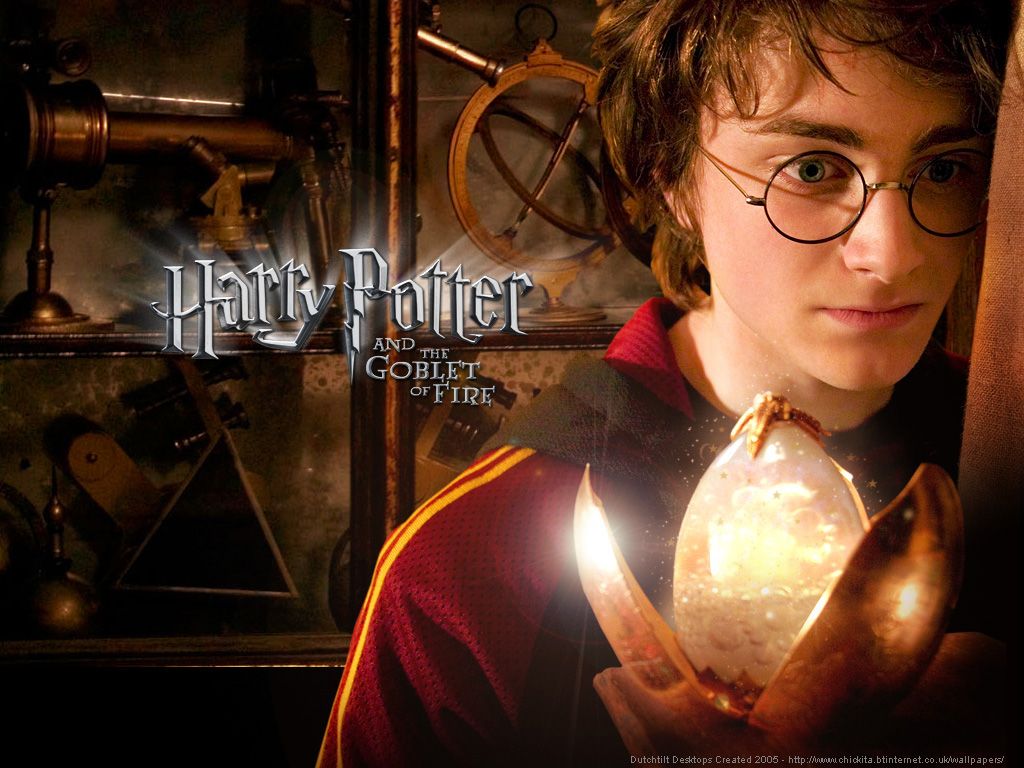
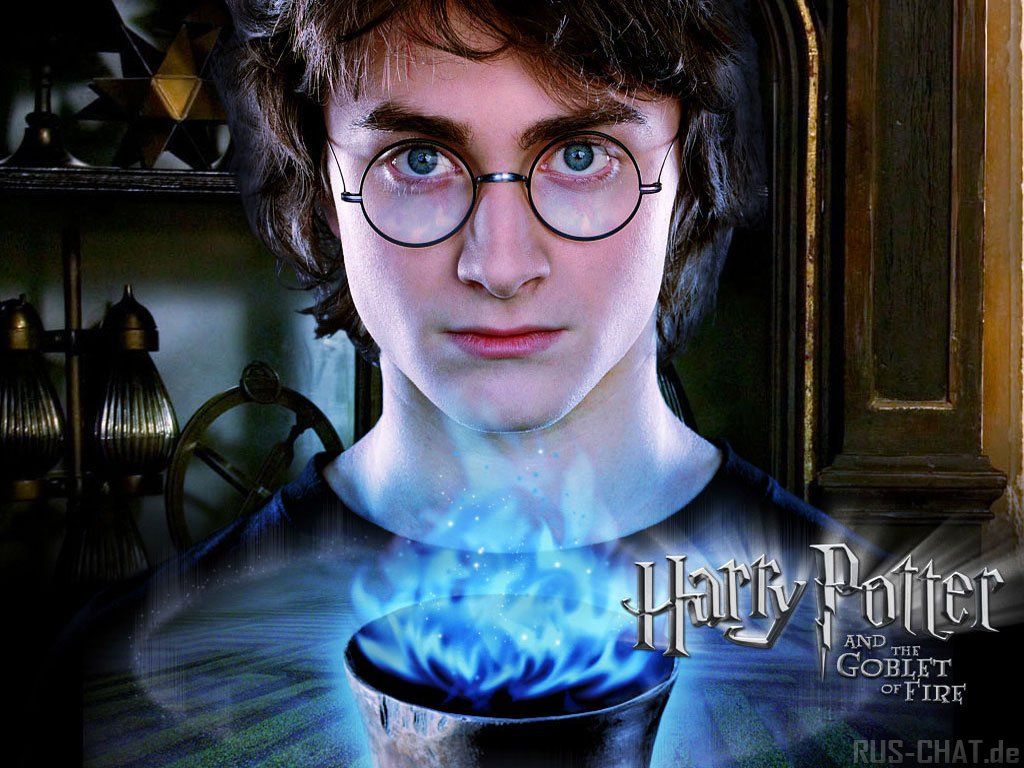
Harry Potter Calice di Fuoco, 1024x768 HD, iMac
1024×768HD Scarica
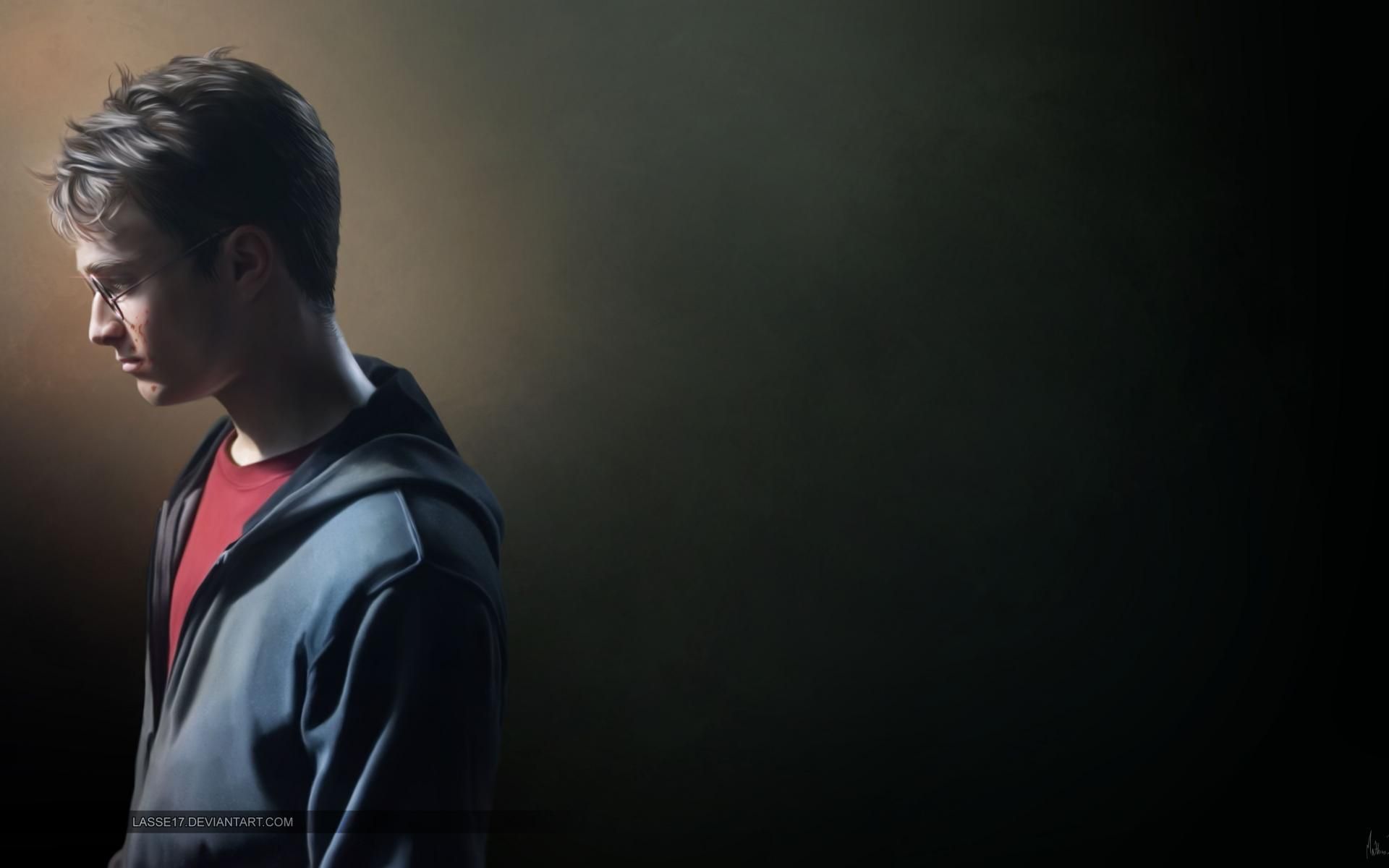
Harry Potter profilo occhiali, 1024x768 HD, Desktop
1024×768HD Scarica
Ragazzo profilo sfondo scuro, 1920x1200 Full HD+ WUXGA, Laptop
1920×1200HD Scarica
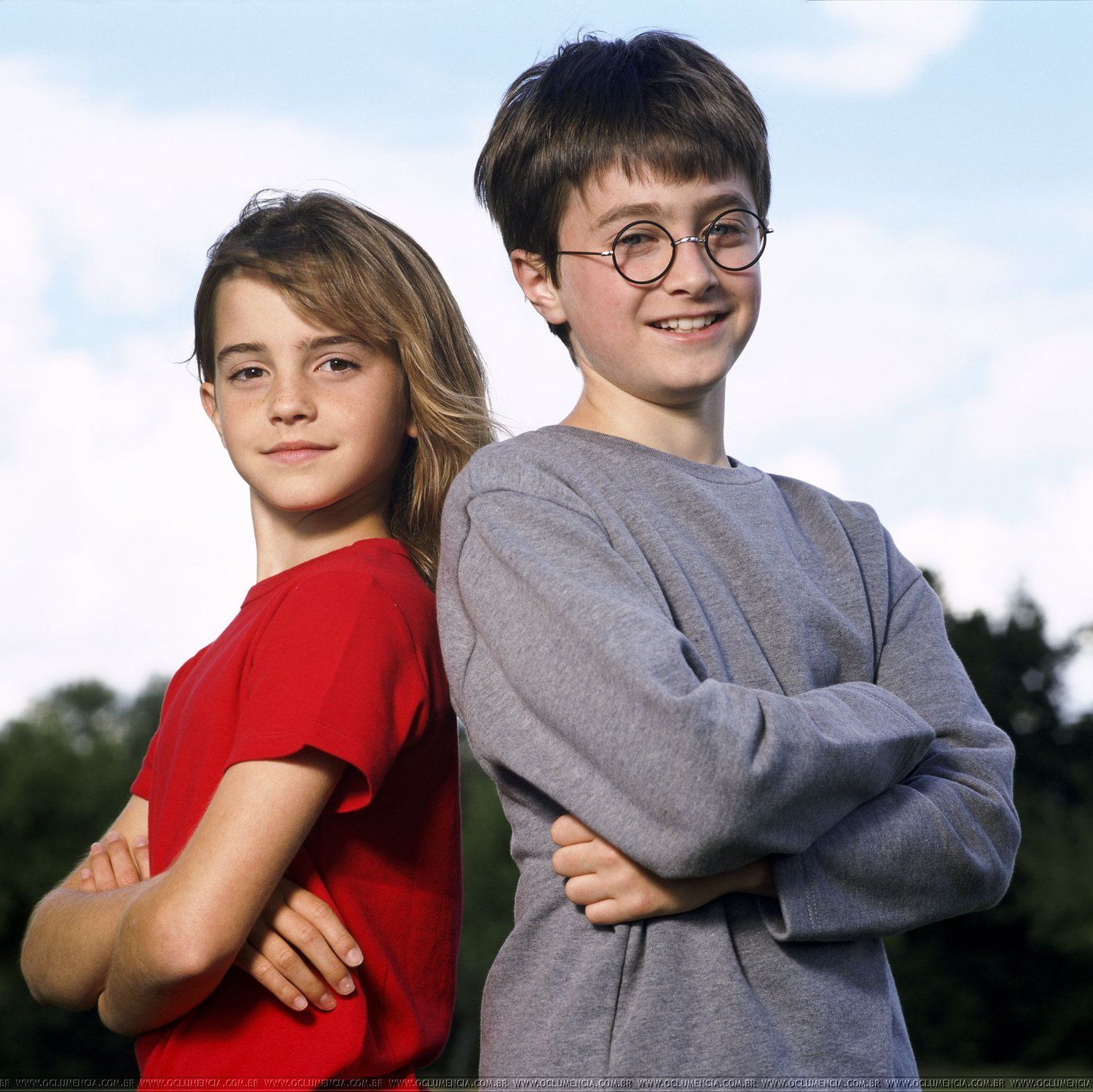
Harry Potter e Hermione bambini, 1500x1499 HD, Desktop
1500×1499HD Scarica
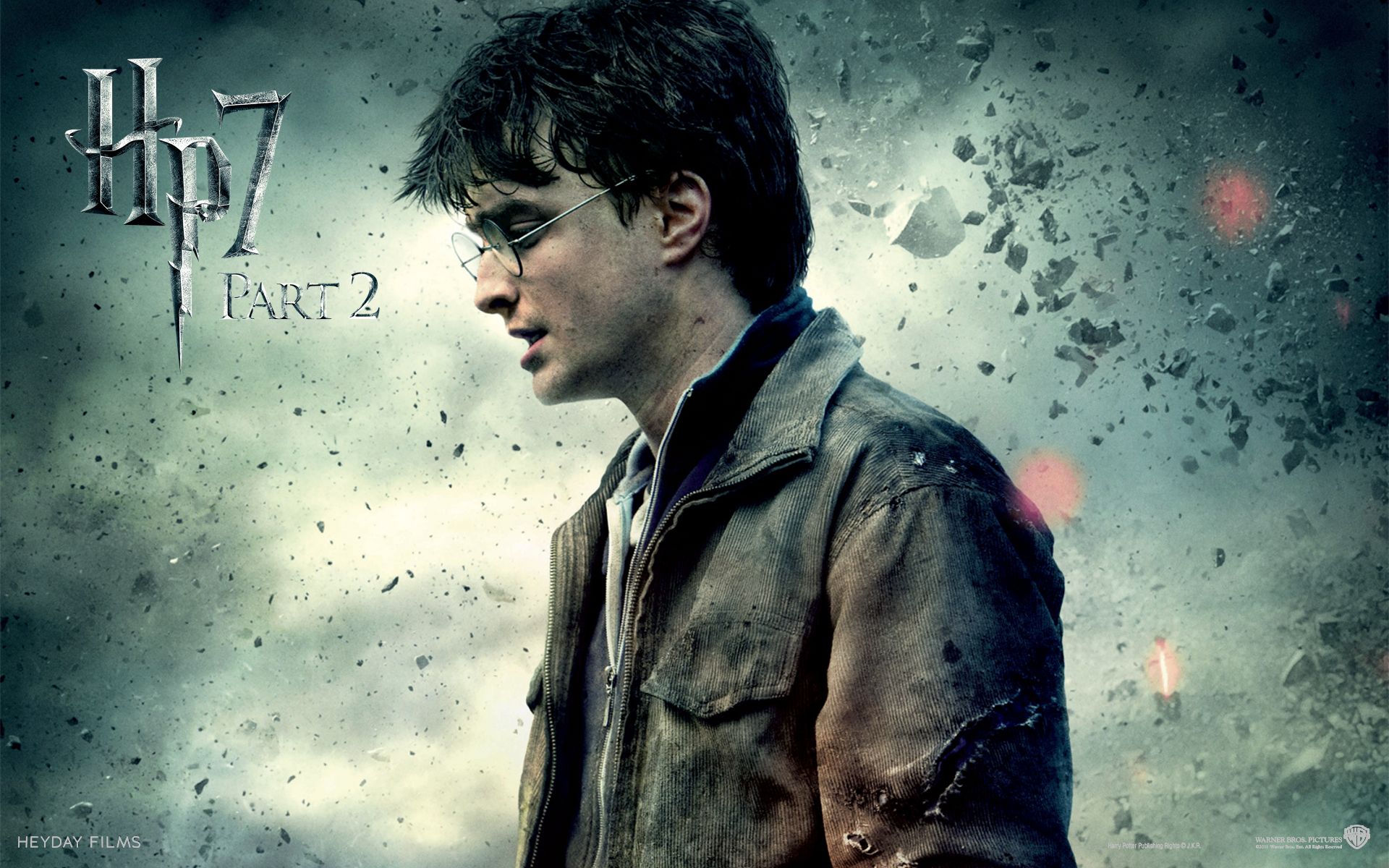
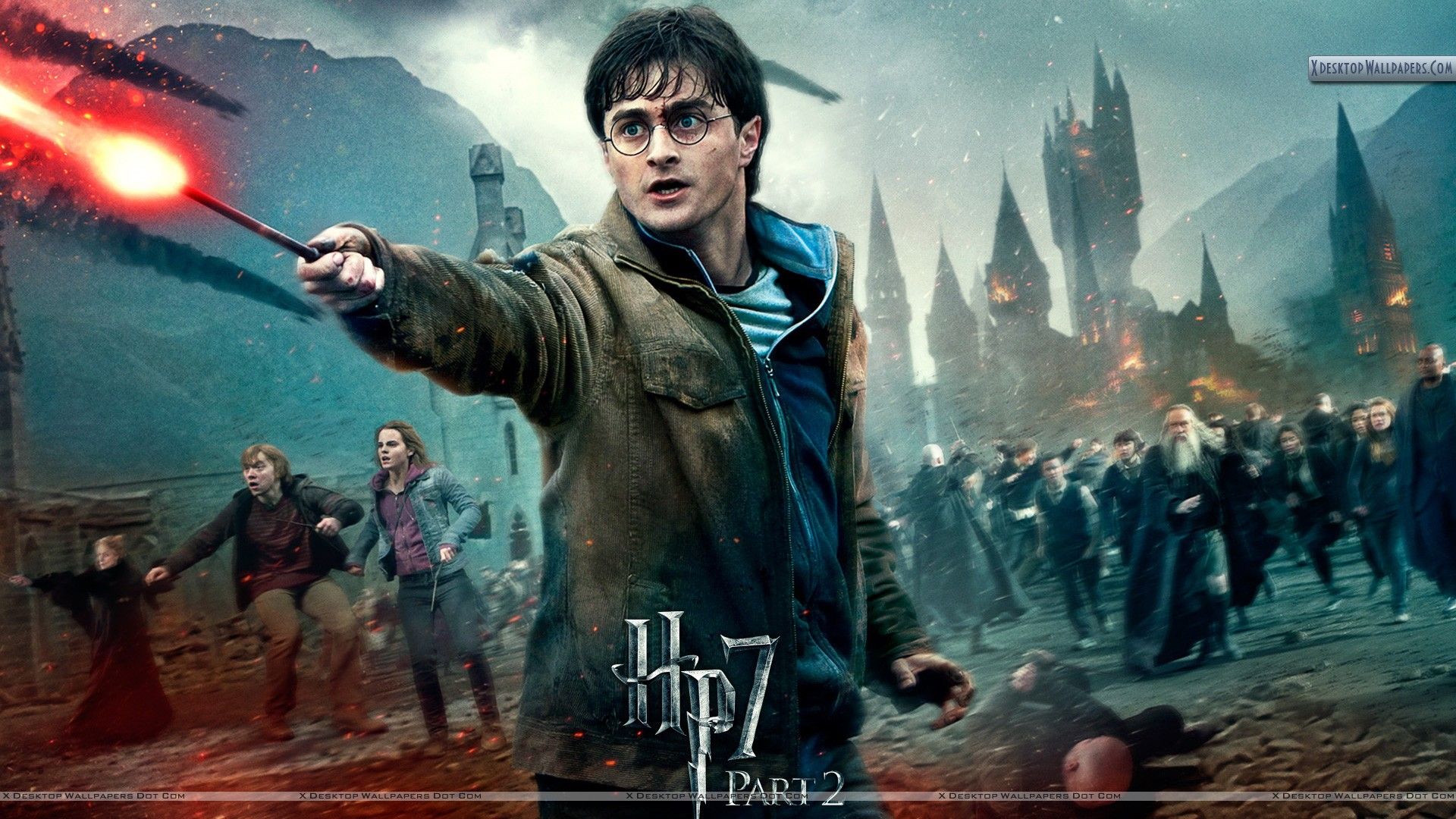
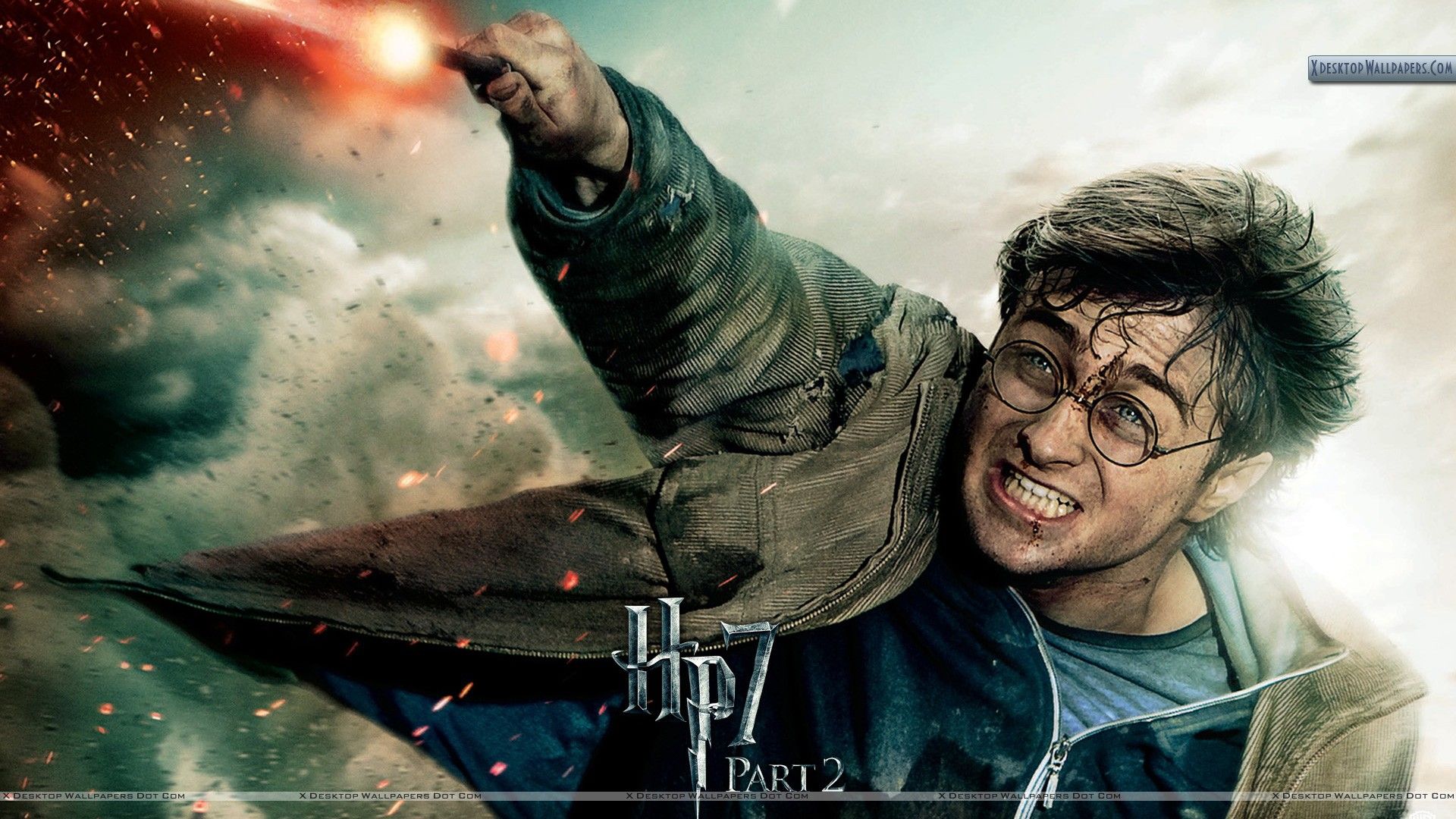
Harry Potter parte 7, 1920x1200 WUXGA, PC
1920×1200HD Scarica
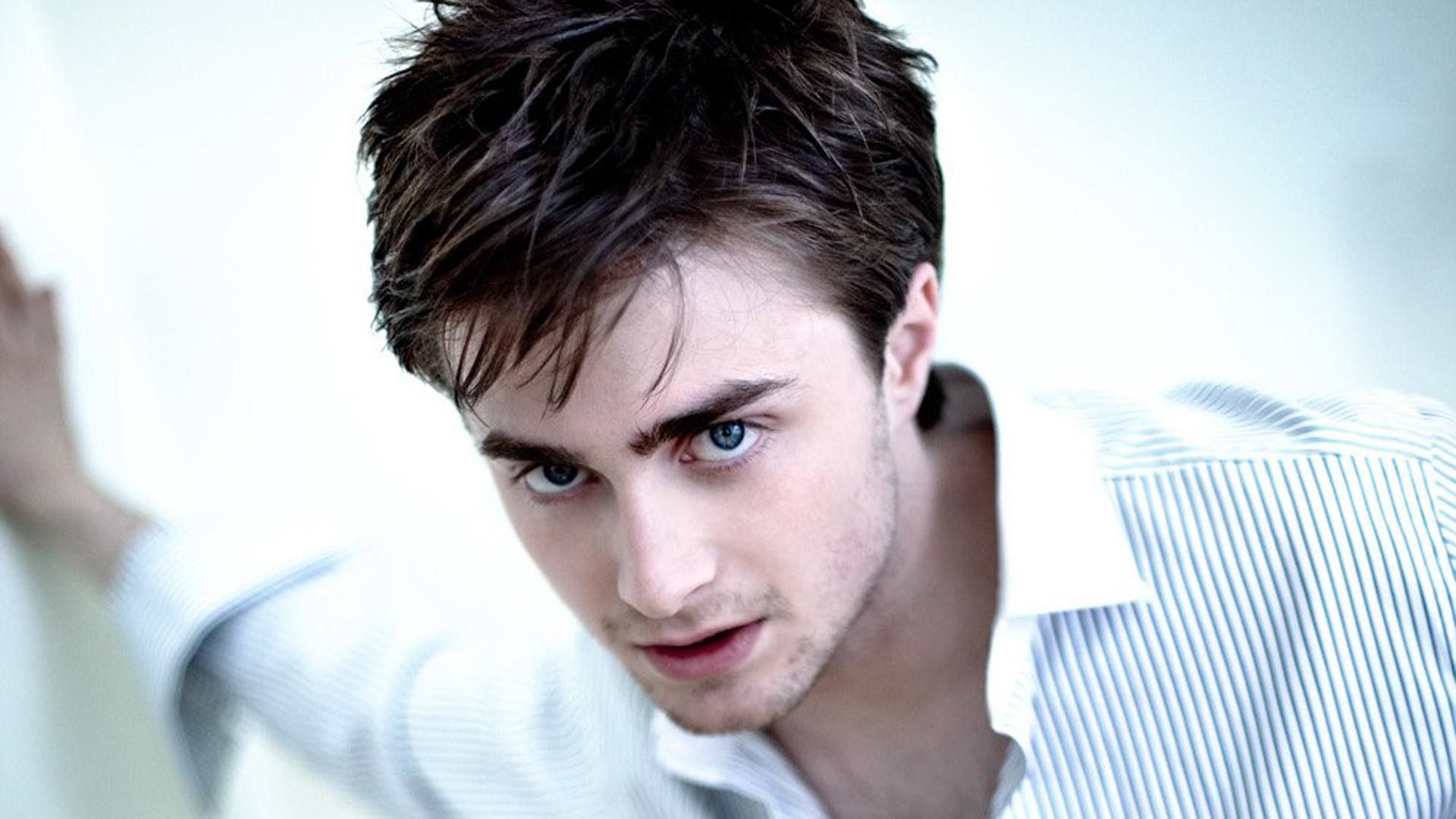
Daniel Radcliffe ritratto camicia bianca, 1920x1080 Full HD 1080p, PC Desktop
1920×1080HD Scarica
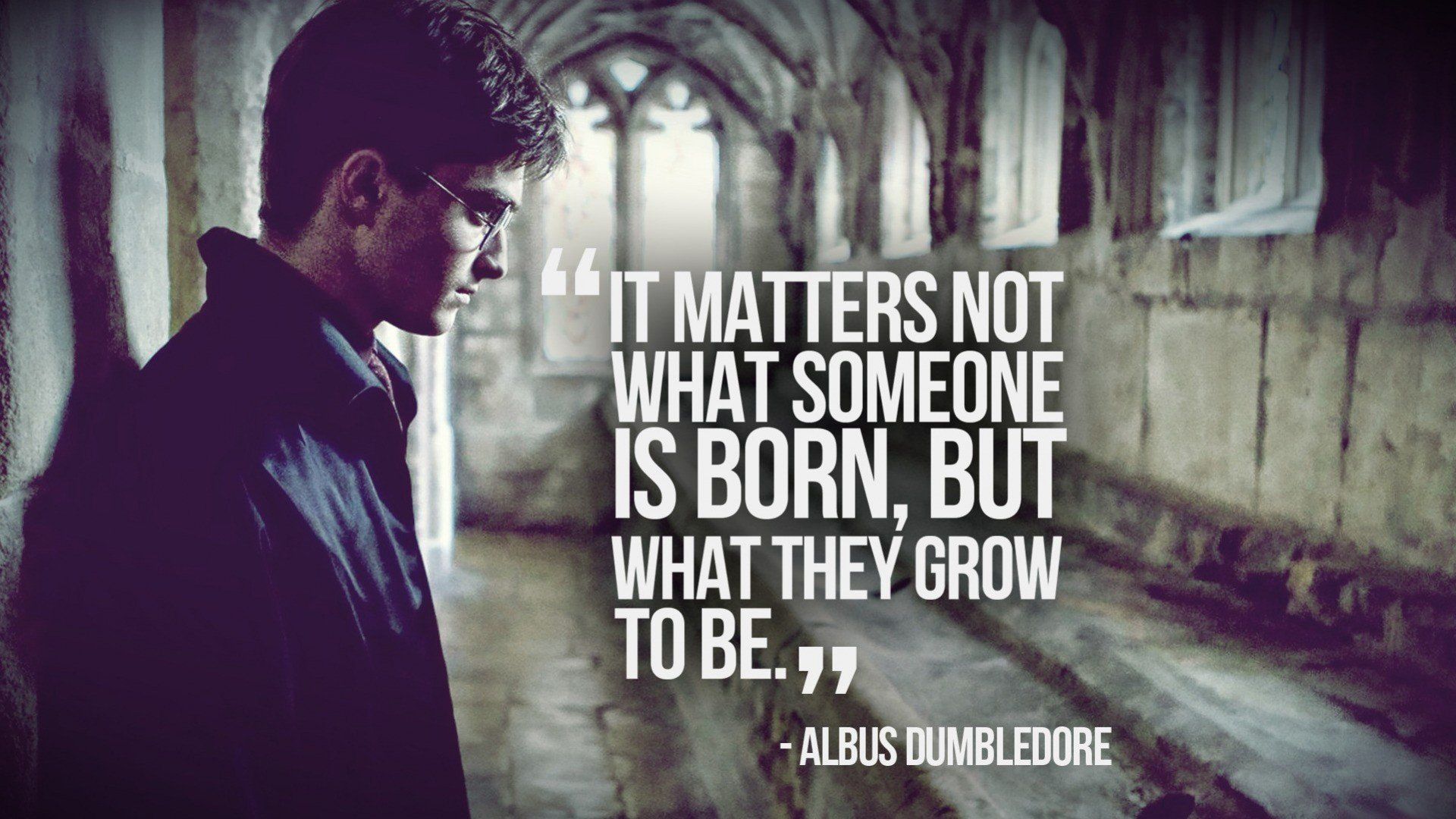
Harry Potter citazione Silente, 1920x1080 Full HD, Laptop
1920×1080HD Scarica
Harry Potter con occhiali rotondi, 720x1280 Verticale, Telefono
720×1280HD Scarica
Daniel Radcliffe ritratto, sfondo grigio, 1920x1240 Full HD+ WUXGA, PC
1920×1240HD Scarica
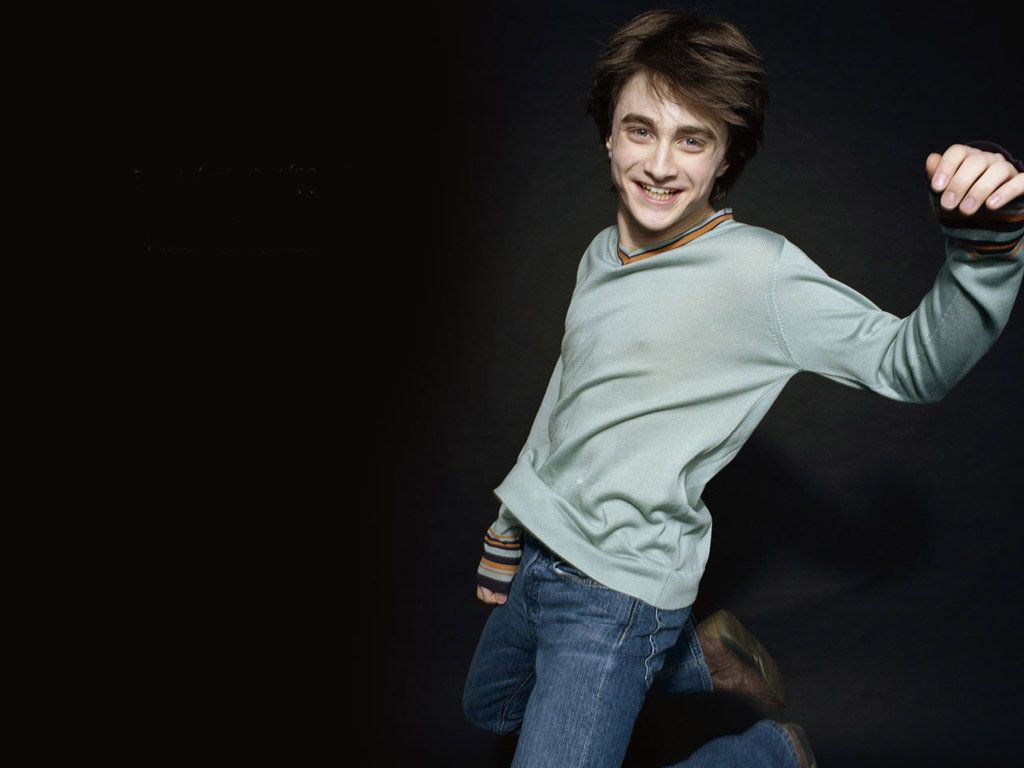
Daniel Radcliffe che salta, sfondo nero, 1024x768 HD, Desktop
1024×768HD Scarica
Daniel Radcliffe come Harry Potter, 1024x768 HD, iMac
1024×768HD Scarica
Daniel Radcliffe con telecomando, 1920x1080 Full HD 1080p, Desktop
1920×1080HD Scarica
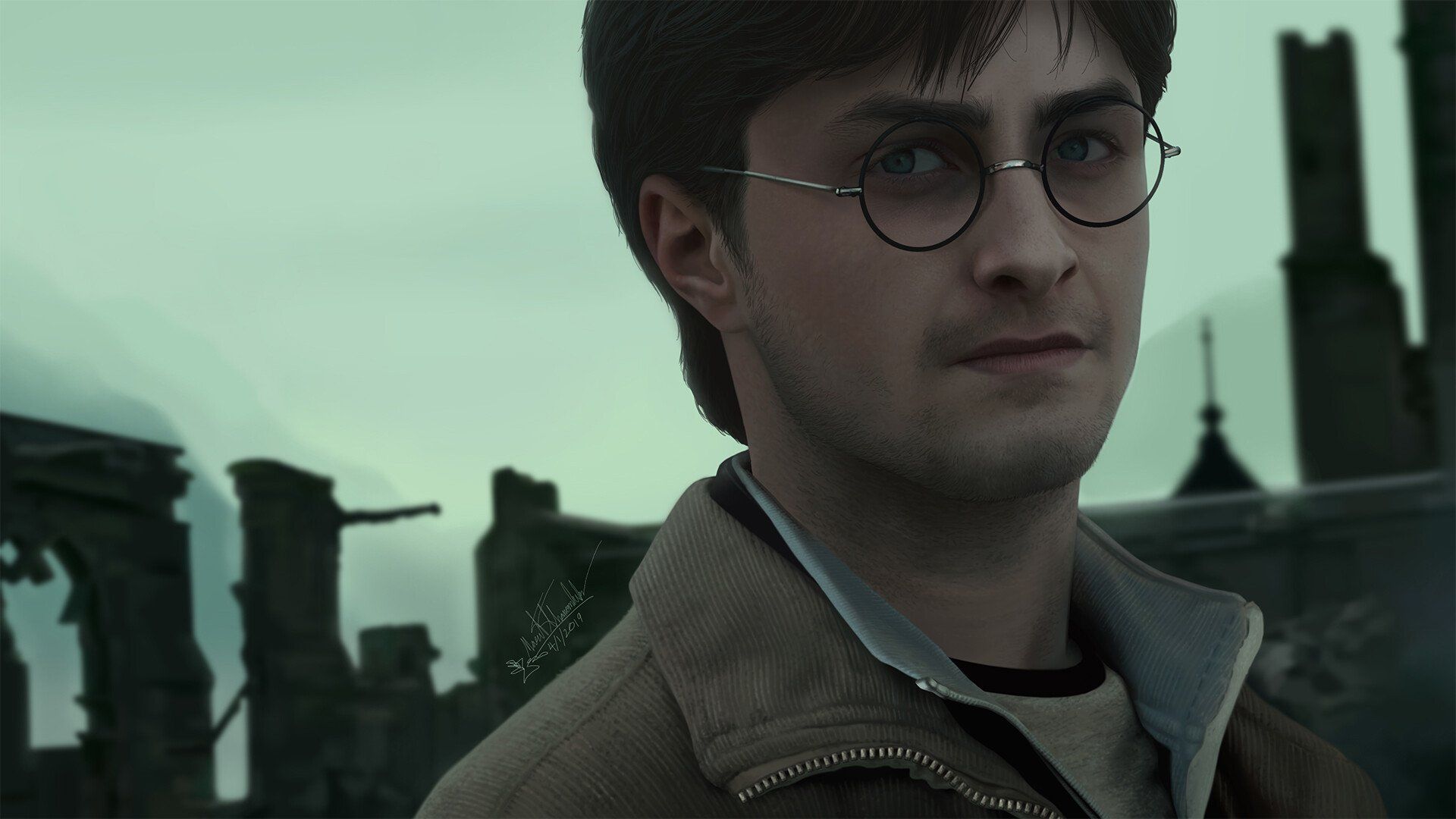
Harry Potter con occhiali rovine, 1920x1080 Full HD, PC
1920×1080HD Scarica
Harry Potter, Coppa del Mondiale di Fuoco, 1024x768 HD, Desktop
1024×768HD Scarica
Harry Potter bacchetta battaglia Hogwarts, scuola di magia, 1920x1080 Full HD 1080p, Laptop
1920×1080HD Scarica
Harry Potter e Hermione Granger, 1024x768 HD, PC Desktop
1024×768HD Scarica
Harry Potter personaggi principali, 1024x768 HD, PC
1024×768HD Scarica
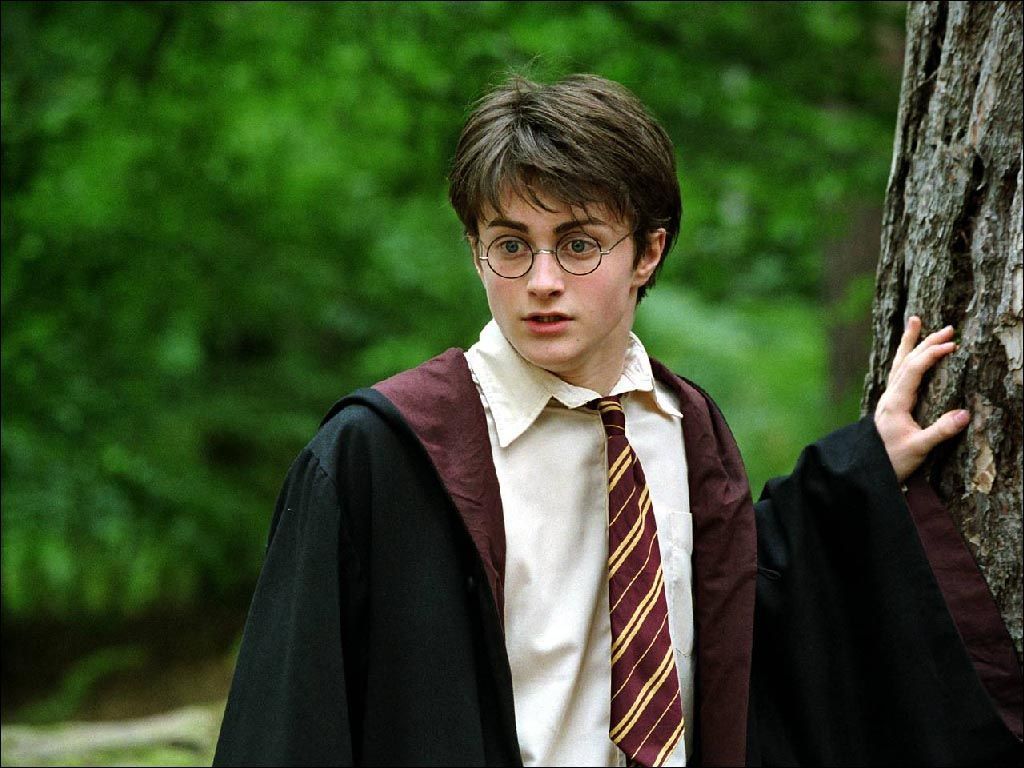
Harry Potter con occhiali tondi, 1440x900 HD, Desktop
1440×900HD Scarica
Harry Potter incantesimo battaglia, 1920x1080 Full HD, Laptop
1920×1080HD Scarica
Harry Potter con boccino d'oro, 1024x768 HD, Desktop
1024×768HD Scarica
Daniel Radcliffe ritratto formale, 1920x1080 Full HD 1080p, PC Desktop
1920×1080HD Scarica
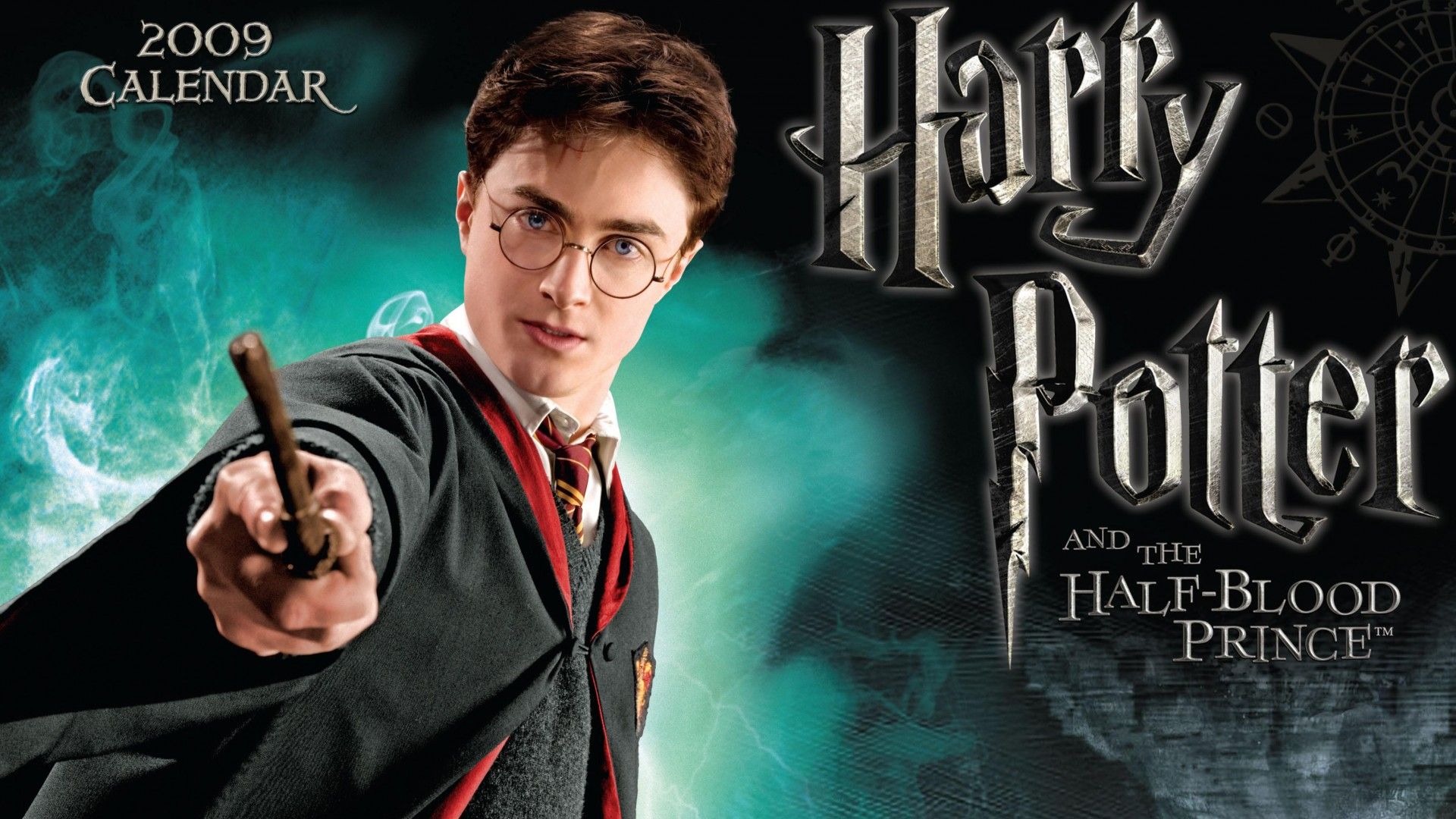
Harry Potter Principe Mezzosangue calendario, 1920x1080 Full HD, Desktop
1920×1080HD Scarica
Harry Potter e Hermione Granger, 2560x1600 2K+, Laptop
2560×16002K Scarica
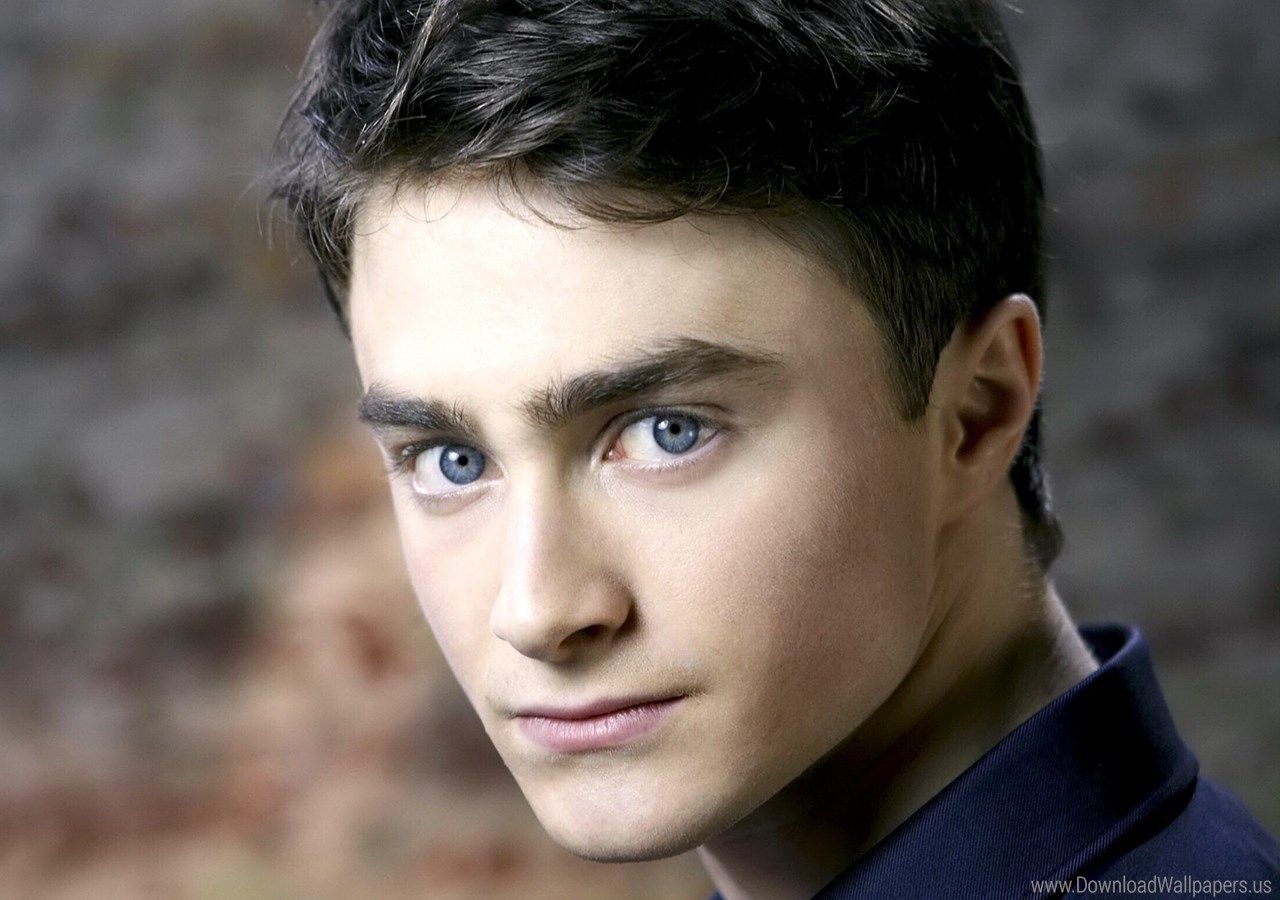
Daniel Radcliffe primo piano, 1280x900 HD, Desktop
1280×900HD Scarica
Uomo con papillon rosso sorridente, 947x1280 Full HD Verticale, iPhone
1920×1080HD Scarica
Harry Potter personaggi film, 1920x1080 1080p, PC Desktop
1280×960HD Scarica
Daniel Radcliffe in maglietta nera, 1280x960 720p, Laptop
1280×1024HD Scarica

Potrebbe piacerti
Come impostare lo sfondo sul tuo dispositivo

Hai trovato l’immagine giusta? Scaricala con il pulsante Scarica e segui i passaggi qui sotto: bastano pochi secondi, dal computer come dal telefono.

Windows
  1. Clicca su Scarica: l’immagine finisce nella cartella Download
  2. Fai clic destro sul file scaricato e scegli «Imposta come sfondo del desktop»
  3. Hai più monitor? Vai su Impostazioni → Personalizzazione → Sfondo e scegli dove applicarla
macOS
  1. Clicca su Scarica per salvare l’immagine sul Mac
  2. Apri Impostazioni di Sistema → Sfondo
  3. Clicca su «Aggiungi foto», seleziona l’immagine e scegli «Riempi schermo»
iPhone / iPad
  1. Tocca Scarica e poi «Salva in Foto»
  2. Apri l’app Foto e scegli l’immagine appena salvata
  3. Tocca Condividi → «Usa come sfondo», sistema l’inquadratura e conferma con Imposta
Android
  1. Tocca Scarica: l’immagine si salva nella Galleria
  2. Apri Galleria (o Google Foto) e seleziona l’immagine
  3. Dal menu scegli «Imposta come sfondo» e decidi se usarla per la schermata Home, il blocco schermo o entrambe