Sfondi Pittsburgh Steelers


41 sfondi HD & 4K
Logo Steelers con trofei Super Bowl, NFL, 1600x1200 900p, Desktop
1600×1200HD Scarica
Bandiera Pittsburgh Steelers Nation, football americano, 1920x1200 Full HD+ WUXGA, Laptop
1920×1200HD Scarica
Quarterback Steelers con palla, Pittsburgh Steelers, 1920x1080 Full HD, Desktop
1920×1080HD Scarica
Quarterback Steelers con pallone, 1920x1080 1080p, PC Desktop
1920×1080HD Scarica
Quarterback Steelers con pallone, Pittsburgh Steelers, 1600x900 HD Ready, Desktop
1600×900HD Scarica
Logo Steelers casco dorato, NFL, 1920x1080 Full HD, Laptop
1920×1080HD Scarica
Logo Steelers 6x Super Bowl, Pittsburgh Steelers, 1600x1000 900p, Desktop
1600×1000HD Scarica
Ben Roethlisberger Pittsburgh Steelers, NFL, 1024x768 HD, PC
1024×768HD Scarica
Giocatore Pittsburgh Steelers casco, 1920x1164 Full HD, PC Desktop
1920×1164HD Scarica
City of Champions Pittsburgh, 1200x675 HD, Laptop
1200×675HD Scarica
Banner Pittsburgh Steelers Super Bowl, football americano, 900x900 HD, Desktop
900×900HD Scarica
Troy Polamalu Pittsburgh Steelers, football americano, 1600x900 HD, PC
1600×900HD Scarica
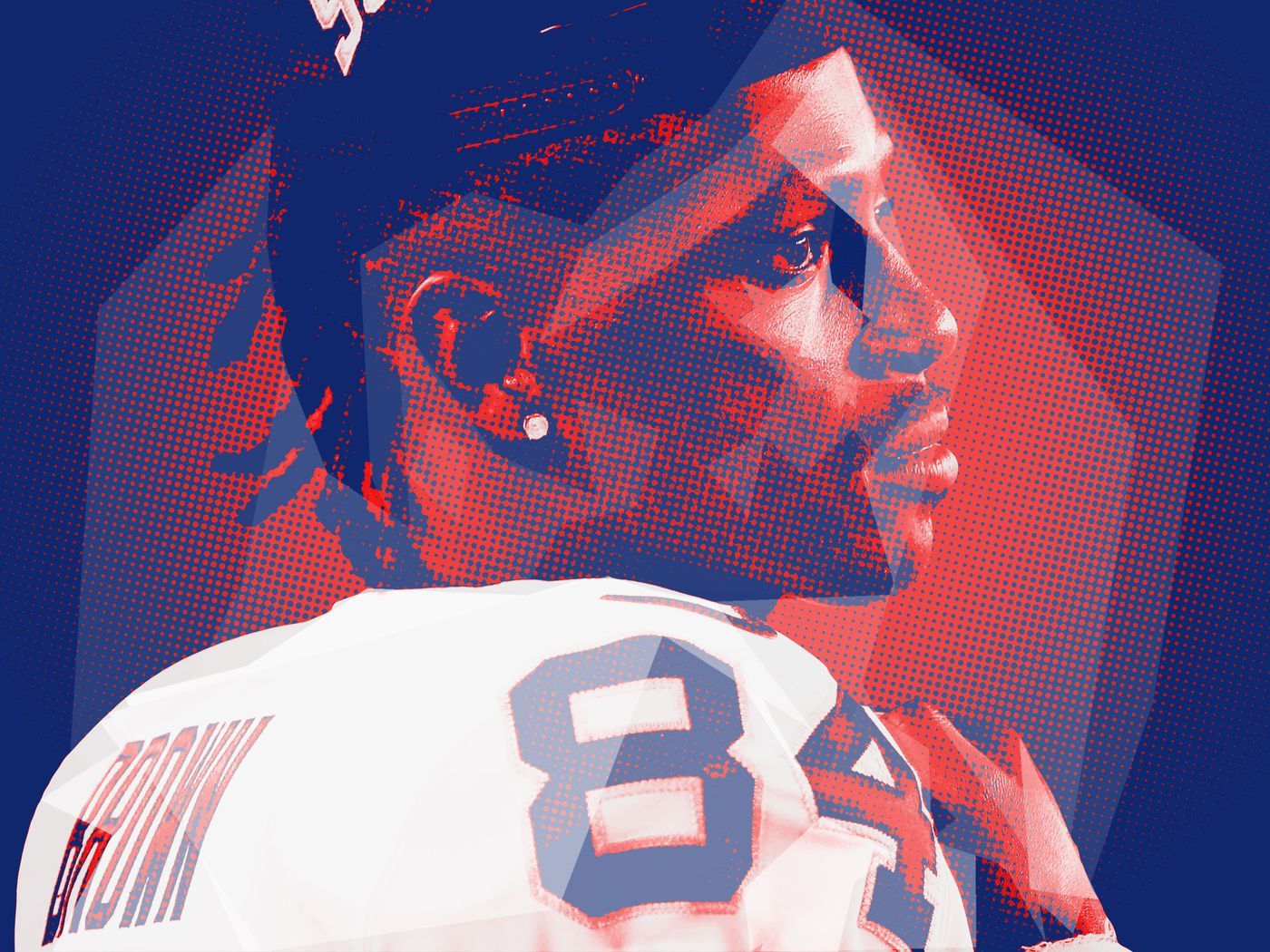
Giocatore football maglia 84, 1400x1050 HD, Desktop
1400×1050HD Scarica
Steelers Alumni Weekend Dinner, 2560x1440 QHD, Monitor Gaming
2560×14402K Scarica
Banner Pittsburgh Steelers Super Bowl, 3000x3000 WQXGA, Desktop
3000×30002K Scarica
Bandiera Pittsburgh Steelers Nation, 1920x1080 1080p, PC
1920×1080HD Scarica
Giocatori Steelers festeggiano touchdown, 2560x1440 2K, Desktop
2560×14402K Scarica
Trofei Super Bowl Steelers, 1440x900 720p, Laptop
1440×900HD Scarica
Trofei Super Bowl Pittsburgh Steelers, 1920x1080 1080p, PC Desktop
1920×1080HD Scarica
Logo Steelers e calendario 2009, 1024x768 HD, PC
1024×768HD Scarica
Logo e giocatori Pittsburgh Steelers, 1024x768 HD, Desktop
1024×768HD Scarica
Seattle Seahawks Super Bowl campioni, 2880x1800 2K+, Laptop
1024×768HD Scarica
Super Bowl XLIX Seahawks Patriots, 1920x1080 Full HD 1080p, Desktop
1280×800HD Scarica
Giocatori Pittsburgh Steelers football, 1024x768 HD, iMac

1200×677HD Scarica
Collage giocatori Pittsburgh Steelers, 1280x800 HD, Desktop
3000×30002K Scarica
Logo Super Bowl XL, 1200x677 HD, Laptop
1200×717HD Scarica
Banner Pittsburgh Steelers Super Bowl, 3000x3000 WQXGA, Desktop

1600×900HD Scarica
Calendario San Francisco 49ers football, 1200x800 HD, PC
768×1152HD Scarica
Giocatore football americano numero 61, 2560x1440 2K, Monitor Gaming
1600×900HD Scarica
Logo Super Bowl XLIII, 1200x717 HD, Laptop
1920×1080HD Scarica
Casco firmato Pittsburgh Steelers, 1600x900 900p, Desktop
1920×1080HD Scarica
Loghi Super Bowl Steelers, 768x1152 Full HD Verticale, iPhone
2560×14402K Scarica
Giocatori football Pittsburgh Steelers, 1600x900 HD, Desktop
1920×1080HD Scarica
Steelers vs Cowboys Hall of Fame, 1920x1080 1080p, PC Desktop
2560×14402K Scarica
Green Bay Packers Super Bowl logo, 1680x1050 HD Ready, Desktop
1920×1080HD Scarica
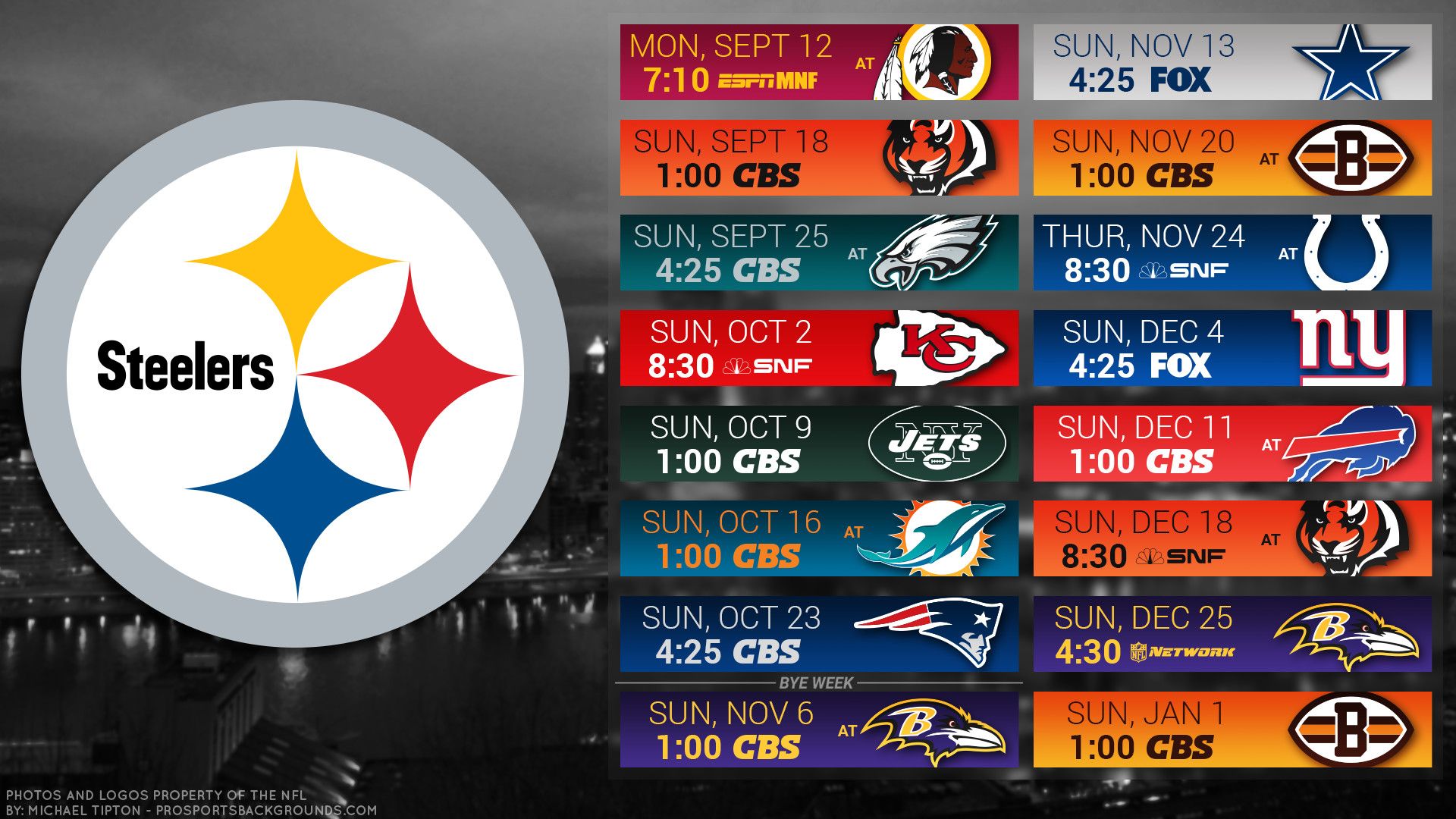
Calendario Steelers 2019 NFL, 1920x1080 Full HD, PC
1920×1080HD Scarica
Giocatore football americano numero 12, 1600x900 900p, Desktop
2560×14402K Scarica
Giocatori football Steelers Bills, 2560x1440 QHD, Laptop
1200×1458HD Scarica
Caschi 49ers e Chiefs Super Bowl, 1920x1080 Full HD, PC Desktop
1920×1080HD Scarica
Loghi squadre NFL Madden, 1920x1080 1080p, PC
1920×1080HD Scarica
Coach Steelers con trofeo Super Bowl, 2560x1440 2K, Desktop

1920×1080HD Scarica

Potrebbe piacerti

Come impostare lo sfondo sul tuo dispositivo

Hai trovato l’immagine giusta? Scaricala con il pulsante Scarica e segui i passaggi qui sotto: bastano pochi secondi, dal computer come dal telefono.

Windows

  1. Clicca su Scarica: l’immagine finisce nella cartella Download
  2. Fai clic destro sul file scaricato e scegli «Imposta come sfondo del desktop»
  3. Hai più monitor? Vai su Impostazioni → Personalizzazione → Sfondo e scegli dove applicarla
macOS
  1. Clicca su Scarica per salvare l’immagine sul Mac
  2. Apri Impostazioni di Sistema → Sfondo
  3. Clicca su «Aggiungi foto», seleziona l’immagine e scegli «Riempi schermo»
iPhone / iPad
  1. Tocca Scarica e poi «Salva in Foto»
  2. Apri l’app Foto e scegli l’immagine appena salvata
  3. Tocca Condividi → «Usa come sfondo», sistema l’inquadratura e conferma con Imposta
Android
  1. Tocca Scarica: l’immagine si salva nella Galleria
  2. Apri Galleria (o Google Foto) e seleziona l’immagine
  3. Dal menu scegli «Imposta come sfondo» e decidi se usarla per la schermata Home, il blocco schermo o entrambe