




















Sfondi Slytherin

62 sfondi HD & 4K
Slytherin serpente stemma verde, 1920x1080 1080p, Laptop
1920×1080HD Scarica
Stemma Slytherin foresta verde, 1242x1921 Verticale, Telefono
1242×1921HD Scarica
Slytherin scritta stelle verde, 1080x1920 Full HD Verticale, iPhone
1080×1920HD Scarica
Stemma Slytherin Harry Potter, 1280x1024 HD, HP Laptop
1280×1024HD Scarica
Serpente Slytherin su onda verde, 1058x1881 Full HD Verticale, Smartphone
1058×1881HD Scarica
Stemma Serpeverde Hogwarts, scuola di magia, 1332x850 HD, Desktop
1332×850HD Scarica
Stemma Serpeverde Harry Potter, J.K. Rowling, 1920x1080 1080p, PC
1920×1080HD Scarica
Serpente Slytherin su verde, 2048x2048 alta risoluzione, Desktop
2048×2048HD Scarica
Stemma Serpeverde verde e argento, 1192x670 HD, iMac
1192×670HD Scarica
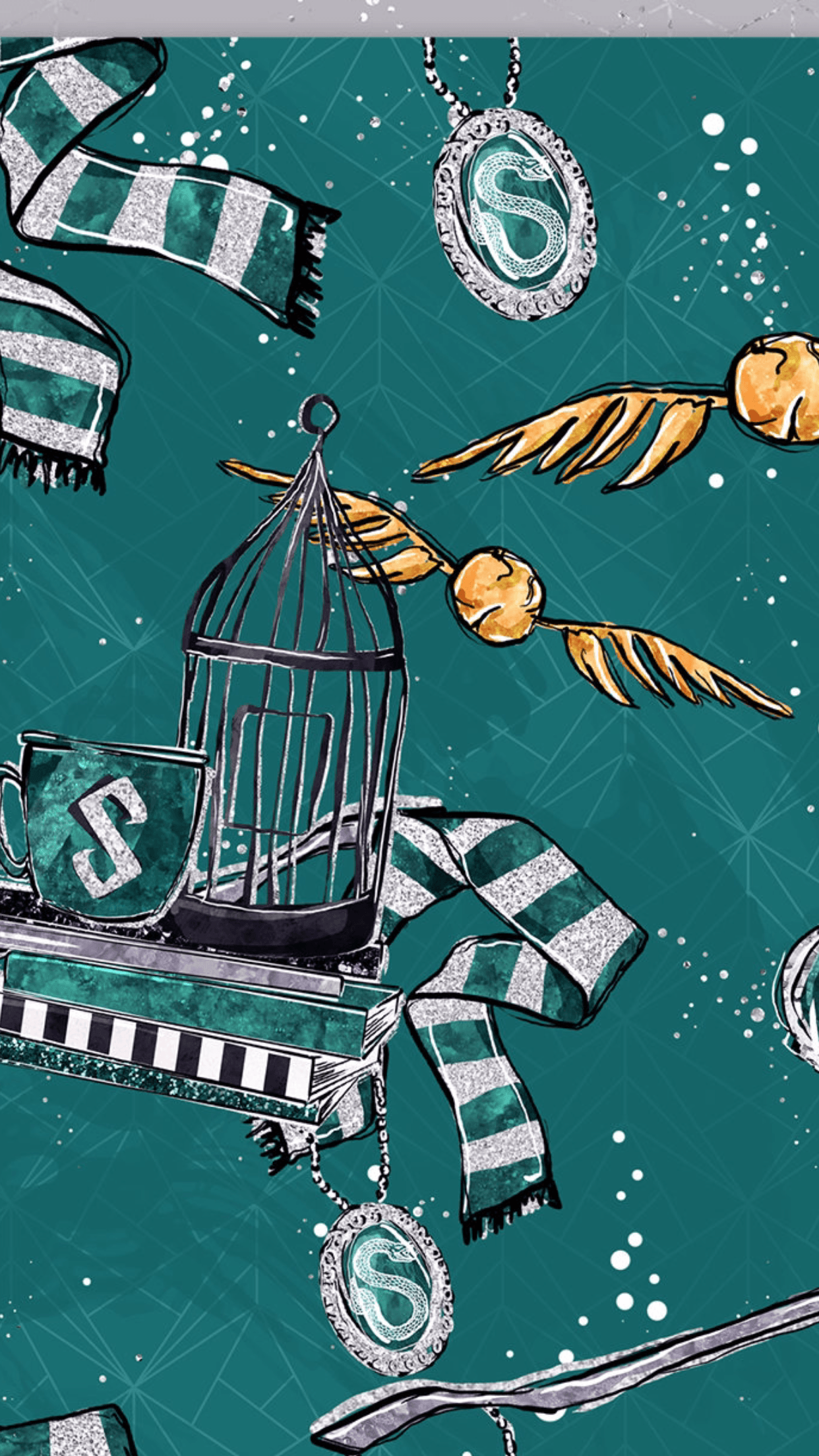
Slytherin sciarpe e boccino d'oro, 1242x2208 Verticale, Telefono
1242×2208HD Scarica
Pattern Slytherin Harry Potter verde, J.K. Rowling, 736x1308 Full HD Verticale, iPhone
736×1308HD Scarica
Stemma Serpeverde Harry Potter, mondo magico, 1080x1920 Verticale, Mobile
1080×1920HD Scarica
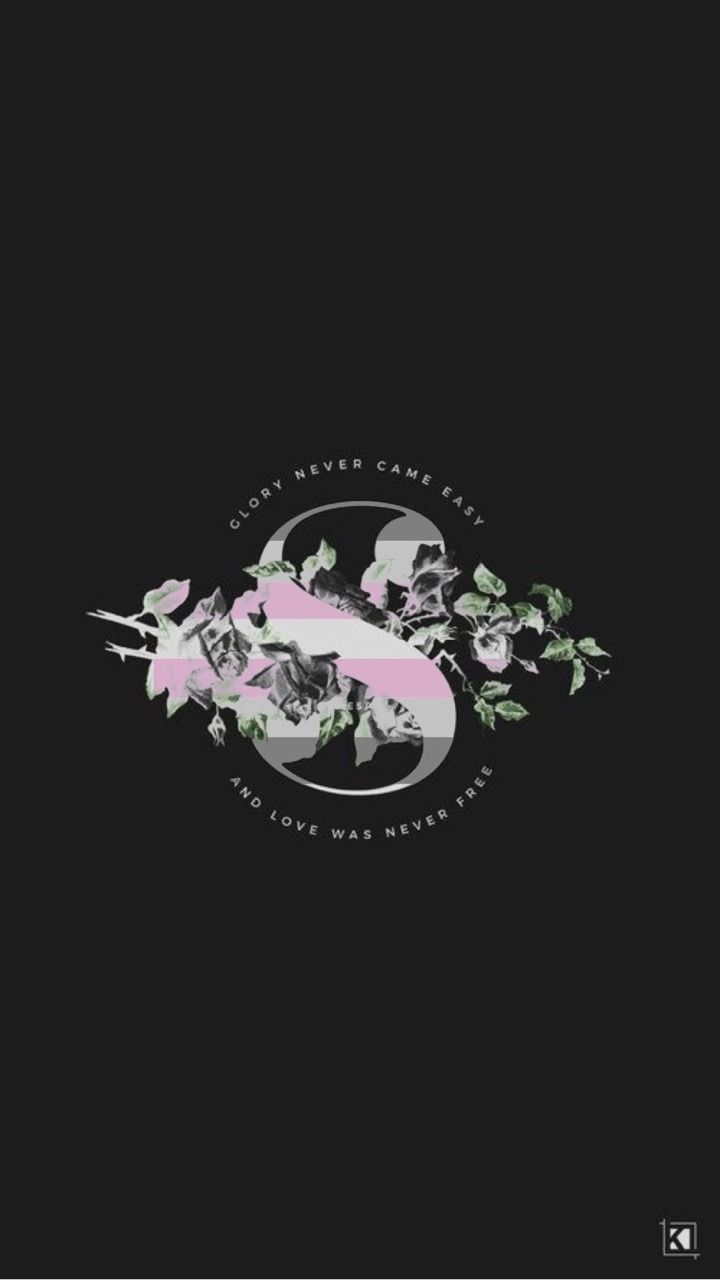
Stemma serpente Slytherin floreale, 720x1280 Full HD Verticale, Smartphone
720×1280HD Scarica
Stemma Serpeverde serpente argento, 1920x2773 Verticale, Xiaomi
1920×27732K Scarica
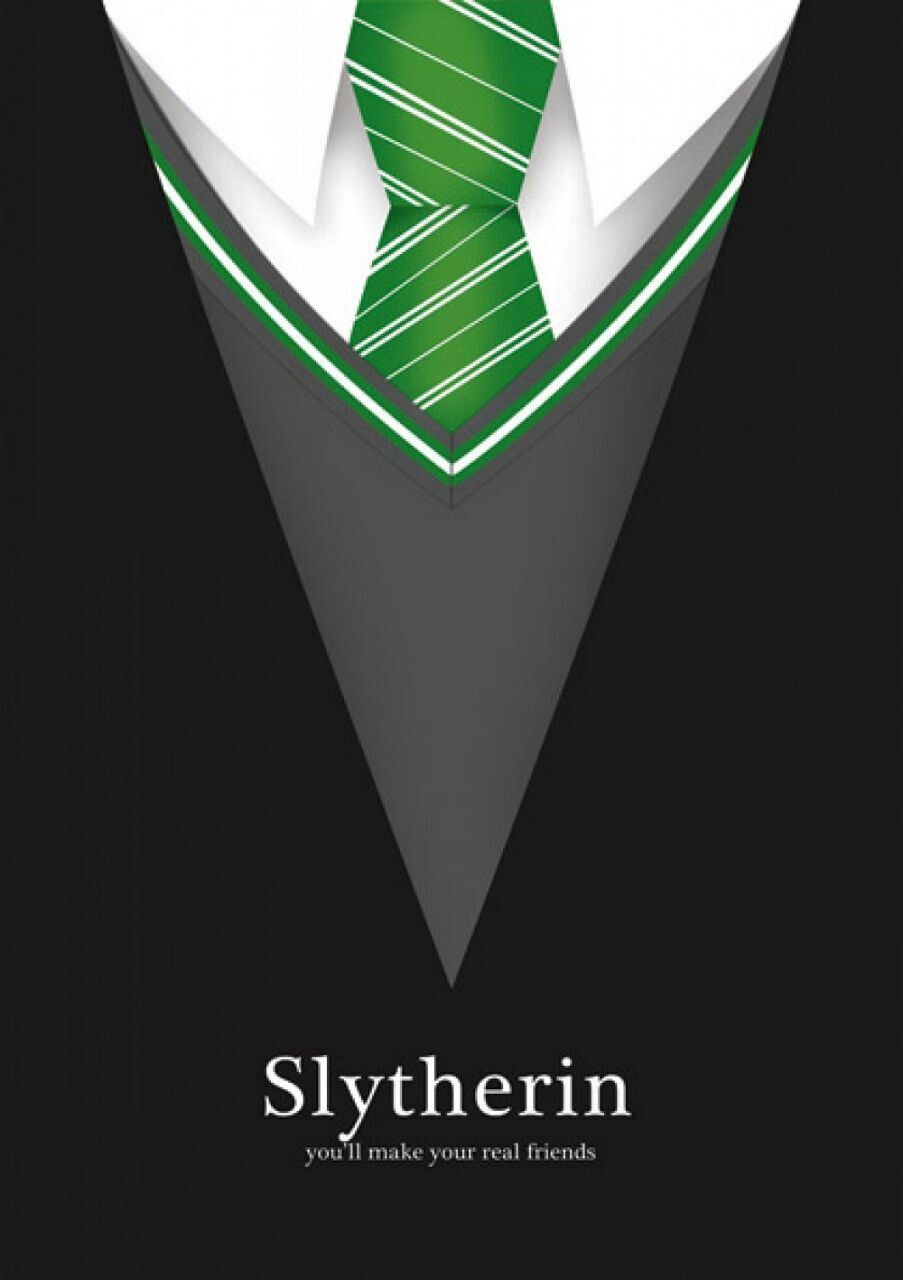
Cravatta Slytherin Harry Potter, J.K. Rowling, 903x1280 Full HD Verticale, iPhone
903×1280HD Scarica
Stemma Serpeverde Harry Potter, mondo magico, 1080x1024 HD, Desktop
1080×1024HD Scarica
Foglie verdi con scritta Slytherin, 1080x1920 Full HD Verticale, Smartphone
1080×1920HD Scarica
Stemma Serpeverde galassia, 719x1280 Verticale, Telefono
719×1280HD Scarica
Serpente Serpeverde con sciarpa, 1237x1280 Full HD Verticale, Google Pixel
1237×1280HD Scarica
Stemma Slytherin Harry Potter, mondo magico, 853x1280 Verticale, Mobile
853×1280HD Scarica
Stemma Grifondoro leone Harry Potter, Hogwarts, 1920x2773 Full HD Verticale, Smartphone
1920×1080HD Scarica
Snape e Lily Harry Potter, 1920x1080 1080p, Desktop
1025×1920HD Scarica
Calendario dicembre Harry Potter Natale, 1025x1920 Full HD Verticale, iPhone
1143×1684HD Scarica
Collage estetico verde Slytherin, 1143x1684 Verticale, OnePlus
1024×1321HD Scarica
Stemma Serpeverde pergamena Harry Potter, 1024x1321 Full HD Verticale, Smartphone
1080×1920HD Scarica
Slytherin fiori rose bianche nere, 1080x1920 Verticale, Telefono
1080×1920HD Scarica
Fumo verde astratto Slytherin, 1080x1920 Full HD Verticale, iPhone
1080×1920HD Scarica
Stemma serpente Slytherin verde, 1080x1920 Verticale, Mobile
1080×1920HD Scarica
Serpente Slytherin Harry Potter verde, 1080x1920 Full HD Verticale, Samsung Galaxy
1920×1080HD Scarica
Stemma Serpeverde verde scuro, 1920x1080 Full HD, Desktop
1600×966HD Scarica
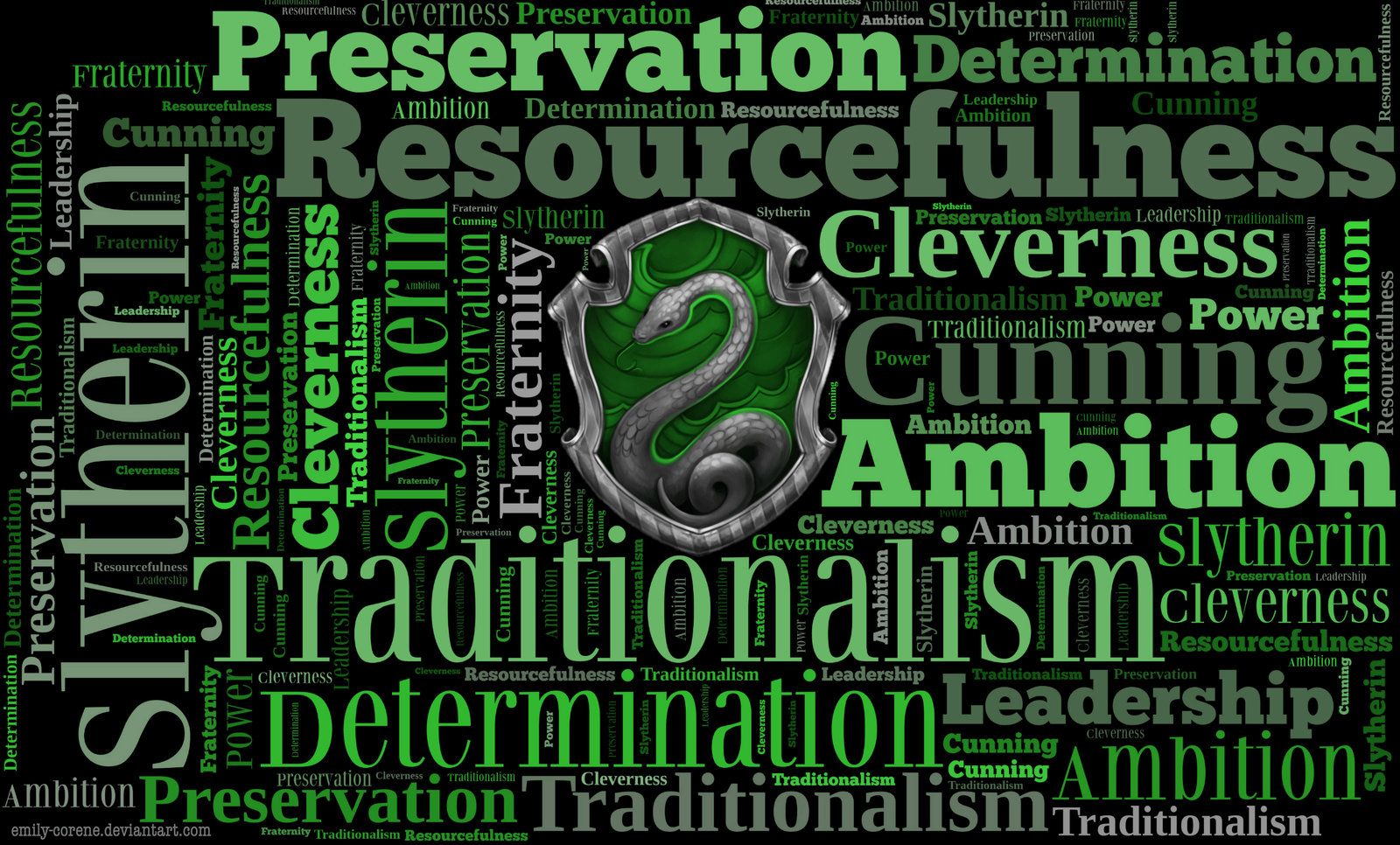
Nuvola parole Slytherin verde nero, 1600x966 900p, PC
1920×1080HD Scarica
Stemma serpente Slytherin verde, 1920x1080 Full HD 1080p, Desktop
720×1280HD Scarica
Stemma Serpeverde Harry Potter, 720x1280 Full HD Verticale, Smartphone
1571×872HD Scarica
Stemma Serpeverde Harry Potter, 1571x872 HD, PC Desktop
1920×1080HD Scarica
Serpente Slytherin sfondo verde, 1920x1080 Full HD 1080p, PC
1366×768HD Scarica
Stemma Slytherin Quidditch Team Captain, 1366x768 HD, Desktop
1600×1089HD Scarica
Stemma Serpeverde Harry Potter, 1600x1089 900p, Laptop
3000×40004K Scarica
Stemma Ravenclaw Harry Potter, 1920x1080 Full HD 1080p, Desktop
742×1314HD Scarica
Serpenti verdi e medaglioni Slytherin, 3000x4000 Full HD Verticale, Samsung Galaxy
2560×14402K Scarica
Serpente Slytherin motivo verde, 742x1314 Verticale, Mobile
2560×14402K Scarica
Slytherin, 2560x1440 QHD, Laptop
1280×800HD Scarica
Stemma Serpeverde verde testurizzato, 2560x1440 1440p, Desktop
1024×768HD Scarica
Stemma Hogwarts verde Slytherin, scuola di magia, 1280x800 720p, PC
2560×14402K Scarica
Testa di serpente verde Slytherin, 1024x768 HD, PC Desktop
1441×25602K Scarica
Stemma Serpeverde Harry Potter, 2560x1440 QHD, Laptop
2560×14402K Scarica
Serpente corona logo Slytherin, 1441x2560 Verticale, Telefono
1600×900HD Scarica
Stemma Serpeverde Harry Potter, 2560x1440 2K QHD, PC
1080×1920HD Scarica
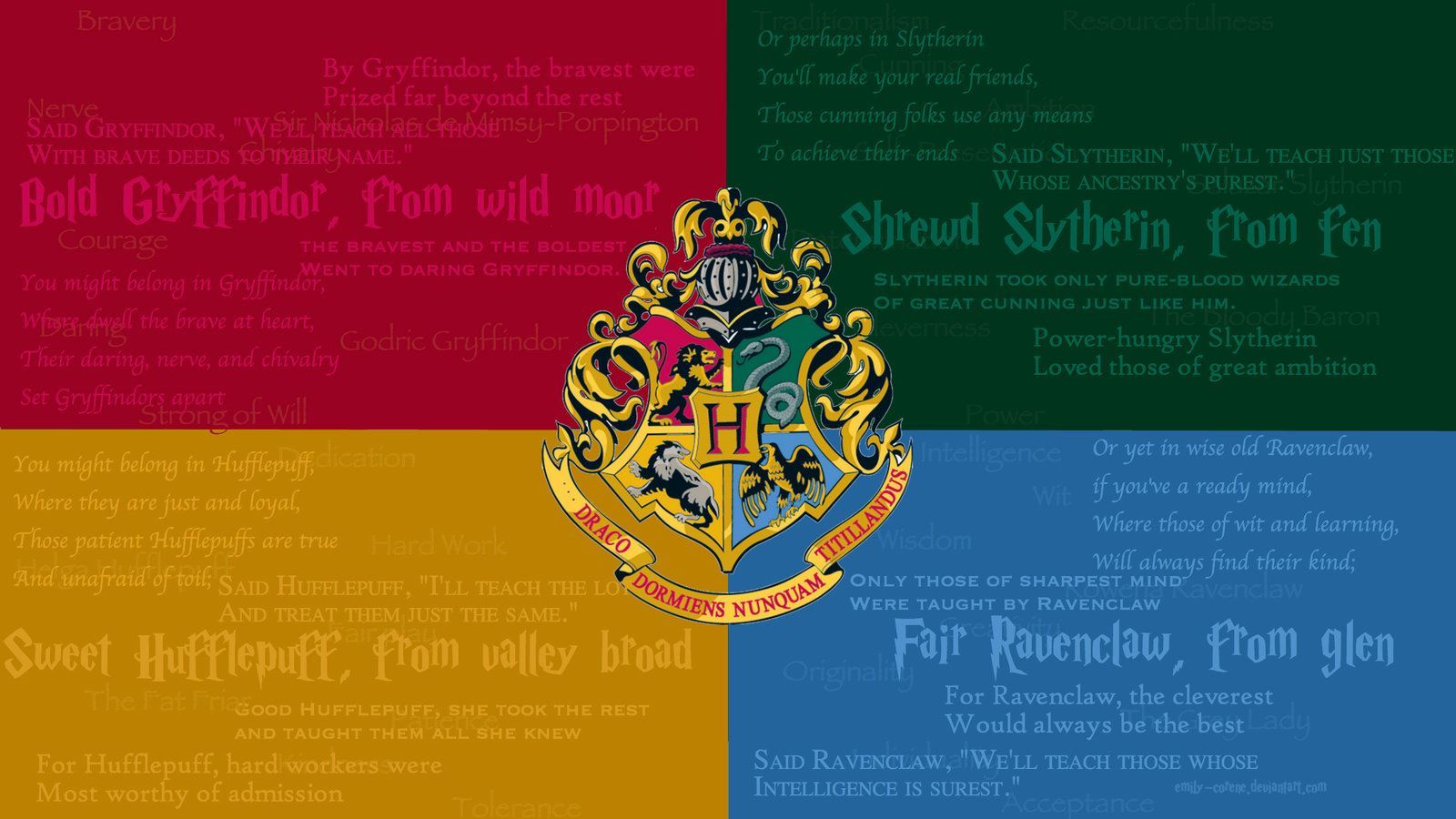
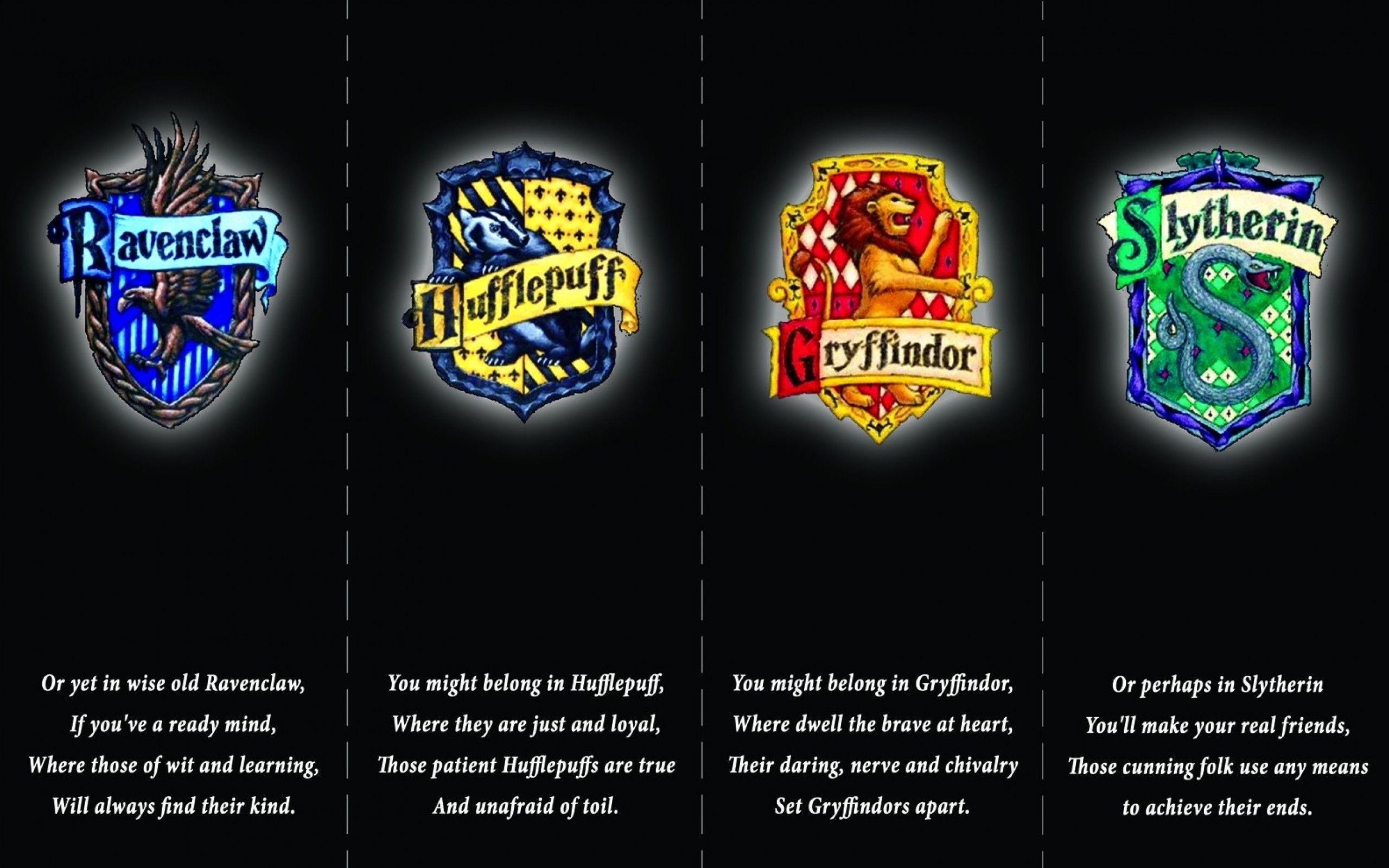
Stemma Hogwarts quattro case colorate, scuola di magia, 1600x900 HD, Desktop
1920×1080HD Scarica
Logo Serpente Slytherin verde, 1080x1920 Full HD Verticale, Samsung Galaxy
1920×1080HD Scarica
Stemma Serpeverde Harry Potter, 1920x1080 Full HD 1080p, Desktop
1242×2208HD Scarica
Stemma Serpeverde righe verdi, 1920x1080 Full HD, PC
1080×1920HD Scarica
Pattern verde oggetti scolastici Slytherin, 1242x2208 Verticale, Mobile
1920×1080HD Scarica
Geometrico Slytherin verde scuro, 1080x1920 Full HD Verticale, Smartphone
721×1280HD Scarica
Logo Grifondoro Quidditch marrone, 1920x1200 Full HD+, PC Desktop
1080×1920HD Scarica
Stemma Hogwarts case colorate, 1920x1080 1080p, PC
720×1280HD Scarica
Simbolo Doni della Morte verde, 721x1280 Verticale, Mobile
1600×900HD Scarica
Testo Darling Dearest Dead verde, 1080x1920 Full HD Verticale, Smartphone
2560×16002K Scarica
Simbolo Doni della Morte verde, 720x1280 Verticale, Telefono
1688×1974HD Scarica
Libro Animali Fantastici Slytherin, 1600x900 HD Ready, iMac
1096×1920HD Scarica
Stemmi case Hogwarts Harry Potter, 2560x1600 WQXGA, Desktop
1440×25602K Scarica
Harry Potter cartoon pattern, 1688x1974 Full HD Verticale, Smartphone
1024×1024HD Scarica
Scritta corsivo elegante su nero, 1080x1920 Verticale, Telefono
1920×1080HD Scarica

Potrebbe piacerti

Come impostare lo sfondo sul tuo dispositivo

Hai trovato l’immagine giusta? Scaricala con il pulsante Scarica e segui i passaggi qui sotto: bastano pochi secondi, dal computer come dal telefono.

Windows
  1. Clicca su Scarica: l’immagine finisce nella cartella Download
  2. Fai clic destro sul file scaricato e scegli «Imposta come sfondo del desktop»
  3. Hai più monitor? Vai su Impostazioni → Personalizzazione → Sfondo e scegli dove applicarla
macOS
  1. Clicca su Scarica per salvare l’immagine sul Mac
  2. Apri Impostazioni di Sistema → Sfondo
  3. Clicca su «Aggiungi foto», seleziona l’immagine e scegli «Riempi schermo»
iPhone / iPad
  1. Tocca Scarica e poi «Salva in Foto»
  2. Apri l’app Foto e scegli l’immagine appena salvata
  3. Tocca Condividi → «Usa come sfondo», sistema l’inquadratura e conferma con Imposta
Android
  1. Tocca Scarica: l’immagine si salva nella Galleria
  2. Apri Galleria (o Google Foto) e seleziona l’immagine
  3. Dal menu scegli «Imposta come sfondo» e decidi se usarla per la schermata Home, il blocco schermo o entrambe