Sfondi Toronto per Smartphone

67 sfondi HD & 4K
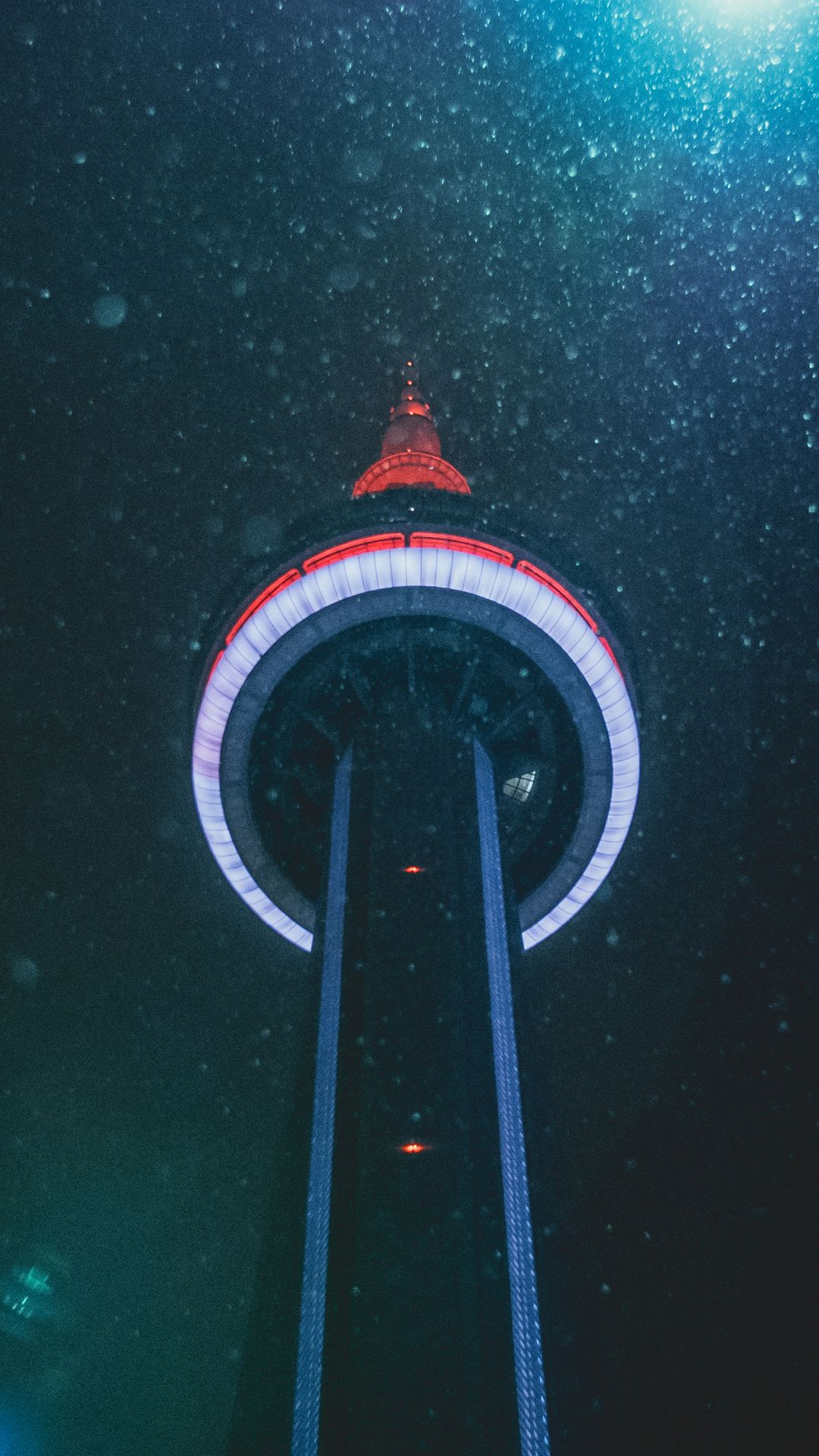
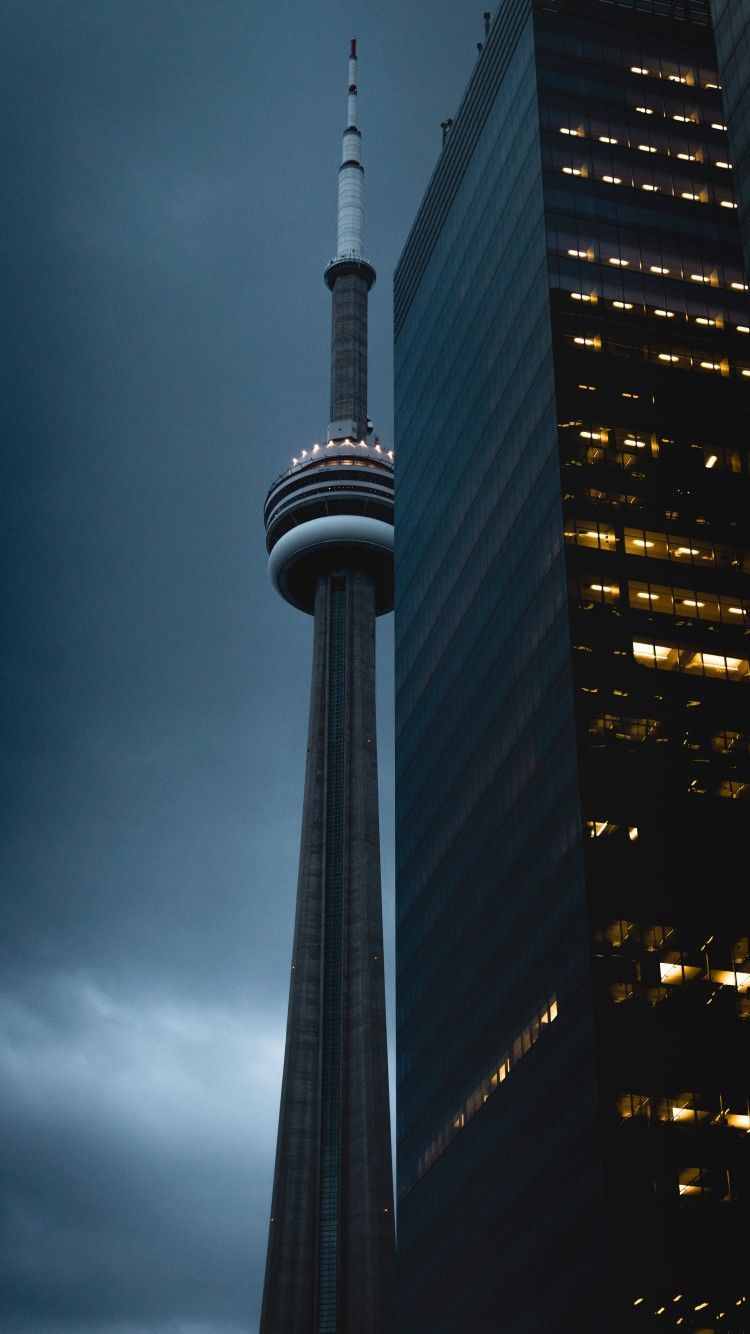
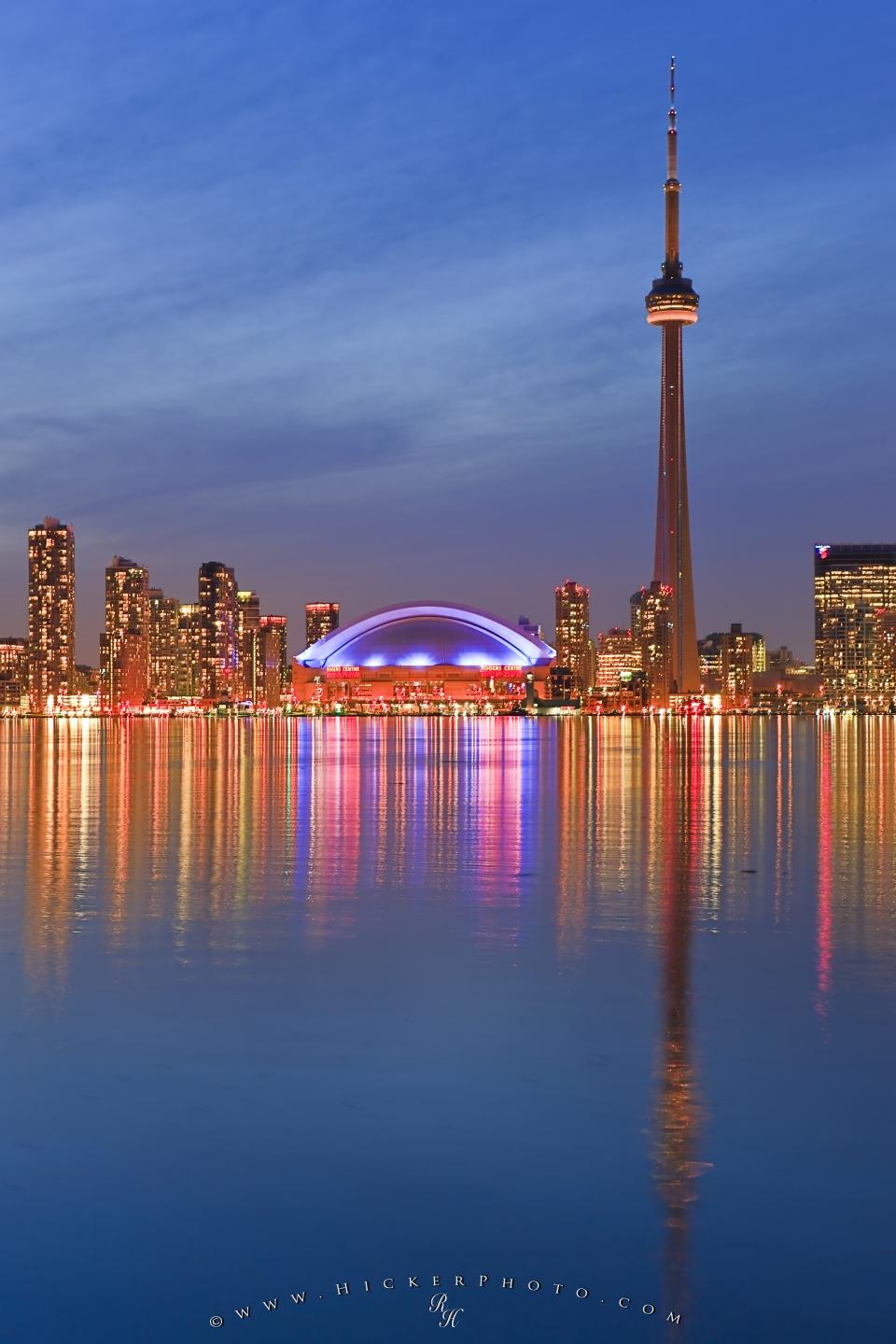
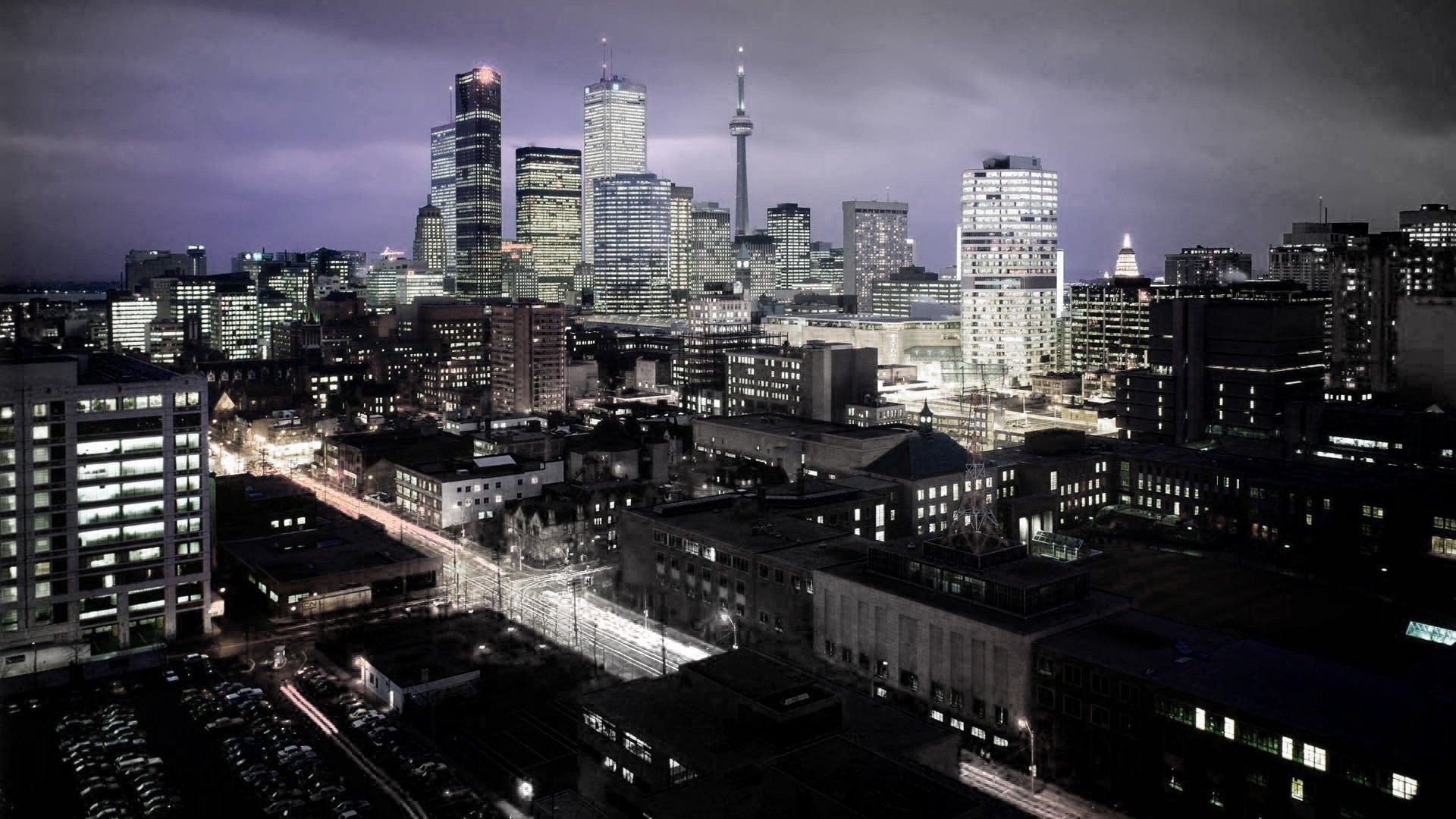
CN Tower Toronto skyline notturno, 720x1280 Full HD Verticale, Smartphone
720×1280HD Scarica
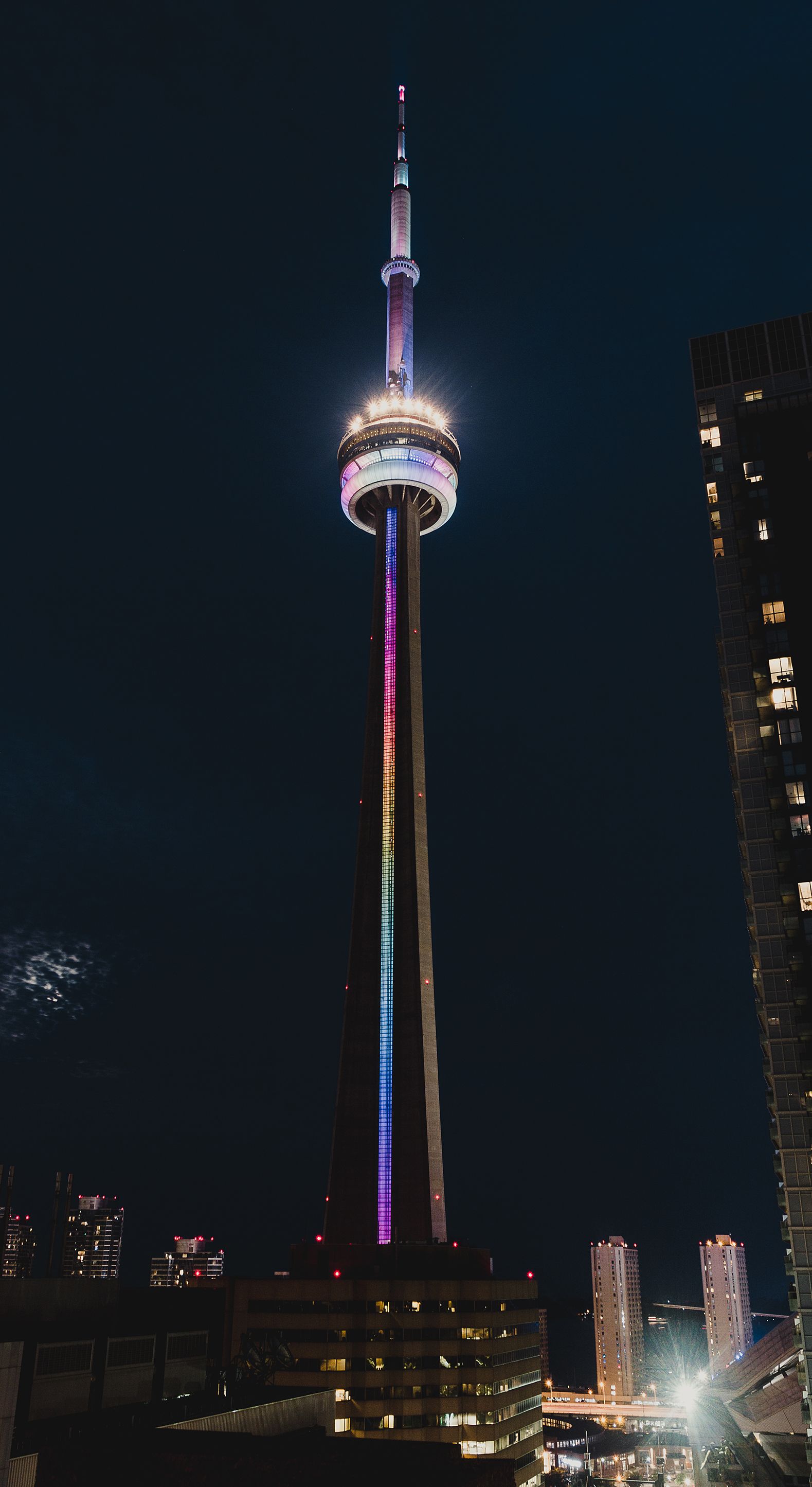
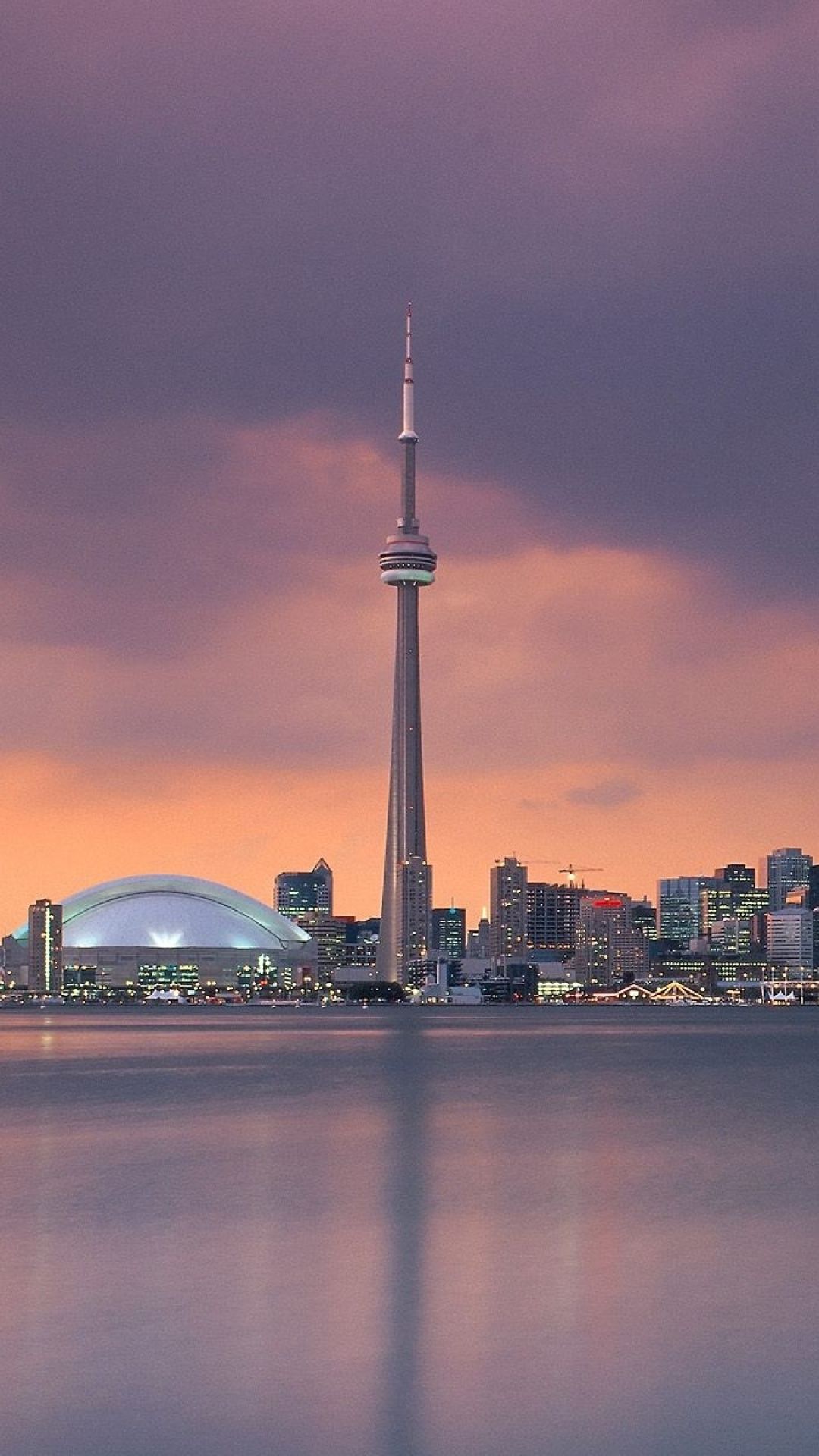
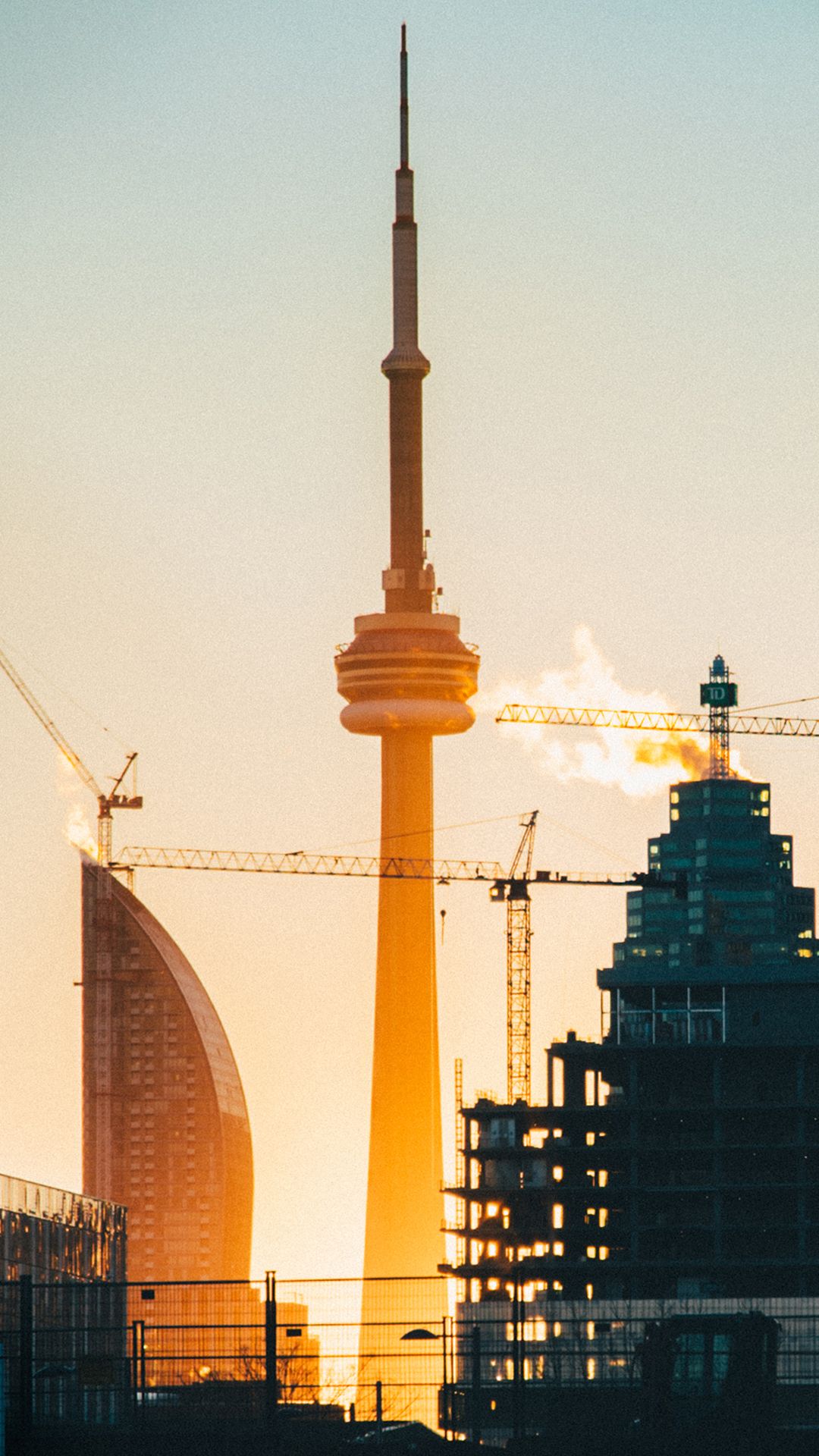
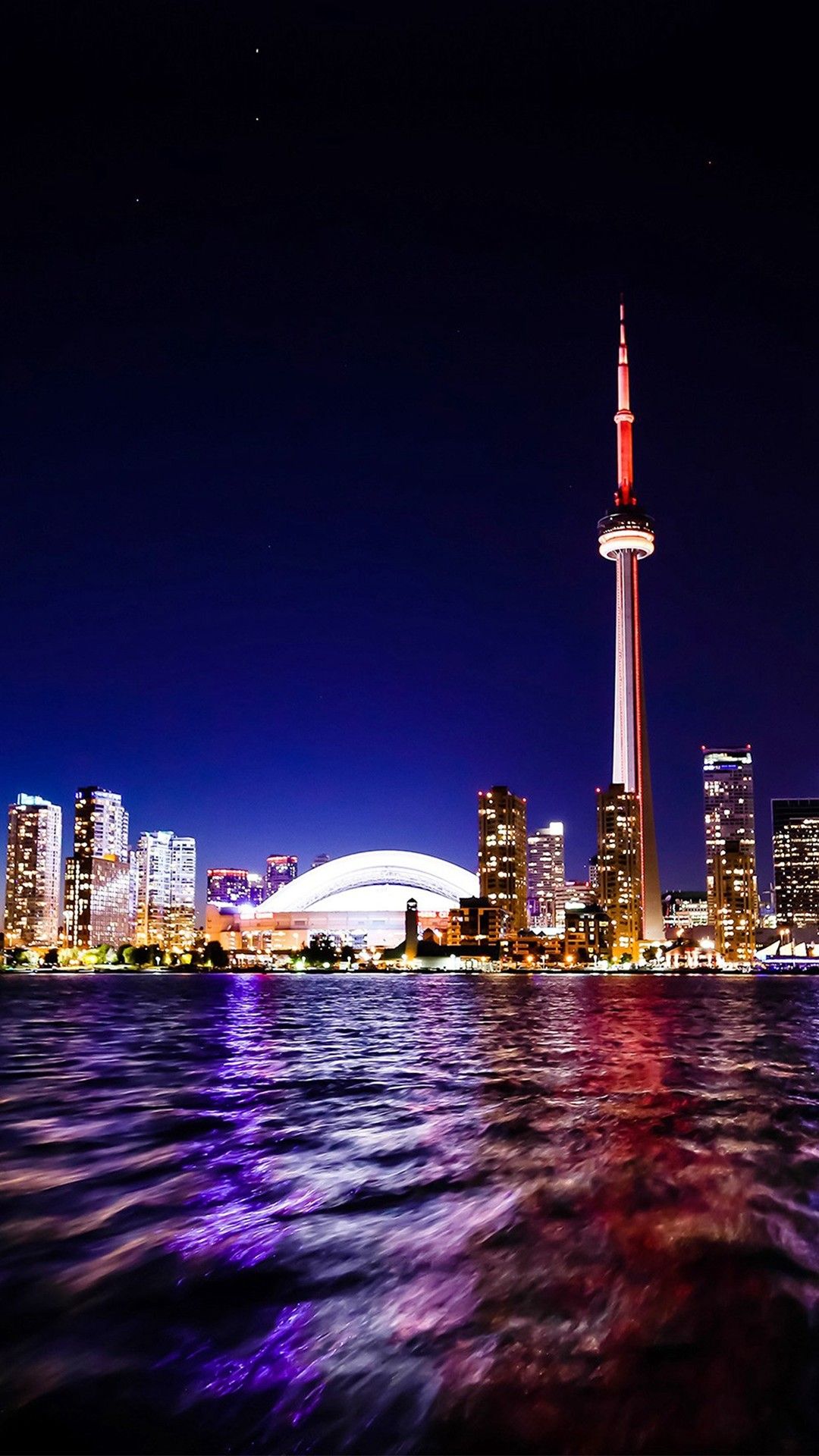
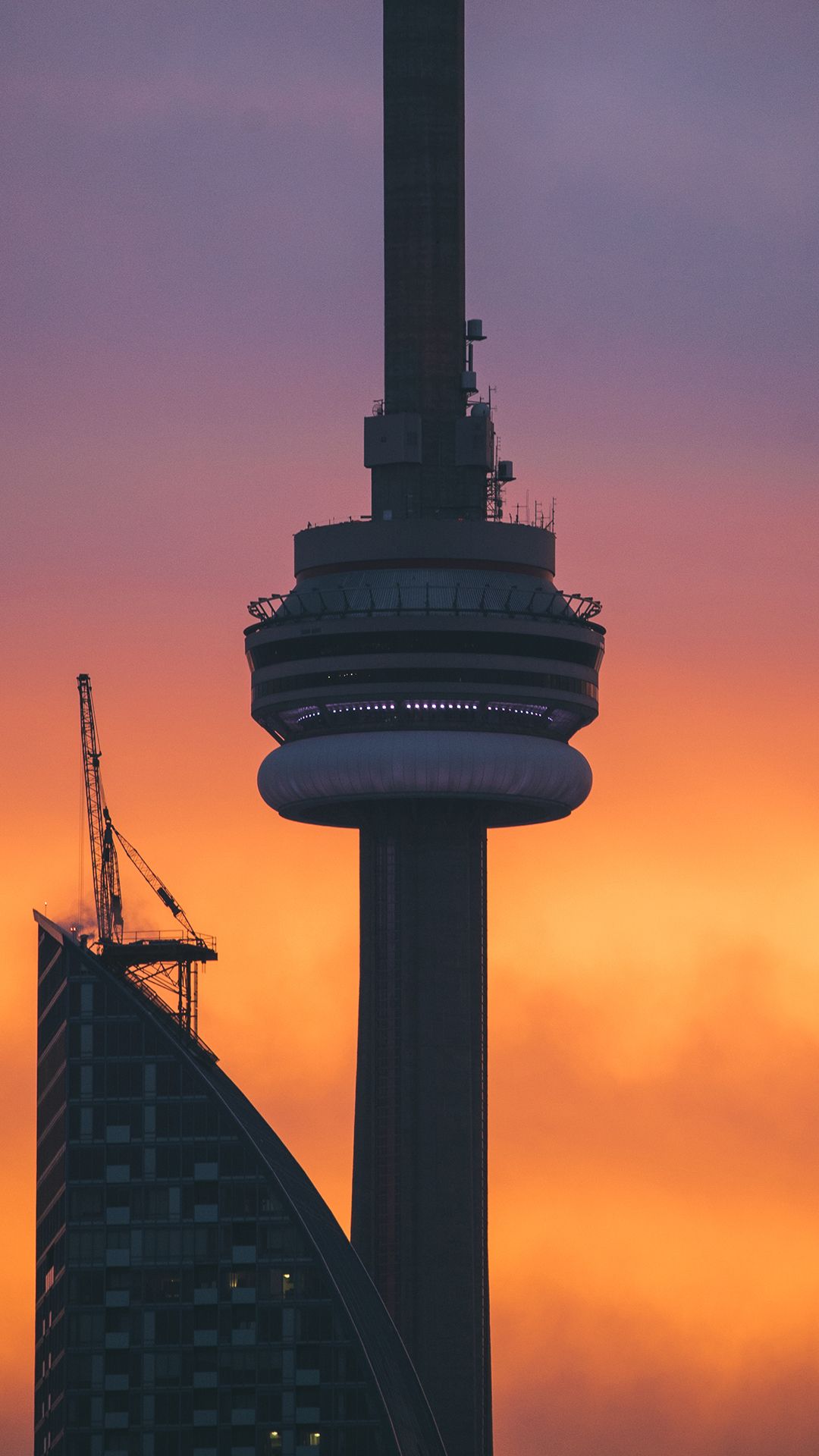
CN Tower al tramonto, 1080x1920 Verticale, Telefono
1080×1920HD Scarica
Skyline Toronto al tramonto, 1366x768 720p, PC
1366×768HD Scarica
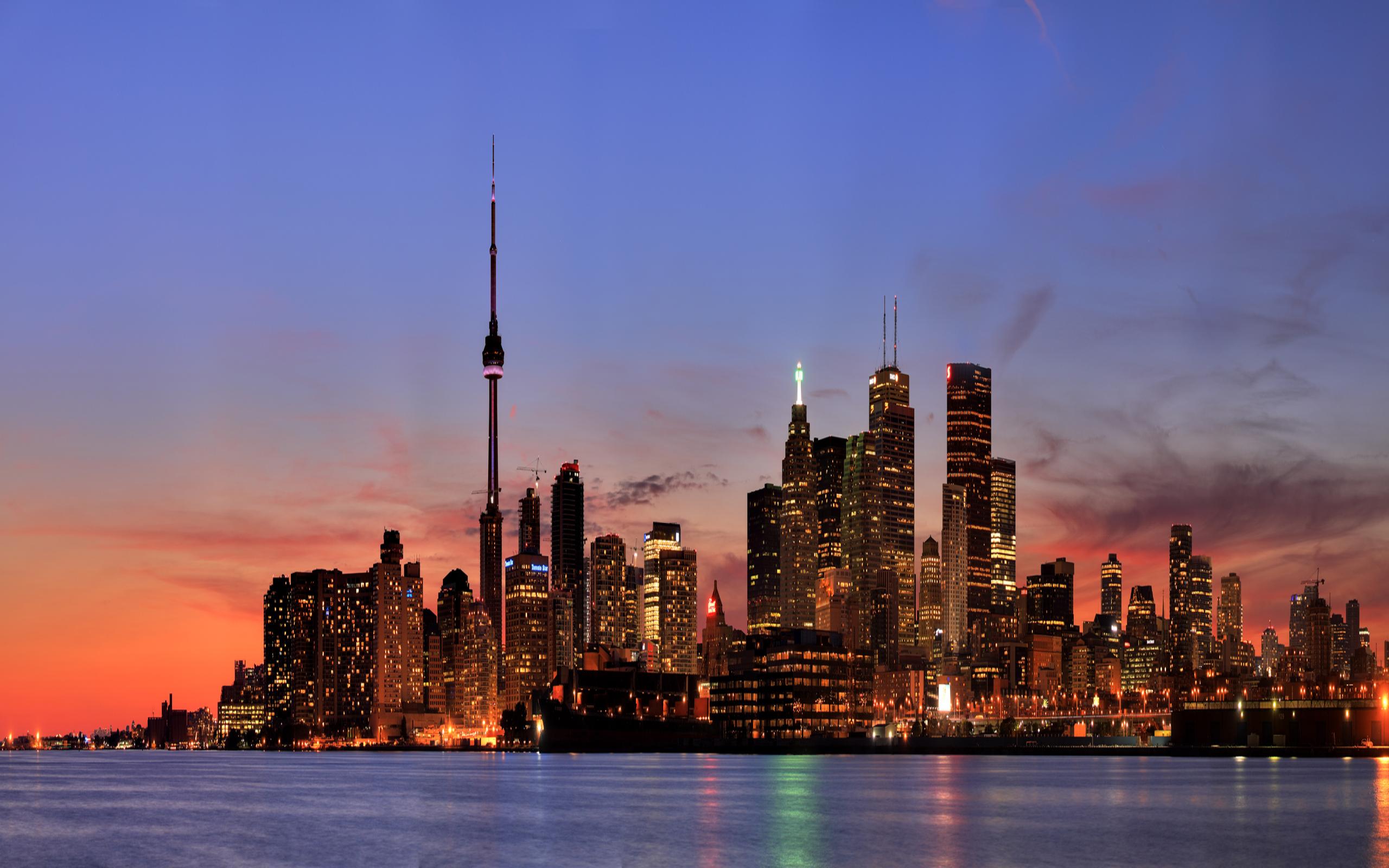
Skyline Toronto al tramonto, 2560x1600 WQXGA, MacBook Pro
2560×16002K Scarica
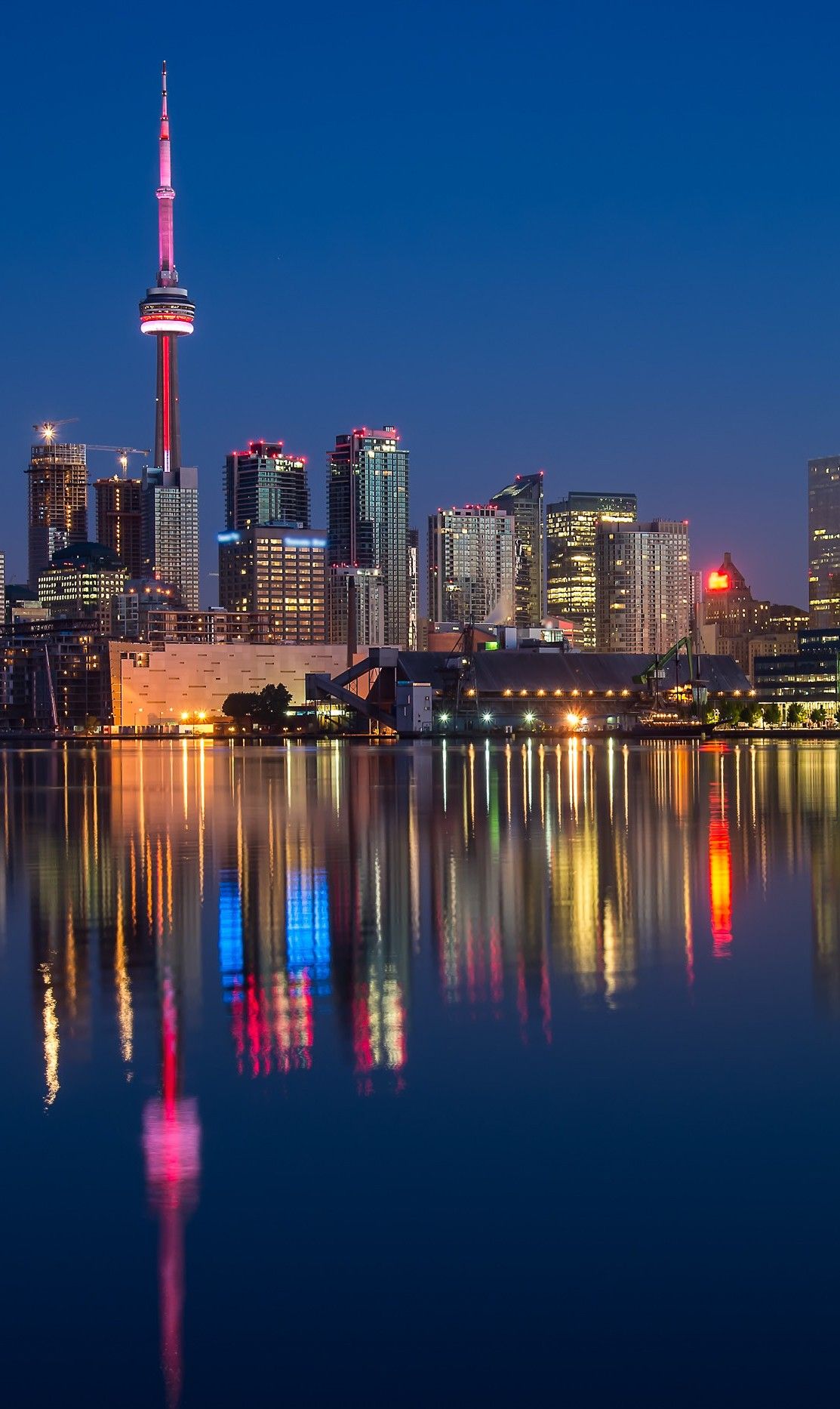
Skyline di Toronto notturno, 1113x1866 Full HD Verticale, Smartphone
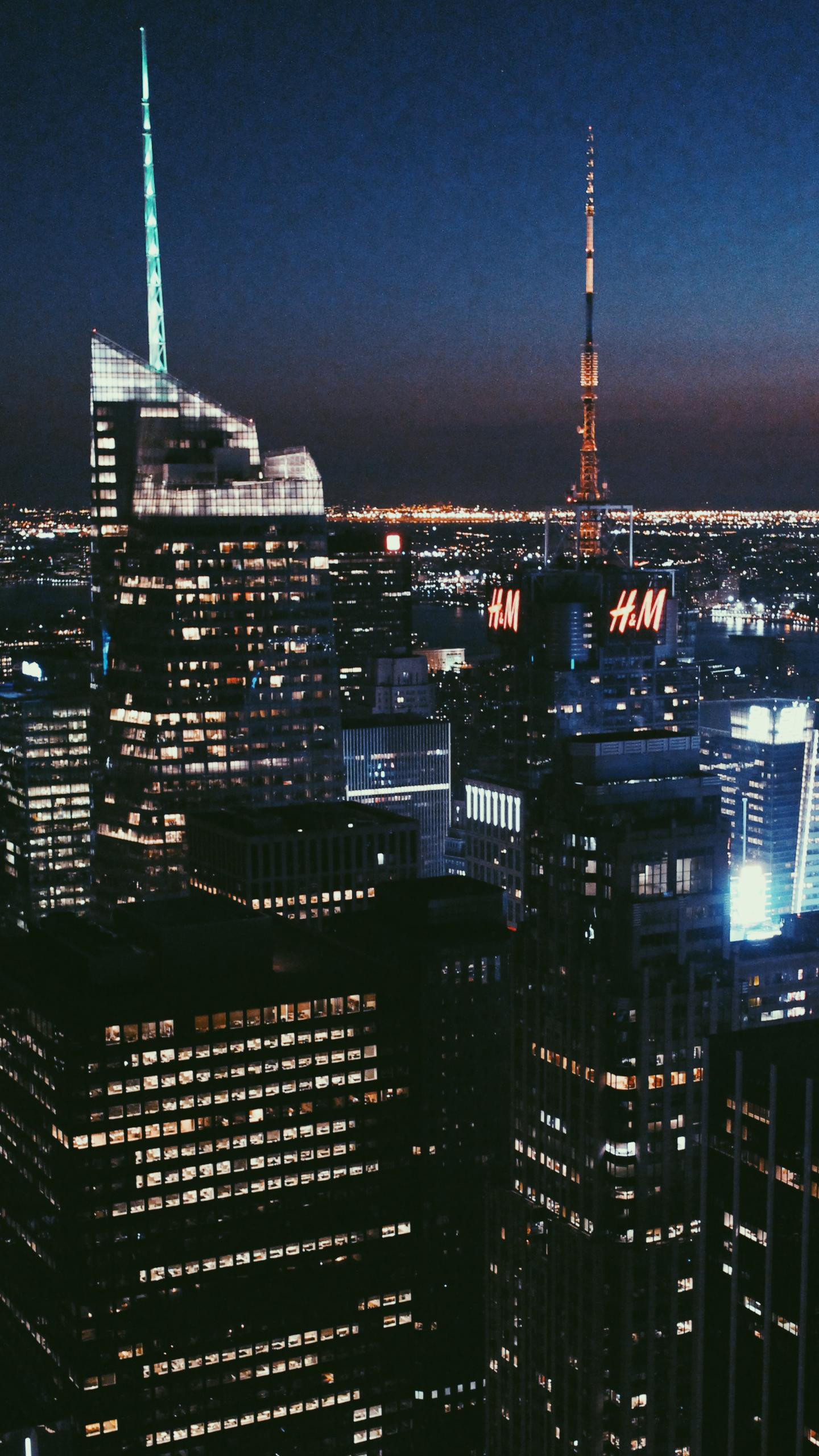
1113×1866HD Scarica
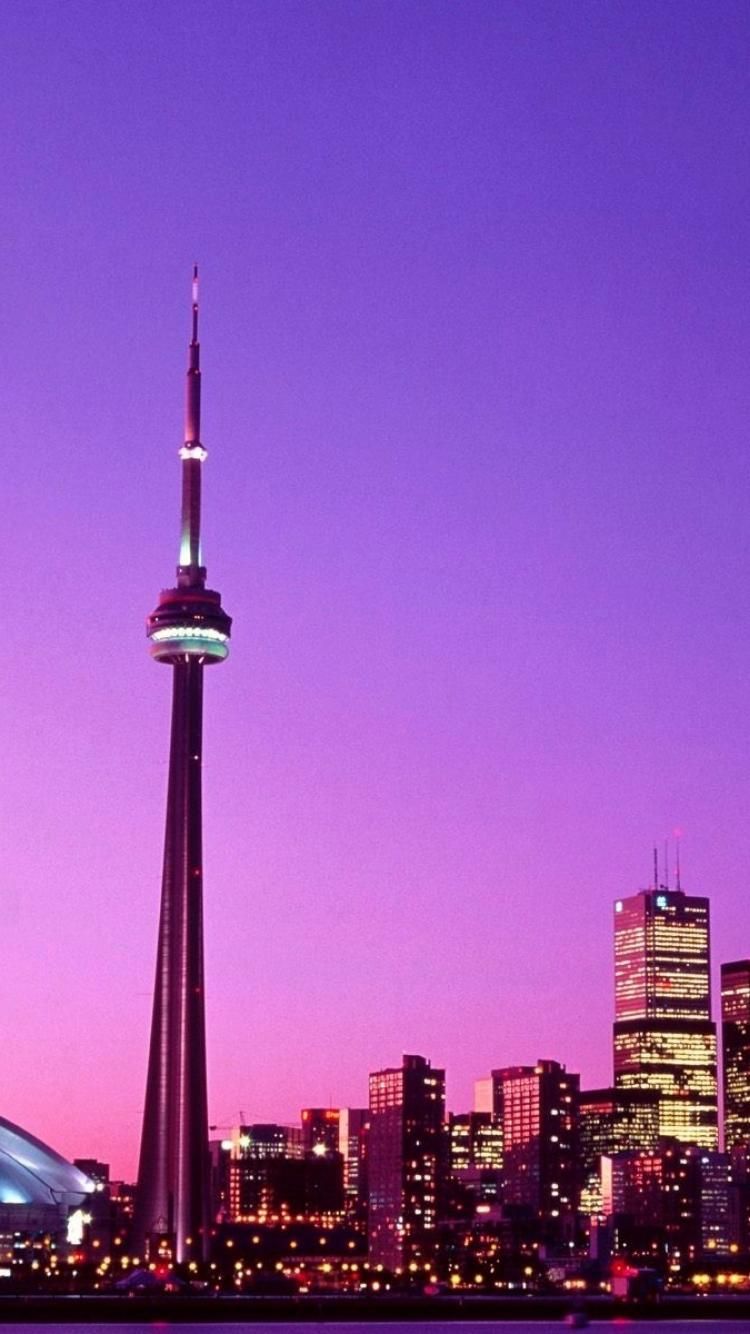
Skyline Toronto illustrazione notturna, 750x1334 Verticale, Telefono
750×1334HD Scarica
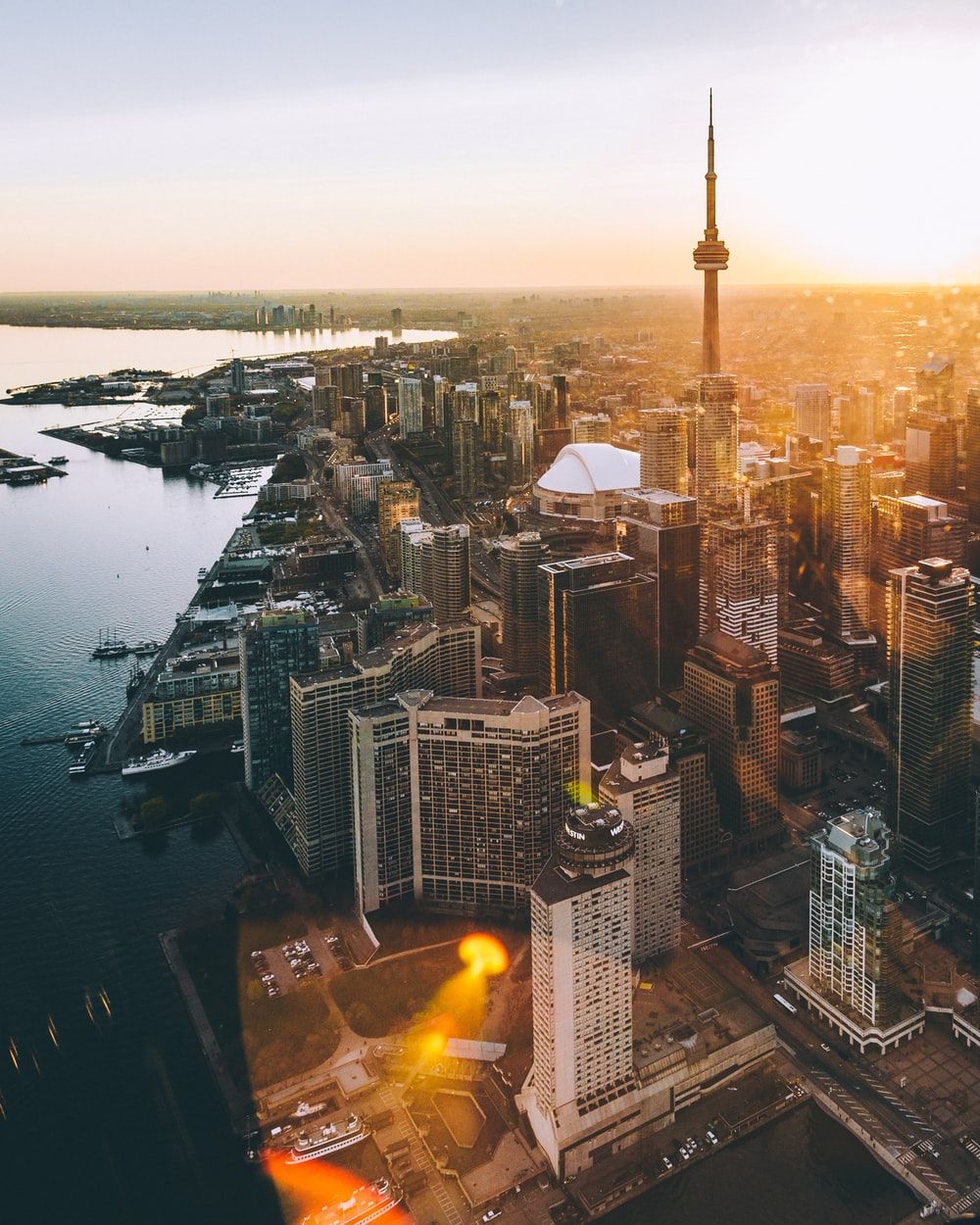
Skyline di Toronto al tramonto, 1000x1250 Full HD Verticale, iPhone
1000×1250HD Scarica
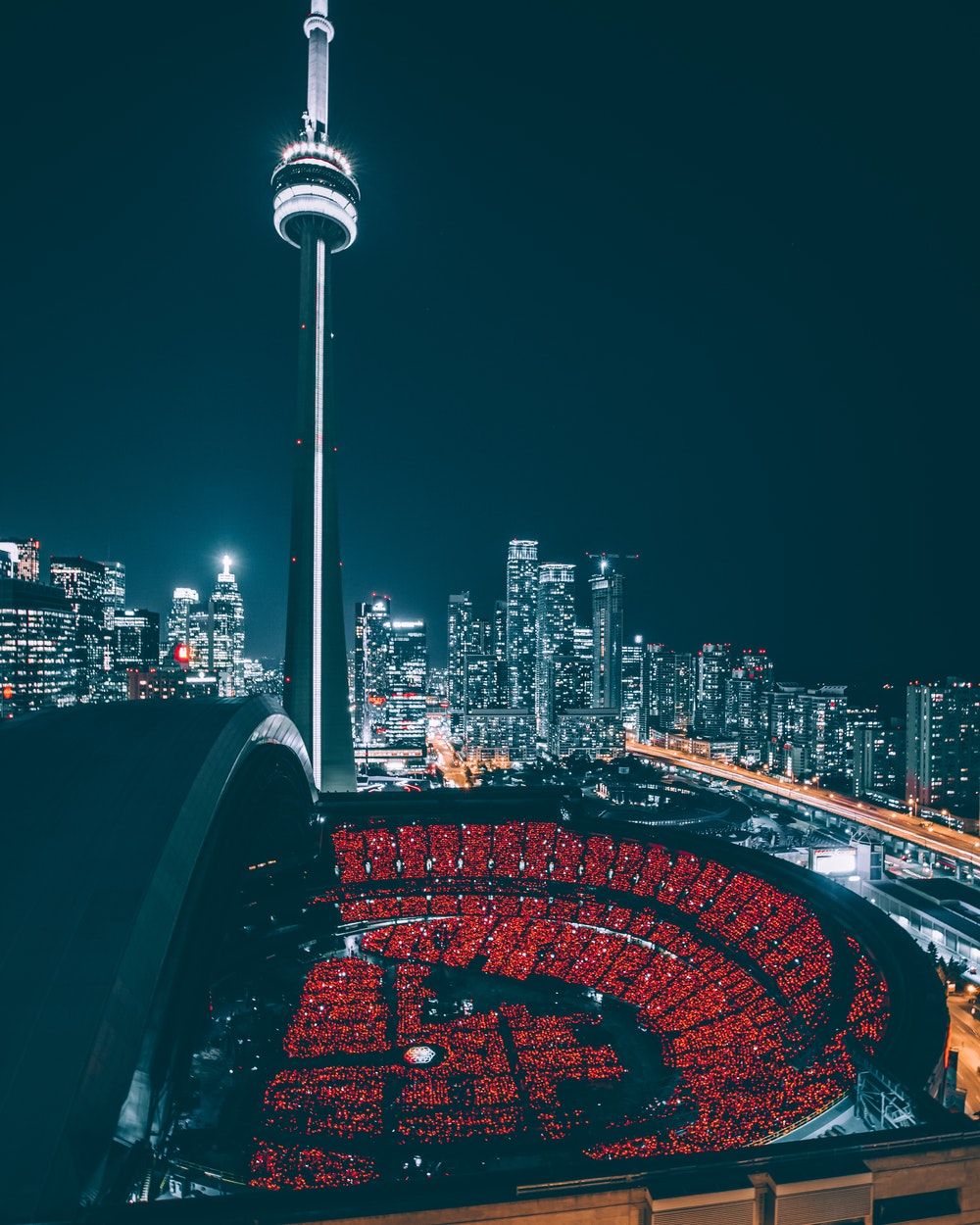
Skyline Toronto notturno con torre, 1000x1250 Verticale, Mobile
1000×1250HD Scarica
CN Tower Toronto notte, 1080x1920 Full HD Verticale, Samsung Galaxy
1080×1920HD Scarica
CN Tower notte Toronto, 1579x2890 Verticale, Telefono
1579×28902K Scarica
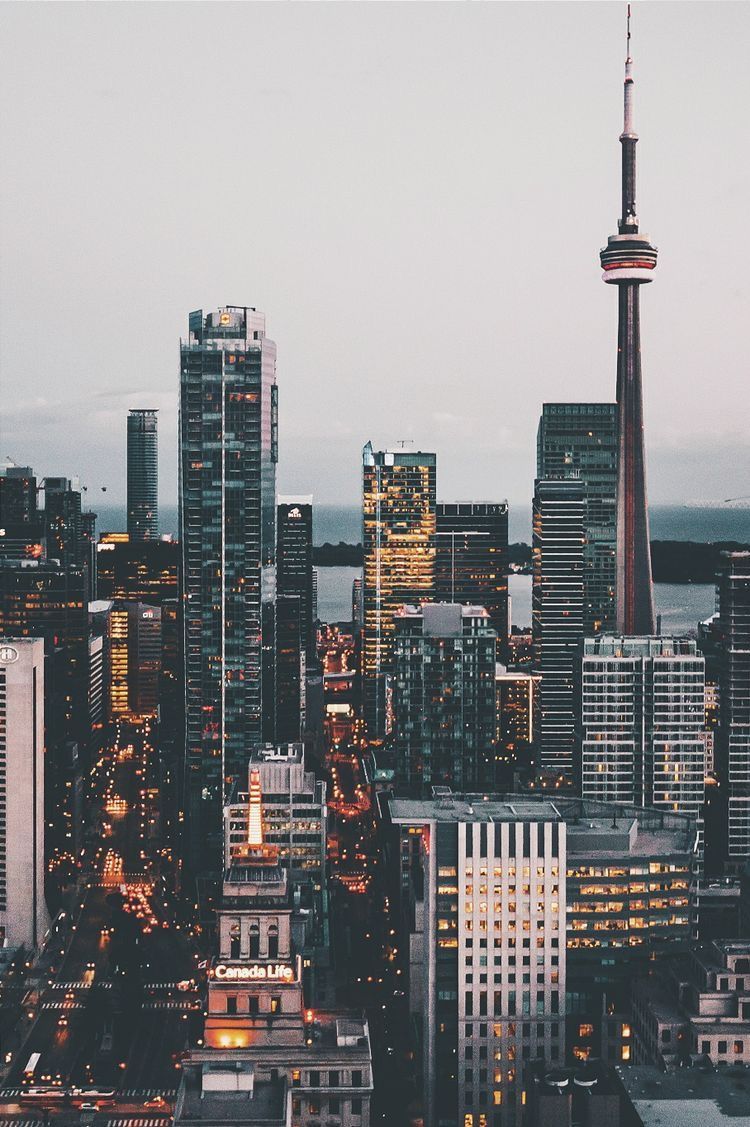
Skyline Toronto CN Tower, 750x1127 Full HD Verticale, iPhone
750×1127HD Scarica
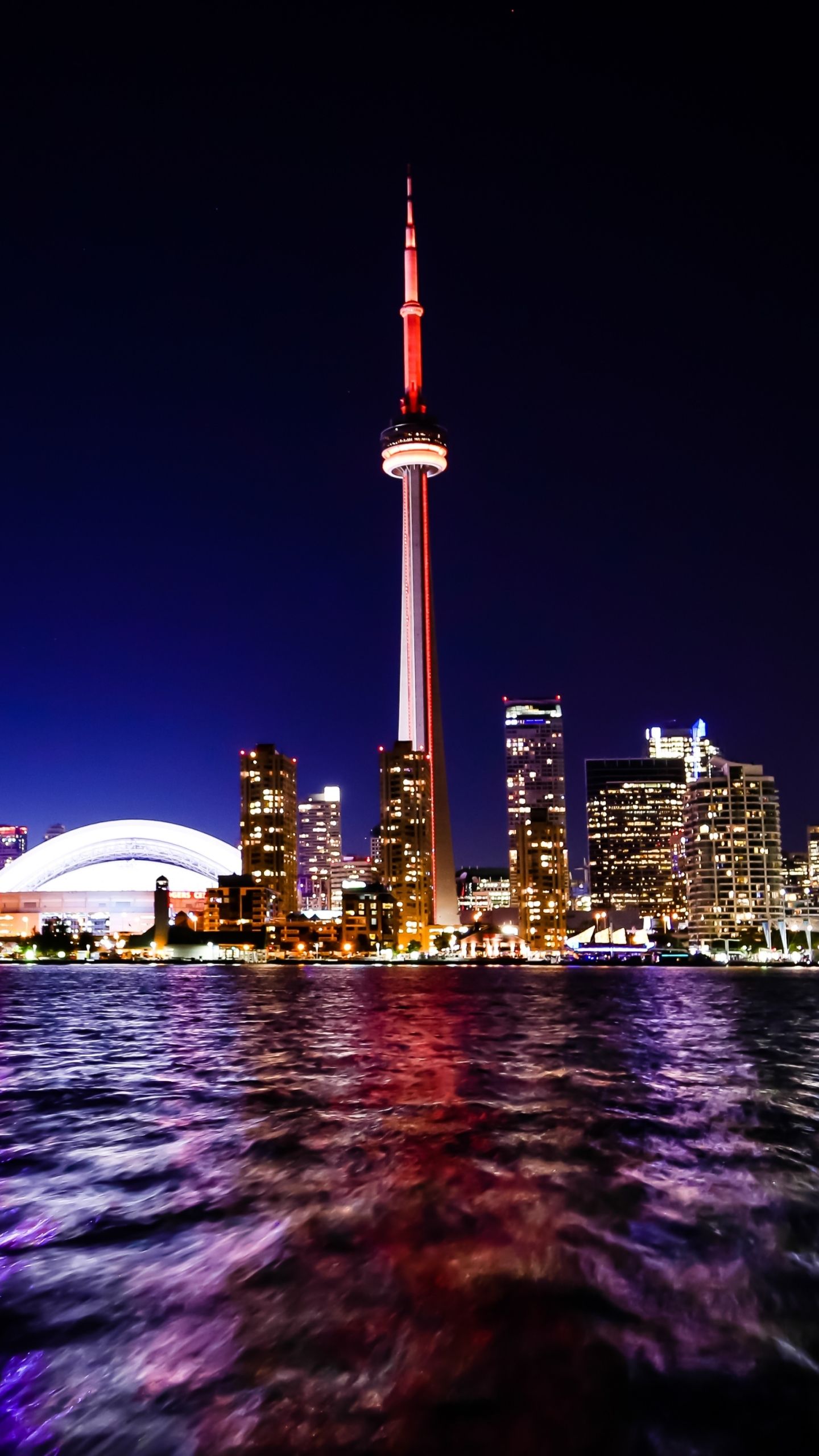
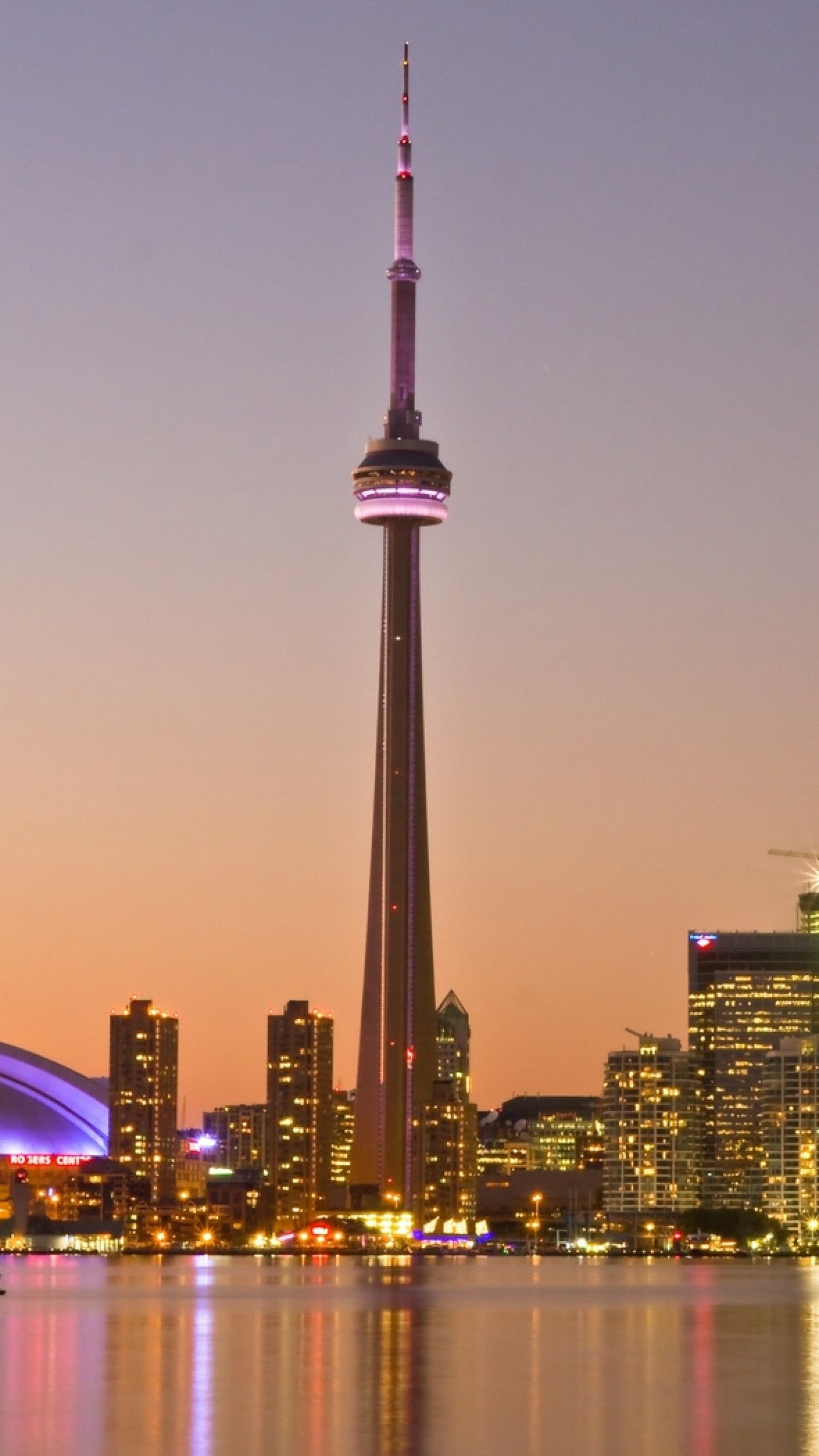
Skyline Toronto notturno CN Tower, 1440x2560 Verticale, Mobile
1440×25602K Scarica
Skyline Toronto al tramonto, 1000x1500 Full HD Verticale, Smartphone

1000×1500HD Scarica
Torre CN Toronto sera, 750x1334 Verticale, iPhone
750×1334HD Scarica
Skyline Toronto CN Tower tramonto, 1080x1920 Full HD Verticale, iPhone
1080×1920HD Scarica
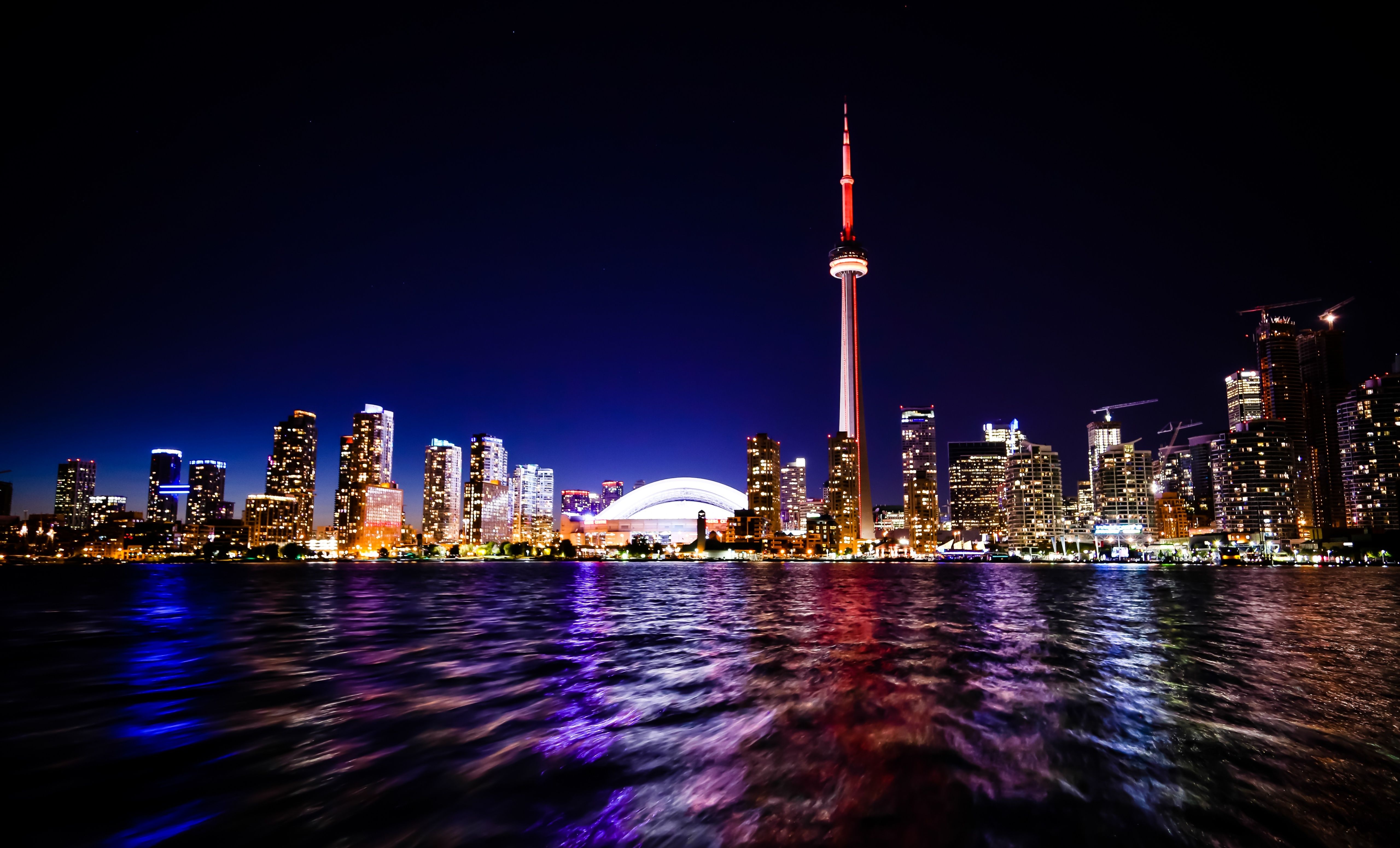
Skyline Toronto notturno CN Tower, 5120x3100 4K, Desktop 4K
5120×31005K Scarica
CN Tower Toronto tramonto, 1440x2560 Full HD Verticale, Smartphone
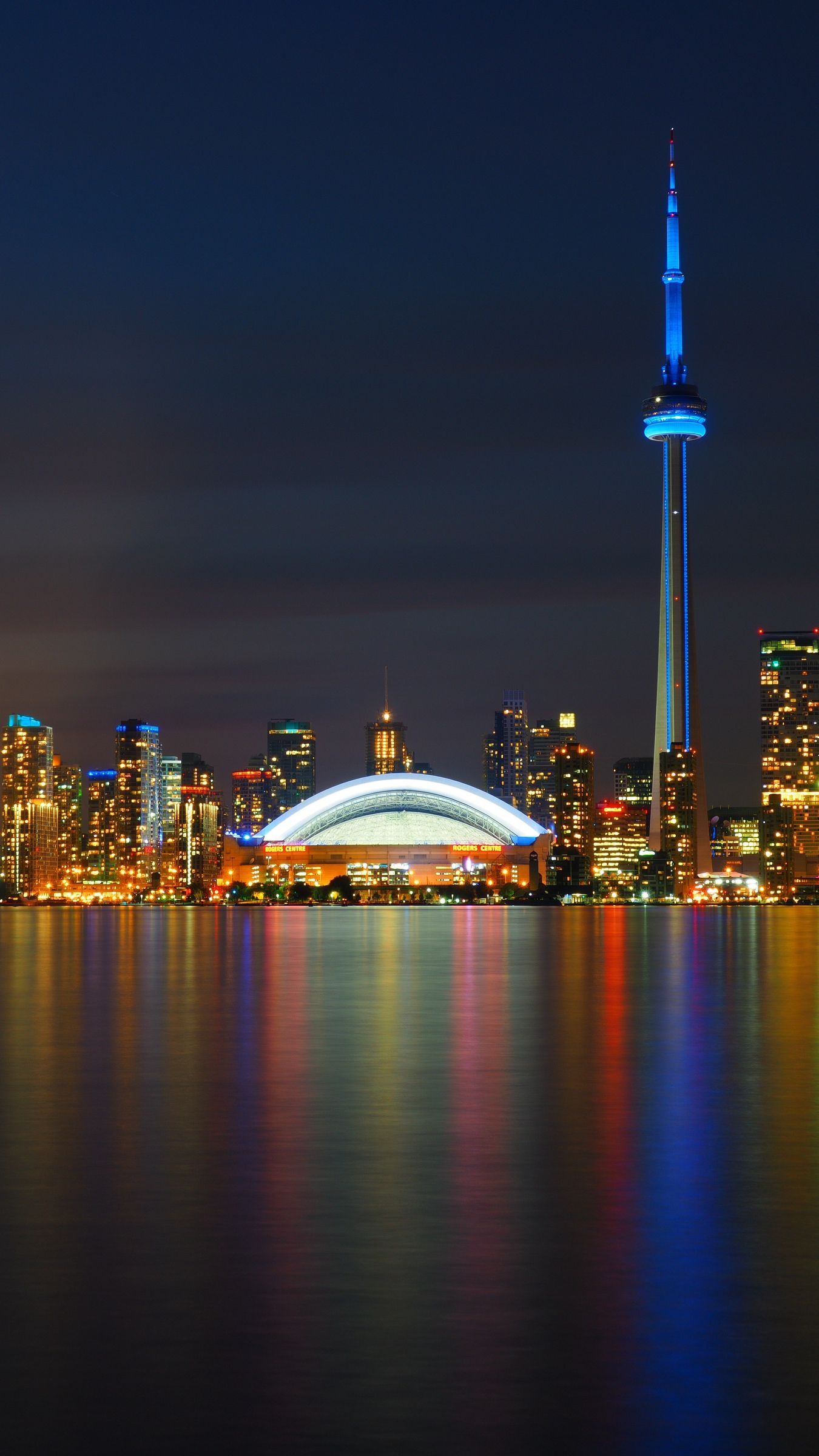
1440×25602K Scarica
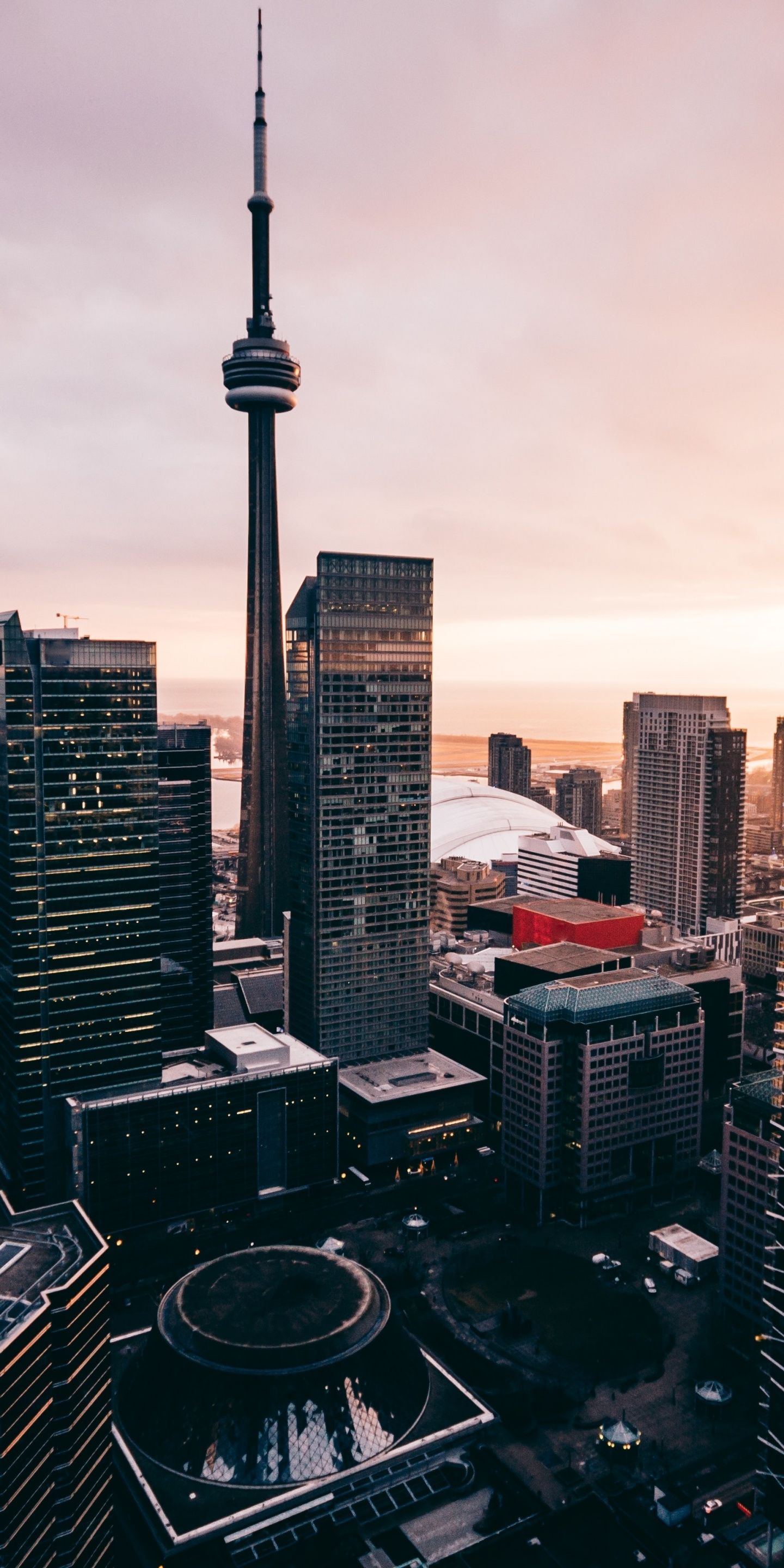
CN Tower Toronto tramonto, 1080x1920 Verticale, Telefono
1080×1920HD Scarica
CN Tower Toronto skyline, 750x1334 Full HD Verticale, iPhone
750×1334HD Scarica
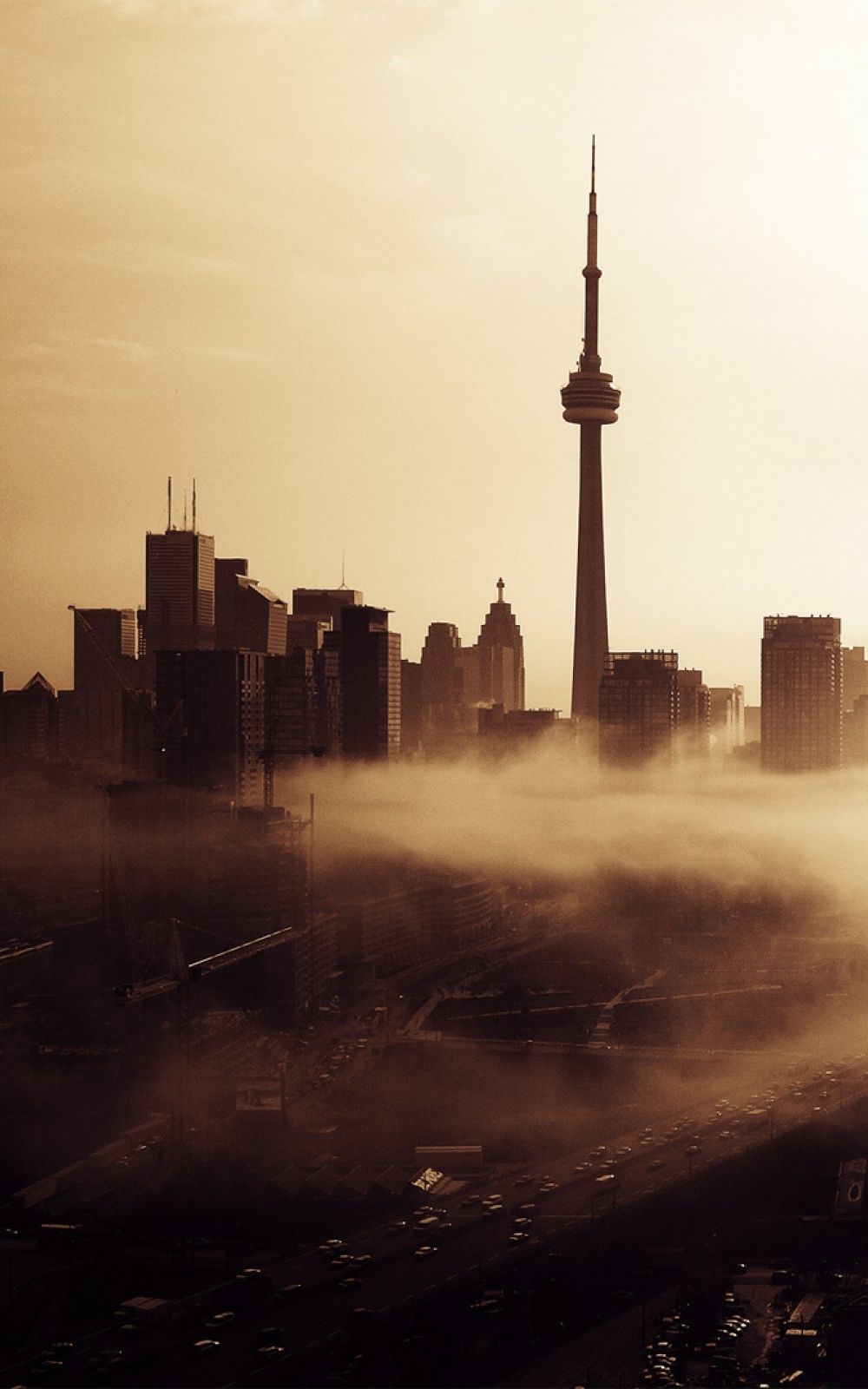
Toronto CN Tower skyline nebbia, 1000x1600 Verticale, Mobile
1000×1600HD Scarica
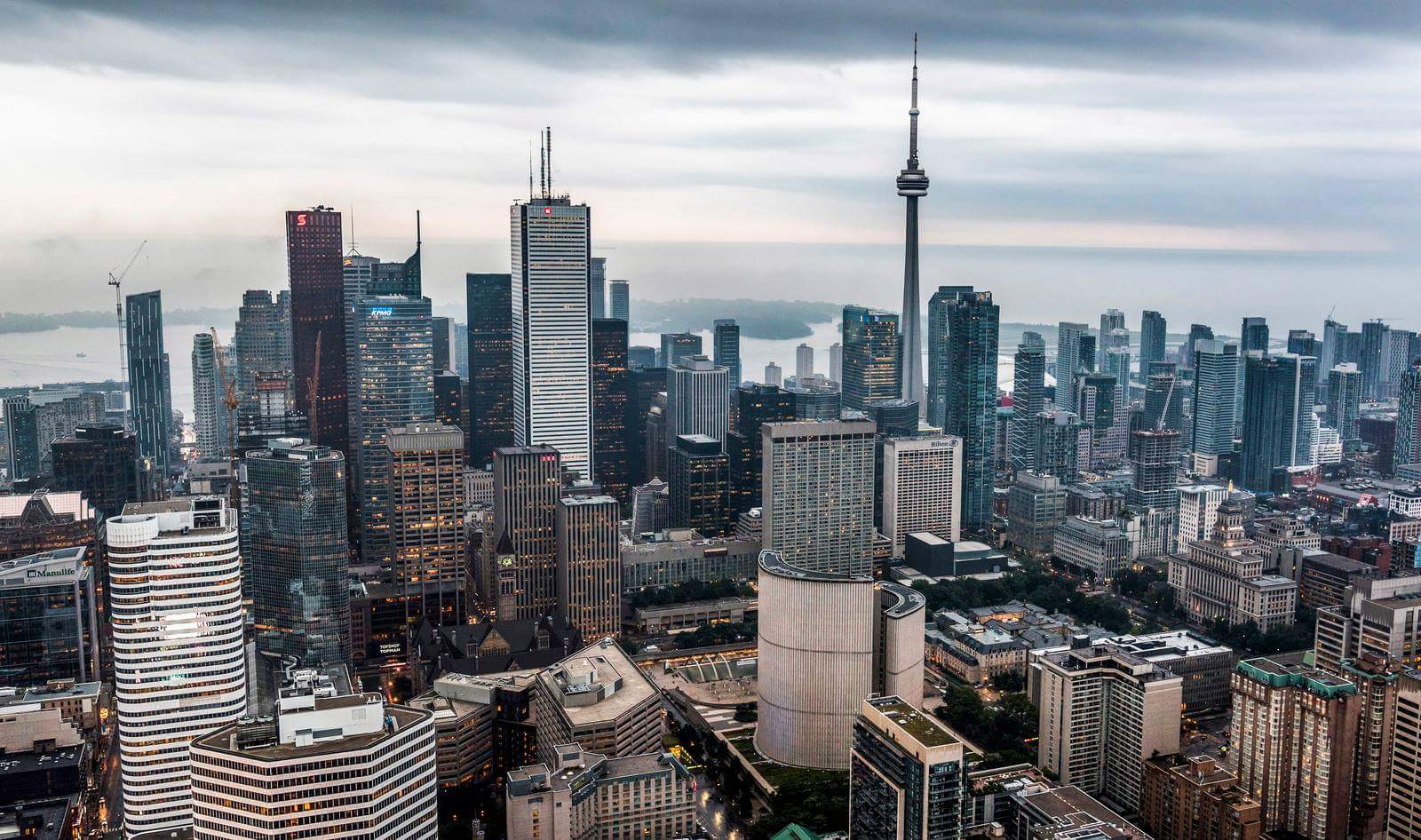
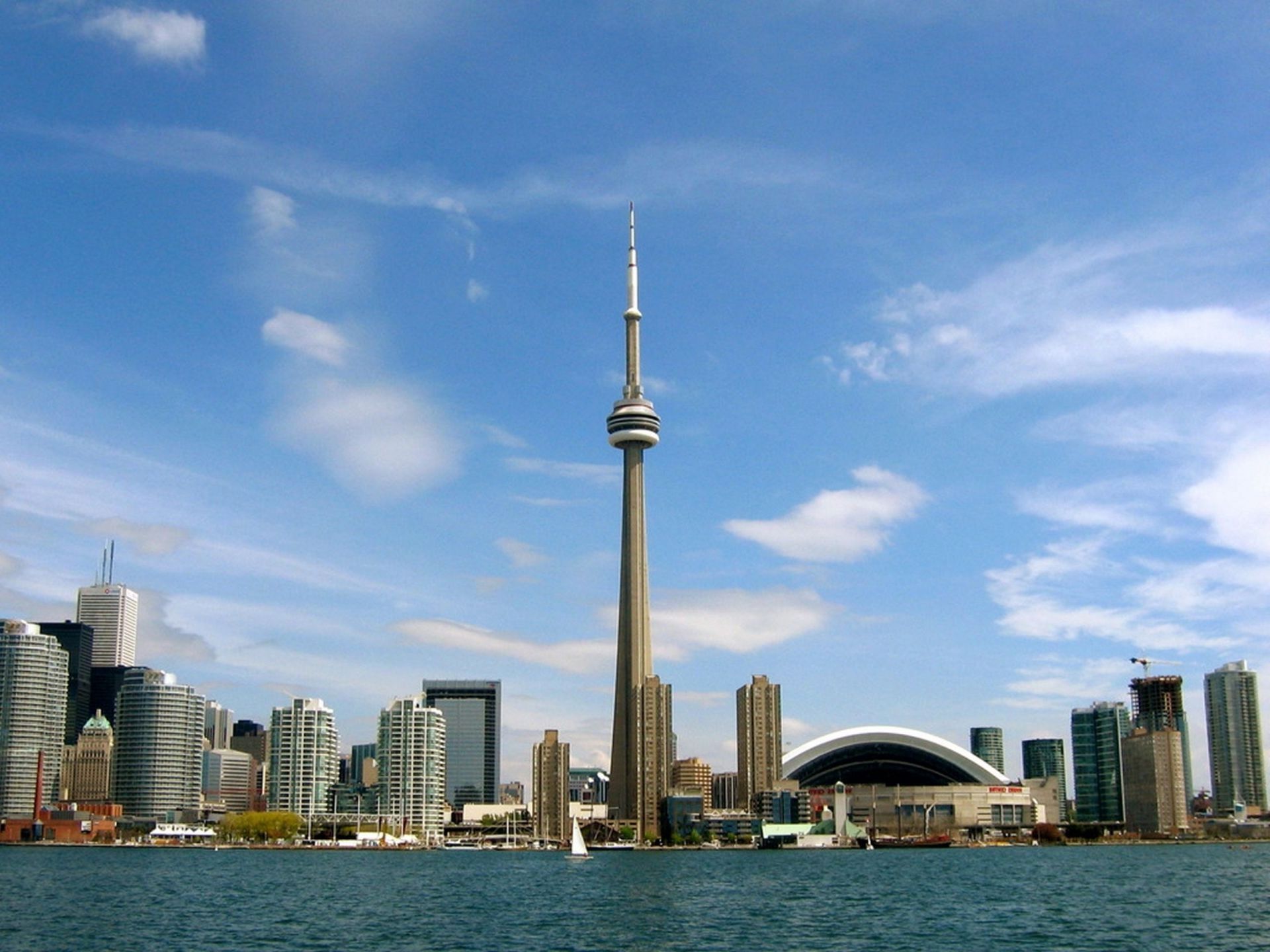
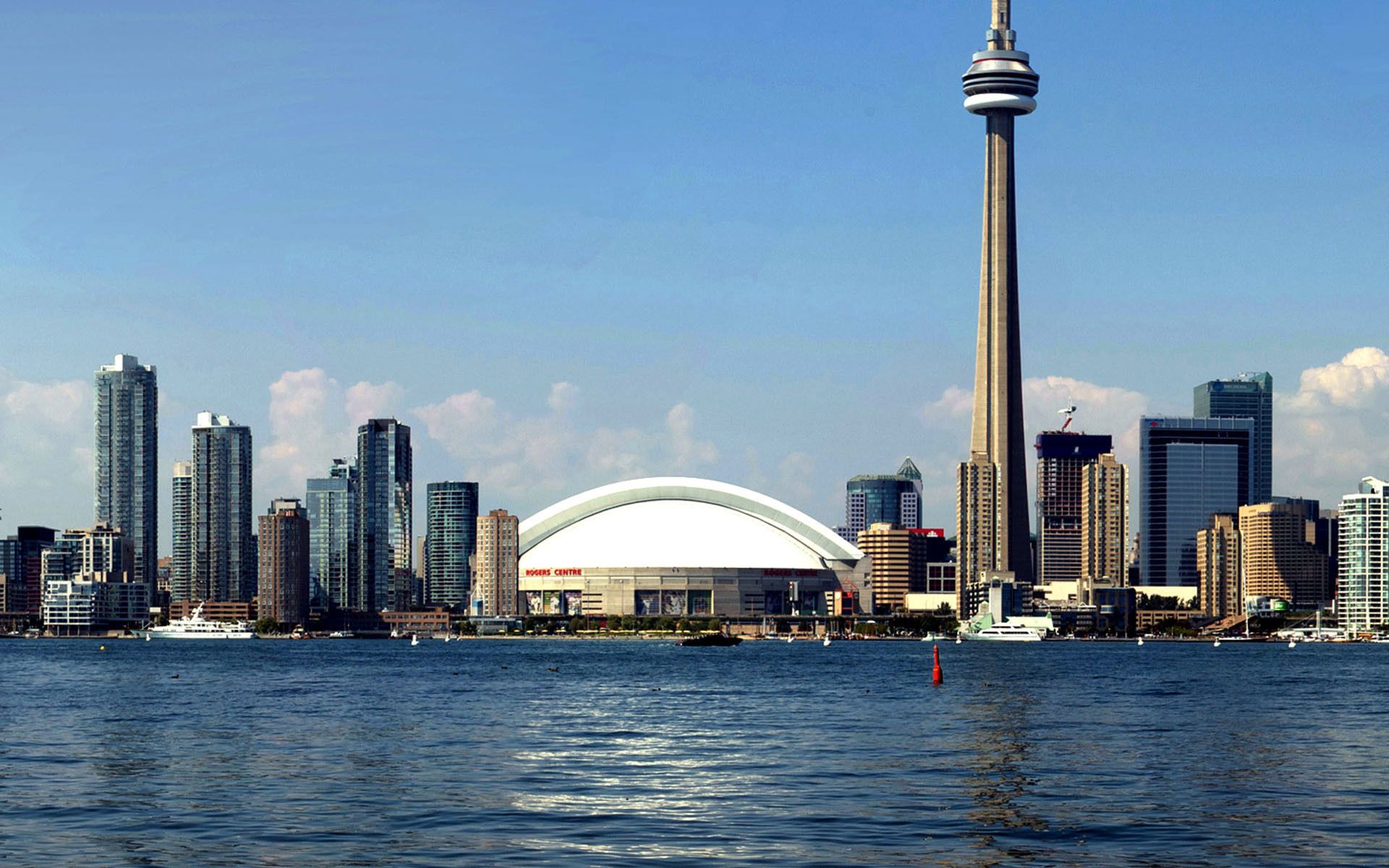
Skyline di Toronto con CN Tower, 1600x946 HD Ready, Laptop
1600×946HD Scarica
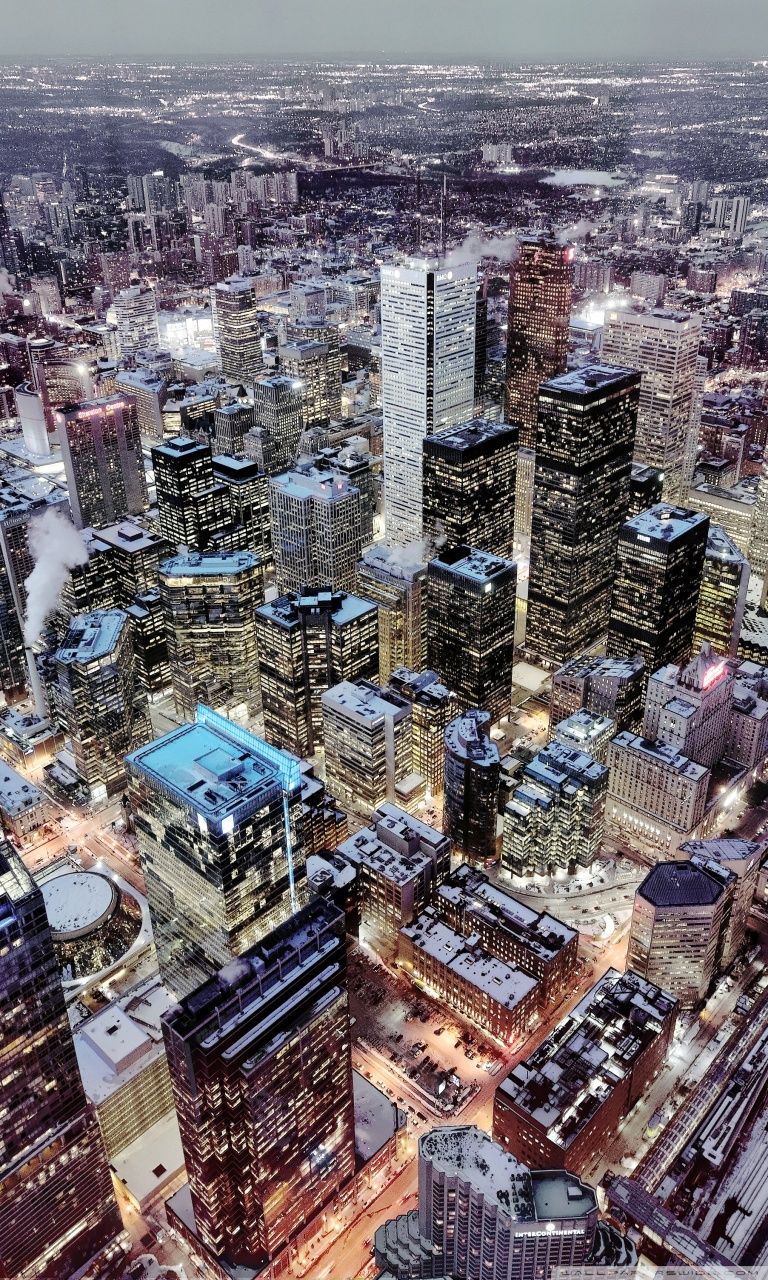
Skyline di Toronto notturno, 768x1280 Verticale, Telefono
768×1280HD Scarica
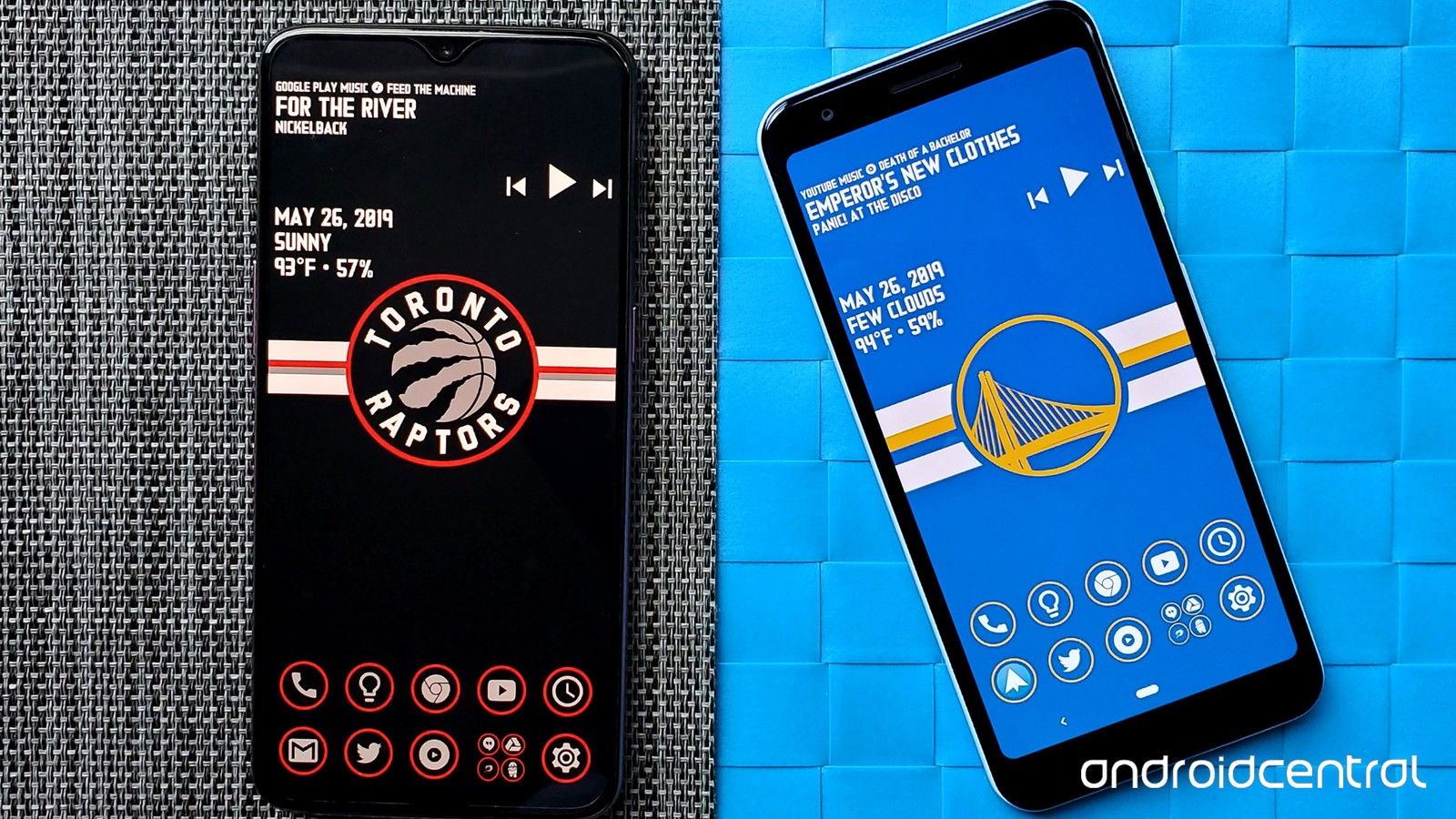
Logo Toronto Raptors basket, NBA, 1080x1920 Full HD Verticale, iPhone
1080×1920HD Scarica
Skyline Toronto notturno, CN Tower, 1080x1920 Verticale, Samsung Galaxy
1080×1920HD Scarica
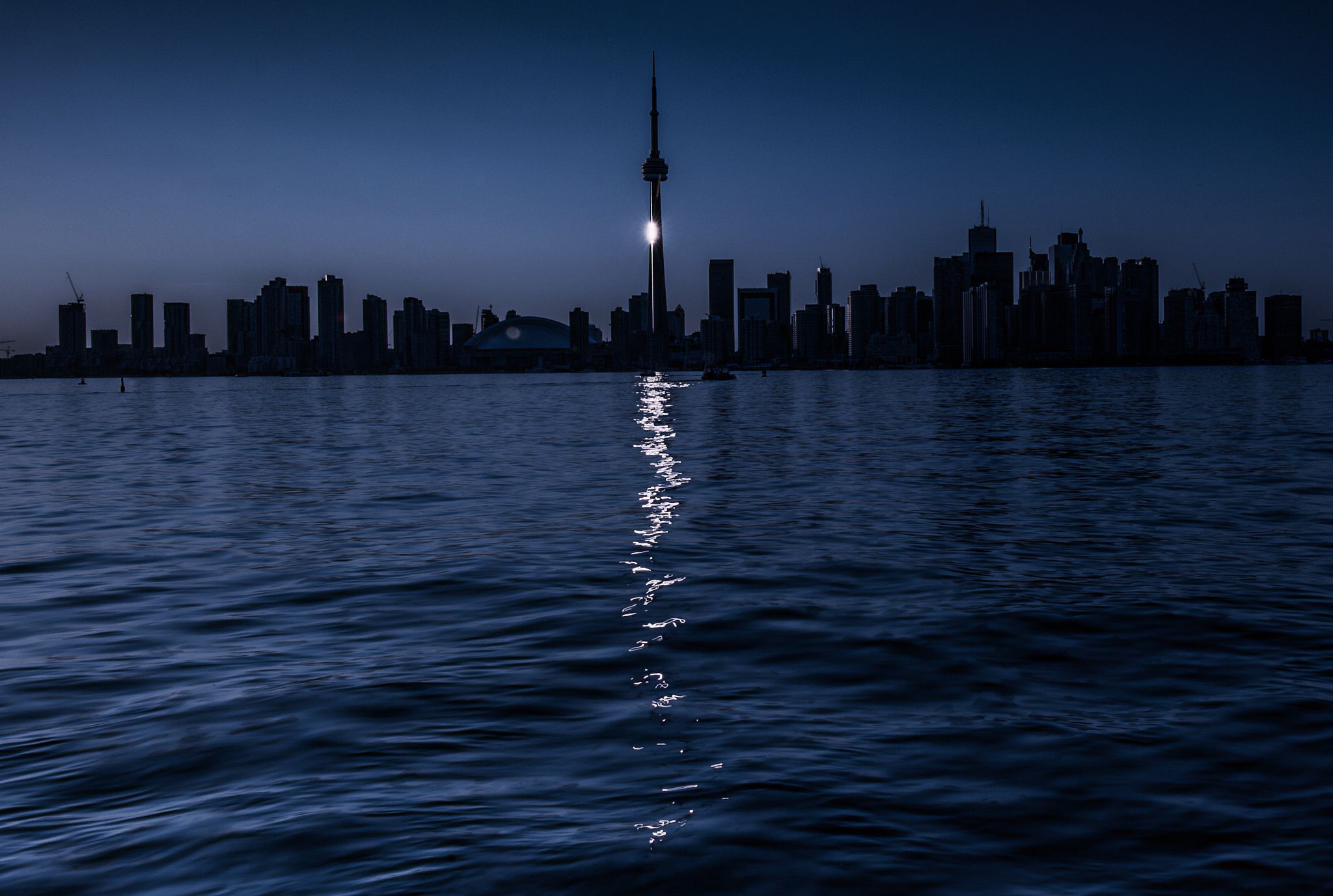
Skyline Toronto notte, CN Tower, 2048x1377 2K, Laptop
2048×1377HD Scarica
Logo Toronto Maple Leafs, 750x1334 Verticale, Telefono
750×1334HD Scarica
Skyline Toronto notturno CN Tower, 855x1283 Full HD Verticale, iPhone
855×1283HD Scarica
Skyline Toronto logo Raptors, 1440x2560 Verticale, Mobile
1440×25602K Scarica
Skyline di Toronto notturno, 1920x1080 1080p, PC Desktop
1920×1080HD Scarica
Skyline Toronto notturno, 1440x2560 Verticale, Telefono
1440×25602K Scarica
Logo Toronto Raptors skyline, basket, 1440x2560 Full HD Verticale, iPhone
1440×25602K Scarica
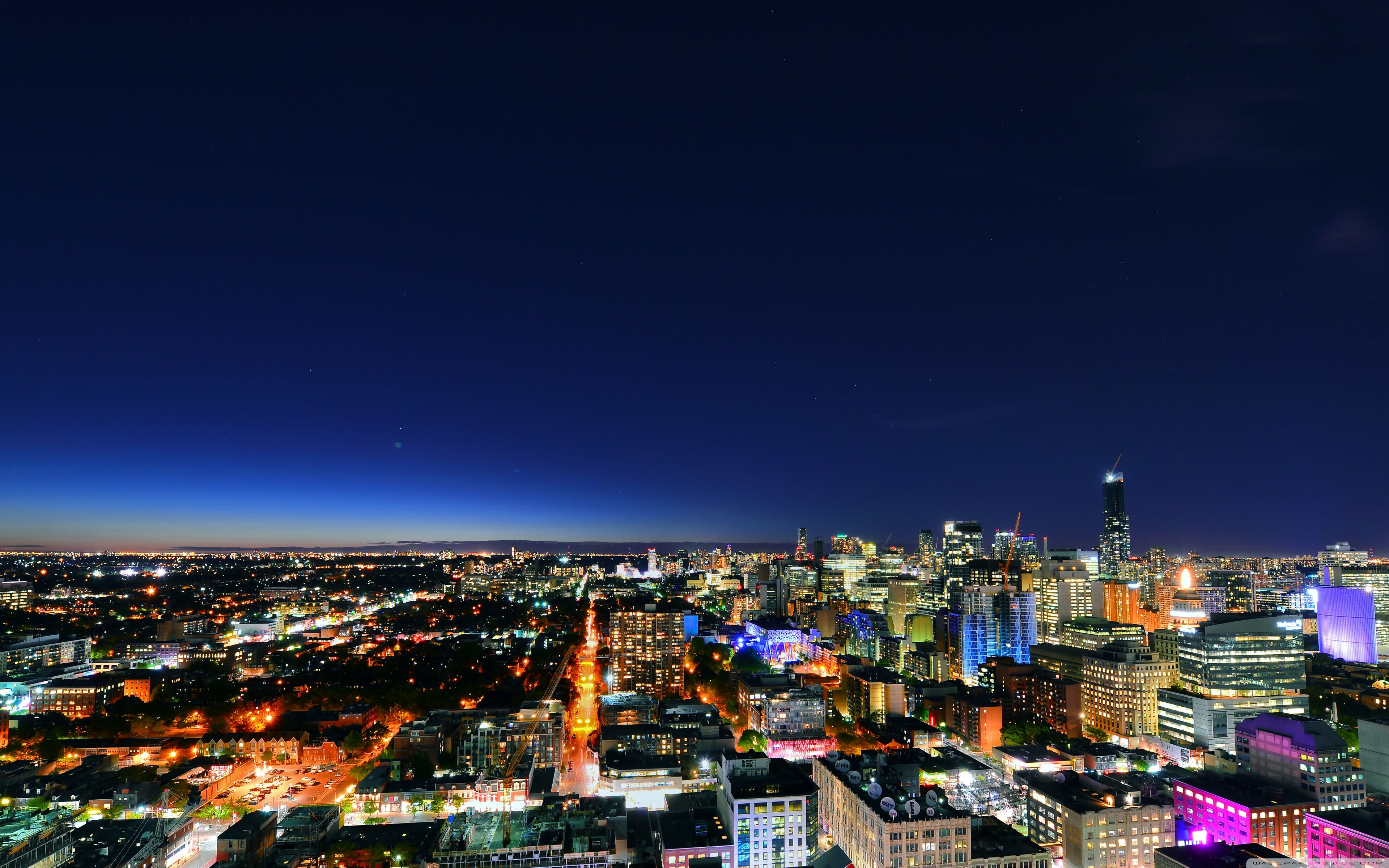
Toronto skyline notturno, CN Tower, 1350x2400 Verticale, Mobile
1350×2400HD Scarica
CN Tower skyline Toronto notte, 2848x4288 Full HD Verticale, Smartphone

2848×42884K Scarica
Skyline di Toronto notturno, 3840x2160 4K Ultra HD, Monitor 4K
3840×21604K Scarica
Skyline Toronto CN Tower, 1080x1920 Full HD Verticale, iPhone
1080×1920HD Scarica
Logo Toronto Raptors montagna, NBA, 1440x2560 Verticale, Mobile
1440×25602K Scarica
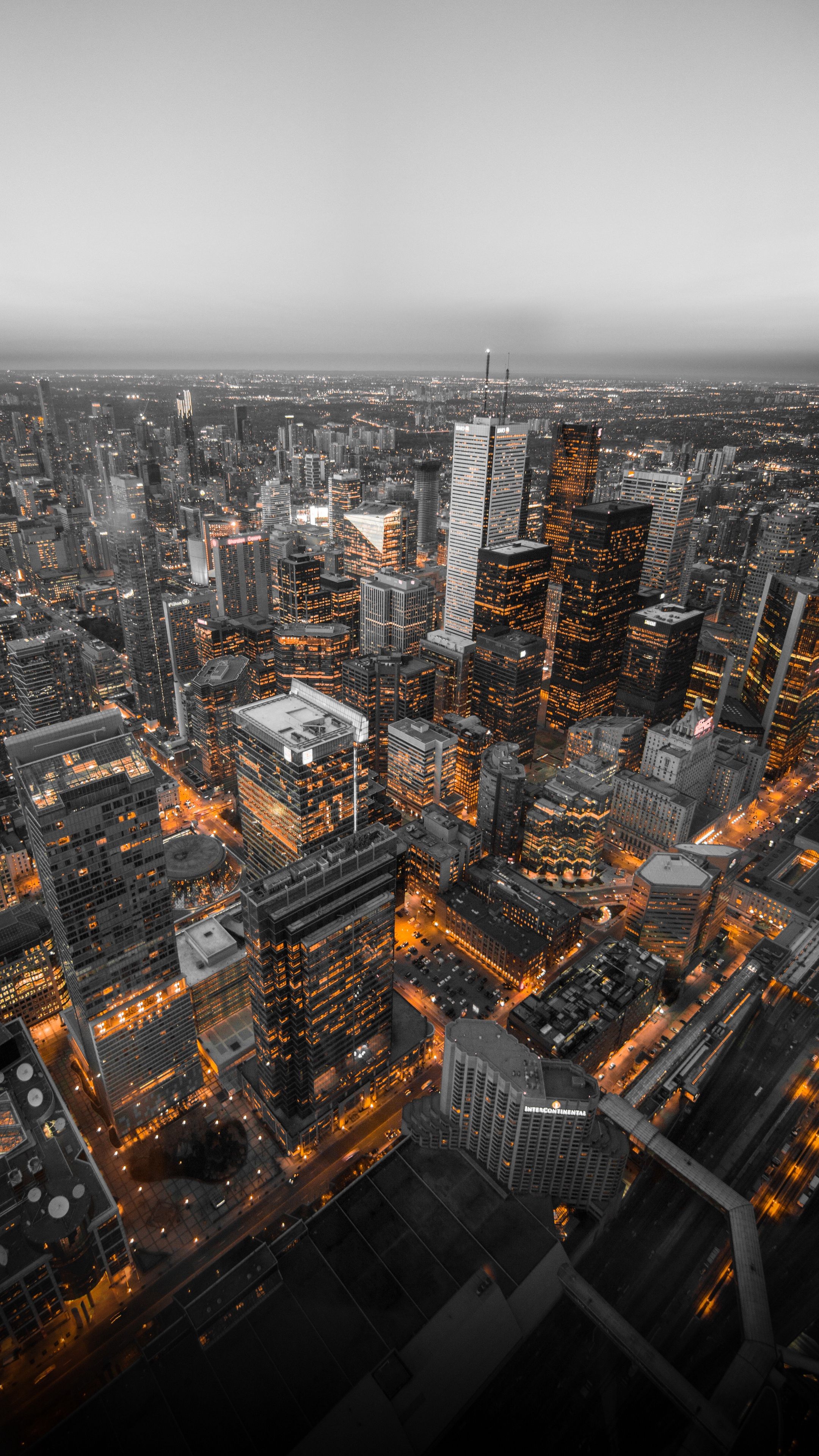
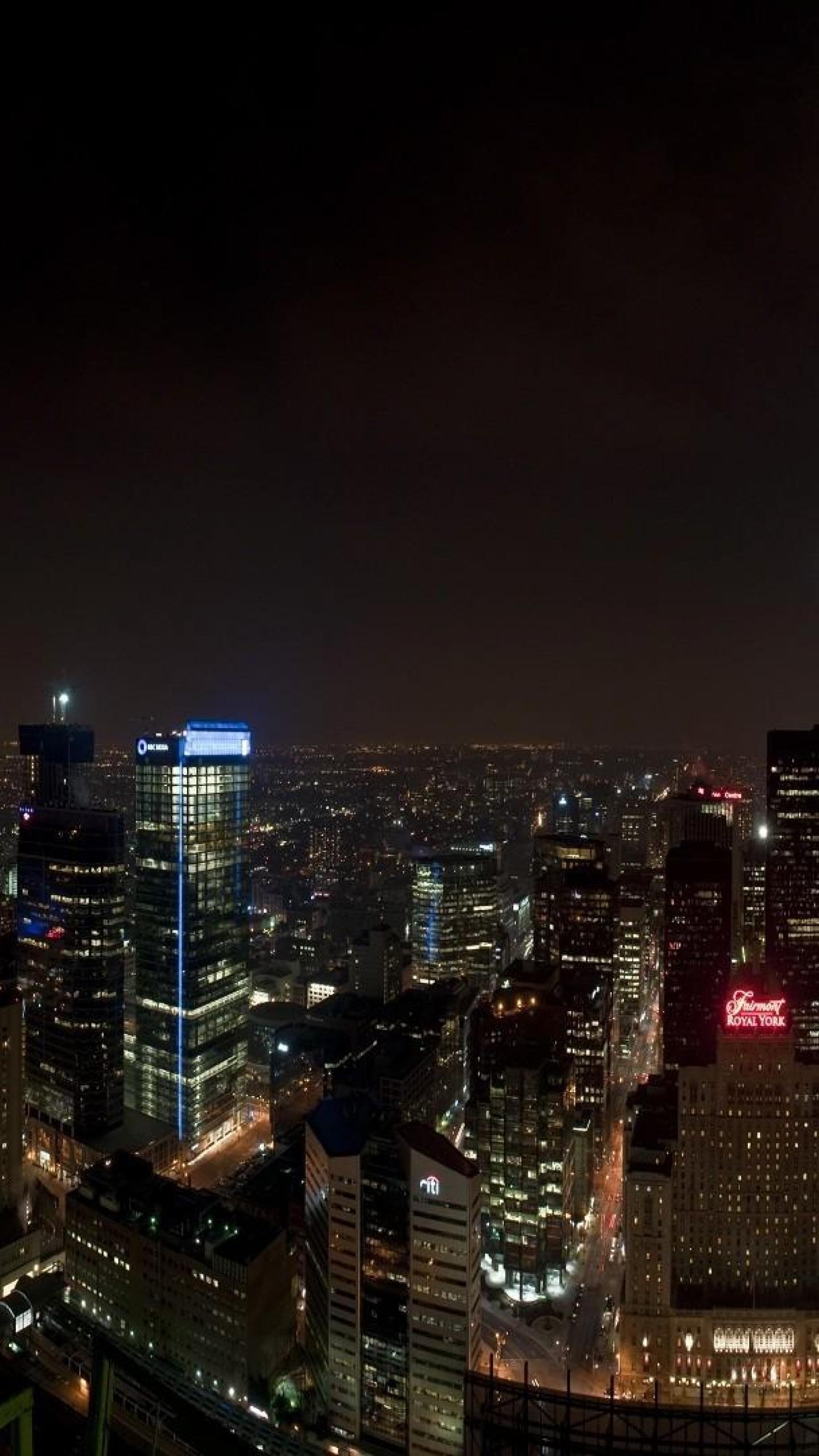
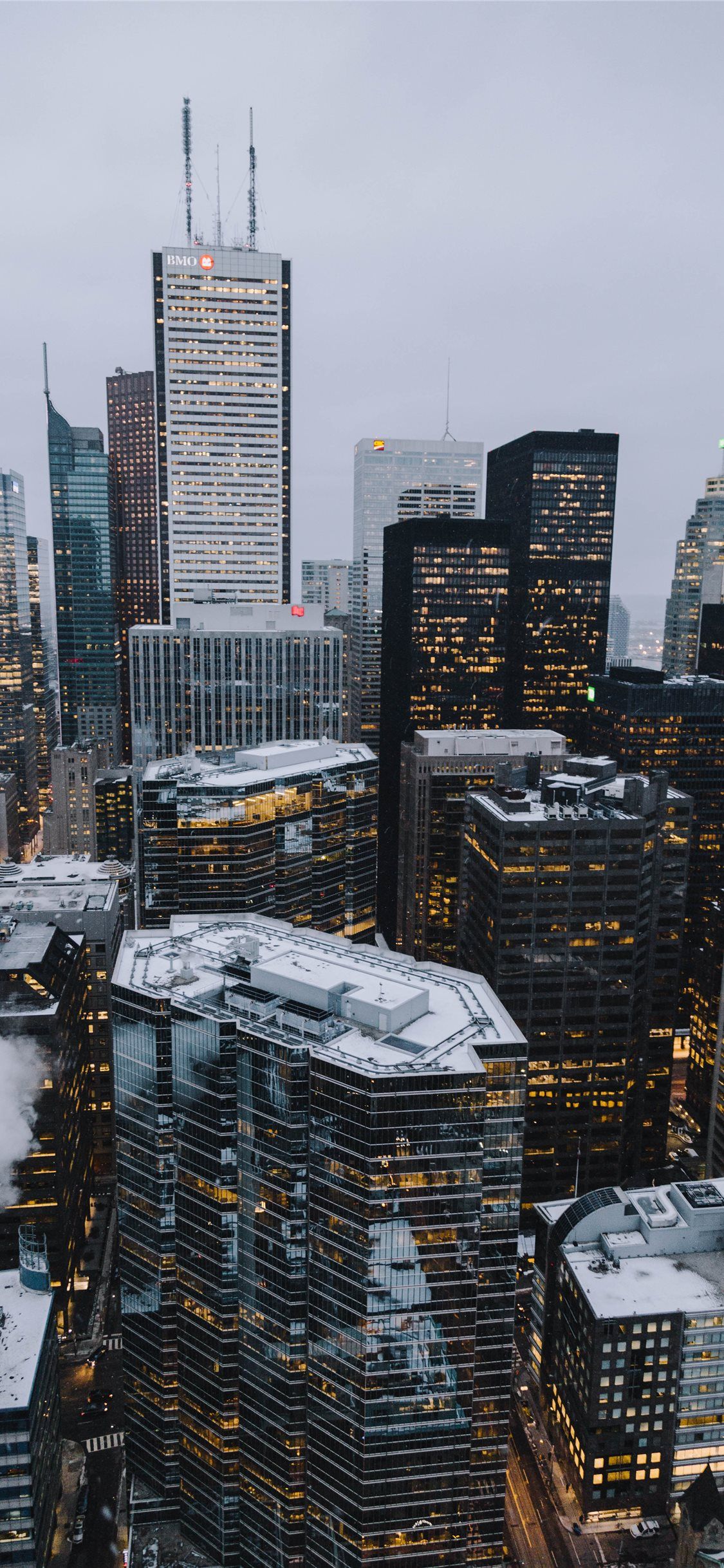
Toronto Financial District grattacieli, 1125x2436 Full HD Verticale, Smartphone
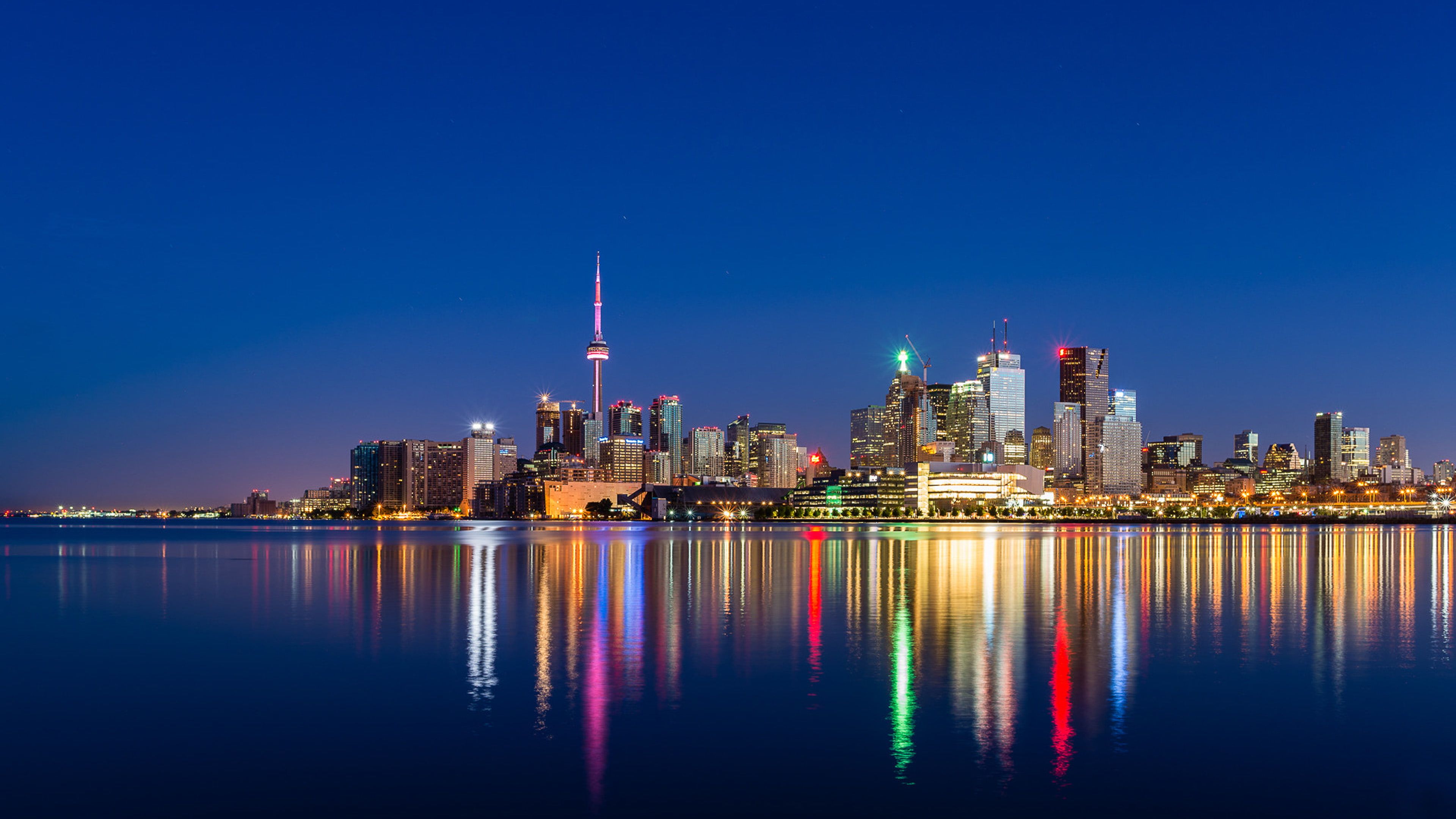
1125×2436HD Scarica
Logo Toronto Raptors, cielo stellato, NBA, 1440x2560 Verticale, Telefono
1440×25602K Scarica
Skyline Toronto con CN Tower, 1920x1200 Full HD+ WUXGA, iMac
1920×1200HD Scarica
CN Tower Toronto tramonto, 1440x2880 Verticale, Mobile
1440×28802K Scarica
Skyline notturno città illuminata, 3840x2400 Ultra HD, 4K TV
3840×24004K Scarica
Skyline Toronto crepuscolo, 960x1440 Verticale, Telefono
960×1440HD Scarica
Skyline Toronto vista dall'alto, 2160x3840 Full HD Verticale, iPhone
2160×38404K Scarica
Skyline Toronto con CN Tower, 1920x1440 WUXGA, PC Desktop
1920×1440HD Scarica
Toronto skyline con testo, 1920x1200 Full HD+ WUXGA, Laptop
1920×1200HD Scarica
Logo Toronto Blue Jays, CN Tower, MLB, 1440x2560 Verticale, Telefono
1440×25602K Scarica
Giocatore basket Toronto Raptors numero 31, 2800x1800 2K+, PC
2800×18002K Scarica
Skyline Toronto CN Tower notte, 1440x2560 Verticale, Mobile
1440×25602K Scarica
Logo Toronto Raptors sfondo scuro, 1920x1200 Full HD+, iMac
1920×1200HD Scarica
Logo Toronto Defiant rosso, 1080x1920 Verticale, Telefono
1080×1920HD Scarica
Logo Toronto Raptors cielo notturno, basket, 1366x768 720p, PC
1366×768HD Scarica
Logo NORTH rosso bianco, 750x1334 Verticale, Mobile
750×1334HD Scarica
Skyline notturno di Toronto, 1440x2560 Full HD Verticale, Smartphone
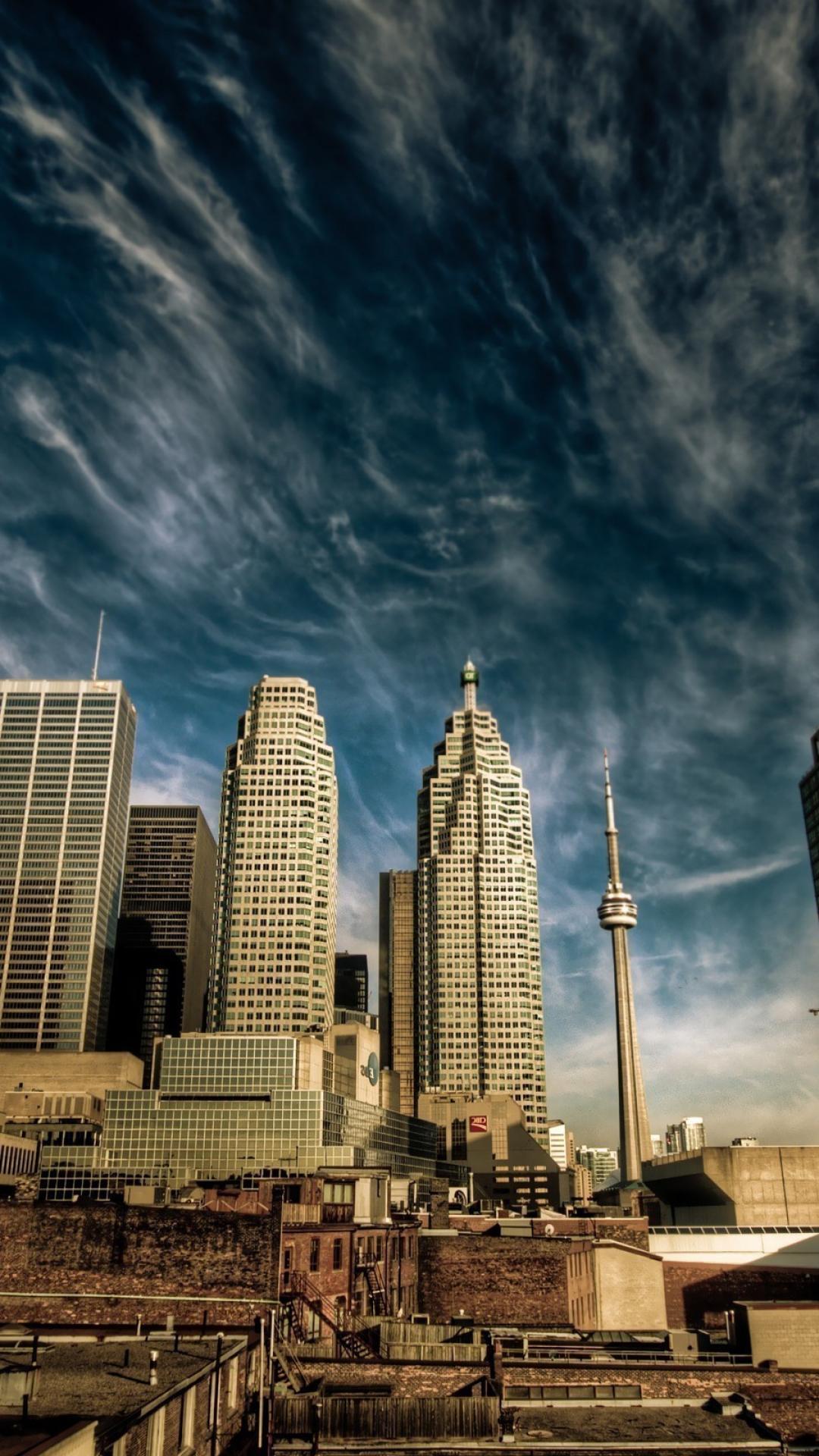
1440×25602K Scarica
Maglia hockey Tavares 91, 1080x1620 Verticale, Xiaomi
1080×1620HD Scarica
Logo Toronto Defiant esports, 1369x2911 Full HD Verticale, iPhone

1369×29112K Scarica
Toronto Raptors logo skyline, basket, 1080x1920 Verticale, Mobile
1080×1920HD Scarica
Toronto Maple Leafs giocatori hockey, 1200x675 HD, Laptop
1200×675HD Scarica
Logo Toronto Raptors neon rosso, 1125x2436 Verticale, Telefono
1125×2436HD Scarica
Giocatore hockey Matthews Toronto, 1080x1920 Full HD Verticale, Samsung Galaxy
1080×1920HD Scarica
Skyline Toronto CN Tower grigio, 1920x1080 Full HD 1080p, Desktop
1920×1080HD Scarica
Logo Toronto Raptors parquet, 1920x1080 Full HD, Laptop
1920×1080HD Scarica
Logo Toronto Defiant rosso, 1125x2436 Verticale, Telefono
1125×2436HD Scarica
Logo Atlanta Braves blu rosso, MLB, 1080x1920 Full HD Verticale, iPhone
632×1264HD Scarica
Logo Toronto Maple Leafs, 632x1264 Verticale, OnePlus
720×1280HD Scarica
Logo Toronto Maple Leafs, 720x1280 Full HD Verticale, Smartphone

1080×1620HD Scarica
Maglia hockey Matthews 34, 1080x1620 Verticale, Telefono
1125×2436HD Scarica
Logo Toronto Defiant Overwatch, Blizzard, 1125x2436 Full HD Verticale, iPhone
1600×900HD Scarica

Potrebbe piacerti

Come impostare lo sfondo sul tuo dispositivo

Hai trovato l’immagine giusta? Scaricala con il pulsante Scarica e segui i passaggi qui sotto: bastano pochi secondi, dal computer come dal telefono.

Windows
  1. Clicca su Scarica: l’immagine finisce nella cartella Download
  2. Fai clic destro sul file scaricato e scegli «Imposta come sfondo del desktop»
  3. Hai più monitor? Vai su Impostazioni → Personalizzazione → Sfondo e scegli dove applicarla
macOS
  1. Clicca su Scarica per salvare l’immagine sul Mac
  2. Apri Impostazioni di Sistema → Sfondo
  3. Clicca su «Aggiungi foto», seleziona l’immagine e scegli «Riempi schermo»
iPhone / iPad
  1. Tocca Scarica e poi «Salva in Foto»
  2. Apri l’app Foto e scegli l’immagine appena salvata
  3. Tocca Condividi → «Usa come sfondo», sistema l’inquadratura e conferma con Imposta
Android
  1. Tocca Scarica: l’immagine si salva nella Galleria
  2. Apri Galleria (o Google Foto) e seleziona l’immagine
  3. Dal menu scegli «Imposta come sfondo» e decidi se usarla per la schermata Home, il blocco schermo o entrambe