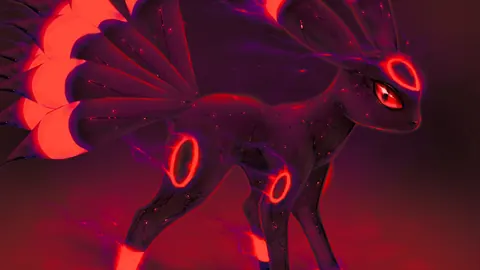
Sfondi Umbreon ed Espeon Cromatici
65 sfondi HD & 4K
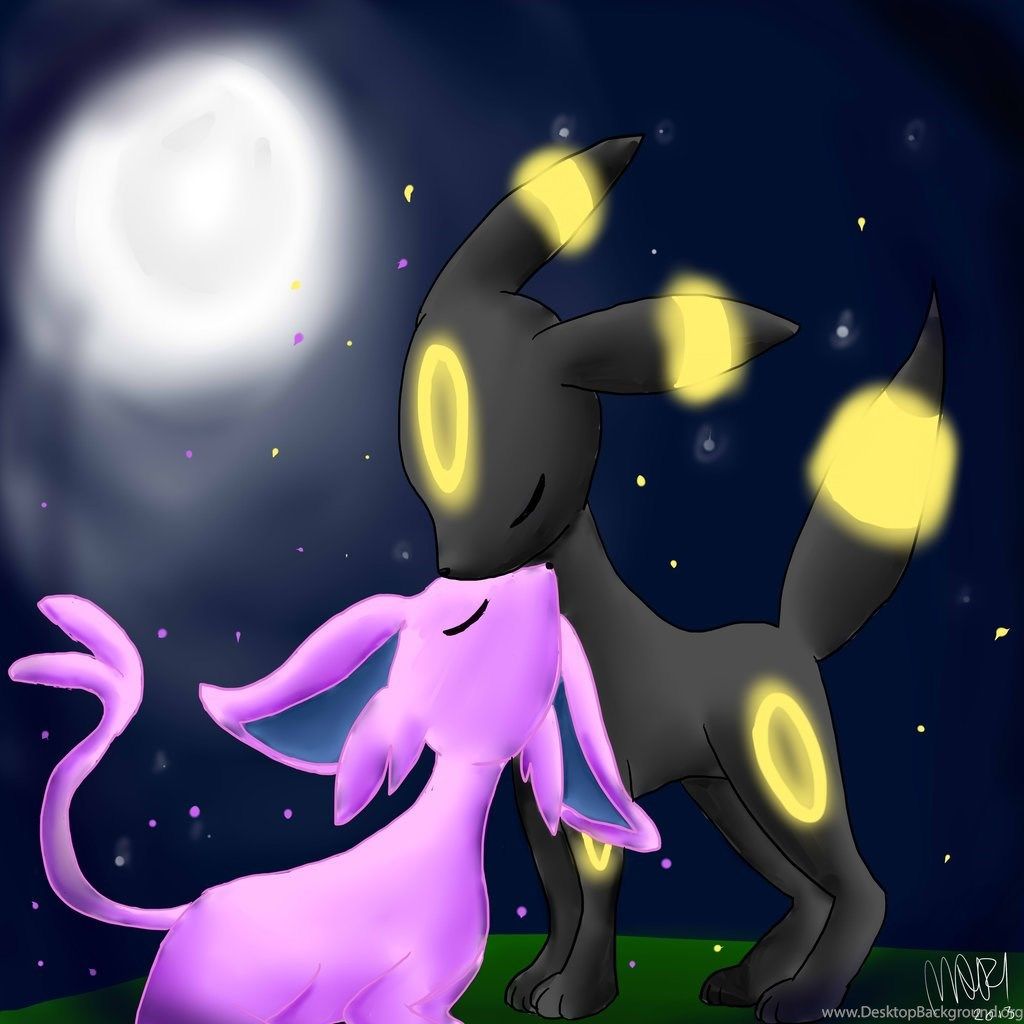
Umbreon ed Espeon cielo notturno, 900x1600 Verticale, Telefono
900×1600HD Scarica
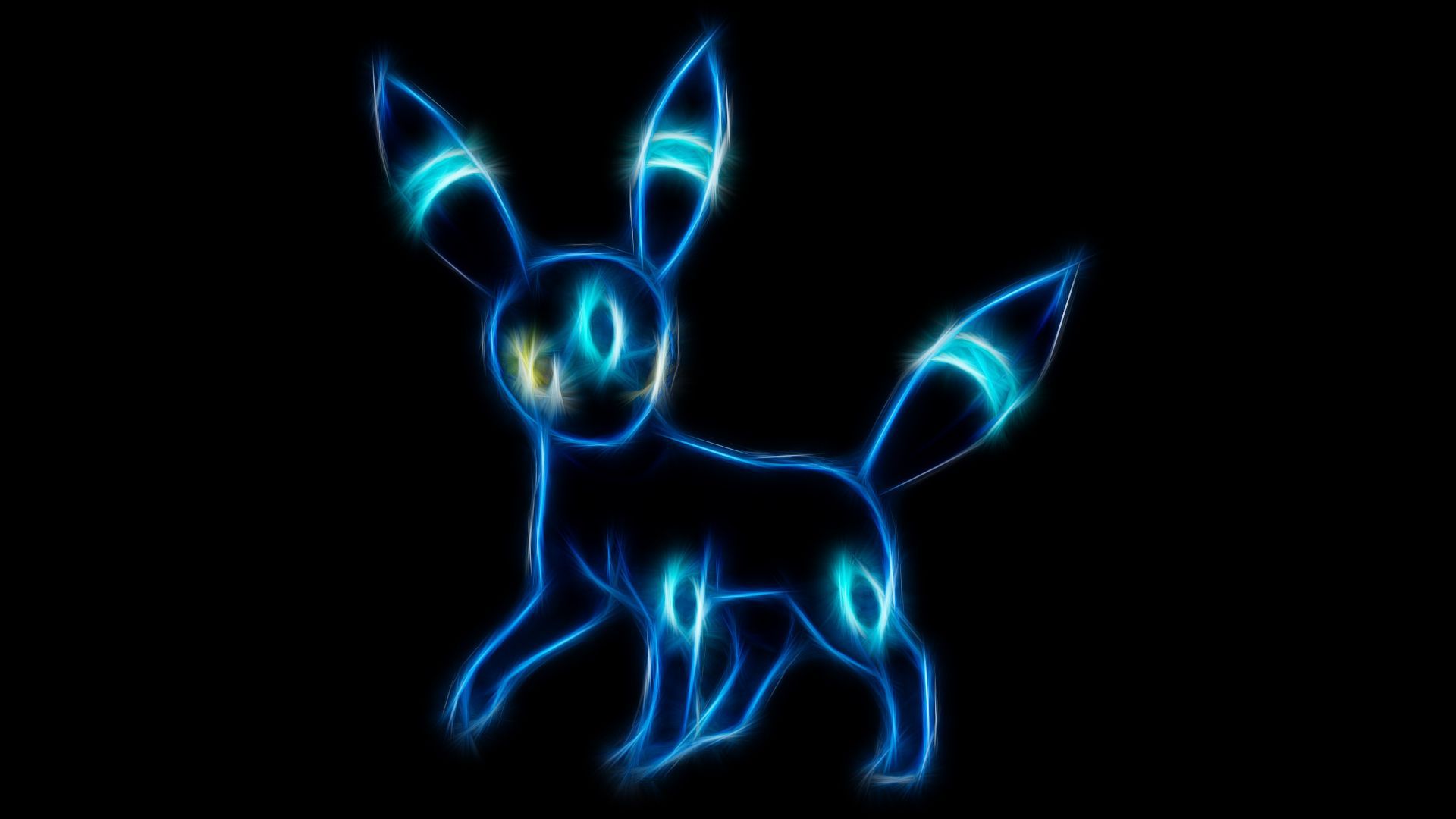
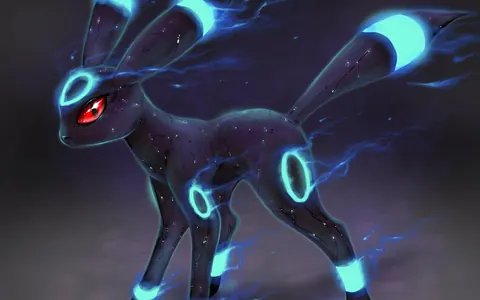
Umbreon shiny nero e ciano, 786x1017 Full HD Verticale, Google Pixel
786×1017HD Scarica
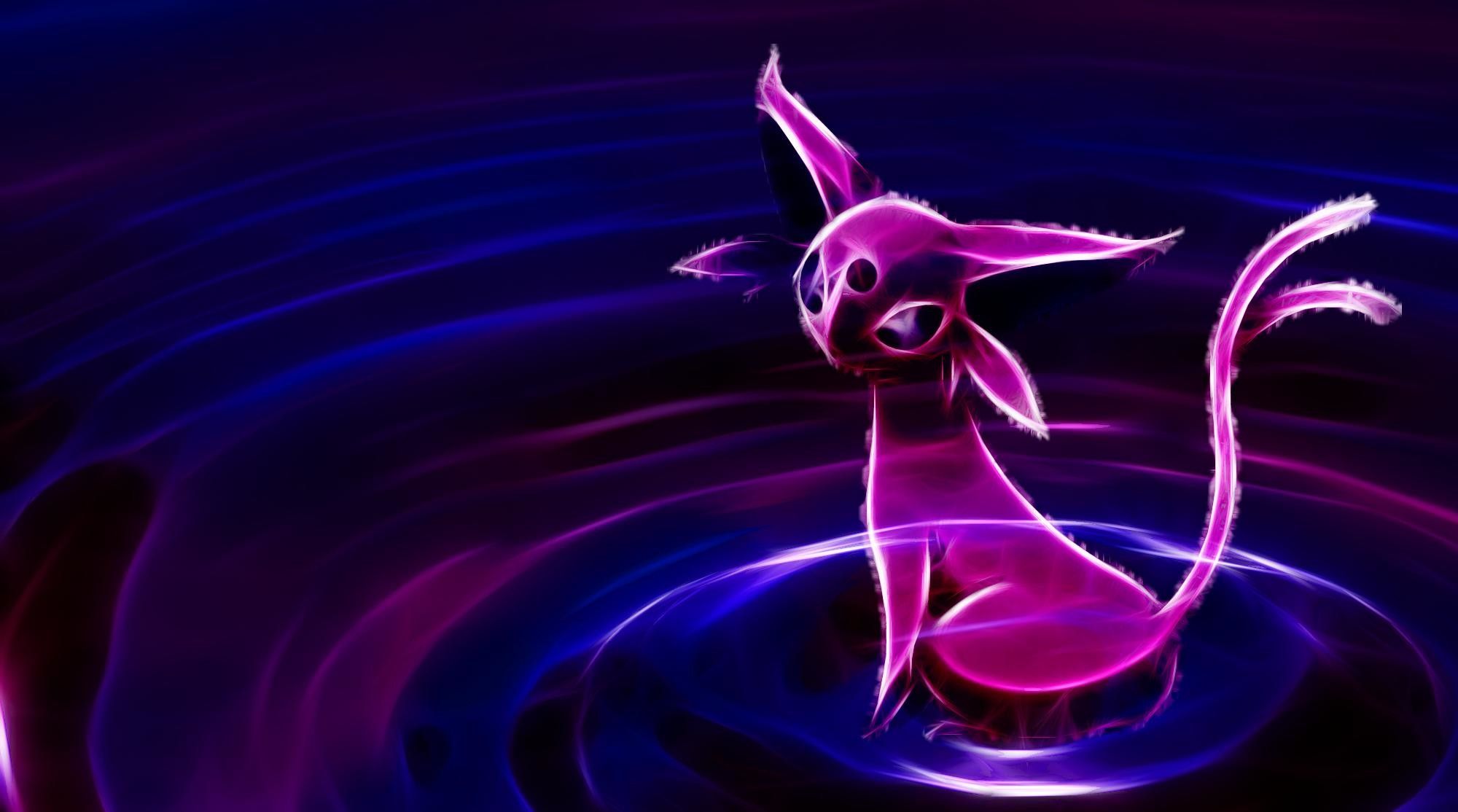
Espeon cromatico luminoso Pokemon, Nintendo, 2000x1114 2K, Desktop
2000×1114HD Scarica
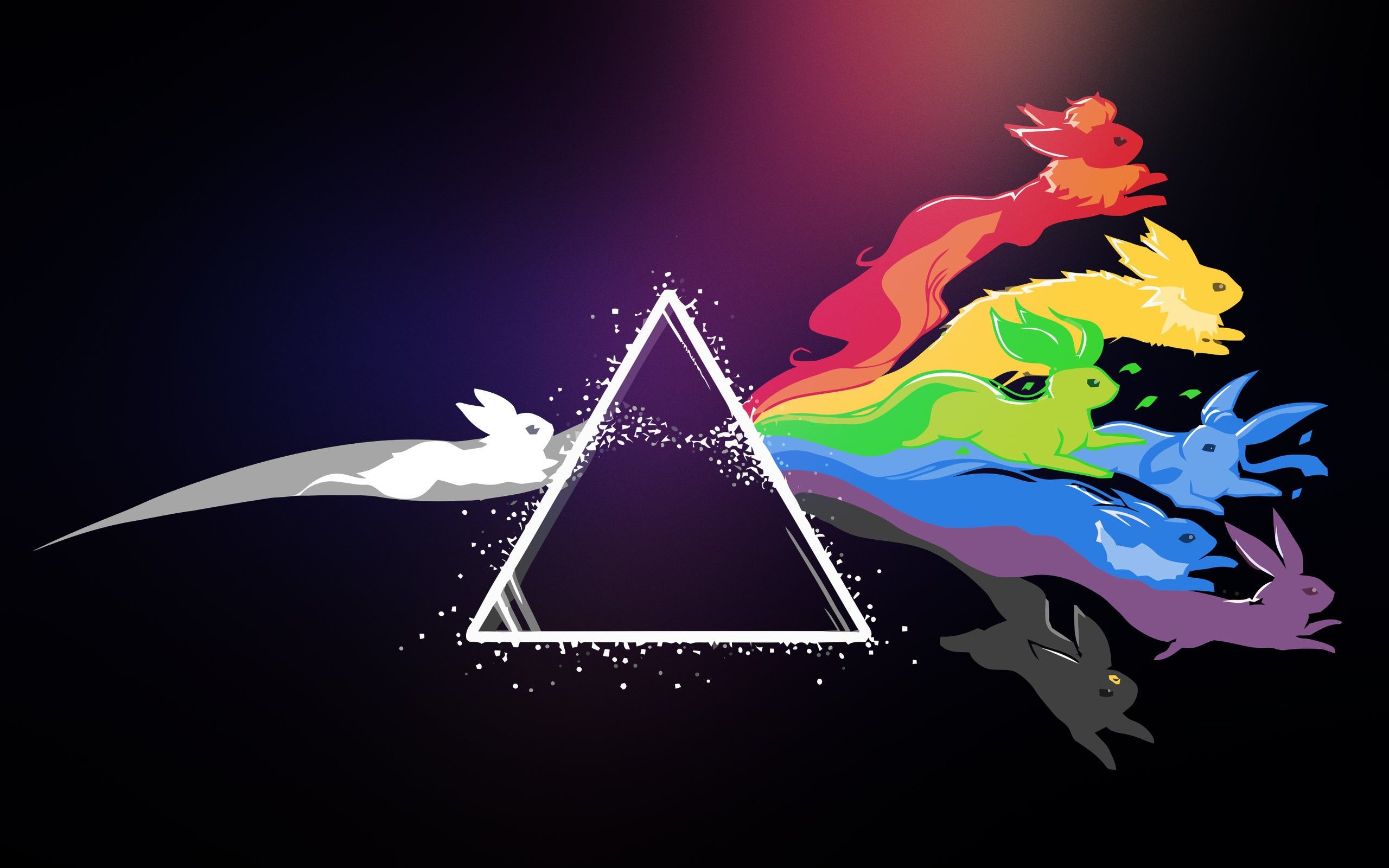
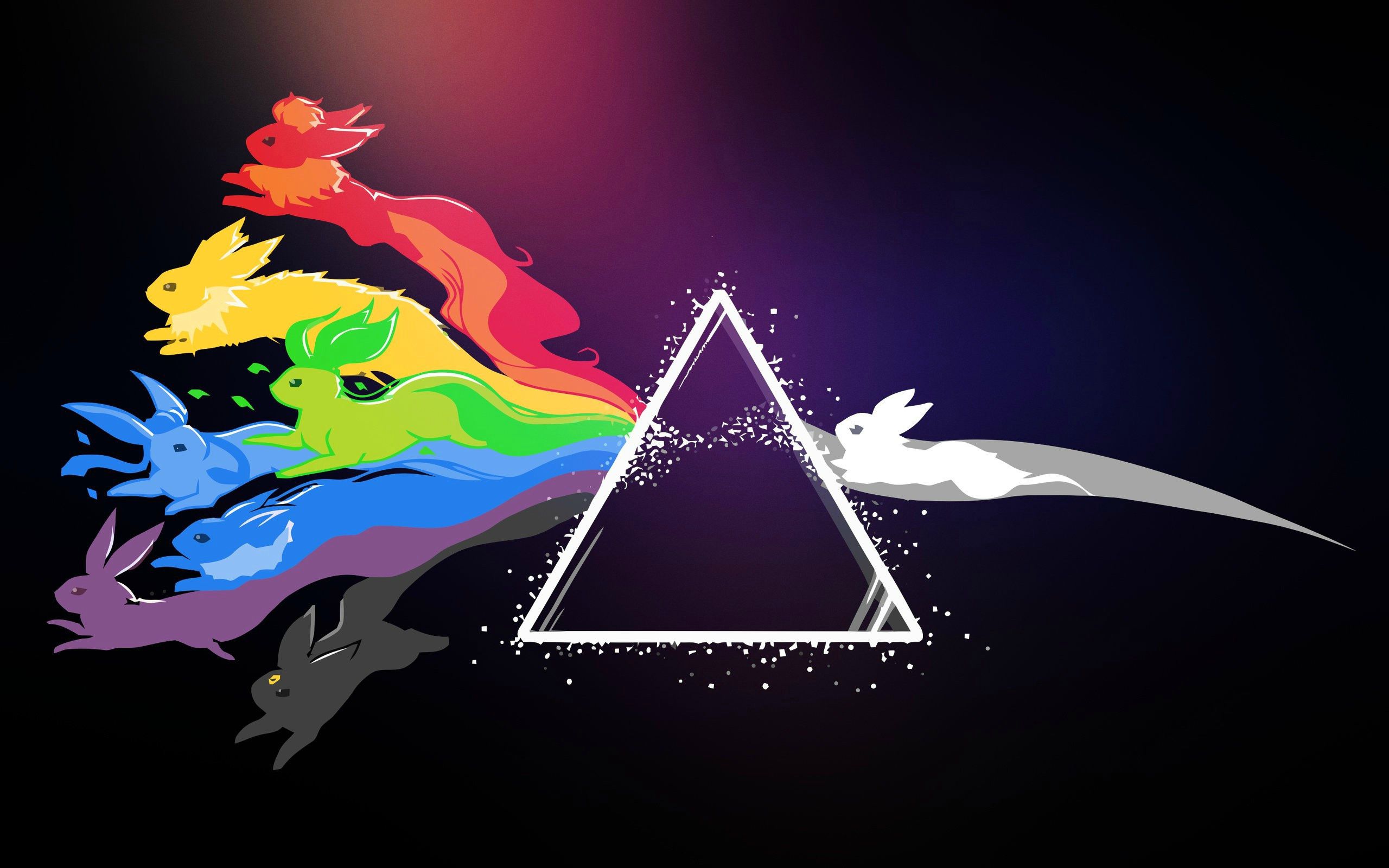
Eevee prisma arcobaleno Pink Floyd, Eeveelution, 2560x1600 2K+, Laptop
2560×16002K Scarica
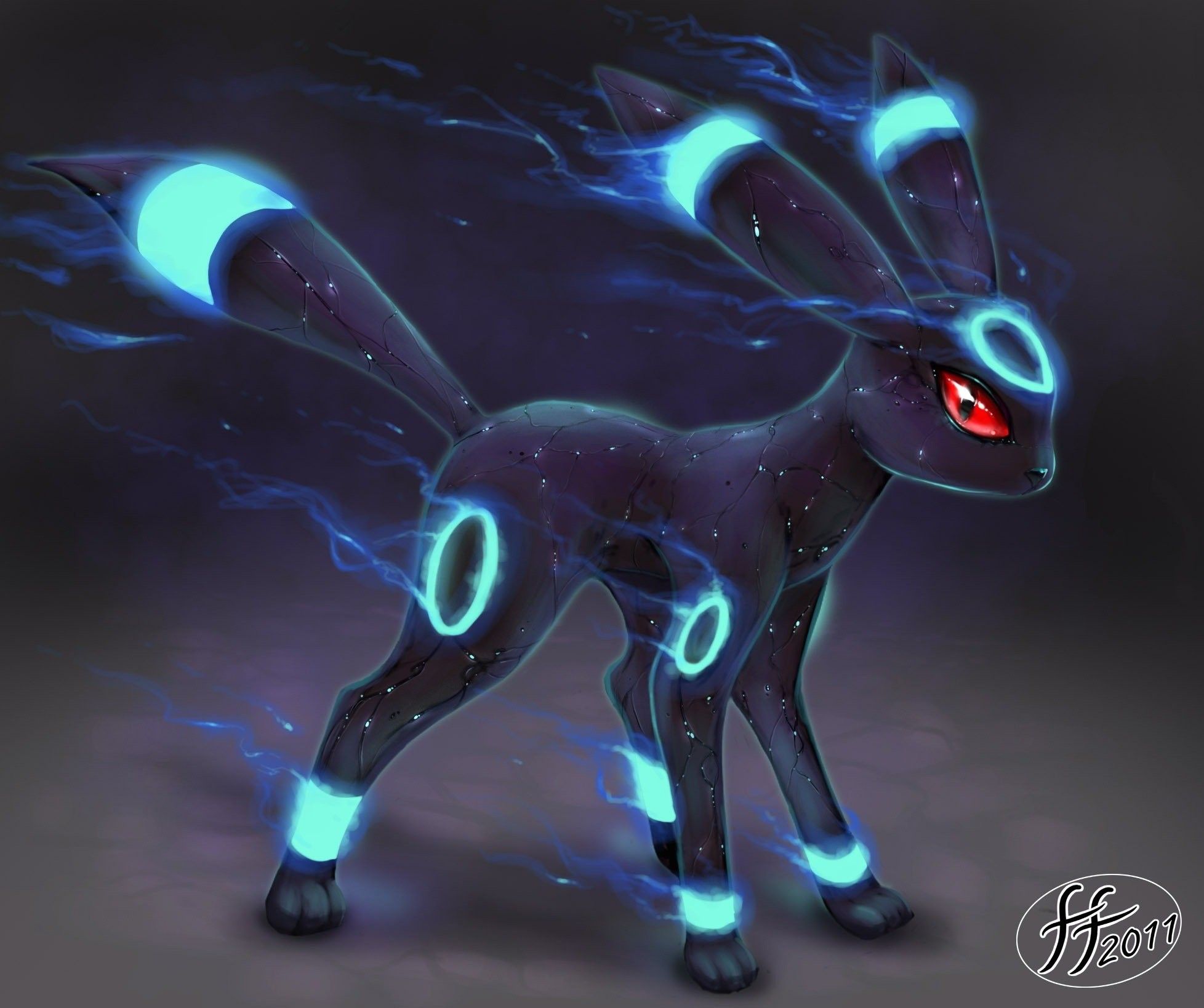
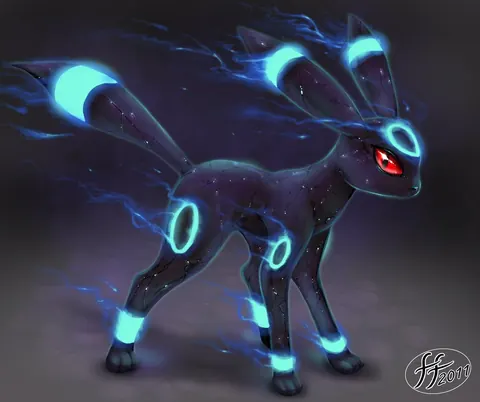
Umbreon shiny cromatico blu, 1956x1638 Full HD+ WUXGA, Desktop
1956×1638HD Scarica
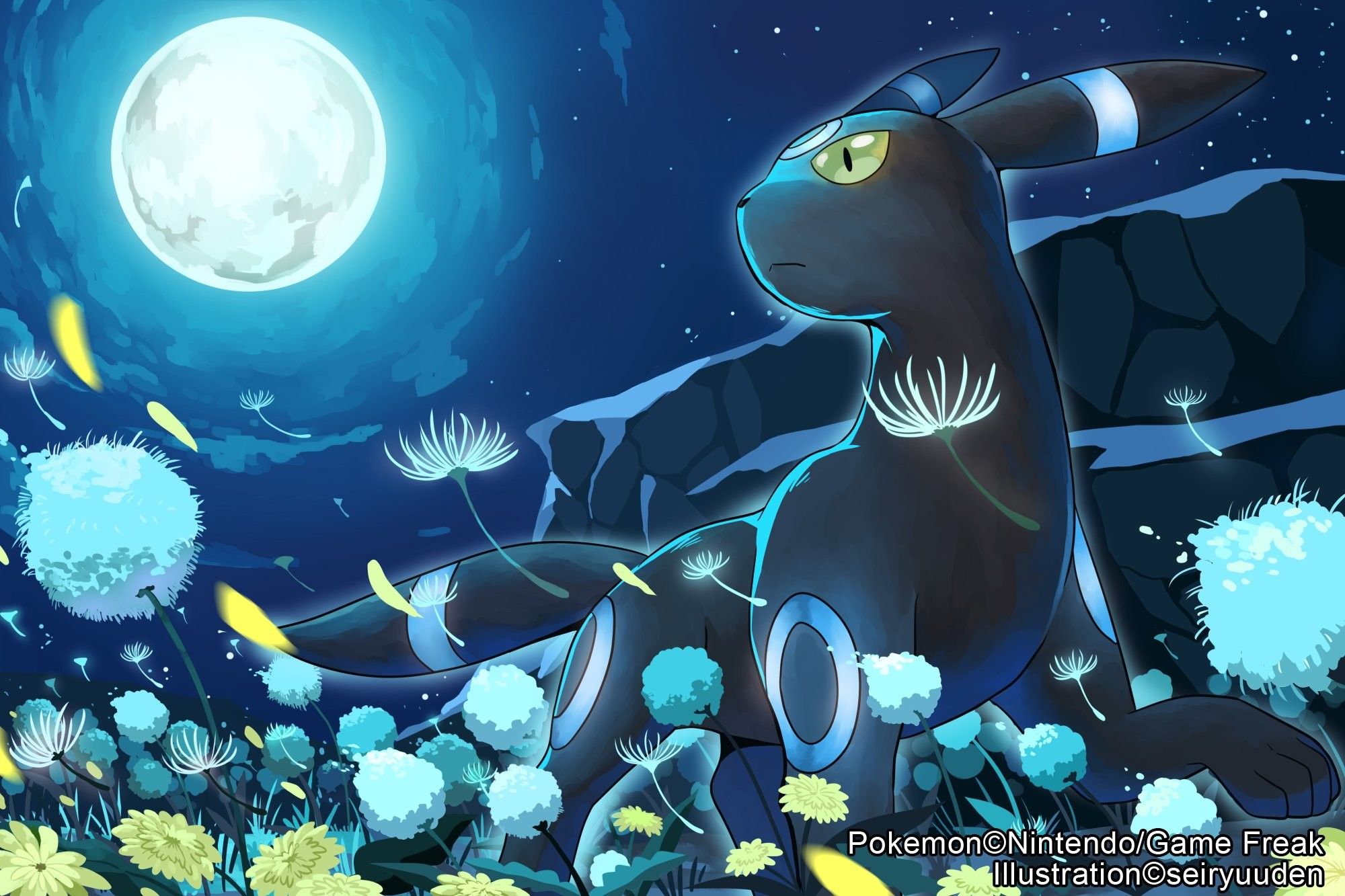
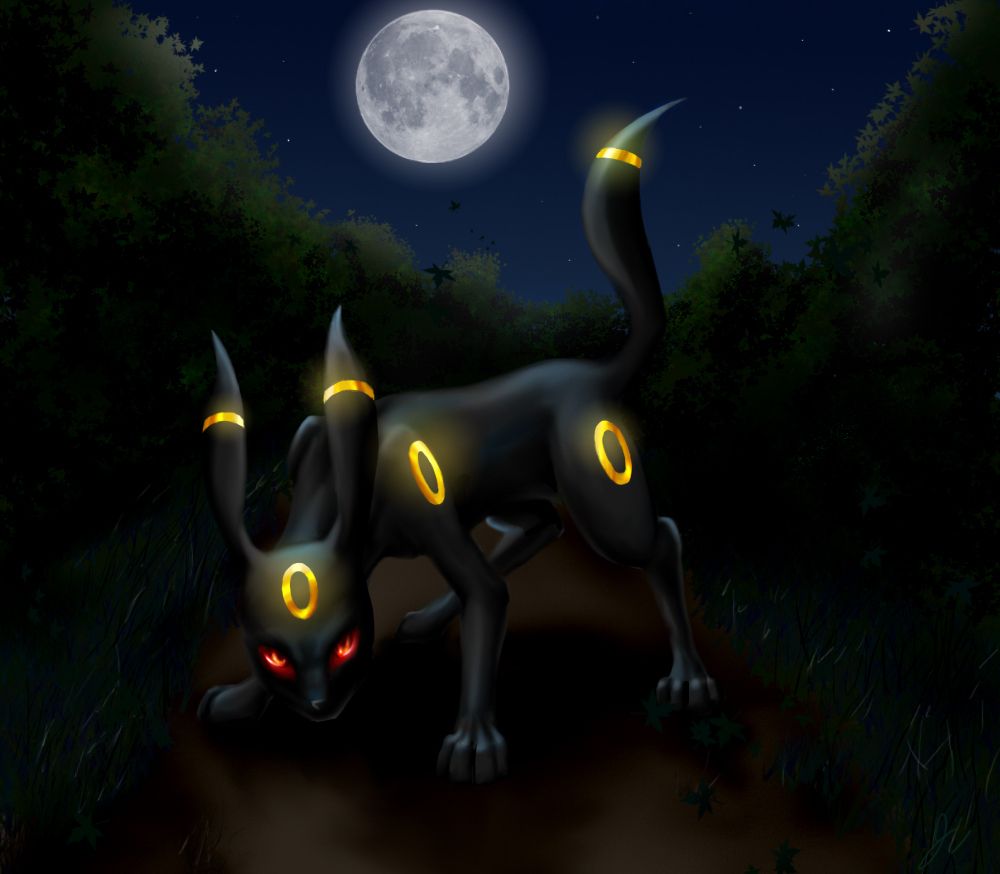
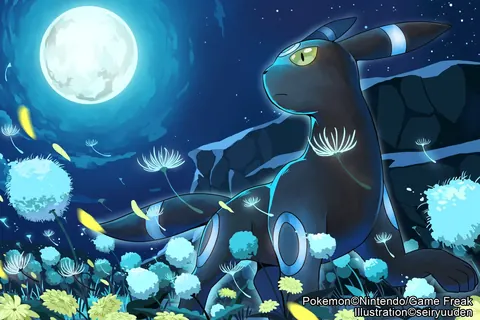
Umbreon sotto la luna, 2000x1333 2K, PC
2000×1333HD Scarica
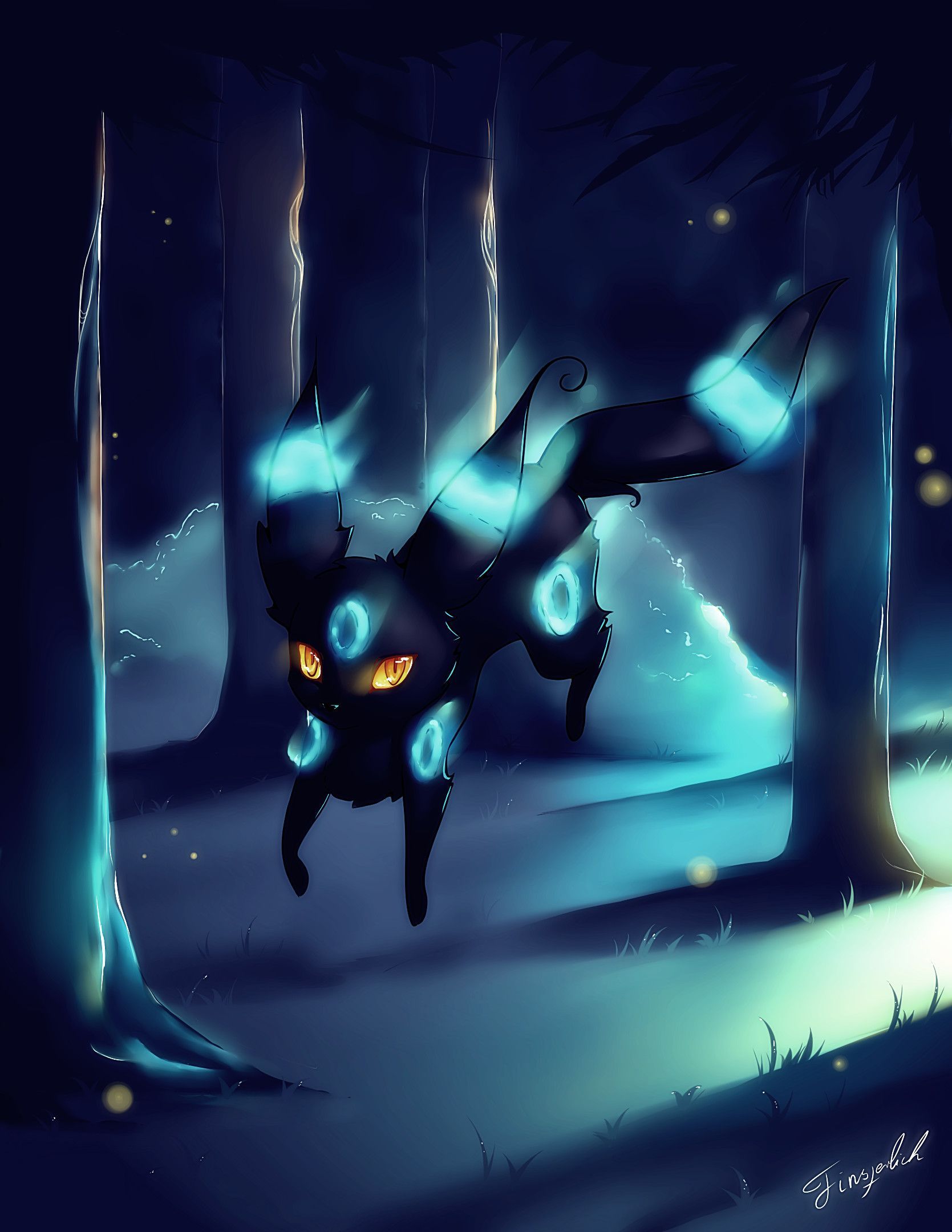
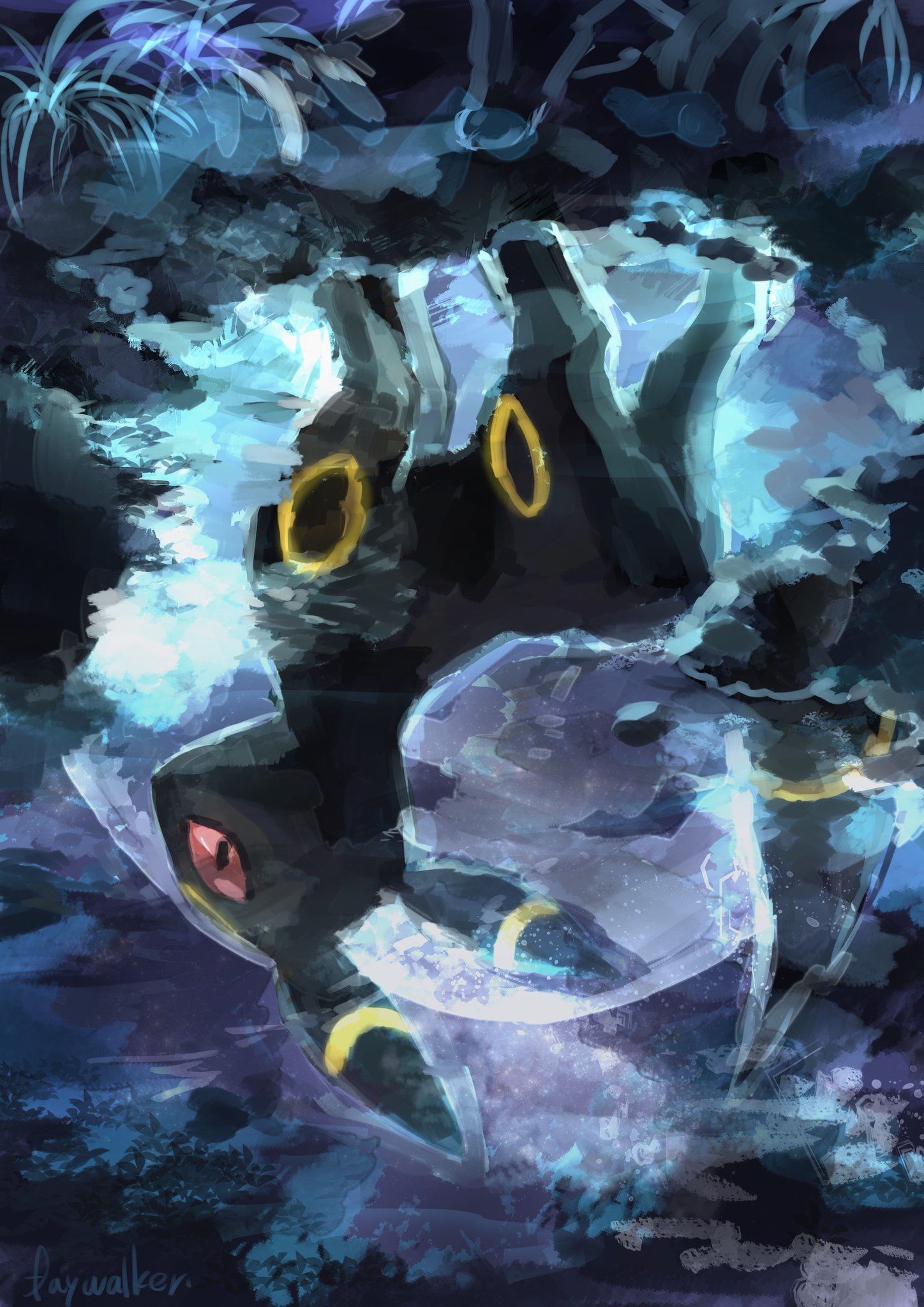
Umbreon nella foresta notturna, 1669x2160 Verticale, OnePlus
1669×2160HD Scarica
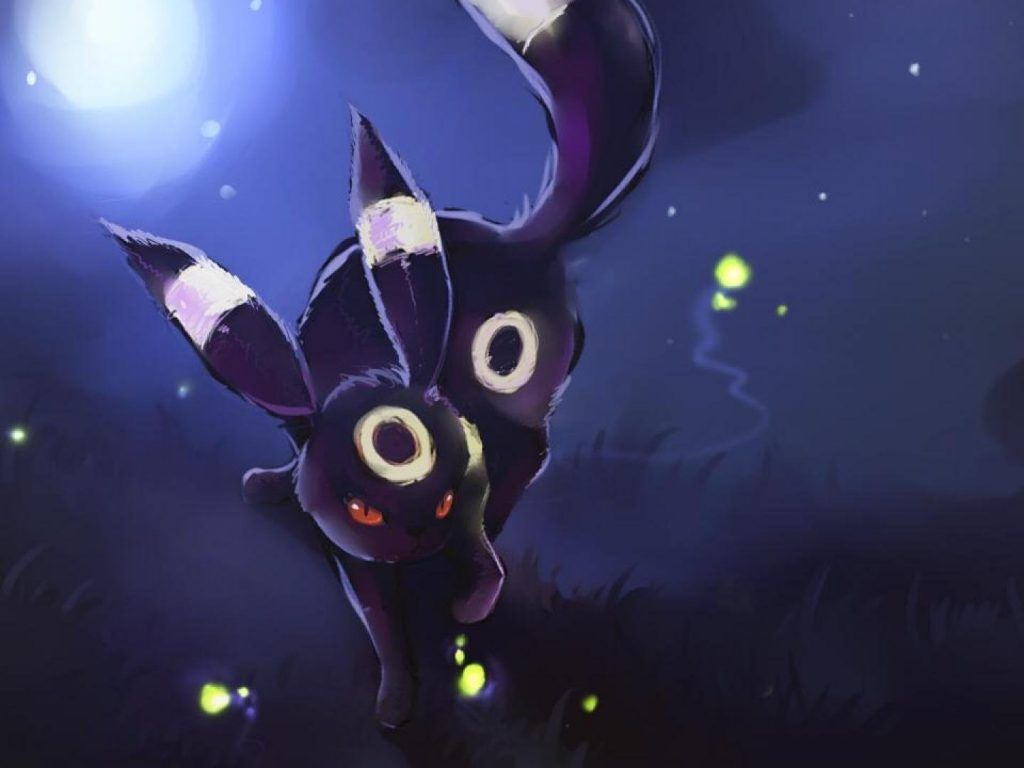
Umbreon Pokémon notte, 1024x768 HD, Laptop
1024×768HD Scarica
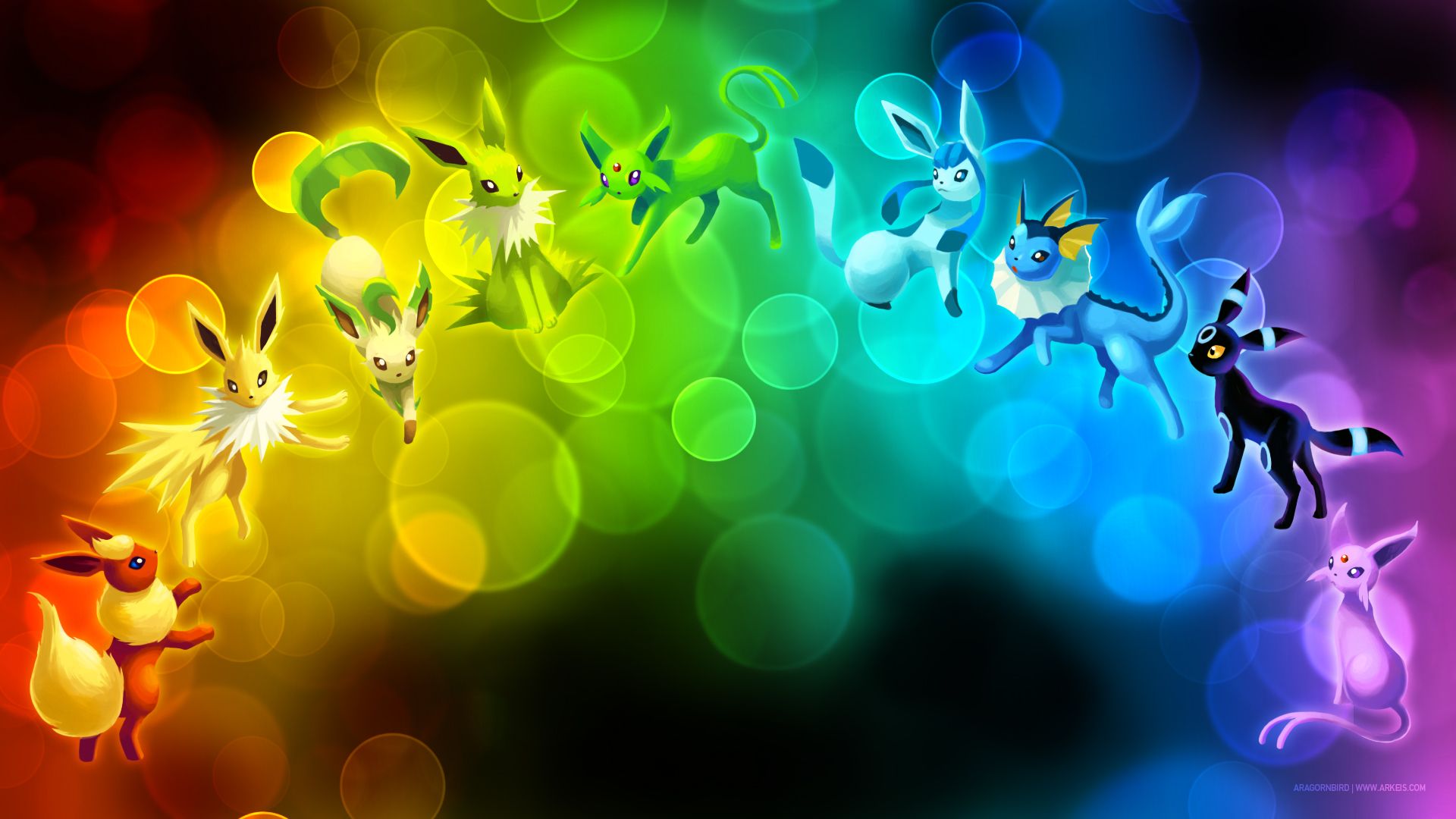
Eeveelution Pokémon arcobaleno bokeh, 1920x1080 Full HD, Desktop
1920×1080HD Scarica
Glaceon e Umbreon cromatici Pokemon, creature tascabili, 1000x1386 Full HD Verticale, iPhone
1000×1386HD Scarica
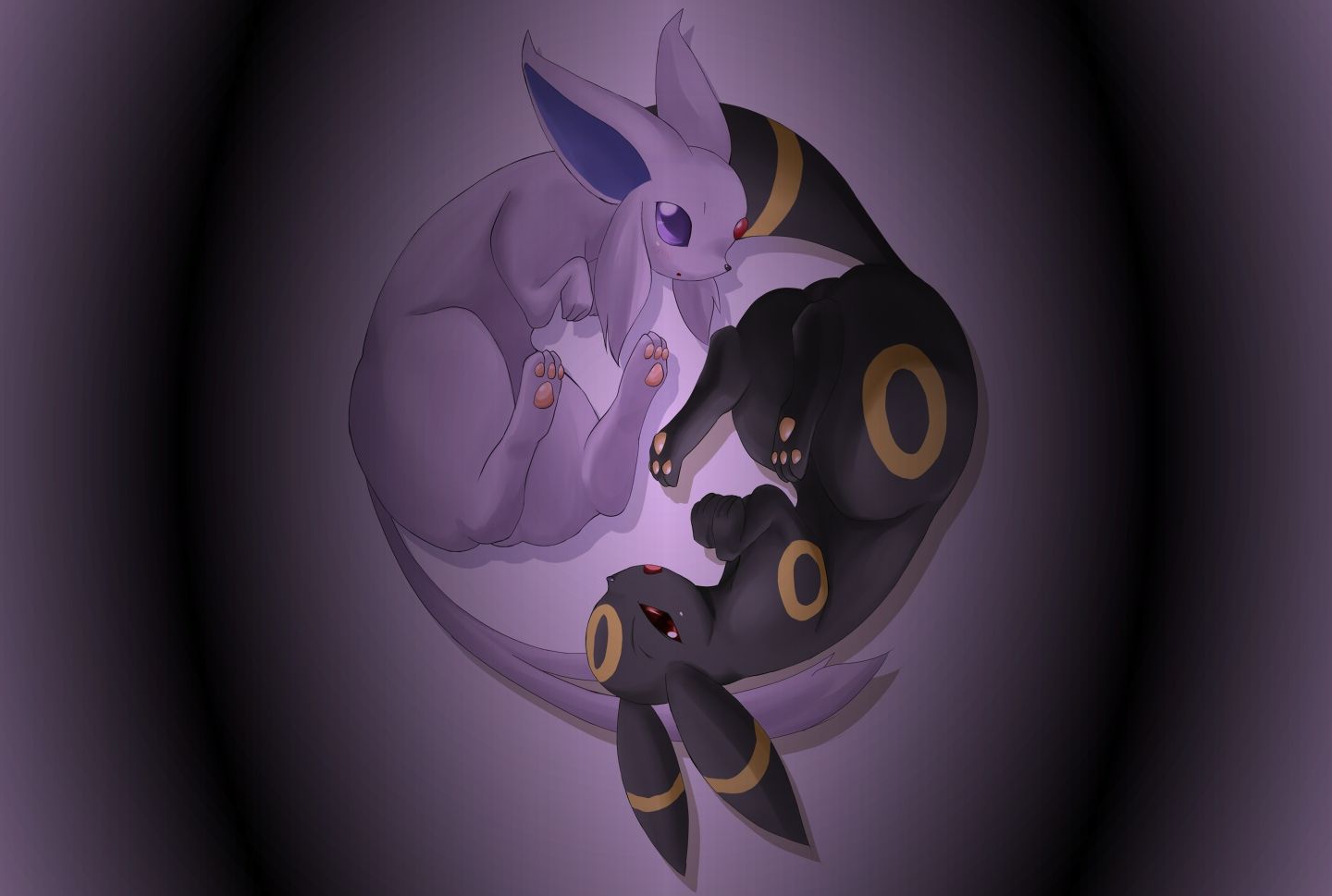
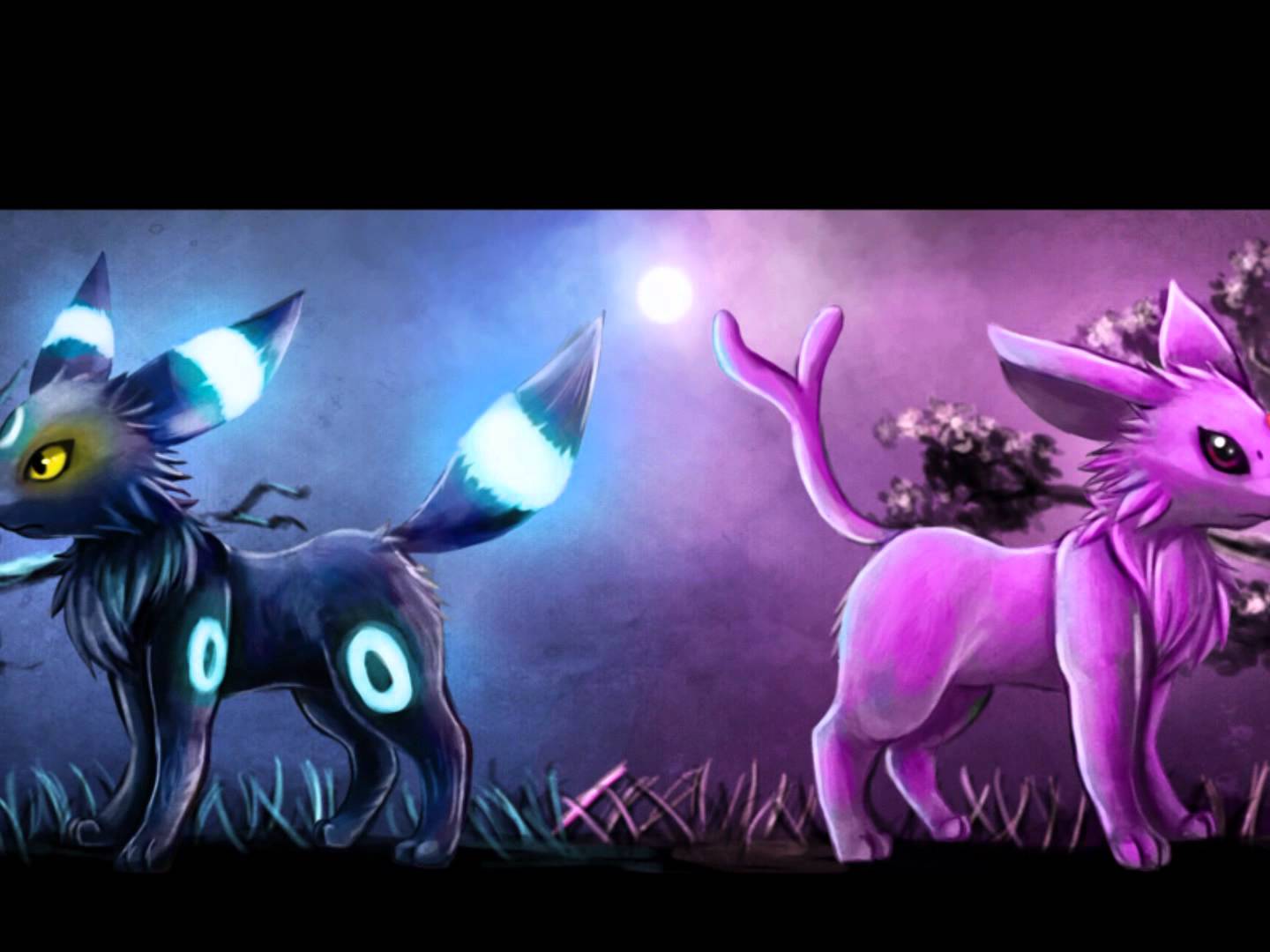
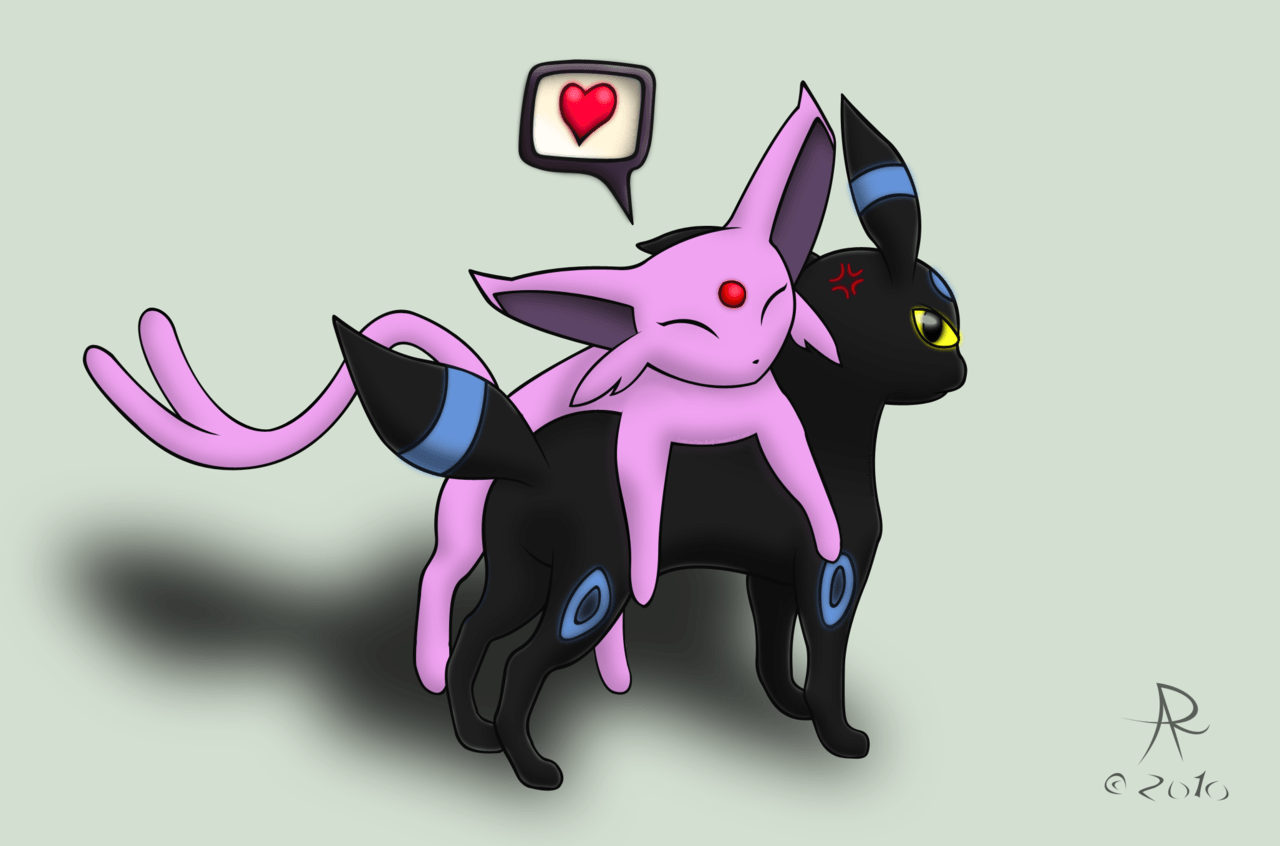
Umbreon ed Espeon cromatici, 1440x969 HD, Desktop
1440×969HD Scarica
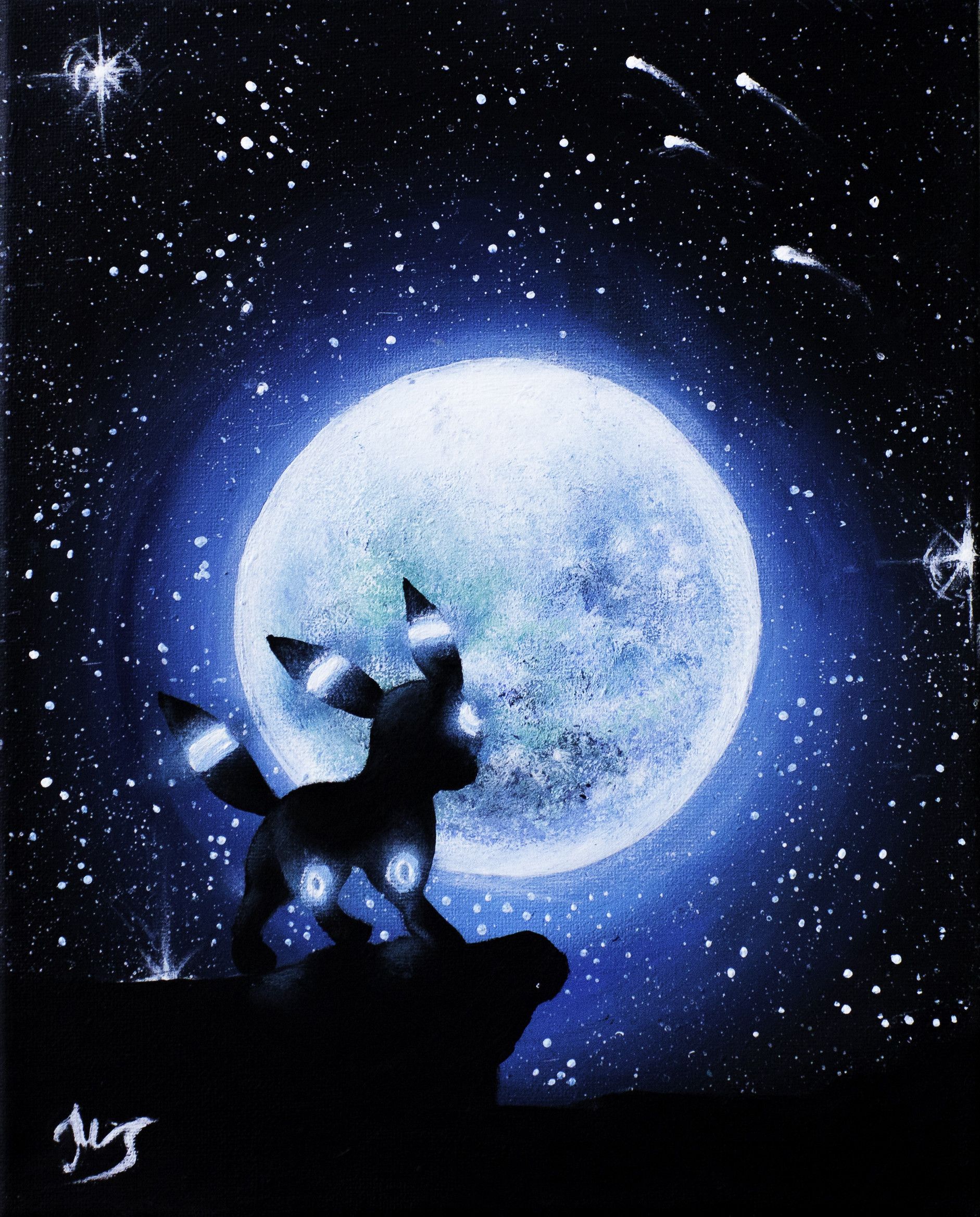
Umbreon silhouette luna piena, 1882x2337 Full HD Verticale, iPhone
1882×2337HD Scarica
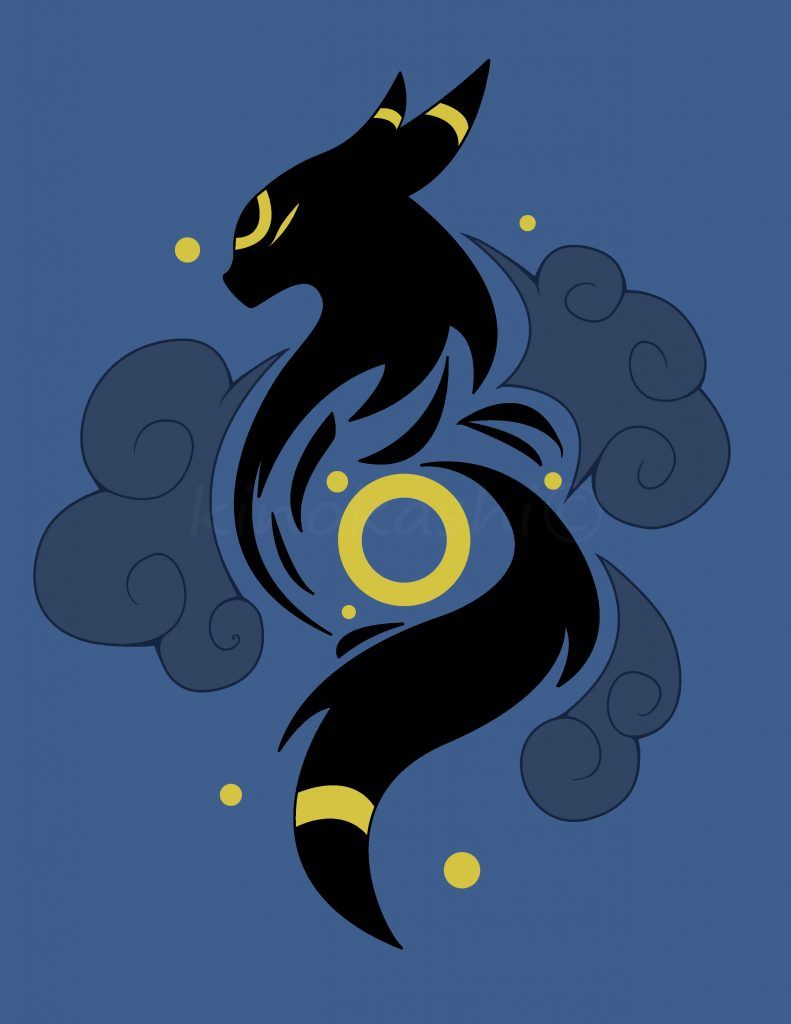
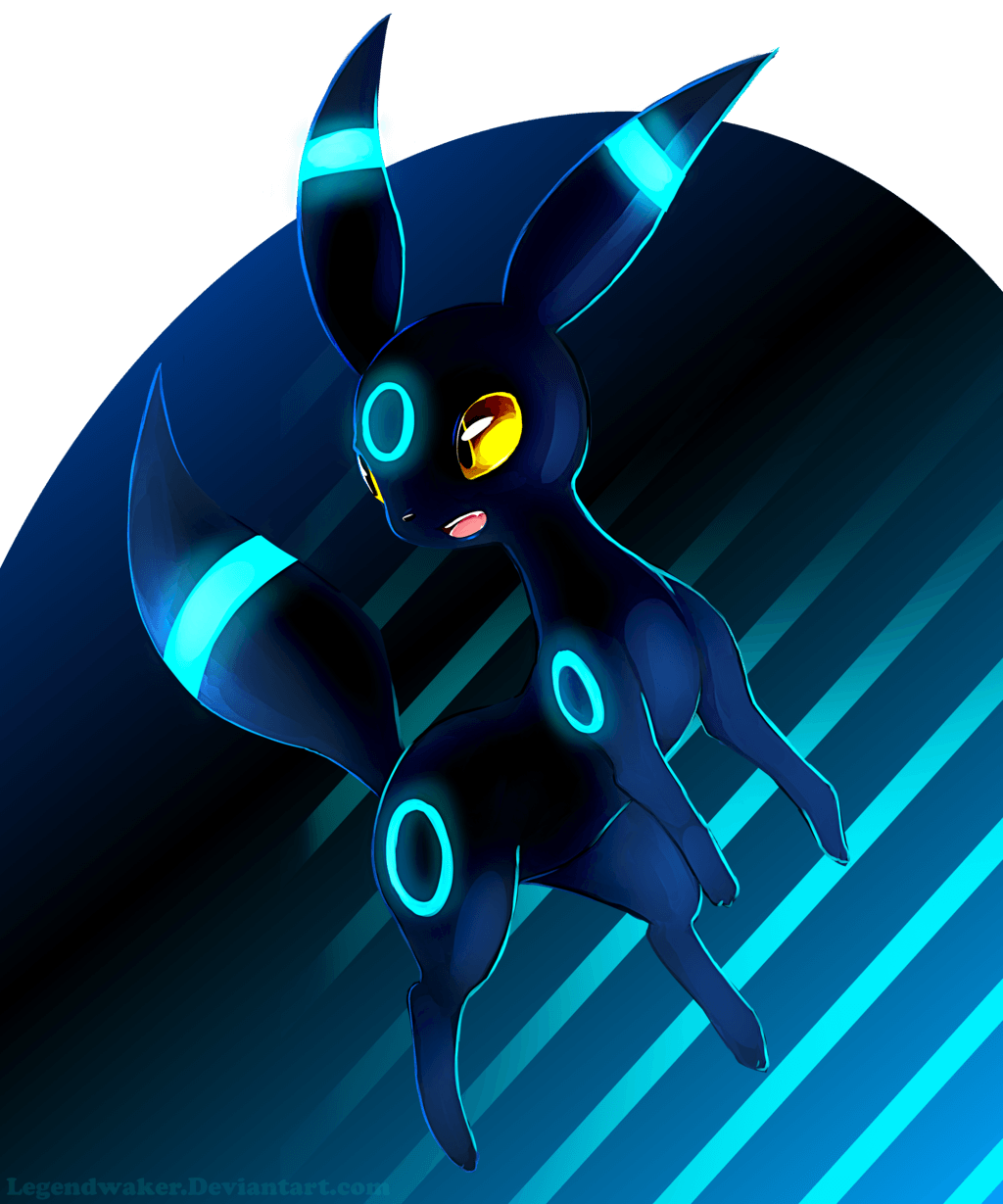
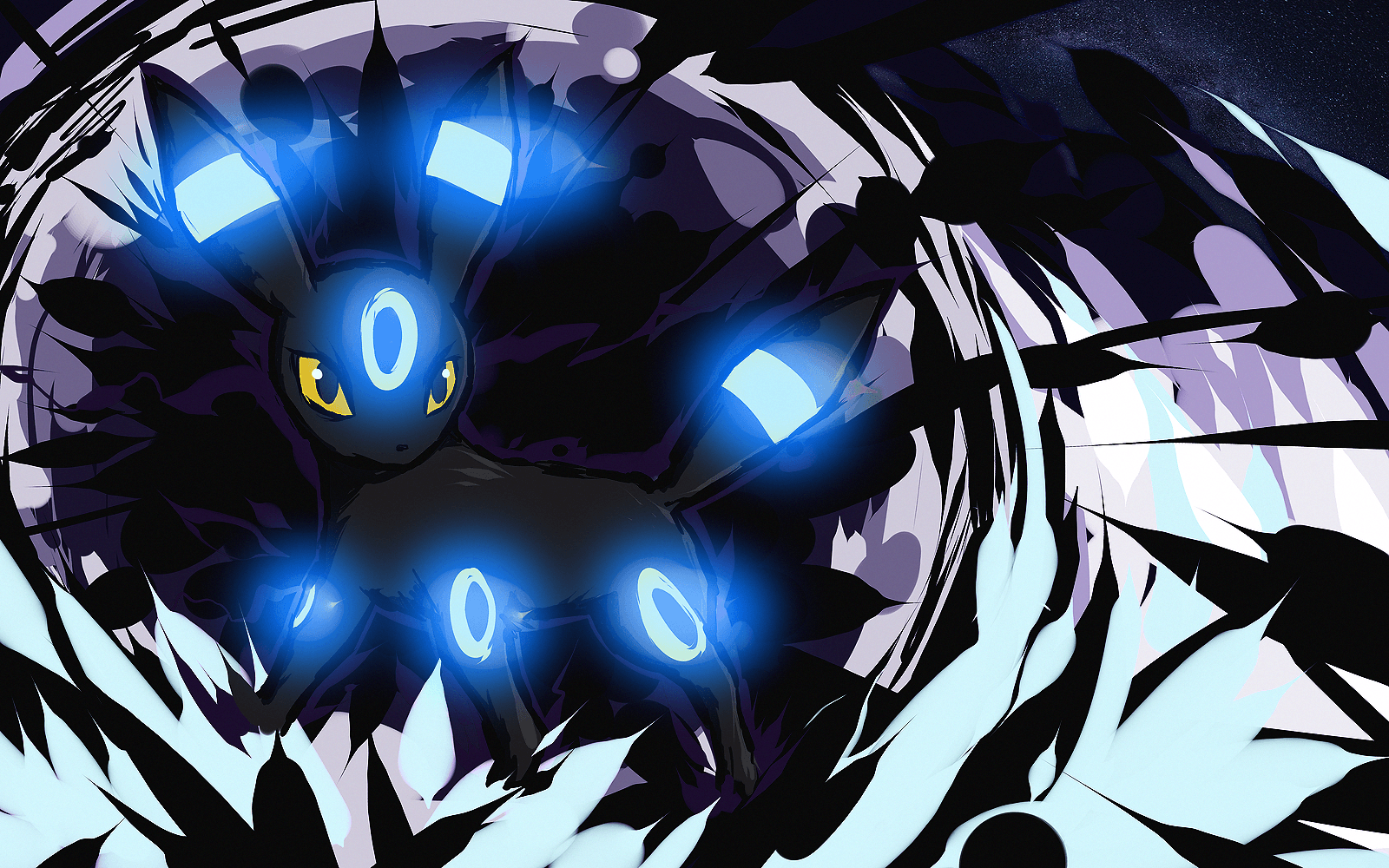
Umbreon stilizzato sfondo blu, 791x1024 Verticale, Telefono
791×1024HD Scarica
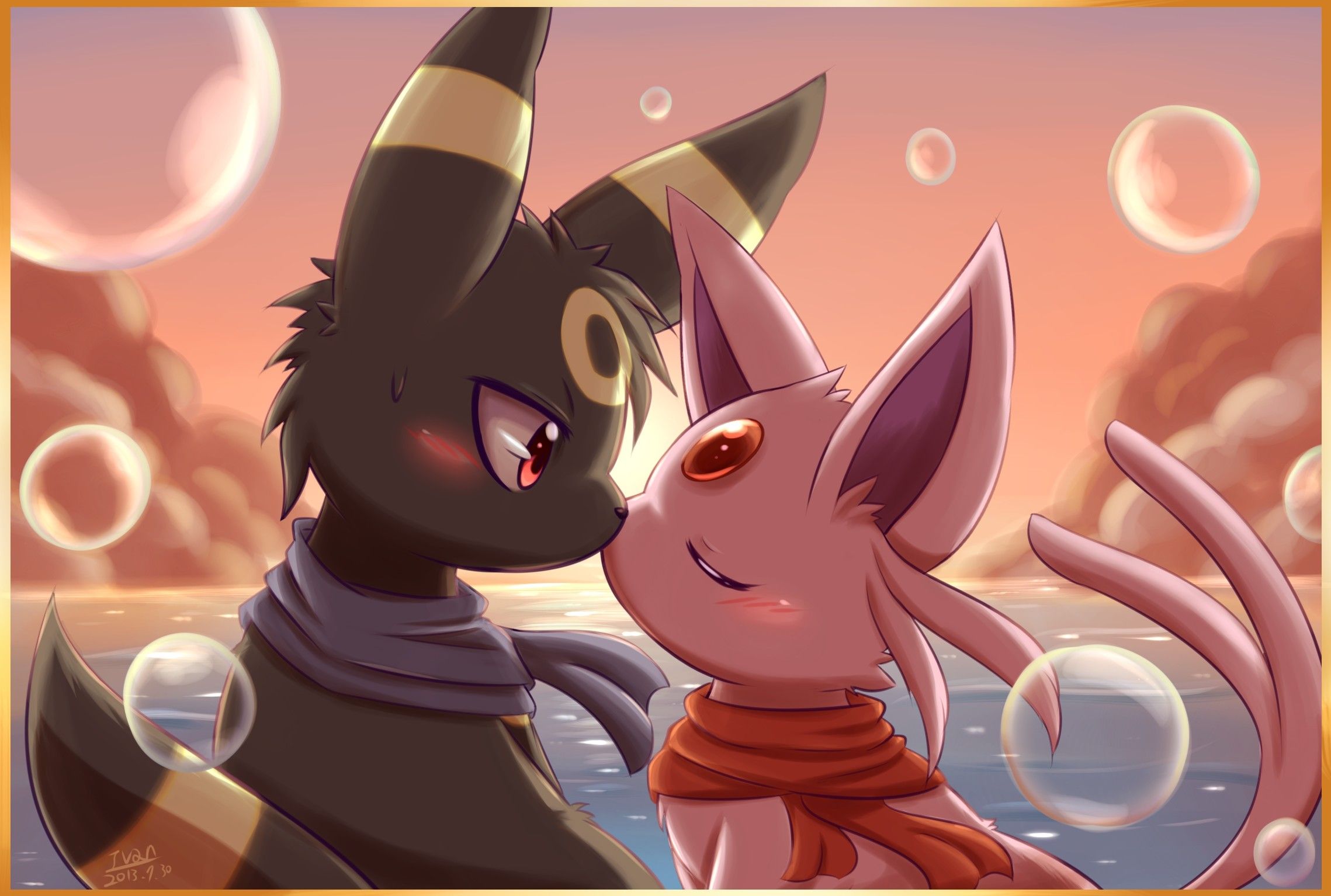
Umbreon ed Espeon shiny, 2278x1534 alta risoluzione, PC
2278×1534HD Scarica
Umbreon ed Espeon shiny, 2560x1820 WQXGA, Desktop
2560×18202K Scarica
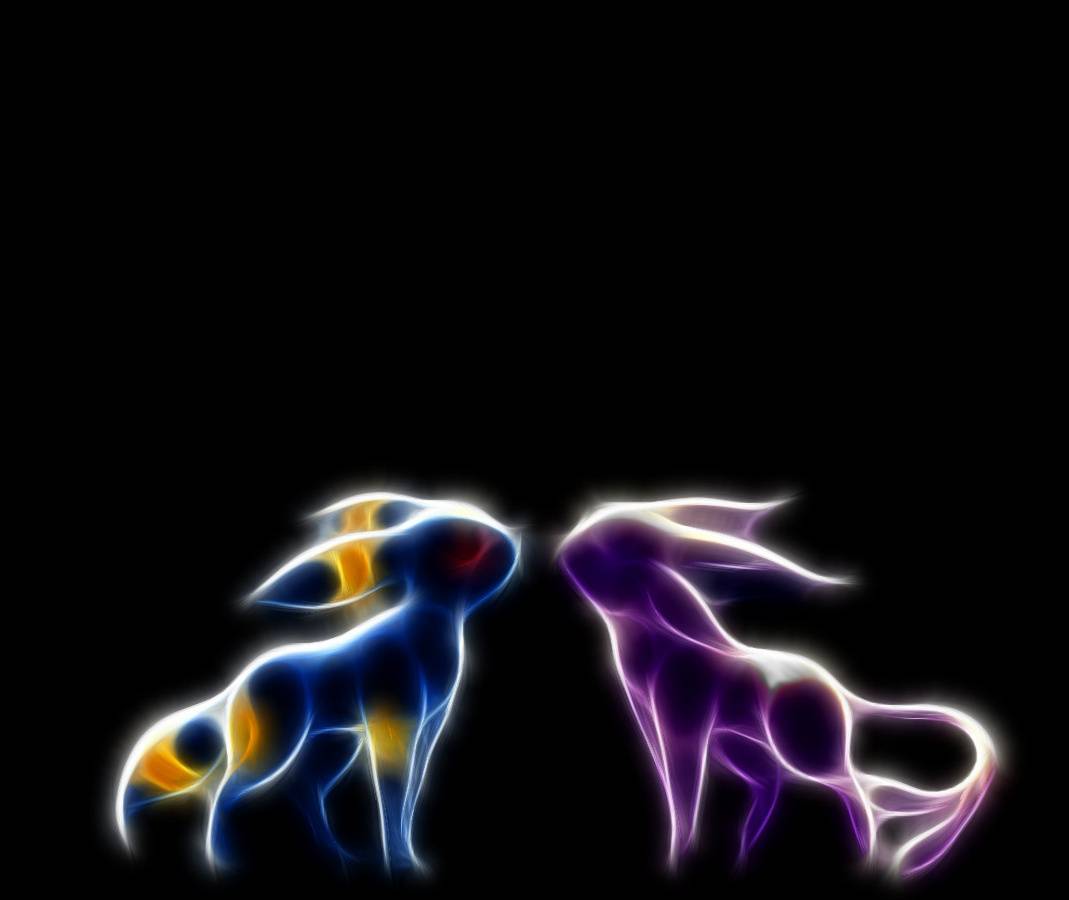
Umbreon ed Espeon luminosi, 1069x900 HD, Laptop
1069×900HD Scarica
Umbreon ed Espeon cromatici, 1440x1080 HD, Notebook Gaming
1440×1080HD Scarica
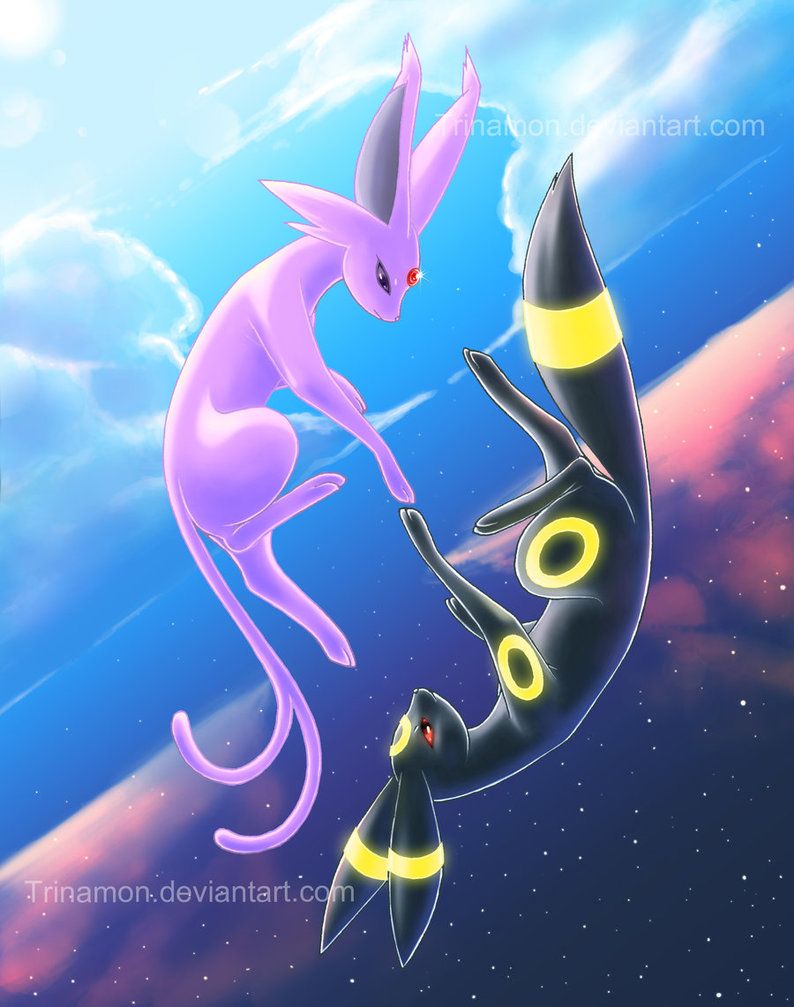
Umbreon ed Espeon cromatici, 794x1007 Full HD Verticale, iPhone
794×1007HD Scarica
Eevee e Glaceon cuccioli addormentati, Pokémon, 1920x1080 1080p, Desktop
2560×16002K Scarica
Umbreon Espeon prisma arcobaleno, 2560x1600 2K, Laptop
800×1000HD Scarica
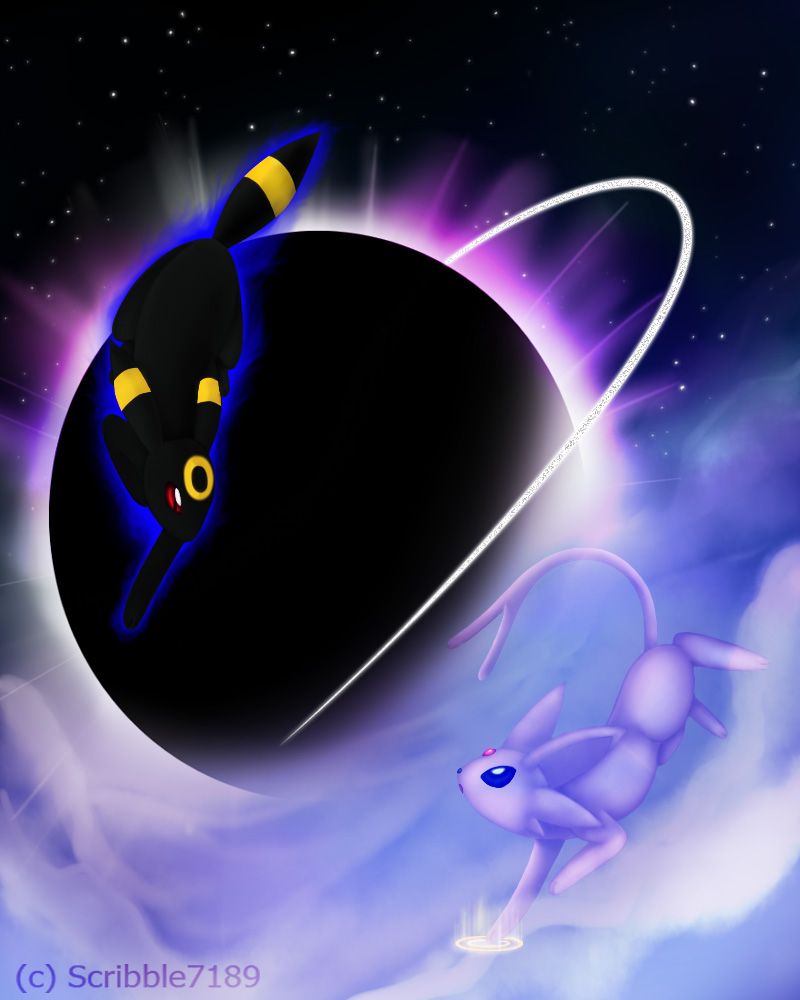
Umbreon ed Espeon cromatici, pianeta, 800x1000 Verticale, Telefono
1042×798HD Scarica
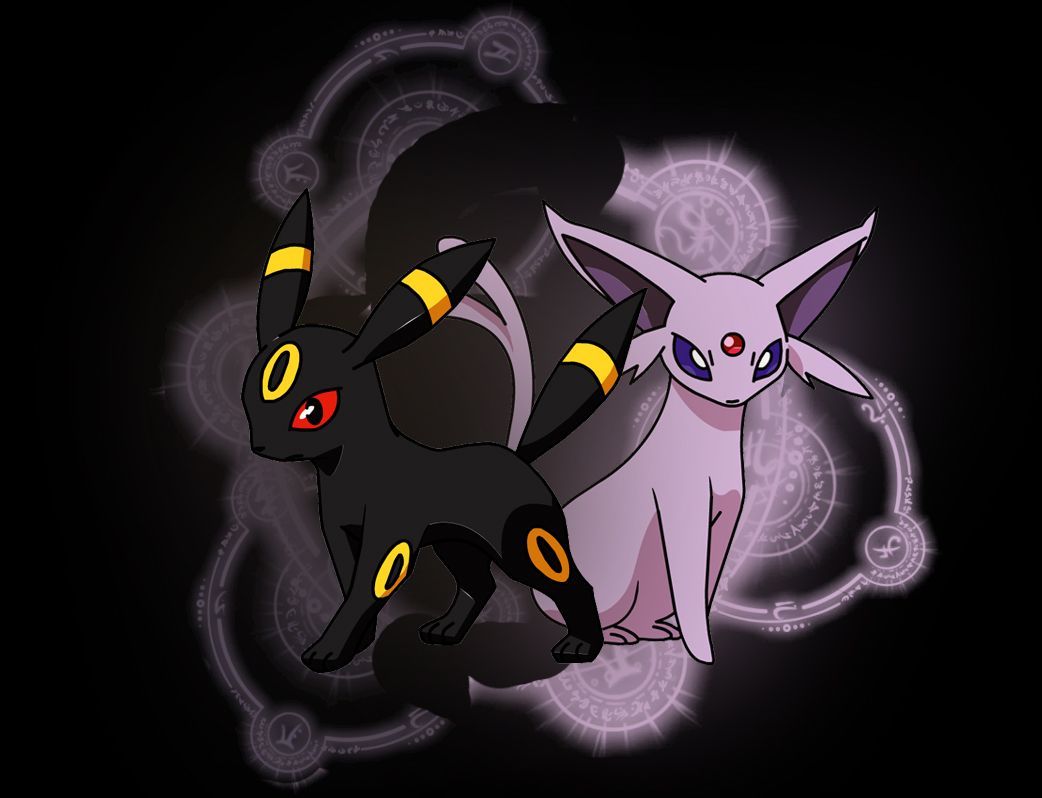
Umbreon ed Espeon Pokemon, 1042x798 HD, iMac
1443×2048HD Scarica
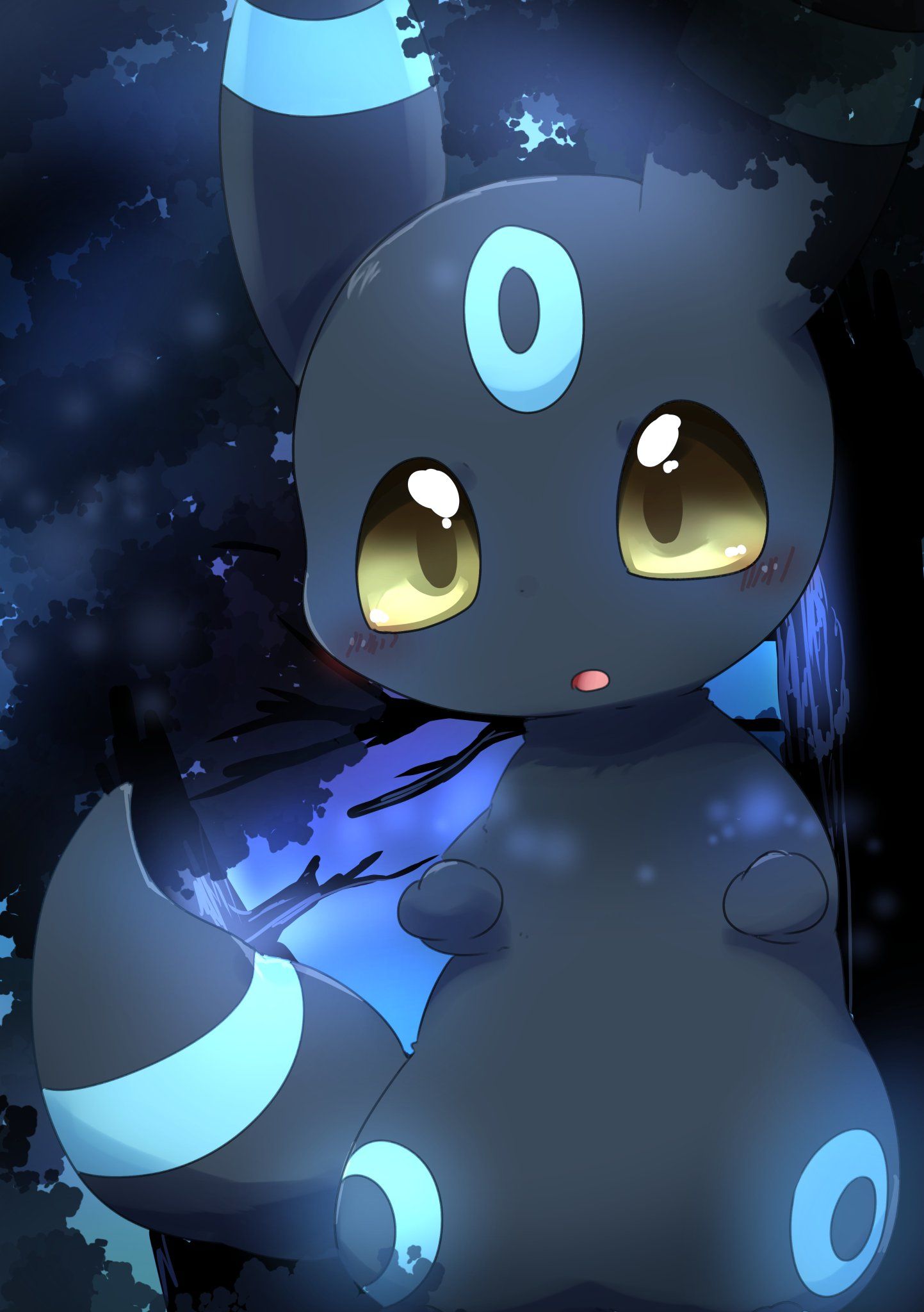
Umbreon Shiny Pokemon, Nintendo, 1443x2048 Verticale, Mobile
1920×1080HD Scarica
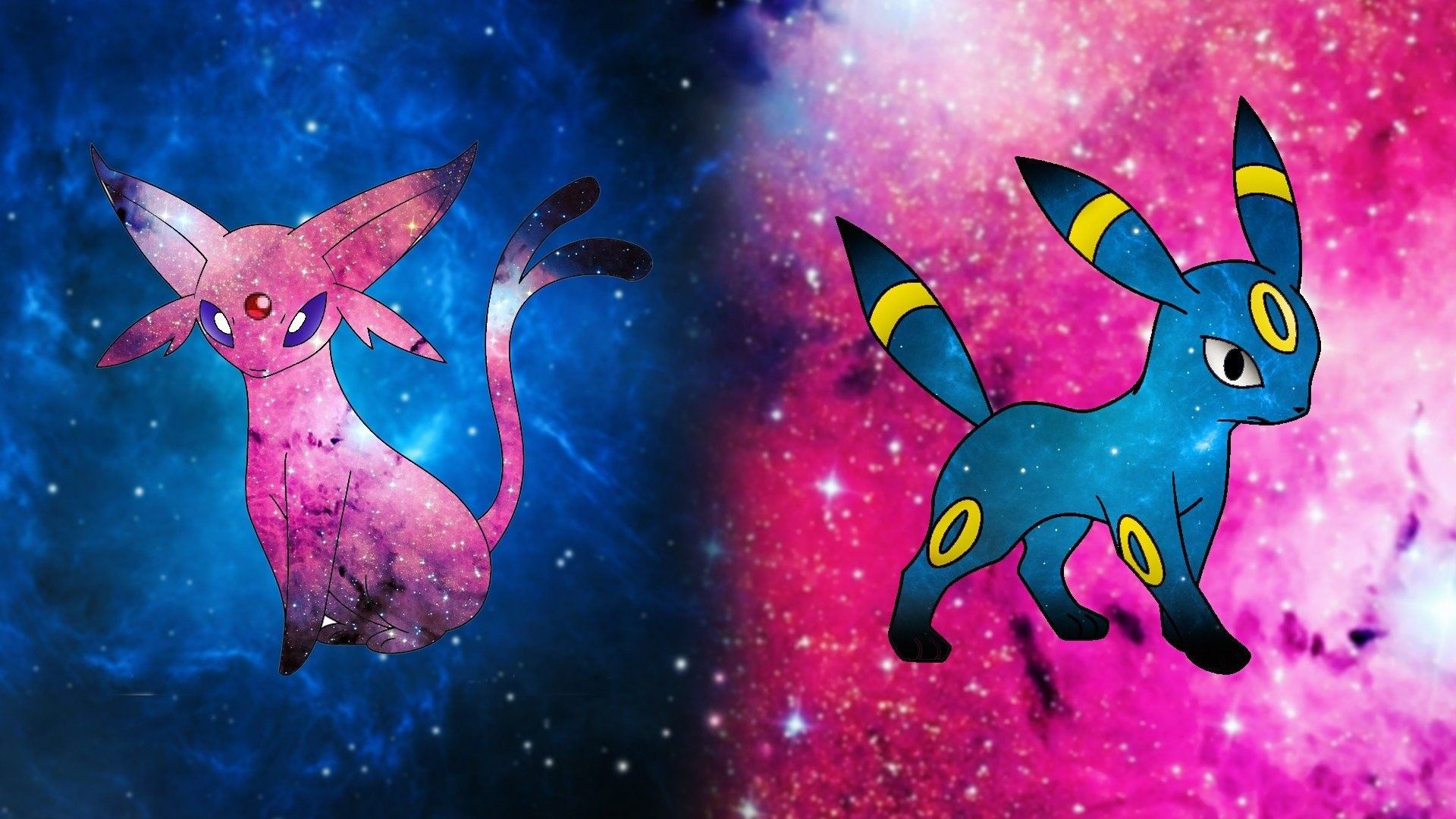
Espeon e Umbreon cromatici galassia, 1920x1080 Full HD, Laptop
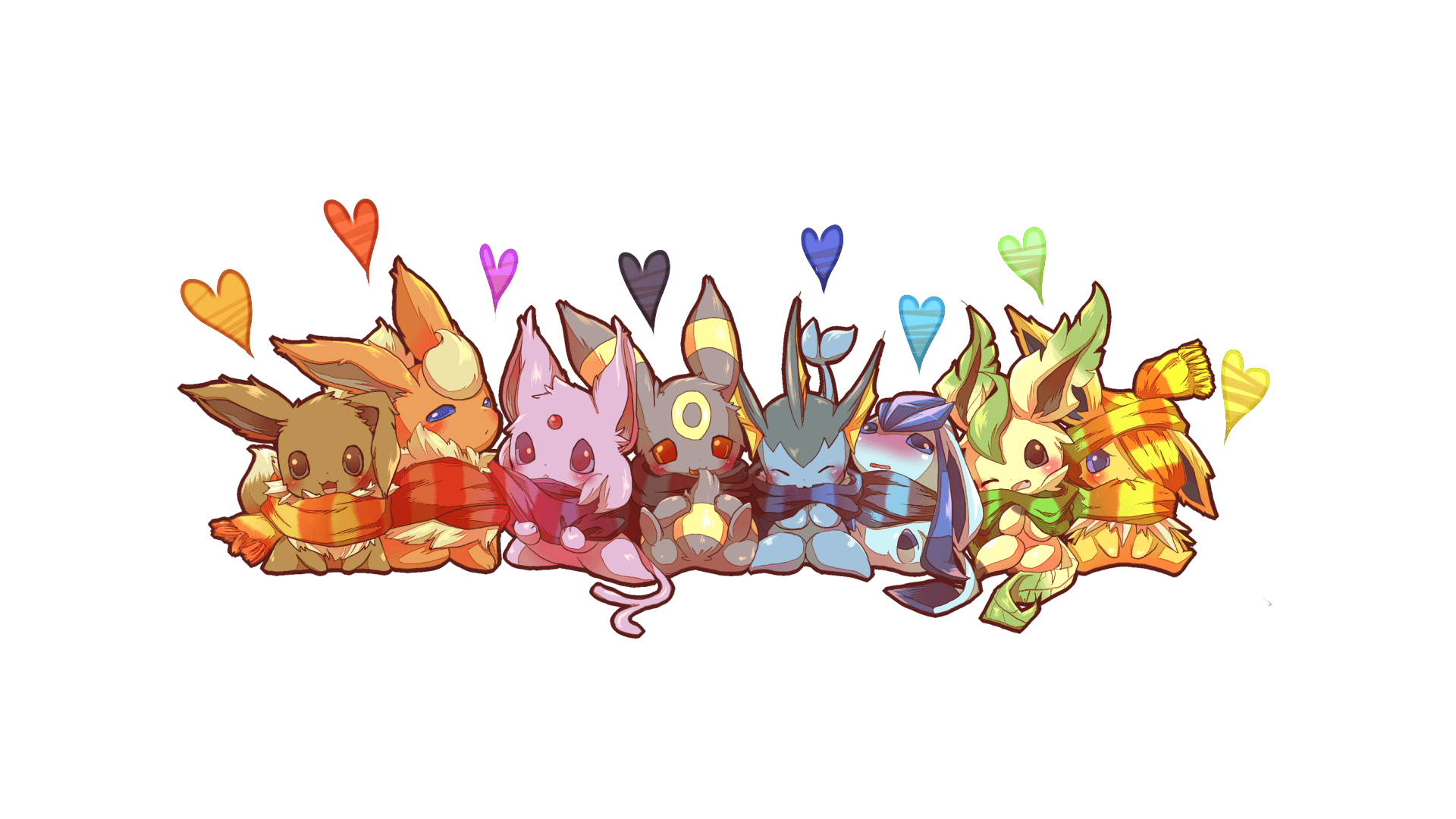
1024×1229HD Scarica
Umbreon cromatico Pokémon, 1024x1229 Verticale, Telefono
1132×706HD Scarica
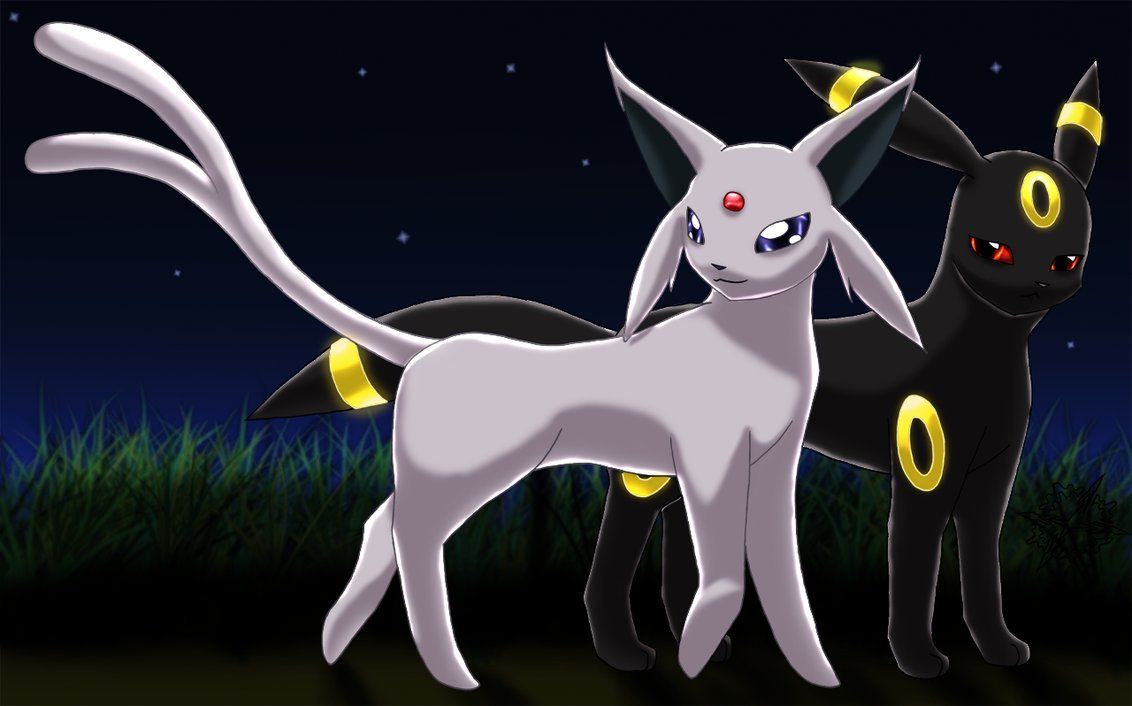
Umbreon ed Espeon shiny Pokémon, 1132x706 HD, PC
1920×1080HD Scarica
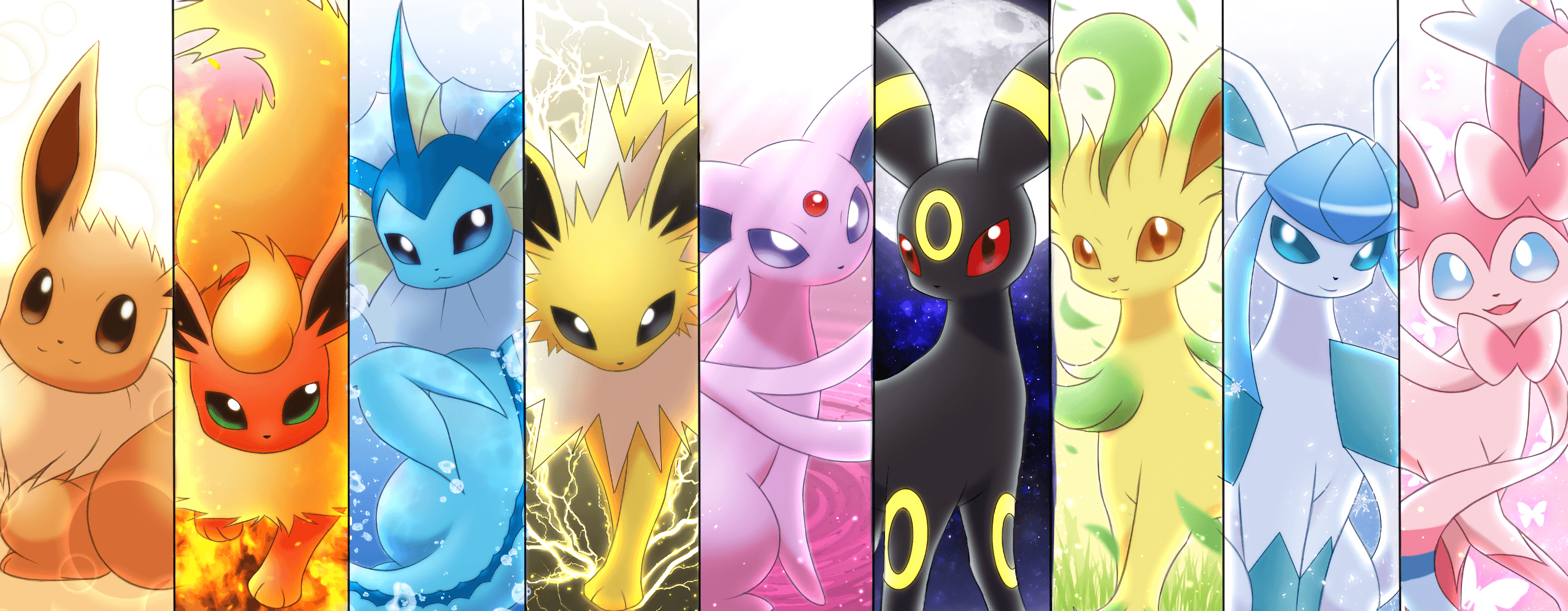
Eeveelution Pokémon gruppo, 3800x1350 Ultrawide, Monitor Gaming
894×894HD Scarica
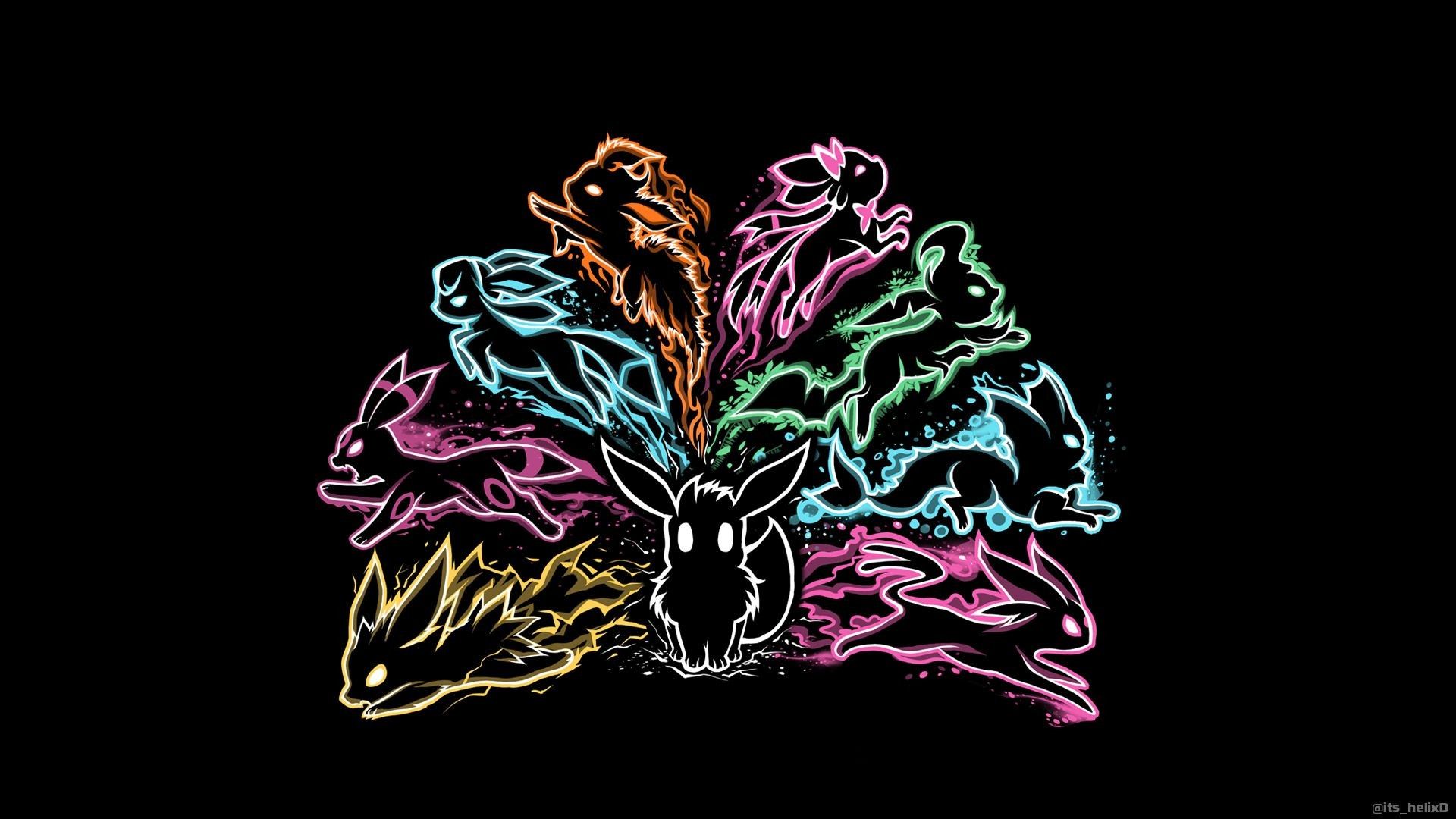
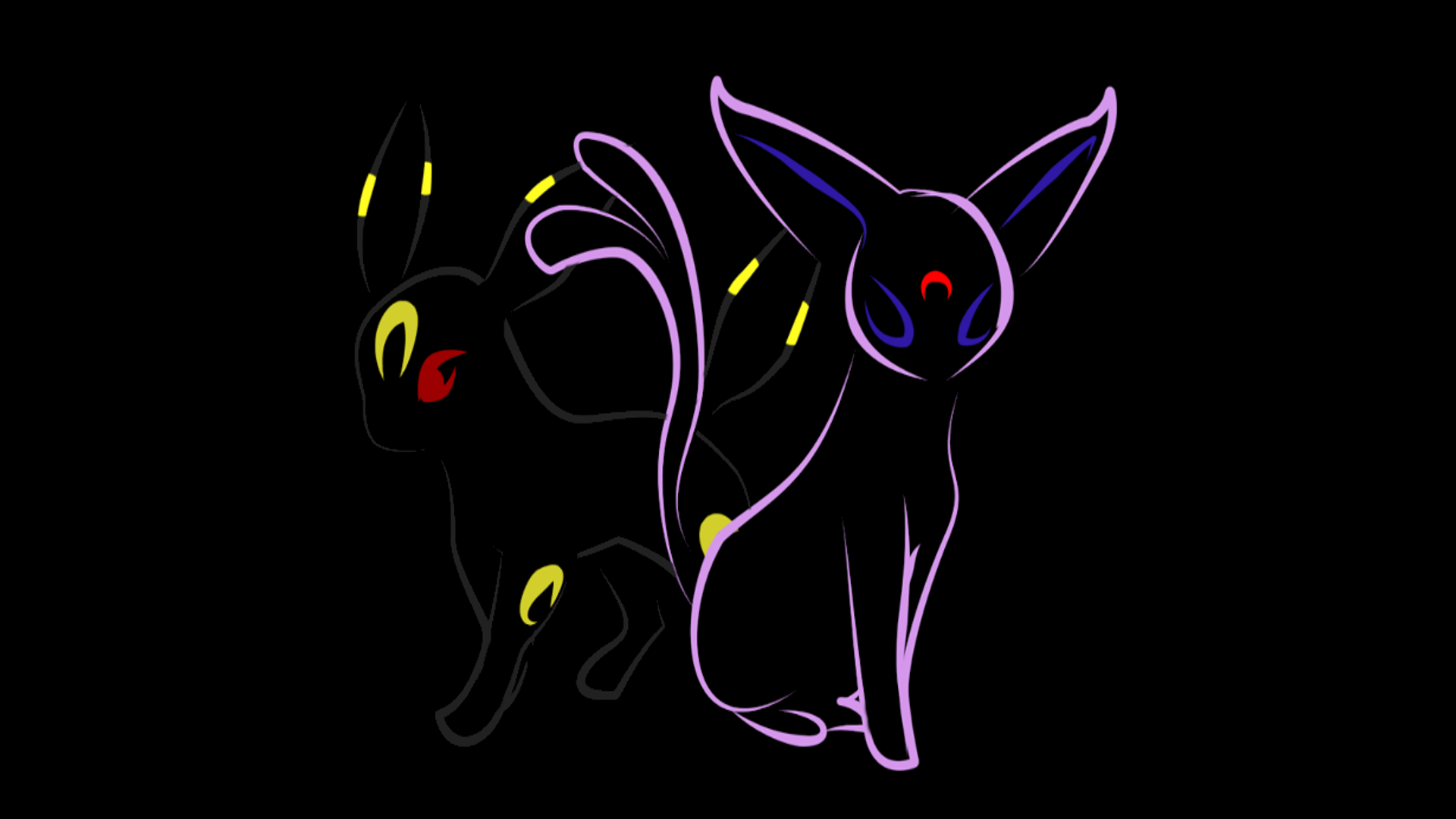
Eeveelutions contorni colorati sfondo nero, 1920x1080 1080p, Laptop
1366×768HD Scarica
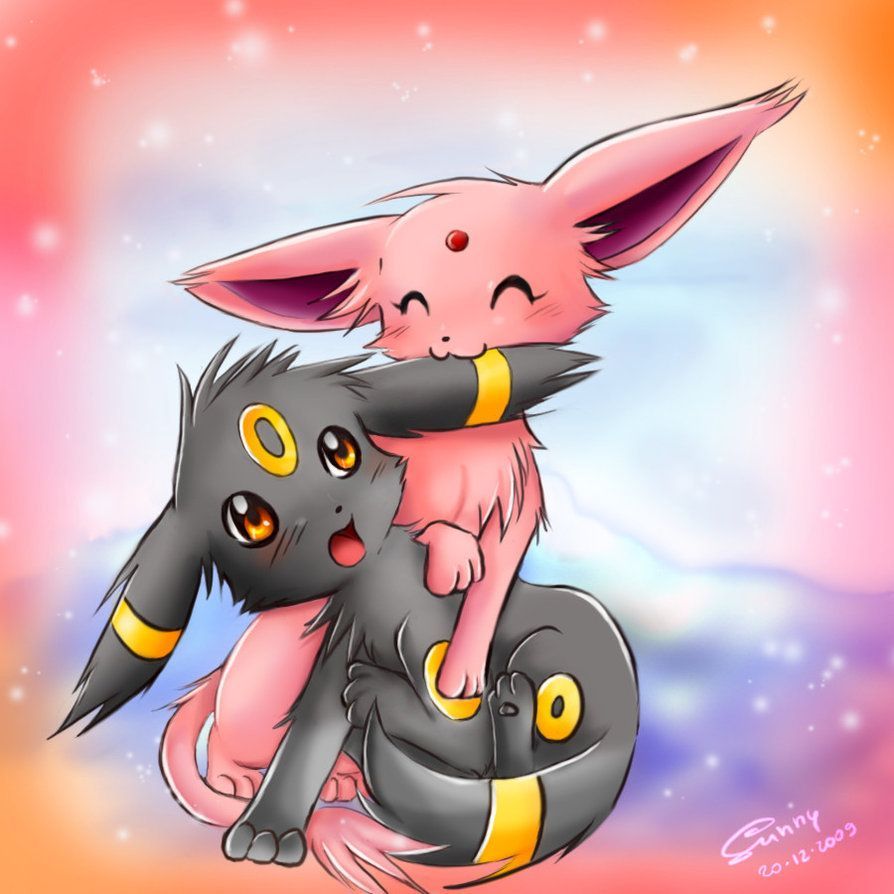
Umbreon ed Espeon shiny cuccioli, 894x894 HD, Desktop
1448×2048HD Scarica
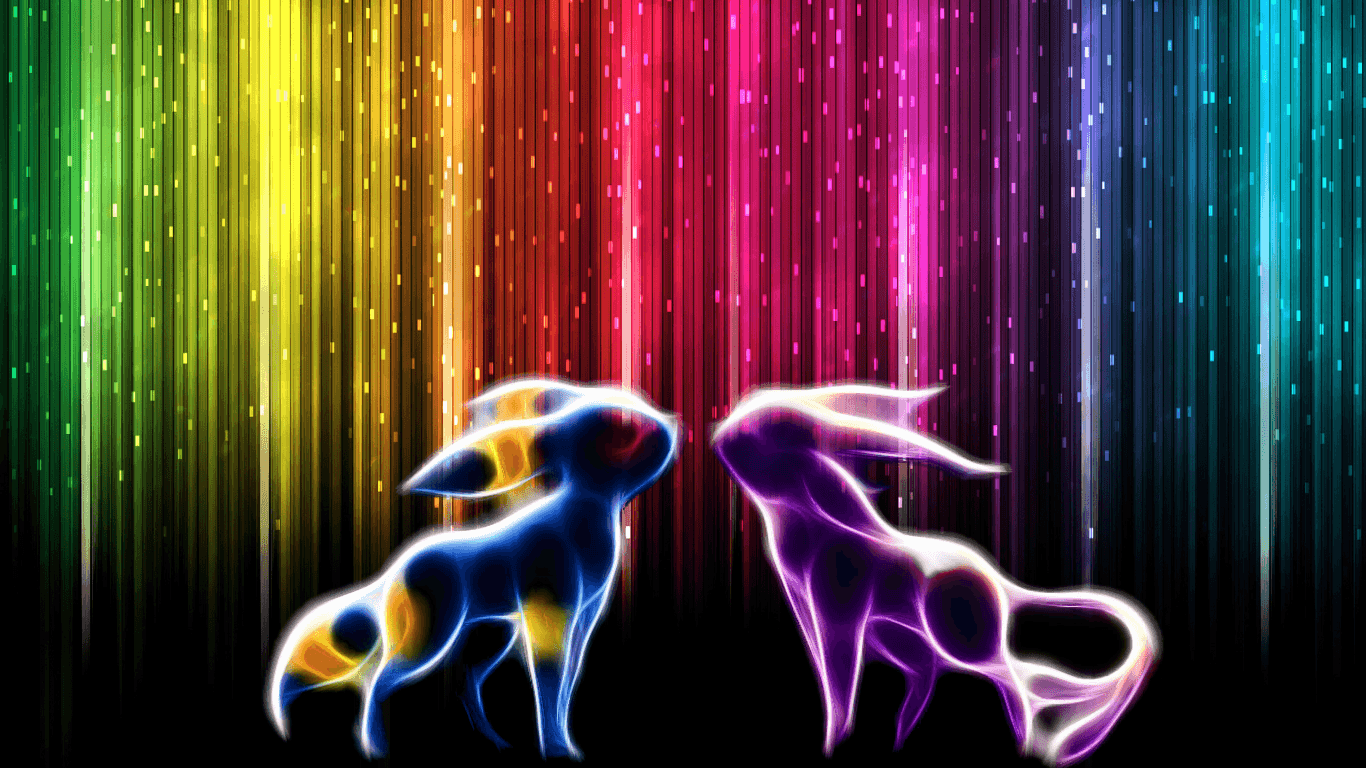
Umbreon ed Espeon cromatici neon, 1366x768 720p, PC
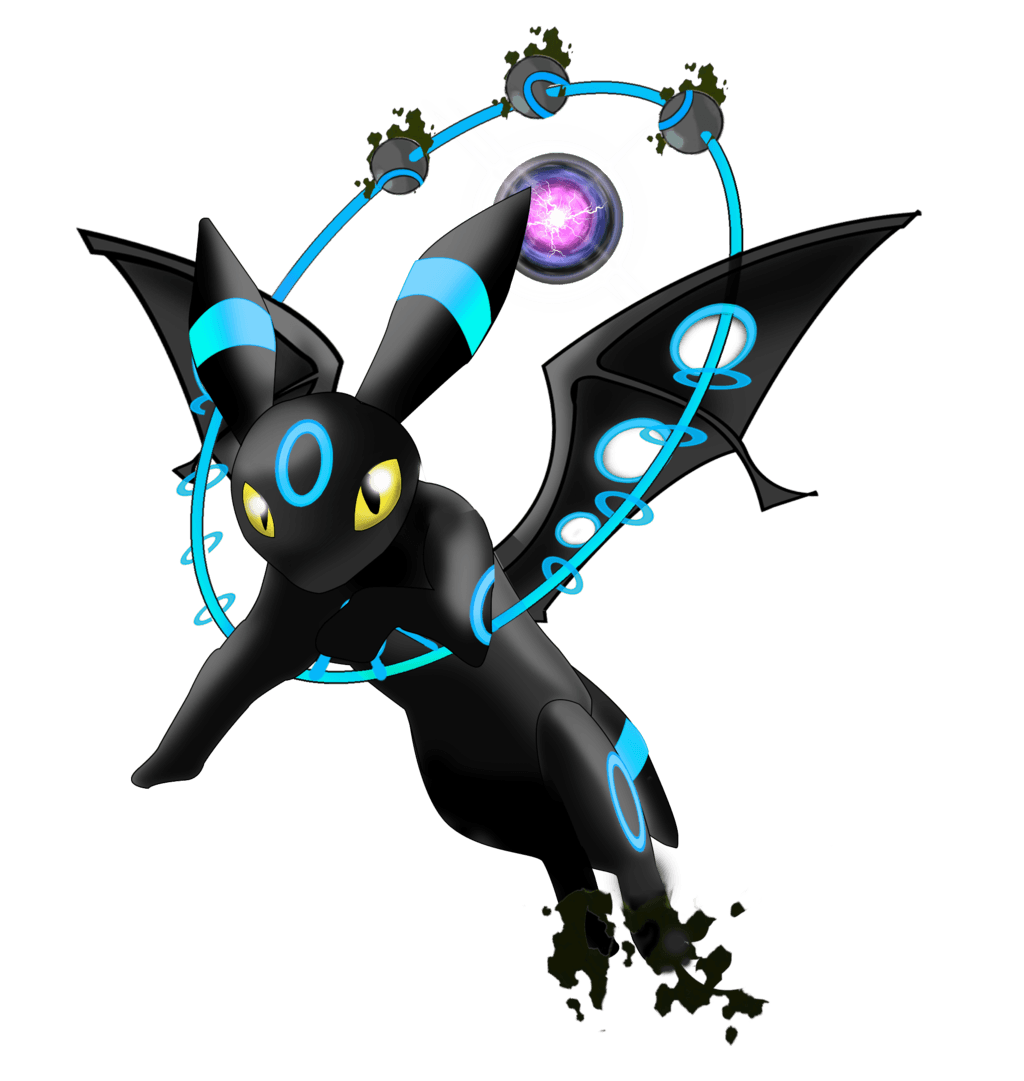
1600×1000HD Scarica
Umbreon Pokemon acqua notte, Nintendo, 1448x2048 Verticale, Mobile
950×958HD Scarica
Umbreon Shiny Pokémon oscuro, 1600x1000 HD Ready, Acer Nitro
1920×1200HD Scarica
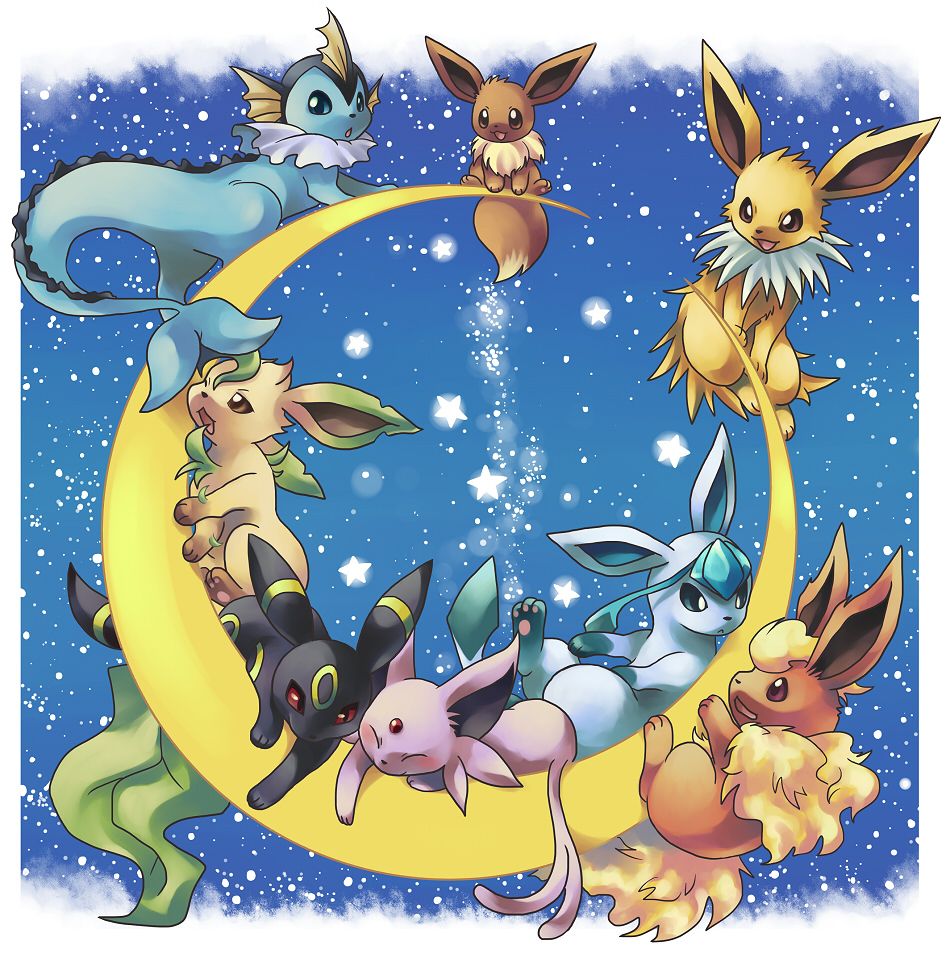
Eeveelutions Pokémon sulla luna, 950x958 Verticale, Telefono
1920×1080HD Scarica
Evoluzioni Eevee illustrate Pokémon, Eeveelution, 1920x1200 WUXGA, PC
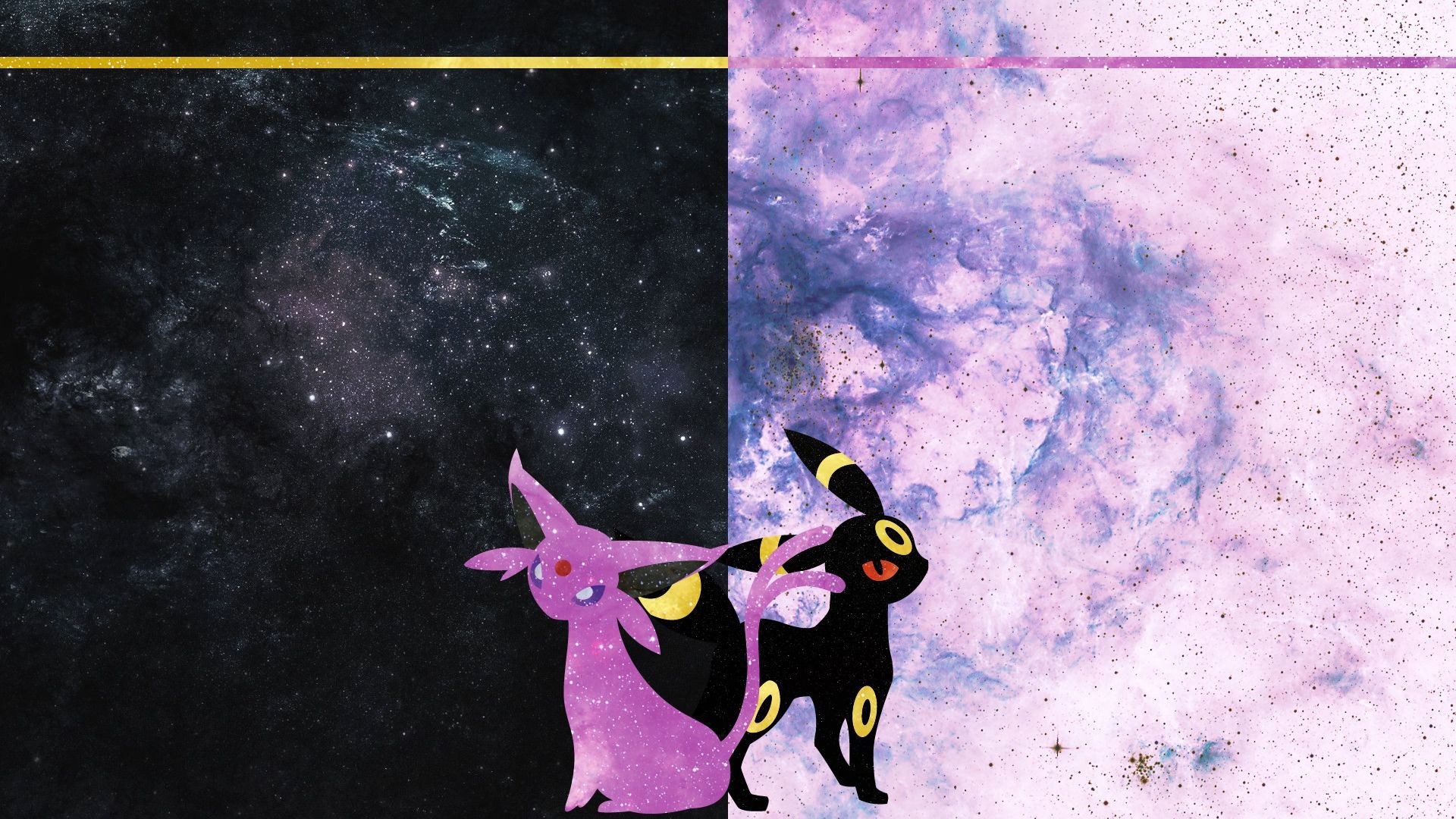
1024×1081HD Scarica
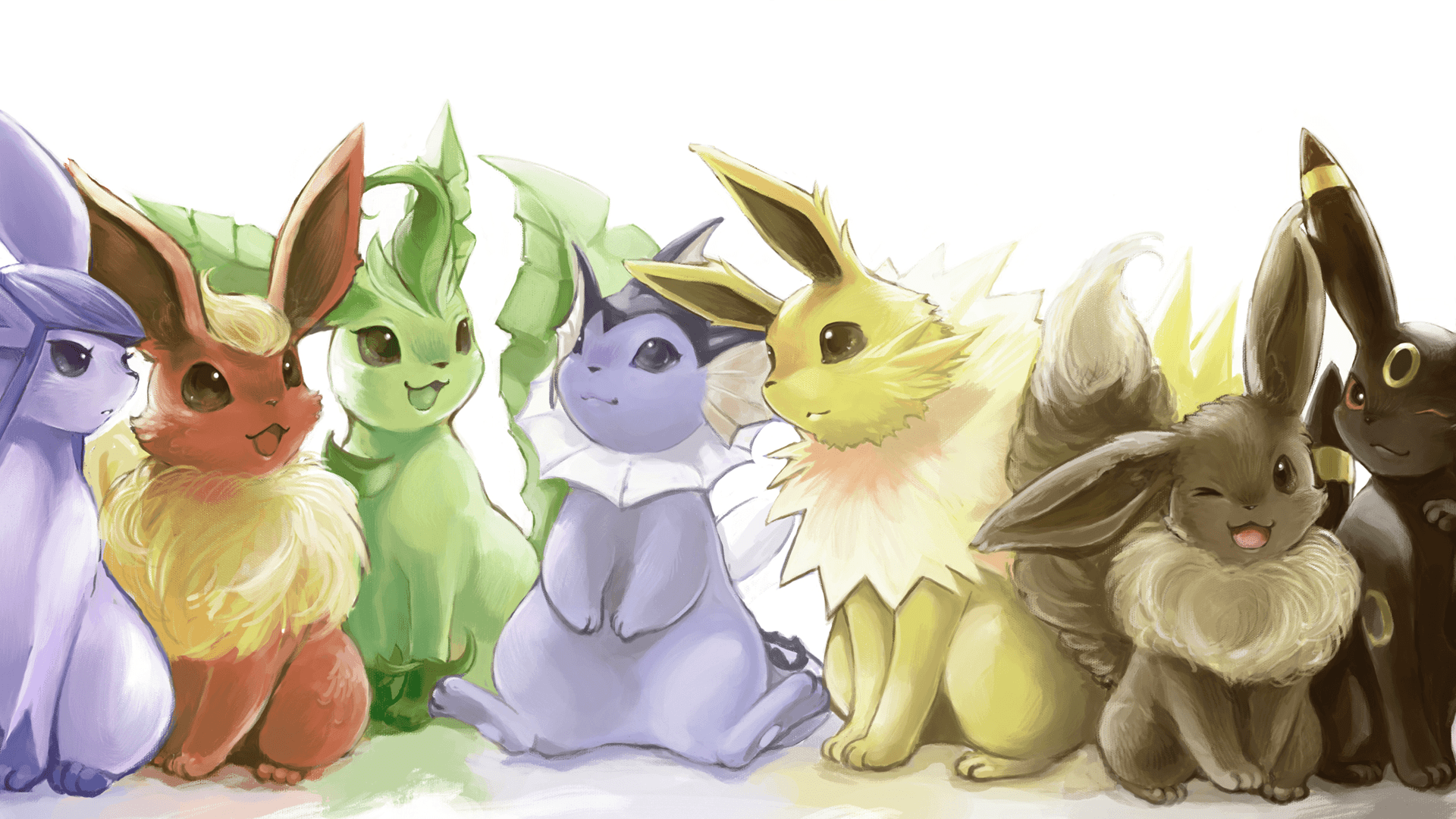
Eevee evoluzioni Pokémon chibi, Eeveelution, 1920x1080 Full HD 1080p, Desktop
900×933HD Scarica
Mega Umbreon shiny nero blu, 1024x1081 Full HD Verticale, Smartphone
1280×846HD Scarica
Umbreon ed Espeon Pokémon, 900x933 Verticale, Xiaomi
1024×1024HD Scarica
Umbreon ed Espeon Pokémon, 1280x846 720p, PC
1920×1080HD Scarica
Umbreon ed Espeon sotto la luna, 1024x1024 HD, Desktop
1920×1080HD Scarica
Umbreon ed Espeon cromatici, 1920x1080 1080p, Laptop
1920×1080HD Scarica
Umbreon ed Espeon cromatici, 1920x1080 Full HD 1080p, Desktop
900×915HD Scarica
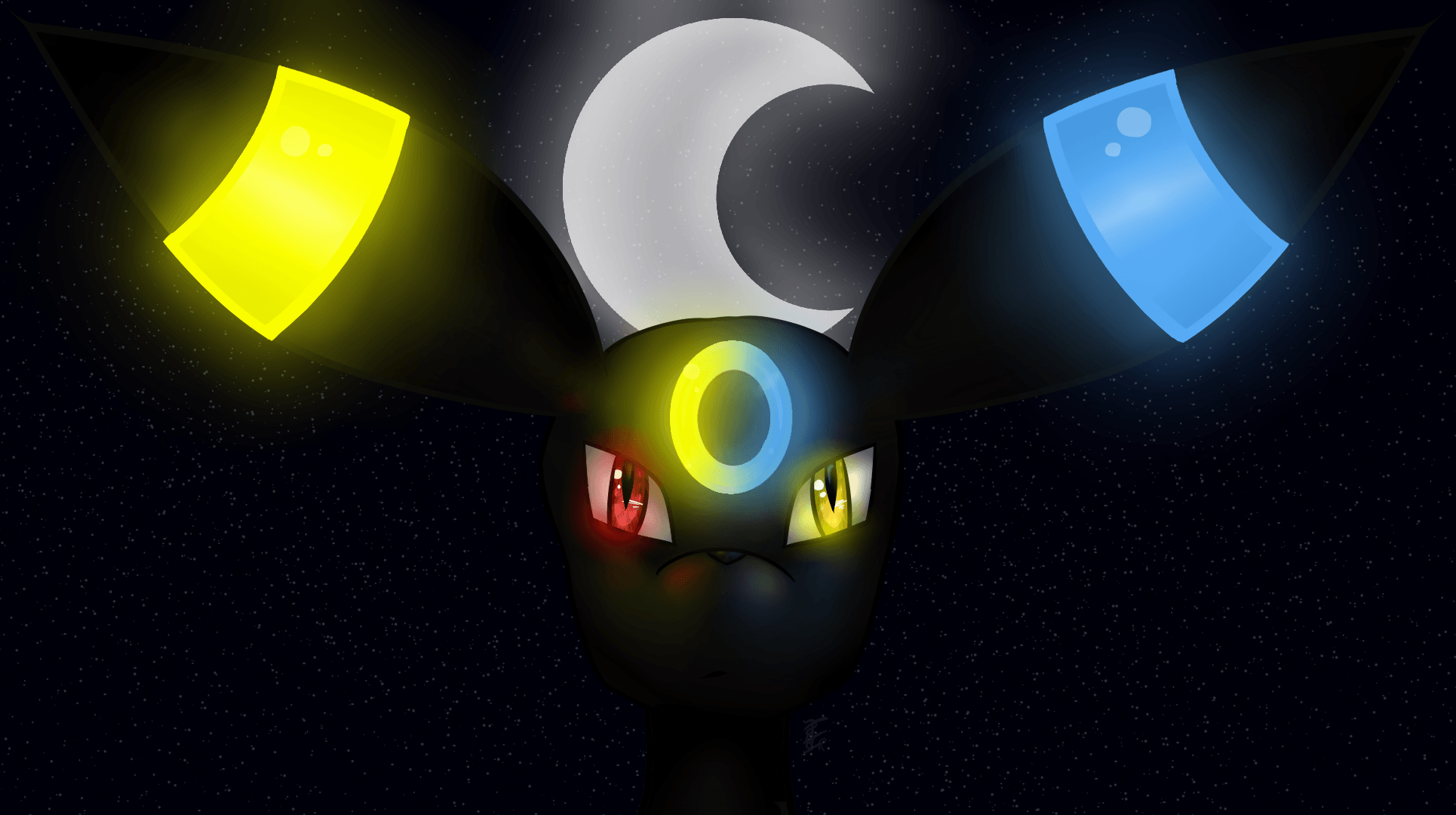
Umbreon luminoso blu neon, 1920x1080 Full HD, PC Desktop
1920×1080HD Scarica
Umbreon ed Espeon spaziali, 900x915 Verticale, Mobile
1191×670HD Scarica
Eeveelutions Pokémon acquerello, 1920x1080 Full HD 1080p, Laptop
1500×1500HD Scarica
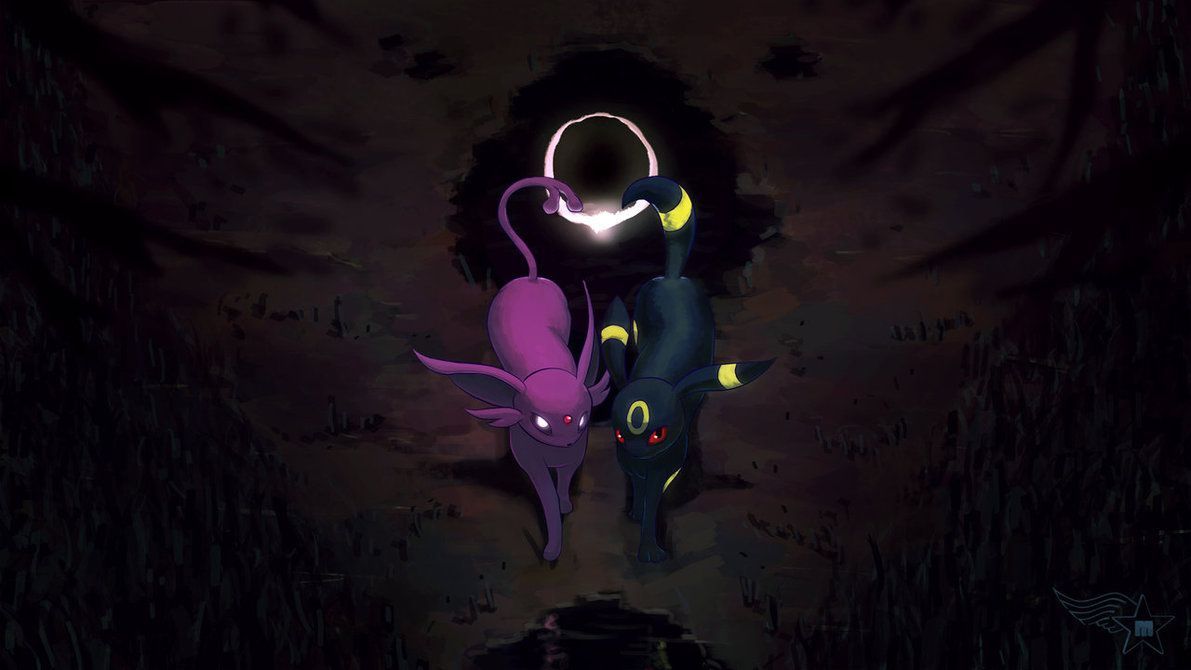
Umbreon ed Espeon shiny scuri, 1191x670 HD, Desktop
800×1003HD Scarica
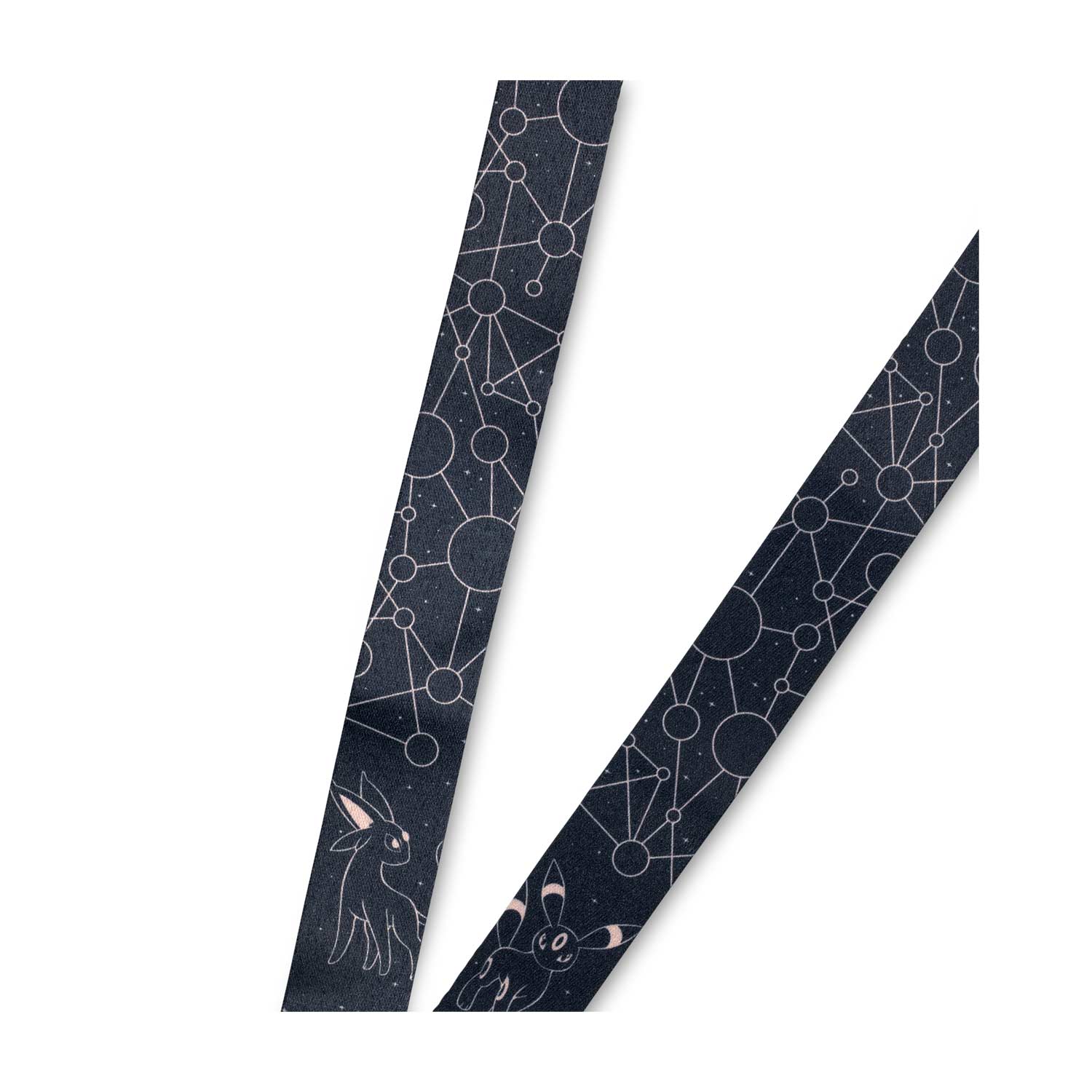
Lanyard costellazioni stelle nero, 1500x1500 720p, PC
1920×1080HD Scarica
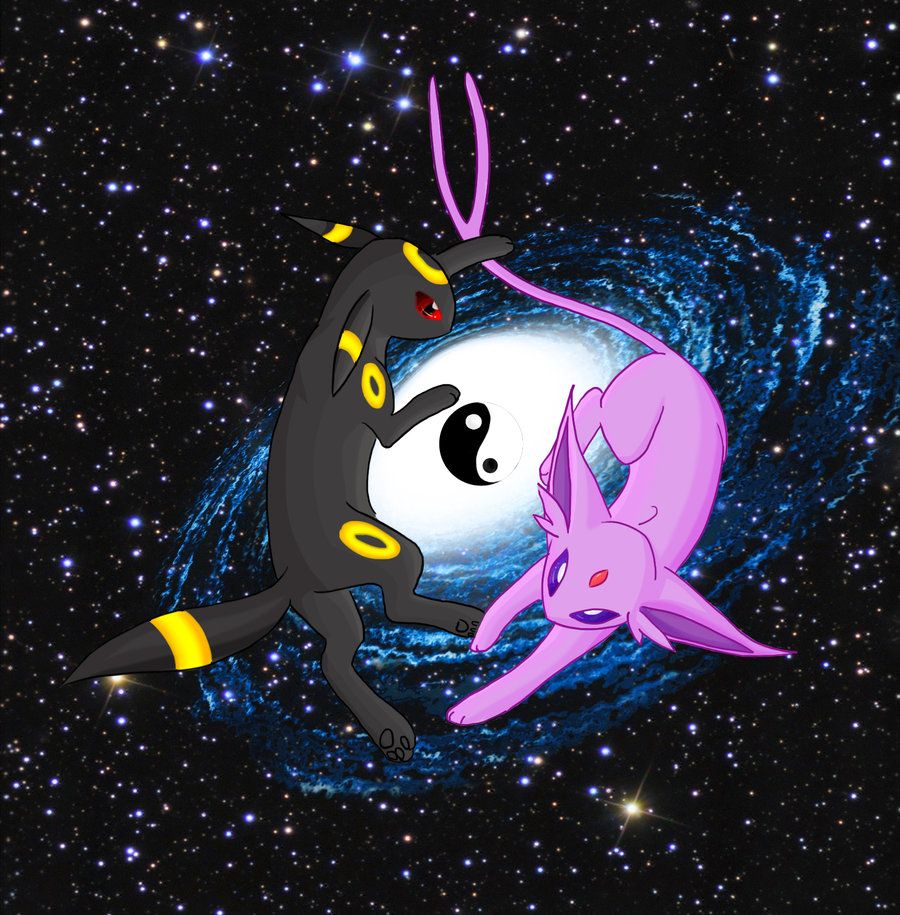
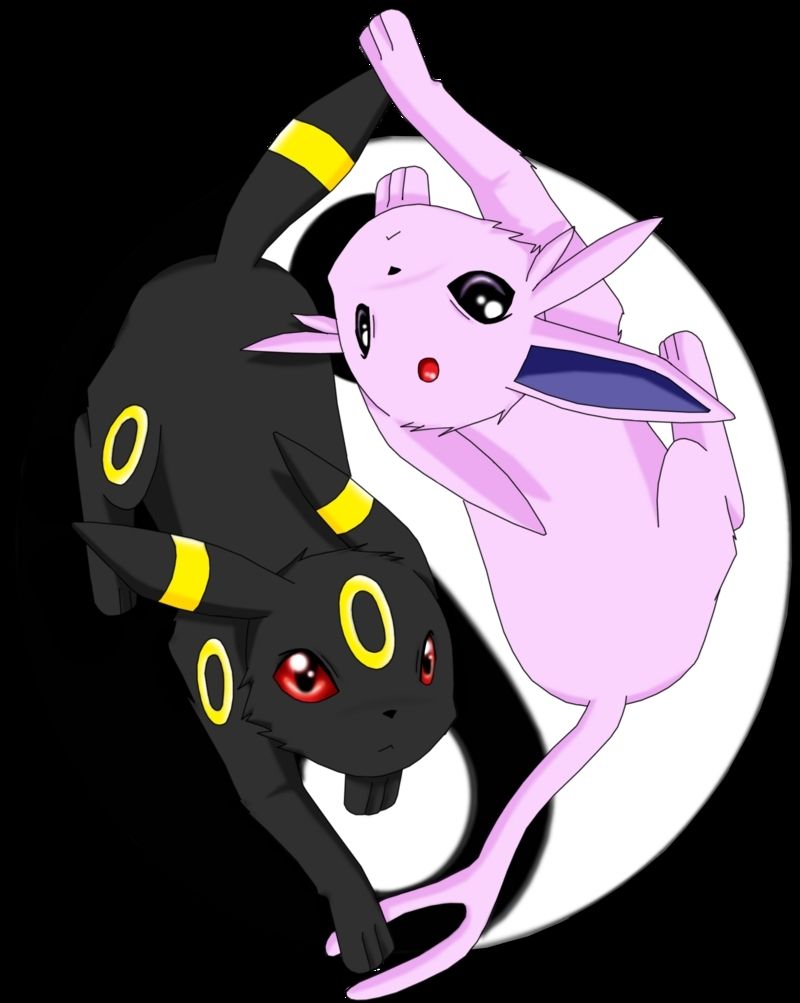
Umbreon ed Espeon yin yang, 800x1003 Verticale, OnePlus
1920×1200HD Scarica
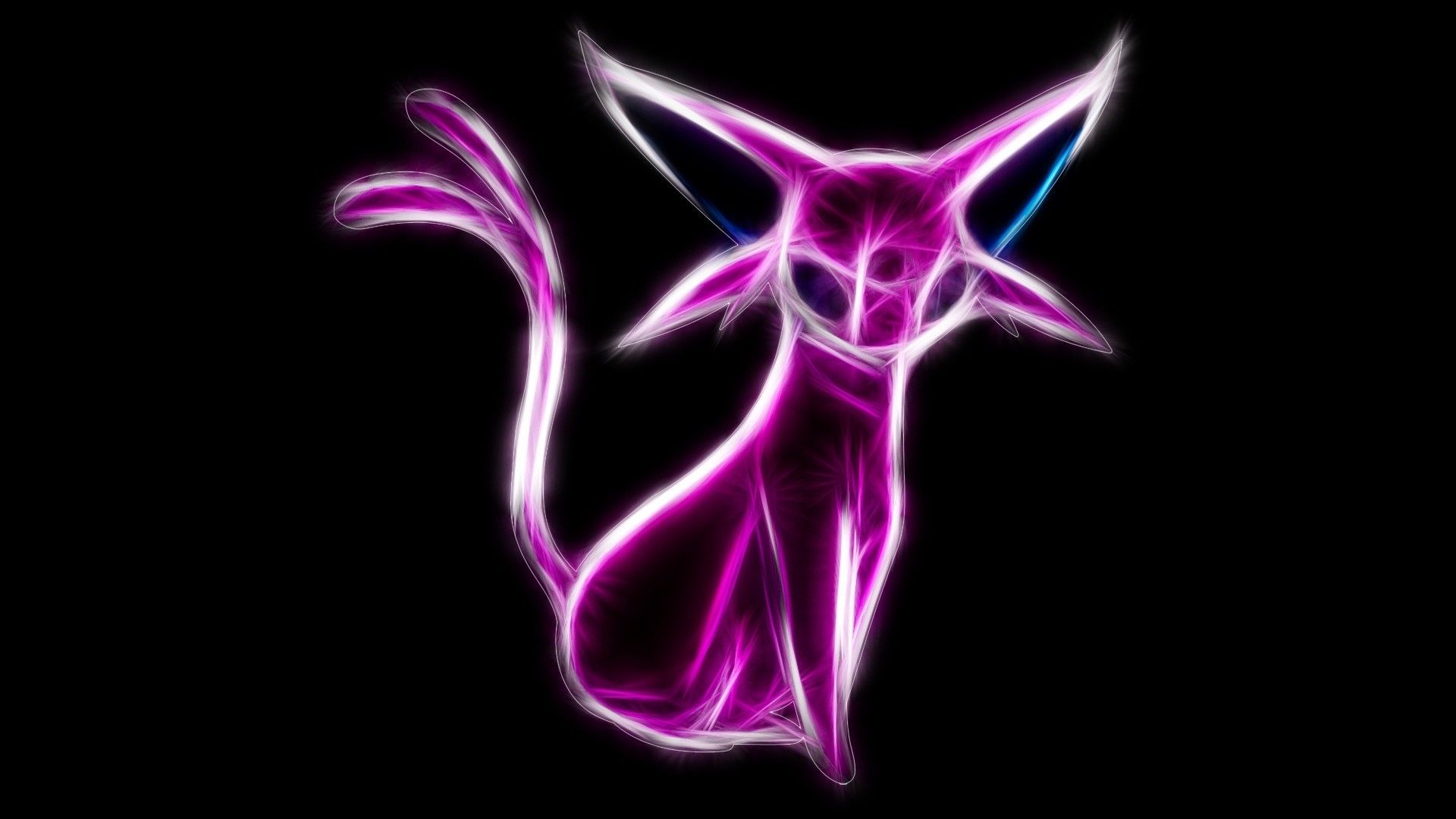
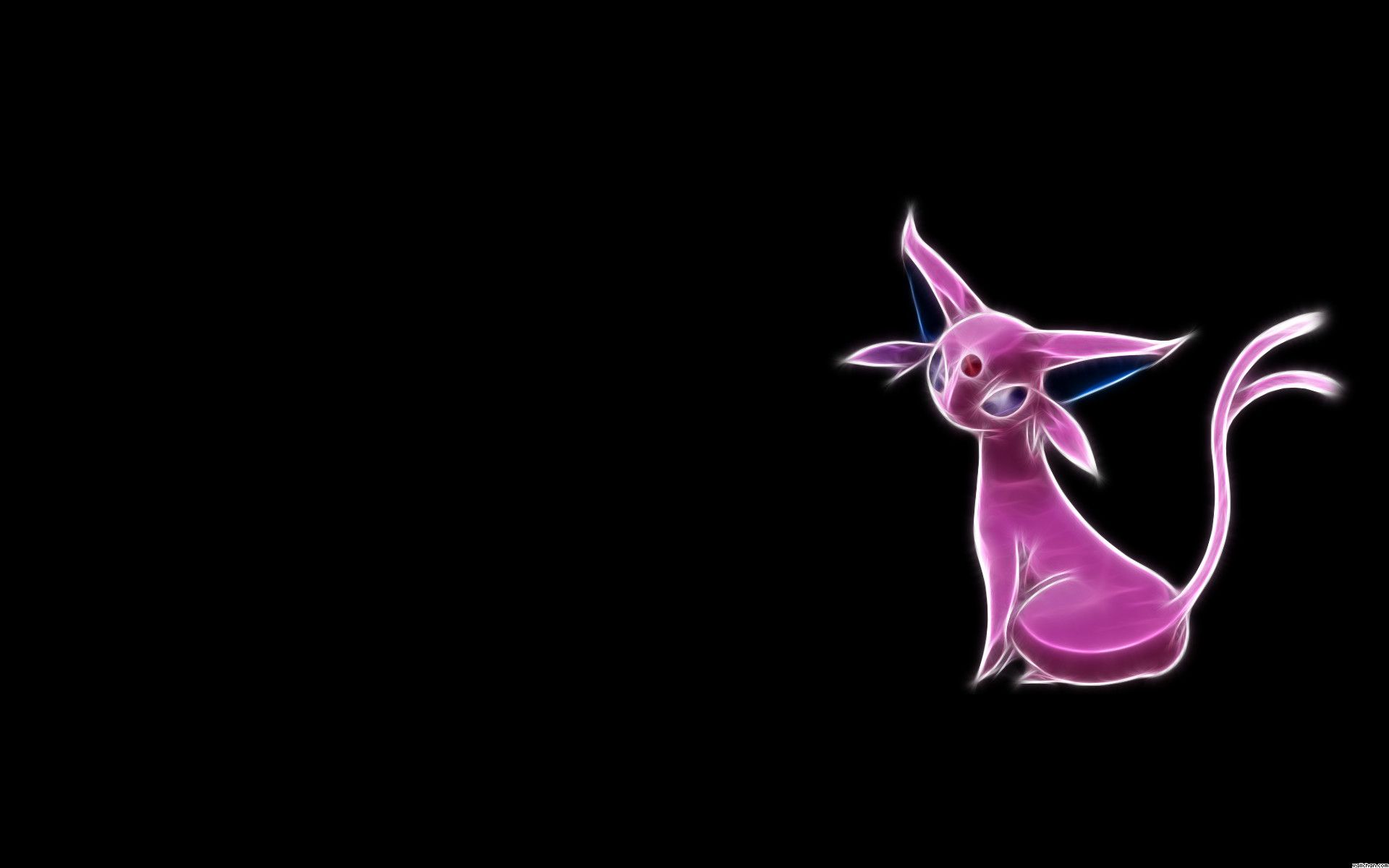
Espeon fractal rosa neon, 1920x1080 Full HD, Laptop
900×900HD Scarica
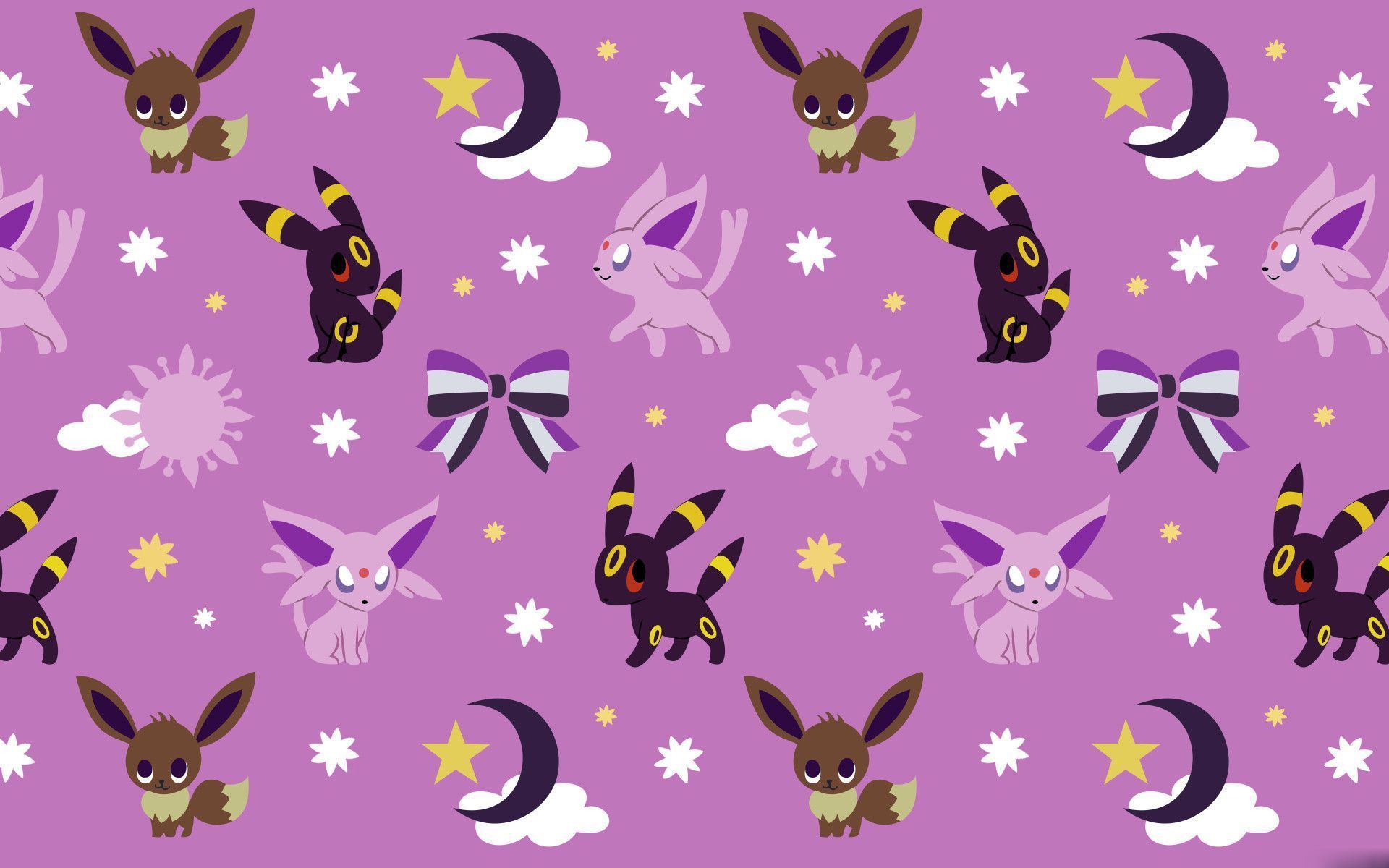
Umbreon Espeon pattern viola, 1920x1200 WUXGA, Desktop
1200×1200HD Scarica
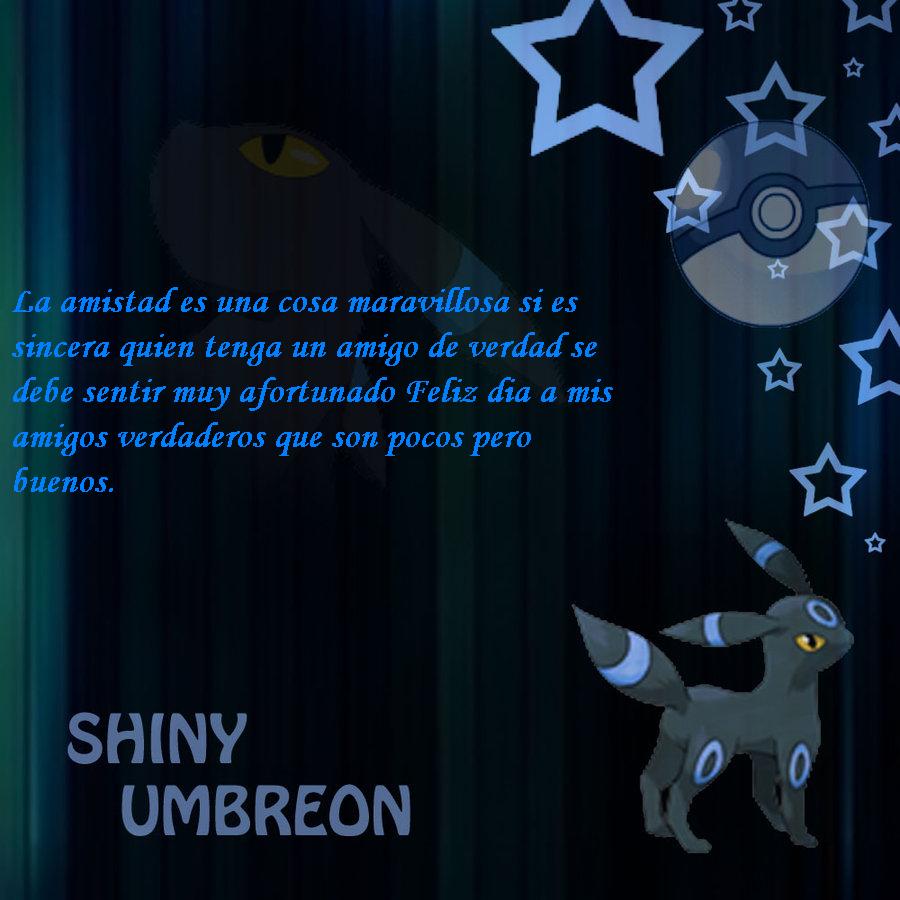
Umbreon shiny con stelle e pokeball, 900x900 HD, PC
1920×1080HD Scarica
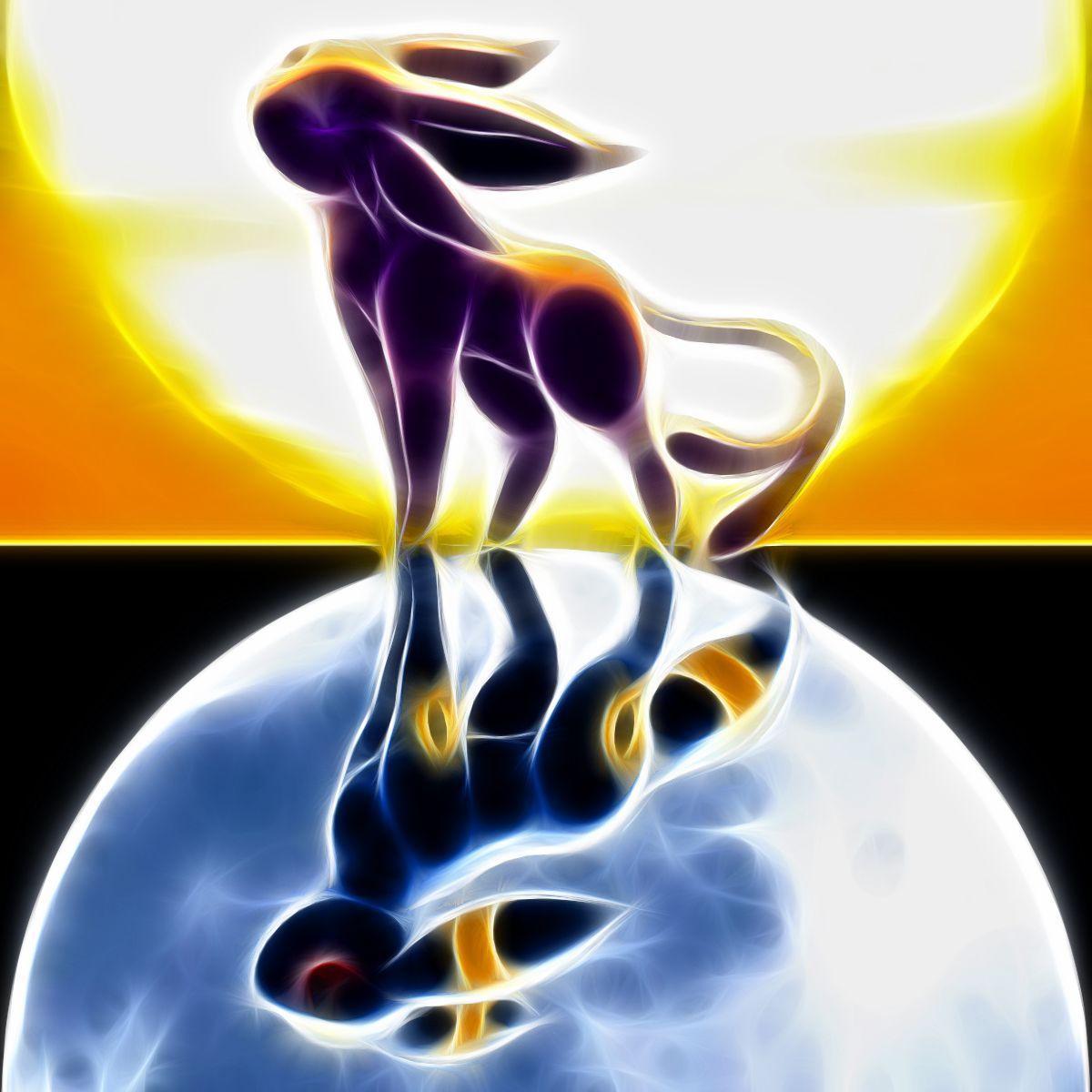
Umbreon cromatico stile Fractalius, 1200x1200 HD, Desktop
1000×874HD Scarica
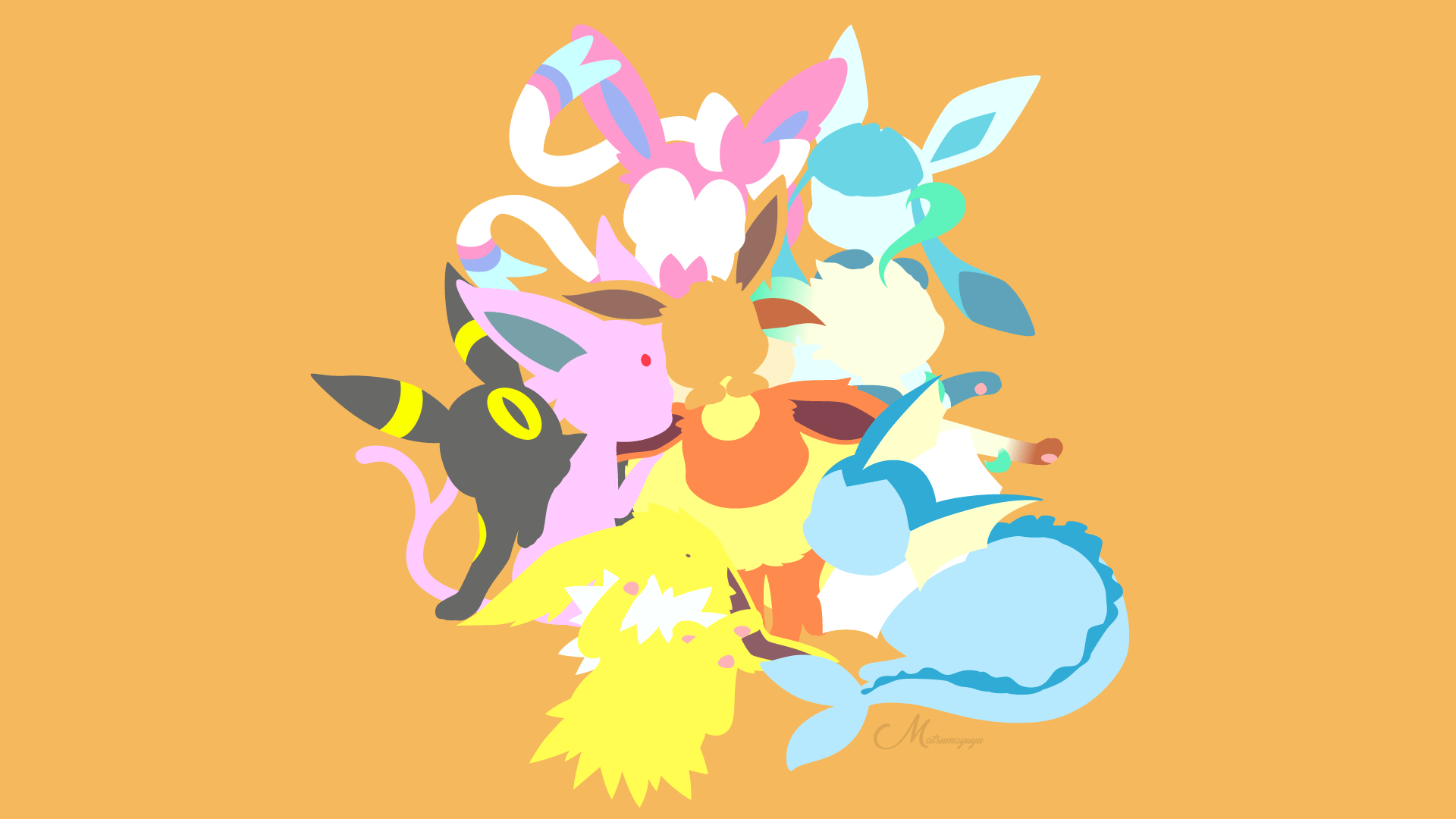
Eeveelutions Pokemon stilizzati, 1920x1080 1080p, PC Desktop
1920×1080HD Scarica
Umbreon sotto la luna, 1000x874 HD, Desktop
1000×1754HD Scarica
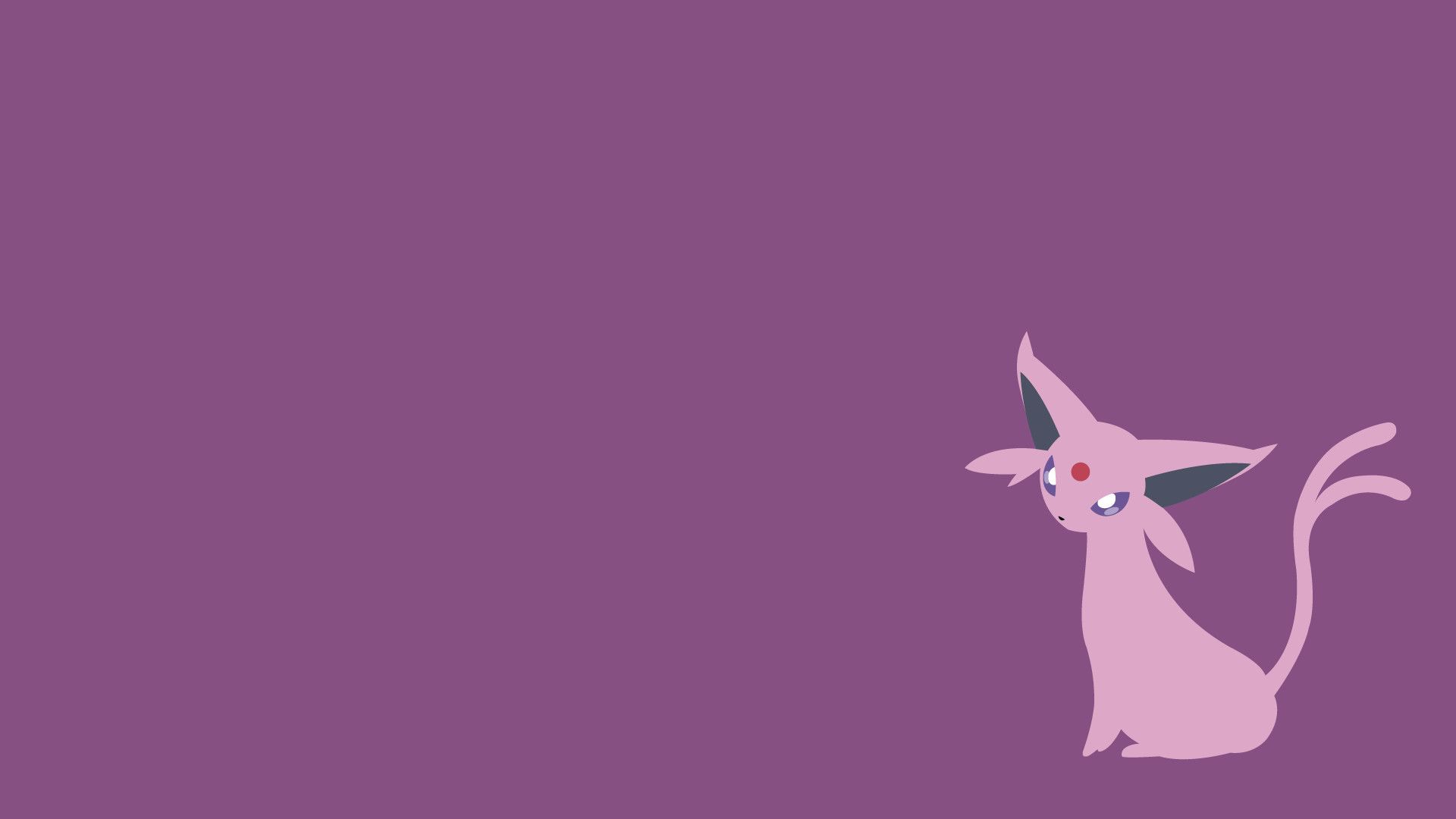
Espeon minimalista sfondo viola, 1920x1080 Full HD, PC
1920×1200HD Scarica
Umbreon minimalista sfondo scuro, 1000x1754 Verticale, Mobile
1280×720HD Scarica
Espeon e occhi Umbreon luminosi, 1920x1200 Full HD+ WUXGA, Laptop
3000×16882K Scarica
Umbreon ed Espeon su montagne, 1280x720 HD, PC Desktop
670×1191HD Scarica
Umbreon Espeon costumi antropomorfi, 3000x1688 2K+, PC
1930×1080HD Scarica
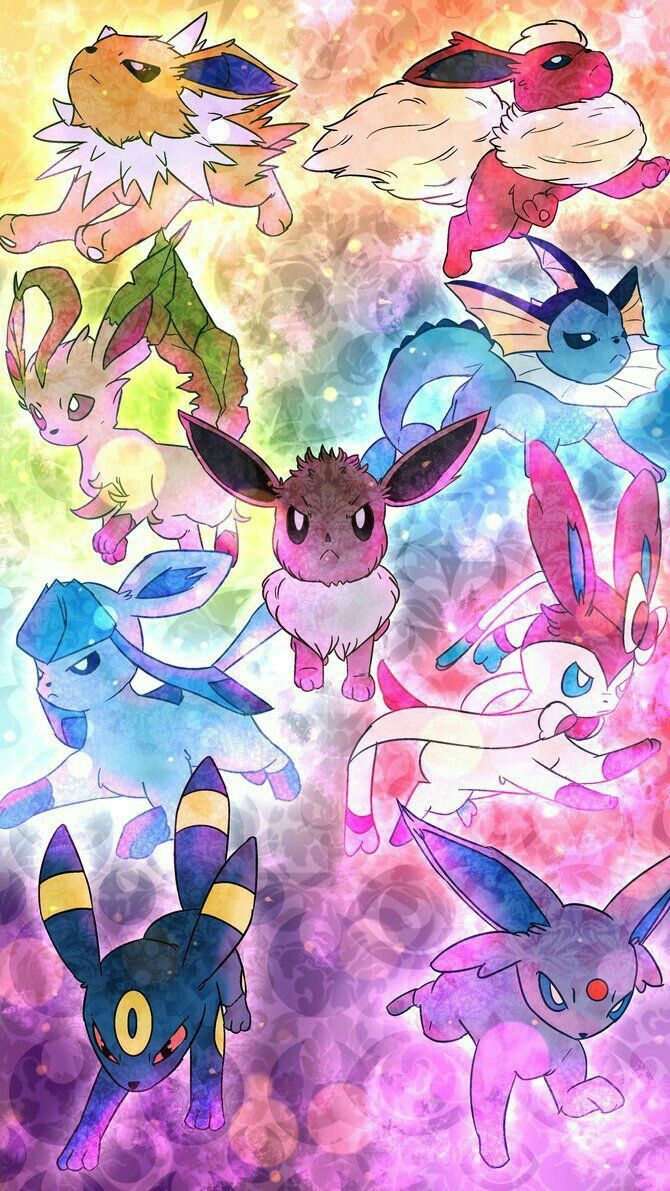
Evoluzioni di Eevee colorate, Pokémon, 670x1191 Verticale, Mobile
960×960HD Scarica
Umbreon cromatico luna notturna, 1930x1080 Full HD, Laptop
2824×11002K Scarica
Decidueye e Rowlet Pokemon, creature tascabili, 1920x1080 1080p, Desktop
1920×1200HD Scarica
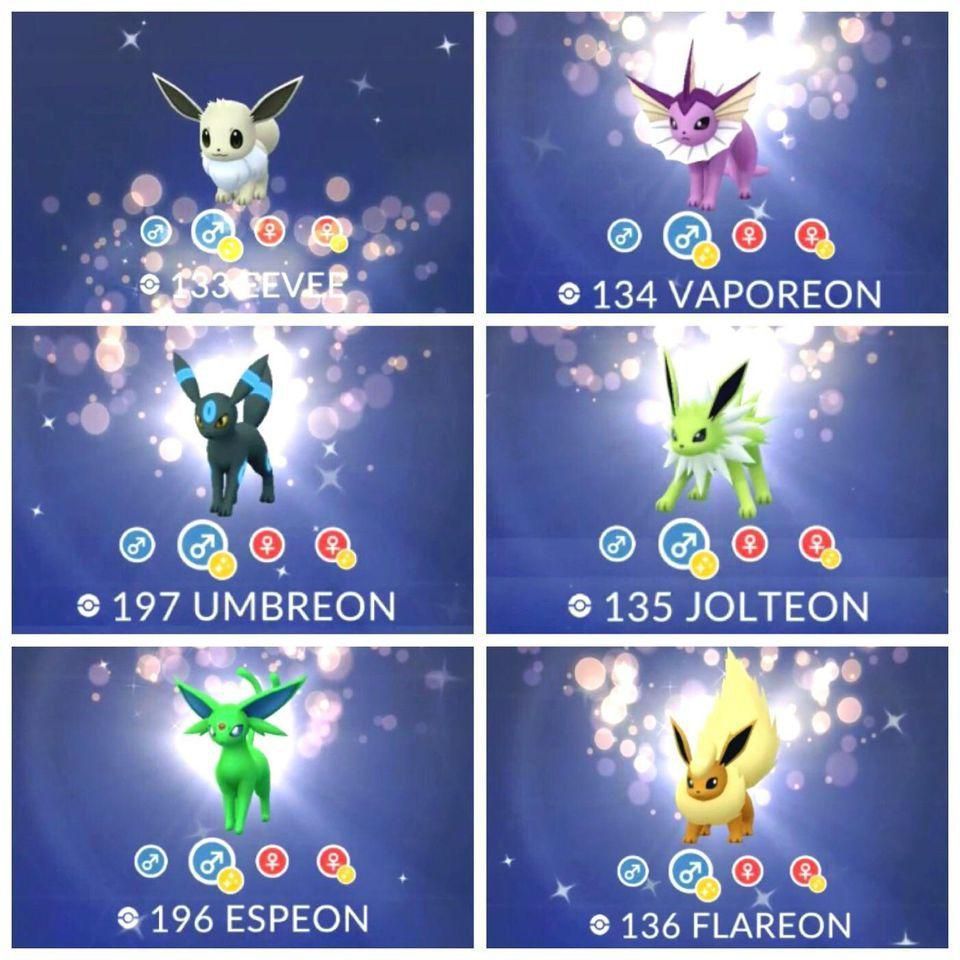
Pokémon GO Eeveelutions shiny griglia, 960x960 HD, iMac
1920×1080HD Scarica
Evoluzioni di Eevee Pokémon, 2824x1100 Ultrawide, Dual Monitor
1920×1200HD Scarica
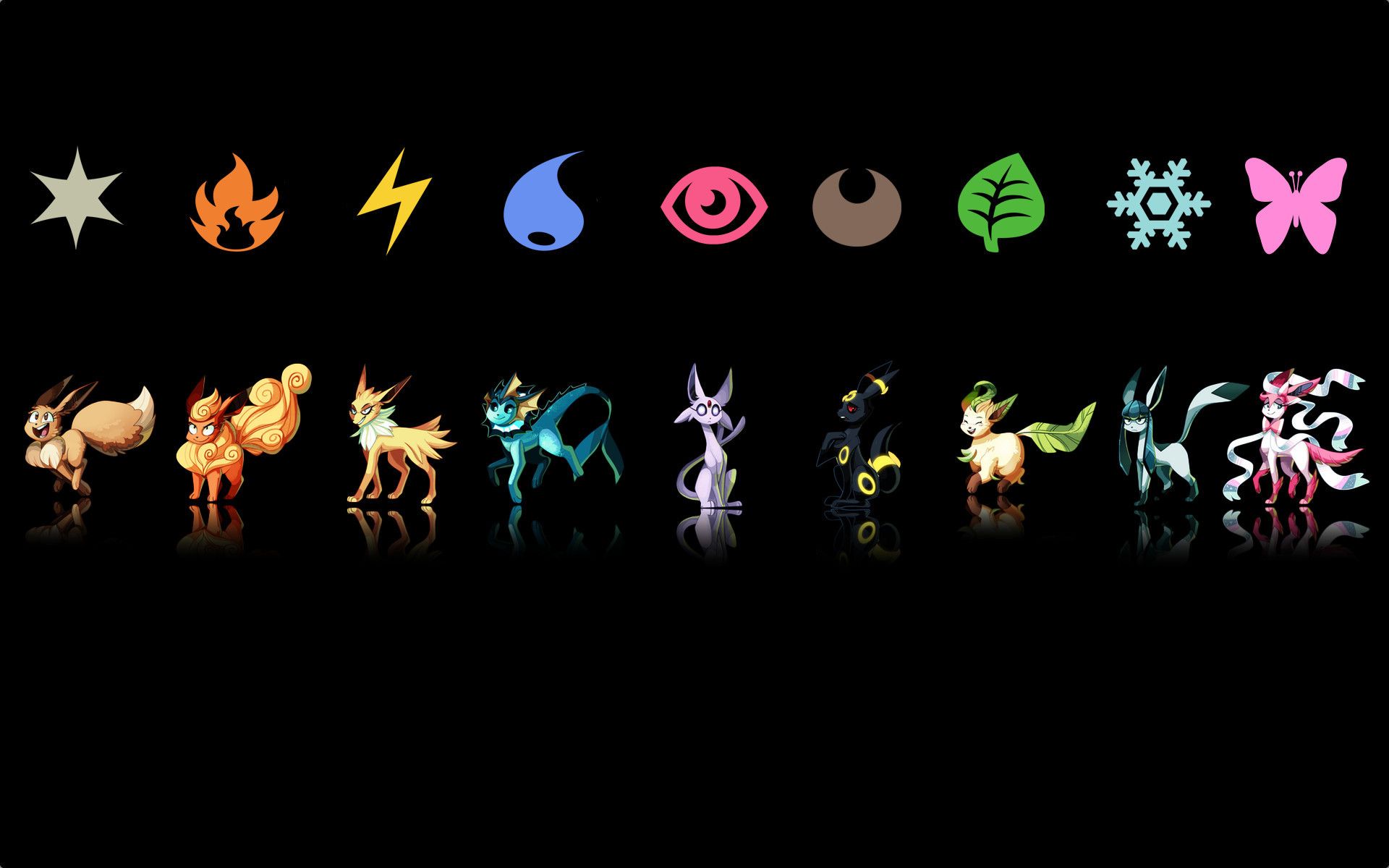
Eeveelutions con icone tipo, 1920x1200 WUXGA, Laptop
1280×950HD Scarica
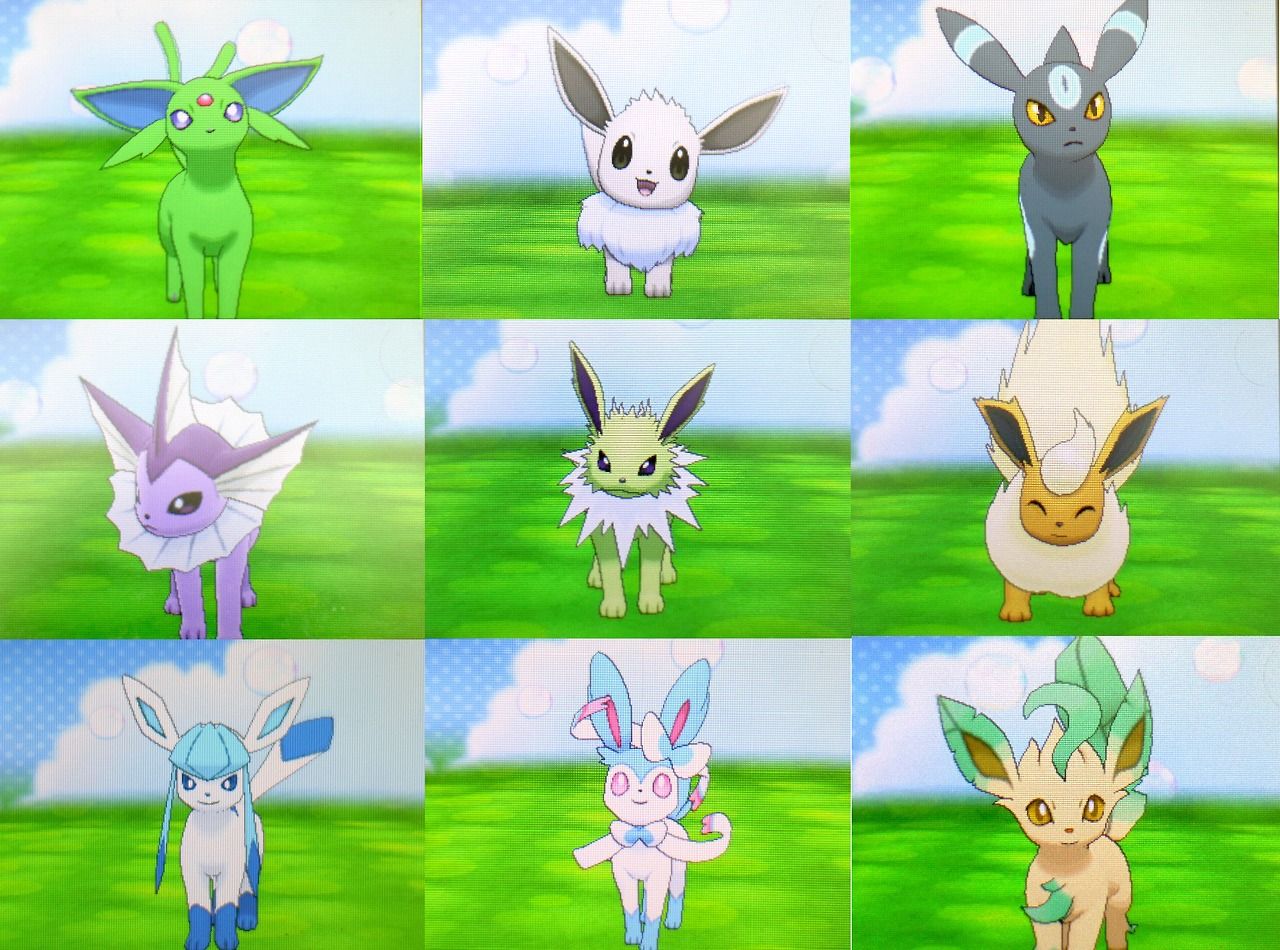
Espeon verde cromatico Pokémon, 1920x1080 Full HD 1080p, Desktop
1200×1200HD Scarica

Potrebbe piacerti
Come impostare lo sfondo sul tuo dispositivo

Hai trovato l’immagine giusta? Scaricala con il pulsante Scarica e segui i passaggi qui sotto: bastano pochi secondi, dal computer come dal telefono.

Windows
  1. Clicca su Scarica: l’immagine finisce nella cartella Download
  2. Fai clic destro sul file scaricato e scegli «Imposta come sfondo del desktop»
  3. Hai più monitor? Vai su Impostazioni → Personalizzazione → Sfondo e scegli dove applicarla
macOS
  1. Clicca su Scarica per salvare l’immagine sul Mac
  2. Apri Impostazioni di Sistema → Sfondo
  3. Clicca su «Aggiungi foto», seleziona l’immagine e scegli «Riempi schermo»
iPhone / iPad
  1. Tocca Scarica e poi «Salva in Foto»
  2. Apri l’app Foto e scegli l’immagine appena salvata
  3. Tocca Condividi → «Usa come sfondo», sistema l’inquadratura e conferma con Imposta
Android
  1. Tocca Scarica: l’immagine si salva nella Galleria
  2. Apri Galleria (o Google Foto) e seleziona l’immagine
  3. Dal menu scegli «Imposta come sfondo» e decidi se usarla per la schermata Home, il blocco schermo o entrambe